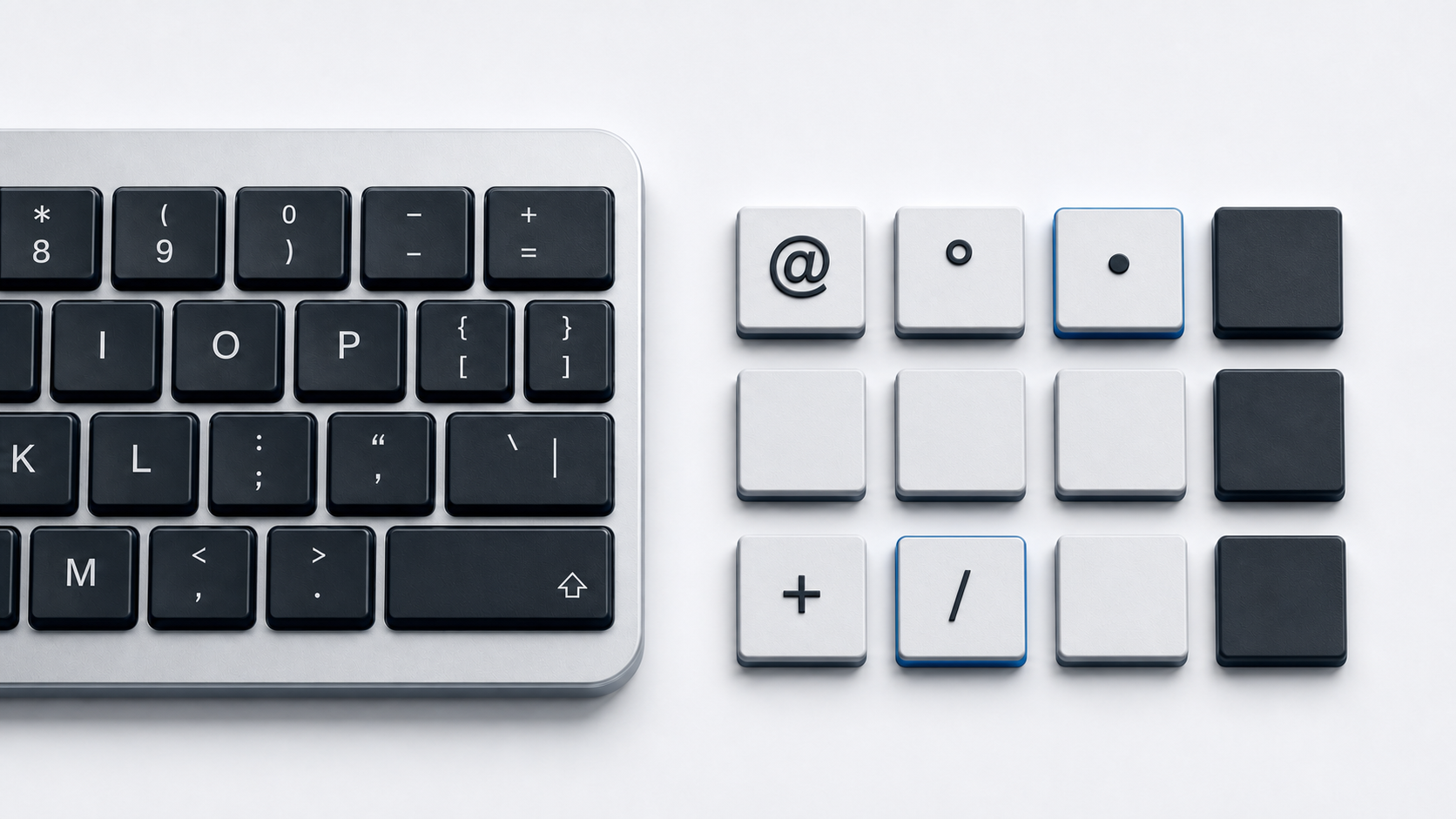
Copy * from the panel above. On a US keyboard layout the asterisk shares the 8 key, and Microsoft records U+002A ASTERISK as the shifted output of that key.
The panel also carries the asterisk operator and the heavy asterisk. Each holds its own code point, and software that compares, sorts, or parses text reads them as separate values.
Identify the asterisk
The plain asterisk is *, named ASTERISK by Unicode and assigned U+002A in the Basic Latin block. It is the character on the keyboard, the one search tools read as a wildcard, and the one source code expects.
The asterisk operator is U+2217 in the Mathematical Operators block, classed as a math symbol rather than punctuation, and the heavy asterisk is U+2731 in the Dingbats block. Related forms include the low asterisk at U+204E and the fullwidth asterisk at U+FF0A, while the black star at U+2605 and the star operator at U+22C6 belong with the star symbols.
Type * on a US keyboard
Microsoft publishes the Windows US layout key by key, and the 8 key returns U+002A ASTERISK in its shifted state, so hold Shift and press 8. Key positions belong to the layout, so another input source can move the character, the same way it moves the underscore.
Insert * in Microsoft Word
Word converts a typed code into the character it names. Microsoft documents typing the code, pressing Alt, then pressing X. Type 002A for the plain asterisk, 2217 for the operator, or 2731 for the heavy form, then press Alt-X.
Select the code first if the conversion takes the wrong characters, or precede it with U+, so U+002A and Alt-X returns the asterisk even after a digit.
Copy * with Windows Character Map
Microsoft names Character Map for entering a few special characters without shortcuts. Open it, choose a font that contains the character, then select, copy, and paste. No documented Windows key produces the operator or heavy forms.
Insert * with Mac Character Viewer
Apple documents opening Character Viewer with Fn and E, with the Globe key and E, or by choosing Edit and then Emoji & Symbols. Search for asterisk, then click a character to add it, or double-click when the viewer is expanded.
Tap * on a phone keyboard
Onscreen keyboards keep the asterisk off the letters layer. Apple documents entering numbers, punctuation, or symbols on iPhone by tapping the Numbers key or the Symbols key. The operator and heavy forms are not on those layers, so copy them instead.
Insert * in Google Docs or Slides
In Google Docs or Slides, choose Insert, then Symbols, then Special characters. Pick from categories, enter the Unicode value, or write the character on the right, then click the result. Google describes this flow for Docs and Slides, not Sheets.
Use the asterisk in HTML
A UTF-8 document can contain * directly. HTML maps the named references * and * to U+002A, and ∗ to the asterisk operator at U+2217.
Numeric references cover the rest, so * and * give the plain asterisk while ✱ gives the heavy asterisk, which has no named reference.
Fix the wrong asterisk
- 1.Confirm the character is U+002A rather than U+2217 or U+2731 before pasting it into code or a data field.
- 2.Hold Shift with the 8 key on a US layout, and check the active input source when another character appears, the same first step as a misplaced tilde.
- 3.Use Word code conversion with 002A, 2217, or 2731, selecting the code first if it takes neighboring characters.
- 4.Open Character Map on Windows or Character Viewer on Mac when an app ignores conversion shortcuts.
- 5.Escape the character in tools that read it as a wildcard, since Microsoft documents a preceding tilde as the way to find it in Excel searches.
Common questions
Are * and the asterisk operator the same character?
No. Unicode assigns the plain asterisk to U+002A as punctuation and the operator to U+2217 as a mathematical operator. Matching and sorting treat them as distinct.
Is the asterisk the same as a star symbol?
No. Stars carry their own names and code points, such as U+2605 for the black star and U+22C6 for the star operator. An asterisk keeps U+002A no matter how a font draws it.
Official references
- Unicode Basic Latin chart
- Unicode Mathematical Operators chart
- Unicode Dingbats chart
- Microsoft US keyboard layout reference
- Microsoft guide to ASCII and Unicode characters
- Microsoft guide to wildcard characters in searches
- Apple guide to emoji and symbols on Mac
- Apple guide to the iPhone onscreen keyboard
- Google Docs special-character guide
- HTML named character references
- HTML character-reference syntax