
When your Samsung Galaxy Z Flip 7 gets stuck on the Samsung logo during startup, it can feel like the phone is bricked. The logo just sits there, sometimes with a progress bar that doesn't move. This usually happens after an interrupted update, a failed software installation, or a storage issue.
Give It 20 Minutes
Before you panic, give the phone some time. After a major Android 16 update or system optimization, the Z Flip 7 might stay on the boot logo longer than usual while it finishes installing files in the background. If you see any progress bar under the logo, it's still working. Plug it into a charger and wait at least 20 minutes before assuming it's stuck.
Force Restart the Z Flip 7
If the logo hasn't moved after 20 minutes, force restart the phone. Press and hold the Volume Down key and the Side key (the button on the right edge) at the same time for 10 15 seconds. Keep holding until the screen goes black and the Samsung logo reappears. This breaks a stuck boot loop and often gets the phone past the logo screen.
Boot into Recovery Mode
If the force restart keeps bringing you back to the same stuck logo, recovery mode is the next step. Turn the phone off completely. Then press and hold Volume Up and the Side key together until the Samsung logo appears, then release both buttons. You'll enter the Android recovery menu.
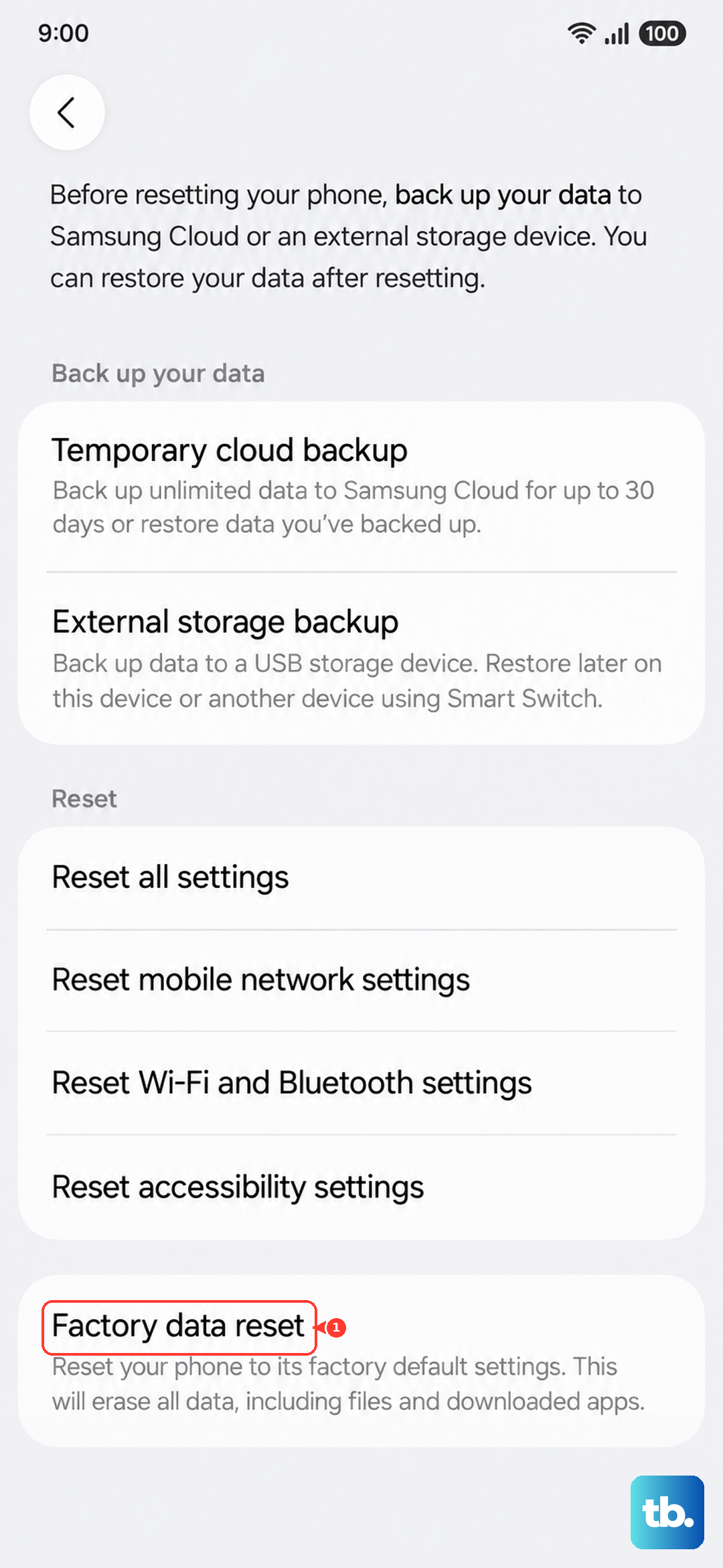
Use the volume keys to navigate to Wipe cache partition and press the Side key to select it. This clears temporary system files without deleting your data. After it finishes, select Reboot system now. If that doesn't help, you can try Factory data reset, but that erases everything, so only do it if you have a backup or are prepared to start fresh.
Recover Using Smart Switch
If recovery mode doesn't work, use Samsung Smart Switch on a PC or Mac. Download and install Smart Switch, then connect your Z Flip 7 with a USB cable. The software should detect a device in need of recovery. Choose Emergency software recovery, this reinstalls the firmware while keeping your data (similar to an iPhone update). The process takes 15 20 minutes. If that fails, you'll need to use the Initialize option, which wipes the phone.
Free Up Storage Space
The stuck logo often happens when a system update runs out of storage midway. If you manage to get the phone working after a force restart or recovery, immediately free up at least 5 6 GB of space before trying the update again. Delete old apps, large videos, or cached downloads. Go to Settings > Device care > Storage to see what's taking up room.
Start in Safe Mode
A third-party app can sometimes cause a boot loop. To test this, boot into safe mode. Turn off the phone, then press and hold the Side key until the Samsung logo appears. As soon as you see the logo, release the Side key and immediately press and hold the Volume Down key. Keep holding until the phone finishes starting, you'll see "Safe mode" in the bottom-left corner.
In safe mode, only preinstalled apps run. If the phone boots fine, a downloaded app is the culprit. Uninstall recently installed apps one by one until the problem stops.
Check Your Charger and Cable
Some users have reported that the Z Flip 7 can get stuck on the logo after a charging issue, especially if the battery wasn't fully charged or the charger was unplugged mid-update. Make sure you're using a good USB-C cable and a charger that provides enough power (Samsung recommends at least 25W wired). If wireless charging was involved, center the phone on a Samsung-approved Qi pad for reliable connection.
A known bug with this model can cause charging to stop intermittently. If you suspect this, try plugging and unplugging the charger a few times to force a full charge, then attempt the boot again.
When to See Samsung
If the phone still won't boot past the logo after trying force restarts, recovery mode, and Smart Switch, there may be a hardware issue. A failed storage chip, a damaged logic board, or a battery defect can all prevent the phone from starting. Take it to a Samsung Experience Store or authorized service center for diagnosis. If it's still under warranty, repairs should be covered.