
A Samsung Galaxy S24 that's completely frozen, with a screen that won't respond to taps or swipes and buttons that seem dead, is incredibly frustrating. It might be stuck on an app, the lock screen, or the Samsung logo. In my experience, this is almost always a temporary software hiccup, and there are several straightforward ways to get it working again without losing your photos or messages.
Force Restart Your Galaxy S24
This should be your first move for any unresponsive phone. Press and hold the Volume Down button and the Side (power) button together for about 10 seconds. Keep holding even if the screen stays black. You'll feel a vibration and see the Samsung logo appear, which means the phone is restarting. This process doesn't erase any personal data.
Let the Phone Sit for a Few Minutes
Sometimes the S24 isn't truly frozen, it's just working hard on a background task. This could be installing a system update in the background, processing photos after you've taken a bunch, or an app that's stuck in a loop. If the back of the phone feels warm, that's a clue it's still processing. Give it a solid 5 to 10 minutes before you try anything else.
Plug It Into a Charger
A battery that's completely drained can make the phone seem dead or frozen. Use the official USB-C cable and, ideally, a Samsung 25W fast charger. Plug it in and leave it alone for at least 20 minutes. If the battery was critically low, it needs to build up a small charge before it can even attempt to restart properly.
Remember, the S24 supports 25W fast charging, but only with a compatible Samsung charger. Also, check if Battery Protection is on by going to Settings > Battery > More battery settings. If it's enabled, your phone will stop charging at 85%, which might explain why it seems to stop charging before it's full.
Close the Problem App
If the rest of your phone works but one app is frozen, you can force it to close. Swipe up from the bottom of the screen and hold to open the recent apps view. Find the frozen app and swipe it all the way up to close it. Then, tap the app icon again to reopen it. If the same app keeps freezing, head to the Galaxy Store or Google Play Store to check for an update.
Check Your Phone's Storage Space
When your phone's storage is nearly full, the system has no room to create temporary files it needs to run smoothly, which can lead to freezing. If you can get into Settings, go to Settings > Device care > Storage. Here, you can see what's taking up space and delete old files or unused apps. I'd recommend keeping at least 5GB free to prevent performance issues.
Install the Latest Software Update
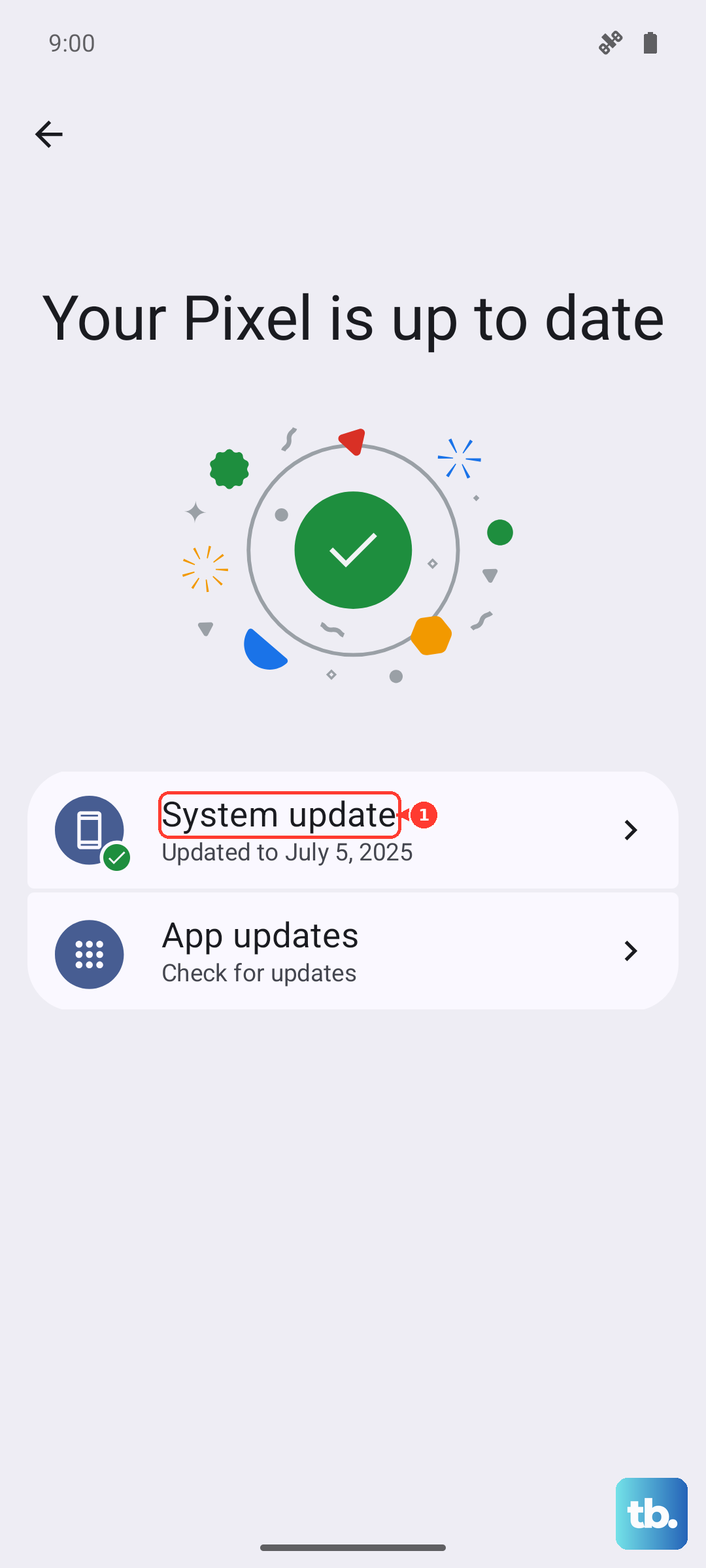
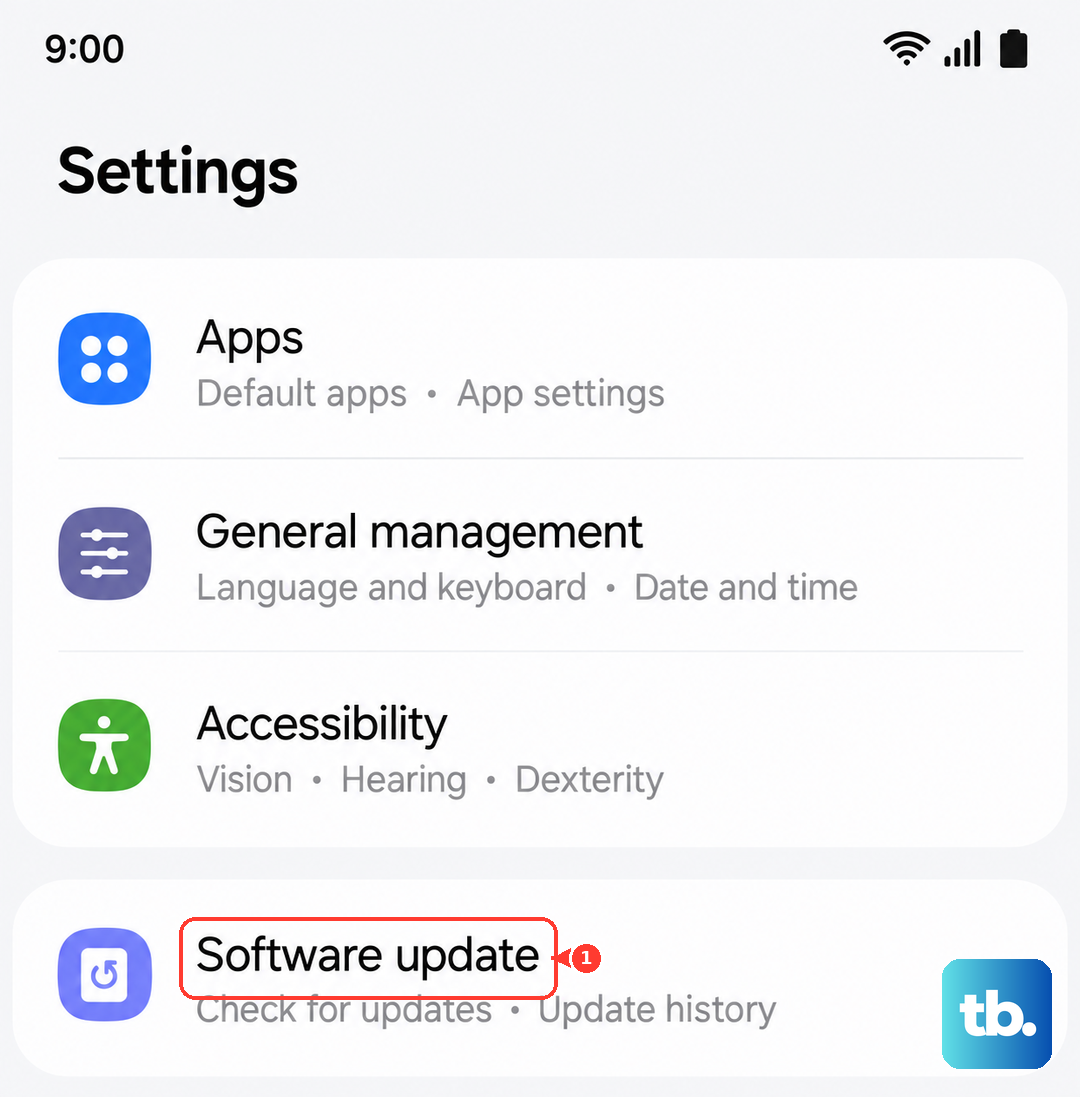
Software bugs that cause freezing are often patched in updates. After a successful restart, go to Settings > Software update > Download and install. If your phone freezes during the update process itself, you might need to use a computer with Samsung's Smart Switch software to complete the update.
Reset Your Phone's Settings
If freezes keep happening after a restart, a system setting might have become corrupted. You can reset them all without touching your personal data. Go to Settings > General management > Reset > Reset all settings. You'll need to re-enter your Wi-Fi passwords and reconfigure things like ringtones, but your apps and photos will be safe.
Look for a Moisture Detection Warning
The S24 is known for sometimes showing a false "moisture detected" warning in the USB-C port, which can prevent charging and cause weird behavior. If you see this alert, even if the port is dry, try turning the phone off completely. Then use a can of compressed air to gently blow into the port, and use a dry cotton swab to clean it. Let it sit for a few hours before trying to charge again.
Cool Down an Overheating Phone
Your Galaxy S24 will intentionally slow down or freeze if its temperature gets too high to protect the internal components. If the phone feels hot, take it out of its case, move it out of direct sunlight, and stop using it for 15-20 minutes. Avoid charging it while it's overheated, as that generates more heat.