
If your Samsung Galaxy S24 is taking forever to charge, you're probably missing out on its 25W fast charging. The right setup should get you from zero to a significant charge in under an hour, but a few common issues can slow it to a crawl.
Check Your Charger and Cable
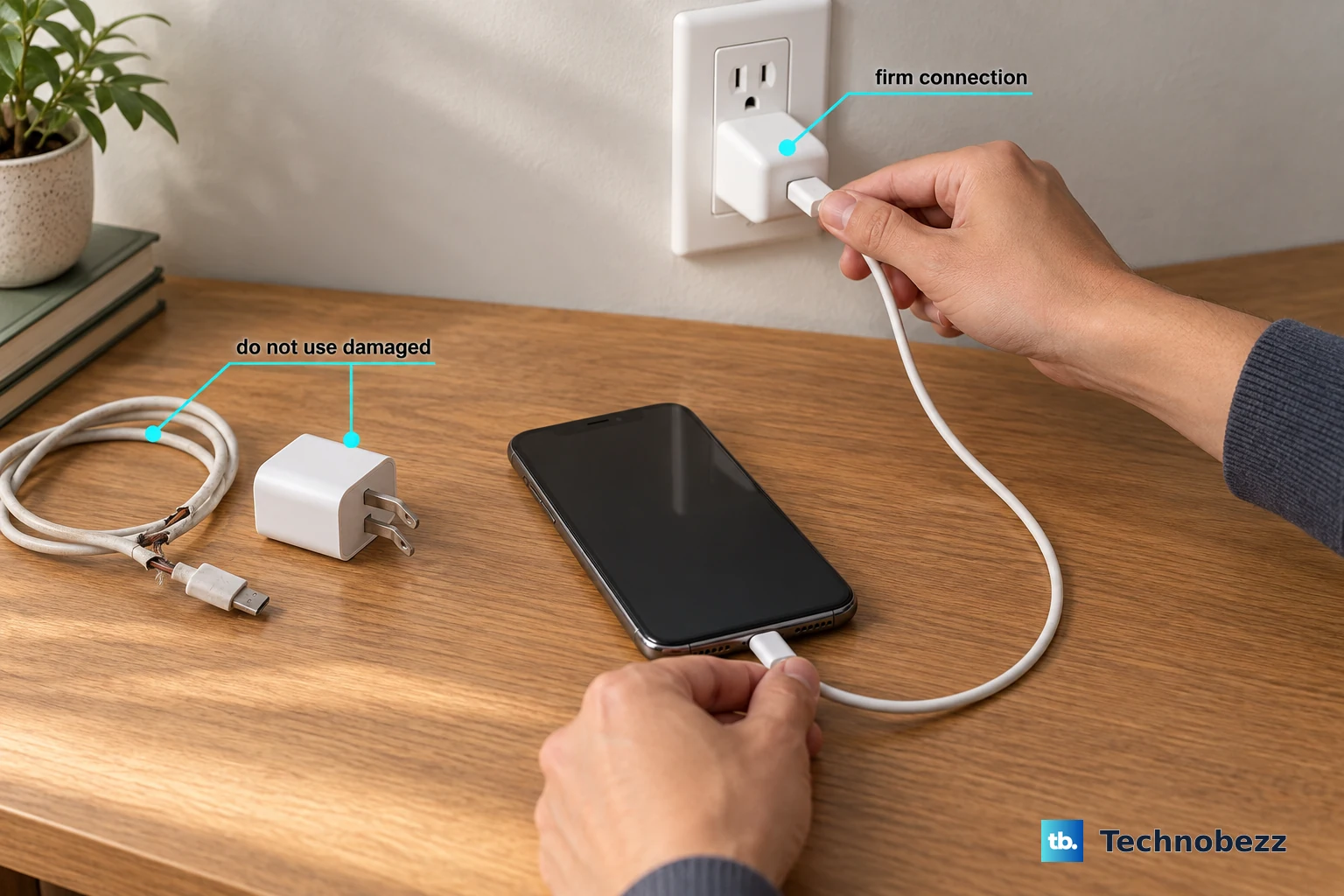
Your S24 supports 25W fast charging, but only with a compatible charger. You need a USB-C Power Delivery (PD) PPS charger, which is the standard Samsung uses. The small 15W or older adaptive fast charging blocks won't hit the maximum speed. Look for "Super Fast Charging" on your lock screen when you plug in. If you don't see it, your charger or cable isn't up to the task.
Make sure you're using a high-quality USB-C to USB-C cable. The one that came with your phone is ideal. Older USB-A to USB-C cables or worn-out cables simply can't carry the necessary power, even with a good wall adapter.
Disable Battery Protection Mode
Your S24 has a feature designed to extend your battery's overall lifespan by limiting the charge to 85%. If you need a full 100% charge right now, you'll need to turn this off. Go to Settings > Battery > More battery settings and toggle off Battery protection.
Remember, this is a great feature for daily use, but switch it off when you know you'll need every bit of battery for a long day. You can always turn it back on later.
Clean the USB-C Port
Lint and pocket debris love to get packed into the charging port. Even a small amount can prevent the cable from seating fully, which kills fast charging. Power off your phone and use a wooden toothpick or a soft plastic flosser to gently scrape out any gunk.
Be very careful not to scratch the central connector pin. After cleaning, plug the cable back in and see if it clicks securely into place. A proper connection is key for full power delivery.
Check for a Moisture Detection Alert
The S24 is known to sometimes trigger a false "Moisture detected" warning. This safety feature will severely limit or stop charging to prevent damage. If you see this alert and you're sure the port is dry, try restarting your phone.
Press and hold the Volume Down and Side button for about 10 seconds until the Samsung logo appears. If the alert was a glitch, this often clears it. You can also try gently drying the port with a cool fan or compressed air.
Let Your Phone Cool Down
Fast charging generates heat, and your phone will intentionally slow down if it gets too warm to protect the battery. If you've been gaming, using the camera, or are in a hot environment, let the phone cool off before plugging it in.
Take off your case while charging, especially if it's thick. Charging on a hard, cool surface like a nightstand is better than on a soft bed or couch that can trap heat.
Update Your Software
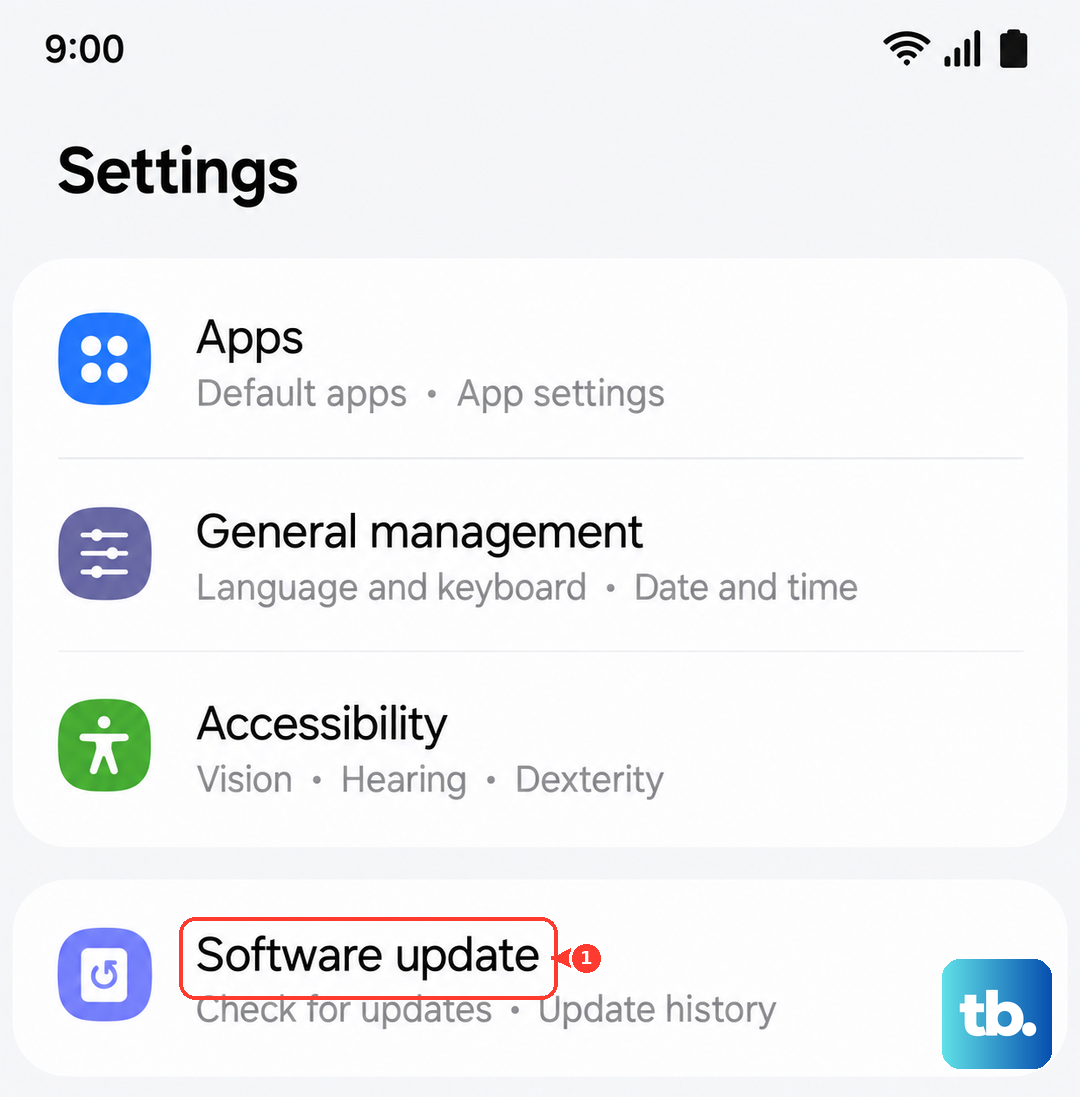
Sometimes a bug after a One UI update can affect charging behavior. Samsung releases patches to fix these issues. Go to Settings > Software update and tap Download and install.
Keeping your phone updated ensures you have the latest optimizations for battery and charging management. I've seen updates resolve slow charging complaints for many users.
Try a Different Power Source
Not all outlets or power strips are created equal. Try plugging your charger directly into a different wall outlet. Avoid using low-power USB ports on computers, cars, or smart plugs for fast charging, as they often don't provide enough consistent power.
This is a quick way to rule out a problem with your home's wiring or a specific outlet that's not delivering stable voltage.
Inspect Your Wireless Charging Setup
If you're using wireless charging, remember the max speed is 15W, and you need a compatible Samsung wireless charger to hit that. Using a standard 5W or 10W Qi pad will be slower. Also, make sure the phone is centered perfectly on the charger.
Any misalignment or a case that's too thick will reduce efficiency and generate more heat, which in turn slows the charge. For the fastest wireless charge, I'd recommend taking the case off.