Your Redmi Note 13 Pro insists you are a few streets over, the blue dot drifts while you drive, or your map app spins forever without ever locking on. A phone that cannot pin down your position turns navigation, ride-hailing and fitness tracking into guesswork, and it stings when the hardware is clearly built for the job. The reassuring part is that the Redmi Note 13 Pro carries full satellite positioning (GPS, GLONASS, Beidou and Galileo) along with assisted positioning from Wi-Fi, mobile networks and sensors, so a bad fix is nearly always a setting, a software hiccup or your surroundings rather than a broken chip. Work through the steps below in order, starting with the quickest and safest, and only move to a reset or a service visit if nothing earlier holds.
Two versions share this name: the Redmi Note 13 Pro (4G) built on the MediaTek Helio G99-Ultra, and the Redmi Note 13 Pro 5G built on the Qualcomm Snapdragon 7s Gen 2 Mobile Platform. Both shipped with MIUI 14 and can be upgraded to Xiaomi HyperOS, so a couple of menu paths below differ slightly depending on which system your phone is running. Where that happens, both wordings are given so you can follow whichever matches your screen.
Make sure location is on and the sky is clear above you
Satellite positioning needs a genuine line of sight to the sky, so step outside, away from tall buildings, tunnels and dense tree cover, before you decide GPS is broken. Concrete, metal and heavy foliage all weaken the faint signals coming down from orbit, and a first fix after a long trip or a flight can take a little longer while the phone reacquires satellites. An open environment alone clears up a surprising share of "GPS not working" reports.
- 1.Pull down the notification bar and confirm the Location shortcut is switched on, or open Settings to check that location is enabled.
- 2.Move to an open outdoor area, away from buildings, tunnels and heavy cover.
- 3.Give the phone a minute or two of stillness outdoors so it can acquire a fresh fix.
Switch location to its most accurate mode
Redmi phones can blend several signals for a faster, tighter fix. Turning this on combines Wi-Fi, mobile towers, GPS and the device sensors, which helps in cities and near buildings where raw satellite signal is weak. The exact path depends on whether your phone runs Xiaomi HyperOS or older MIUI.
On current Xiaomi HyperOS, go to Settings > Location > Location services > Location Accuracy, then enable "Improve Location Accuracy." On older MIUI the equivalent path is Settings > More settings > System security > Location information, then select "high accuracy." The exact label can vary slightly by build, but either way you are asking the phone to use every available signal rather than satellites alone.
Work out whether it is one app or the whole phone
Before blaming the phone, confirm the trouble is not living inside a single app. Open a different map or navigation app and see whether it places you correctly while standing in the same spot.
If only one app gets it wrong while the others are accurate, the issue is that app rather than the phone's GPS, so focus your attention there instead of changing system settings. Make sure the problem app has permission to use your precise location, and that you have not denied it location access. If every app is off, the fault is system-wide and the remaining steps are what you want.
Confirm the receiver with the built-in GPS test
Xiaomi ships a hidden self-test that shows how many satellites your phone can see, which tells you whether the receiver itself is healthy. Run it outdoors in the open for the most honest result.
- 1.Open the dialer (the phone keypad).
- 2.Enter *#*#6484#*#*.
- 3.Select GPS test.
- 4.Watch the satellite count while standing in an open area.
According to Xiaomi, "If the number of searchable satellites is 5 to 10 or more, they should be connected normally in most cases." If the count stays low, repeat the test in a more open spot to rule out your surroundings. A count that stays low even under a clear sky is the strongest sign the problem may be hardware.
Restart the phone to clear a stuck location service
A simple restart clears the temporary software glitches that often freeze positioning. Power the phone off and back on, then retest outdoors. If the phone is frozen or completely unresponsive, Xiaomi's official instruction is to "Press the power button for more than 10 seconds for force restart," which recovers it without erasing any data. Once it is back up, give it a moment outdoors to find satellites again.
Install the latest system update
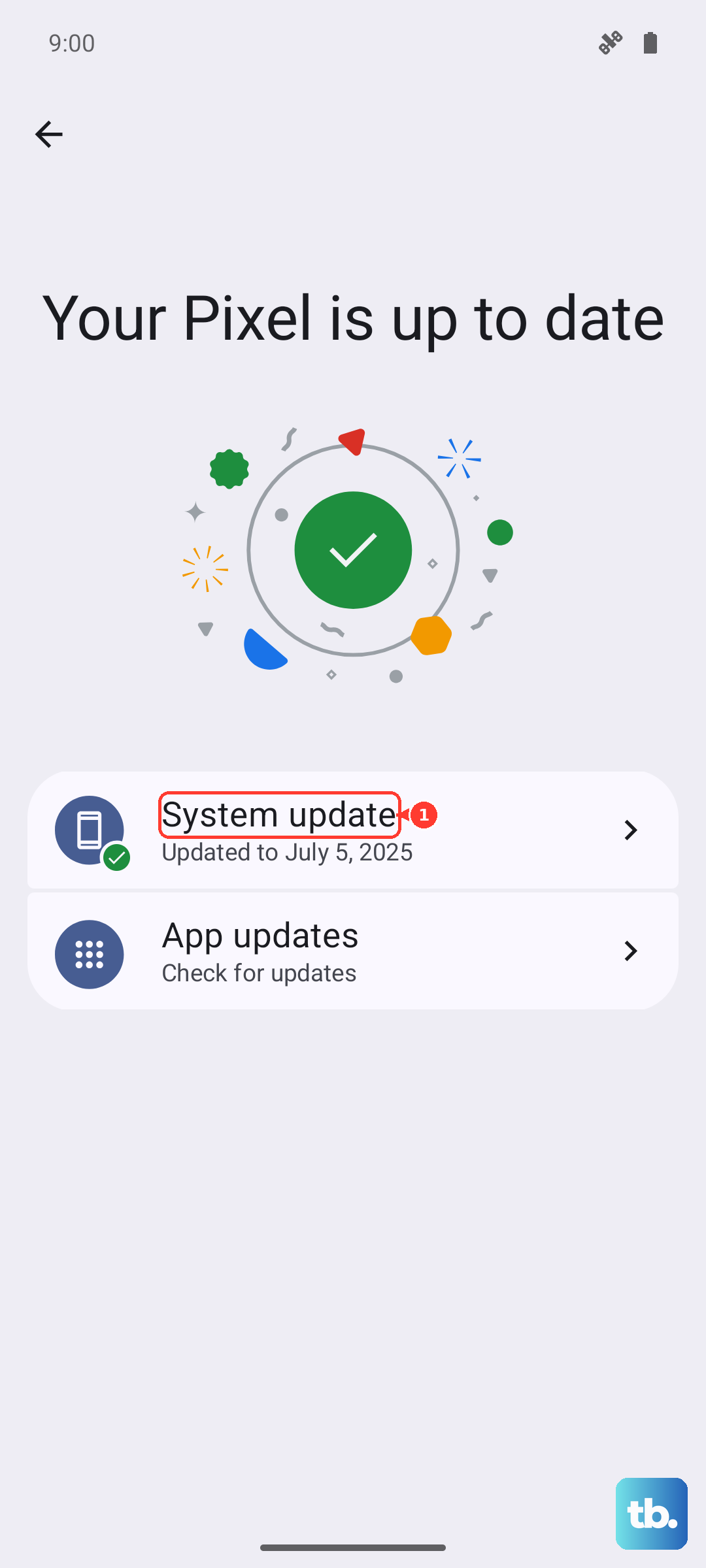
Outdated firmware can introduce location bugs, and Xiaomi advises keeping the system up to date and installing any update that becomes available. This is one of the safest fixes because it leaves your data untouched. To check manually, go to Settings > About phone > Xiaomi HyperOS > Check for updates.
Run the update on stable Wi-Fi, keep the battery well charged, and do not interrupt it while it installs. Once the phone restarts on the new build, head back outside and retest your GPS.
Report a stubborn GPS bug to Xiaomi
If positioning is still wrong after the steps above, send Xiaomi a report so the behavior can be tracked and addressed in a future build. Go to Settings > Feedback; the official GPS guidance also points to submitting through the user feedback app. Describe when it fails, which apps are affected and where you are standing when it happens, since concrete detail makes a bug easier to reproduce.
Back up and factory reset as your last software step
A factory reset is a heavier move that wipes the phone, so treat it as a later resort once everything above has failed. Performing a factory reset will erase all data on your phone, so make sure to back up any important data before proceeding.
- 1.Back up your important data first.
- 2.Go to Settings > About phone > Factory reset > Erase all data.
- 3.Choose whether to Back up.
- 4.Perform the Factory reset.
On the Redmi Note 13 Pro 5G the path Xiaomi lists is Settings > About phone > Factory reset, again only after you have backed up first. When the phone reboots fresh, set up location and retest before restoring everything, so you can tell whether a restored app or backup was the original cause.
When to take it to an authorized service center
If GPS still fails after every software step, and the built-in test keeps showing few or no satellites under a clear sky, the issue may be hardware. Xiaomi's guidance is to have the phone checked at the nearest Xiaomi authorized after-sales or service center for inspection. Bring your proof of purchase and mention the satellite counts you saw in the *#*#6484#*#* test, since that gives the technician a useful head start.
Frequently Asked Questions
Does the Redmi Note 13 Pro have real GPS?
Yes. Both variants include full satellite positioning. The 4G model supports GPS L1, GLONASS, Beidou and Galileo, and the 5G model also adds QZSS, with assisted positioning from Wi-Fi, mobile networks and sensors to speed up a fix. A positioning problem is almost always a setting, software or environment issue rather than a missing feature.
How many satellites should the GPS test show?
In the *#*#6484#*#* GPS test, Xiaomi says that finding 5 to 10 or more searchable satellites in an open area means positioning is connecting normally in most cases. A count that stays low outdoors, with a clear sky overhead, is the main sign that hardware inspection may be needed.
Will updating or resetting my phone delete my data?
A system update through Settings > About phone > Xiaomi HyperOS > Check for updates keeps your data intact. A factory reset is different because it erases all data on your phone, so back up anything important before you reset.
Why is GPS only wrong in one app?
If a single map or navigation app misplaces you while others are accurate, the fault is that app rather than the phone's receiver. Switch to another positioning app to confirm, check that the problem app has precise-location permission, then focus your fixes there instead of changing system settings.
How do I force restart a frozen Redmi Note 13 Pro?
Press and hold the power button for more than 10 seconds to force a restart. This is Xiaomi's official method for recovering a frozen or unresponsive phone, and it is safe because it does not erase any data.