You hit deactivate on Instagram, maybe to take a break or clear your head, and now you want your profile, photos, and followers back. The first thing to know is that your situation is usually fixable, but how you get the account back depends entirely on what actually happened to it. A break you chose yourself behaves very differently from a deletion request you confirmed, and both are different again from an account that Instagram itself shut down. Get the diagnosis right and the path forward is short.
Pin down what actually happened to your account
Before you try anything, figure out which of three states your account is in, because the recovery steps are not interchangeable. Instagram documents these as separate situations across separate help pages, and treating one like another wastes time.
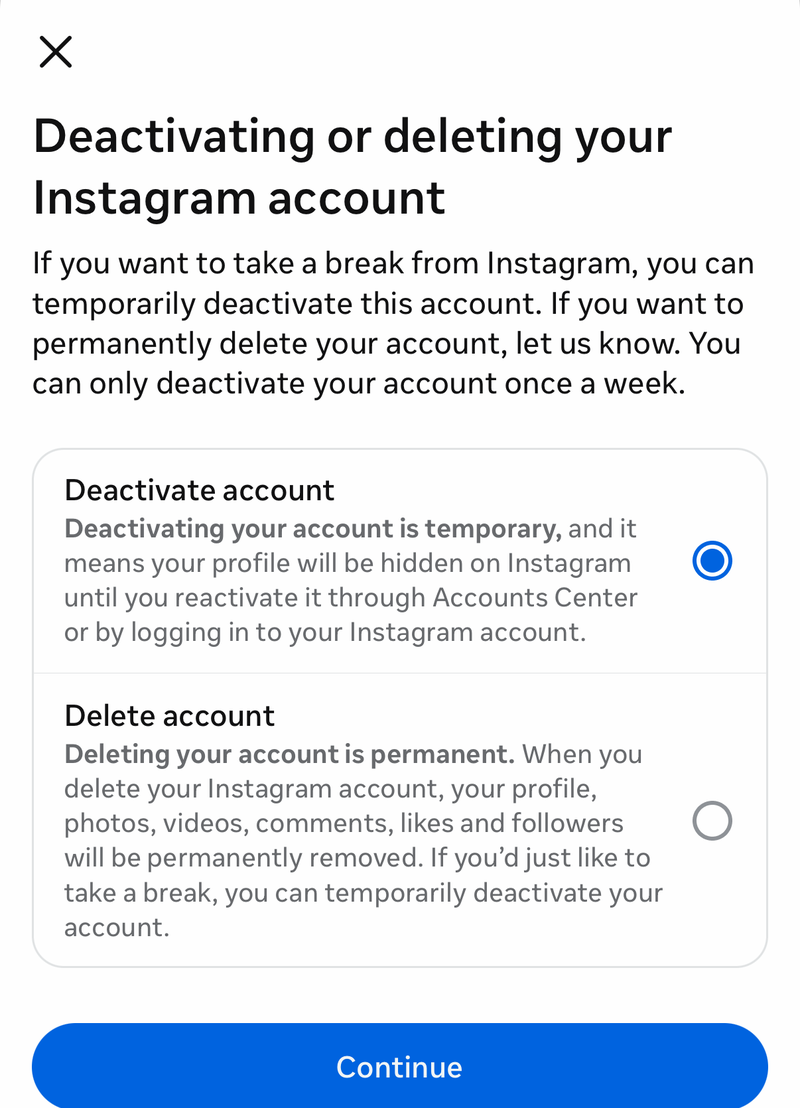
- 1.You temporarily deactivated it yourself. This is reversible and hides your profile until you return. This is the most common scenario when someone says they deactivated their account.
- 2.You requested deletion. This is only reversible during a pending wait period, after which it becomes permanent.
- 3.Instagram disabled your account for a suspected policy violation. This is not something you turned off, and it requires a review request rather than a simple log-in.
If you remember choosing deactivate or disable temporarily in your settings, you are almost certainly in the first group, which is the easiest to fix. If you went through a flow that warned your data would be removed, you may be in the deletion group. If you got a notice from Instagram that your account was disabled or removed, you are in the third group and the rest changes accordingly.
The fast fix for a temporary deactivation is simply logging back in
If you temporarily deactivated your account, there is no form to fill out and no waiting period. Your profile, photos, comments, and likes are hidden, not gone, and they come back the moment you sign in again.
- 1.Open the Instagram app, or go to instagram.com on a browser.
- 2.Enter the username and password for the account you deactivated.
- 3.Complete the login. Doing so reactivates the account immediately.
For the smoothest result, start on a device and network you have used to sign in before. Familiar devices and locations help Instagram recognize the login as legitimately yours rather than a suspicious attempt. The deactivate and reactivate controls live in your Instagram settings under the Accounts Center, but you do not need to dig through that menu just to come back. Logging in is the whole process.
If you have two-factor authentication turned on, nothing extra is required beyond your normal login. Instagram's deactivate and reactivate pages do not describe a separate two-factor step for reactivation. You will simply complete your usual sign-in, which means entering your password plus your 2FA code or a backup code, and that login brings the account back.
If you requested deletion, log back in before the window closes
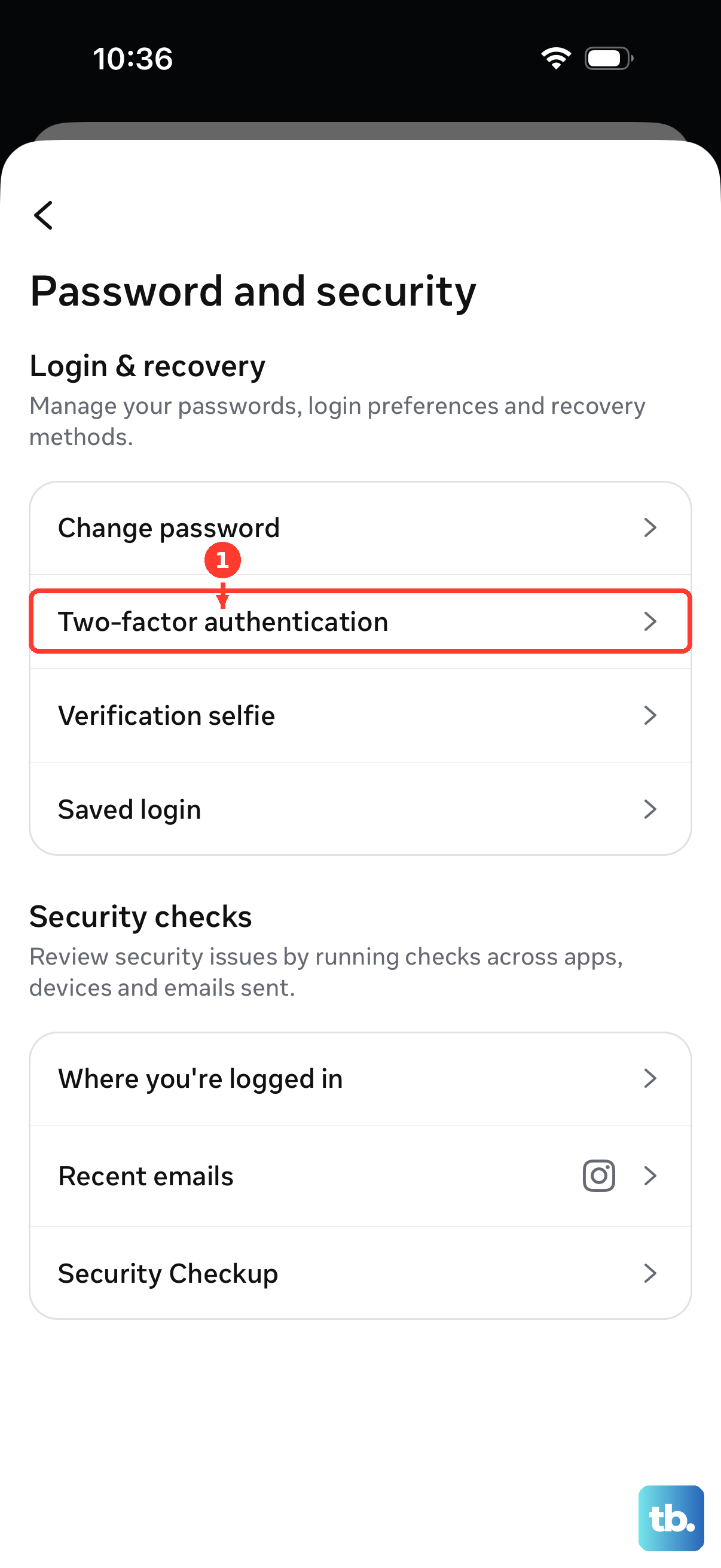
A deletion request is not instant. Instagram references an estimated deletion wait time, a pending period before your account is permanently removed, and during that window you can still stop it. Logging back in with your username and password cancels the pending deletion and restores the account, exactly the same action that revives a deactivated one.
Be honest with yourself about timing here, because this is the one scenario where delay is genuinely costly. There is no public, exact day count for the cancellation window, because Instagram's own page references an estimated deletion wait time without stating a precise number of days in the text. Treat it as urgent rather than open-ended. The moment you decide you want the account back, sign in. Do not wait until later in the week.
If you sign in and your normal credentials work, the deletion is canceled and you are back. If sign-in fails because you forgot the password or lost access, the blocker is your login, not the deletion itself, so jump to the section below on account recovery and act quickly while the window may still be open.
Be realistic about what is recoverable and what is gone for good
The honest bottom line is that a deactivated account is recoverable, and a deleted account past its deletion window is not. There is no clever workaround for the second case, and you should be wary of anyone who claims otherwise.
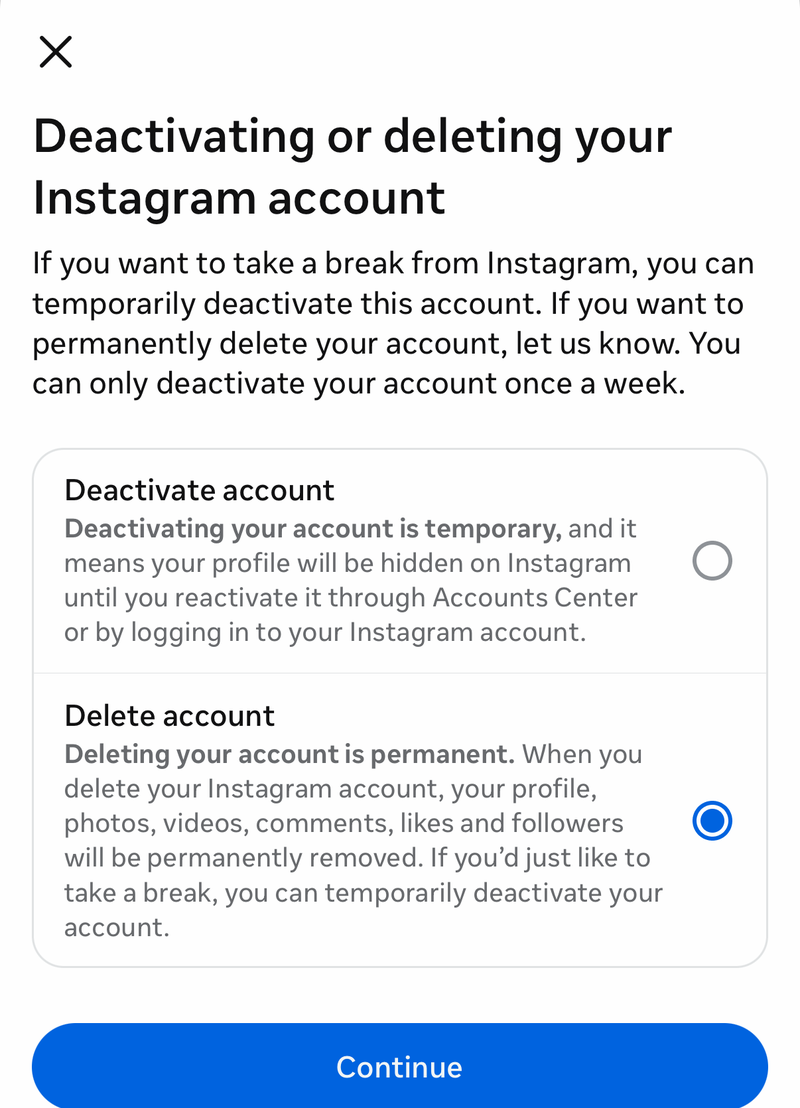
If you only deactivated, recovery is reliable and immediate. If you requested deletion and the wait period has already ended, the outcome is final. Instagram states that after deletion your profile, photos, videos, comments, likes, and followers are permanently removed. You cannot sign up again with the same username or add it to another account, and Instagram says directly that it cannot reactivate deleted accounts. There is no support channel that restores a fully deleted account, so once that window passes, the account and its data are gone.
This is also why you should never pay a third-party account recovery, reinstatement, or unban service that promises to bring a deleted Instagram account back. No outside party has the ability to reverse a permanent deletion, and these offers are commonly scams. The only legitimate routes are the ones Instagram provides itself.
If Instagram disabled your account, request a review instead
An account that Instagram disabled for a suspected policy violation is a different situation from one you turned off yourself, and logging in will not quietly fix it. This is not self-service. You have to ask Instagram to take another look.
Instagram's About disabled Instagram accounts help page at help.instagram.com/366993040048856 explains why accounts get disabled and how to request a review if you believe yours was disabled by mistake. Use that page as your stable entry point into the review and appeal flow, and provide the information Instagram asks for so it can investigate.
Set your expectations honestly here. A review is a request, not a switch. Instagram can deny it, and reinstatement is not guaranteed. Submit the requested details accurately and completely, then wait for Instagram's decision rather than spamming multiple requests. Critically, do not create a new account to appeal or report the disabled one, since this can put both accounts at risk. Work only from the affected account's review flow.
When the real problem is that you cannot log in at all
Sometimes the account is fine and ready to reactivate, but you are stuck at the login screen because you forgot your password, lost access to your email or phone, or hit a two-factor snag. In that case the fix is to regain access first, after which logging in will reactivate a deactivated account on its own.
Instagram's account recovery and login help resources are built for exactly this. They cover password resets and two-factor recovery, including using a backup code if you saved one. Work through those to get back into the account, then complete the login to bring it back.
Throughout this, protect yourself. Confirm you are on the genuine instagram.com or help.instagram.com domain before you enter your password or upload any ID, since lookalike pages are designed to harvest exactly that. Never share a verification code, your password, or a 2FA code with anyone, including someone claiming to be Instagram support. Legitimate recovery never requires you to hand a code to another person.
Locking the account down so you are not back here next month
Once you are back in, spend a few minutes hardening the account so a future break is a clean pause rather than a scramble. If you ever deactivate again on purpose, you now know the way back is just to log in, so keep your password somewhere you can retrieve it.
Turn on two-factor authentication if it is not already active, and save your backup codes somewhere offline. Backup codes are what get you in when your phone is lost or your authenticator is unavailable, and having them removes the most common reason people get locked out. Confirm the recovery email and phone number on the account are current, since those are your lifelines if you ever cannot complete a login.
Finally, keep your logins on devices and networks you trust. Signing in from familiar hardware keeps your access smooth and makes it easier for Instagram to tell a real return from a suspicious one. A little setup now means the next time you step away, coming back is a single tap.
Frequently Asked Questions
I deactivated my Instagram on purpose. How do I get it back?
Just log in. When you temporarily deactivate your account, your profile, photos, comments, and likes are hidden until you sign in again with your username and password on the app or instagram.com. Logging in reactivates it immediately, with no form and no waiting period.
Does turning off two-factor matter before I reactivate?
No. Instagram's deactivate and reactivate pages do not describe any two-factor step specific to reactivation. If you have 2FA enabled, you simply complete your normal login, entering your password plus your 2FA code or a backup code, and that login brings the account back.
I requested deletion. Can I still cancel it?
You can, but only during the pending deletion window. Logging back in before that window ends stops the deletion and restores the account. Instagram references an estimated deletion wait time without stating the exact number of days in its page text, so treat it as urgent and sign in as soon as you decide you want the account back.
My account was fully deleted. Can Instagram restore it?
No. Instagram states that it cannot reactivate deleted accounts. Once the deletion window passes, your profile, photos, videos, comments, likes, and followers are permanently removed, and you cannot reuse the same username or add it to another account. No support channel can reverse a completed deletion.
Instagram disabled my account, not me. What can I do?
That is a different situation that needs a review request, not a simple login. Use Instagram's About disabled Instagram accounts help page at help.instagram.com/366993040048856 to request a review if you believe it was disabled by mistake, and provide the information Instagram asks for. Outcomes are not guaranteed, and Instagram can deny the request.
Can a paid service get my account back faster?
No. No third party can reverse a permanent deletion or guarantee an appeal outcome, and paid recovery or unban offers are commonly scams. Use only Instagram's own login help, account recovery resources, and review flow, and never share a password, verification code, or 2FA code with anyone.