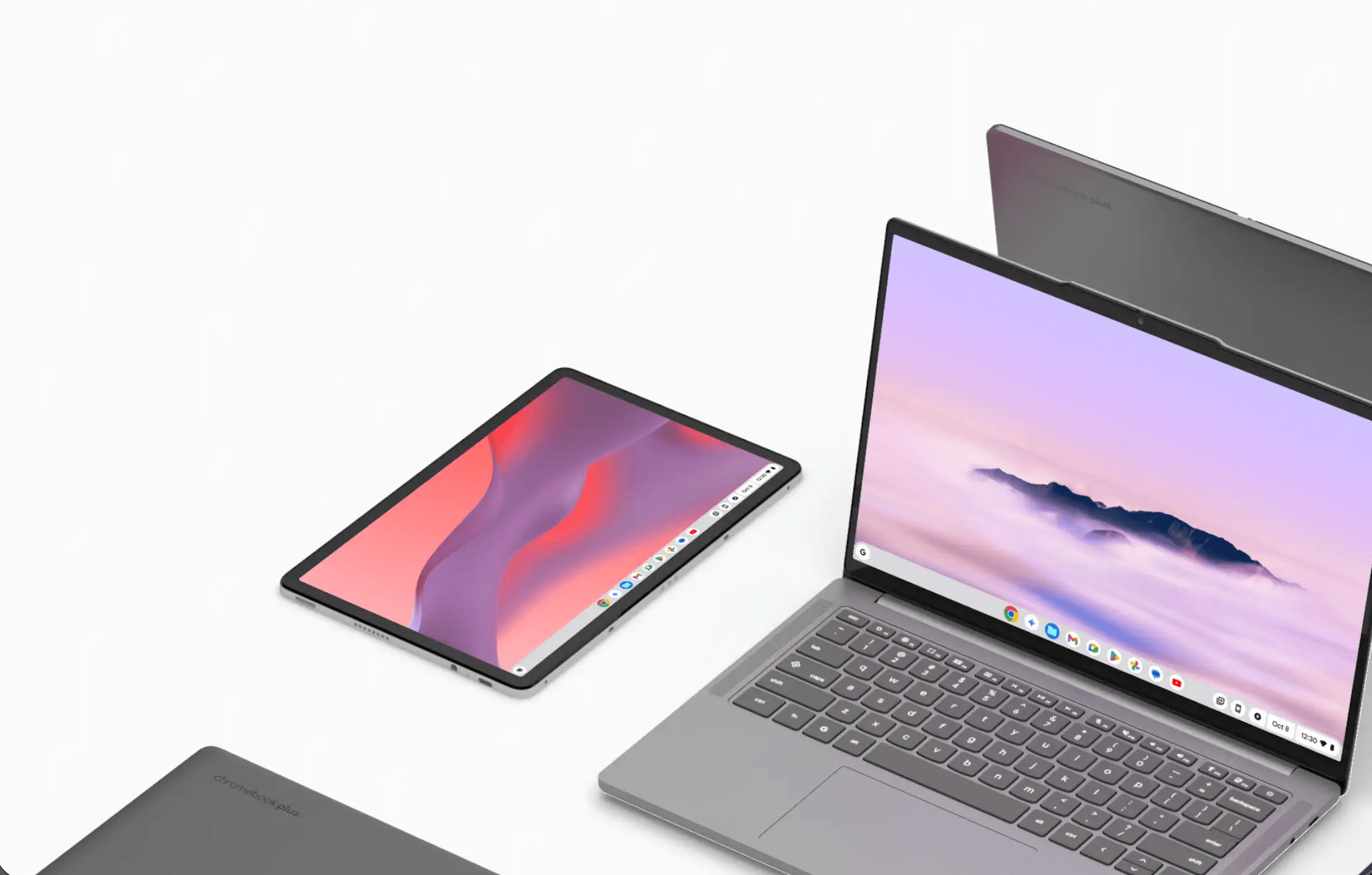
Chromebook shipments grew 3% year-on-year in Q3 2025, reaching 4.2 million units, according to Omdia research, as consumers embraced the platform's evolving capabilities. Google's ChromeOS now extends beyond basic browsing to full productivity, with Chromebook Plus models delivering AI features and Android app support.
New devices often arrive in shipping mode to preserve battery health. Connect the included charger for a few seconds to wake the system, then let it reach 100% during initial setup according to Chrome Unboxed. This ensures optimal performance from the first boot.
A Google account is mandatory for the complete ChromeOS experience. The account syncs web apps, bookmarks, and settings across all signed-in devices. Multiple users can operate the same Chromebook independently with zero data overlap, making family sharing secure and practical.
ChromeOS 143 rolled out quietly in December 2025 with enterprise-focused updates according to gHacks. Most consumer users won't notice visible changes, as Google prioritizes backend management tools over interface tweaks. The update improves USB printer controls for IT administrators in education and healthcare environments.
Modern Chromebooks feature diverse port selections. USB-C handles charging and data transfer, while many models retain full-size HDMI, SD card slots, and USB-A ports. ChromeOS maintains plug-and-play compatibility with most peripherals, eliminating driver installation hassles.
Display customization is straightforward through system settings. Click the clock in the bottom-right corner, select the gear icon, then navigate to Device > Displays according to About Chromebooks. A resolution slider adjusts pixel density, while keyboard shortcuts Ctrl+Shift+Plus/Minus provide quick zoom controls.
External monitor support works seamlessly via USB-C or HDMI. ChromeOS automatically detects connected displays and allows independent configuration for each screen. Users can arrange monitor layouts and adjust scaling to match their workspace preferences.
The ChromeOS keyboard includes dedicated keys for overview mode and full-screen viewing. Chromebook Plus models feature a Quick Insert key for instant emoji, GIF, and AI tool access. Press Ctrl+Launcher+S to display a searchable shortcut guide covering all available commands.
Trackpad gestures significantly enhance navigation efficiency. Three-finger swipes switch between virtual desktops, while two-finger scrolling handles page navigation. Convertible 2-in-1 devices automatically enter Tablet Mode when keyboards fold back, optimizing touch interface layouts.
Android app support comes enabled by default through the Play Store. Chromebook Plus users gain access to Gemini AI features including Help Me Read for document summaries and Magic Editor in Google Photos. Advanced users can activate Linux environments for desktop-grade software development.
Factory resets are simplified through Powerwash functionality. Access this through settings or use Ctrl+Alt+Shift+R on the login screen. Because files sync to cloud storage, users can wipe devices and restore complete setups within minutes by signing back into their Google accounts.
Older laptops can transform into DIY Chromebooks using ChromeOS Flex. Google's free operating system can revive aging Windows and Mac computers that meet minimum hardware requirements. The cloud-focused platform works primarily with web apps and services.
Installation requires a certified laptop with minimum 4GB RAM and 16GB storage, plus an 8GB USB drive for the installer. Back up existing files before proceeding, as ChromeOS Flex erases all hard drive contents during installation. The system runs from USB for testing before permanent commitment.
Chromebooks in 2025 represent a triple-threat platform combining web, Android, and Linux applications. The ecosystem continues expanding beyond education markets into mainstream productivity, with regular updates refining enterprise management while maintaining consumer accessibility.