
Apple Wallet's digital ID feature is set to expand beyond its current 14-state footprint, with North Carolina, Oklahoma, Utah, and Virginia lined up to join the program. The expansion is based on a new report and evidence within Apple's code, according to MacRumors.
North Carolina's Division of Motor Vehicles announced plans to launch a mobile ID program, with residents gaining access through a new NC Wallet app starting in December. Support for Apple Wallet, Google Wallet, and Samsung Wallet is expected to follow in early 2027, according to WRAL.
The code seen by MacRumors indicates Apple Wallet IDs are also coming to Oklahoma, Utah, and Virginia, though no timeframe for availability has been given for those states. The feature is also available in Puerto Rico alongside the 14 states that currently offer digital IDs.
Current state support spans Arizona, Maryland, Colorado, Georgia, Ohio, Hawaii, California, Iowa, New Mexico, Montana, North Dakota, West Virginia, Illinois, and Arkansas. Arizona has offered the feature since March 2022, and Arkansas has offered it since May 2026.
Apple Wallet IDs are accepted at TSA checkpoints in more than 250 U.S. airports for domestic travel, and that will include Charlotte Douglas International Airport and Raleigh-Durham International Airport.
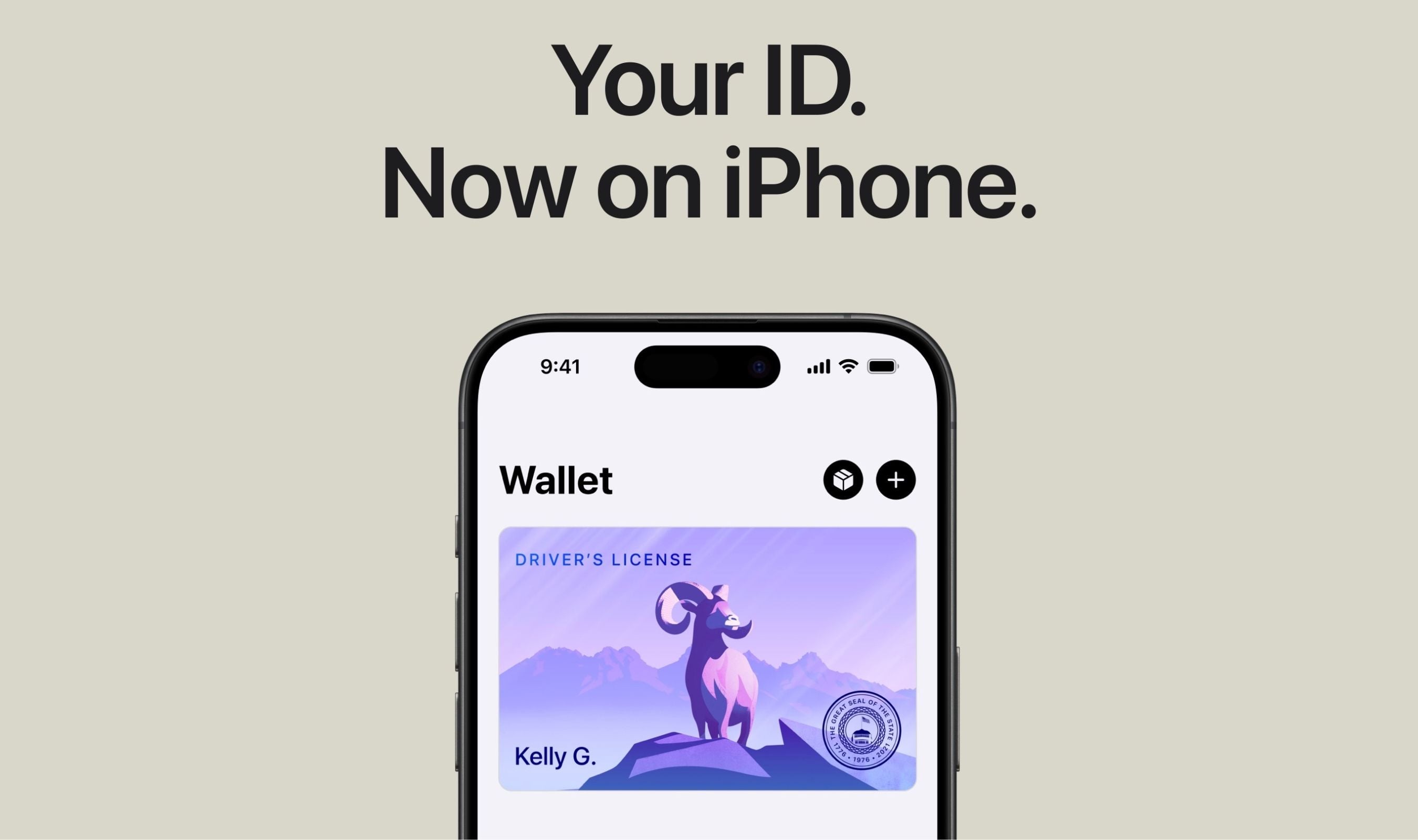
The digital IDs work on both iPhone and Apple Watch, allowing residents to display proof of identity or age at select airports and businesses, and in select apps.
Carrying a physical ID remains necessary since Apple Wallet IDs are not accepted by law enforcement or by all businesses. Travelers should refer to TSA signage to confirm availability of the feature.
Setting up the feature requires opening the Wallet app on iPhone, tapping the plus sign in the top-right corner, selecting Driver's License and ID Cards, choosing the state from the list, and following the on-screen steps.