
When your Motorola Edge 40 won't charge on a wireless pad, it's almost always a simple fix. The Qi2 standard is reliable, but it needs the right conditions to work. I'd start by checking the basics before moving to software.
Center Your Phone on the Charger
Qi2 charging is still sensitive to alignment. The charging coil in your Edge 40 needs to line up with the coil in the pad. Place the phone dead center on the charging surface. You should feel a slight magnetic pull with a Qi2 charger and see a charging notification pop up on your screen. Being even a little off-center can break the connection.
Take the Case Off
This is a very common culprit. Thick, rugged cases or cases with metal plates, rings, or built-in kickstands can block the wireless signal. Pop your case off and try charging the bare phone. If it works, you'll need a case specifically advertised as compatible with wireless or Qi2 charging. Most slim, flexible cases are usually fine.
Verify Your Charger is Working
Make sure your wireless charger is plugged into a working outlet and that any indicator light is on. Try a different power adapter. For the best results, use the official 68W Motorola charger or another high-quality USB-C PD adapter. A weak power source can cause the wireless pad to underperform or not activate at all.
Force Restart Your Edge 40
This clears out minor software glitches that can interfere with charging. Press and hold the Volume Down button and the Power button together for about 10-15 seconds. Let go when you see the Motorola logo appear. Once the phone boots back up, place it on the charger again.
Clean the Back of Your Phone
Dust, lint, or any grime on the glass back can create a gap that disrupts charging. Give the back of your Edge 40 a good wipe with a soft, dry cloth. Clean the surface of the charging pad, too. A clean connection is key for efficient wireless power transfer.
Update Your Android Software
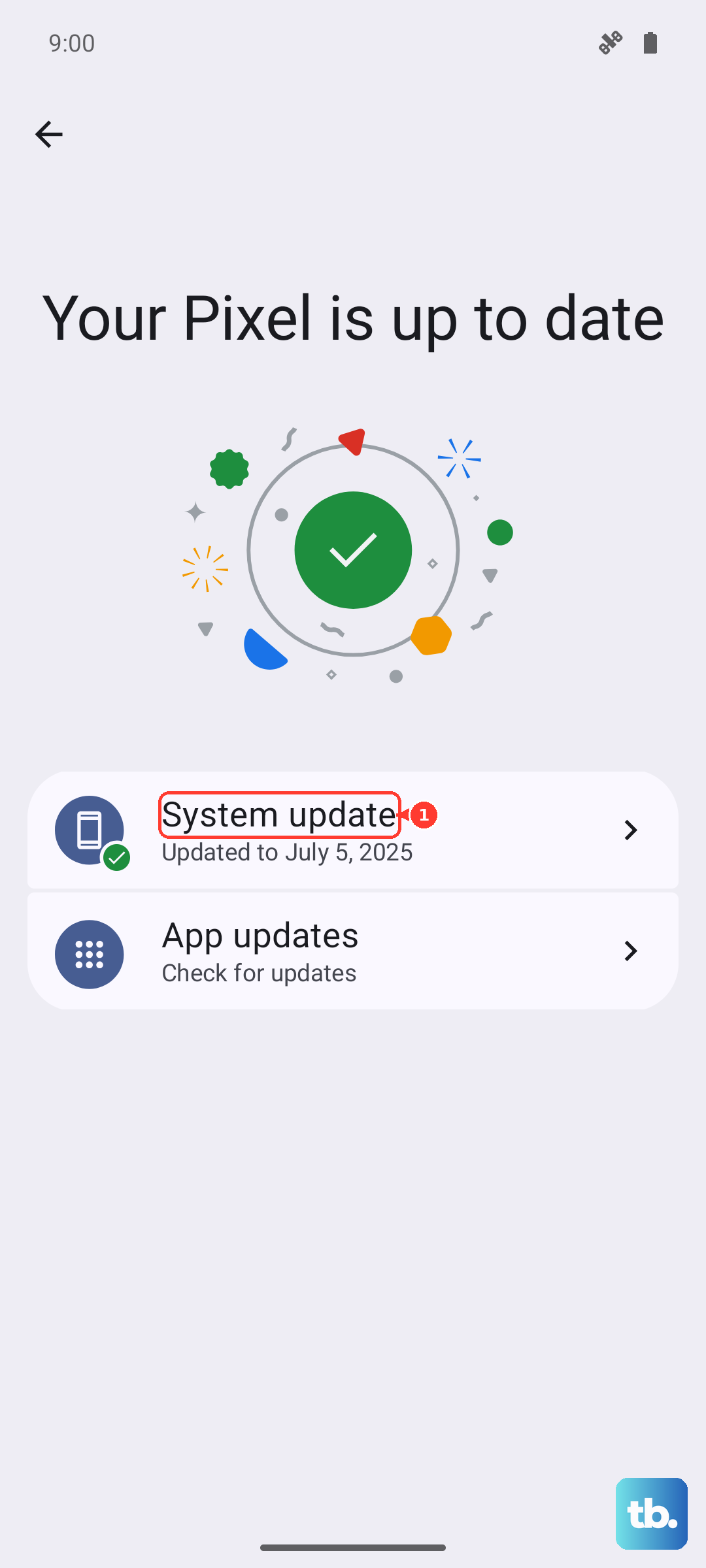
Motorola releases updates that often include optimizations for battery and charging. Go to Settings > System > System updates and check for any available downloads. Installing the latest software can resolve bugs that might be preventing the phone from communicating properly with the charger.
Let Your Phone Cool Down
Wireless charging generates more heat than wired charging. If your Edge 40 is too hot from use, sunlight, or a warm environment, it will slow or stop charging to protect the battery. If the back feels warm, take it off the charger, let it cool for a few minutes, and try again. Avoid using it heavily while it's on the pad.
Check for Charging Port Debris
It sounds odd for a wireless issue, but sometimes the phone's software prioritizes a wired connection if it detects something in the USB-C port. Shine a light into the port and look for packed lint. Gently clean it out with a wooden or plastic toothpick. A clean port ensures the phone knows no cable is attached.
Test With a Different Charger
If you have access to another Qi or Qi2 wireless charger, give it a try. If your Edge 40 charges on a different pad, then your original charger is likely faulty. If it doesn't work on any wireless charger, the issue is probably with the phone's hardware or a deeper software setting that needs attention.