
You plug in your Google Pixel 9 Pro XL expecting the lightning-fast 37W charging speed, but instead it crawls along like an old phone. You're not imagining it, the problem is real and fixable. Most of the time it comes down to one of a few common culprits: the charger, the cable, your settings, or the phone getting too warm.
Is Your Charger Powerful Enough?
The Pixel 9 Pro XL supports up to 37W wired charging via USB-C Power Delivery. To actually hit that speed, you need a charger that can deliver at least 37W. The recommended option is Google’s own 45W USB-C charger, but any high-quality USB-C PD charger rated for 37W or more will work.
Many third-party chargers, even "fast charging" ones, don't deliver the right PD profile to hit 37W on the Pixel. If you're using an older laptop charger or a generic 18W adapter, you'll get slow charging regardless of the cable. Check the output rating printed on your charger, look for 5V/3A, 9V/3A, or higher.
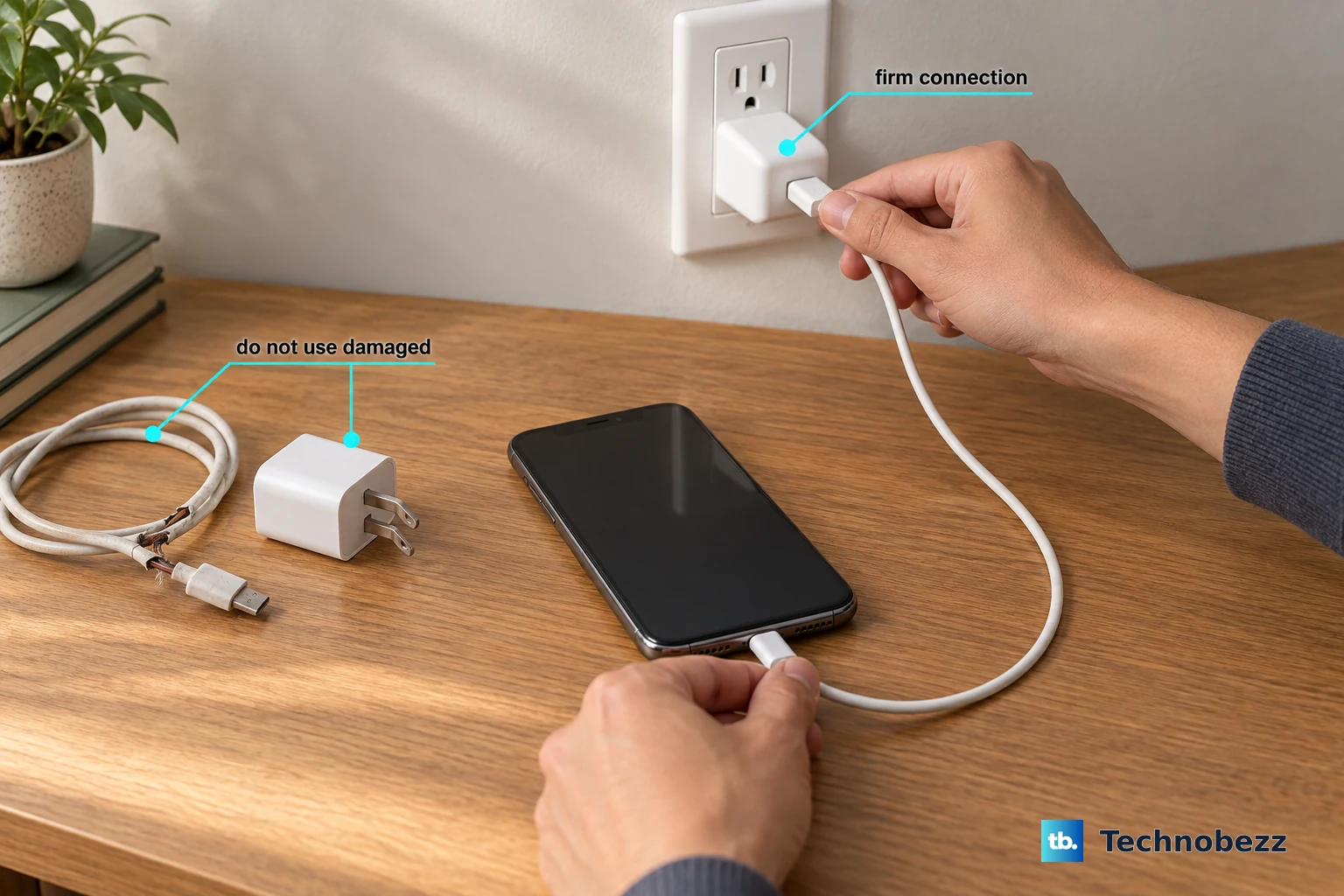
Check Your Cable (The Original One May Be the Problem)
A known issue with the Pixel 9 Pro XL is that the original Google USB-C cable can stop working properly. Switching to a different high-quality cable, like the one from an iPad or a certified third-party USB-C cable, often resolves the slow charging. If your phone shows the "Check charging accessory" notification, that's a clear sign the cable or charger isn't fully compatible.
Use a cable rated for USB-C PD, cheap cables won't handle the power draw. Even if the cable looks fine, internal wire damage can limit current. Try at least two different cables before blaming the phone.
Disable Adaptive Charging Temporarily
The Pixel 9 Pro XL has an Adaptive Charging feature that intentionally slows down charging past 80% to protect battery health. If you need a fast top-up right now, this will get in the way. Head to Settings > Battery > Adaptive Charging and toggle it off.
You can turn it back on later for overnight charging. For immediate fast charging from a low battery, disabling this makes a noticeable difference.
Don't Use Your Phone While Charging
Using your Pixel while it's plugged in generates heat, especially during gaming, video streaming, or GPS navigation. The phone's thermal management kicks in and reduces charging speed to protect the battery. For the fastest charge, put the phone down and leave it alone. Airplane Mode can help too.
Remove the Case for Wireless Charging
Wireless charging on the Pixel 9 Pro XL tops out at 23W, but that speed drops fast if the phone overheats. Thick cases, especially silicone or leather ones, trap heat. If you're using a Qi charger and the charging is slow, pop the case off. The same applies for wired charging if your case is particularly bulky or your phone feels warm.
Overheating Slows Charging
Your Pixel reduces charging speed when it gets too hot. If you're charging in direct sunlight, near a heater, or on a soft surface like a bed or couch that doesn't dissipate heat, move it to a cool, hard surface. A table or desk works great. Let the phone cool down for a few minutes and charging should pick back up.
Restart the Phone
A quick restart clears up software glitches that can interfere with charging speed. Press and hold the Power button and Volume up button simultaneously. When the menu appears on screen, select Restart. The phone will reboot, and you can try charging again.
Clean the USB-C Port
Lint and dust in the charging port can create a poor connection that limits power delivery. Use a wooden toothpick or a soft brush to gently clean inside. Don't use anything metal. Compressed air can blow out debris. A clean port ensures the maximum 37W can flow through.
Update Android
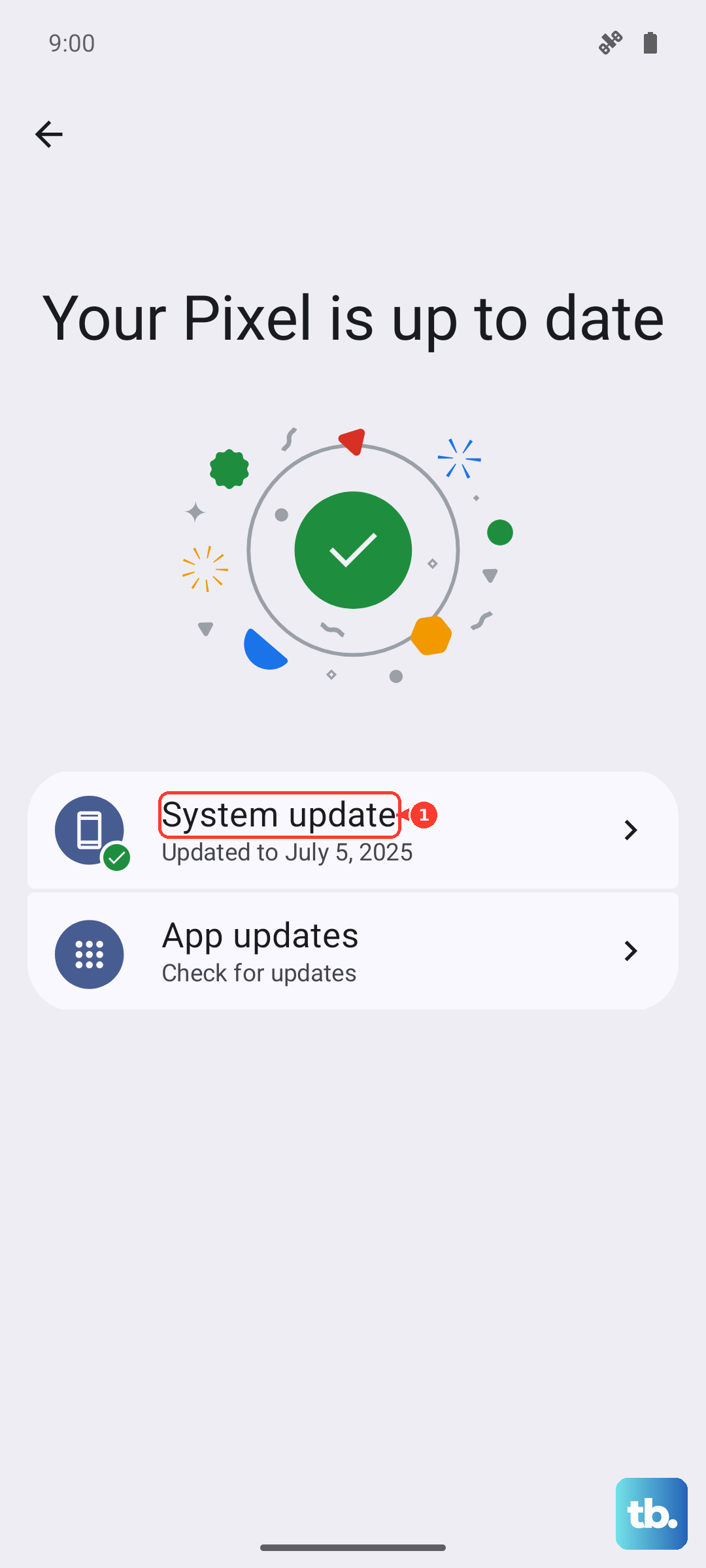
Google occasionally releases updates that tweak charging behavior. Go to Settings > System > System update and check for any pending updates. Running Android 14 with the latest security patch ensures you have the best charging algorithms.
Test a Different Charger and Cable Combo
If nothing else has worked, try a completely different power source, a different wall outlet, a known working PD charger, and a fresh cable. Cables degrade over time, especially near the connectors. If fast charging works with the new combo, you've found the faulty piece.