
One Galaxy Buds 3 Pro side goes silent. Left, right, or a bud that drops mid-track while the other keeps going, the fix is almost always something you can sort out in five minutes with a quick clean, an app reset, or a balance check. A dead driver is rare. What looks like a failed bud is usually a contact issue or a stereo sync that got scrambled.
Before diving into anything else, drop both buds in the case, close the lid, count to 30, then open it and put them in your ears. That forces a fresh connection between the two buds and clears up probably half of one-side-silent cases. If stereo sound comes back, you're done. If not, keep going.
The L/R Audio Balance Is Worth a Quick Look
Before assuming the bud itself is dead, pull up your phone's audio balance setting. A slider that drifted off-center sends everything to one side regardless of which bud you're using. On a Galaxy phone, open Settings > Accessibility > Hearing enhancements (or just Audio depending on your One UI version) and make sure the L/R balance is dead center. Same check on other Android phones under Accessibility > Audio balance. That's a 30-second check that frequently ends the troubleshooting right there.
Clean the Charging Contacts on Both Stems
The most common reason one Galaxy Buds 3 Pro side stops working is simple: the bud isn't charging because the gold contacts on the stem are dirty. Earwax, lint, and skin oil build up on those metal pins and create enough resistance that one bud sits at 5% while the other charges fine. Look at the bottom of each stem where the contacts sit and compare them side by side.
Pop both buds out and wipe the contacts with a dry microfiber cloth. For anything stubborn, a cotton swab barely dampened with isopropyl alcohol (90% or higher) does the job, just don't soak it. Clean the matching pins inside the case wells too. Close the lid and leave them for about 5 minutes. If both buds now show similar battery levels in the Galaxy Wearable app, dirty contacts were your problem.
Reset the Buds Through Galaxy Wearable
If cleaning didn't sort it, a software reset usually will. Open the Galaxy Wearable app, tap your Galaxy Buds 3 Pro at the top, scroll down to About earbuds, then tap Reset. Confirm it. The buds disconnect and re-pair automatically about 10 seconds later.
That reset clears any internal pairing mismatch between the two buds. It handles the situation where the silent bud thinks it's still in solo mode, which can happen after a botched firmware update or a dropped Bluetooth connection. After the reset, take both buds out and put them in your ears at the same time so they sync as a pair.
Check the Speaker Mesh for Wax Buildup
Sometimes the bud is technically working, you just can't hear it because the speaker mesh is clogged. Look at the silver mesh grille on the inner end of each bud, the part that sits inside your ear. The silent side often has visibly more buildup. Compare them under a bright light.
Use a fresh, dry toothbrush to gently brush the mesh outward in one direction. Don't poke anything sharp through the holes, you'll puncture the driver membrane. If brushing alone isn't clearing it, a piece of sticky tape pressed gently against the grille and peeled off can lift wax right off the surface. When you're done, both meshes should look clean and uniform.
Re-Pair the Buds From Scratch
If only one bud connects when both are out of the case, the saved pairing record on your phone might be corrupted. Open Settings > Connections > Bluetooth, find Galaxy Buds 3 Pro in the list, tap the gear icon, and choose Unpair.
Now put both buds in the case with the lid open. Press and hold the Connect button on the bottom of the case (right next to the USB-C port) for at least 3 seconds until the case LED cycles through red, blue, and green. That puts the buds in pairing mode. Your phone should auto-detect them through the Galaxy Wearable app and walk you through reconnection. Both buds should activate together once paired.
Toggle Off Auto-Detect in Galaxy Wearable
Galaxy Wearable has a feature that automatically pauses media when it thinks a bud is out of your ear. Occasionally that detection glitches and tells the silent side to stay muted even when it's seated properly. Tap your buds in Galaxy Wearable, go to Earbud settings, and turn off In-ear detection and any related wear-detection features temporarily. Test if both sides come back. You can re-enable them one at a time to find which setting was the trigger.
Is the Firmware Up to Date?
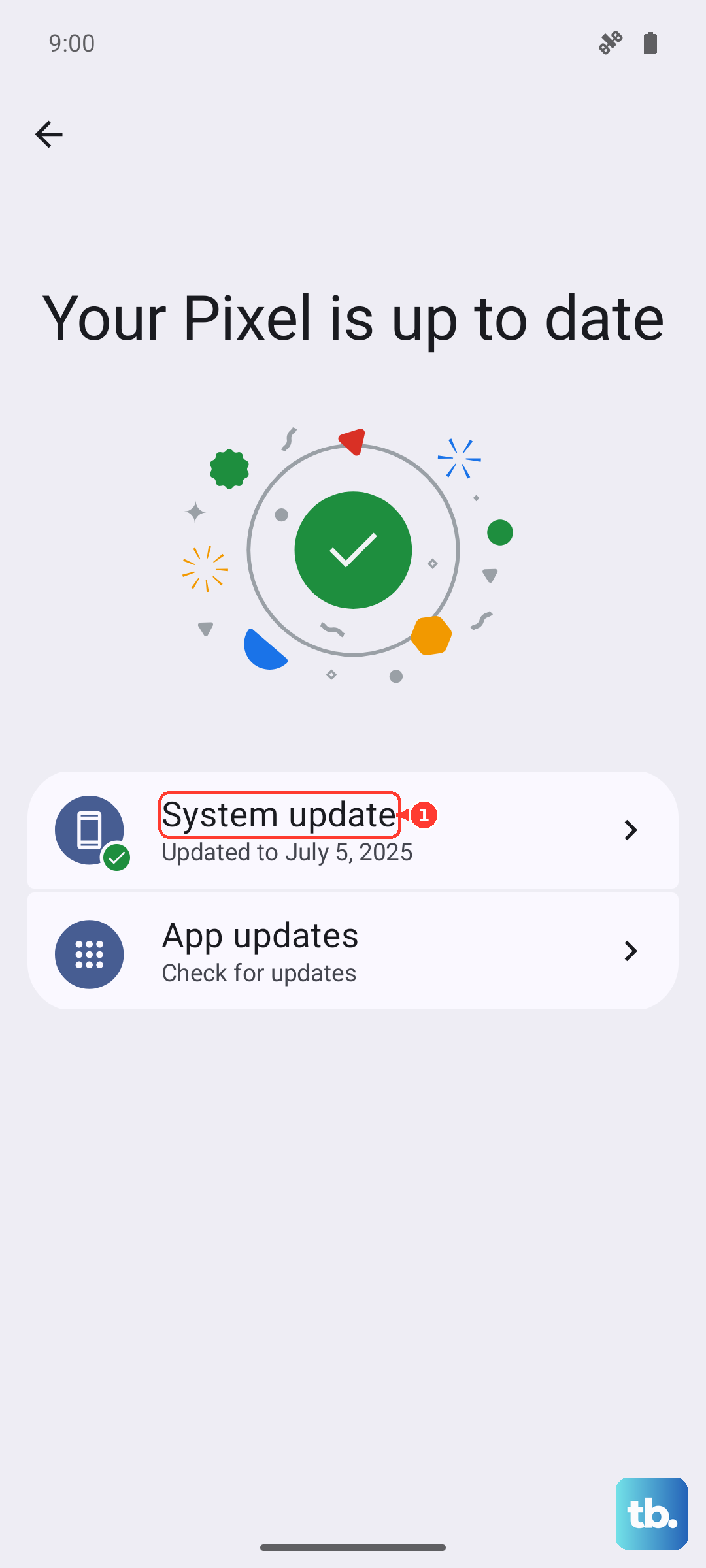
Samsung has pushed several firmware updates since the Galaxy Buds 3 Pro launched that specifically addressed mono-mode bugs and one-side-silent issues. Open Galaxy Wearable, tap your buds, scroll to About earbuds, then Earbuds software update. Install whatever's available.
Both buds need to be in the case with the lid open during the update, the case needs over 50% battery, and your phone has to stay close. The update takes about 10 minutes per bud, so let it run without interruption. After it finishes, do the reset step above before testing whether both sides work.
Test on a Different Phone
If one side is still silent after everything above, pair the buds to a different device. If both sides work fine on the second phone, the issue lives in the original phone's Bluetooth stack, not the buds themselves. Try resetting network settings on that phone or check if a recent system update introduced the problem.
If the same side stays silent on every device you try, the bud itself has a hardware issue. That's a warranty case. Samsung covers the Galaxy Buds 3 Pro for one year from purchase, and a clean physical inspection plus proof of purchase should get you a replacement.
If the Case Won't Detect Both Buds
There's a known quirk with the Galaxy Buds 3 Pro charging case where it sometimes stops detecting one bud entirely. The bud might be fully charged but the case acts like it's not there. Try this: leave both buds in the case, connect the USB-C cable, and press and hold the case button for about 10 seconds until the LED blinks rapidly. That forces a hard detection cycle. Let them sit for a minute and check the case battery indicator again.