
Wondering if someone has blocked you on Snapchat? This guide walks you through the telltale signs, verification methods, and what to do if you discover you've been blocked. Snapchat doesn't notify users when they're blocked, but several clear indicators can help you determine your status.
What to Know
- Snapchat doesn't send notifications when someone blocks you, but multiple signs can reveal the truth
- Searching for their username is a reliable method: if they don't appear, you're likely blocked
- Missing chats and disappearing profiles are strong indicators of being blocked
- Being blocked is different from being unfriended - understanding the distinction is crucial
Snapchat Blocking vs. Unfriending
Before checking for blocks, it's important to understand the differences between being blocked, unfriended, and when someone deactivates their account.
See also - Why Snapchat Calls Fail and How to Fix Them
Blocked
When someone blocks you on Snapchat:
- Their profile disappears from your friend list and search results
- Existing chats vanish from your chat history
- Messages show as "Pending" or fail to send
- You cannot view their Stories - public or private
- Their Snapscore becomes invisible to you
Unfriended
When someone unfriends you:
- You can still search and see their profile
- Their Snapscore and private Stories are hidden (unless their settings are public)
- You may see an "Add" button next to their name
- Messages may show as "Pending" with a gray arrow
Deactivated Account
When someone deactivates their account:
- Their profile won't appear to anyone
- It's a complete disappearance across the platform
Read also - How To Get A Snapchat Creator Account
How to Check If Someone Blocked You on Snapchat
Method 1: Search Their Username
This is a definitive way to check if someone has blocked you.
- 1.Open the Snapchat app on your phone
- 2.Tap the search icon (magnifying glass) at the top of the screen
- 3.Enter their exact username in the search bar
- 4.Analyze the results:
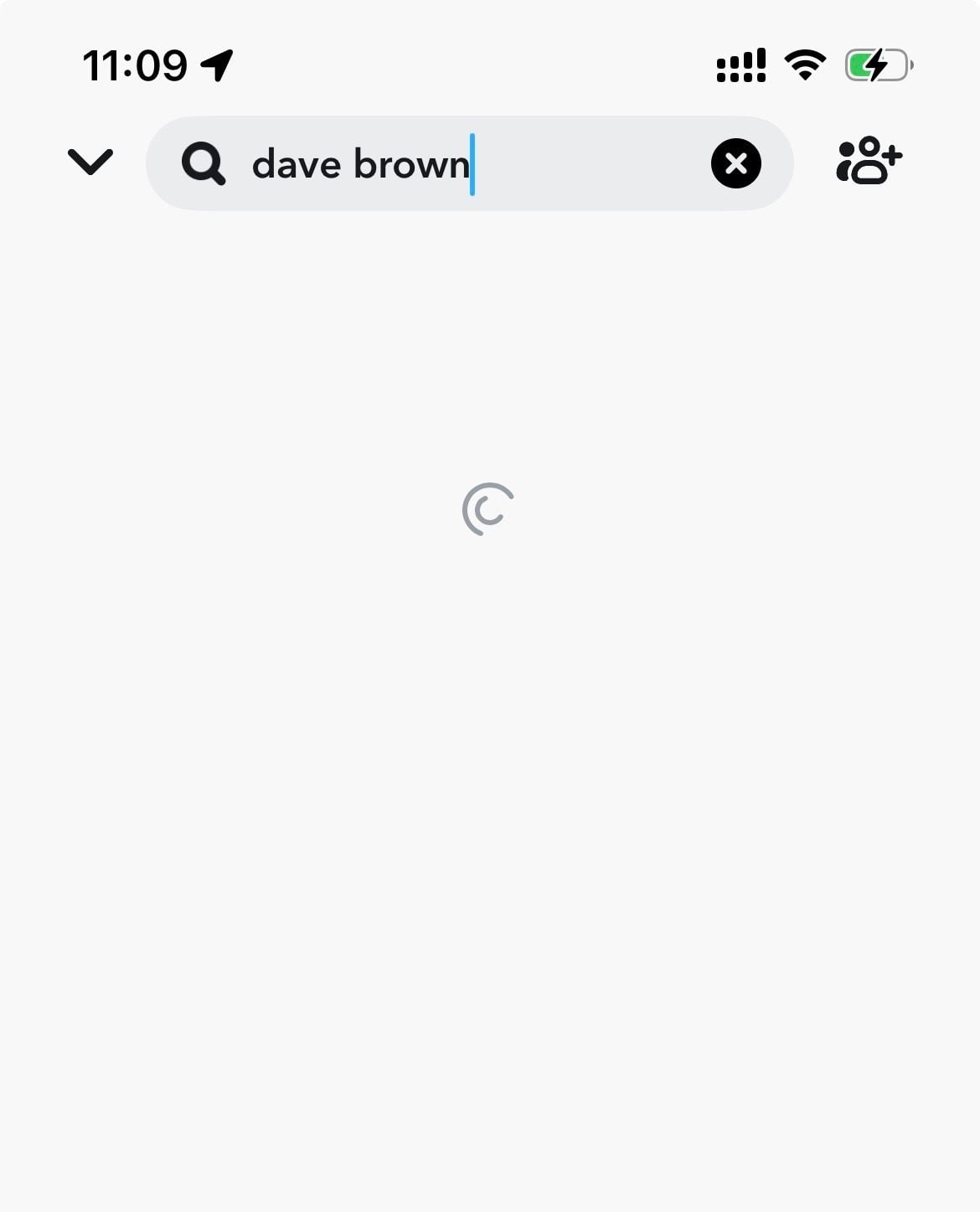
- If the profile doesn't appear at all: They may have blocked you or deleted their account
- If the profile appears with an "Add" button: They've likely unfriended you
- If the profile appears normally: You're still friends
Why this matters: Usernames are unique on Snapchat, so if you know their exact username and it doesn't appear, it's a strong indicator of being blocked.
Method 2: Check Your Friend List
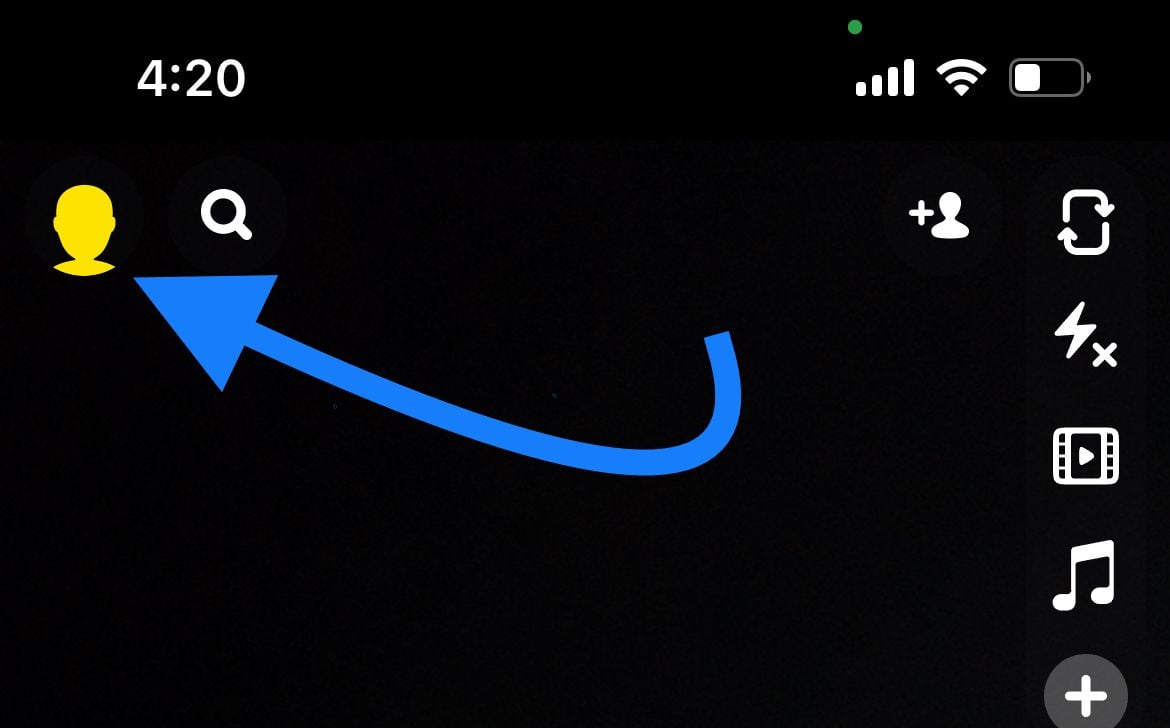
- 1.Open Snapchat and tap your Bitmoji icon at the top left corner
- 2.
 Click to expand
 - 3.Scroll down and tap "My Friends"
- 4.Look for their name in your friend list
- 5.If their name is missing: They may have blocked or removed you

Your friend list shows all current connections. A sudden disappearance suggests either blocking or unfriending.
Method 3: Examine Recent Chats
- 1.Tap the Chat icon at the bottom of the screen
- 2.Scroll to find past conversations with the person
- 3.Look for these signs:
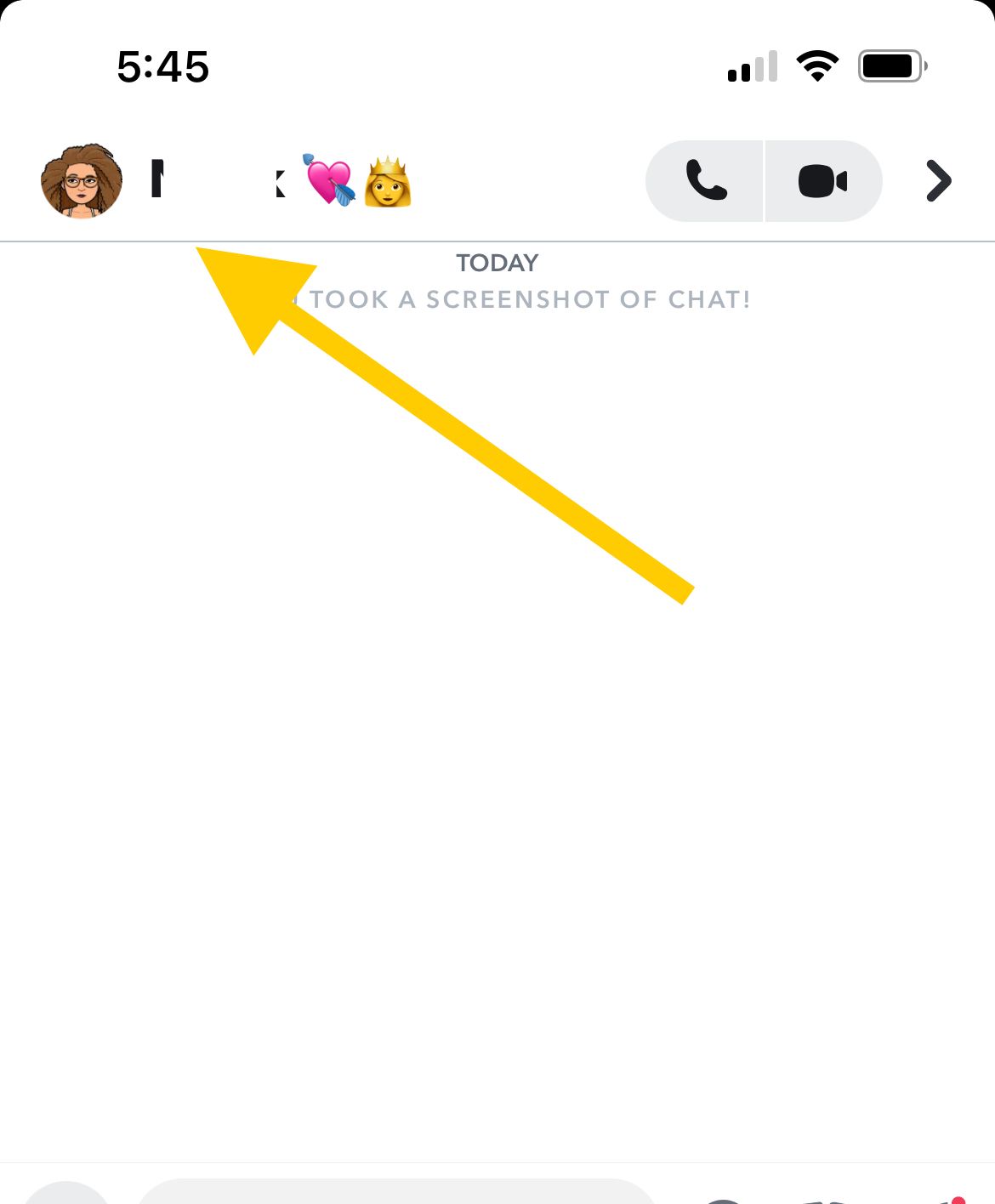
- Chat thread is completely gone
- Their name shows as a blank or generic user
- Previous messages have disappeared
Why this matters: Chat history preservation depends on your connection status. Disappearing conversations often indicate blocking.
Method 4: Try Sending a Message
- 1.Open an existing conversation or search for them
- 2.Send a snap or message
- 3.Observe the delivery status:
- "Pending" with a gray arrow: Likely unfriended
- "Failed to send your message. Tap to try again": Could indicate blocking or account deletion
- Delivered normally: You're still connected
Method 5: Check Their Snapscore
- 1.If you can still see their profile, tap their name
- 2.Look for their Snapscore below their display name
- 3.If you can't see their Snapscore: They may have unfriended you
- 4.If the profile is completely gone: Likely a block or account deletion
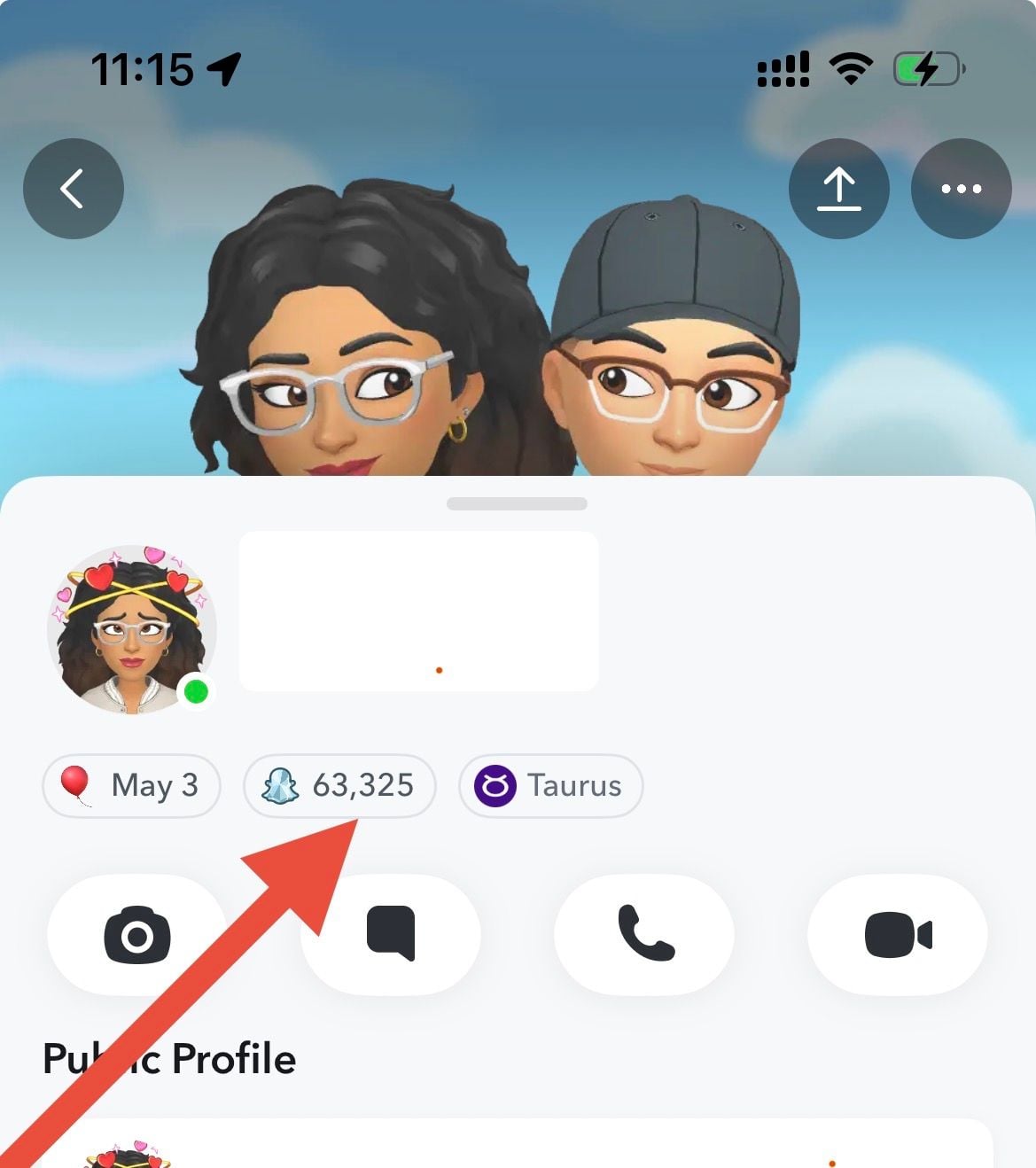
Snapscore visibility depends on friendship status and privacy settings.
Method 6: Search From Another Account
If you're still uncertain, this method provides definitive confirmation.
- 1.Use a secondary Snapchat account or ask a trusted friend
- 2.Search for the person's username from the other account
- 3.Compare results:
- Profile appears on other account but not yours: You've been blocked
- Profile doesn't appear on either account: Account may be deactivated or username changed
- Profile appears on both accounts: You're not blocked
See also - How to Enable Filters on Snapchat
Common Issues
"They disappeared but might have just changed their username"
- Ask a mutual friend to check if the person is still active
- Remember that username changes are less common than blocking
- Consider whether they would notify you of a username change
"Our chat is gone but they might have just cleared it"
- Chats can be automatically deleted after 24 hours or when both parties have viewed them, but manual clearing is also possible
- Sudden disappearance without your action suggests blocking
- Check other methods for confirmation
"I can't tell if they blocked me or deleted their account"
- Use the secondary account method for definitive verification
- Remember that account deletion affects everyone, not just you
- Consider the timing - did they mention leaving Snapchat?
Frequently Asked Questions
Does Snapchat notify you when someone blocks you?
No. Snapchat does not send notifications when someone blocks you. The platform is designed to keep blocking discreet to protect user privacy.
Can you see if someone blocked you on Snapchat without messaging them?
Yes. The search method (Method 1) is a reliable way to check without sending a message. If their profile doesn't appear when you search their exact username, you're likely blocked.
What's the difference between being blocked and unfriended on Snapchat?
Being blocked means complete removal : you can't find their profile, send messages, or view any content. Being unfriended means you can still see their profile and potentially send messages (though they may not receive them depending on privacy settings).
Can you unblock someone on Snapchat if you blocked them by mistake?
Yes, if you were the one who blocked them. You can unblock someone by going to Settings → Blocked → finding their name → tapping "Unblock." If someone else blocked you, only they can reverse it.
How can you tell if someone deleted their Snapchat account vs. blocking you?
Search from another account. If the profile doesn't appear on any account, they likely deleted their account. If it appears on other accounts but not yours, you've been blocked.
Remember that social media relationships change, and being blocked is a common part of digital communication. If you discover you've been blocked, respect the other person's decision, focus on positive connections, and continue enjoying Snapchat with friends who value your connection.