You open your inbox, type your verizon.net address and password, and nothing happens. Maybe the page reloads, maybe you see an invalid password message, or maybe your phone's mail app keeps asking you to sign in again. Nothing on your end seems to have changed, yet you're locked out. The cause is usually simple, and you can often get back in within a few minutes.
The most important thing to know first is that Verizon retired its own email service in 2017. Most residential verizon.net accounts moved to AOL Mail, and some moved to Verizon Yahoo Mail instead. You kept the verizon.net address, but AOL (or Yahoo) now runs your mailbox. Once you know that, the steps below make sense.
Go to the Right Sign-In Page First
Because Verizon no longer hosts email, you can't sign in on a Verizon page. If you keep going back to an old Verizon webmail bookmark, it won't work. Sign in with whichever provider your account moved to.
If your account moved to AOL, go to mail.aol.com. If it moved to Yahoo, go to verizon.yahoo.com instead. With either provider, your username is your full verizon.net email address, including the @verizon.net part (for example, [email protected]). Leaving off the domain is a common reason a correct password gets rejected.
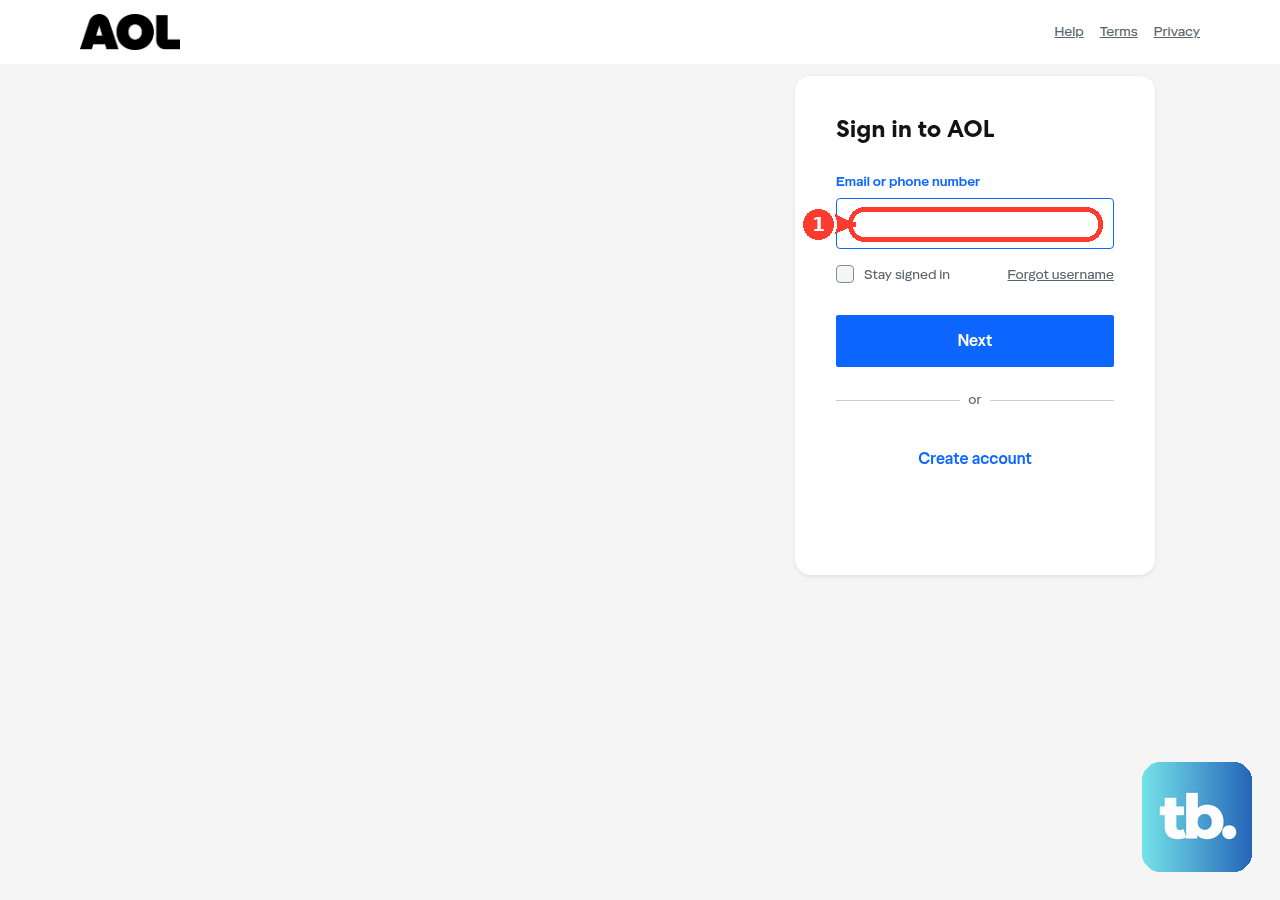
Type Your Credentials Cleanly and Break Any Login Loop
Before you assume your password is wrong, check your keyboard. Make sure Caps Lock and Num Lock are off, because either one can change what you type into the password field.
Sometimes the sign-in screen keeps coming back even when your details are right. That usually means the sign-in cookie in your browser is stale and needs to be reset.
On the sign-in page, enter your username, then click Not you?. Enter your full verizon.net address and password again. If you're still stuck, sign out completely, close the browser tab, open a fresh tab, and go back to mail.aol.com to sign in again.
Starting over this way gets rid of the old session the page was holding on to, and that's often enough to break the loop.
Reset a Forgotten or Rejected Password
If you see an invalid password message or can't remember your password, don't keep guessing. AOL's Sign-in Helper is built for this and checks that the account belongs to you.
On the AOL sign-in page, enter your verizon.net address, click Next, then click I forgot my password to open the Sign-in Helper. Enter one of the account recovery items it lists, click Continue, and follow the instructions to set a new password.
You'll need access to the recovery phone number or alternate email address on the account. AOL says that if your recovery info is wrong or you can't reach it, you may not be able to get back into the account. Keep those details current.
If you know your current password and just want to change it, sign in to the AOL Account Security page, click Change password, enter your new password, and click Continue.
Enter the Verification Code When Prompted
If you sign in from a new computer, phone, or location, AOL may ask you to confirm it's you. It sends a verification code to your recovery phone number or alternate email address.
Get the code and type it into the prompt to finish signing in. If the code goes to a phone number or inbox you no longer use, you'll get stuck at this step, so keep your recovery options up to date.
Fix the Browser When Sign-In Still Fails
If you're on the right page with the right password and sign-in still fails, your browser may be the problem rather than your account. Saved data and old sessions can get in the way of signing in.
Try these one at a time, and try signing in again after each one. Clear your browser's cache and cookies, then quit the browser completely and reopen it. Make sure you're on the latest version of your browser, or try a different supported browser. Then try signing in from aol.com instead of mail.aol.com.
Make sure cookies and JavaScript are both turned on. If either is off, the AOL sign-in page won't work properly.
Allowlist AOL if Security Software Is Blocking You
A firewall or pop-up blocker can quietly interrupt AOL's sign-in, so it looks like your login just doesn't work. One sign of this is a blank page when you try to open AOL Mail.
To check whether that's the problem, turn off the firewall or pop-up blocker for a moment. In most browsers, you can also skip the blocker for a single click by holding Shift while you click a link. A better long-term fix is to add AOL's addresses to your allowlist: *.aol.com, registration.aol.com, and webmail.aol.com.
Generate an App Password for Mail Apps
The browser steps above are for webmail. Desktop and mobile mail apps, such as Outlook, Apple Mail, and the mail app built into your phone, work differently. If one of those apps can't sign in to your verizon.net account, it may need an app password instead of your normal password. You need one for apps that don't support OAuth2, and you may need one if you use 2-step verification.
To create one, follow these steps:
- 1.Sign in to your AOL Account Security page.
- 2.Click Generate app password (or Generate and manage app passwords).
- 3.Click Get Started.
- 4.Enter the name of the app you're setting up.
- 5.Click Generate password.
- 6.Use the one-time password to sign in to that app, then click Done.
If AOL won't let you create one, use a browser you've used to sign in to AOL Mail for several days in a row, and don't use Incognito or private mode.
App passwords stay active even after you change your main password. Changing your main password won't lock out an app. To cut off an app's access, go back to Generate and manage app passwords and click Delete next to that app's password.
Use the Correct Server Settings When Reconnecting an App
Once you have an app password, your mail app also needs the right server details to connect to AOL. If these are wrong, the app may sign in but never send or receive mail.
For incoming mail, use IMAP with the server imap.aol.com on port 993 with SSL, or POP3 with the server pop.verizon.net on port 995 with SSL. For outgoing mail, use the SMTP server smtp.verizon.net on port 465 with SSL.
Your username is always your full verizon.net email address, and SSL must be on for both incoming and outgoing mail. If mail still isn't working, remove the account from the app, add it again, and enter these settings yourself if the app asks. You can also update the app to its latest version. If you're switching from POP3 to IMAP, back up your mail first, because messages POP3 already saved on your device won't move over.
Frequently Asked Questions
Why can't I sign in to verizon.net email on a Verizon page anymore?
Verizon retired its own email service in 2017. Most residential verizon.net accounts moved to AOL Mail, and some moved to Verizon Yahoo Mail. You can't sign in on a Verizon page anymore. Use mail.aol.com for AOL accounts or verizon.yahoo.com for Yahoo accounts, and sign in with your full verizon.net address.
What do I do if I forgot my verizon.net password?
Use AOL's Sign-in Helper. On the AOL sign-in page, enter your address, click Next, then click I forgot my password. Enter one of the recovery items it lists, click Continue, and follow the instructions. You'll need access to the recovery phone number or alternate email address on the account to finish the reset.
Why does my phone or desktop mail app keep rejecting my password?
Apps that don't support OAuth2 need an app password instead of your normal password, and you may need one if you use 2-step verification. Create one on the AOL Account Security page, then use it to sign in to the app. App passwords stay active even after you change your main password, so delete an app's password to cut off its access.
What server settings should I use to set up verizon.net in a mail app?
For incoming mail, use IMAP server imap.aol.com on port 993 with SSL, or POP3 server pop.verizon.net on port 995 with SSL. For outgoing mail, use SMTP server smtp.verizon.net on port 465 with SSL. Your username is your full verizon.net email address, and SSL must be on for both incoming and outgoing mail.
Why does AOL ask for a verification code when I sign in?
When you sign in from a new device or location, AOL may send a verification code to your recovery phone number or alternate email address to confirm it's you. Enter that code to finish signing in. Keep your recovery details current so the code reaches you.