You don't need to settle for grainy laptop cameras anymore. A good webcam makes you look professional on video calls and helps streamers connect with their audience. The right choice depends on your budget, lighting, and whether you need 4K or just reliable 1080p.
Technobezz is supported by its audience. We may get a commission from retail offers.
8 Best Webcams for 2026
Obsbot Meet SE leads our 2026 picks for the best webcams. Compare top models for streaming, 4K, and value to upgrade your video calls.
T
Technobezz
Editorial Team
Updated June 16, 2026Jun 16, 2026
•9 min read

Get Deals Like These in Your Inbox
The best prices, checked by our editors.
At a Glance
| Category | Product | Why We Picked It |
|---|---|---|
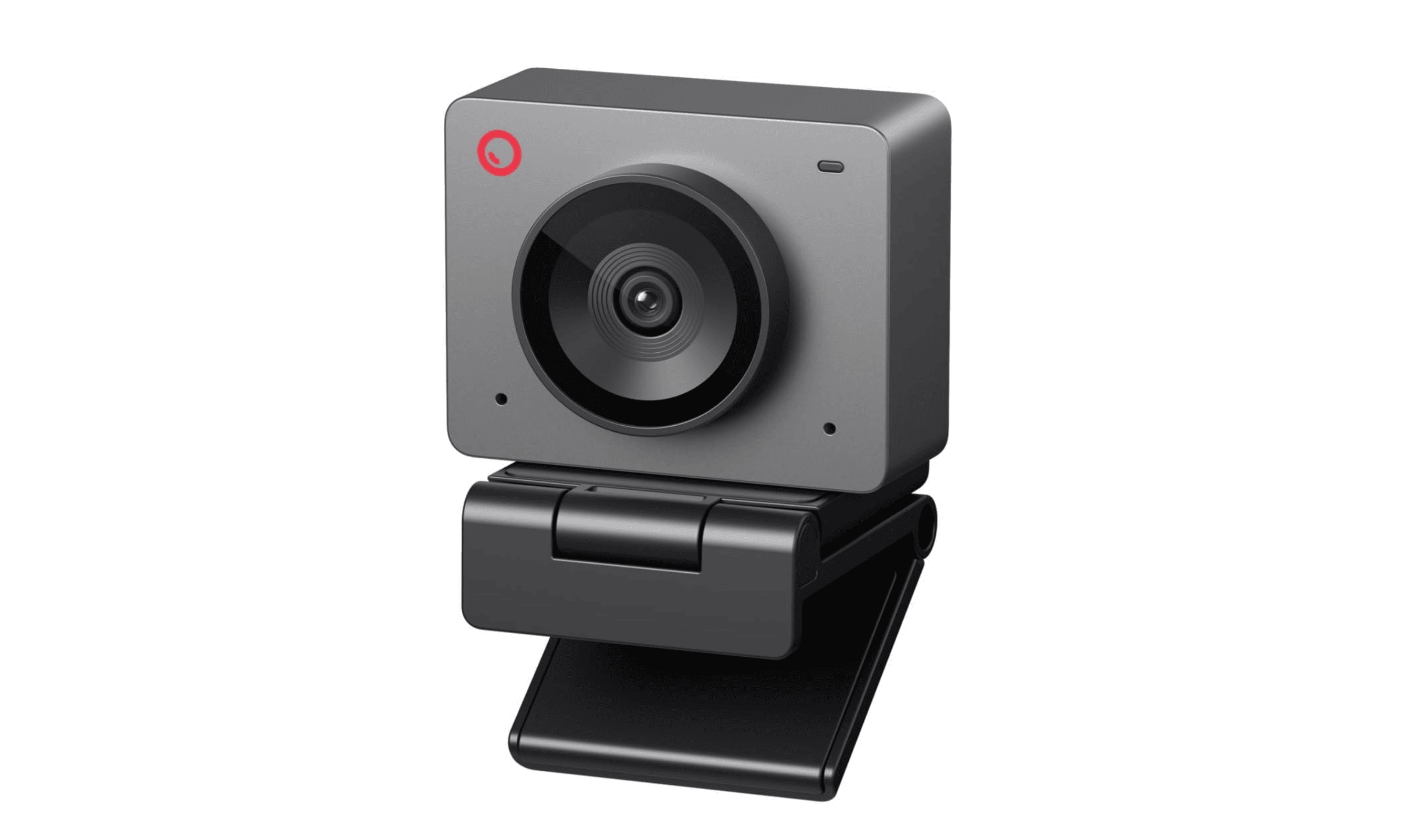
| Best overall | Obsbot Meet SE | Delivers exceptional 1080p quality at a reasonable price |
| Best value | Logitech C920s | Proven reliability that won't break the bank |
| Best for streaming | Razer Kiyo Pro Ultra | Offers the best image quality with a large sensor |
| Best AI tracking webcam | Obsbot Tiny 3 Lite | AI-powered tracking keeps you perfectly framed while you move |
| Best 4K option | Insta360 Link 2 | Combines 4K resolution with smart tracking features |
| Best for business use | Dell Pro Webcam | 2K QHD resolution (1440p) for sharper images |
| Also recommended | Elgato Facecam MK.2 | Great for streamers on a budget |
| Also recommended | Anker PowerConf C200 | Sharp 1440p for your home office |
How we chose
We evaluated webcams based on real-world performance in typical home office and streaming setups. Image quality in various lighting conditions was the primary focus, along with ease of use, build quality, and value for money. Each camera was assessed for video call clarity, color accuracy, and performance in challenging lighting situations.
The best webcams right now
Obsbot Meet SE - Best overall
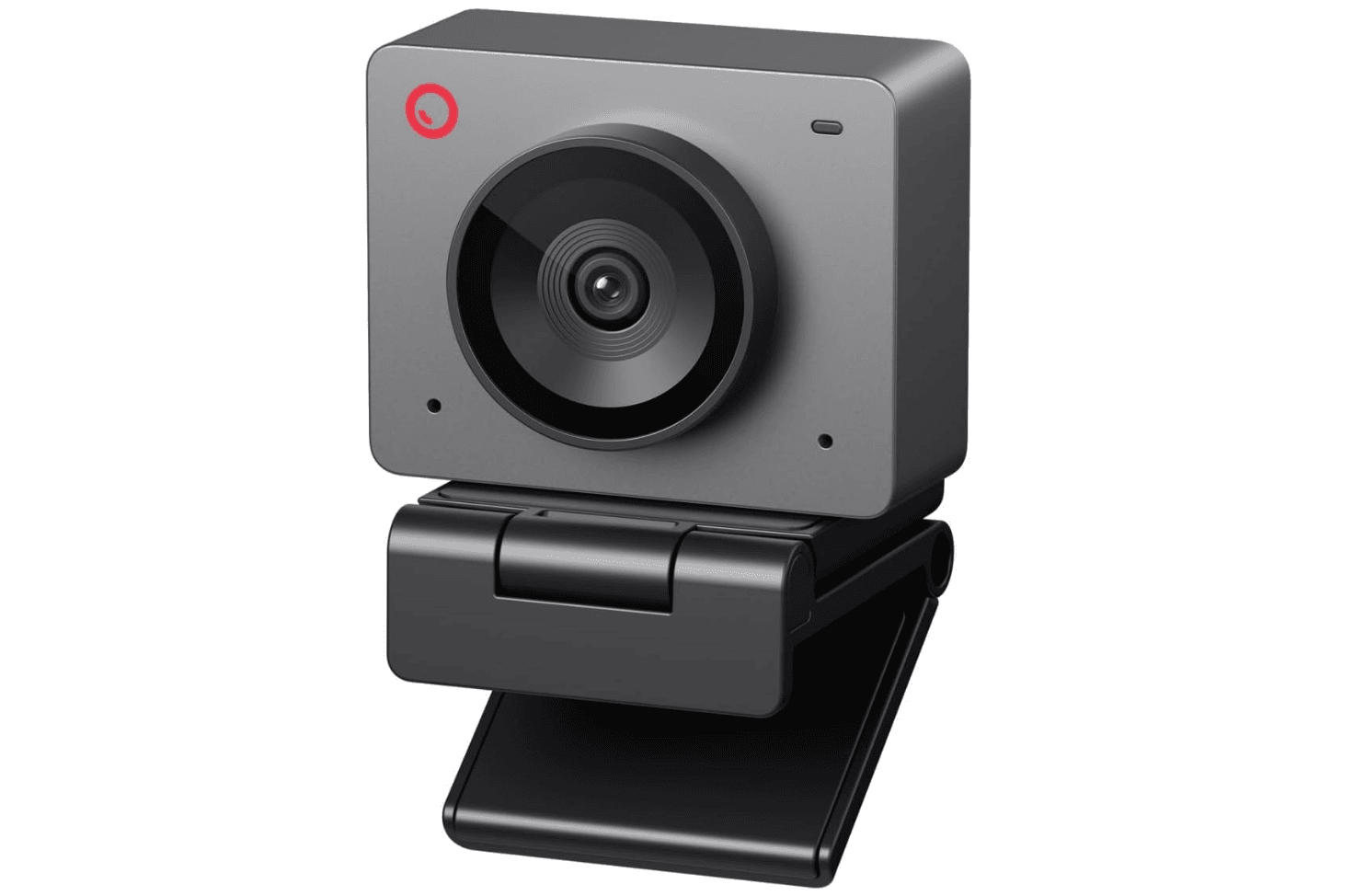
This 1080p webcam delivers exceptional image quality and features for its price, making it the top choice for most people who want to upgrade from their laptop camera without overspending.
Key highlights
- 1080p resolution at up to 100 frames per second
- Compact design with magnetic mounting
- Good performance in various lighting conditions
- Solid value proposition under $70
Pros
- Excellent image quality for the price
- Flexible mounting options
- Reliable performance in typical home office lighting
- Doesn't require complicated setup
Cons
- Limited to 1080p resolution
- Microphone quality is adequate but not exceptional
- Some users might prefer a physical privacy shutter
Who it is for: Anyone looking to significantly improve their video call appearance without spending a lot of money.
Skip if
You need 4K resolution or advanced streaming features.
Logitech C920s - Best value
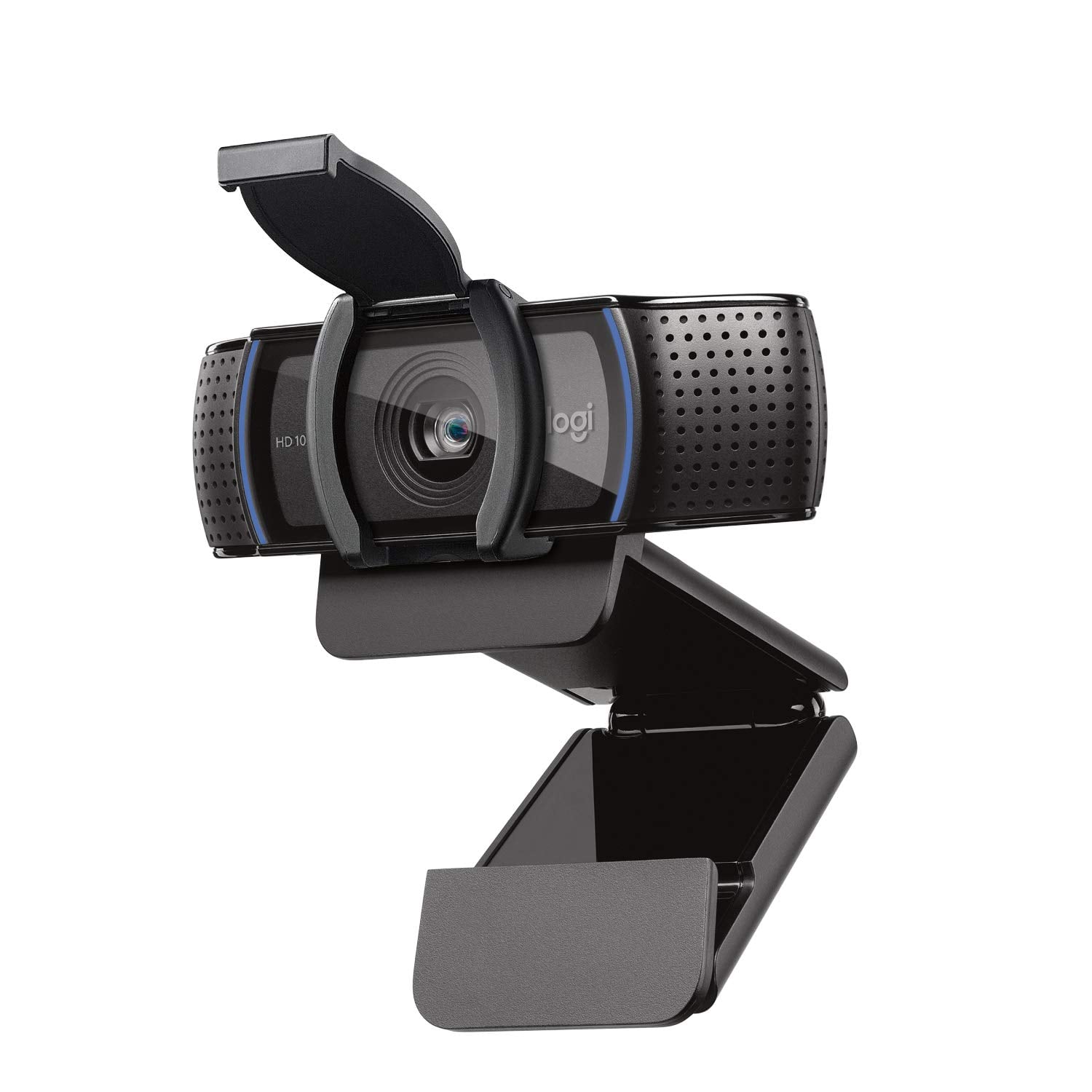
The C920s remains a reliable workhorse that delivers consistent 1080p video quality at an accessible price point, making it the smart choice for budget-conscious buyers.
Key highlights
- 1080p resolution at 30 frames per second
- Built-in privacy shutter
- Proven reliability over many years
- Works with most video conferencing software
Pros
- Extremely reliable performance
- Physical privacy shutter for security
- Wide compatibility with different systems
- Frequently available at discounted prices
Cons
- Starting to show its age compared to newer models
- Limited to 1080p resolution
- Auto-focus can be slower than newer cameras
Who it is for: People who want a no-fuss webcam that just works for daily video calls.
Skip if
You need the latest features or higher resolution than 1080p.
Razer Kiyo Pro Ultra - Best for streaming
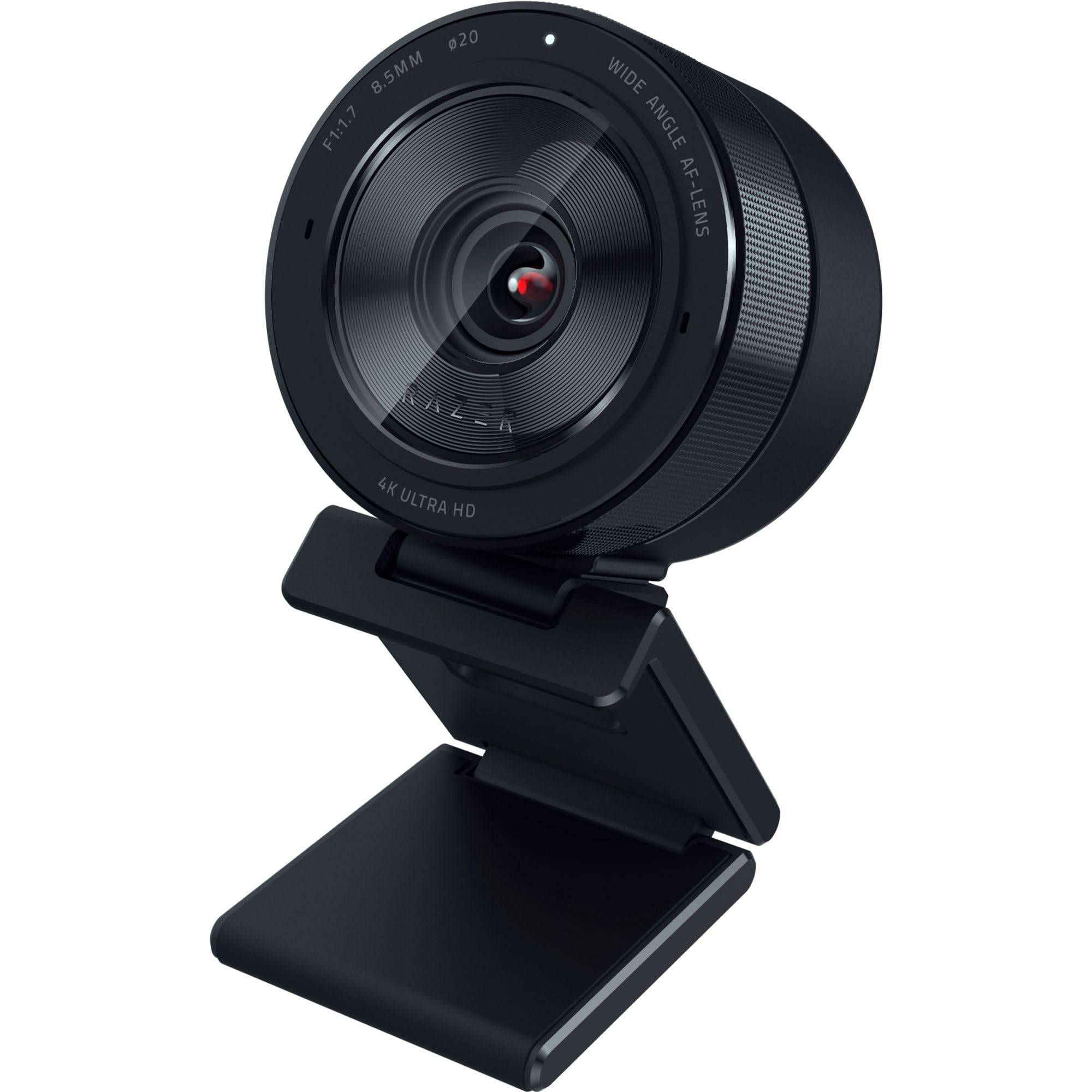
With one of the largest sensors available in a webcam, the Kiyo Pro Ultra delivers exceptional image quality that streamers and content creators will appreciate.
Key highlights
- Large 1/1.2-inch sensor for better low-light performance
- 4K resolution capability
- Wide dynamic range for challenging lighting
- Customizable settings through software
Pros
- Outstanding image quality, especially in low light
- Large sensor provides professional-looking results
- Good software customization options
- Solid build quality
Cons
- Expensive compared to other options
- Requires good lighting to see full benefits
- Software can be overwhelming for casual users
Who it is for: Serious streamers and content creators who prioritize image quality above all else.
Skip if
You're on a tight budget or only need basic video call functionality.
Insta360 Link 2 - Best 4K option
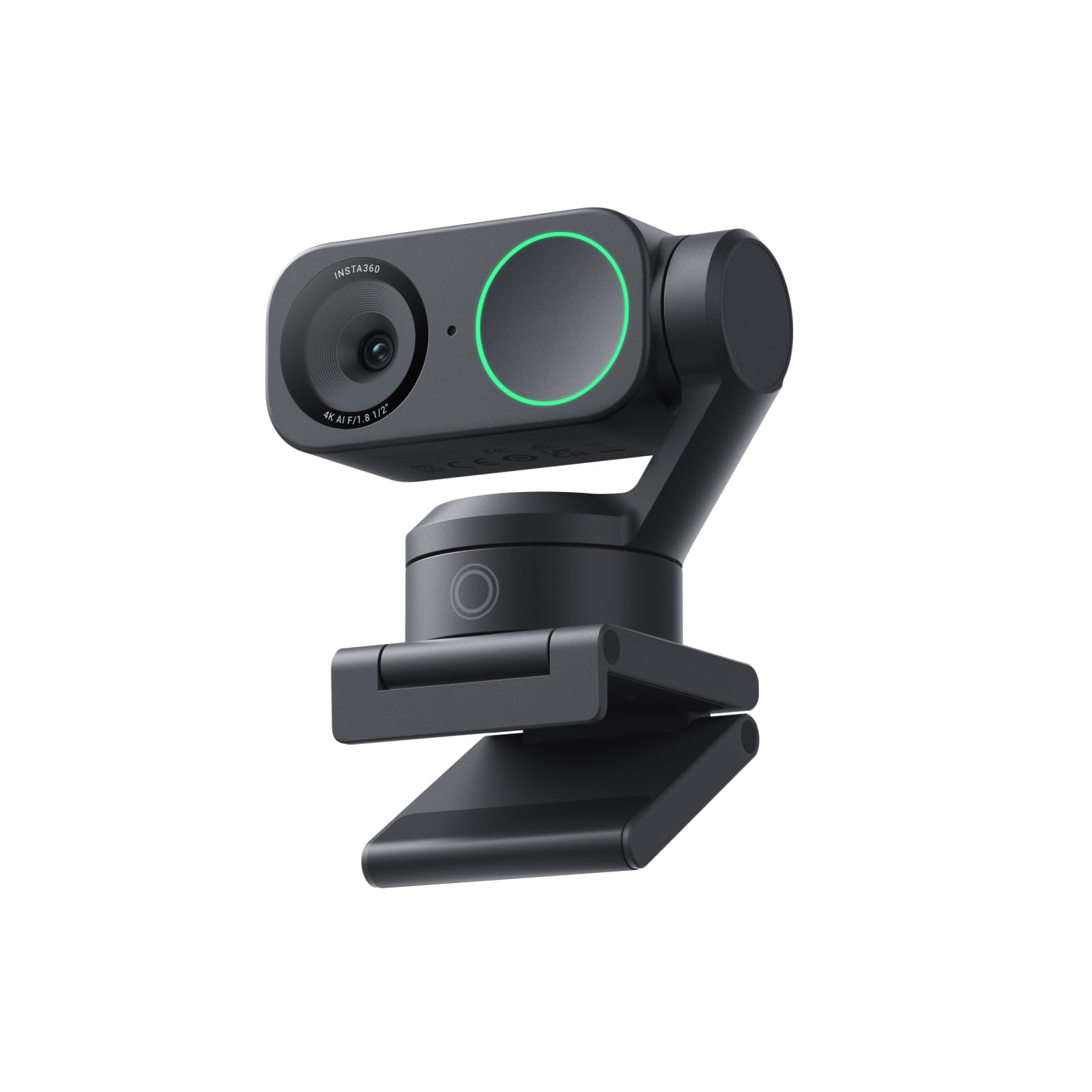
This premium webcam combines 4K resolution with intelligent tracking features, making it ideal for presentations and dynamic video calls.
Key highlights
- 4K resolution with 30 frames per second
- Dual-axis gimbal for smooth tracking
- AI-powered auto-framing and zoom
- Compact, well-built design
Pros
- Excellent 4K image quality
- Smart tracking keeps you centered in frame
- Flexible mounting options
- Good for presentations and whiteboard sessions
Cons
- Premium price point
- Tracking features require software setup
- May be overkill for simple video calls
Who it is for: Professionals who give frequent presentations or need advanced tracking features.
Skip if
You only need basic video call functionality or have a limited budget.
Obsbot Tiny 3 Lite - Best AI tracking webcam
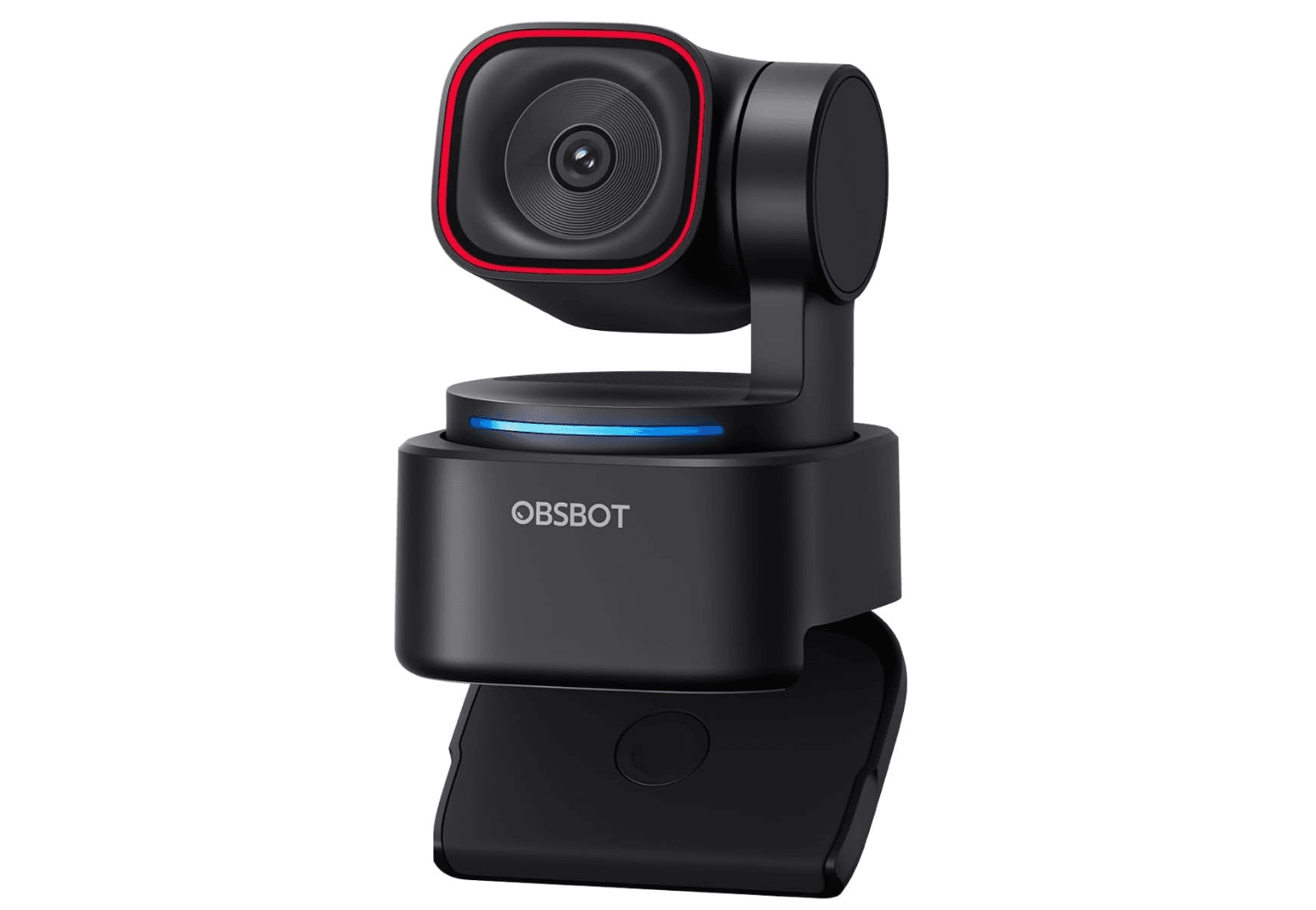
The Tiny 3 Lite is one of the smallest PTZ webcams available, packing AI-powered tracking, 4K resolution, and spatial audio into a compact body that can physically follow you as you move. It is ideal for streamers and presenters who need hands-free framing.
Key highlights
- 4K at 30fps or 1080p at 120fps for smooth motion
- Dual-axis PTZ gimbal with AI Tracking 2.0
- Tri-mic array with AI spatial audio and five audio modes
- Voice control, gesture control, and hand tracking
Pros
- AI tracking is precise and keeps you centered even when moving around
- Excellent built-in audio with spatial positioning and noise reduction
- Compact design that fits comfortably on a laptop display
- 1080p at 120fps option is great for high-motion streaming content
Cons
- At $199, it is pricier than fixed webcams with similar resolution
- The mount does not tilt, which can be an issue on narrow displays
- Sensor is smaller (1/2") than premium fixed webcams like the Razer Kiyo Pro Ultra
Who it is for: Streamers, presenters, and content creators who move around and need the camera to follow them automatically.
Skip if
You sit still at your desk and just need great image quality for video calls.
Dell Pro Webcam - Best for business use
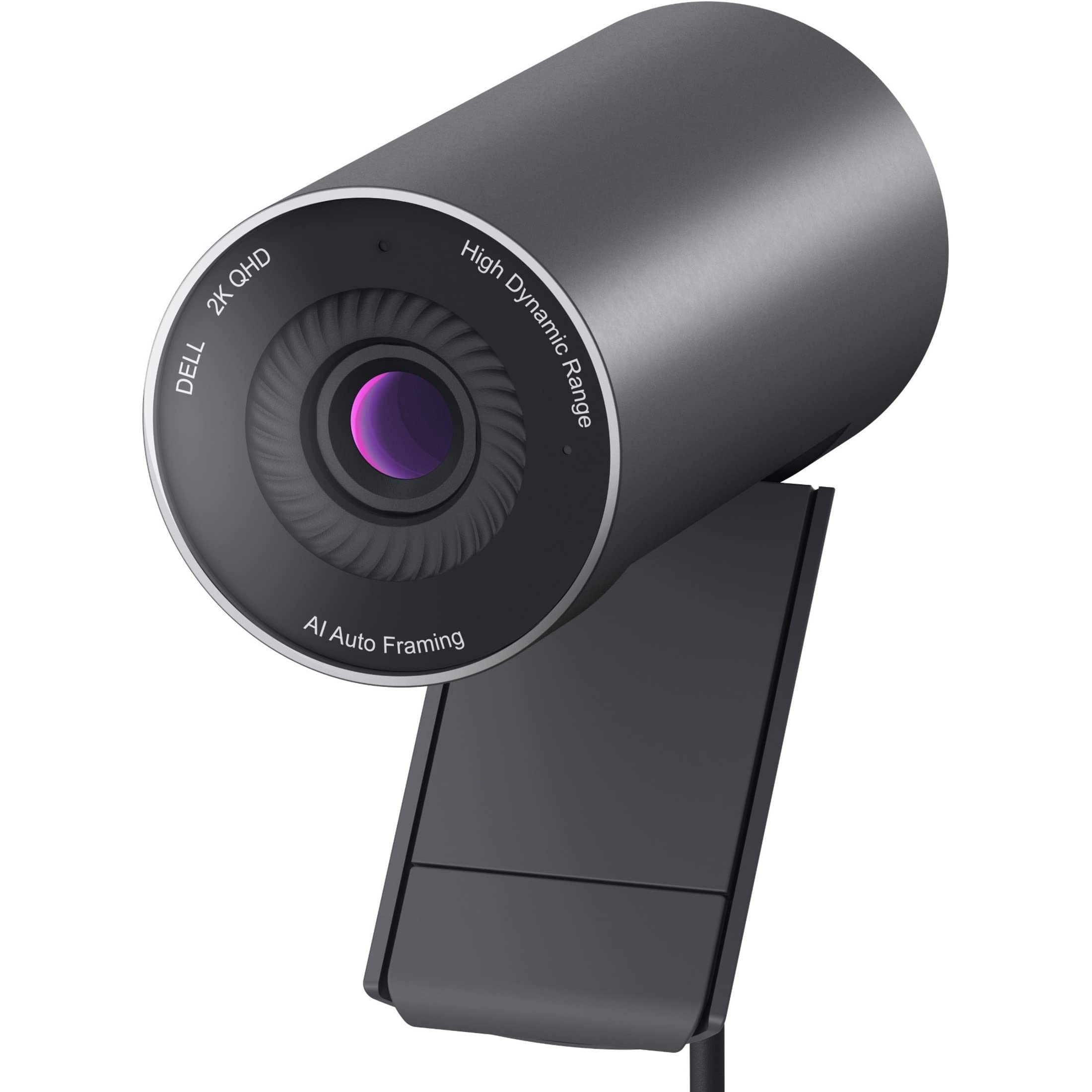
The Dell Pro Webcam offers a balanced combination of 2K QHD resolution, good audio quality, and business-friendly features at a reasonable price.
Key highlights
- 2K QHD resolution (1440p) for sharper images
- Good built-in microphone quality
- Windows Hello facial recognition support
- Solid construction with premium feel
Pros
- Sharp 2K QHD video quality
- Clear audio from built-in microphones
- Windows Hello integration for security
- Professional appearance
Cons
- Auto-focus can be sluggish
- Slightly noisier video than expected for the resolution
- Limited to 2K QHD, not 4K
Who it is for: Business users who want better than 1080p quality without paying 4K prices.
Skip if
You need 4K resolution or the absolute best low-light performance.
Also Good
- Elgato Facecam MK.2- great for streamers on a budget.
- Anker PowerConf C200 - sharp 1440p for your home office.
How to Choose
Consider these factors when selecting your webcam:
Resolution matters, but so does lighting: 1080p is sufficient for most video calls, but good lighting makes more difference than resolution alone. If you regularly present slides or whiteboards, consider 2K or 4K for the extra detail when zooming.
Think about your environment: Low-light performance varies significantly between webcams. Larger sensors generally handle challenging lighting better. If your home office has inconsistent lighting, prioritize cameras with good low-light capabilities.
Microphone quality varies: Most built-in webcam microphones are adequate for casual use, but serious streamers or professionals should consider a dedicated microphone. Check if the webcam has noise reduction features if you work in noisy environments.
Mounting and placement flexibility: Consider where you'll place the webcam and whether you need it to travel with you. Some models offer more flexible mounting options than others.
Software features add value: Auto-framing, background blur, and tracking features can be useful but often require proprietary software. Decide if these features are worth the potential setup complexity.
FAQ
Do I really need 4K for video calls?
No, 1080p is perfectly adequate for most video calls. The compression used by video conferencing software often negates the benefits of 4K resolution. However, 4K can be useful if you need to zoom in on details or create content for platforms that support higher resolutions.
How much should I spend on a webcam?
Good webcams start around $60-70, with excellent options available under $100. Premium features like 4K resolution, advanced tracking, or exceptional low-light performance typically cost $150-300. Avoid extremely cheap models (under $30) as they often deliver poor image quality.
Will a webcam work with my computer?
Most modern webcams use USB connections and work with Windows, macOS, and Chrome OS without special drivers. However, some advanced features may require proprietary software that's only available for certain operating systems.
Do I need a separate microphone?
For casual video calls, built-in webcam microphones are usually sufficient. If you record podcasts, stream regularly, or participate in important professional meetings, a dedicated microphone will provide significantly better audio quality.
How important is a privacy shutter?
A physical privacy shutter provides peace of mind by ensuring the camera is completely covered when not in use. While software solutions exist, a physical shutter is the most reliable way to guarantee privacy. Many modern webcams include this feature.
Published February 21, 2026 Last updated June 16, 2026
Share this article
More in News

AKG K 701 Ultra Reference Class Stereo discounted to $247.37
AKG K 701 headphones drop to $247.37 on Amazon, a 47% discount that sits below recent 30, 90, and 180-day average prices.
5 min read

Apple Watch SE 3 GPS 40mm Smartwatch discounted to $189.97
Save $59.03 on the Apple Watch SE 3 GPS 40mm at Amazon, matching its lowest recorded price with health and sleep tracking.
5 min read

Cleer Audio Enduro ANC Noise Canceling Headphones price drops to $94.99
Save 47% on Cleer Audio Enduro ANC headphones at $94.99, with 60-hour battery, active noise cancellation, and multipoint Bluetooth.
3 min read

Lenovo coupon codes and deals
Browse 5 current Lenovo offers, including 3 coupon codes and 2 online deals.
5 min read

Woot coupon codes and deals
3 min read

Samsung coupon codes and deals
5 min read

Best tech coupon codes and online deals
4 min read
ASUS ROG Zephyrus S Ultra Slim Gaming gets a $660.95 price cut to $1338.05
5 min read
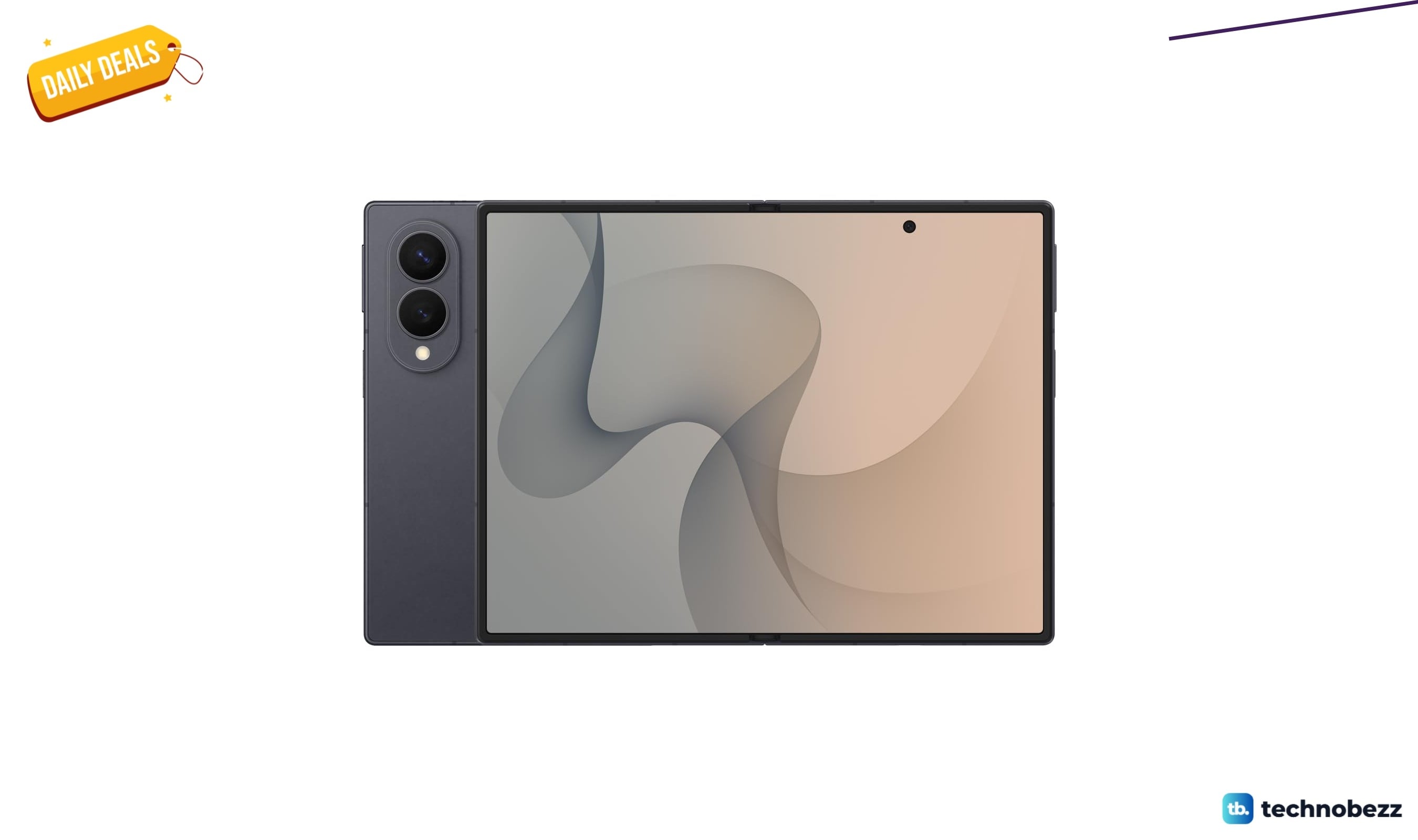
Samsung Galaxy Z Fold8 Unlocked Android Smartphone on sale for $1649.99
3 min read
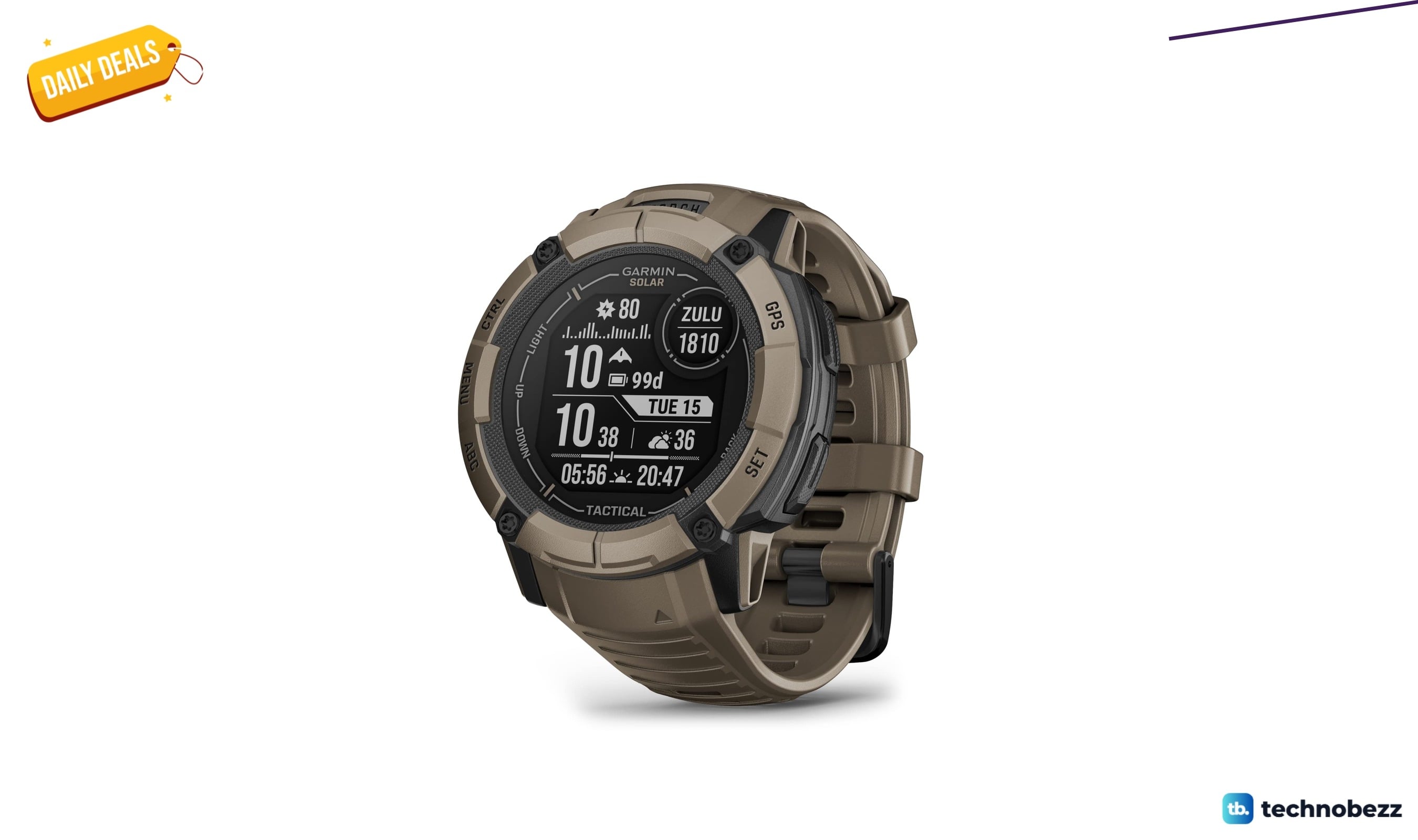
We found 2 smartwatch deals from $219.99 that are actually worth it
5 min read
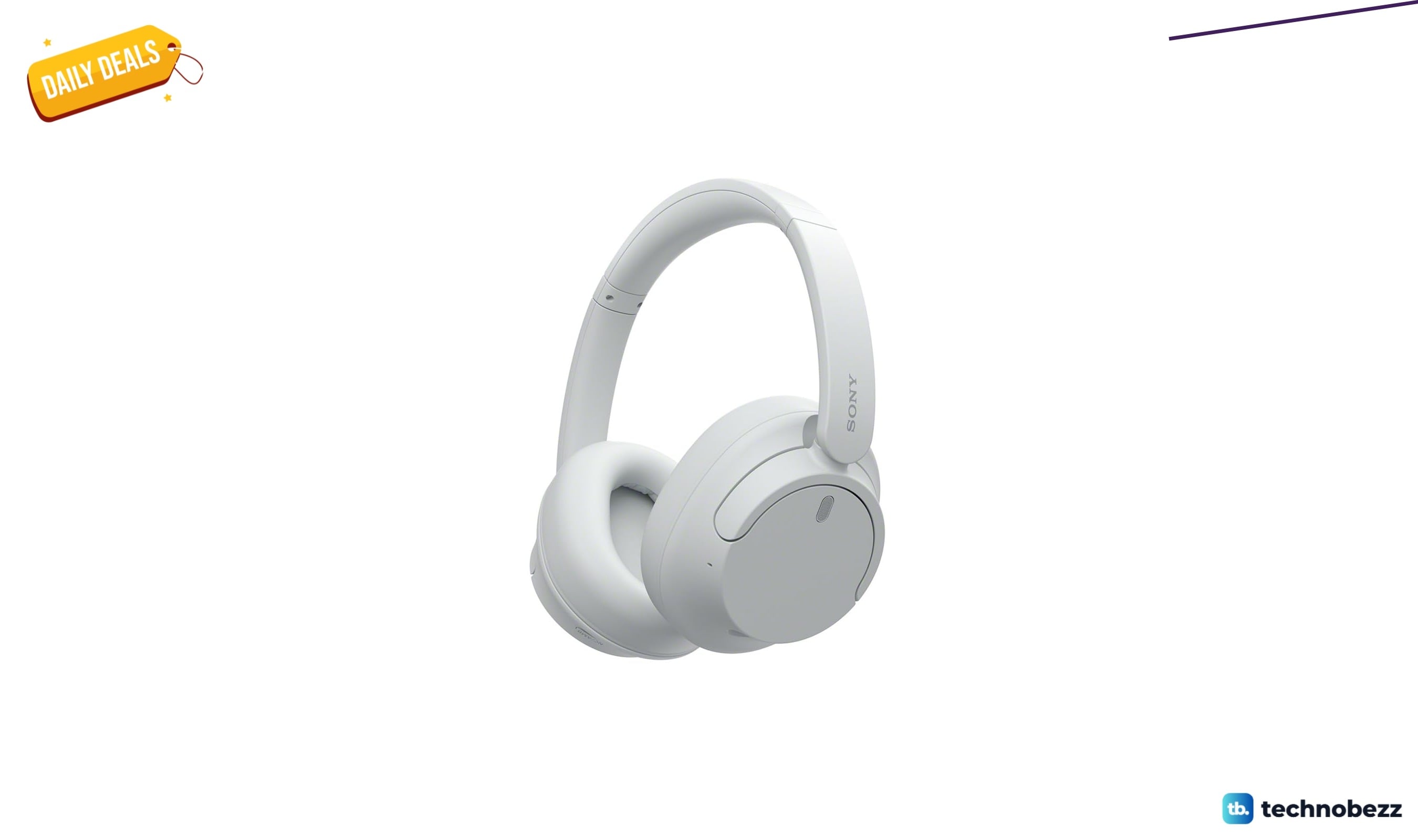
Sony WH-CH720 Noise Canceling Wireless Bluetooth Headphones now $87.94, down from $119.99
3 min read
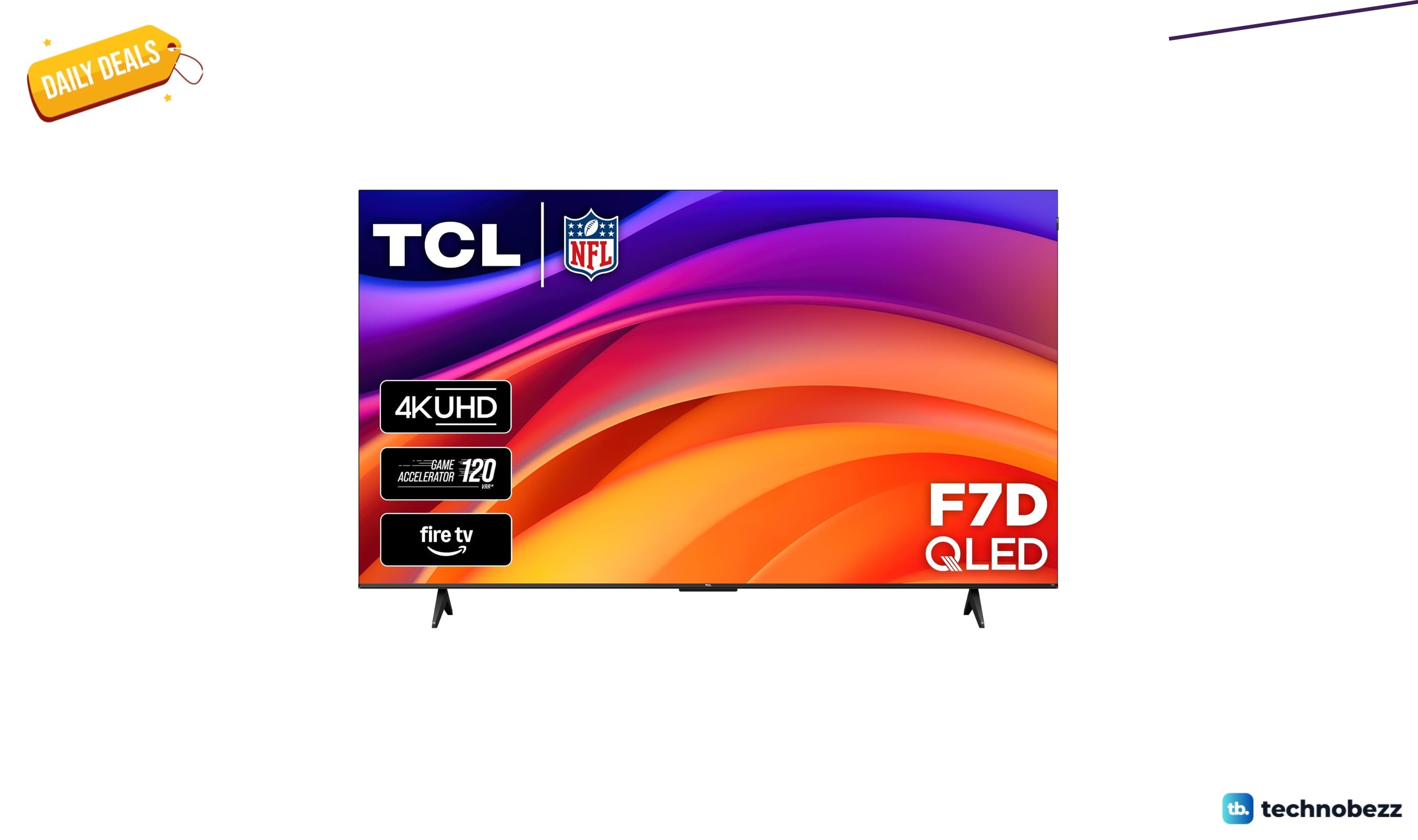
TCL 75-inch F7D QLED 4K TV leads 2 TV deals from $499.99
5 min read