The Canon PIXMA G620 delivers the best mix of vivid color, reliable vinyl handling, and low ink costs for most sticker makers. If you are starting out on a budget, the Epson EcoTank ET-2800 gives you 90 percent of the quality for half the price. This list covers inkjet printers for creative stickers, thermal printers for shipping labels, and all-in-one setups for small businesses.
Technobezz is supported by its audience. We may get a commission from retail offers.
6 Best Sticker Printers in 2026
The best sticker printers for crafters and shops in 2026, led by the Canon PIXMA G620, plus cartridge-free EcoTank value picks and thermal label options.
T
Technobezz
Senior Editor
Updated June 16, 2026Jun 16, 2026
•9 min read

Get Deals Like These in Your Inbox
The best prices, reviewed weekly.
At a Glance
| Category | Product | Why We Picked It |
|---|---|---|
| Best overall | Canon PIXMA G620 | Rear feed handles thick vinyl and colors rival photo labs |
| Best value | Epson EcoTank ET-2800 | Cartridge-free printing that saves you hundreds on ink |
| Best for artists | Canon PIXMA Pro-200S | 8-color system that reproduces artwork with gallery quality |
| Best for Cricut | Epson EcoTank ET-4800 | Consistent registration marks for Print Then Cut projects |
| Best for shipping | Rollo X1040 | Thermal printer that eliminates ink costs for labels |
| Best all-in-one | Liene PixCut S1 Creator | All-in-one print, cut, and laminate system for instant waterproof stickers |
| Also recommended | Epson EcoTank ET-3950 | High-volume EcoTank with PrecisionCore Heat-Free technology, auto document feeder, 250-sheet tray, and 18 ppm for busy sticker businesses |
How we chose and tested
We evaluated printers based on print quality on glossy and matte sticker paper, vinyl handling, ink costs over time, reliability with thick media, and compatibility with cutting machines like Cricut. Our assessment prioritizes models that balance upfront price with long-term operating costs, since ink expenses add up fast for anyone printing stickers regularly. We looked at resolution specs, paper path design (rear feed is preferred), ink system type, and real-world performance across more than a dozen sticker paper brands and material types.
The best sticker printers right now
Canon PIXMA G620 - Best overall
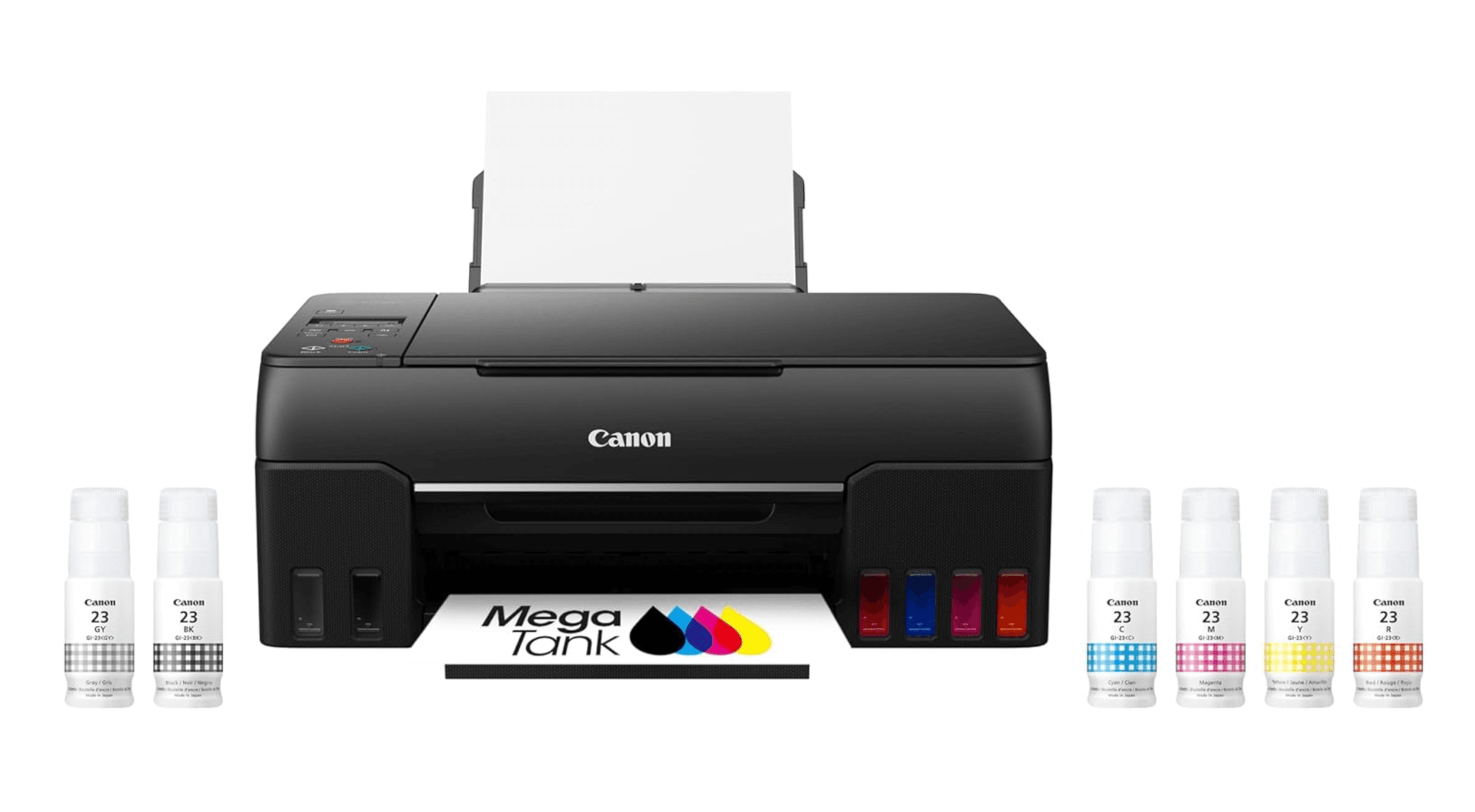
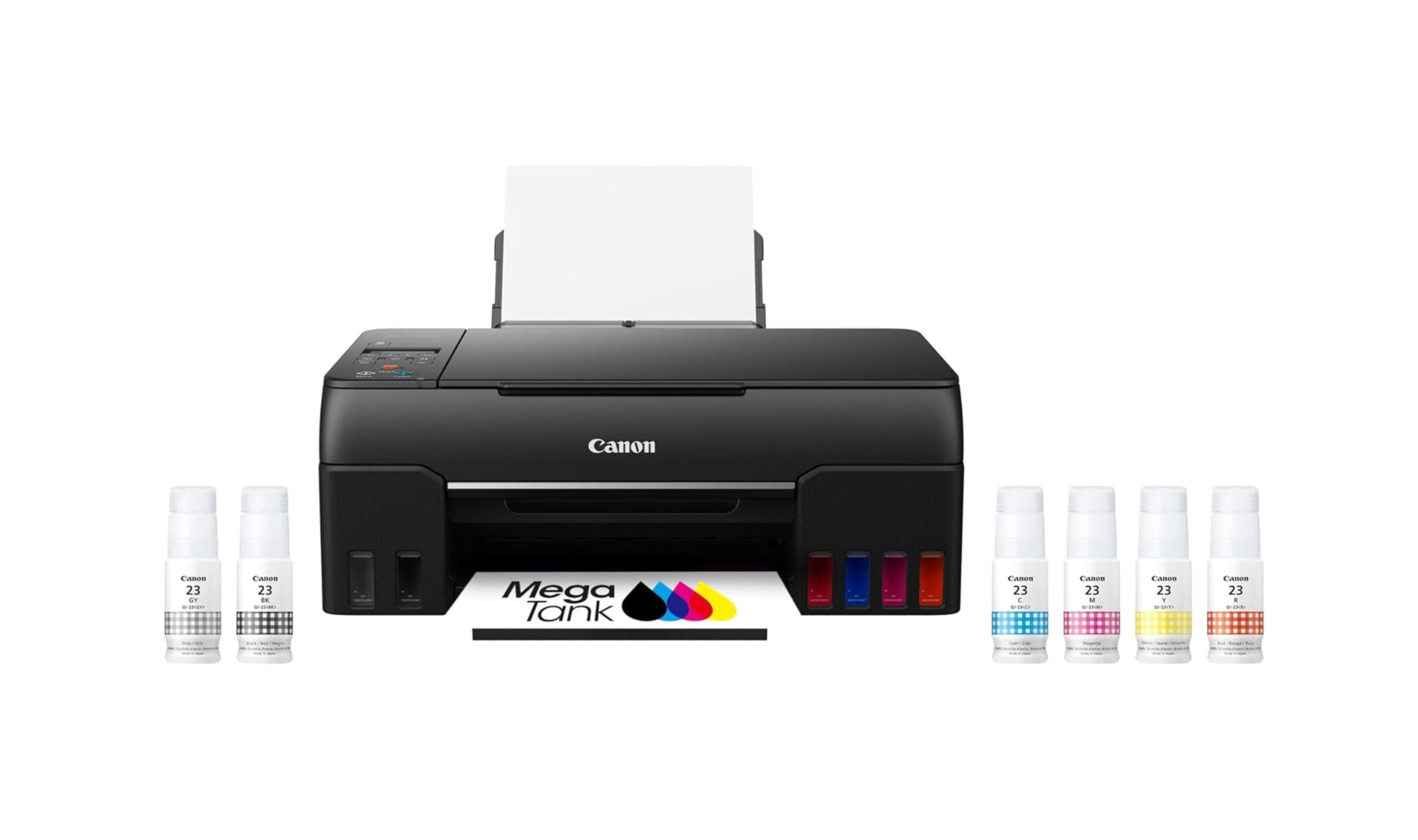
This MegaTank printer produces photo-lab quality stickers with accurate color matching that matters for skin tones and brand logos. The rear feed tray handles thick printable vinyl without jamming, and the refillable ink system keeps per-sheet costs low enough for regular production.
Key highlights
- 6-color dye-based ink system with red and gray photo inks for smooth gradients
- Rear paper feed that prevents curling and Cricut alignment failures
- Prints up to 8.5 x 14 inches (borderless up to 8.5 x 11 inches)
- Up to 3,800 color 4×6 photos per full ink bottle set
Pros
- Excellent print quality on glossy and matte sticker vinyl
- Low running costs with refillable ink tanks
- Reliable paper handling with thick materials
- Prints crisp registration marks for Cricut Print Then Cut
Cons
- Setup process takes longer than cartridge printers
- LCD screen is small and lacks backlighting
- Print speed is moderate for full-coverage designs
Who it is for: Crafters and small business owners who want professional-quality stickers without recurring cartridge expenses. It is especially good for Cricut users who need consistent alignment.
Skip if
You only print a few sticker sheets a month. A cartridge printer may be cheaper upfront for very light use.
Epson EcoTank ET-2800 - Best value
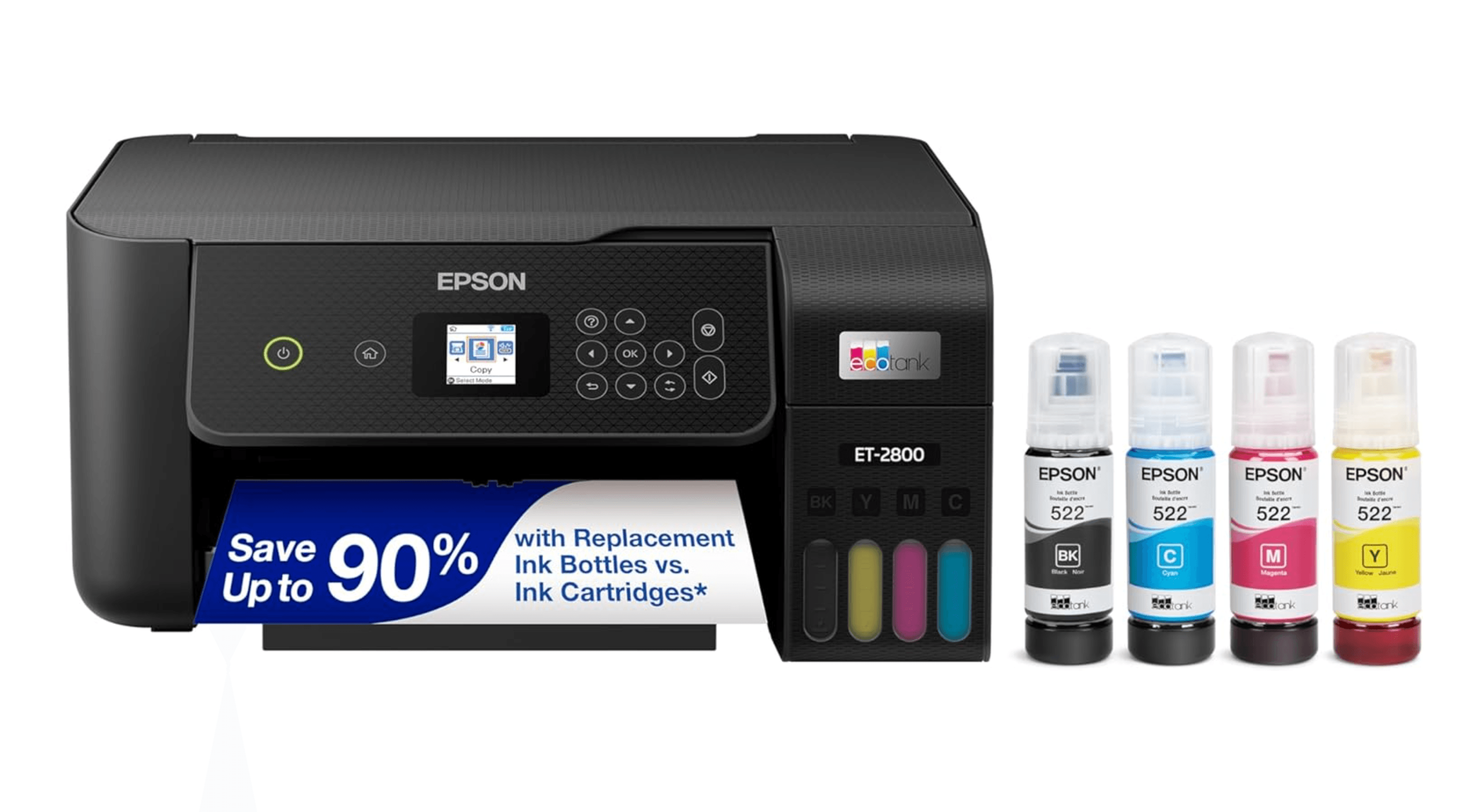
The ET-2800 is the most affordable entry point into cartridge-free sticker printing. It uses refillable ink bottles that drop per-page costs to pennies, and the 5760 x 1440 dpi resolution produces sharp details that hold up well for die-cut and kiss-cut stickers.
Key highlights
- Refillable ink tanks with enough ink included for up to two years
- 5760 x 1440 dpi resolution for crisp text and graphics
- Compact size fits small craft rooms and home offices
- Wireless printing with the Epson Smart Panel app
- Rear feed tray handles thicker sticker materials better than front loaders
Pros
- Extremely low ink costs compared to cartridge printers
- Simple setup with QR code and mobile app
- Good print quality for the price point
- Compact and lightweight
Cons
- No automatic double-sided printing
- Photo quality is good but not professional grade
- Slower print speeds than higher-end models
Who it is for: Beginners testing the sticker market, hobbyists, and anyone who wants ink costs that do not eat into their budget. It is the safest entry point with minimal financial risk.
Skip if
You need gallery-quality color reproduction for art prints or photo stickers. The 4-color system shows banding in shadow areas on fine art designs.
Canon PIXMA Pro-200S - Best for artists
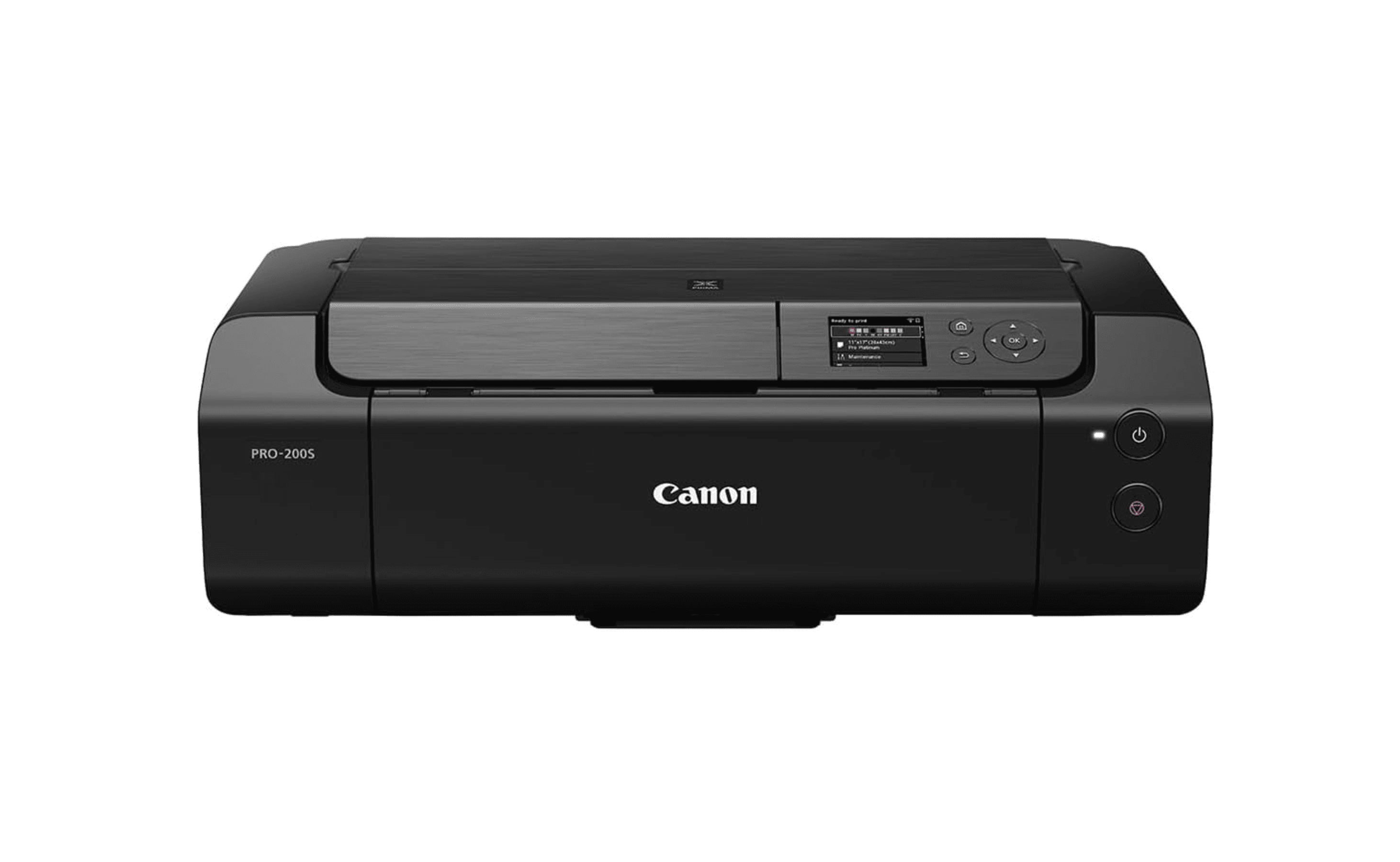
The PRO-200S uses an 8-color dye-based ink system that reproduces a wider color gamut than standard 4-color printers. It prints borderless up to 13 x 19 inches, letting you fit more stickers per sheet for efficient batch production.
Key highlights
- 8-color ink system for smooth gradients and accurate Pantone reproduction
- Prints up to 13 x 19 inches (A3+) for large sticker sheets
- ChromaLife 100+ ink system resists fading
- Wireless and AirPrint compatible
- Dedicated rear feed for thick media up to 0.6mm
Pros
- Superior color accuracy for artwork and photo stickers
- Large format capability maximizes sticker yield per sheet
- Consistent print quality that justifies premium pricing
- Good support for glossy and matte specialty papers
Cons
- Higher ink costs than tank-based systems
- Dye inks are less water-resistant than pigment alternatives
- No scanner or copier functions
Who it is for: Professional artists, Etsy sellers offering premium sticker packs, and anyone who needs museum-quality color reproduction that commands higher prices.
Skip if
You print in high volume and need low per-sheet costs. The ink expenses add up fast compared to EcoTank or MegaTank models.
Epson EcoTank ET-4800 - Best for Cricut
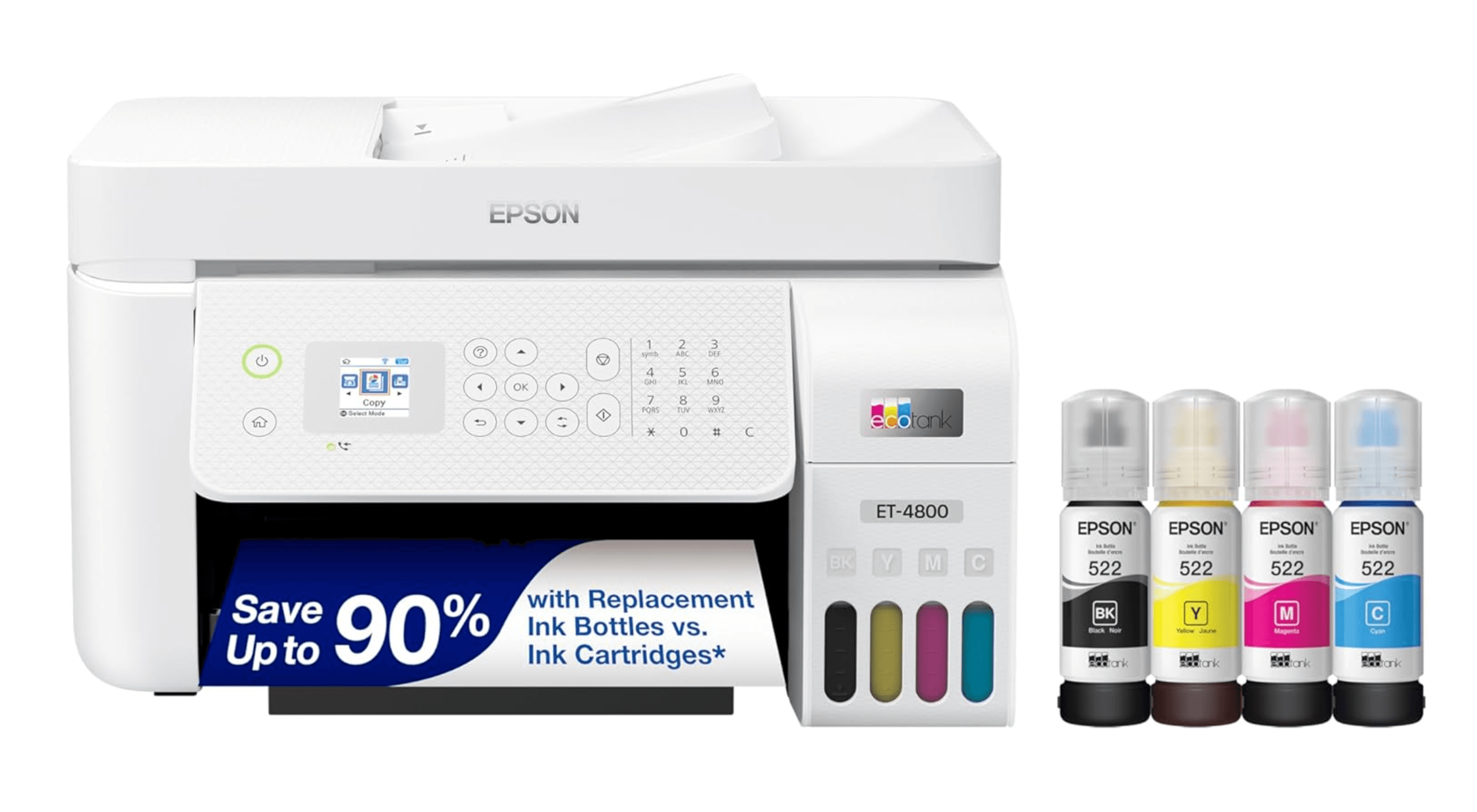
The ET-4800 consistently prints crisp colors and clear registration marks that Cricut machines read accurately for Print Then Cut projects. The rear loading design accommodates thicker sticker materials that front-loading printers tend to jam.
Key highlights
- Rear paper feed handles 12 mil printable vinyl and thicker stocks
- 5760 x 1440 dpi resolution for detailed designs
- All-in-one with scanner, copier, and fax
- Compact footprint fits small craft spaces
- Ethernet and wireless connectivity
Pros
- Reliable registration mark printing for Cricut
- Handles thick and specialty materials well
- Scanner is useful for digitizing hand-drawn designs
- Low ink costs with refillable EcoTank system
Cons
- Setup can be lengthy
- Some users report occasional paper feed issues
- No automatic double-sided printing
- Small LCD without backlight
Who it is for: Cricut and Silhouette users who need a printer that pairs well with Print Then Cut, and crafters who want an all-in-one for scanning hand-drawn artwork.
Skip if
You work entirely with digital designs and do not need scanner or fax functions. A single-function printer may save you money.
Rollo X1040 - Best for shipping labels
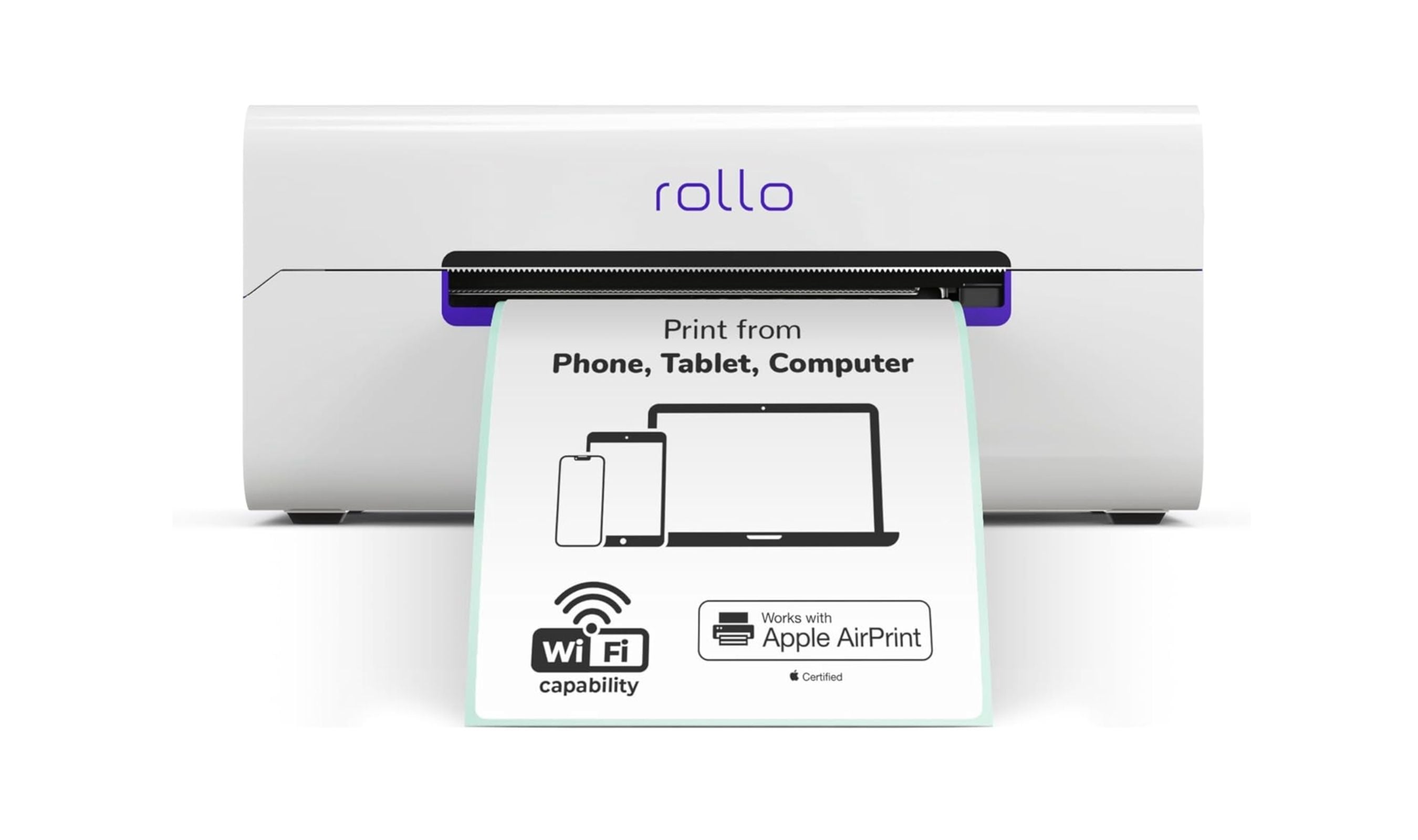
The Rollo X1040 uses thermal printing technology that requires no ink or toner, making it the most cost-effective option for high-volume label printing. It prints 4 x 6 inch shipping labels and integrates with major shipping platforms.
Key highlights
- No ink or toner needed, thermal direct technology
- Prints up to 4 x 6 inch shipping labels
- Wireless WiFi/AirPrint and USB connectivity
- Compatible with Amazon, Shopify, Etsy, eBay, and shipping carriers
- Works with label rolls from most manufacturers
Pros
- Zero ink costs after purchase
- Fast print speed for batch shipping
- Compact design fits small workspaces
- Integrates with major e-commerce platforms
Cons
- Black and white output only
- Limited to label and shipping applications
- Initial setup can be tricky for some users
Who it is for: Etsy sellers, small businesses shipping 50 or more packages per month, and anyone who wants to eliminate ink costs for label printing.
Skip if
You need full-color stickers or creative prints. This printer does one thing (labels) and does it well, but it cannot replace an inkjet for colorful designs.
Liene PixCut S1 Creator - Best all-in-one sticker system
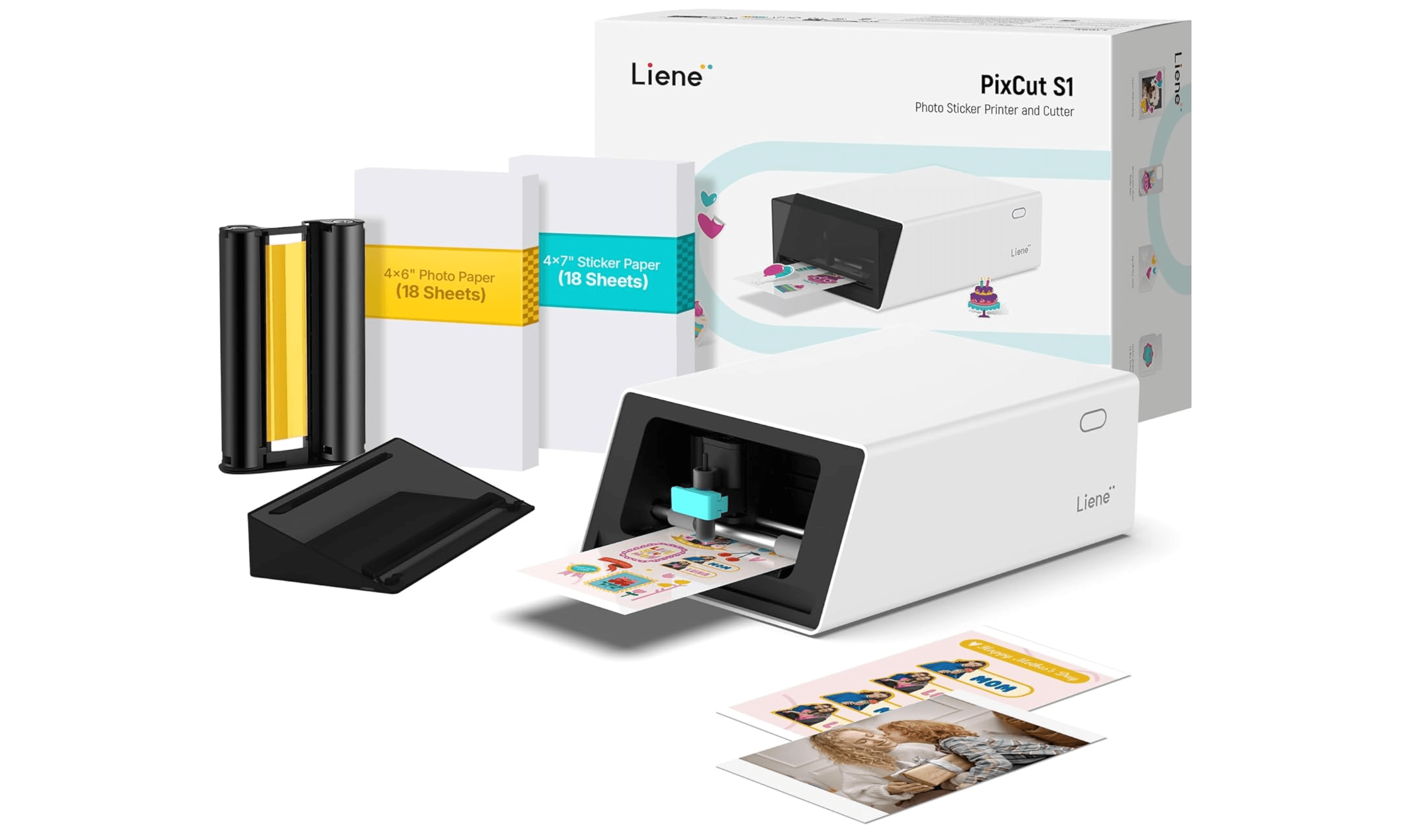
The PixCut S1 combines printing, cutting, and lamination in a single device. It uses thermal dye-sublimation technology that produces waterproof, smudge-proof stickers ready to use immediately, with no drying time needed.
Key highlights
- All-in-one print, cut, and laminate system
- AI-powered auto-cutting detects and cuts around designs
- Thermal dye-sublimation for waterproof, scratch-resistant output
- Bluetooth connectivity with mobile app control
- Prints in under 2 minutes per sheet
Pros
- No separate cutting machine needed
- Waterproof stickers right out of the printer
- Easy-to-peel backing with no adhesive residue
- Beginner-friendly app interface
Cons
- Max print size is approximately 4 x 7 inches
- Only works with Liene proprietary paper
- App is mobile-only with no desktop version
- Adhesive strength is weaker on textured surfaces
Who it is for: Casual crafters, journaling enthusiasts, and anyone who wants a simple all-in-one solution without learning separate software for cutting.
Skip if
You need large format stickers, want to use third-party materials, or require photo-quality color depth that only inkjet can deliver.
Also Good
- Epson EcoTank ET-3950 - high-volume EcoTank all-in-one with PrecisionCore Heat-Free technology, auto document feeder, 250-sheet tray, and 18 ppm; best for established sticker businesses.
How to Choose
- Ink system matters more than the printer price. An EcoTank printer will save you significantly over a standard cartridge printer within months of regular sticker making. Calculate your expected monthly volume and choose a tank system if you print more than 50 sheets a month.
- Rear feed trays prevent jams. Sticker paper is thicker than regular paper, and front-loading printers bend it sharply during feeding. Look for a model with a straight-through rear paper path to avoid constant misfeeds and wasted sheets.
- Ink type affects durability. Dye-based inks produce vibrant colors but fade faster and are less water-resistant. Pigment-based inks cost more but hold up better for product labels and outdoor stickers. If you plan to laminate, dye-based is fine. If you skip lamination, pigment saves you headaches.
- Resolution matters for small details. For stickers with fine text, barcodes, or intricate line art, look for at least 4800 x 1200 dpi. Standard 4-color systems work well for most designs, but 6-color or 8-color systems make a visible difference on gradients and skin tones.
- Matching printer to cutting machine matters. Cricut Print Then Cut relies on registration marks that some printers print inconsistently. Models with rear feed trays and pigment black ink tend to produce cleaner marks that cutting machines read reliably.
FAQ
Can I print stickers with any inkjet printer?
Technically yes, but results vary. Standard office printers often jam on thick sticker paper, produce faded colors, and struggle with glossy surfaces. A printer designed for sticker work with a rear feed tray and good color handling will save you frustration and wasted materials.
Is inkjet or laser better for stickers?
Inkjet is better for most sticker applications. Inkjet printers produce richer colors, handle glossy and vinyl materials well, and work with a wider range of sticker papers. Laser printers can melt the adhesive on vinyl sheets due to heat, making them risky for anything beyond basic paper labels.
What is the difference between dye and pigment ink for stickers?
Dye ink produces more vibrant colors but is less water-resistant and fades faster in sunlight. Pigment ink is more durable and water-resistant but colors can be slightly less punchy. For indoor stickers that you laminate, dye is fine. For product labels or outdoor use, pigment is the safer choice.
How much does it cost per sheet to print stickers at home?
With a tank-based printer like the Epson EcoTank or Canon MegaTank, ink costs per full-color sticker sheet are a fraction of what cartridge printers charge. Add the cost of sticker paper, and each sheet remains very affordable. Cartridge printers cost significantly more per sheet just for ink, which adds up quickly at any volume.
Do I need a separate cutting machine like Cricut to make stickers?
Yes, unless you buy an all-in-one system like the Liene PixCut S1 that prints and cuts in one step. Standard printers only print the design. You need scissors, a craft cutter, or a Cricut/Silhouette to cut individual stickers from the printed sheet.
Published May 18, 2026 Last updated June 16, 2026
Share this article
More in News
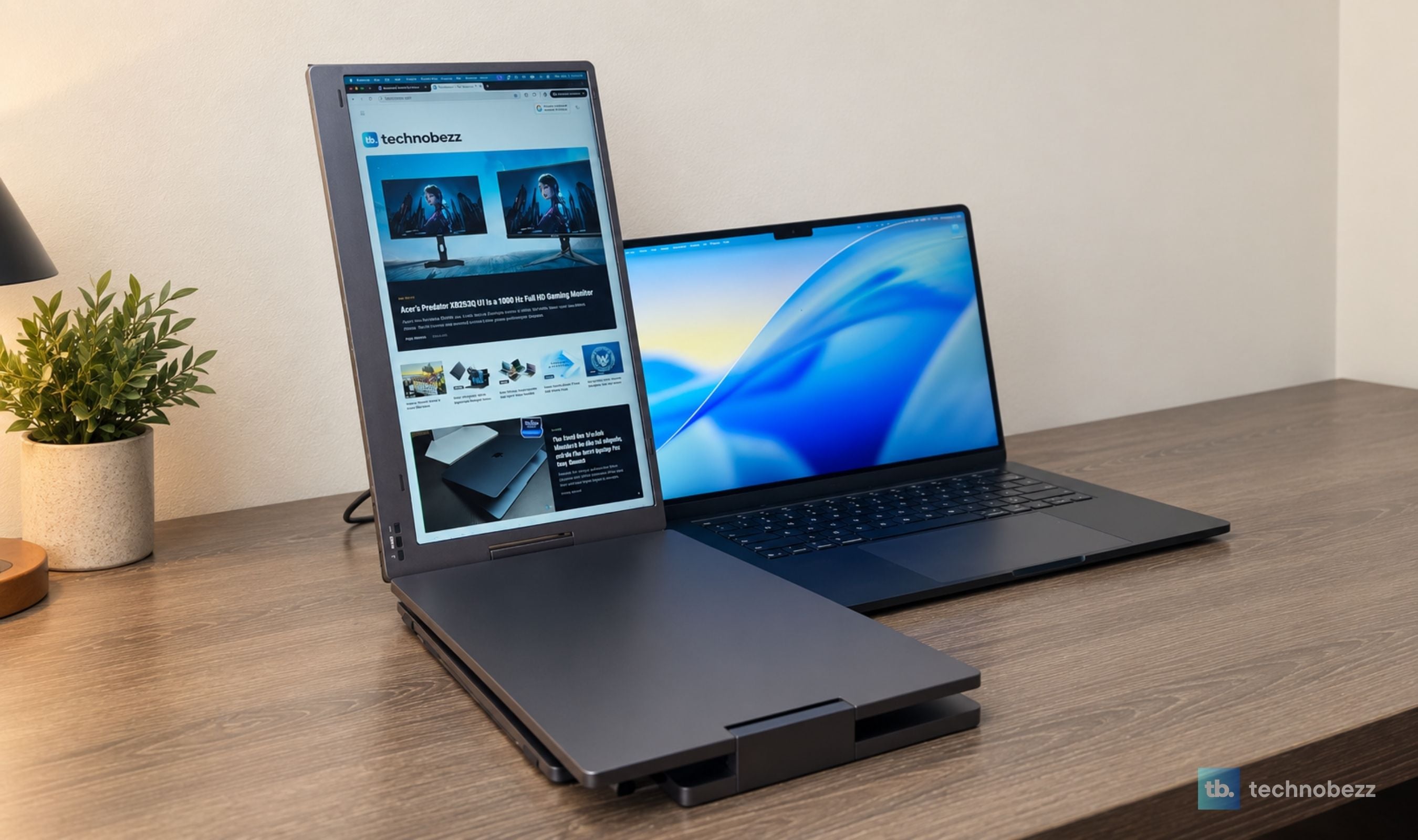
KYY X90D Review, Two Extra Screens From One USB-C Cable
The KYY X90D turned our 15-inch M5 MacBook Air into a stable three-screen workstation in less than five minutes, with one USB-C cable running both added displays.
3 min read
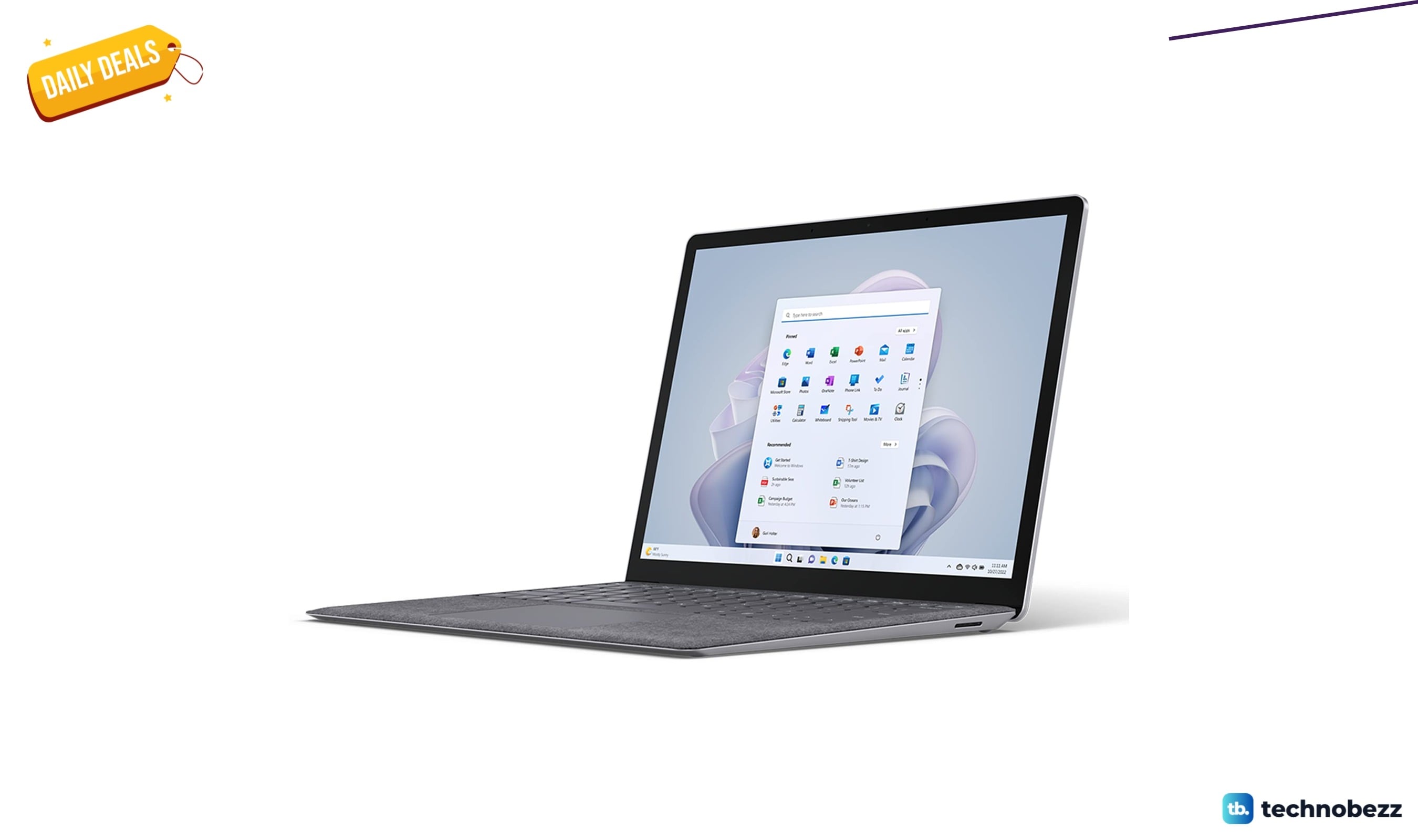
Microsoft Surface 5 on sale for $854.15
Microsoft Surface Laptop 5 drops to $854.15 a $144.85 discount below its $999 list price and recent average.
4 min read
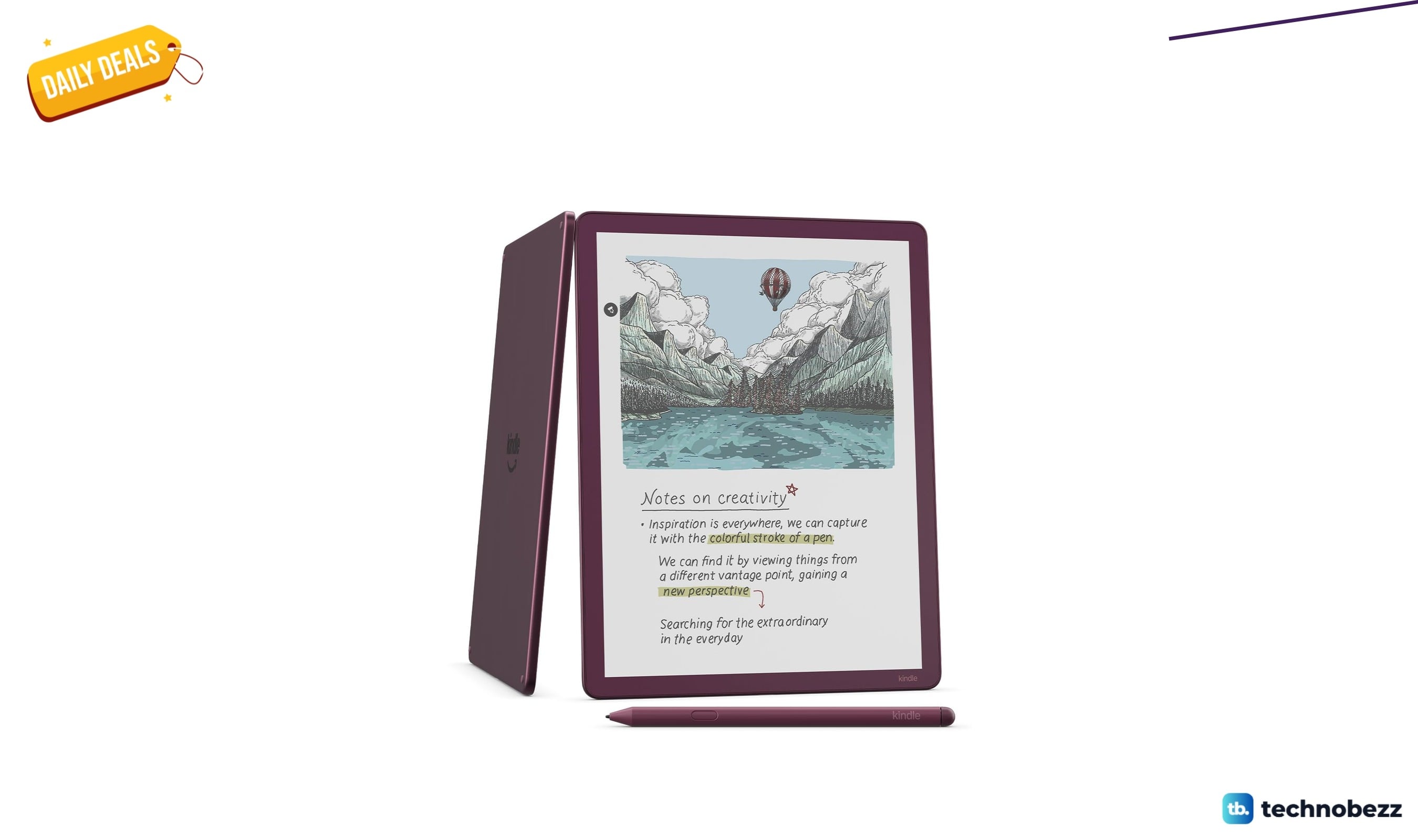
Amazon Kindle Scribe Colorsoft paper-like color display gets a $136 price cut to $543.99
Amazon's Kindle Scribe Colorsoft hits its lowest price ever at $543.99, saving you $136 on the paper-like color display.
3 min read
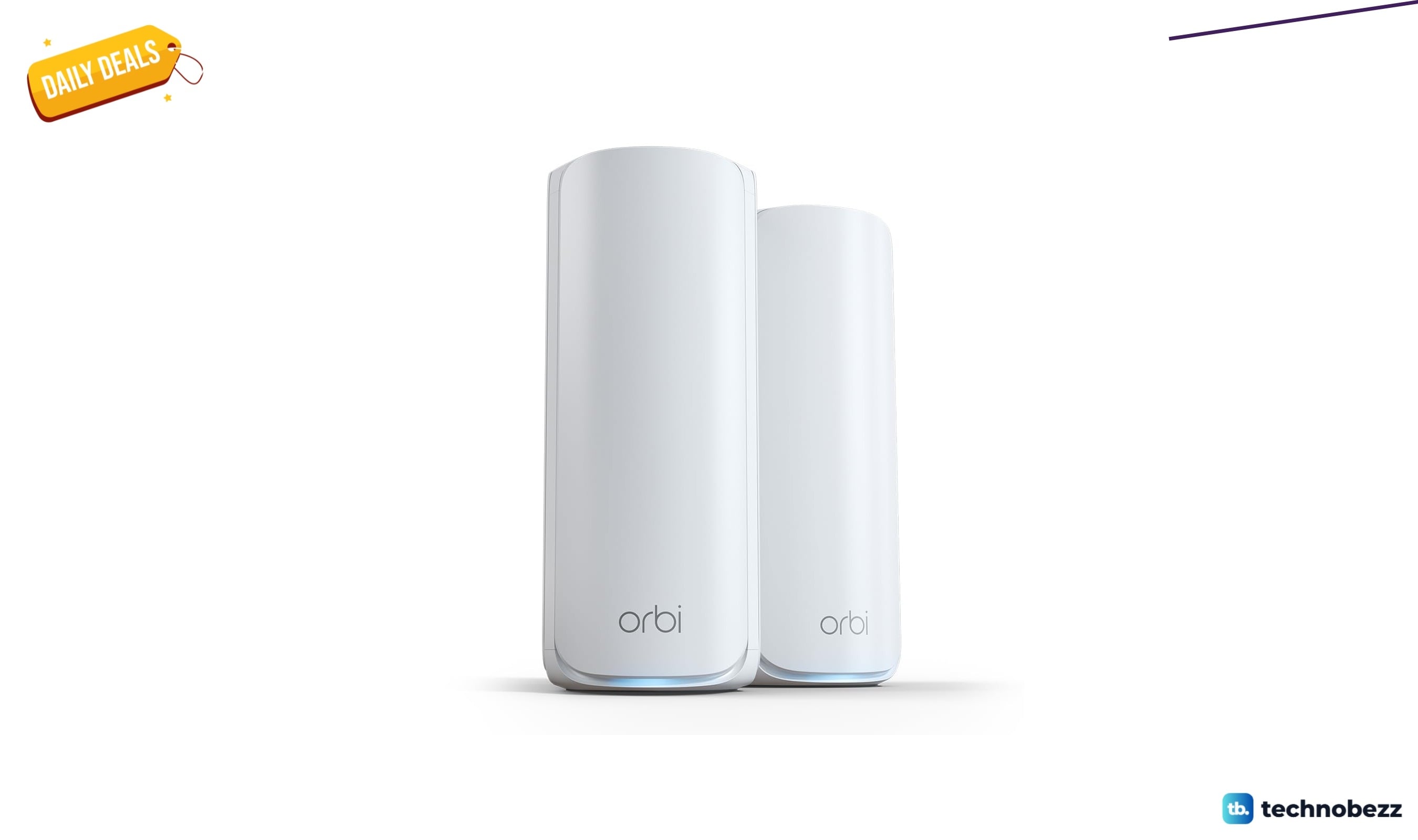
NETGEAR Orbi 770 WiFi 7 Mesh System now selling for $449.99
Save $100 on the NETGEAR Orbi 770 WiFi 7 mesh system, now $449.99 for whole-home coverage up to 5,500 sq ft.
5 min read
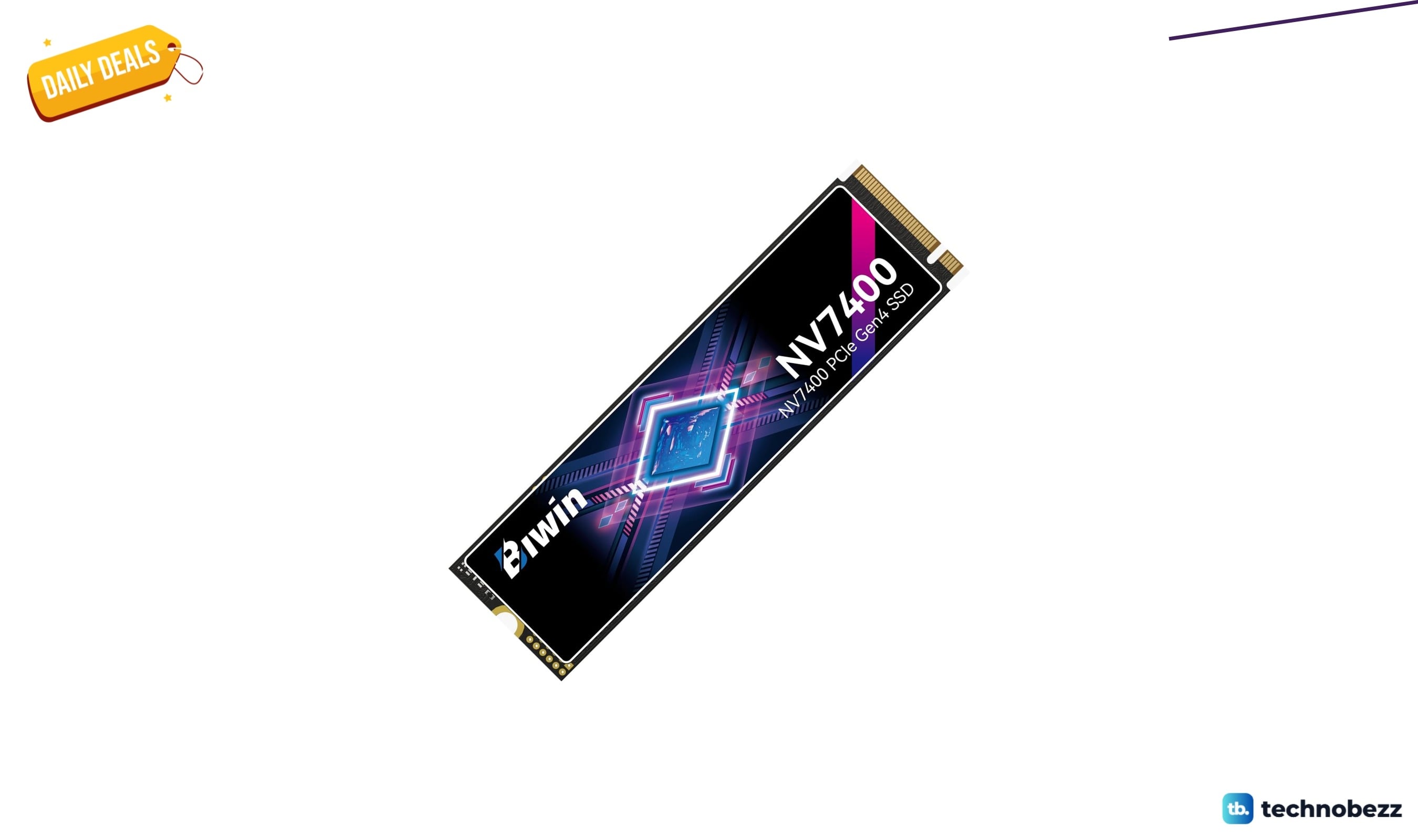
BIWIN Black Opal NV7400 SSD Gen4x4 slips to $489.99
4 min read
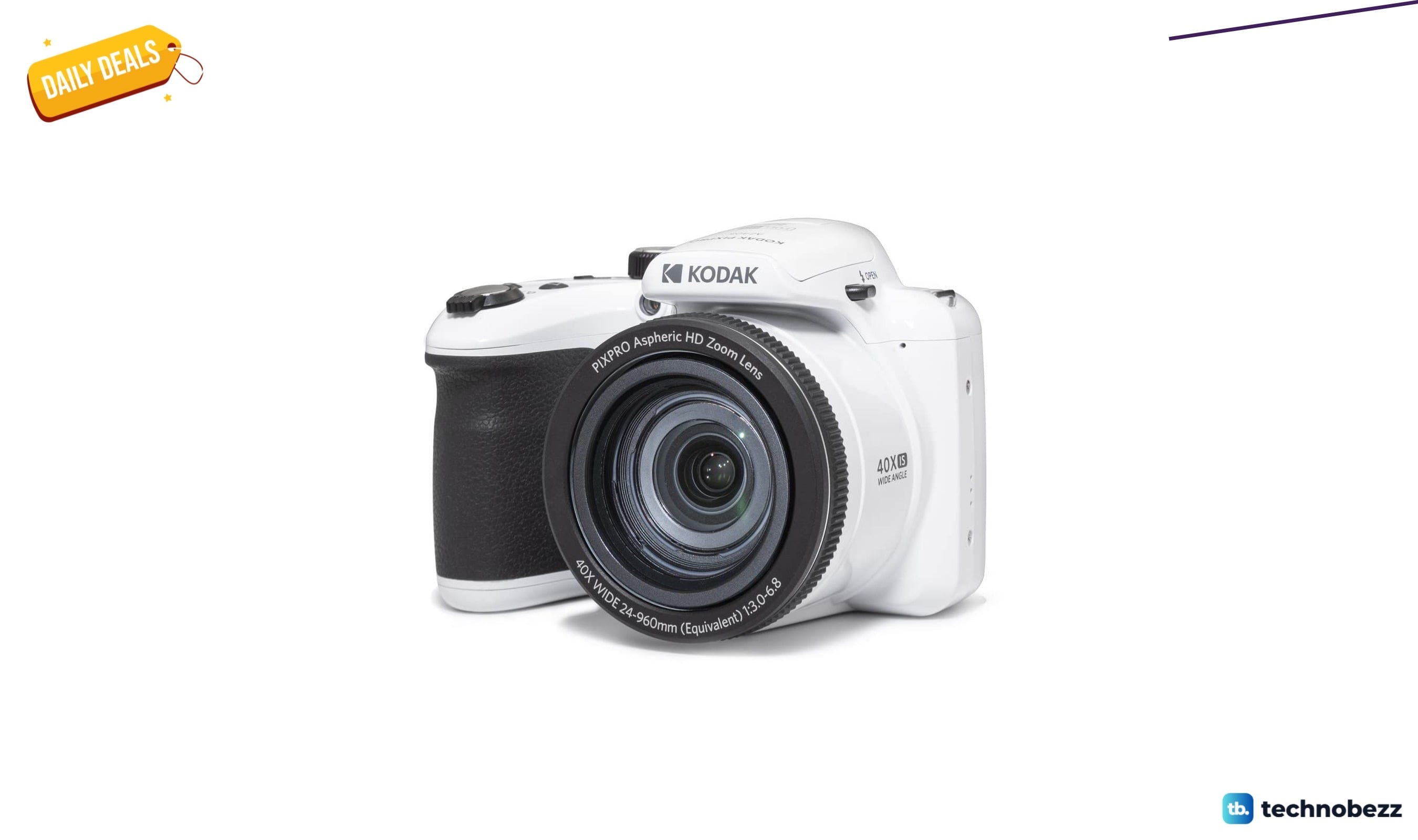
KODAK PIXPRO AZ405 20MP Digital Camera on sale for $199.99
3 min read
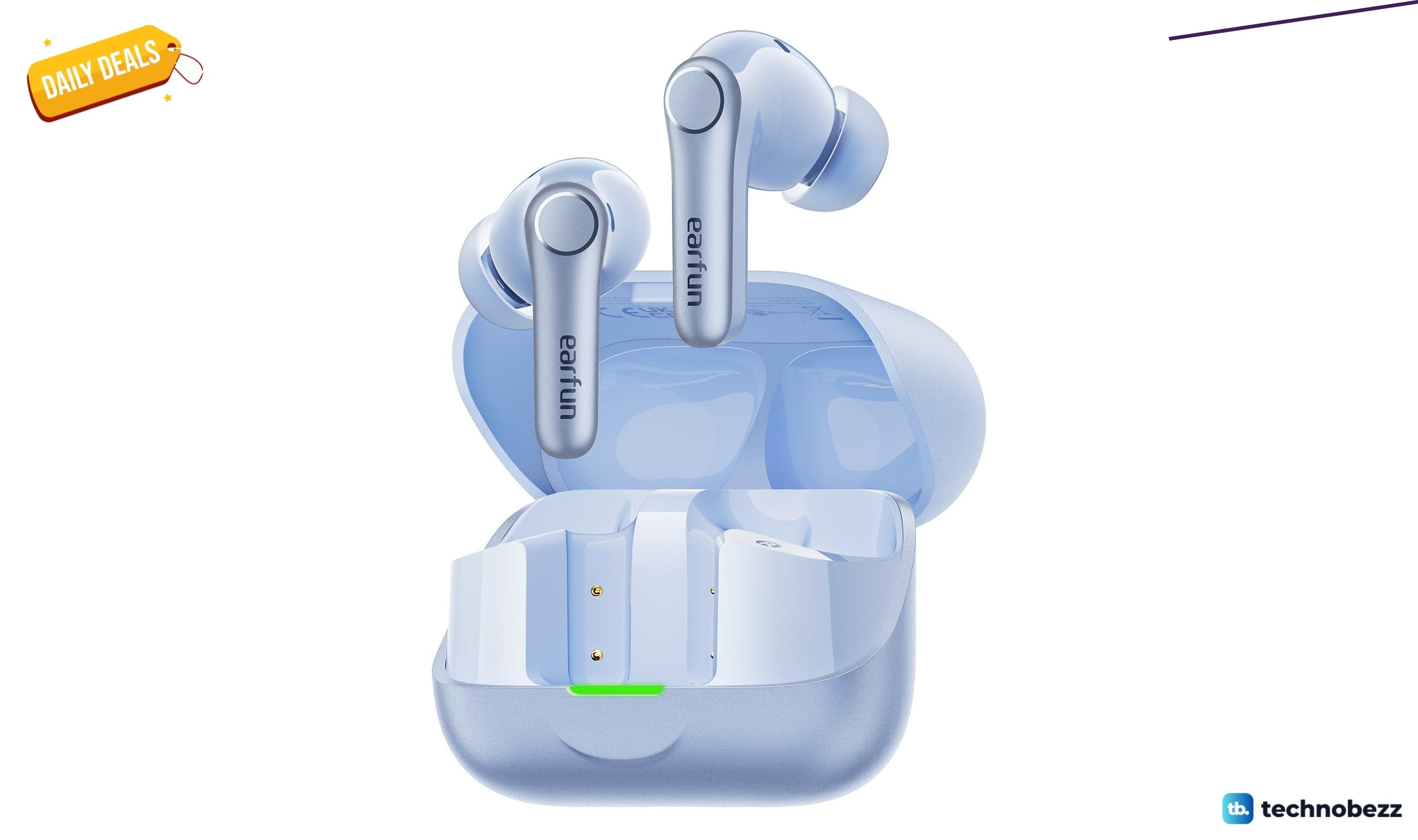
EarFun Air Pro 4+ Adaptive Noise Cancelling sees price cut to $79.98
5 min read
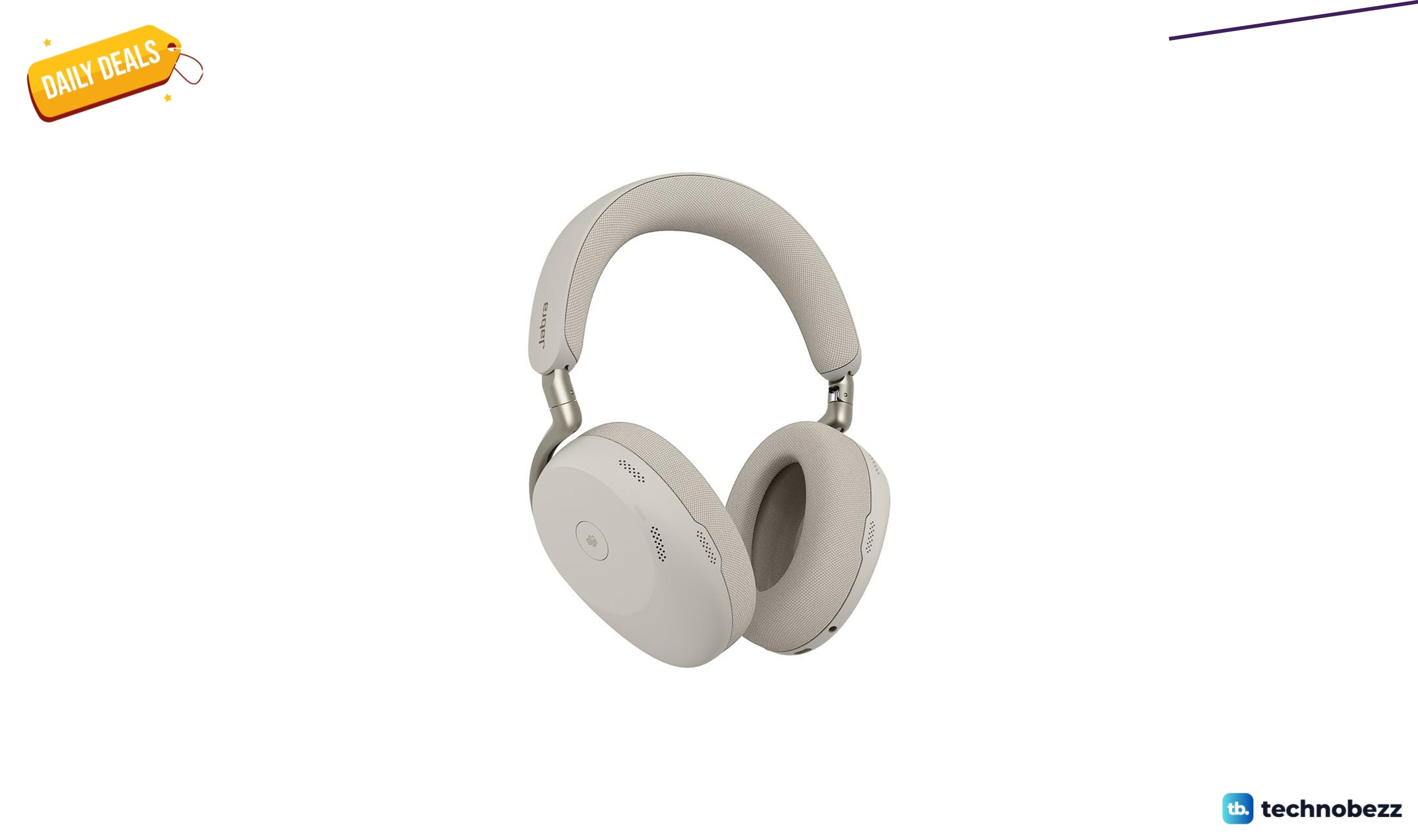
Jabra Evolve3 85 Over Ear Wireless Bluetooth sees price cut to $427.50
3 min read
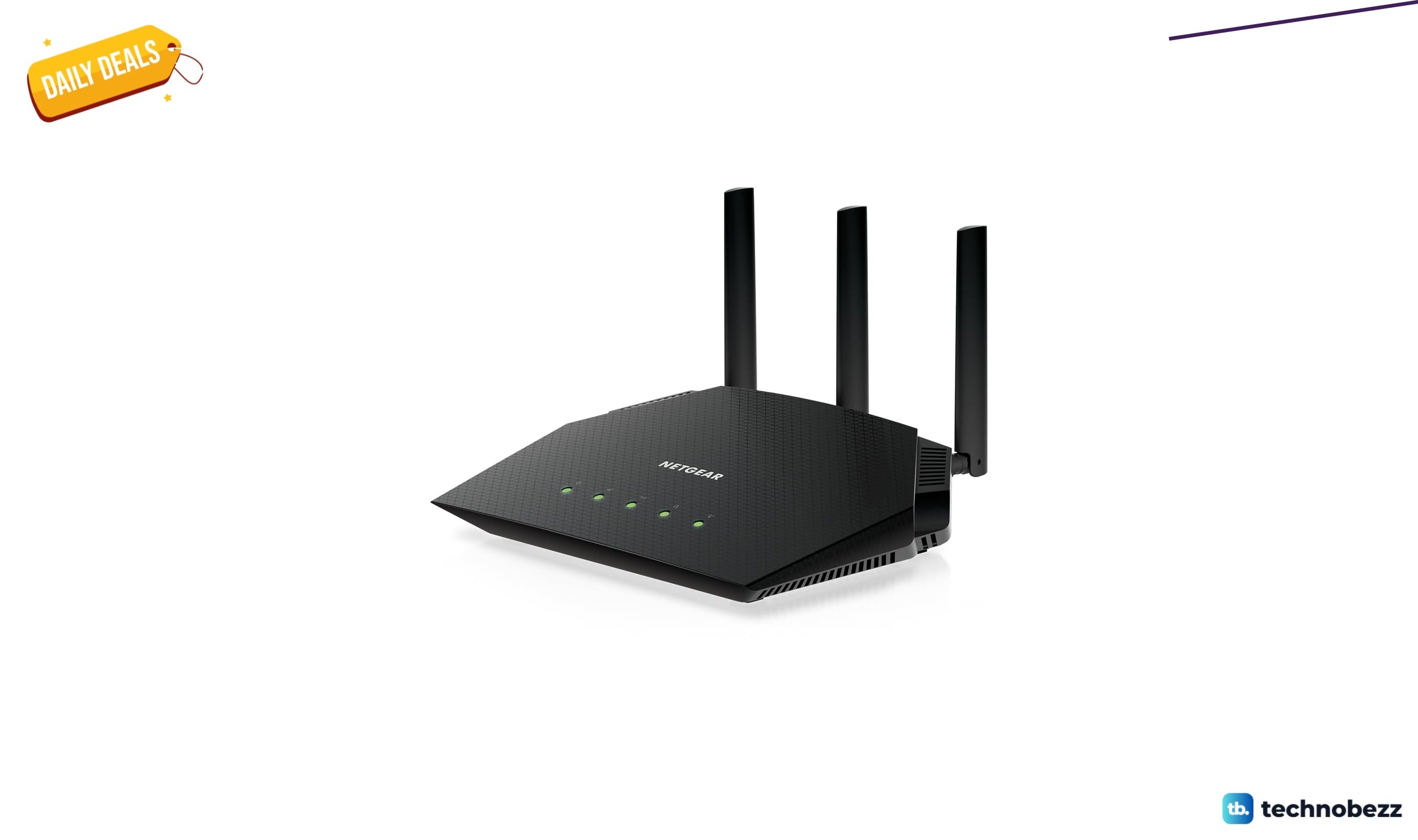
NETGEAR Nighthawk WiFi 6 Router Router Only marked down to $89.97
4 min read
Western Digital WD Easystore External USB 3.0 on sale for $249.99
3 min read
Google Pixel Watch 3 2024 Android Smartwatch on sale for $299.99
3 min read
UPERFECT Portable Monitor slips to $179.99
5 min read