If you are upgrading an older PC or building a new one, an internal SSD is the single most impactful change you can make. The Samsung 990 Pro takes the top spot for its balance of speed, efficiency, and reliability, but the right pick depends on your system's slot type, your budget, and whether you need PCIe 5.0 speeds or a simple SATA replacement.
Product
Technobezz is supported by its audience. We may get a commission from retail offers.
Best Internal SSDs for 2026
The Samsung 990 Pro tops our list of the 5 best internal SSDs in 2026, balancing speed, efficiency, and reliability for any PC upgrade.
T
Technobezz
Senior Editor
Updated April 29, 2026Apr 29, 2026
•10 min read

Get Deals Like These in Your Inbox
The best prices, reviewed weekly.
At a Glance
| Category | Product | Why We Picked It |
|---|---|---|
| Best overall | Samsung 990 Pro | Class-leading PCIe 4.0 performance with DRAM cache and excellent power efficiency |
| Best value | TeamGroup MP44 | Reliable PCIe 4.0 speeds at a price that undercuts most rivals |
| Best PCIe 5.0 | WD_BLACK SN8100 | The fastest consumer SSD available with surprisingly low power draw |
| Best for laptops | Crucial T500 | Single-sided DRAM design that fits tight spaces and runs cool |
| Best SATA | Samsung 870 EVO | The last great SATA drive with DRAM and TLC NAND |
| Also recommended | Corsair MP700 Pro XT | Fastest PCIe 5.0 drive with great efficiency |
| Also recommended | SK Hynix Platinum P51 | Strong gaming performer with in-house controller |
| Also recommended | Samsung 990 EVO Plus | Solid laptop pick with good power efficiency |
| Also recommended | Crucial P310 (M.2 2230) | Best compact upgrade for Steam Deck and handhelds |
| Also recommended | Addlink A93 | Budget PS5 drive with TLC flash and heatsink |
How we chose and tested
We evaluated internal SSDs across multiple review sources, comparing benchmark data for sequential reads and writes, random I/O performance, power efficiency, and thermal behavior. We prioritized drives with consistent sustained performance rather than peak burst speeds. Form factor compatibility, warranty length, TBW endurance ratings, and real-world value were all factored into the rankings. Only drives with broad retail availability and current relevance made the final list.
The best internal SSDs right now
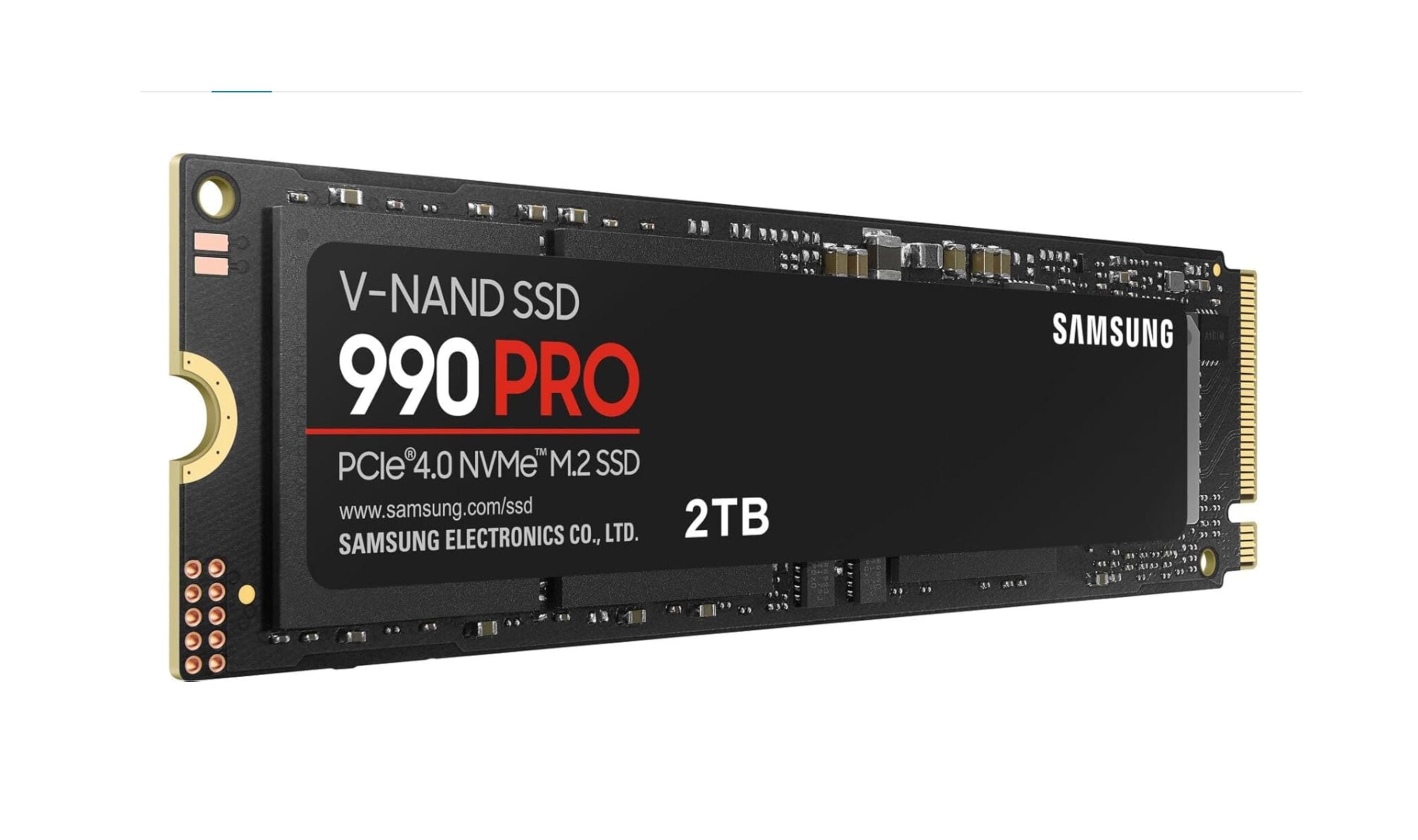
Samsung 990 Pro - Best overall
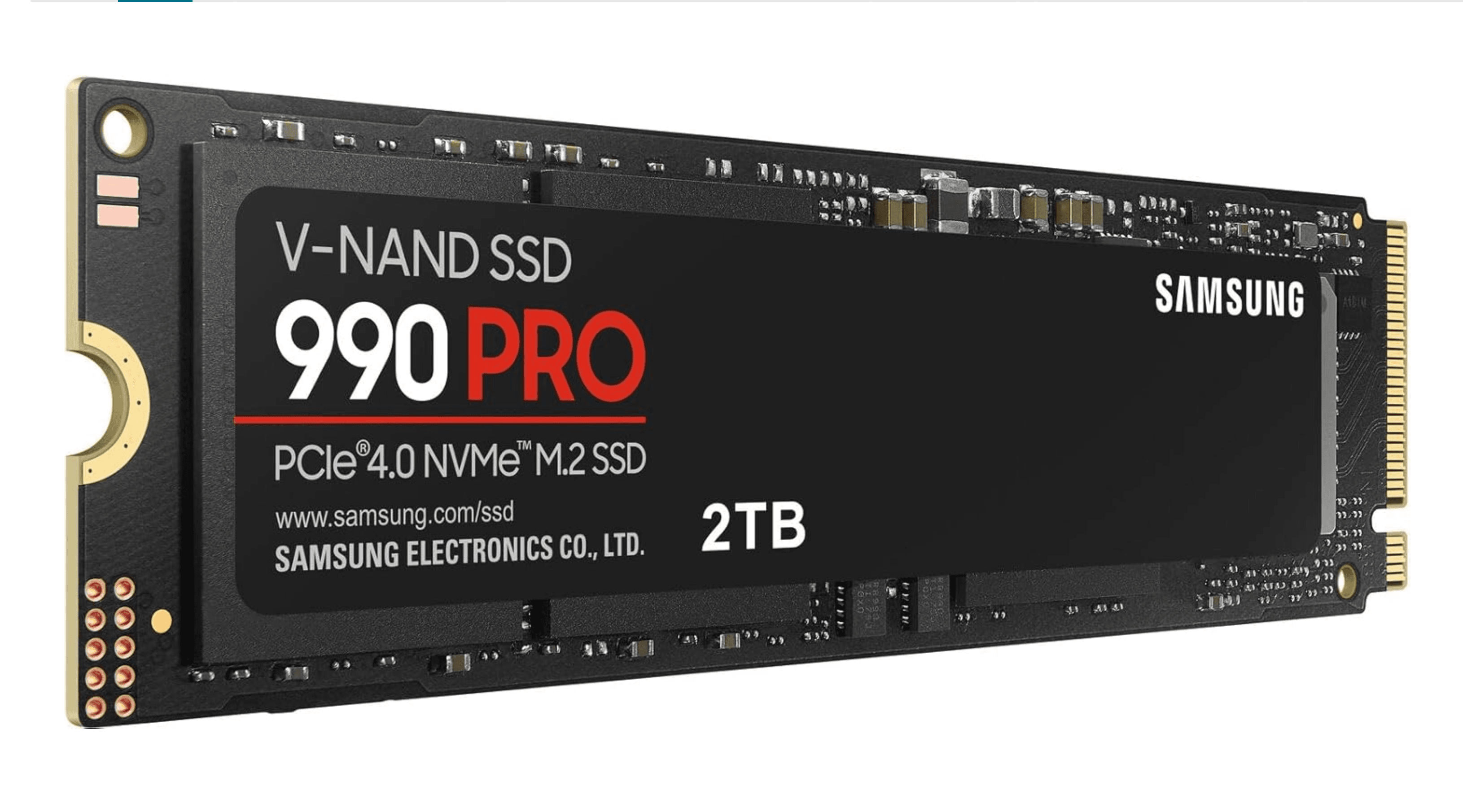
The Samsung 990 Pro hits the sweet spot between speed, efficiency, and price. It delivers sequential read speeds up to 7,450 MB/s and random I/O performance that beats most PCIe 4.0 competitors. The included DRAM cache keeps small-file operations snappy, and Samsung's Magician software makes firmware updates and health monitoring simple.
Key highlights
- Sequential reads up to 7,450 MB/s and writes up to 6,900 MB/s
- Available with or without a heatsink, including an RGB version
- Single-sided design even at 4TB, which improves laptop compatibility
- Backed by a 5-year warranty with up to 2,400 TBW on the 4TB model
Pros
- Consistent sustained performance across all workloads
- Excellent power efficiency for a DRAM-based drive
- Reliable firmware and software support
Cons
- Premium pricing compared to DRAM-less alternatives
- Not the fastest option if you have a PCIe 5.0 slot available
Who it is for: PC builders and upgraders who want a high-performance boot drive or gaming SSD without moving to the more expensive PCIe 5.0 platform.
Skip if
Your motherboard supports PCIe 5.0 and you are willing to pay extra for the fastest possible speeds.
TeamGroup MP44 - Best value
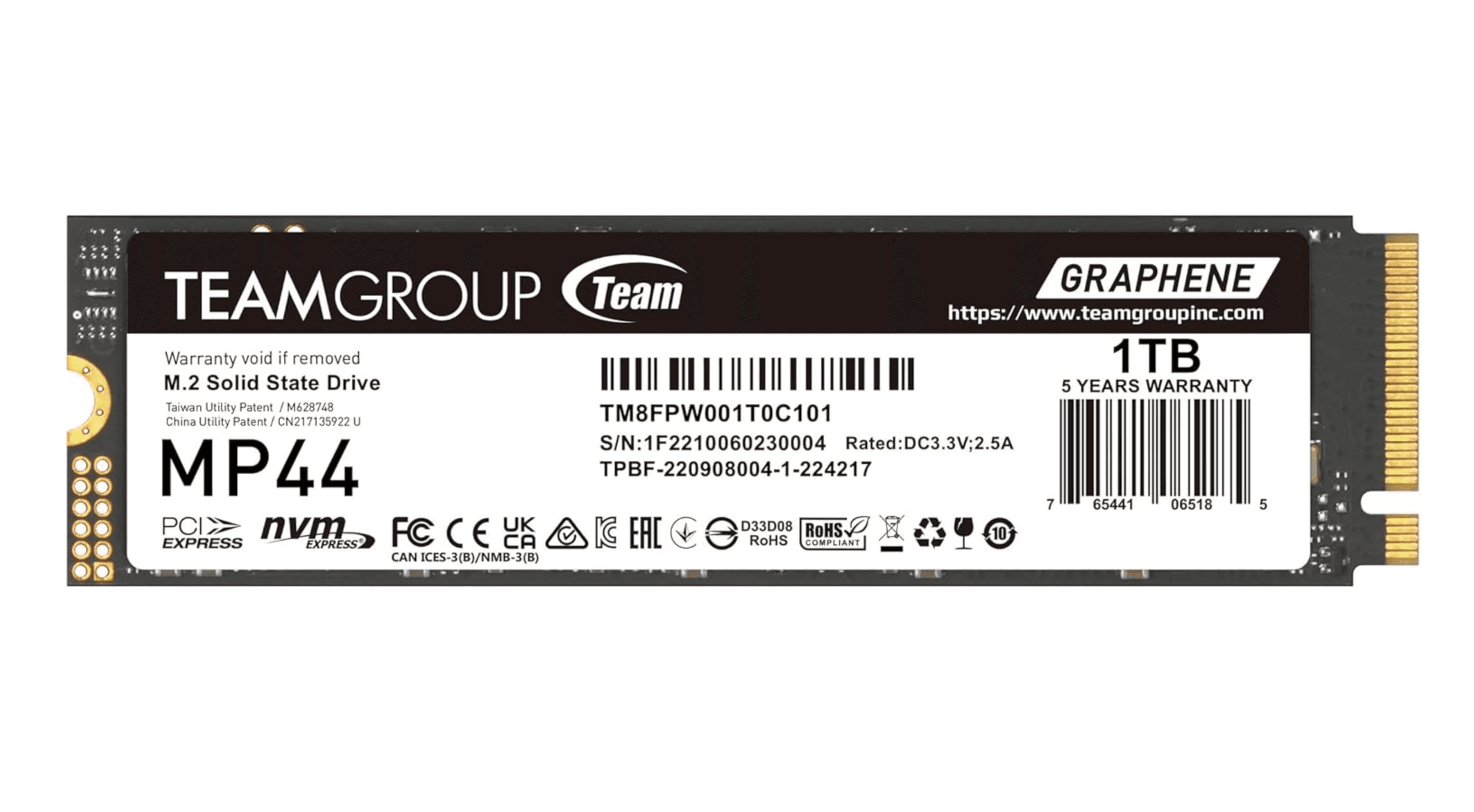
The TeamGroup MP44 proves you do not need to spend a lot for solid PCIe 4.0 performance. It uses a reliable controller with up-to-date flash and delivers good results across sequential and random workloads. At 4TB, it is one of the most affordable high-capacity options on the market.
Key highlights
- Sequential read speeds up to 7,000 MB/s depending on capacity
- Available in sizes from 1TB up to 8TB
- DRAM-less design with host memory buffer for caching
- Competitive pricing, especially at the 4TB capacity point
Pros
- Excellent price per gigabyte, particularly at higher capacities
- Good all-around performance for everyday use and gaming
- Power-efficient for a PCIe 4.0 drive
Cons
- No DRAM cache can affect random I/O in heavy workloads
- Controller can run warm in sustained use
Who it is for: Budget-conscious builders and gamers who want PCIe 4.0 speeds without the premium price tag.
Skip if
You need maximum random I/O performance for workstation tasks or professional content creation.
WD_BLACK SN8100 - Best PCIe 5.0
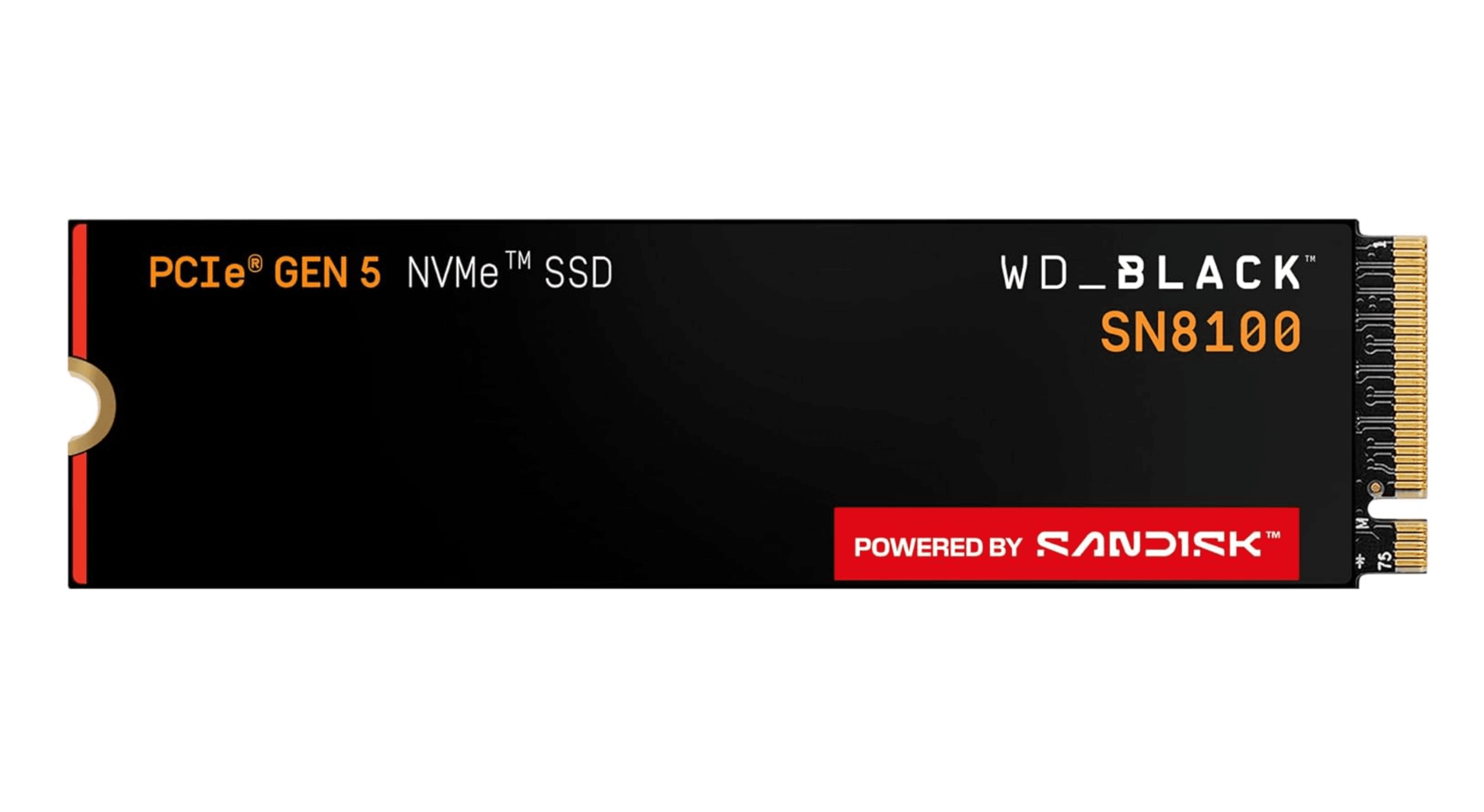
The WD_BLACK SN8100 is one of the fastest consumer SSDs currently available. It uses a Silicon Motion SM2508 controller paired with Kioxia 218-layer TLC flash to hit sequential reads up to 14,900 MB/s. What sets it apart is its power efficiency, it runs cooler than other PCIe 5.0 drives while delivering higher peak performance.
Key highlights
- Sequential read speeds up to 14,900 MB/s and writes up to 14,000 MB/s
- Available in 1TB, 2TB, 4TB, and 8TB capacities
- Uses BiCS8 TLC NAND for improved efficiency
- Optional heatsink for desktop builds
Pros
- Among the fastest consumer SSDs on the market
- Runs cooler and draws less power than competing PCIe 5.0 drives
- Strong random I/O performance for gaming and productivity
Cons
- Expensive compared to PCIe 4.0 drives
- Requires a PCIe 5.0 compatible motherboard and CPU
Who it is for: Enthusiasts and professionals who need the absolute fastest storage for large file transfers, video editing, or high-end gaming.
Skip if
Your system does not support PCIe 5.0 or you are satisfied with the already excellent speeds of PCIe 4.0.
Crucial T500 - Best for laptops
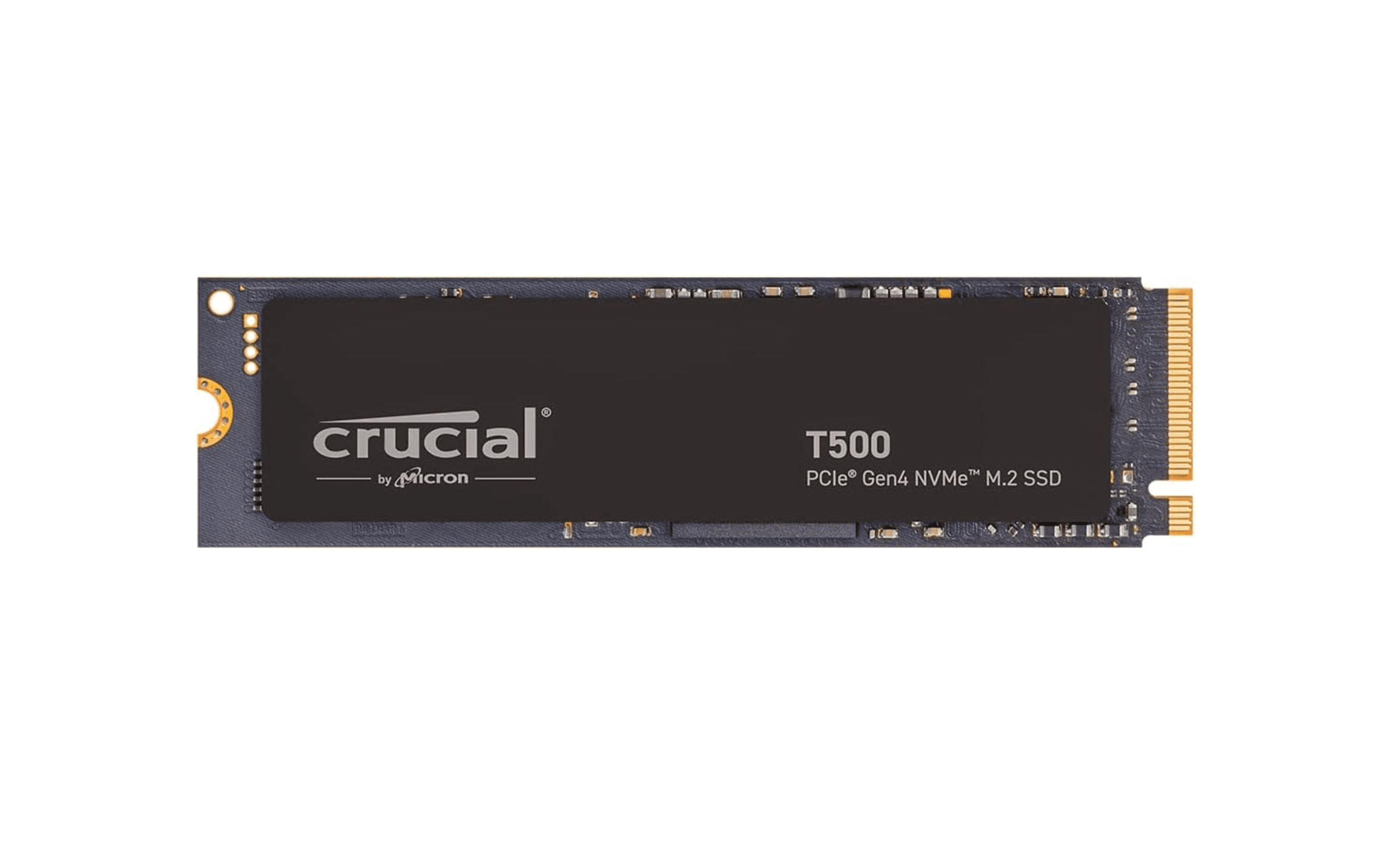
The Crucial T500 packs a DRAM cache into a single-sided M.2 design that fits easily into thin laptops. It supports TCG Opal security for enterprise use and runs efficiently at both PCIe 4.0 and 3.0 speeds. The controller's metal heat spreader helps manage thermals in tight spaces.
Key highlights
- Sequential reads up to 7,400 MB/s and writes up to 7,000 MB/s
- Single-sided design improves compatibility with slim laptops
- Includes DRAM cache for consistent random I/O performance
- Available with or without a heatsink
Pros
- DRAM cache in a laptop-friendly form factor
- Good power efficiency at both PCIe 4.0 and 3.0
- TCG Opal 2.0 support for hardware encryption
Cons
- 4TB version is double-sided, limiting laptop compatibility
- Sustained write performance can dip under heavy loads
Who it is for: Laptop users who want a fast, efficient upgrade that fits without clearance issues.
Skip if
You need a desktop gaming drive and do not require the single-sided form factor.
Samsung 870 EVO - Best SATA SSD
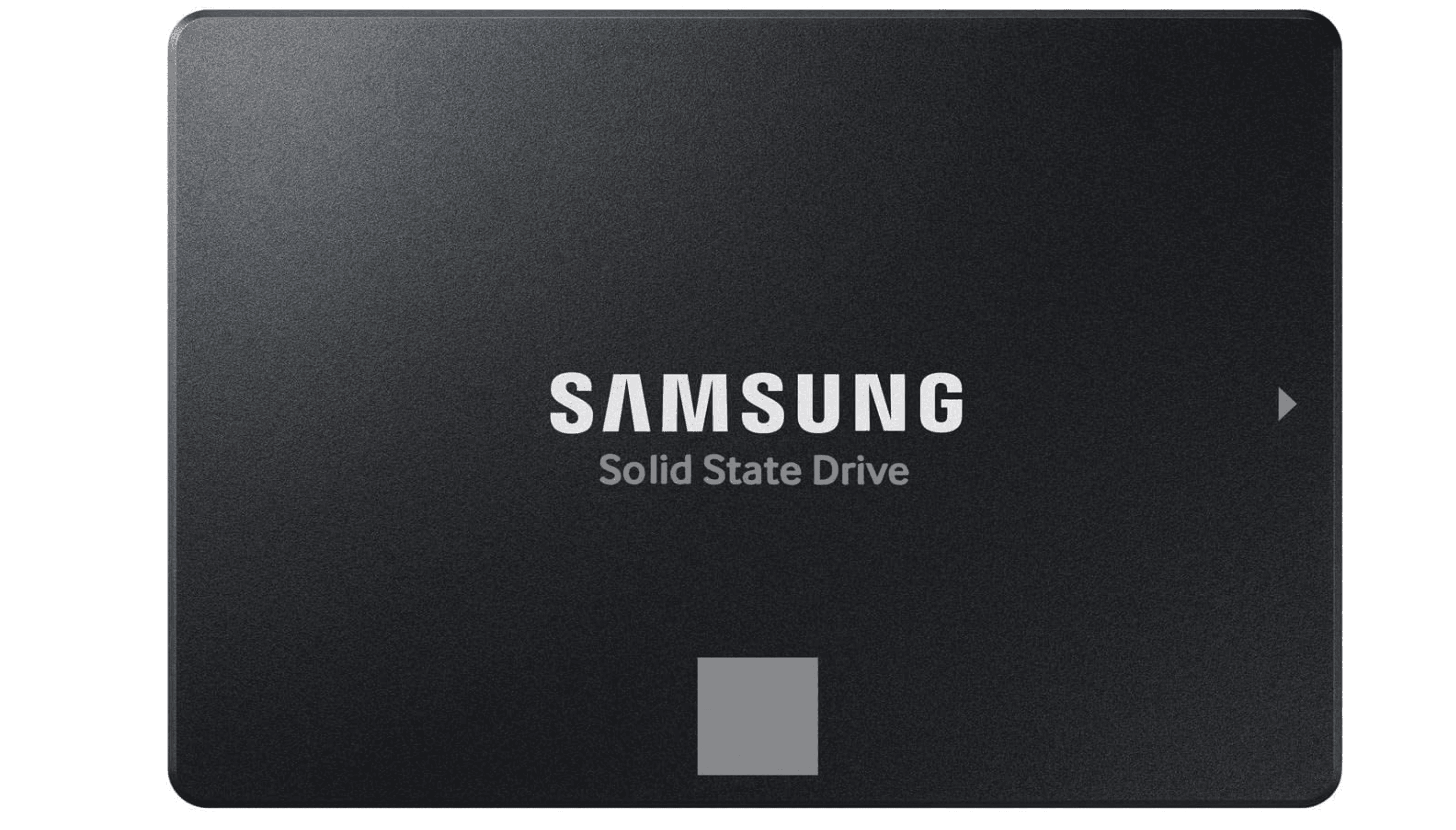
SATA SSDs are slower than NVMe drives, but the Samsung 870 EVO remains the best choice if your system only supports SATA. It uses TLC NAND with a DRAM cache, which keeps performance consistent during long write operations. It maxes out the SATA III interface at 560 MB/s reads and 530 MB/s writes.
Key highlights
- Sequential reads up to 560 MB/s and writes up to 530 MB/s
- Available in capacities from 250GB up to 4TB
- Uses TLC NAND with a DRAM cache for steady performance
- Samsung Magician software for management and firmware updates
Pros
- Best-in-class SATA performance with consistent sustained writes
- Reliable TLC NAND with high endurance ratings
- Simple installation in any 2.5-inch bay
Cons
- SATA interface limits speeds far below NVMe alternatives
- Higher price per gigabyte than budget SATA options
Who it is for: Anyone upgrading an older desktop or laptop that only has SATA ports and no M.2 slot.
Skip if
Your system has an M.2 slot, even if it is PCIe 3.0, the speed difference is substantial.
Also Good
- Corsair MP700 Pro XT - fastest PCIe 5.0 drive with great efficiency. Check Price on Corsair
- SK Hynix Platinum P51 - strong gaming performer with in-house controller.
- Samsung 990 EVO Plus - solid laptop pick with good power efficiency. Check Price on Samsung
- Crucial P310 (M.2 2230) - best compact upgrade for Steam Deck and handhelds.
- Addlink A93 - budget PS5 drive with TLC flash and heatsink.
How to Choose
- NVMe vs. SATA. If your motherboard has an M.2 slot, go NVMe. SATA makes sense only for older systems without M.2 support or for secondary bulk storage where the speed difference matters less.
- PCIe generation. PCIe 5.0 drives are twice as fast as PCIe 4.0 on paper, but you need a compatible CPU and motherboard to use them. For most people, a good PCIe 4.0 drive like the Samsung 990 Pro or Crucial T500 delivers all the speed you will notice in everyday use.
- DRAM vs. DRAM-less. Drives with a DRAM cache handle random small-file operations better, which helps with boot times and app launches. DRAM-less drives use host memory buffer technology and are cheaper, but they can show slower performance in heavy multitasking.
- Capacity. 1TB is the practical minimum for a boot drive in 2026. 2TB is the sweet spot for gamers who install multiple titles. Higher capacities also improve write performance because the controller has more NAND channels to work with.
- Form factor. Most M.2 drives use the 2280 size (22mm wide, 80mm long). Laptops and handhelds may require shorter 2230 or 2242 drives. Always check your device's manual before buying.
FAQ
How long does an internal SSD last?
Most modern SSDs are rated for 600 TBW per terabyte of capacity, which translates to years of typical use. The warranty is usually 5 years. For most people, the drive will outlast the computer it is installed in.
Can I use a PCIe 5.0 SSD in a PCIe 4.0 slot?
Yes. PCIe 5.0 drives are backward compatible with PCIe 4.0 and 3.0 slots. They will run at the slower slot speed, so you will not get the full benefit until you upgrade your motherboard.
Do I need a heatsink for my SSD?
PCIe 4.0 drives usually run fine without one, though some motherboards include built-in heatsinks. PCIe 5.0 drives generate more heat and should have a heatsink for sustained performance. Laptop drives typically rely on the system's airflow and do not need an aftermarket cooler.
What is the difference between TLC and QLC NAND?
TLC stores three bits per cell and offers better performance and endurance. QLC stores four bits per cell, which lowers cost but reduces write speeds and longevity. For a boot drive, stick with TLC. QLC is acceptable for secondary game storage.
Can I upgrade the SSD in my laptop?
It depends on the model. Many modern laptops have soldered storage that cannot be replaced. Others use standard M.2 slots. Check your laptop's service manual or look up the model online before buying.
Share this article
More in News
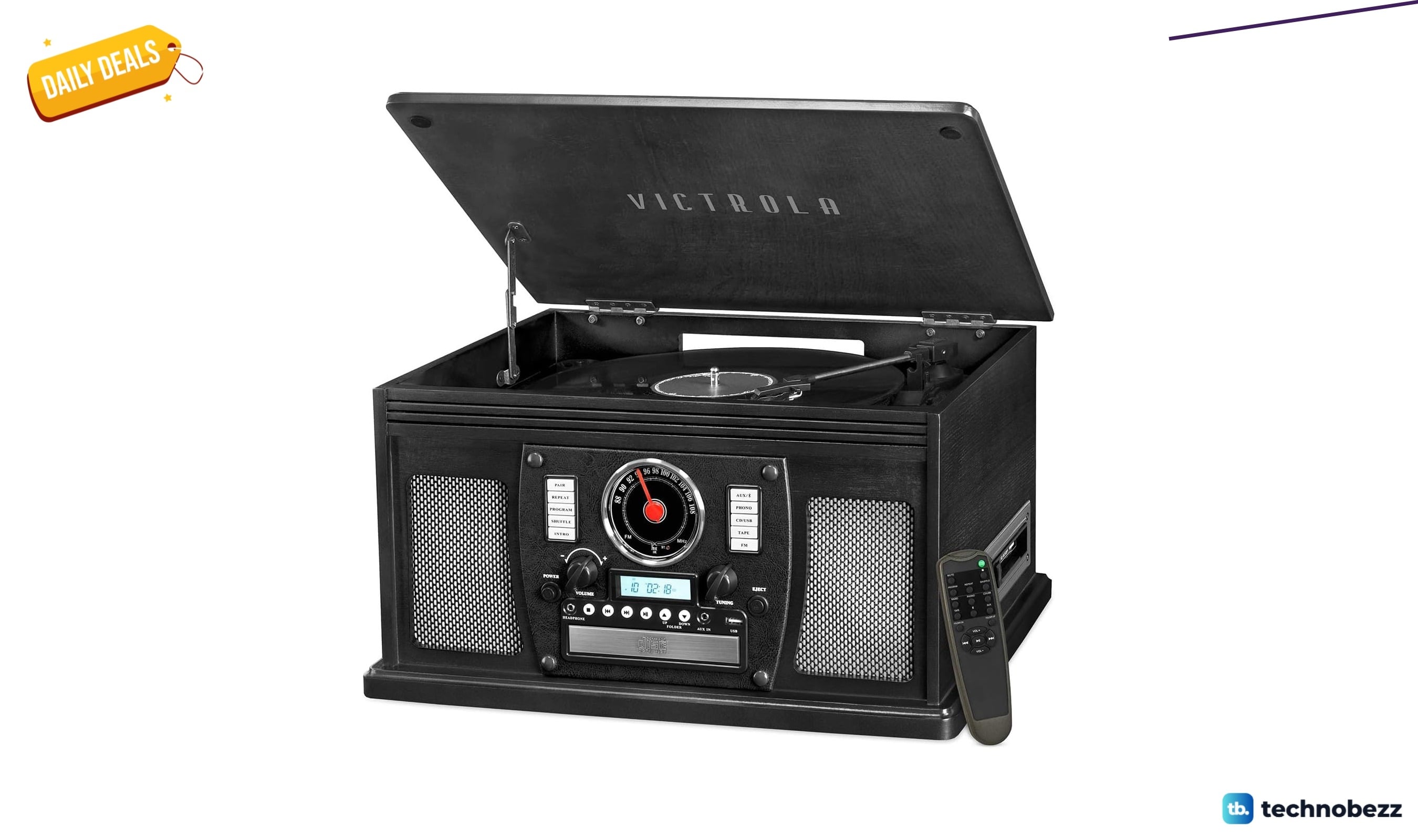
Victrola Navigator 8-in-1 Bluetooth Record Player drops to $189.99 at Amazon
Save $60 on the Victrola Navigator 8-in-1 Bluetooth record player at Amazon, now $189.99 for vinyl, CDs, cassettes, FM, and streaming.
4 min read
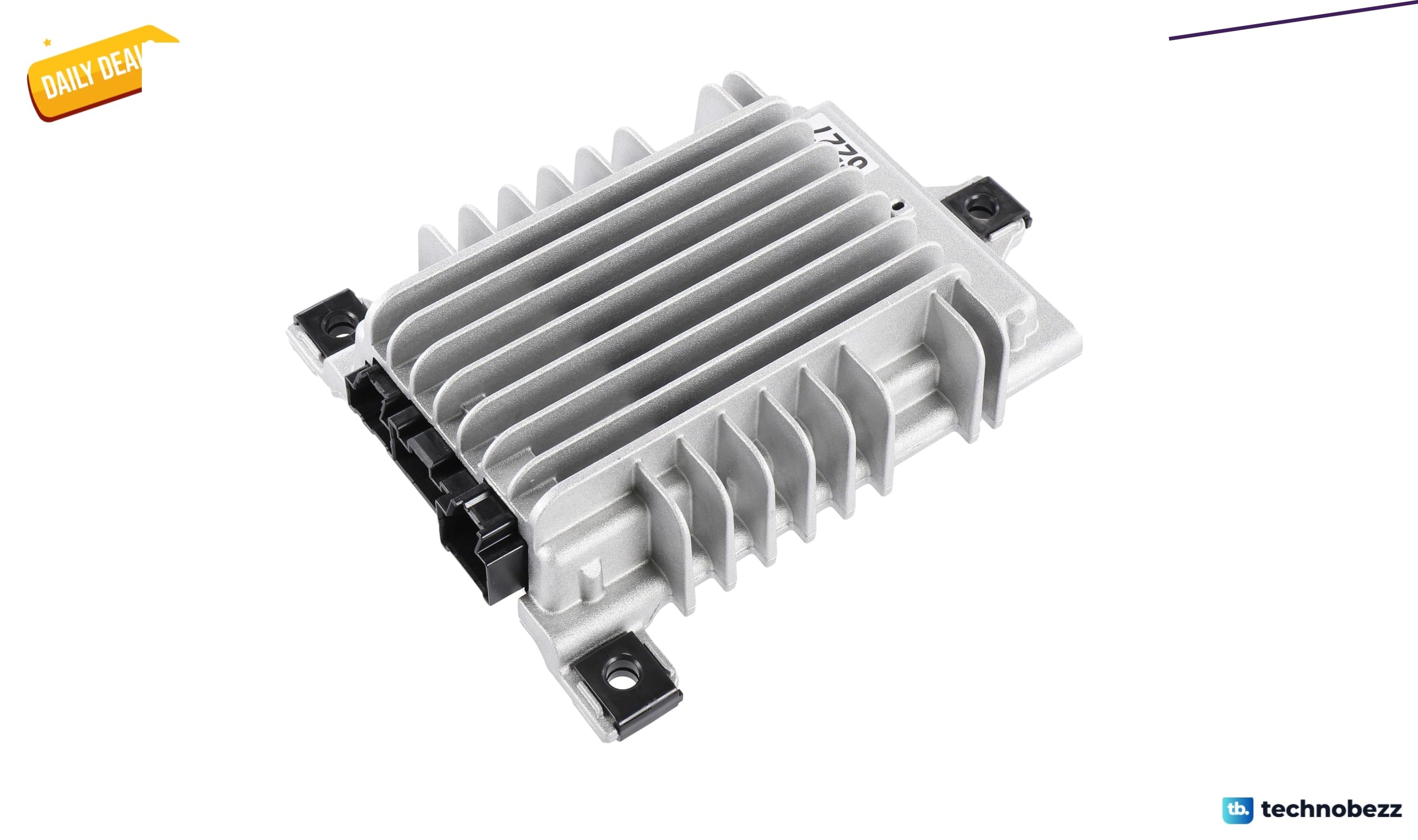
GM Parts 42856227 Audio Amplifier sees price cut to $207.66
Save $94 on the GM Genuine 42856227 audio amplifier, now $207.66 a rare OEM price drop for Chevy, Buick, GMC, and Cadillac owners.
3 min read
Samsung Galaxy S26 Ultra Unlocked Drops to $960 on Amazon
Grab the Samsung Galaxy S26 Ultra unlocked for $960 on Amazon, a $340 discount with Galaxy AI features and privacy display.
4 min read
ASUS N51Vn-A1 Versatile Entertainment Silver Blue falls to $1227.39
ASUS N51Vn-A1 laptop drops to $1227.39 at Amazon, $72.60 off, with dedicated GT 240M graphics and a Core 2 Duo T9600.
3 min read
Amazfit Active 3 Smart Watch drops to $149.99 on Amazon
5 min read
2 gaming laptop deals worth checking today, starting at $1583.06
4 min read
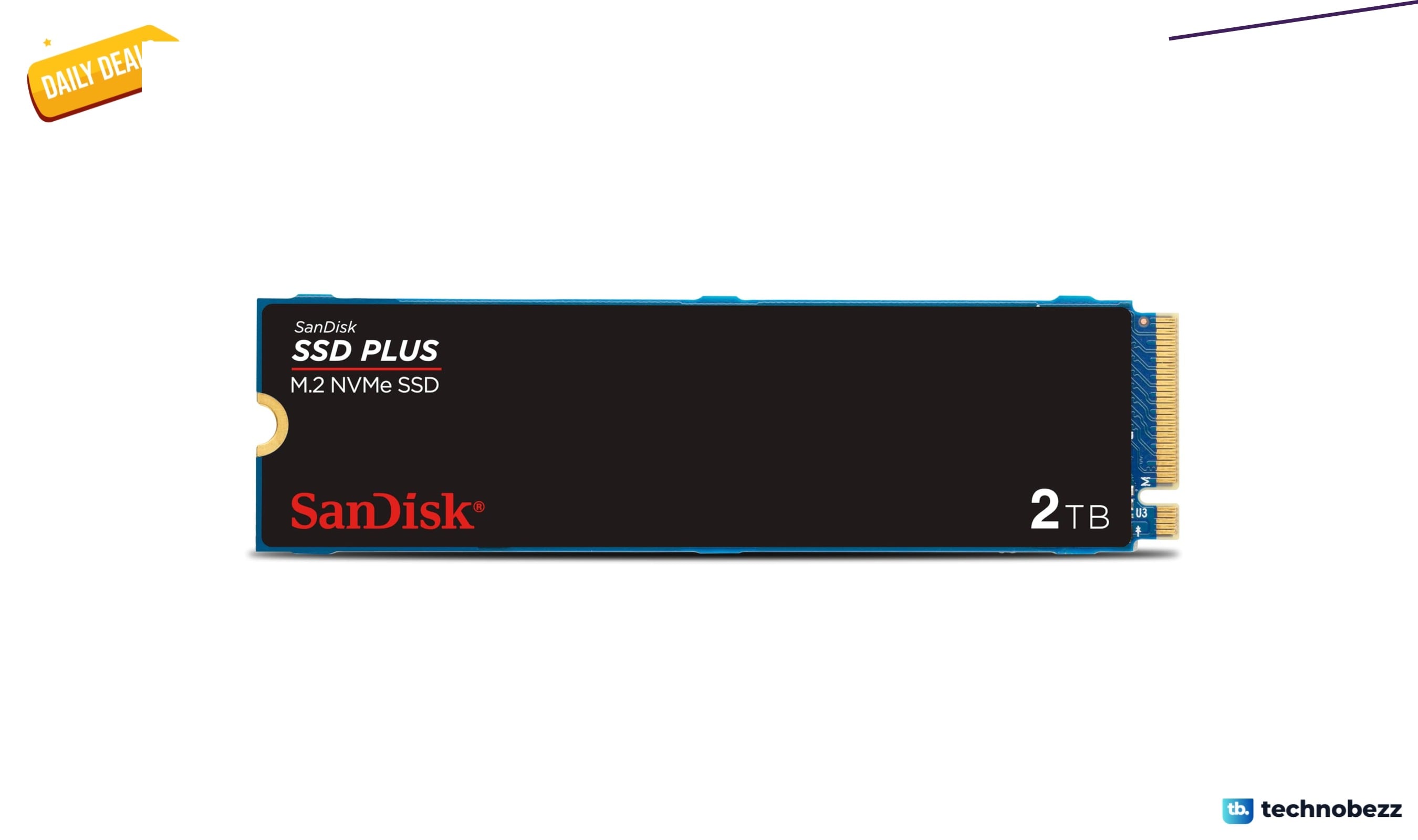
Sandisk SSD Plus 2TB NVMe Drive Drops to $299 From $609.99
3 min read
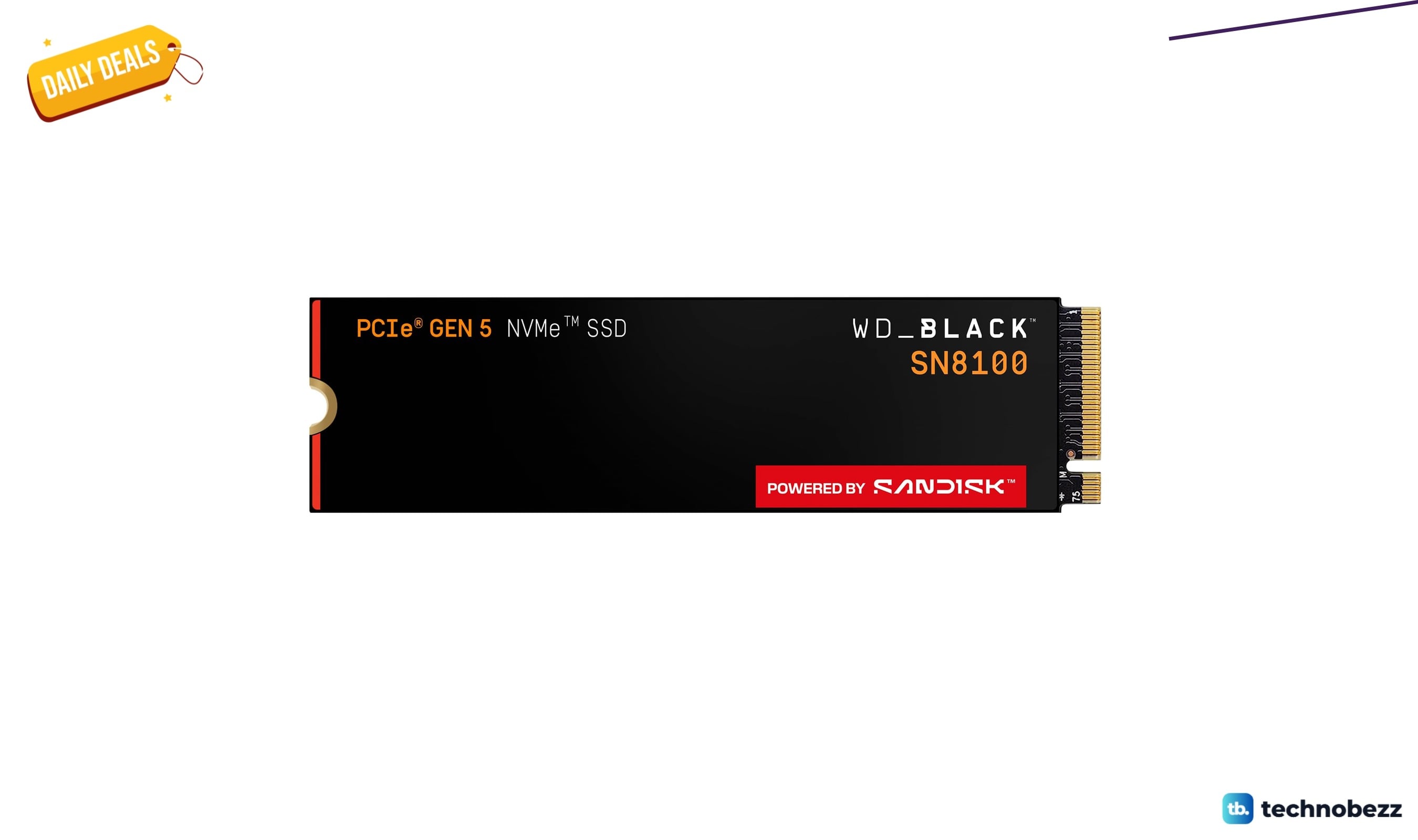
WD_Black SN8100 8TB NVMe SSD drops to $1749.99 at Amazon
5 min read
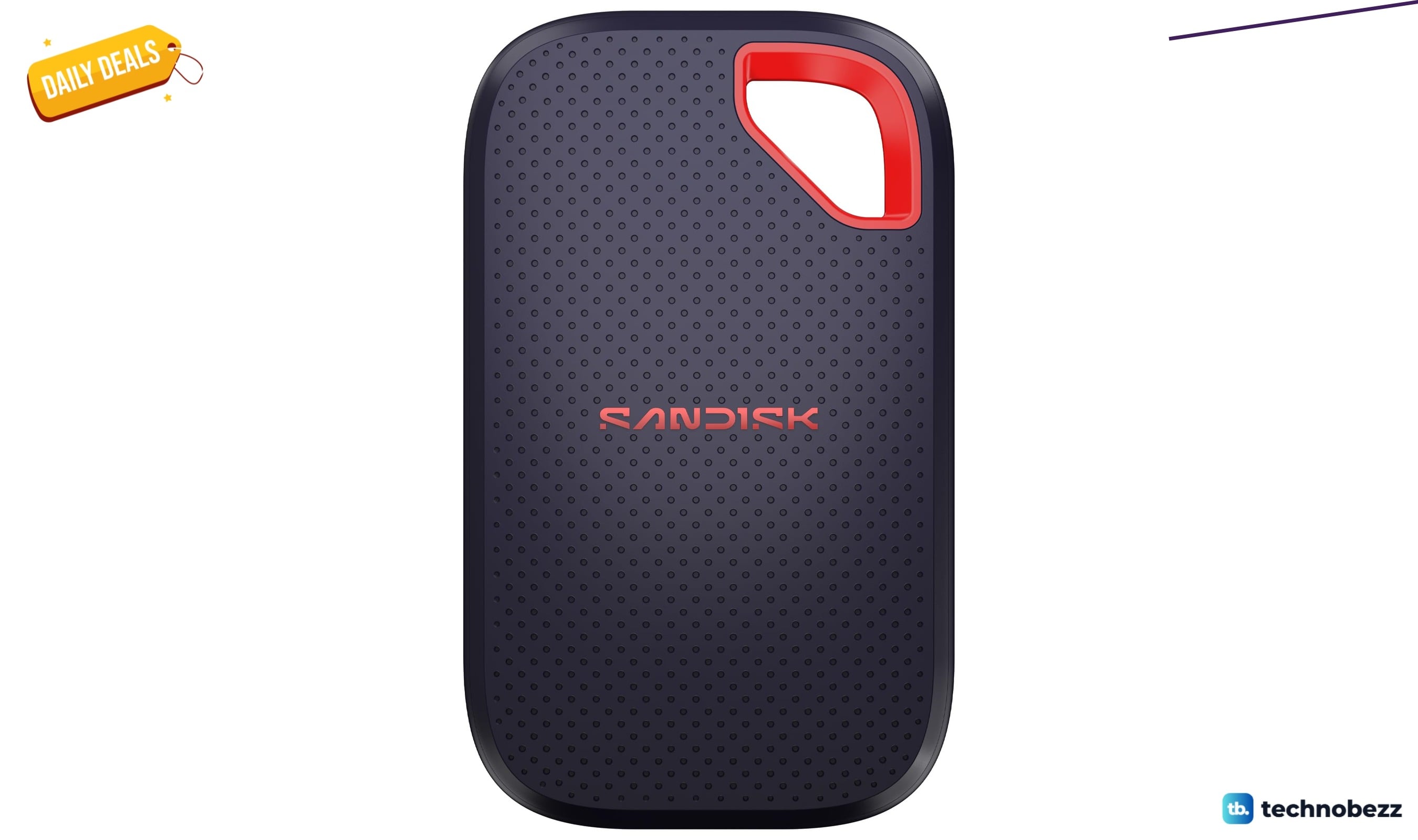
Sandisk Extreme Portable SSD hits new low at $159.99 on Amazon
3 min read
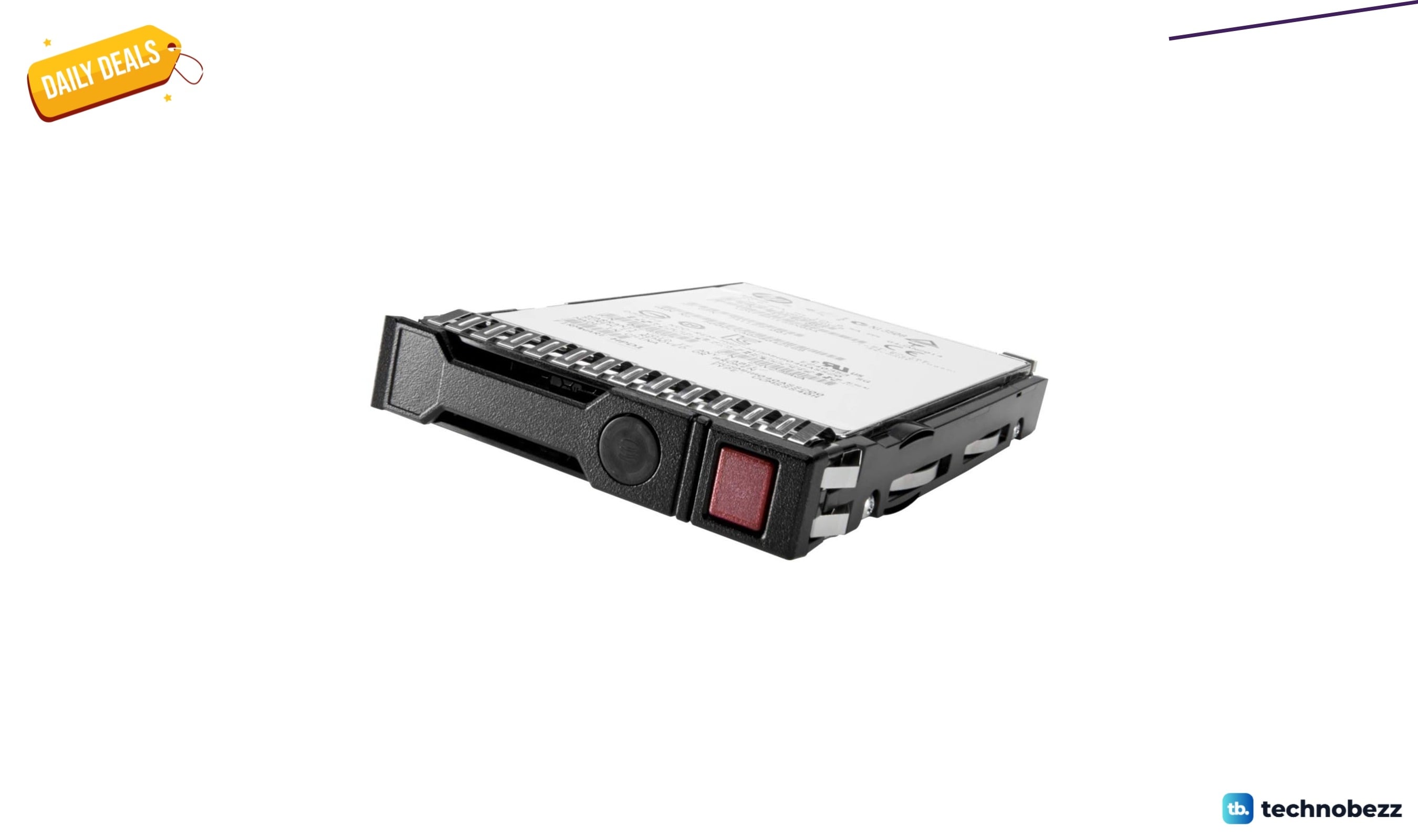
HPE Midline Hard Drive 2 drops to $229 on Amazon
5 min read
Acer B247Y C 23.8 Inch Full HD LED Monitor Drops to $197.58 on Amazon
5 min read
Acer Nitro WQHD 3440x1440 Curved 180Hz Gaming drops to $249.99
4 min read