
Wireless charging on the Samsung Galaxy Z Flip 7 tops out at 15W, but sometimes it doesn't charge at all. A few common culprits are usually to blame before you assume the hardware is bad. Let's walk through them.
Check Your Positioning on the Pad
The Z Flip 7's charging coil is smaller than you'd expect, so centering it on the pad is crucial. Place the phone flat in the middle of the charger and watch for the screen to light up with the charging indicator. If the light blinks or nothing happens, shift it around slightly.
Remove Your Case
Thick cases, rubbery bumpers, or anything with a metal ring or credit card slot will block the signal. Pop the case off completely and try charging the bare phone. If it works, you'll need a slimmer case or one specifically designed for wireless charging.
The Charger Matters More Than You Think
The Z Flip 7 supports Qi wireless charging up to 15W, but it's picky about pads. Many non-Samsung pads only deliver 5W or stop charging intermittently, a known issue with this generation. Samsung's official Wireless Charger Duo or Single Pad are the most reliable options for consistent 15W charging.
Force Restart the Phone
Software glitches can sometimes make the phone ignore the charger. A force restart clears the system state without wiping any data. Press and hold the Volume Down key and the Side key at the same time for 10 to 15 seconds. The screen will go black, and the Samsung logo will appear. Let go and try wireless charging again.
Clean the Back Glass and the Pad
Dust and pocket lint on the back of the Z Flip 7 or the charging pad can break the connection. Wipe both surfaces down with a soft, slightly damp cloth. For stubborn gunk on the pad, a little isopropyl alcohol on a cotton swab works well. Let everything dry completely before you try again.
Is Your Software Up to Date?
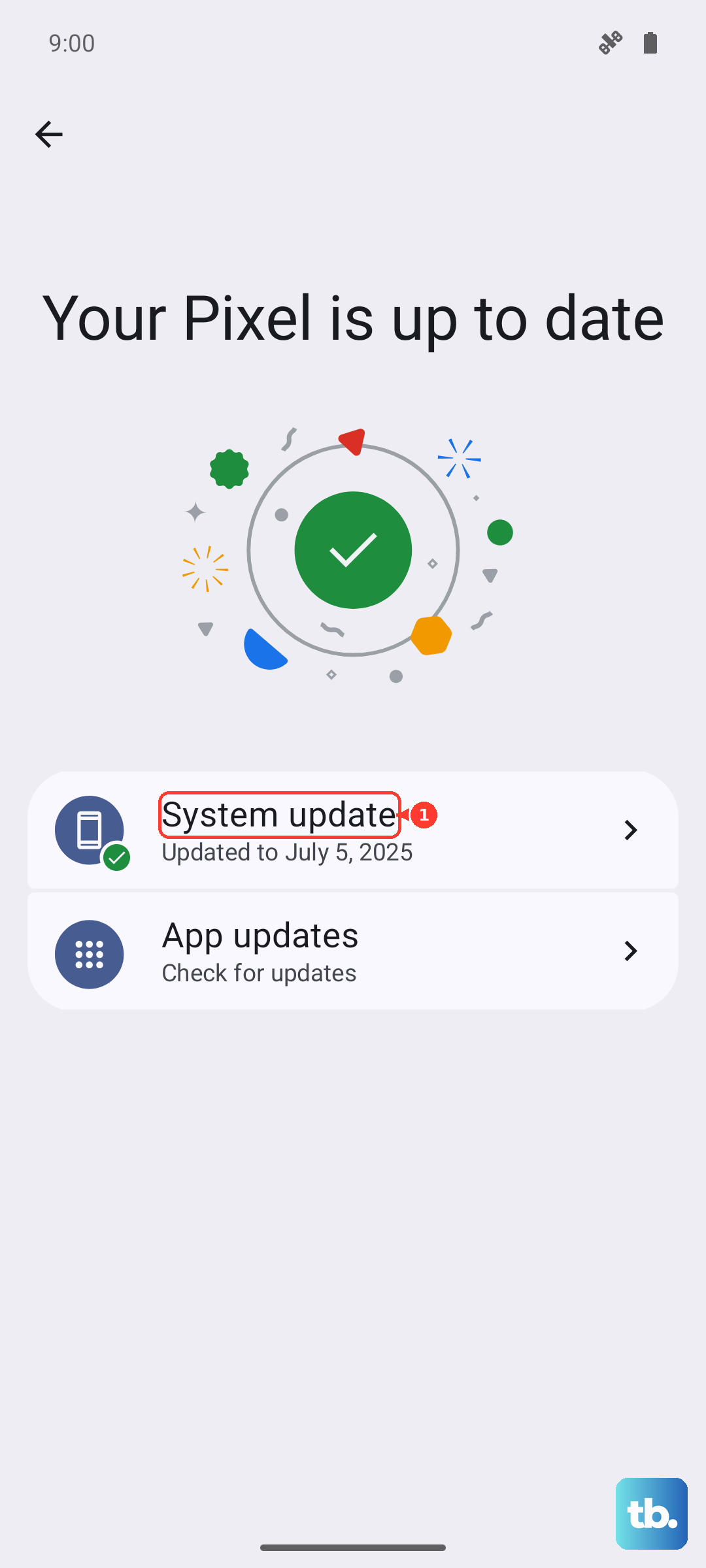
Go to Settings > System > Software Update and hit Download and Install. Samsung has acknowledged charging bugs for the Z Flip 7 in recent security patches. Installing the latest update might fix intermittent stopping or failure to recognize the pad.
If Charging Stops Midway...
The Z Flip 7 will halt wireless charging if it gets too hot. This happens if the phone is in direct sunlight, left on a thick blanket, or used heavily while on the pad. In my experience, overheating during charging mostly happens when the phone is on a soft surface that traps heat. Let both the phone and the charger cool down for 15 minutes before trying again.
The Pre-Order Charging Bug
Some Z Flip 7 units shipped with a bug where the phone stops charging before it hits 100%, whether it's on a cable or a pad. The quick workaround is to unplug or remove it from the pad, wait a few seconds, and put it back. Samsung has promised a system update to fix this permanently.
Test With a Cable
Plug the phone into the included USB-C cable and a 25W or higher adapter. If it charges fine wired, the problem is narrowed to the wireless hardware or a specific pad incompatibility. If it won't charge at all, the USB-C port or battery management board may need service.