
The screen lights up but nothing you do on your Samsung Galaxy S25 Edge seems to register. Swipes go ignored, taps do nothing, and the phone just sits there staring back at you. It's frustrating, but most touch freezes on this phone are fixable without losing your data.
If the Screen Is Completely Frozen
Press and hold the Volume Down and Side (power) buttons simultaneously for about 10 seconds until the Samsung logo appears. This is a full force restart and won't erase anything on your phone. It's the single most effective fix for a touch-unresponsive S25 Edge, clearing whatever temporary glitch is hanging the display. If nothing happens after 10 seconds, keep holding for a few more, some freezes need a bit longer.
Give It a Few Minutes
The S25 Edge can briefly freeze when it's doing heavy background work, installing a system update, syncing a large cloud restore, or indexing photos after a transfer. If the phone feels slightly warm but won't respond to touch, it might just be busy. Wait 5 to 10 minutes before trying the force restart. Most of the time the screen will come back on its own once the work finishes.
Plug It In and Wait
A battery that's critically low can cause the touch screen to stop responding. Connect your S25 Edge to a charger and leave it alone for at least 15 minutes. Use the Samsung original 25W charger for best results, the S25 Edge supports up to 25W wired charging, but cheap cables or third-party bricks can limit it to around 15W or cause intermittent power delivery. If the charging indicator doesn't show up, check the USB-C port for lint or debris first.
Close the Stuck App
Sometimes just one app is the problem while the rest of the phone works fine. Swipe up from the bottom and hold in the middle of the screen to open the app switcher, then swipe up on the frozen app to close it. Tap the app again and it should open normally. If the same app keeps freezing, head to the Play Store and check for an update, or uninstall and reinstall it.
Is the Phone Overheating?
The S25 Edge will freeze the touch screen if its internal temperature gets too high, it's a safety mechanism to protect the battery and processor. If the back of the phone feels hot, remove any case and set the phone in a cool, shaded spot. Don't put it in the fridge or freezer; just let it cool down naturally for 15 to 20 minutes. Avoid charging while it's hot, since that only adds more heat.
Free Up Storage Space
When internal storage is nearly full, under 1 GB free, Android 15 can lock up because it has no room for temporary files. Check remaining space in Settings > Device care > Storage. Delete old downloads, clear out screenshots and duplicate photos, or offload unused apps. Aim to keep at least 3 to 5 GB free for normal operation.
If the Software Is Out of Date
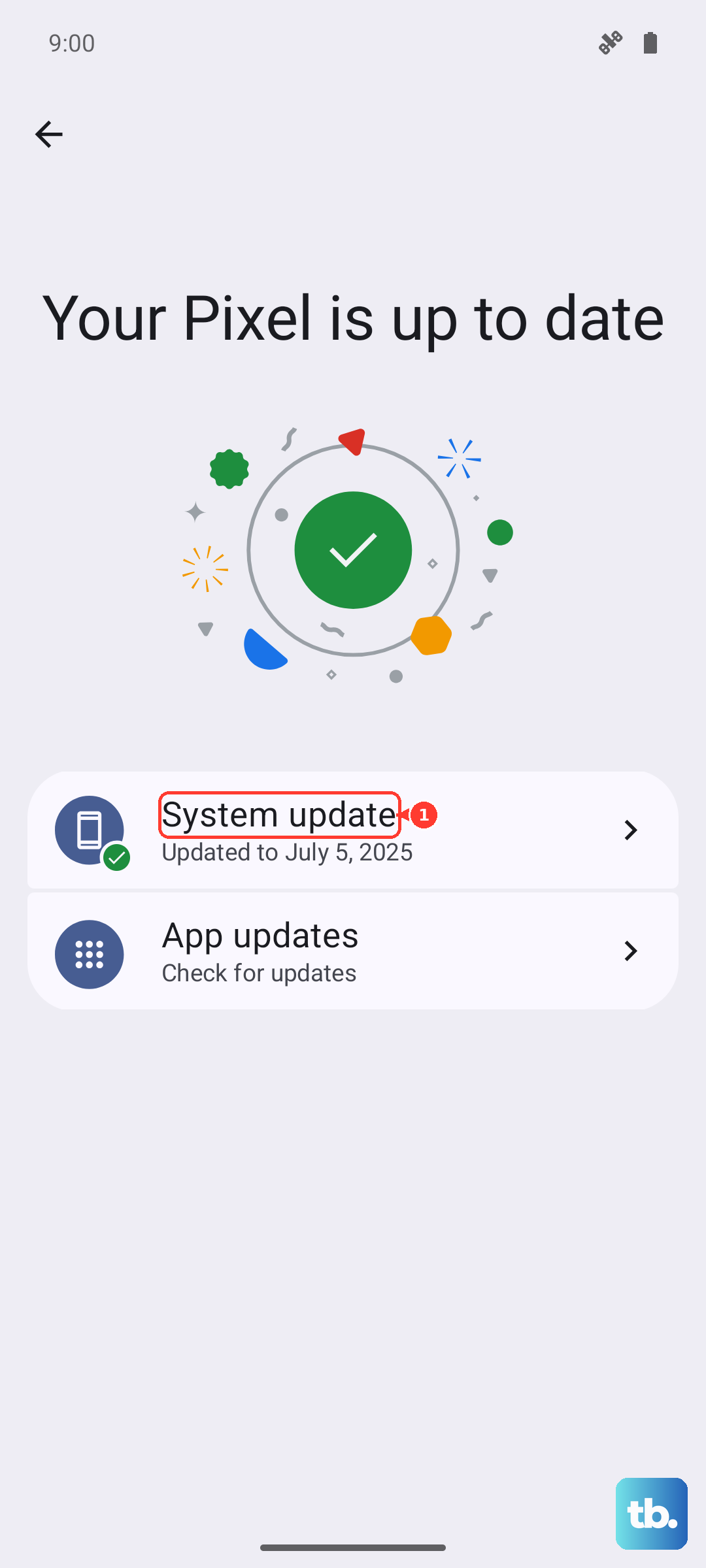
Bugs in older versions of One UI or Android 15 can cause the touch screen to freeze intermittently. Go to Settings > Software update > Download and install and grab any available update. If the phone is so frozen you can't navigate to Settings, you can use Samsung Smart Switch on a PC or Mac to check for updates over USB. Samsung pushes monthly security patches and bug fixes that specifically address screen response issues.
Clear the System Cache
A corrupted cache partition can make the S25 Edge's touch input lag or freeze entirely. Turn the phone off, then press and hold Volume Up and Side button together until the Samsung logo appears, then release the buttons. You'll see the Android recovery menu. Use the volume buttons to navigate to Wipe cache partition and press the Side button to select it. Confirm with Yes. This won't delete your apps or data, it just clears temporary system files. Reboot the phone normally afterward.
Safe Mode Can Pinpoint the Problem
A third-party app that's poorly coded or incompatible with Android 15 can lock up the touch screen. Boot into Safe Mode by pressing and holding the Side button until the power menu shows, then tap and hold Power off until you see the Safe Mode prompt. Tap Safe mode to confirm. If the touch screen works fine in Safe Mode, a downloaded app is the culprit. Uninstall recently added apps one by one until you find the one that caused the freeze.