
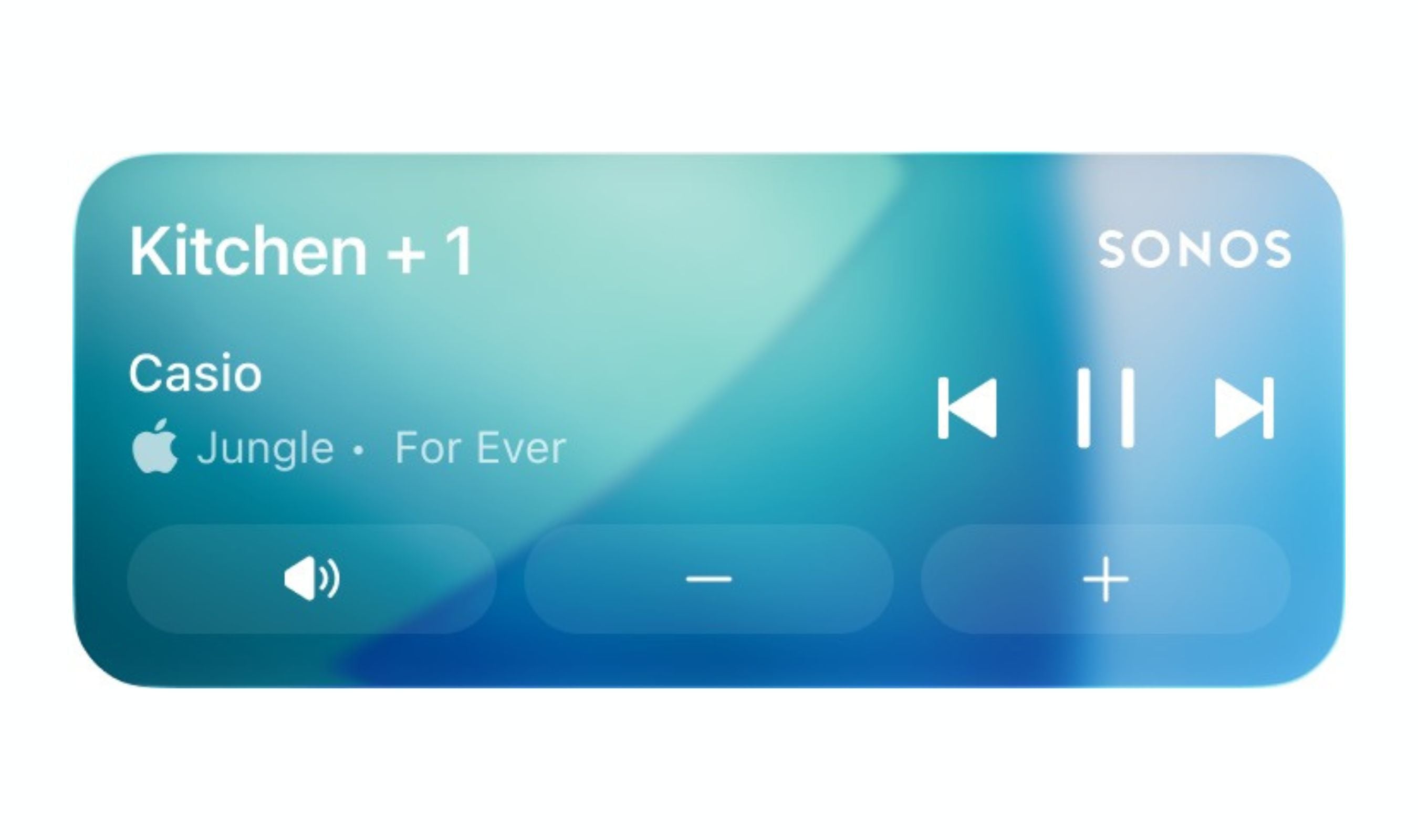
Sonos has rolled out Live Activities support in its iPhone app, putting playback controls directly on the Lock Screen so you can see what's playing and skip or pause tracks without opening the app. The company described the feature as "much requested, anticipated, and needed," according to MacRumors.
The Live Activity displays the room or group where you were last playing audio and works even when you start playback from outside the Sonos app, such as via Direct Control from supported services, Bluetooth, or AirPlay. To get it running, you'll need the latest version of the app and must enable the feature manually by heading into Account > App Preferences > Live Activity, as detailed by T3.
Album art isn't supported on the Live Activity at the moment, though Sonos says it's exploring other ways to enhance the Lock Screen experience. The company also noted that Live Activities work on Apple Watch and CarPlay, but playback controls aren't supported in those instances yet.
The rollout follows a turbulent stretch for Sonos, which has dealt with older speaker support ending, a problematic app update, and executive turnover, but the new Lock Screen integration suggests the company is finding its footing again.