Windows 11's most frequently used interface elements are getting a speed boost after years of user complaints about sluggish responsiveness. Microsoft confirmed it's testing improvements that will make Quick Settings and right-click context menus load instantly, addressing delays that have frustrated users since the operating system's launch.
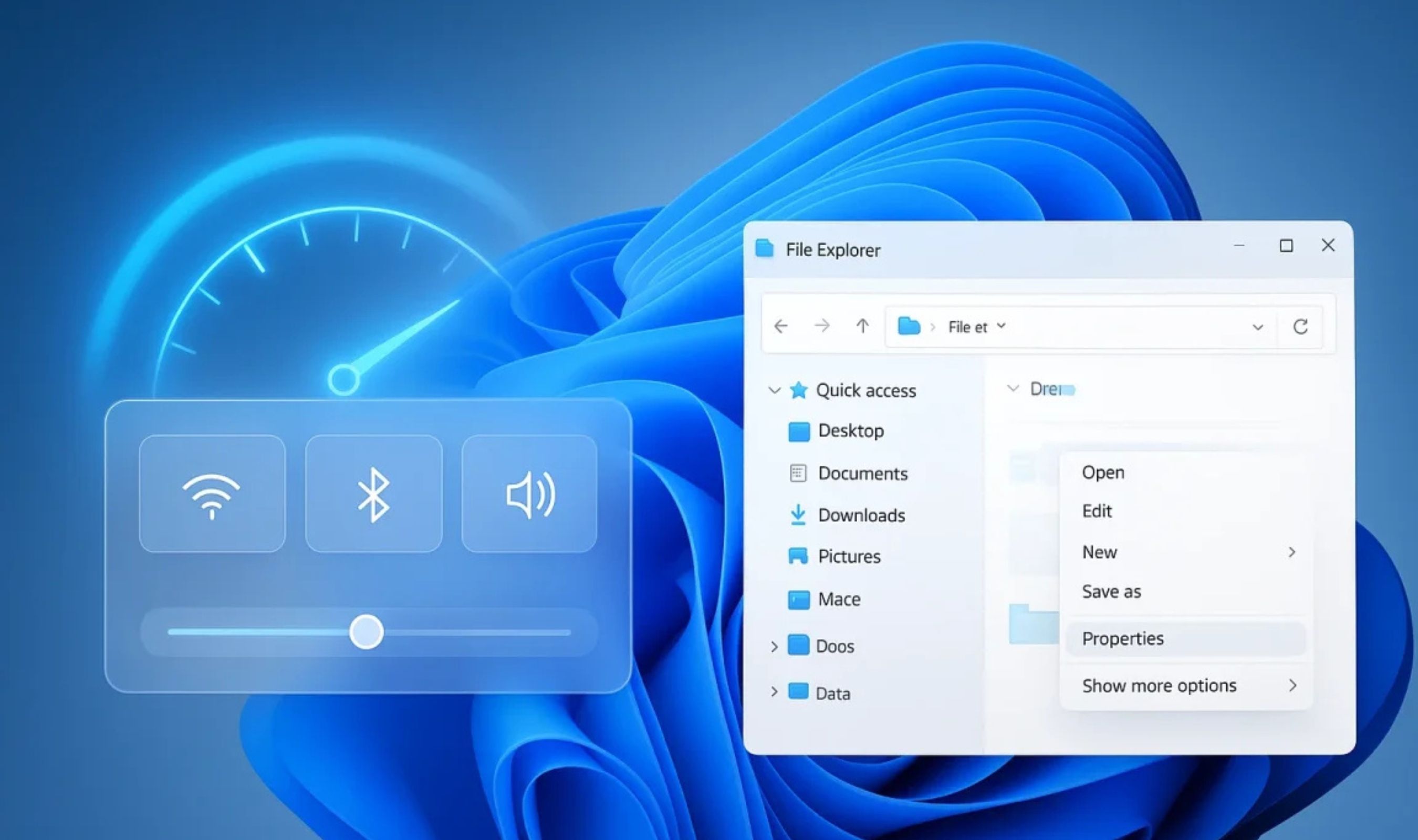
The panel accessed by clicking network, sound, or battery icons in the system tray currently takes several seconds to appear in some cases. Individual toggles for Wi-Fi, Bluetooth, and other functions can take additional time to load once opened.
Microsoft told Windows Latest it has internal targets to make Quick Settings load immediately, including buttons and sub-action pages.
Right-click context menus face similar issues, particularly when dealing with different file types or on systems with traditional hard drives. The modernized menus introduced with Windows 11 use different rendering techniques than their Windows 10 counterparts, sometimes resulting in noticeable delays before options appear.
Microsoft's engineering team identified bottlenecks in the rendering pipeline and event handling mechanisms that contribute to these delays. Upcoming updates will implement changes to the underlying code managing these UI elements, reducing the time between user interaction and visual response according to official communications.
The improvements target three key areas for Quick Settings: reduced initialization time when first accessed, smoother transitions between views, and faster toggle response for individual controls like Wi-Fi and Bluetooth switches. For context menus, updates will reduce the time between right-click and menu display while improving how third-party applications load their menu items.
These changes are part of a broader 2026 initiative focused on improving speed across Windows 11. The company is working toward near-instant loading for key UI areas including the Start menu, taskbar, and notifications center alongside Quick Settings enhancements.
Microsoft is also adding usability upgrades alongside speed improvements. Users will be able to rearrange Quick Settings tiles using drag-and-drop functionality currently in testing.
A new Energy Saver section groups controls like dark mode toggle, eco brightness adjustments, screen contrast settings, and power mode configurations in one place. The notifications center receives parallel attention with faster load times for alerts and quicker dismissal animations expected in upcoming updates.
These changes matches Microsoft's previously announced plans to reduce interruptions from Windows Update notifications while allowing users to pause updates for longer than five weeks. The interface enhancements will arrive through regular Windows Update processes rather than major feature releases according to Digital Trends. This means users won't need to wait for version upgrades to benefit from faster interface elements once improvements complete testing phases.
Microsoft's focus on core interface responsiveness represents a subtle shift in development priorities after several years emphasizing new AI-powered features like Copilot integration. The company appears dedicating more resources to refining existing functionality based on consistent user feedback emphasizing stability over additional capabilities.