
When your Motorola Edge 50 Pro won't charge wirelessly, it's frustrating because that 50W speed is one of its best features. The issue is almost always related to alignment, the specific charger you're using, or a simple software hiccup. Let's get it working again.
Center It on the Charging Stand
The 50W wireless charging on the Edge 50 Pro requires very precise alignment with the charging coil. You need to place the phone dead center on Motorola's proprietary charging stand for it to work at full speed. If you're using a standard Qi pad, the phone will still charge, but you won't get the advertised 50W speeds and alignment is even more critical. Look for the charging animation or a notification on your screen to confirm it's connected.
Take Off Your Phone Case
This is the most common fix. Even a moderately thick case can block the wireless charging signal, especially if you're aiming for the high-speed 50W mode. Pop the case off and try charging the bare phone. If it works, you'll need a case specifically marketed as compatible with wireless charging. Cases with metal plates, rings, or built-in card holders will almost always cause problems.
Verify You're Using the Right Charger
This is crucial for the Edge 50 Pro. To hit 50W wireless, you must use Motorola's official TurboPower 50W wireless charging stand paired with the included 125W wired charger block. Using a different power adapter or a standard Qi pad will result in much slower charging, which can sometimes be mistaken for "not charging." Make sure the charger is plugged in firmly and its indicator light is on.
Force Restart Your Phone
A quick reboot can clear out a temporary software glitch that's preventing the phone from recognizing the charger. Press and hold the Power button for about 10 seconds until you feel a vibration and see the Motorola logo appear. This forces the phone to restart. Once it's back on, place it on the charger again to see if the connection is established.
Clean the Phone and Charger Surface
Dust, lint, or any debris on the back glass of your Edge 50 Pro or on the surface of the charging stand can create a tiny gap that breaks the connection. Wipe both down with a clean, dry, lint-free cloth. Pay special attention to the center of the phone's back where the charging coil is located.
Check for a Software Update
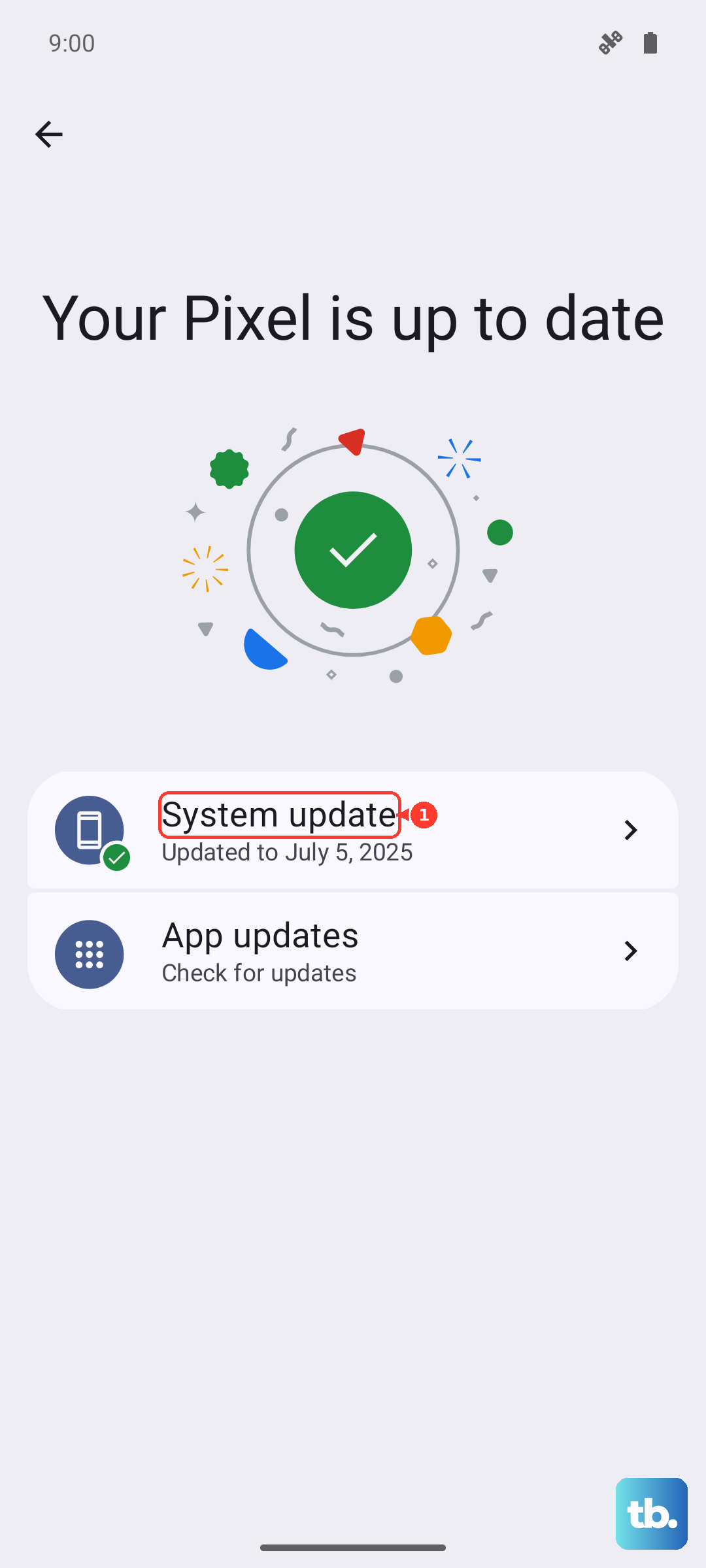
Motorola occasionally releases updates that improve charging stability and compatibility. Go to Settings > System > System updates and tap "Check for update." If an update is available, install it. I've seen updates resolve charging quirks on previous Motorola models, so it's always worth a quick check.
Let Your Phone Cool Down
Wireless charging generates more heat than wired charging. If your Edge 50 Pro is too hot from use, being in a hot environment, or from a previous charging session, it will slow down or stop charging to protect the 4500mAh battery. If the phone feels warm, take it off the charger, let it cool to room temperature, and then try again.
Enable Battery Protection
This is a good general tip for your Edge 50 Pro's long-term health. Go to Settings > Battery > Battery protection. Enabling this feature can help manage heat and charging behavior, which might indirectly improve wireless charging consistency. It's designed to extend your battery's lifespan, especially since the 125W wired charging can degrade the battery faster over time.
Test With a Different Wireless Charger
If you have access to another Qi wireless charger, even a slower one, give it a try. If your phone charges on a different pad, then the issue is likely with your original charging stand or its power adapter. If the phone refuses to charge wirelessly on any pad, the problem may be with the phone's internal hardware or a deeper software issue.