An AMBER Alert interrupts your iPhone, and you want to stop the next one without turning off every emergency notification. The dedicated AMBER Alerts switch does exactly that where your region and carrier allow it. Here’s where to find it, what a missing switch means, and which temporary options interrupt alerts.
Turn off the AMBER Alerts switch
Open Settings > Notifications.
Scroll to the bottom of the screen to find the Government Alerts section.
Turn off AMBER Alerts, leaving the other alert categories enabled. Government Alerts is a section heading, not a separate menu to open.
This is the persistent, selective opt-out for built-in AMBER Alerts. It is available on compatible iPhones with a supported carrier SIM or eSIM in regions that permit opting out, including the United States.
Stop alerts from a news or public-safety app
For notifications sent separately by an app, disable that app’s notifications without changing carrier-delivered government alerts.
- 1.Open Settings.
- 2.Tap Notifications.
- 3.Tap the name of the app sending the notifications.
- 4.Turn off Allow Notifications to stop all notifications from that app.
Find out why the switch is missing
Region and carrier restrictions determine whether your iPhone offers the AMBER Alerts switch.
Check the bottom of Settings > Notifications for the switch.
If it is absent, that alone does not mean your phone has a fault. Apple says some regions do not permit disabling government alerts. In Canada, for example, Videotron says customers cannot opt out.
Where opting out is blocked, use Airplane Mode as described below for a temporary interruption. Powering off also stops alerts while the phone is off, but neither option changes your alert preference. An alert that remains active when your phone reconnects can appear then.
Skip sound settings and test-alert controls
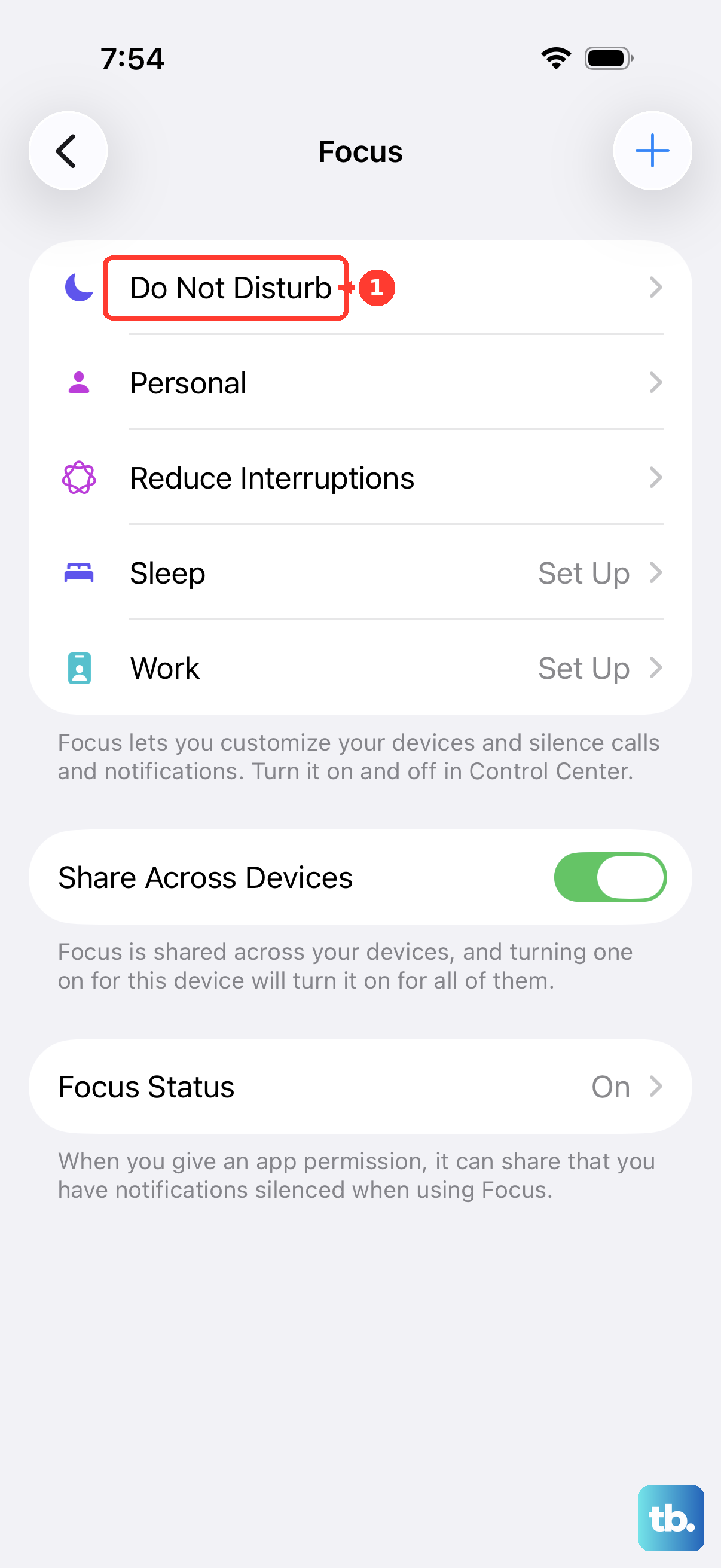
Silent mode does not guarantee silence for these alerts: alerts can still appear and override it. Do not rely on Focus, Do Not Disturb, the volume buttons, the Ring/Silent switch, or the Action button to disable AMBER Alerts.
The Always Play Sound setting within Emergency Alerts controls Emergency Alert sound in Silent mode. Apple does not identify it as an AMBER-specific mute or opt-out.
Older dial-code advice applies only to test alerts on iOS 15.3 or earlier. The current Test Alerts switch also controls tests only.
If alerts continue after changing sound settings, use the dedicated AMBER Alerts switch. If that switch is unavailable, try the temporary connectivity option below.
Use Airplane Mode for a temporary interruption
Airplane Mode interrupts cellular alerts, calls, and connectivity without changing your AMBER Alerts preference.
- 1.Open Control Center.
- 2.Tap the Airplane Mode button to disconnect cellular service.
- 3.Turn Airplane Mode off when you want to restore cellular connectivity. An alert that remains active can appear after reconnection.
Power off your iPhone for another temporary option
Shutting down stops alerts from appearing while your iPhone is off. It does not permanently disable AMBER Alerts.
To shut down through settings, open Settings > General > Shut Down.
To use hardware buttons instead, press and hold the side button and either volume button on an iPhone with Face ID until the sliders appear. On an iPhone with a Home button and side button, press and hold the side button until the slider appears.
Drag the Power Off slider to turn off your iPhone. An alert that remains active can appear after the phone turns back on and reconnects.
Frequently Asked Questions
Do I need to install an app or update my iPhone to change this setting?
No download, installation, or update is required. Access to the switch depends on your region and carrier.
Can my carrier block AMBER Alerts like unwanted text messages?
Carrier messaging blocks are not an alternative. Wireless Emergency Alerts are not SMS or MMS messages; Verizon directs users to device settings to opt out.
Will deleting an alert app stop the iPhone’s built-in AMBER Alerts?
No. Deleting a third-party app removes that app and its local data. The built-in Government Alerts service is separate and cannot be removed by deleting an app.