Spotify on PS4 can fail at launch, sign-in, playback, Spotify Connect, account linking, network access, or system updates. Start with the fastest console checks, then move into reinstalling, network repair, and Safe Mode only when the simpler fixes do not clear it.
Start with the official Spotify app
Open PlayStation Store on your PS4. Search for Spotify and download the official app. Then launch Spotify on the console. Sign in with your Spotify email address and password.
If the console shows the PIN option, select LOG IN WITH PIN, open www.spotify.com/pair on another device, and enter the PIN shown on your TV. Use the PS4 Spotify app from PlayStation Store instead of third-party downloads or PS4 browser workarounds.
Use the PS4 Quick Menu when the app screen freezes
This method applies when Spotify is installed but the main app screen is blank, frozen, or hard to control during play. PS4 keeps music controls available from the Quick Menu.
Press and hold the PS button on your controller. Select Music. Choose Spotify.
Use the Quick Menu controls to skip songs, play or pause, and adjust volume. Quick Menu Spotify controls are not available while streaming games.
Fix Spotify Connect discovery
The most common Spotify Connect cause is a weak local connection between your phone, tablet, and PS4. Open Spotify on your phone or tablet. Start playing a track or podcast. Then tap Connect device at the bottom of the screen.
Select your PS4. If the PS4 is missing, restart the Spotify app on your phone or tablet. Restart the PS4 and the device running Spotify. Update Spotify and the PS4 system software.
Connect both devices to the same Wi-Fi network. Restart the router or try a different Wi-Fi network. On iPhone or iPad, open Settings > Spotify > Local Network, turn it on, then reopen Spotify and try Connect device again.
Relink Spotify to PlayStation Network
Use this reset when Spotify opens but loops during login, links to the wrong account, or fails after direct sign-in.
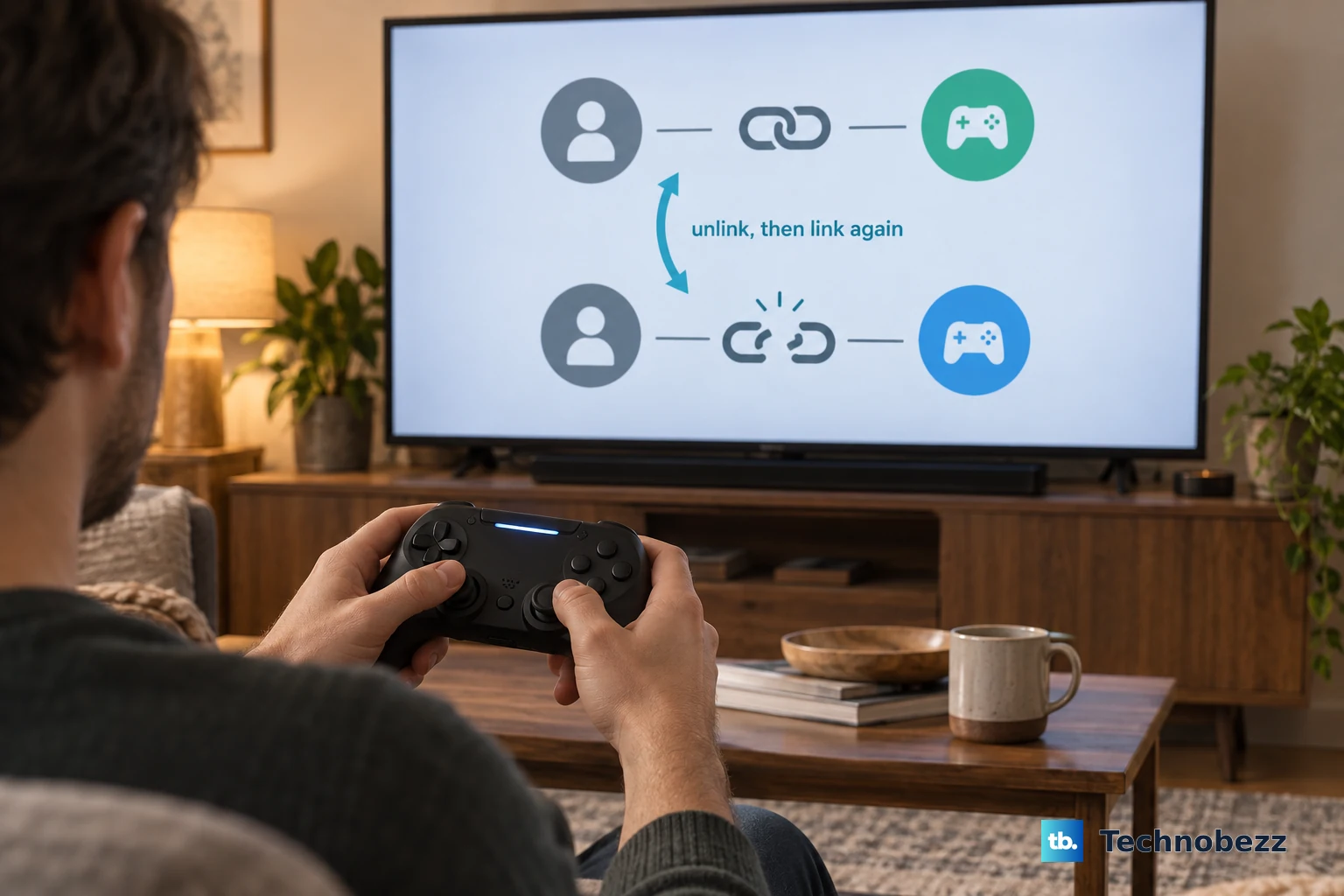
- 1.On PS4, go to Settings > Account Management > Linked Services > Spotify > Unlink Account.
- 2.Return to Settings > Account Management > Linked Services > Spotify > Link, then follow the on-screen instructions.
- 3.For a web reset, open your Spotify account page, go to Manage apps, and choose Remove Access for Sony.
- 4.Open Spotify on PS4 and link the account again.
Reinstall Spotify and restore licenses
Highlight Spotify in the PS4 content launcher or Library. Press the OPTIONS button on the controller. Choose Delete. Then open PlayStation Store.
Search for Spotify and download it again. If Spotify is missing, padlocked, hard to locate, or still crashing, go to Settings > Account Management > Restore Licenses > Restore. Deleted PS4 apps can be downloaded again, so reinstall Spotify before deeper system repair.
Repair the PS4 network connection
Use these checks when Spotify will not stream, sign in, download from PlayStation Store, or appear through Spotify Connect.
- 1.Go to Settings > Network > Test Internet Connection.
- 2.For Wi-Fi, go to Settings > Network > Set Up Internet Connection > Use Wi-Fi > Easy, choose your network, enter the password, and run Test Internet Connection.
- 3.For wired internet, connect a LAN cable, then go to Settings > Network > Set Up Internet Connection > Use a LAN Cable > Easy > Test Internet Connection.
- 4.Restart your modem or router by powering it off, waiting 5 minutes, and turning it back on.
- 5.If Wi-Fi is weak, move the PS4 and router closer together and remove obstructions.
- 6.If you manually changed DNS, go to Settings > Network > Set Up Internet Connection > Custom, then verify the Primary DNS and Secondary DNS entries.
Update Spotify and PS4 system software
The most common update-related cause is outdated Spotify or PS4 system software, and PlayStation says some applications and content require current system software. On the PS4 home screen, highlight Spotify. Press the OPTIONS button. Select Check for Update.
Go to Settings > System Software Update. If a later update file exists, let the PS4 download it. For future app updates, go to Settings > System > Automatic Downloads and tick Application Update Files.
To keep updates running in Rest Mode, go to Settings > Power Saving Settings > Set Features Available in Rest Mode, then turn on Stay Connected to the Internet and Enable Turning On PS4 from Network. If a system software update is stuck, open Notifications, highlight the update file, press the OPTIONS button, choose Delete, then run Settings > System Software Update again.
Route Spotify audio to the right output
This applies when Spotify launches and playback starts, but sound is missing through a headset, TV, receiver, capture device, or soundbar. For headset audio, go to Settings > Devices > Audio Devices > Output to Headphones. Choose All Audio.
For TV or receiver audio issues, go to Settings > Sound and Screen > Audio Output Settings > Audio Format(Priority). Set the audio format back to Linear PCM if the sound problem started after changing audio settings.
Use Safe Mode after the easier fixes fail
Turn off the PS4 completely. Press and hold the power button. Release the power button after the second beep to start Safe Mode.
Choose Rebuild Database if Spotify keeps failing to launch, app icons remain after deletion, or the console has storage or database issues. Choose Restore Default Settings if the problem is tied to system settings; PlayStation says this does not delete games, apps, screenshots, video clips, or saved data.
Back up saved data from Settings > Application Saved Data Management before initialization. Use Initialize PS4 only after backups and lower-risk steps fail, because initialization deletes user data.
Spotify is no longer supported or available on PS3 consoles, so use PS4, PS5, or another supported Spotify device instead.
Frequently Asked Questions
Why is Spotify not showing my PS4 in Connect?
Restart Spotify, restart the PS4, keep both devices on the same Wi-Fi, update Spotify and PS4 system software, and restart or change the Wi-Fi network. On iPhone or iPad, also turn on Spotify's Local Network access.
Can I use Spotify Web Player in the PS4 browser instead?
No. Spotify lists mobile and desktop browsers for Web Player support, not the PS4 Internet Browser. Use the PS4 Spotify app or Spotify Connect.
What should I do if PSN or Spotify is down?
Check Spotify Support's Ongoing Issues page and @SpotifyStatus for Spotify issues. Check the PlayStation status page for PlayStation Network alerts, then wait for the affected service to return.
Can a child account be blocked from linking Spotify?
Yes. A family manager, parent, or guardian can adjust PlayStation Family controls for the child account. Avoid restricting Communication and User-Generated Content when the child needs to link supported third-party services.