If you're juggling multiple apps during live streams or creative work, a stream controller deck can transform your workflow. The Elgato Stream Deck MK.2 stands out as the best overall choice for most users, balancing features, reliability, and ecosystem support.
Technobezz is supported by its audience. We may get a commission from retail offers.
Best Stream Decks in 2026
Elgato Stream Deck MK.2 leads our picks for 2026. Compare 9 top stream controller decks to simplify your live streaming and creative workflow.
T
Technobezz
Editorial Team
Updated June 15, 2026Jun 15, 2026
•9 min read

Get Deals Like These in Your Inbox
The best prices, checked by our editors.
Whether you're streaming to Twitch, editing videos, or managing complex workflows, the right deck turns keyboard shortcuts into single-button operations that keep you focused on your content.
At a Glance
| Category | Product | Why We Picked It |
|---|---|---|
| Best overall | Elgato Stream Deck MK.2 | Perfect balance of 15 customizable LCD keys and proven software ecosystem |
| Best value | Elgato Stream Deck Neo | Budget-friendly entry point with eight keys and two touch points |
| Best for versatility | Elgato Stream Deck+ | Combines buttons with four programmable dials for precise control |
| Best for professionals | Elgato Stream Deck XL | 32-key powerhouse for complex workflows |
| Also recommended | Razer Stream Controller | Sleek, flexible alternative to the Elgato Stream Deck |
| Also recommended | VSDINSIDE Macro Keypad | 18 programmable keys with broad OBS and app support |
| Also recommended | Fifine AmpliGame D6 | Solid budget pick for basic OBS controls |
How we chose
We evaluated stream controller decks based on key count, software ecosystem, build quality, and real-world usability. Our assessment prioritizes setup simplicity, customization depth, and long-term reliability. We considered both hardware solutions and software alternatives, focusing on devices that deliver tangible workflow improvements without unnecessary complexity.
The best stream controller decks right now
Elgato Stream Deck MK.2 - Best overall
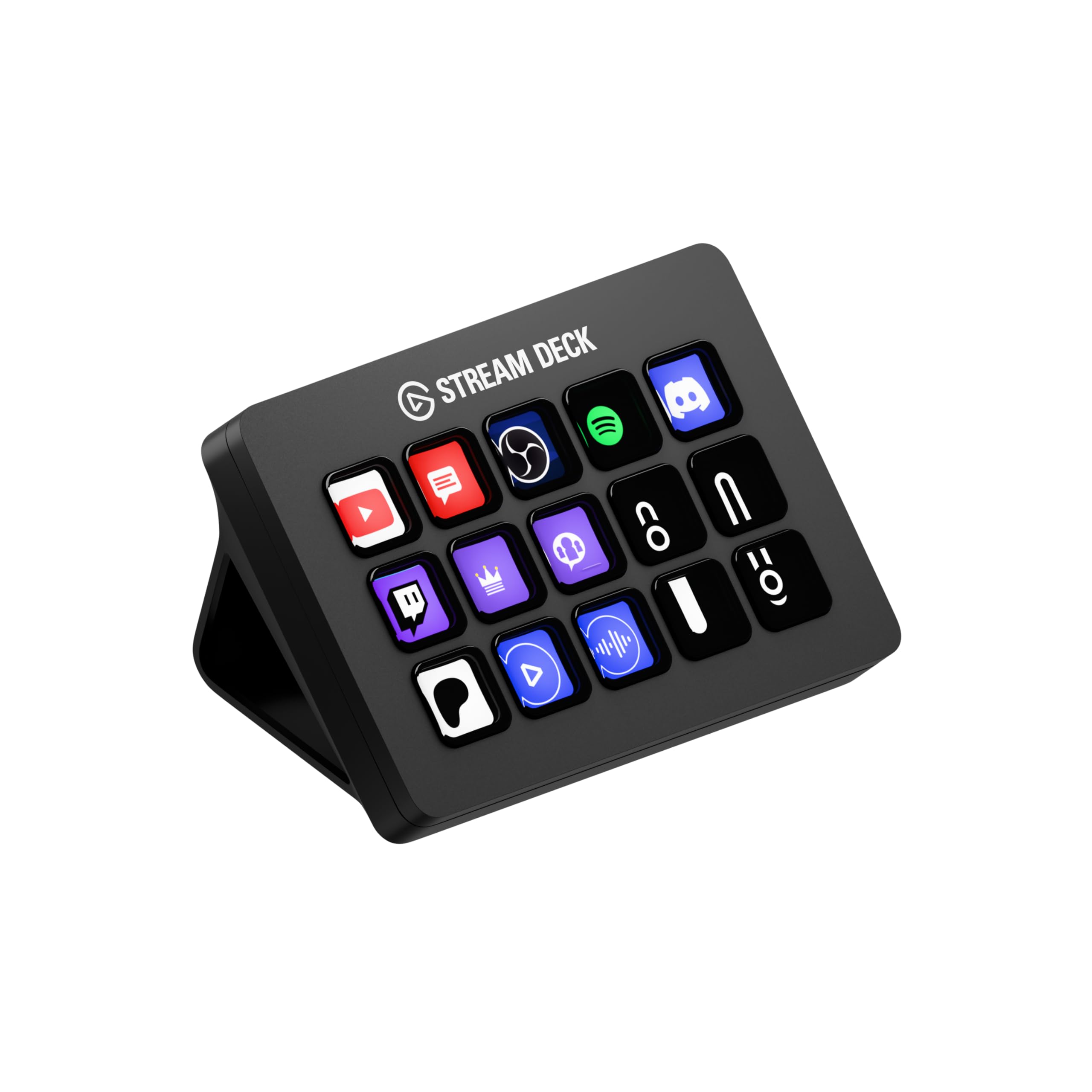
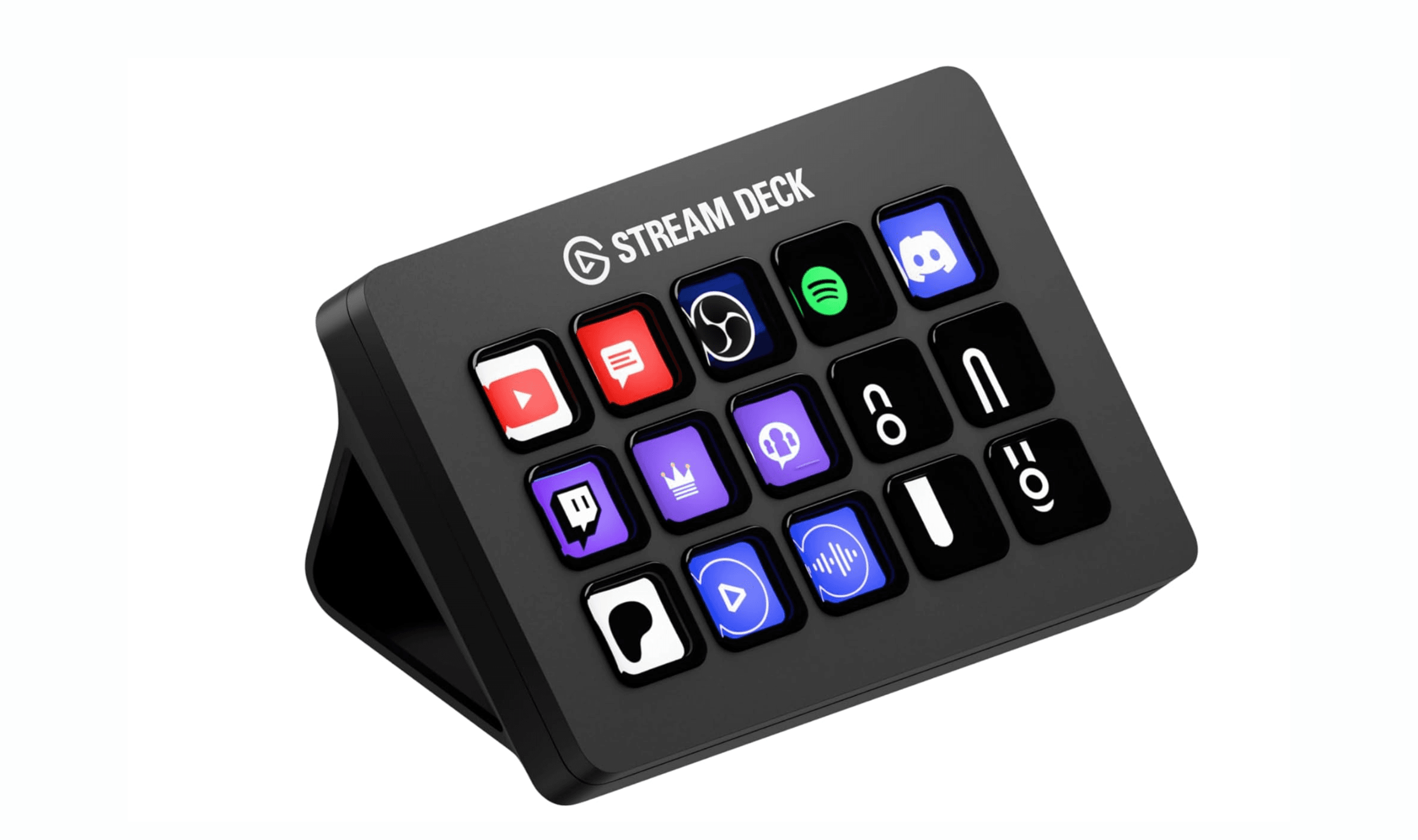
The MK.2 delivers the ideal combination of functionality, reliability, and ecosystem support that makes it the top choice for most content creators. With 15 customizable LCD keys and intuitive drag-and-drop software, it transforms complex workflows into simple button presses.
Key highlights
- 15 fully customizable LCD keys arranged in a 5×3 grid
- Detachable USB-C cable for flexible setup
- Interchangeable faceplates to match your setup
- Extensive plugin library with thousands of pre-made profiles
- Smart profiles that automatically switch based on active application
Pros
- Proven reliability with consistent performance
- Intuitive software that suggests common actions for beginners
- Extensive third-party plugin support for nearly any application
- Solid aluminum construction feels premium on your desk
Cons
- $150 price point may be steep for casual users
- Requires desk space that might be limited in smaller setups
- Learning curve for maximizing advanced multi-action workflows
Who it is for: Content creators who need reliable control over streaming software, video editing tools, or productivity applications without overwhelming complexity.
Skip if
You're on a tight budget and can work with fewer keys, or if you need physical dials for precise parameter control.
Elgato Stream Deck Neo - Best value
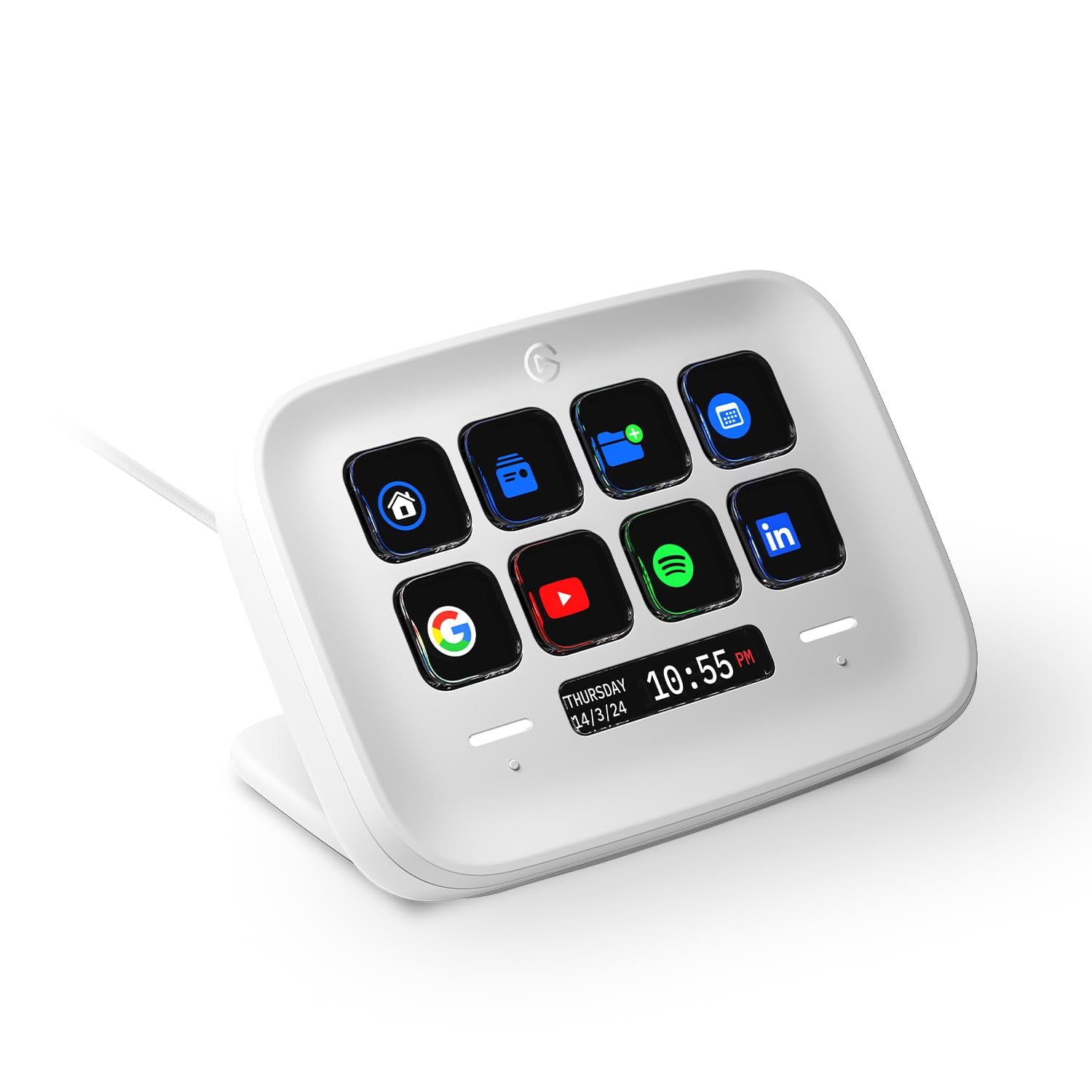
The Neo offers the most accessible entry point into the Stream Deck ecosystem without sacrificing core functionality. With eight LCD keys and two touch points, it provides enough control for essential workflows at a more approachable price.
Key highlights
- Eight tactile LCD keys with two additional touch points
- Built-in folding stand with two adjustable positions
- Protective anti-slip material on the bottom
- Pre-configured tutorial folder for quick setup
- Same software ecosystem as premium Elgato models
Pros
- Most affordable way to experience the Stream Deck ecosystem
- Foldable stand makes it portable for travel setups
- Plug-and-play setup with helpful tutorials included
- Bright, colorful keys provide clear visual feedback
Cons
- Only eight keys may feel limiting as your workflow expands
- Lacks the premium feel of aluminum construction
- Touch points require practice to use effectively
Who it is for: Beginners who want to try stream decks without major investment, or creators with limited desk space who need basic control.
Skip if
You already know you need more than eight keys, or if you require the premium build quality of higher-end models.
Elgato Stream Deck + - Best for versatility
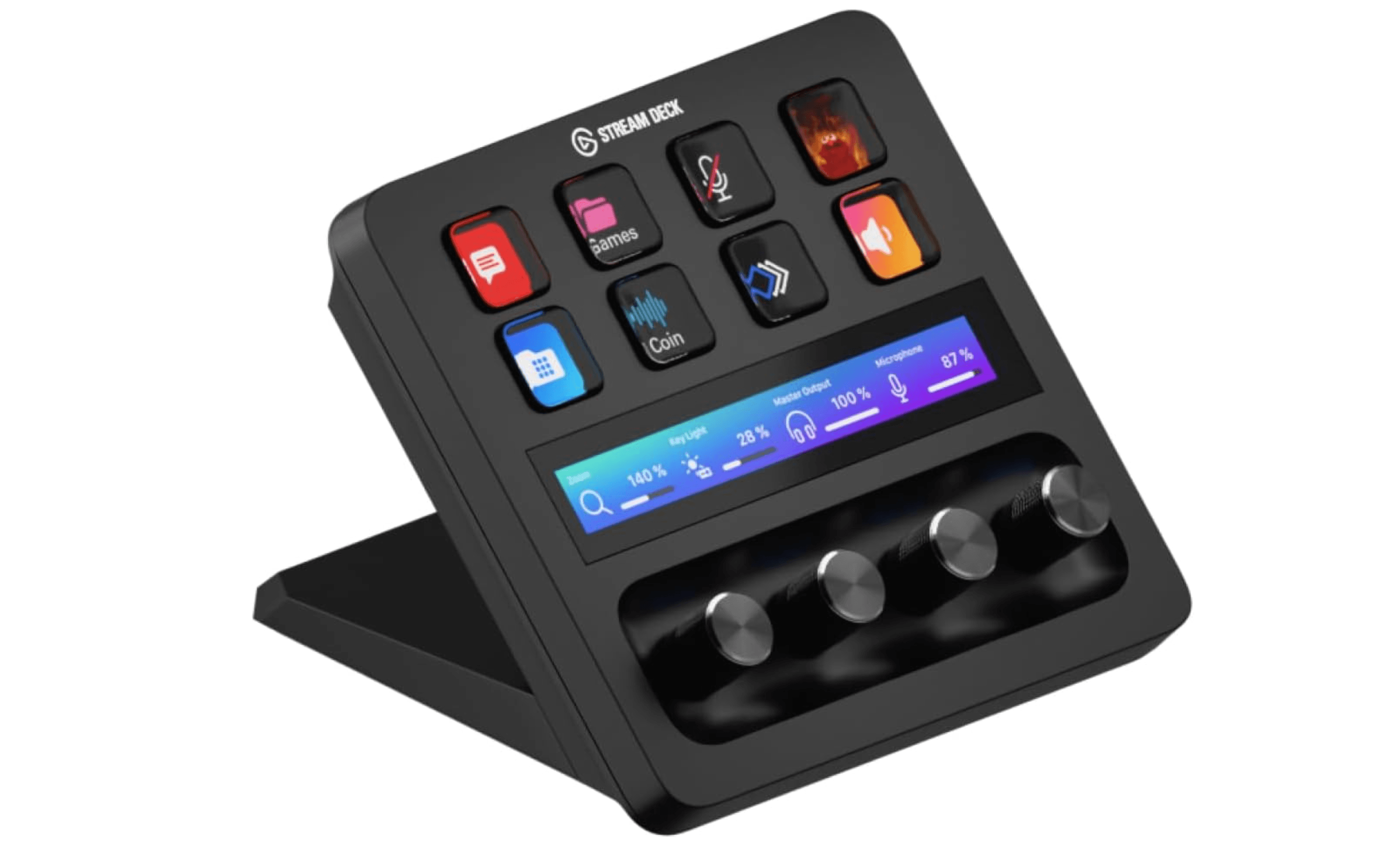
The Stream Deck+ stands apart by combining LCD keys with four rotary dials and a touch strip, giving you both quick-action buttons and precise parameter control in one device. It is ideal for creators who need to adjust audio levels, brush sizes, or timeline scrubbing on the fly without switching between apps.
Key highlights
- Eight customizable LCD keys for quick actions
- Four 360-degree rotary dials with push-button function
- LCD touch strip for swipe navigation and extra controls
- Smart profiles that automatically switch based on active application
- Works seamlessly with the full Elgato software ecosystem
Pros
- Dials provide precise, analog-style control over volume, brush size, and other parameters
- Combines the best of button-based and dial-based workflows in one device
- Touch strip adds a third layer of control without extra desk space
- Premium build quality with a compact footprint
Cons
- Only eight LCD keys may feel limited compared to the MK.2 or XL
- Dials and touch strip have a learning curve
- Higher price than button-only models for fewer keys
Who it is for: Video editors, audio engineers, and creators who need precise parameter control alongside traditional button functions.
Skip if
You rarely adjust parameters and just need more buttons, or if you prefer a simpler button-only setup.
Elgato Stream Deck XL - Best for professionals
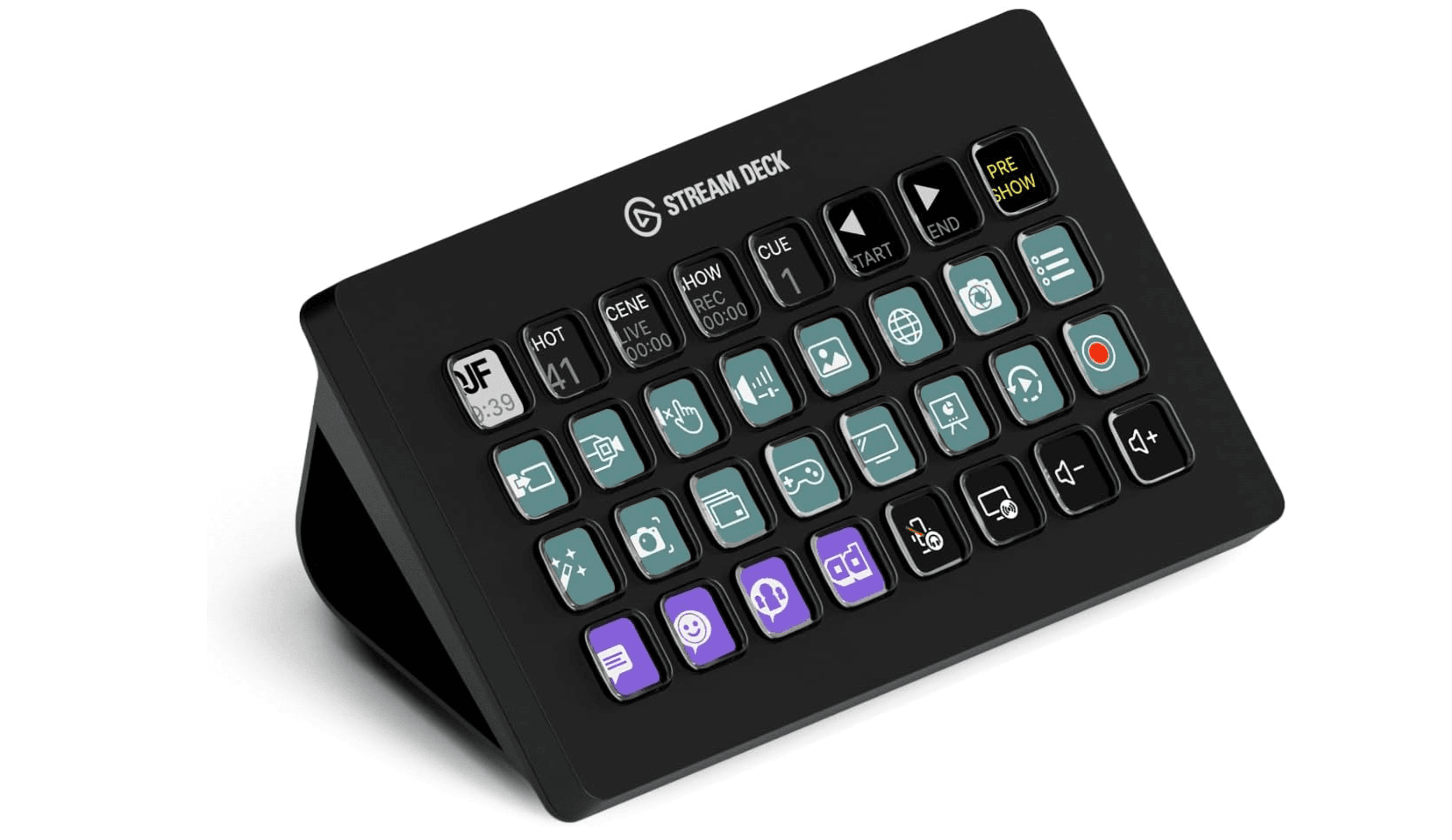
The Stream Deck XL is the powerhouse of the lineup, packing 32 fully customizable LCD keys into an 8x4 grid. It eliminates the need to navigate through folders or pages, letting professionals keep every command visible and accessible at all times.
Key highlights
- 32 customizable LCD keys arranged in an 8x4 grid
- Detachable USB-C cable for clean desk routing
- Smart profiles that automatically switch based on active application
- Same full plugin library and software ecosystem as other Stream Deck models
- Non-slip base keeps the unit firmly in place during use
Pros
- 32 keys means virtually no folder navigation needed for complex setups
- Perfect for multi-software workflows where you need dozens of shortcuts visible at once
- Solid aluminum construction feels premium and durable
- Extensive third-party plugin support across streaming, editing, and productivity apps
Cons
- Largest footprint in the lineup requires significant desk space
- Premium price point puts it out of reach for casual users
- Can feel overwhelming if you don't actually need 32 keys
Who it is for: Professional streamers, broadcast engineers, and power users who run complex multi-application workflows and want every shortcut visible without navigating pages.
Skip if
You only need a handful of shortcuts, or if desk space is at a premium. The MK.2 or Neo will serve most creators just fine.
Also Good
- Razer Stream Controller - sleek, flexible alternative to the Elgato Stream Deck.
- VSDINSIDE Macro Keypad - 18 programmable keys with broad OBS and app support.
- Fifine AmpliGame D6 - solid budget pick for basic OBS controls.
How to Choose
Consider these factors when selecting your stream controller deck:
Key count matters most: Start with how many distinct functions you need regularly. Six keys work for basics like scene switching and mute controls. Fifteen keys handle most streaming workflows. Thirty-two keys eliminate folder navigation entirely for complex setups.
Software ecosystem depth: The best decks have extensive plugin libraries that work with your applications. Look for automatic profile switching, drag-and-drop configuration, and community support for niche tools.
Control type flexibility: Buttons work for discrete actions, while dials excel at parameter adjustment. Touch strips enable navigation. Consider what you actually need rather than paying for features you won't use.
Build quality and ergonomics: Premium materials like aluminum feel better and last longer. Consider cable management, stand options, and how the device fits your specific desk setup.
Budget versus long-term value: While budget options save money initially, premium models often provide better long-term value through durability, software updates, and not needing replacement as your needs grow.
FAQ
Do I need a stream deck if I'm not a streamer?
Many creators use stream decks for video editing, audio production, and general productivity. The ability to automate repetitive tasks applies to any computer workflow, not just streaming.
Can I use multiple stream decks together?
Yes, most software supports multiple devices. This allows you to dedicate one deck to streaming controls and another to editing shortcuts, or combine different sizes for different purposes.
How difficult is the setup process?
Modern stream decks feature intuitive drag-and-drop software with automatic application detection. Beginners can be operational in minutes, while advanced customization may take longer to master.
Do stream decks work with Mac and Windows?
Most mainstream options support both operating systems, though some plugins or features may be platform-specific. Always check compatibility for your specific applications.
What's the difference between hardware and software alternatives?
Hardware decks provide tactile feedback and dedicated desk presence. Software alternatives like Touch Portal offer similar functionality through mobile devices at lower cost but lack physical buttons.
Published February 26, 2026 Last updated June 15, 2026
Share this article
More in News

AKG K 701 Ultra Reference Class Stereo discounted to $247.37
AKG K 701 headphones drop to $247.37 on Amazon, a 47% discount that sits below recent 30, 90, and 180-day average prices.
5 min read

Apple Watch SE 3 GPS 40mm Smartwatch discounted to $189.97
Save $59.03 on the Apple Watch SE 3 GPS 40mm at Amazon, matching its lowest recorded price with health and sleep tracking.
5 min read

Cleer Audio Enduro ANC Noise Canceling Headphones price drops to $94.99
Save 47% on Cleer Audio Enduro ANC headphones at $94.99, with 60-hour battery, active noise cancellation, and multipoint Bluetooth.
3 min read

Lenovo coupon codes and deals
Browse 5 current Lenovo offers, including 3 coupon codes and 2 online deals.
5 min read

Woot coupon codes and deals
3 min read

Samsung coupon codes and deals
5 min read

Best tech coupon codes and online deals
4 min read
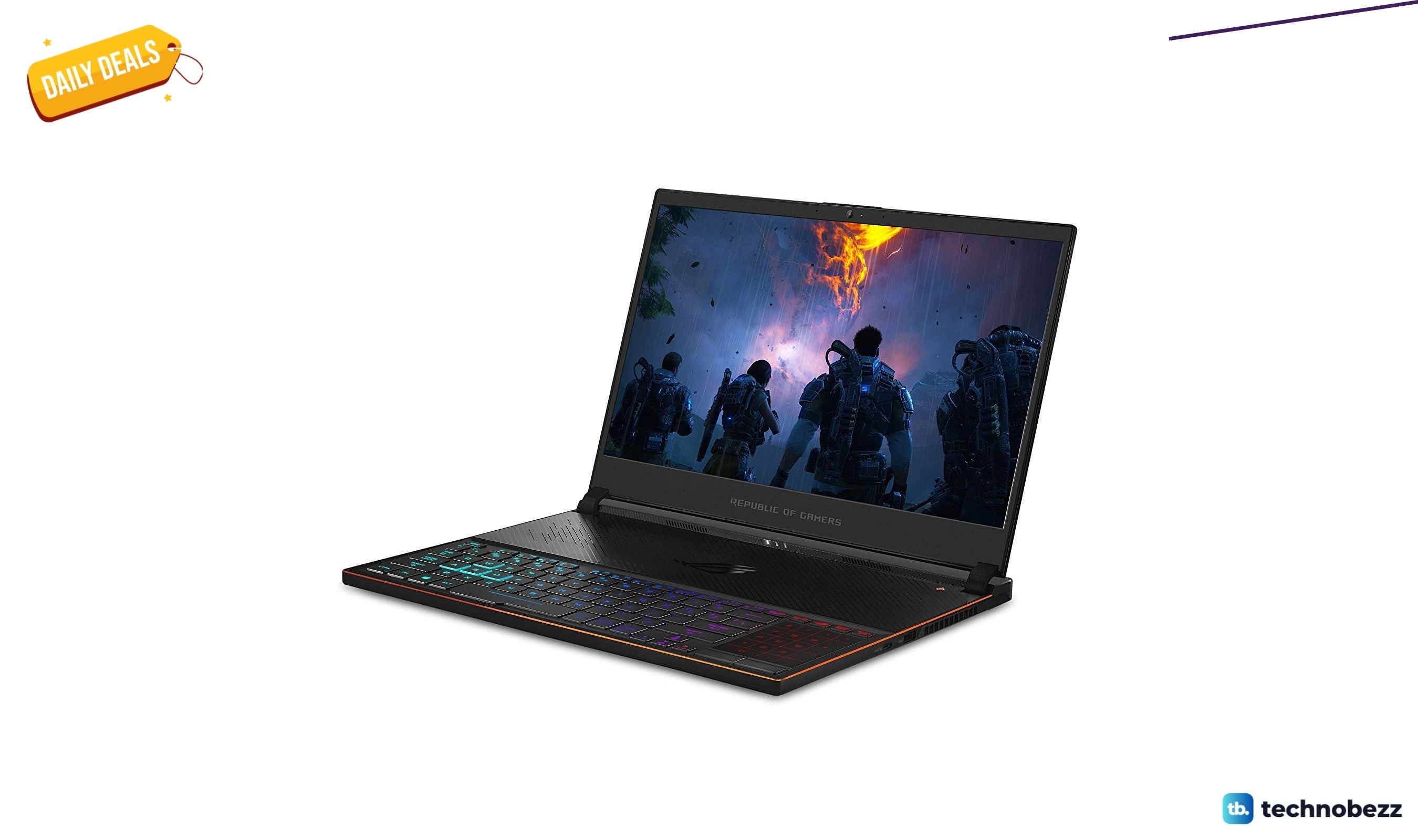
ASUS ROG Zephyrus S Ultra Slim Gaming gets a $660.95 price cut to $1338.05
5 min read
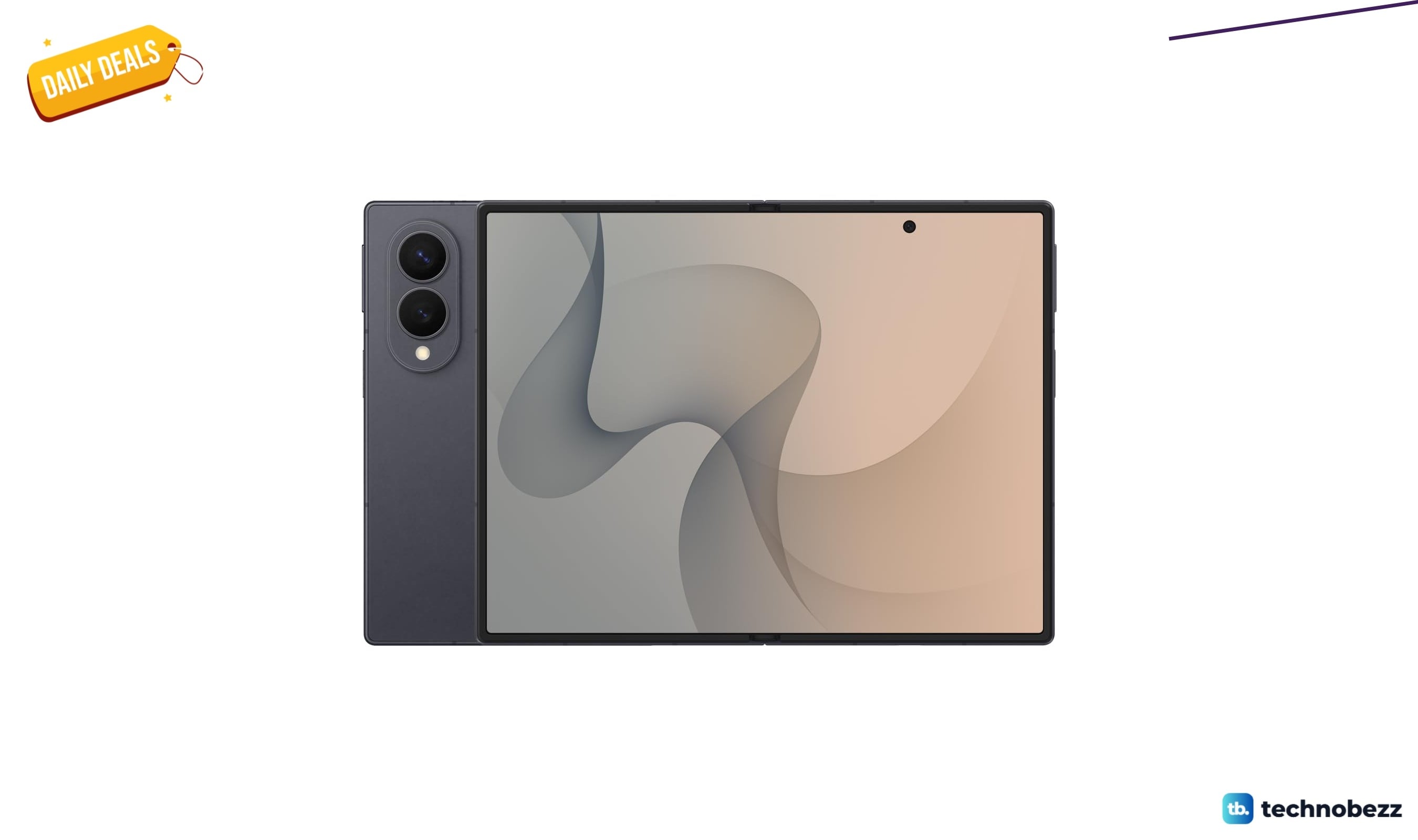
Samsung Galaxy Z Fold8 Unlocked Android Smartphone on sale for $1649.99
3 min read
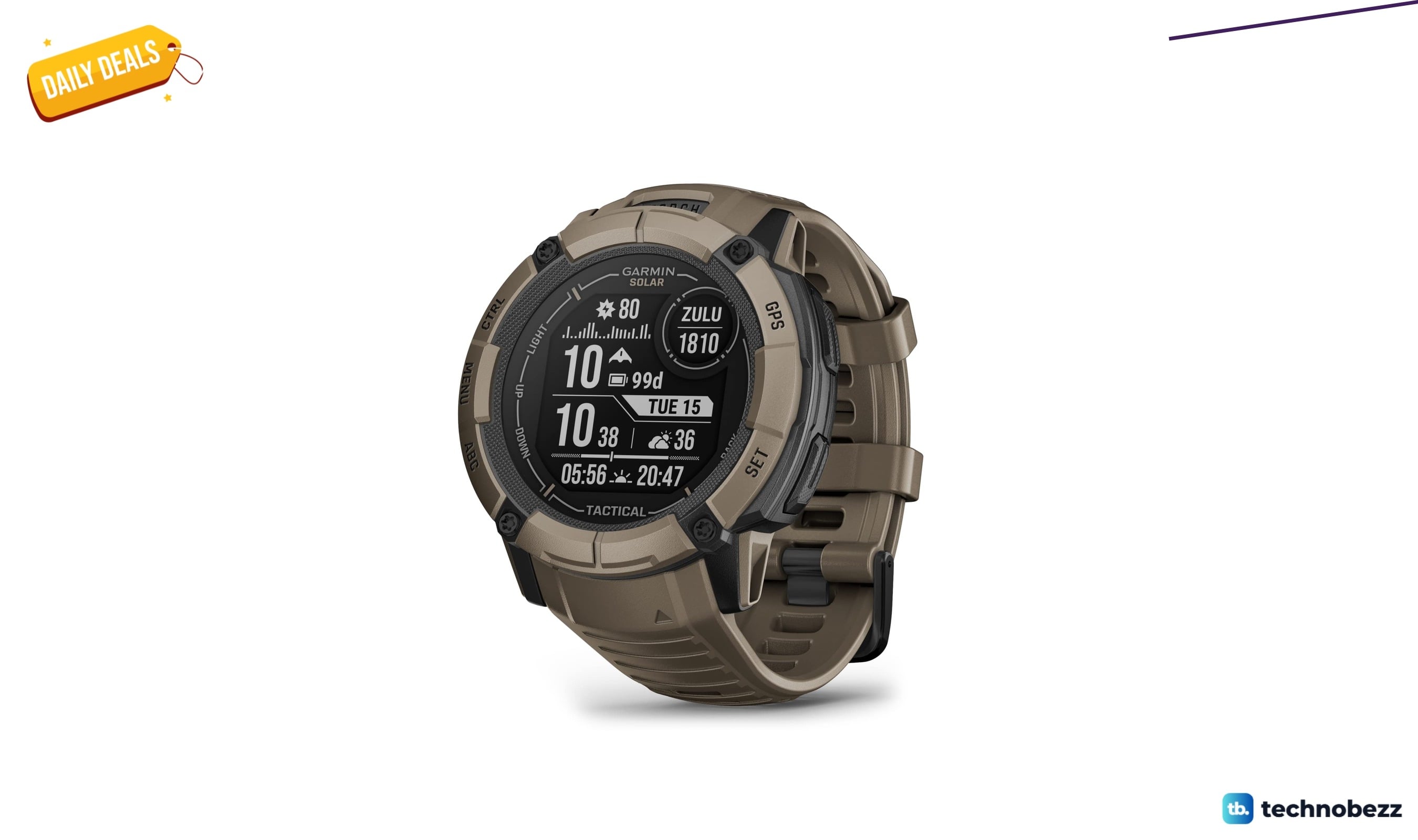
We found 2 smartwatch deals from $219.99 that are actually worth it
5 min read
Sony WH-CH720 Noise Canceling Wireless Bluetooth Headphones now $87.94, down from $119.99
3 min read
TCL 75-inch F7D QLED 4K TV leads 2 TV deals from $499.99
5 min read