The Dell Precision 5690 delivers the best balance of power and portability for most professionals. Mobile workstations prioritize performance over everything else, but the right choice depends on whether you need maximum expandability, macOS compatibility, or true portability. This list helps engineers, designers, and data scientists find the right tool for demanding workloads.
Technobezz is supported by its audience. We may get a commission from retail offers.
Best Mobile Workstations for 2026
Dell Precision 5690 leads our picks for the best mobile workstations. Compare top models for power, value, and portability for engineers and designers in 2026.
T
Technobezz
Editorial Team
Updated September 4, 2026Sep 4, 2026
•10 min read


Get Deals Like These in Your Inbox
The best prices, checked by our editors.
At a Glance
| Category | Product | Why We Picked It |
|---|---|---|
| Best overall | Dell Precision 5690 | Combines desktop-class performance with reasonable portability |
| Best value | HP ZBook Power 16 G11 A | Delivers workstation power without the premium price |
| Best for maximum performance | HP ZBook Fury 16 G11 | Offers unparalleled expandability and raw power |
| Best thin-and-light | Dell Precision 5490 | Packs workstation capabilities into a 14-inch chassis |
| Best for macOS users | Apple MacBook Pro 16-inch (M5 Pro) | M5 Pro performance with a 1TB SSD and Thunderbolt 5 |
| Best for engineering workflows | Lenovo ThinkPad P16 Gen 3 | 64GB RAM, a 2TB SSD and RTX PRO 3000 graphics for engineering work |
| Also recommended | HP ZBook Studio 16 G11 | Premium portable pick with a stunning display |
| Also recommended | HP ZBook Ultra G1a | Breakthrough 14-inch power with innovative memory |
| Also recommended | Lenovo ThinkPad P14s Gen 7 AMD | Ryzen AI 7 PRO 450 and a 500-nit touchscreen in a 14-inch workstation |
How we chose
We evaluated mobile workstations based on professional requirements including processing power, graphics capabilities, display quality, and portability. Our assessment prioritizes systems with ISV certifications for professional software, adequate cooling for sustained workloads, and practical connectivity for real-world use. We consider how each machine handles demanding applications like CAD, 3D rendering, video editing, and data analysis.
The best mobile workstations right now
Dell Precision 5690 - Best overall
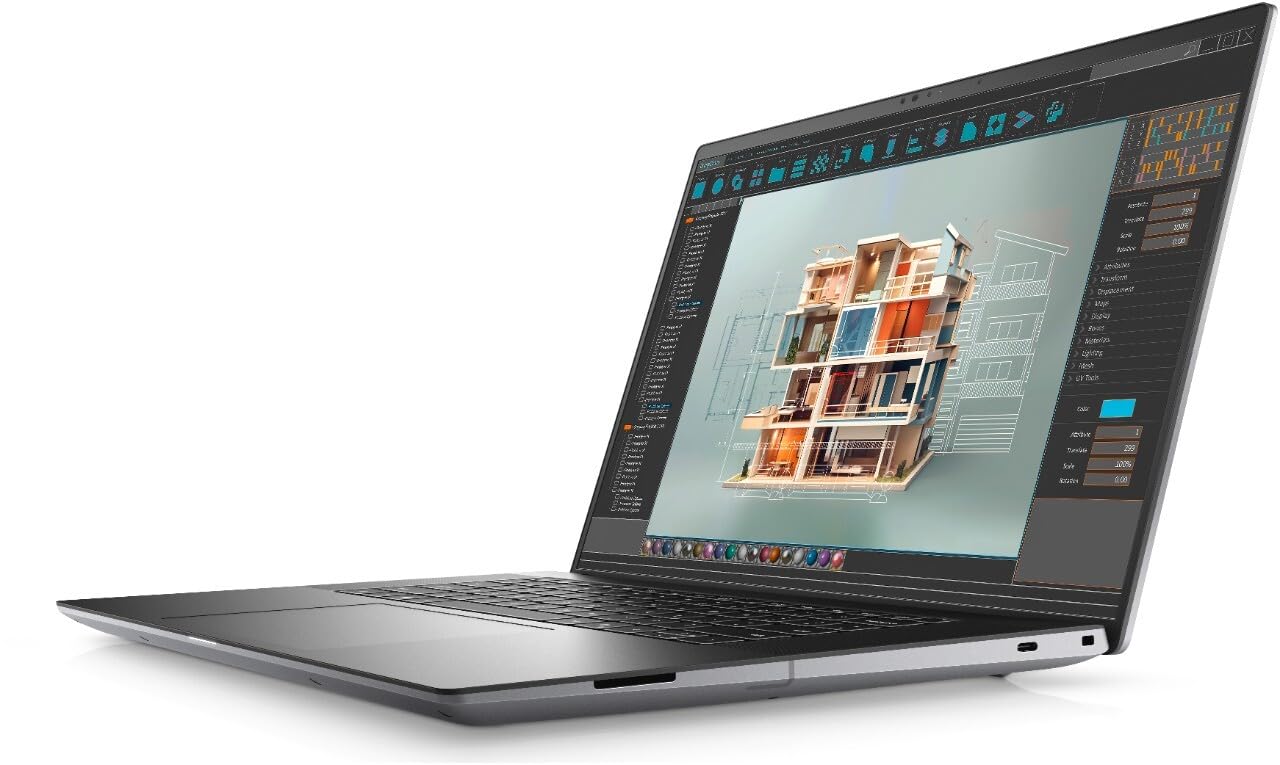
This 16-inch workstation delivers desktop-class performance while staying under five pounds, making it the most balanced choice for professionals who need power without excessive bulk.
Key highlights
- Intel Core Ultra 9 processor with AI enhancements and NVIDIA RTX 2000 Ada 8 GB discrete graphic card
- 16" display with 1920 x 1200 resolution (Full HD Plus) with excellent color accuracy and brightness
- Weighs under five pounds despite powerful components
- Thunderbolt 4 and HDMI connectivity options
- Enterprise-ready features including Intel vPro remote management
Pros
- Excellent balance of processing power and portability
- High-quality display suitable for color-critical work
- Comfortable keyboard and responsive touchpad
- Good thermal management for sustained workloads
Cons
- Premium pricing for fully configured models
- Battery life decreases significantly under heavy GPU loads
- Limited upgrade options compared to larger workstations
Who it is for: Designers, engineers, and scientific professionals who need both power and reasonable portability. The 16-inch form factor provides enough screen real estate for complex work while remaining manageable for travel.
Skip if
You need maximum expandability with 128GB+ RAM or 16TB+ storage, or if you require all-day battery life for fieldwork without power access.
HP ZBook Fury 16 G11 - Best for maximum performance
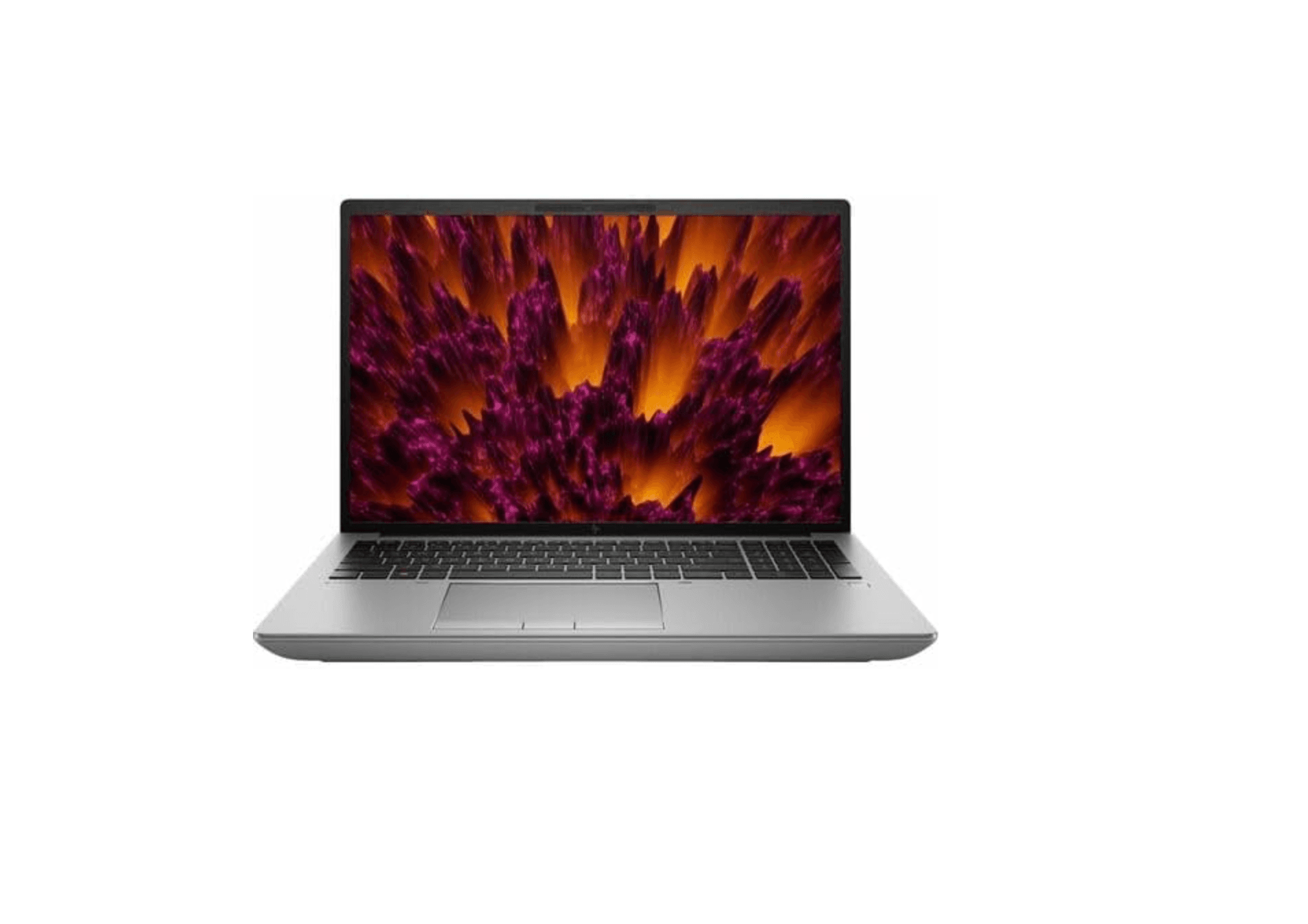
This powerhouse workstation offers unmatched expandability and raw computing power for professionals who need to handle the most demanding workloads without compromise.
Key highlights
- Intel Core i9-14900HX processor with 32 processing threads
- NVIDIA RTX 3500 Ada graphics with 12GB GDDR6, plus integrated Intel UHD Graphics
- Supports up to 128GB of RAM and 16TB of storage
- 16-inch WQUXGA (3840 x 2400) display
- Extensive port selection
Pros
- Exceptional expandability for memory and storage
- Professional-grade display with factory calibration
- Robust build quality designed for enterprise use
- Handles complex CGI rendering and data analysis effortlessly
Cons
- Significant weight and bulk limits true portability
- Battery life is limited under heavy workloads
- Premium pricing for fully configured systems
Who it is for: CGI artists, engineers, and data scientists working with massive datasets or complex simulations. The expandable memory and storage make it ideal for projects that exceed typical workstation capabilities.
Skip if
You need to carry your workstation frequently or work primarily away from power outlets. The size and power requirements make it better suited for desk-to-desk mobility.
HP ZBook Power 16 G11 A - Best value
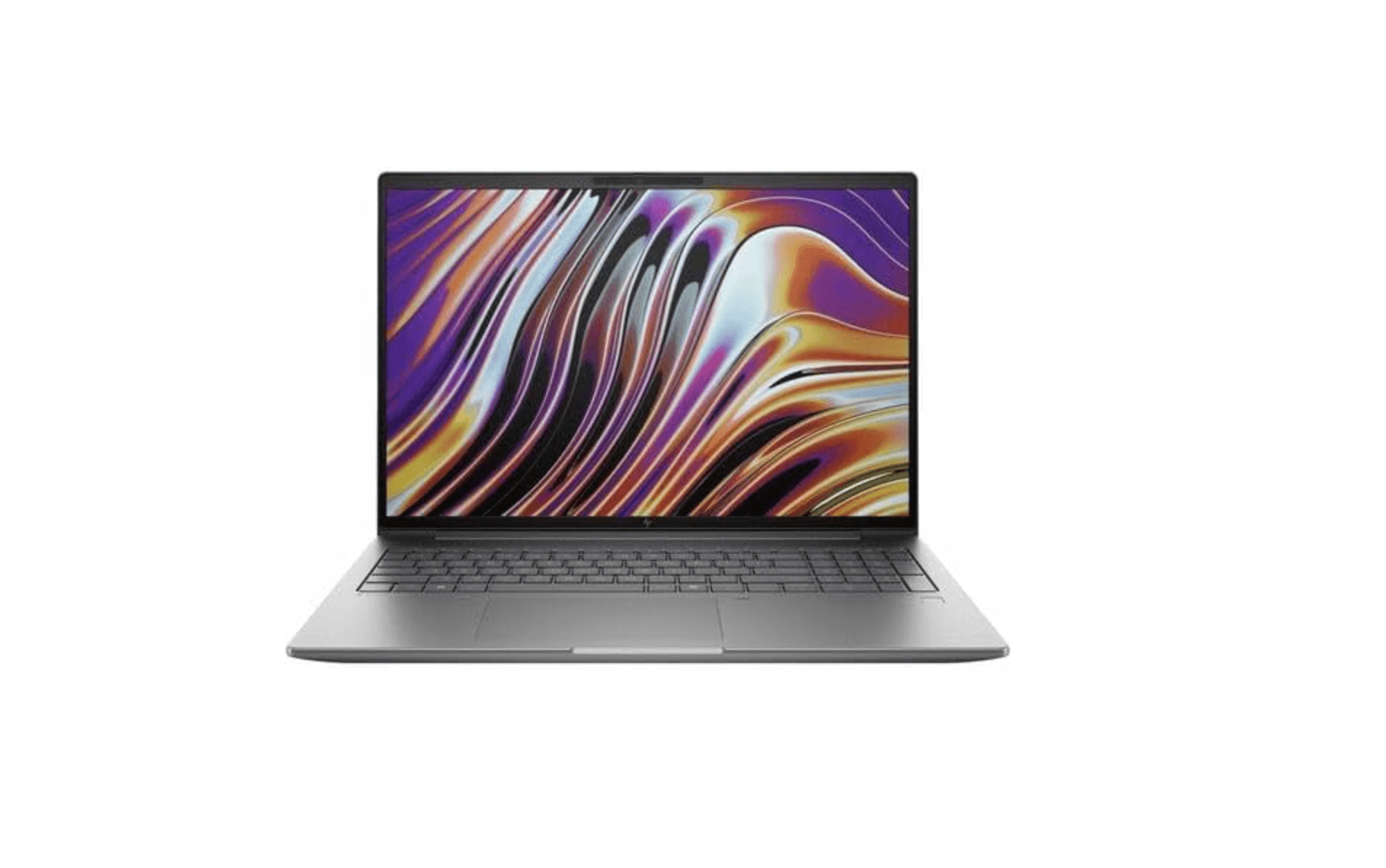
This workstation delivers professional-grade performance at a more accessible price point, making workstation capabilities available to smaller studios and individual professionals.
Key highlights
- AMD Ryzen 7 8845HS processor and NVIDIA RTX 2000 Ada graphics with 8GB GDDR6
- Metal chassis design with all-day battery life potential
- Large 16-inch screen without premium display pricing
- Full ISV certifications for professional software compatibility
- Reasonable weight for a 16-inch workstation
Pros
- Excellent price-to-performance ratio for workstation class
- Good battery life for a machine with discrete graphics
- Solid build quality with professional appearance
- Handles most CAD and creative workloads effectively
Cons
- Display quality trails premium models without optional upgrades
- Performance ceiling lower than flagship workstations
- Some configurations may require display upgrades for color work
Who it is for: Creative professionals, engineers, and architects who need workstation capabilities but have budget constraints. It provides the essential certifications and performance without the premium features.
Skip if
You require the absolute maximum performance for complex simulations or need factory-calibrated displays for color-critical work without additional investment.
Dell Precision 5490 - Best thin-and-light
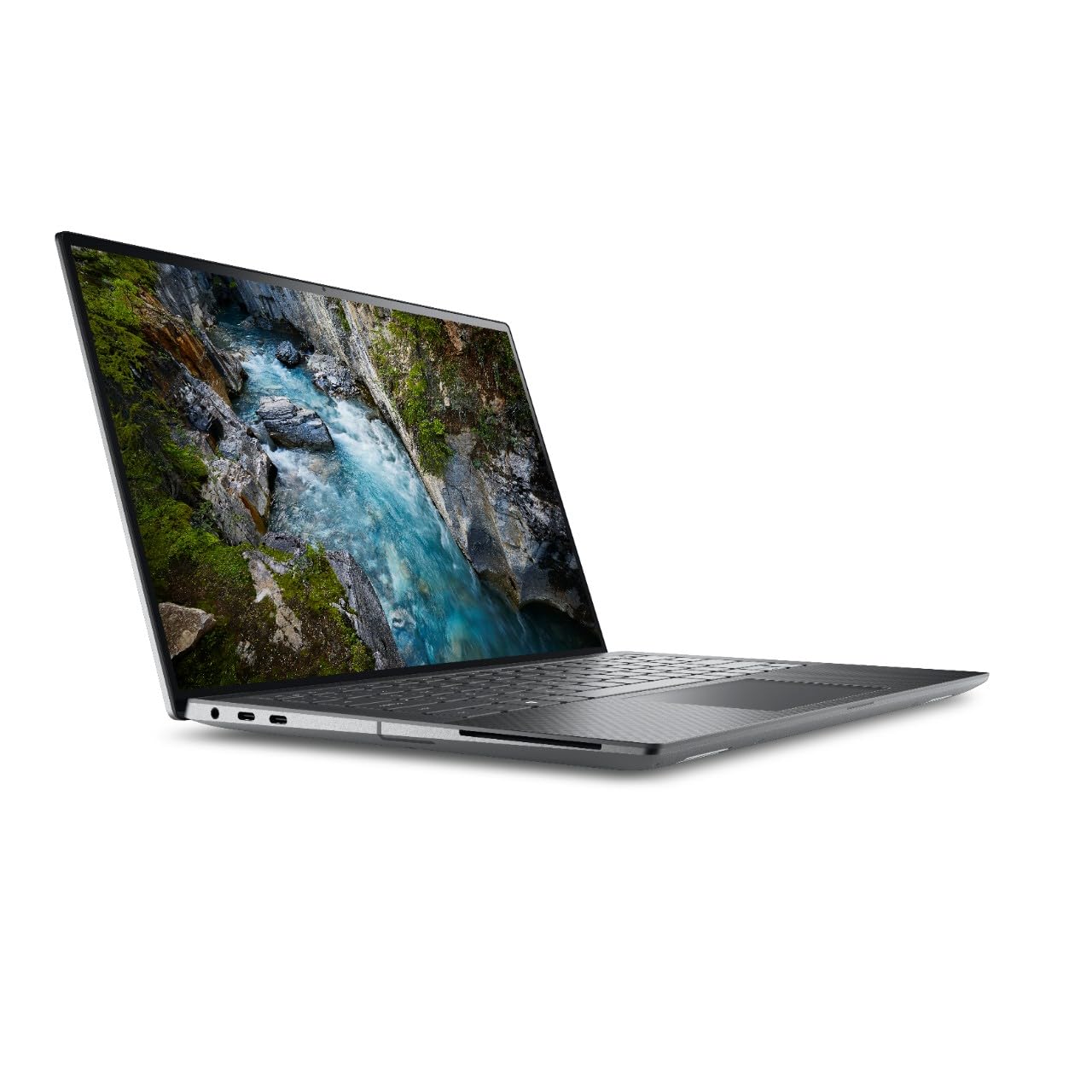
This 14-inch workstation proves that professional power can fit in a truly portable package, offering workstation capabilities in a form factor that travels easily.
Key highlights
- Intel Core Ultra processor
- 14-inch chassis weighing under four pounds
- Long battery life for extended mobile use
- Enterprise features including Intel vPro and ISV certifications
- Comfortable keyboard and quality audio system
Pros
- Exceptional portability for a workstation-class machine
- Good battery life supports full workdays away from outlets
- Solid performance for most professional applications
- Enterprise security and management features
Cons
- Smaller screen may limit productivity for complex tasks
- Thermal constraints limit sustained peak performance
- Fewer ports than larger workstation models
Who it is for: Field engineers, architects, and consultants who need professional software capabilities while traveling. The compact size makes it ideal for client meetings, site visits, and coffee shop work sessions.
Skip if
You work primarily with large assemblies in CAD or need maximum screen real estate for video editing timelines. The 14-inch display can feel cramped for complex professional workflows.
Apple MacBook Pro 16-inch (M5 Pro) - Best for macOS users
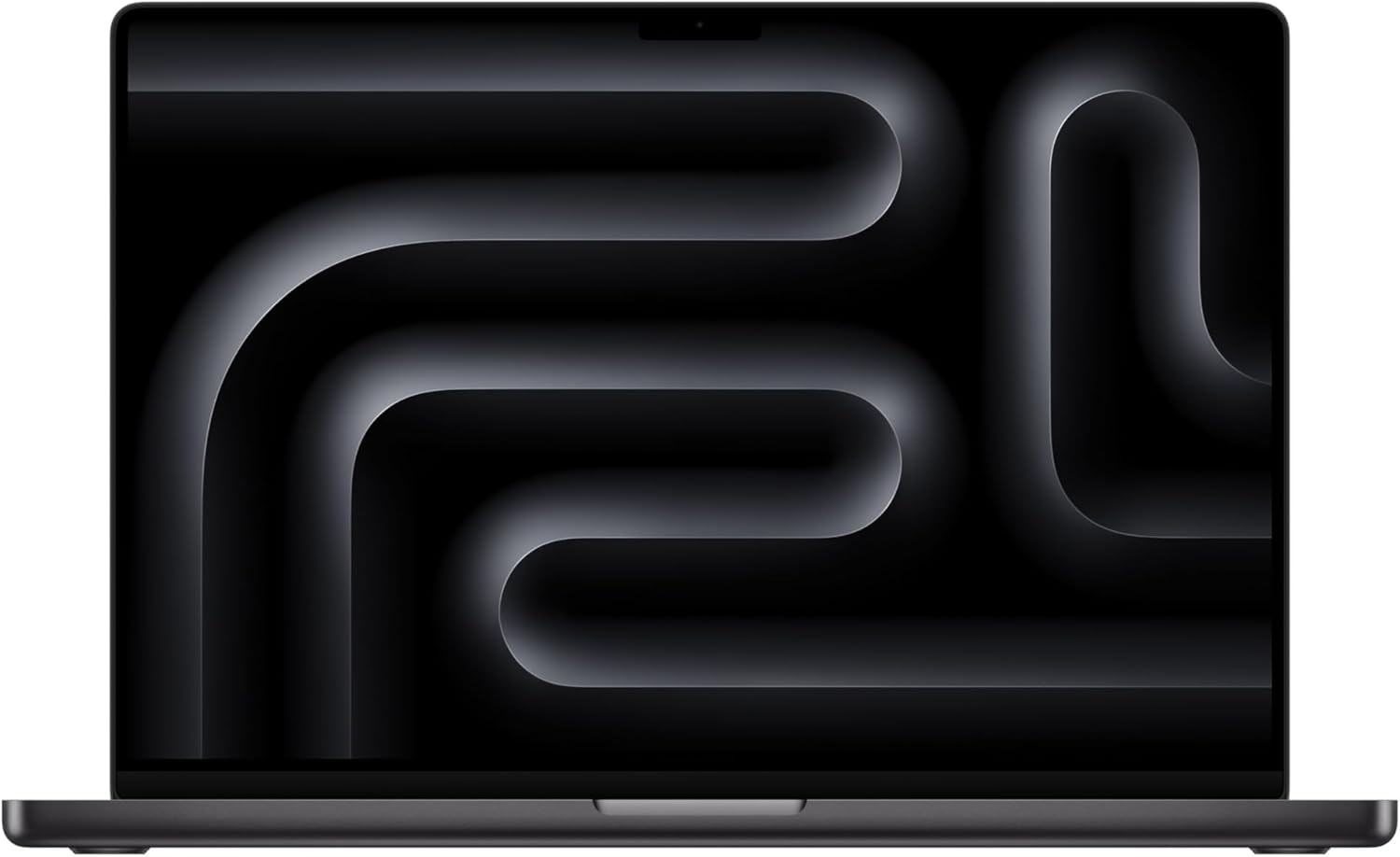
This 16-inch MacBook Pro pairs the M5 Pro chip with 24GB of unified memory and a 1TB SSD for creative and development work in macOS.
Key highlights
- Apple M5 Pro chip with an 18-core CPU and 20-core GPU
- 24GB unified memory and a 1TB SSD in the linked configuration
- 16.2-inch Liquid Retina XDR display with up to 1600 nits peak HDR brightness
- Three Thunderbolt 5 ports, HDMI, SDXC and MagSafe 3
- Wi-Fi 7 and Bluetooth 6 connectivity
Pros
- XDR display supports HDR content and adaptive refresh rates up to 120Hz
- Three Thunderbolt 5 ports accommodate high-speed peripherals
- HDMI and an SDXC slot support creative workflows
- Apple rates the 16-inch M5 Pro model for up to 24 hours of video streaming
Cons
- The linked configuration has 24GB of unified memory; choose capacity for your workload
- Windows-only engineering applications may require a different workstation
- No built-in USB-A port
Who it is for: Video editors, photographers, data scientists, and developers who prefer macOS. The combination of performance, display quality, and battery life makes it ideal for creative work on the go.
Skip if
You rely on Windows-specific engineering software or need ISV-certified configurations for enterprise deployment. The macOS ecosystem has excellent creative tools but fewer specialized engineering applications.
Lenovo ThinkPad P16 Gen 3 - Best for engineering workflows
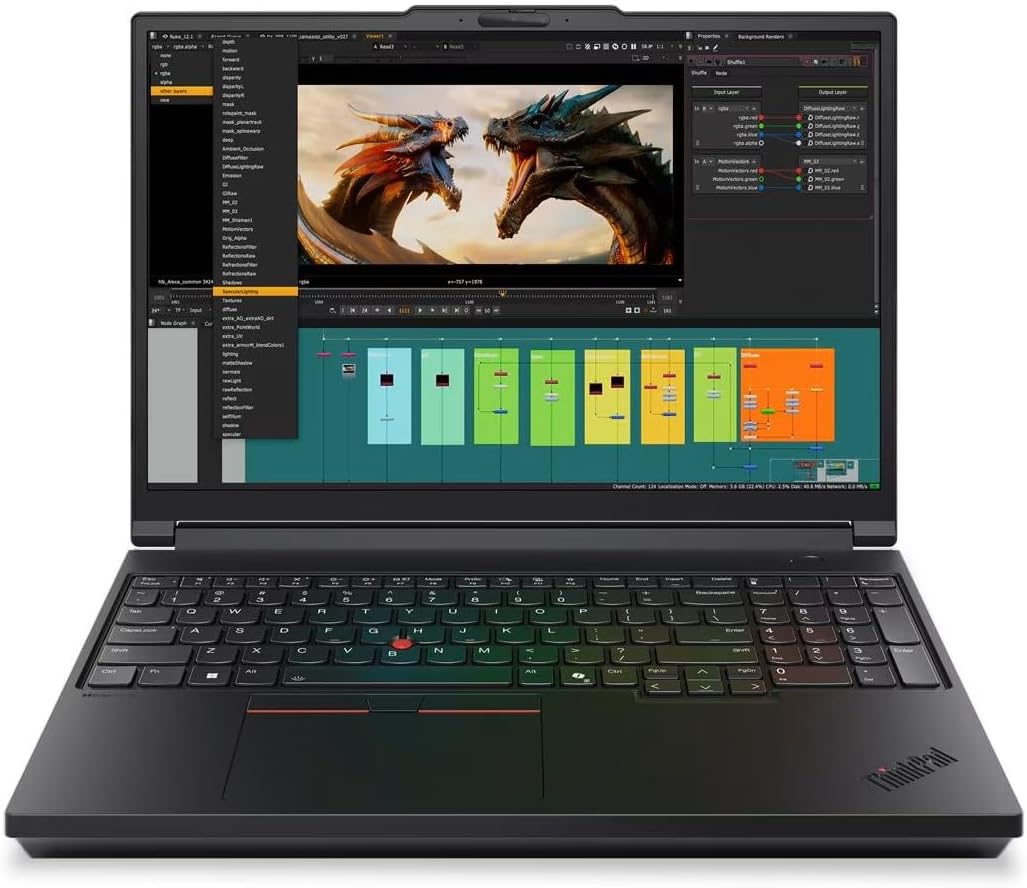
This ThinkPad P16 Gen 3 configuration combines a Core Ultra 7 255HX processor, RTX PRO 3000 Blackwell graphics and 64GB of RAM for engineering and design work.
Key highlights
- Intel Core Ultra 7 255HX processor with 20 cores
- NVIDIA RTX PRO 3000 Blackwell GPU with 12GB GDDR7
- 64GB DDR5 RAM and a 2TB PCIe Gen5 SSD
- 16-inch 3840 x 2400 IPS display with 800-nit brightness and 100% DCI-P3 coverage
- Two Thunderbolt 5 ports, one Thunderbolt 4 port and 2.5Gb Ethernet
Pros
- 64GB of memory for large project files and multitasking
- Factory-calibrated IPS display for visual work
- Four memory slots and three M.2 slots allow expansion
- Backlit keyboard includes a numeric keypad
Cons
- Starting weight of 5.6 pounds makes frequent travel less convenient
- The linked display is non-touch and limited to 60Hz
- Standard warranty is one year of courier or carry-in service
Who it is for: Engineers, architects, and designers who need robust performance for CAD, BIM, and simulation work. The ThinkPad heritage brings excellent input devices and enterprise-grade reliability.
Skip if
You need maximum battery life for all-day fieldwork or require the absolute highest GPU performance for complex rendering tasks.
Also Good
- HP ZBook Studio 16 G11 - premium portable pick with a stunning display. Check Price on HP
- HP ZBook Ultra G1a - breakthrough 14-inch power with innovative memory. Check Price on HP
- Lenovo ThinkPad P14s Gen 7 AMD - a compact workstation with a Ryzen AI 7 PRO 450 processor, 32GB RAM, a 1TB SSD and a 500-nit WUXGA touchscreen; its Radeon 860M graphics are integrated. Check Price on Lenovo
How to Choose
Consider these factors when selecting a mobile workstation:
Processor and GPU: Choose a processor and GPU supported by your software. Windows workstations can use dedicated NVIDIA RTX Ada or RTX PRO Blackwell graphics; the MacBook Pro uses the GPU built into its M5 Pro or M5 Max chip. Check your application's memory requirements when choosing dedicated GPU memory or Apple unified memory.
Memory and storage: Start with 32GB RAM for professional work, with 64GB+ recommended for large assemblies or datasets. Storage should be fast NVMe SSDs with at least 1TB capacity, preferably with expansion options.
Display quality: For visual work, prioritize color accuracy (100% sRGB minimum, Adobe RGB/DCI-P3 for professionals), resolution (4K for detail work), and brightness (400+ nits for varied lighting).
Portability vs. performance: Larger workstations (16-18 inch) offer better cooling and expandability but sacrifice portability. Smaller models (14 inch) travel easily but may thermal throttle under sustained loads.
Software compatibility: Verify ISV certifications for your specific applications (AutoCAD, SolidWorks, Adobe Suite). macOS workstations excel in creative applications but may lack specialized engineering software support.
FAQ
What's the difference between a mobile workstation and a gaming laptop?
Mobile workstations use professional GPUs with certified drivers for stability in professional applications, while gaming laptops prioritize frame rates and gaming performance. Workstations often include ECC memory for data integrity and undergo rigorous testing for professional software compatibility.
How much should I expect to spend on a mobile workstation?
Entry-level professional workstations start around $1,500-$2,000, while fully configured systems for complex workloads can reach $5,000-$7,000. The price reflects professional-grade components, certifications, and enterprise support options.
Can I upgrade a mobile workstation later?
It depends on the model. Larger workstations like the HP ZBook Fury offer extensive upgrade options for RAM and storage. Thinner models often have soldered components with limited upgrade paths. Check specifications before purchase if future upgrades are important.
How important are ISV certifications?
Critical for professional use. ISV certifications guarantee that the workstation has been tested and optimized for specific professional applications like AutoCAD, SolidWorks, or Adobe Creative Suite. This ensures stability, performance, and compatibility for mission-critical work.
What's the typical lifespan of a mobile workstation?
Most professionals upgrade every 3-5 years as software requirements increase. Workstations typically receive longer driver support and spare parts availability than consumer laptops, with many enterprise models offering 3-5 year warranty options.
Published March 11, 2026 Last updated September 5, 2026
Share this article
More in News

AKG K 701 Ultra Reference Class Stereo discounted to $247.37
AKG K 701 headphones drop to $247.37 on Amazon, a 47% discount that sits below recent 30, 90, and 180-day average prices.
5 min read

Apple Watch SE 3 GPS 40mm Smartwatch discounted to $189.97
Save $59.03 on the Apple Watch SE 3 GPS 40mm at Amazon, matching its lowest recorded price with health and sleep tracking.
5 min read

Cleer Audio Enduro ANC Noise Canceling Headphones price drops to $94.99
Save 47% on Cleer Audio Enduro ANC headphones at $94.99, with 60-hour battery, active noise cancellation, and multipoint Bluetooth.
3 min read

Lenovo coupon codes and deals
Browse 5 current Lenovo offers, including 3 coupon codes and 2 online deals.
5 min read

Woot coupon codes and deals
3 min read

Samsung coupon codes and deals
5 min read

Best tech coupon codes and online deals
4 min read
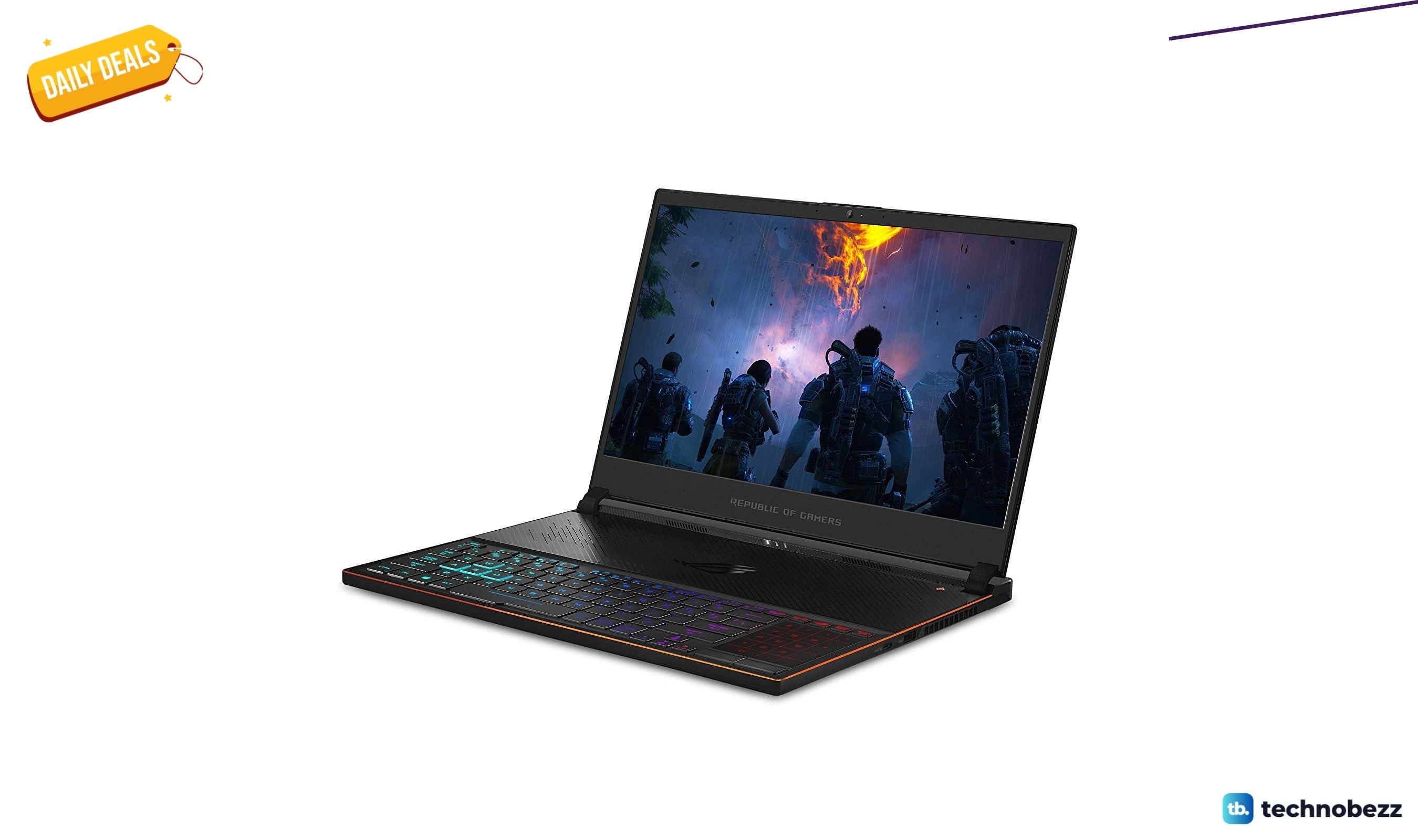
ASUS ROG Zephyrus S Ultra Slim Gaming gets a $660.95 price cut to $1338.05
5 min read
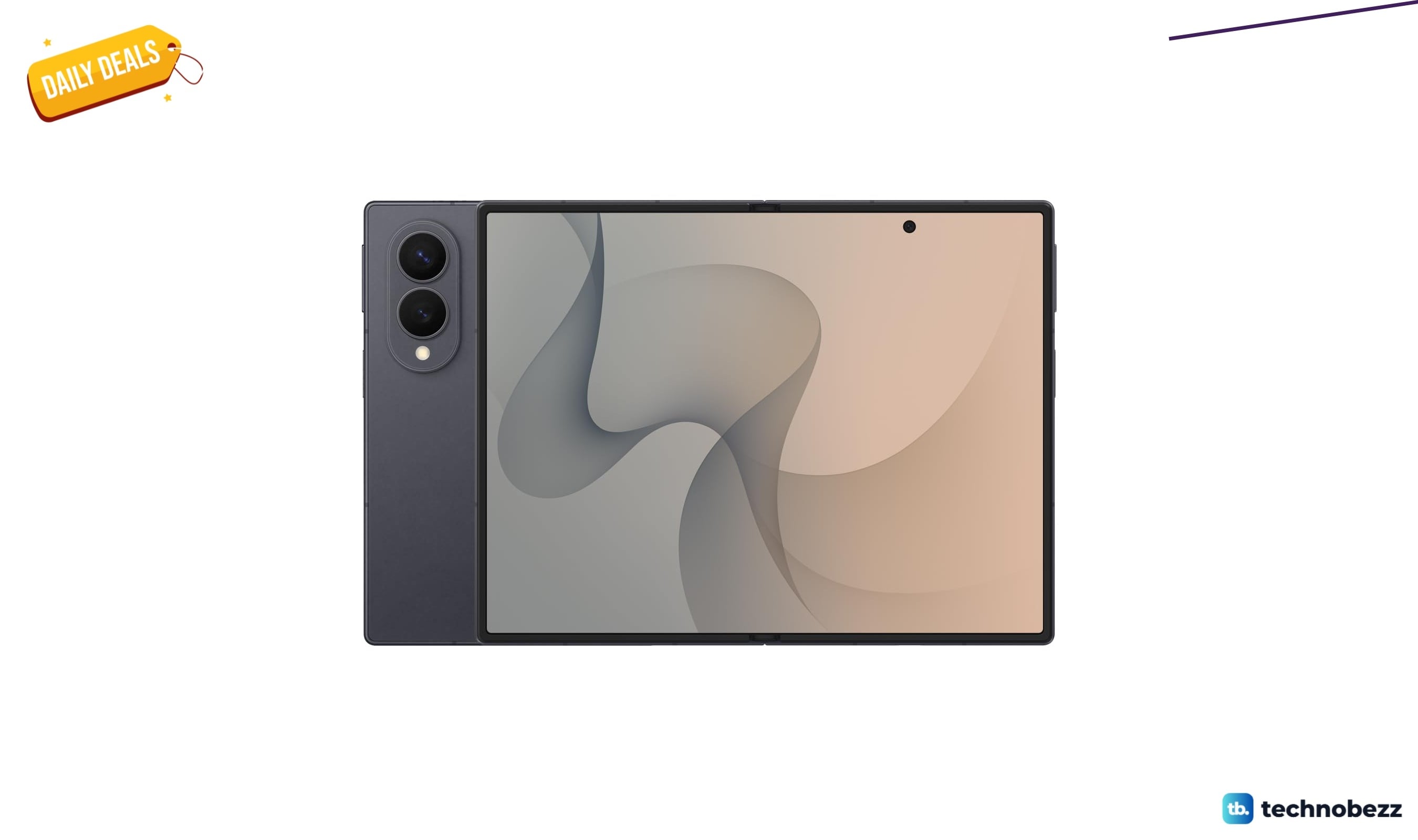
Samsung Galaxy Z Fold8 Unlocked Android Smartphone on sale for $1649.99
3 min read
We found 2 smartwatch deals from $219.99 that are actually worth it
5 min read
Sony WH-CH720 Noise Canceling Wireless Bluetooth Headphones now $87.94, down from $119.99
3 min read
TCL 75-inch F7D QLED 4K TV leads 2 TV deals from $499.99
5 min read