If you need crisp text documents without the fuss of ink drying out, a laser printer is the right choice. The Brother HL-L2460DW stands out as our top pick for its simplicity and low running costs. This list covers everything from basic monochrome models to full-featured color multifunction printers for small businesses.
Technobezz is supported by its audience. We may get a commission from retail offers.
7 Best Laser Printers for 2026
Brother HL-L2460DW leads our 2026 picks. We reviewed 7 top laser printers for crisp text, low costs, and business features.
T
Technobezz
Editorial Team
Updated June 15, 2026Jun 15, 2026
•7 min read

Get Deals Like These in Your Inbox
The best prices, checked by our editors.
At a Glance
| Category | Product | Why We Picked It |
|---|---|---|
| Best overall | Brother HL-L2460DW | Dependable monochrome with affordable supplies |
| Best value | Brother MFC-L2900DW | Cost-effective for small offices |
| Best for color printing | Brother MFC-L3780CDW | Versatile multifunction color laser |
| Best for monochrome productivity | Canon imageClass MF462dw | Excellent text quality for business documents |
| Best for business | HP LaserJet Enterprise MFP M480f | Robust enterprise features |
| Best compact | HP LaserJet M110w | Basic printing at an affordable price |
| Also recommended | Xerox C325 | Duplex scanning and vivid prints for shared offices |
How we chose
We evaluated laser printers based on print quality, speed, running costs, and reliability. Printers were assessed for their suitability for different use cases, from home offices to small businesses. We considered factors like toner costs, paper handling, connectivity options, and overall value.
The best laser printer right now
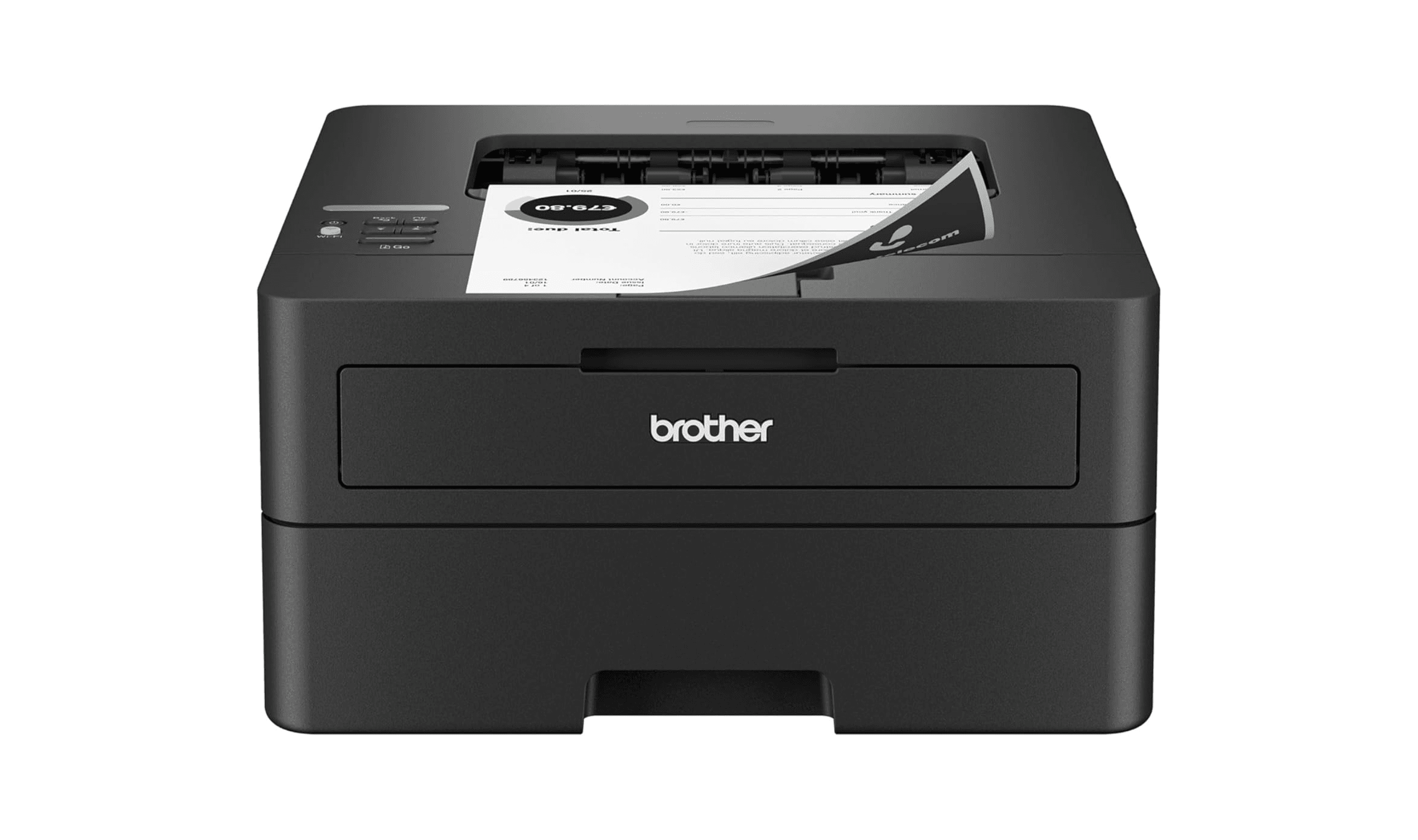
Brother HL-L2460DW - Best overall
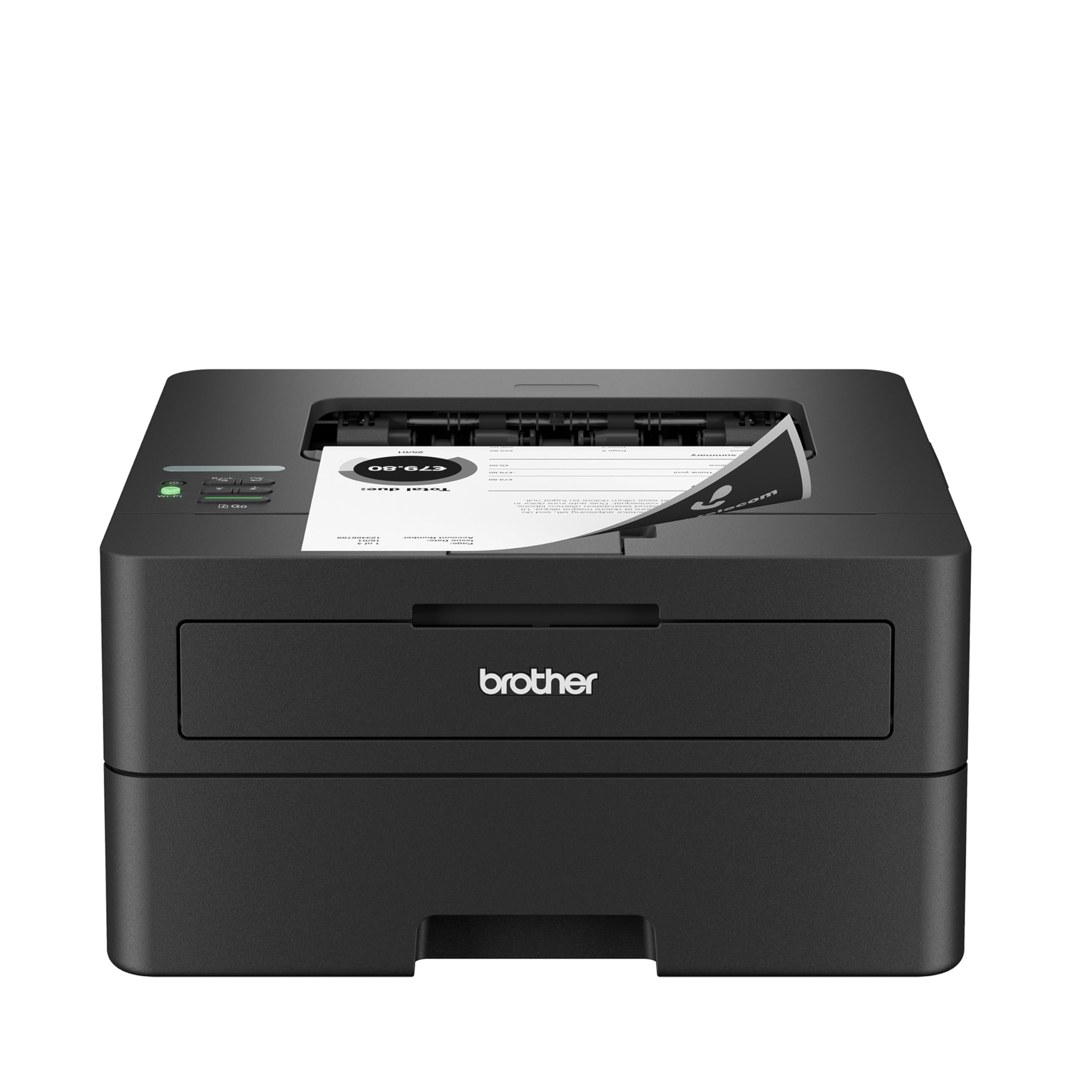
This simple, dependable monochrome laser printer delivers clean prints with surprisingly low running costs. It's compact enough for a bookshelf and handles typical document printing needs without unnecessary features.
Key highlights
- Reliable monochrome laser printing at up to 36 pages per minute
- Compact design that fits easily on a desk or shelf
- Wireless connectivity for easy network printing
- 250-sheet paper capacity for fewer refills
- One-year warranty for peace of mind
Pros
- Affordable replacement toner cartridges
- Crisp text quality for documents
- Small footprint saves space
- Easy wireless setup
Cons
- Basic single-line display
- No scanning or copying functions
- Starter cartridge has limited capacity
Who it's for
Home users and small offices that primarily print black and white documents and want reliable performance without extra features.
Skip if
You need color printing, scanning capabilities, or advanced document handling features.
Brother MFC-L3780CDW - Best for color printing
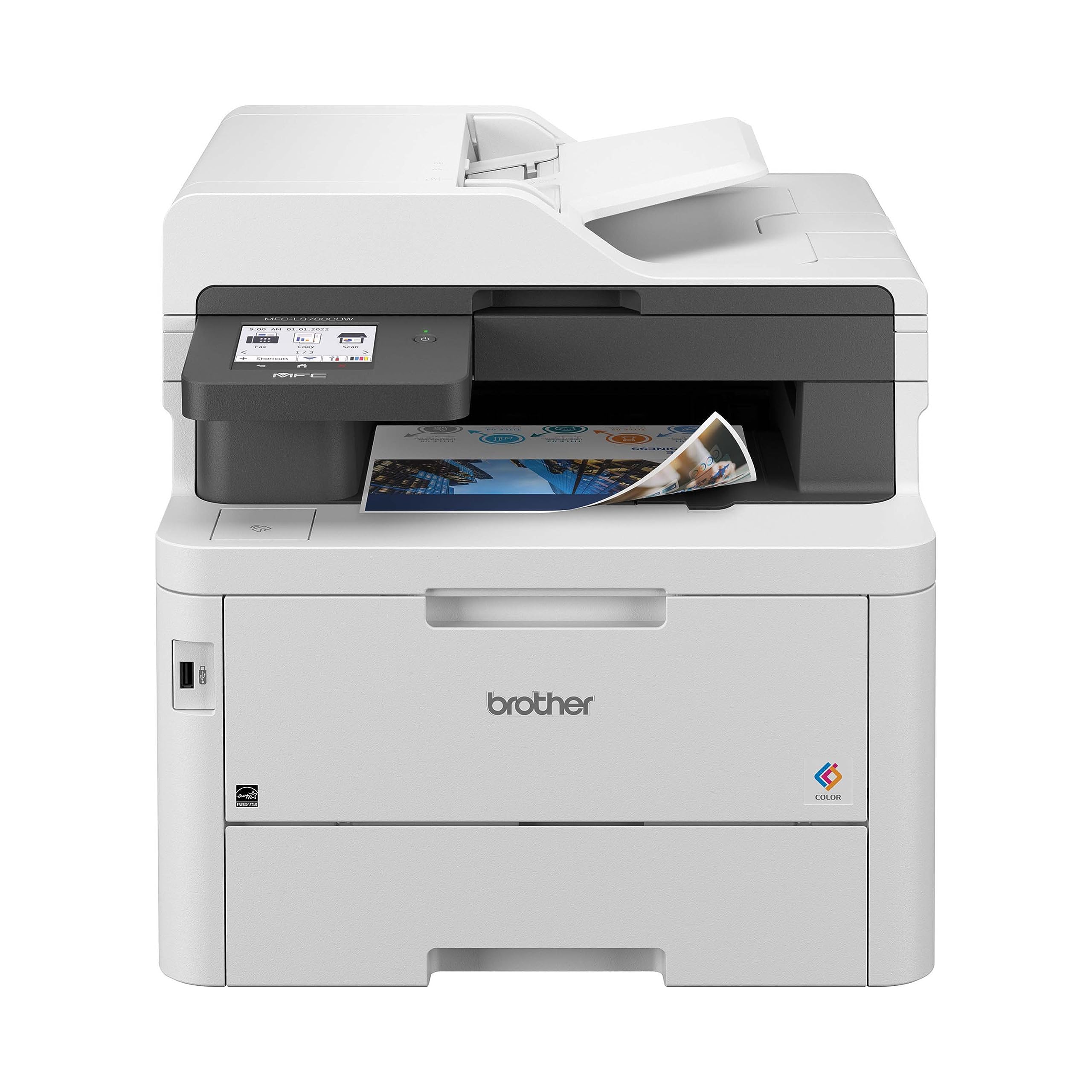
This color multifunction laser printer handles printing, scanning, copying, and faxing with excellent output quality. It offers a good balance of features for small offices that need color capabilities.
Key highlights
- Color laser printing with business-quality output
- Flatbed scanner and automatic document feeder
- 5-inch color touchscreen for easy operation
- Wireless connectivity with mobile printing support
- Expandable paper handling options
Pros
- Vibrant color output for reports and presentations
- Comprehensive multifunction capabilities
- User-friendly touchscreen interface
- Competitive running costs
Cons
- Higher initial purchase price
- Larger footprint than basic printers
- Color toner costs add up over time
Who it's for
Small businesses and home offices that need professional color printing along with scanning and copying functions.
Skip if
You only print black and white documents or have very limited space.
Canon imageClass MF462dw - Best for monochrome productivity
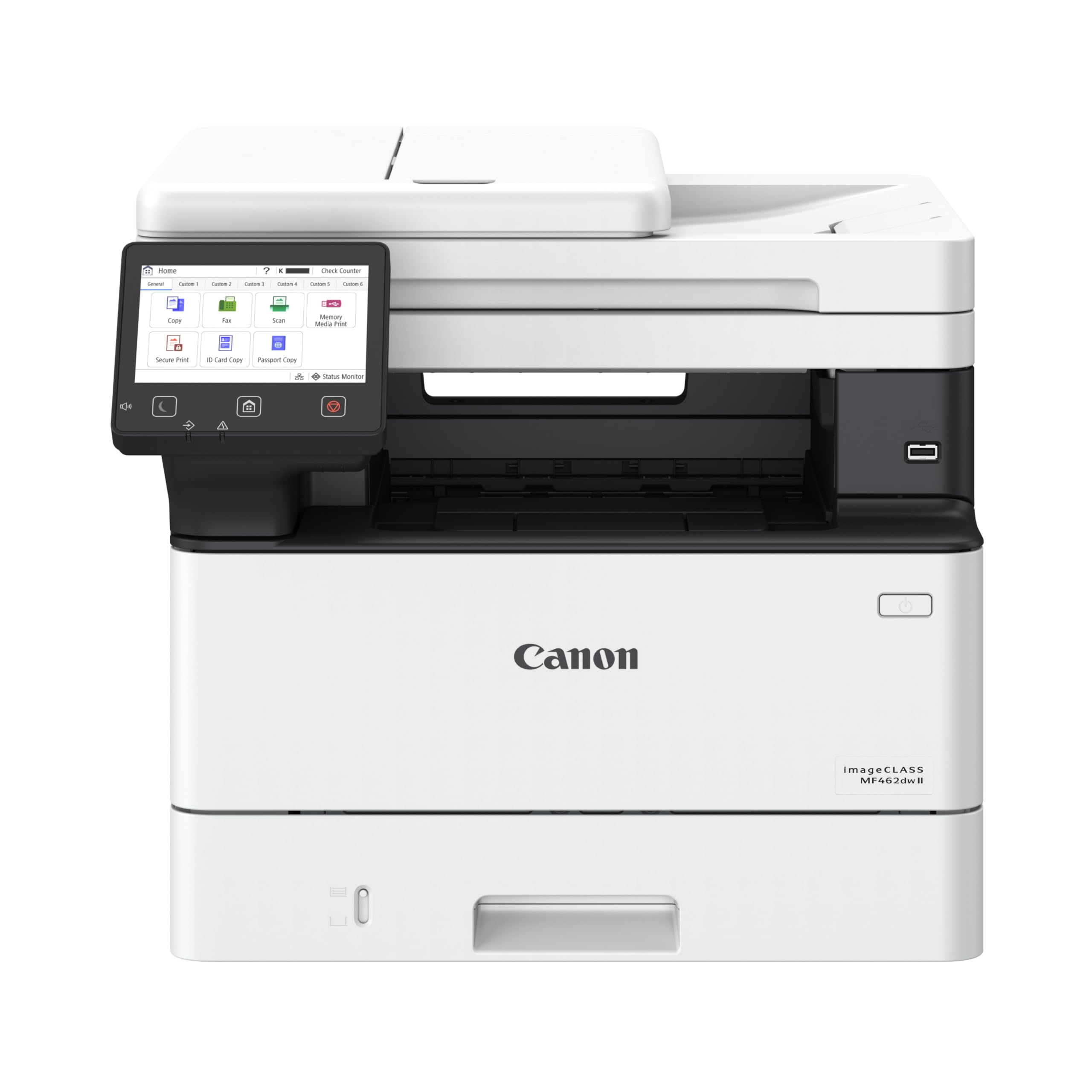
This monochrome, wireless, duplex 4-in-1: print, scan, copy, fax printer delivers fast, high-quality text printing with efficient paper handling. It's designed for offices that need reliable document output without color capabilities.
Key highlights
- Fast monochrome printing at competitive speeds
- Automatic duplex printing for two-sided documents
- Wireless and Ethernet connectivity options
- Secure printing features for business environments
- Energy-efficient operation
Pros
- Excellent text quality for business documents
- Fast first page out time
- Energy Star certified for lower power consumption
- Robust paper handling
Cons
- No color capabilities
- 5-inch Color Touchscreen
- Higher initial cost than entry-level models
Who it's for
Offices that primarily print black and white documents and need reliable, fast performance with professional features.
Skip if
You need color printing or have very basic printing needs.
HP LaserJet Enterprise MFP M480f - Best for business
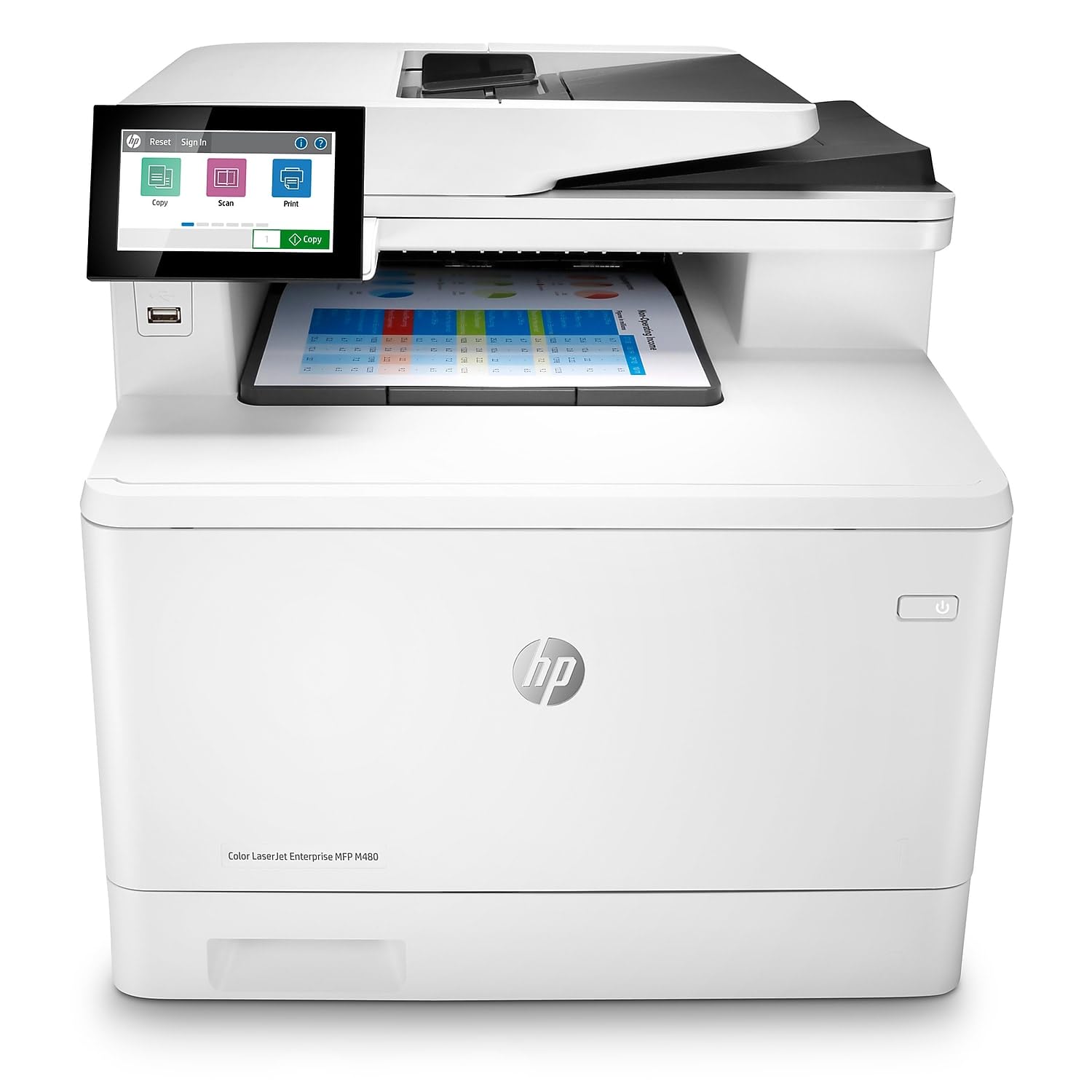
This enterprise-grade color multifunction printer offers robust features for demanding office environments. It combines excellent print quality with comprehensive management tools.
Key highlights
- Business-quality color photo output
- Comprehensive security features
- Advanced paper handling with optional trays
- Touchscreen interface with intuitive controls
- Ethernet/USB Only
Pros
- Professional color output for boardroom materials
- Strong security features for sensitive documents
- Expandable to meet growing needs
- Competitive running costs for volume printing
Cons
- Premium price point
- Larger size requires dedicated space
- Advanced features may be overkill for small offices
Who it's for
Businesses that need professional color output, advanced security, and robust paper handling for high-volume printing.
Skip if
You have a small home office or very limited printing needs.
Brother MFC-L2900DW XL - Best value
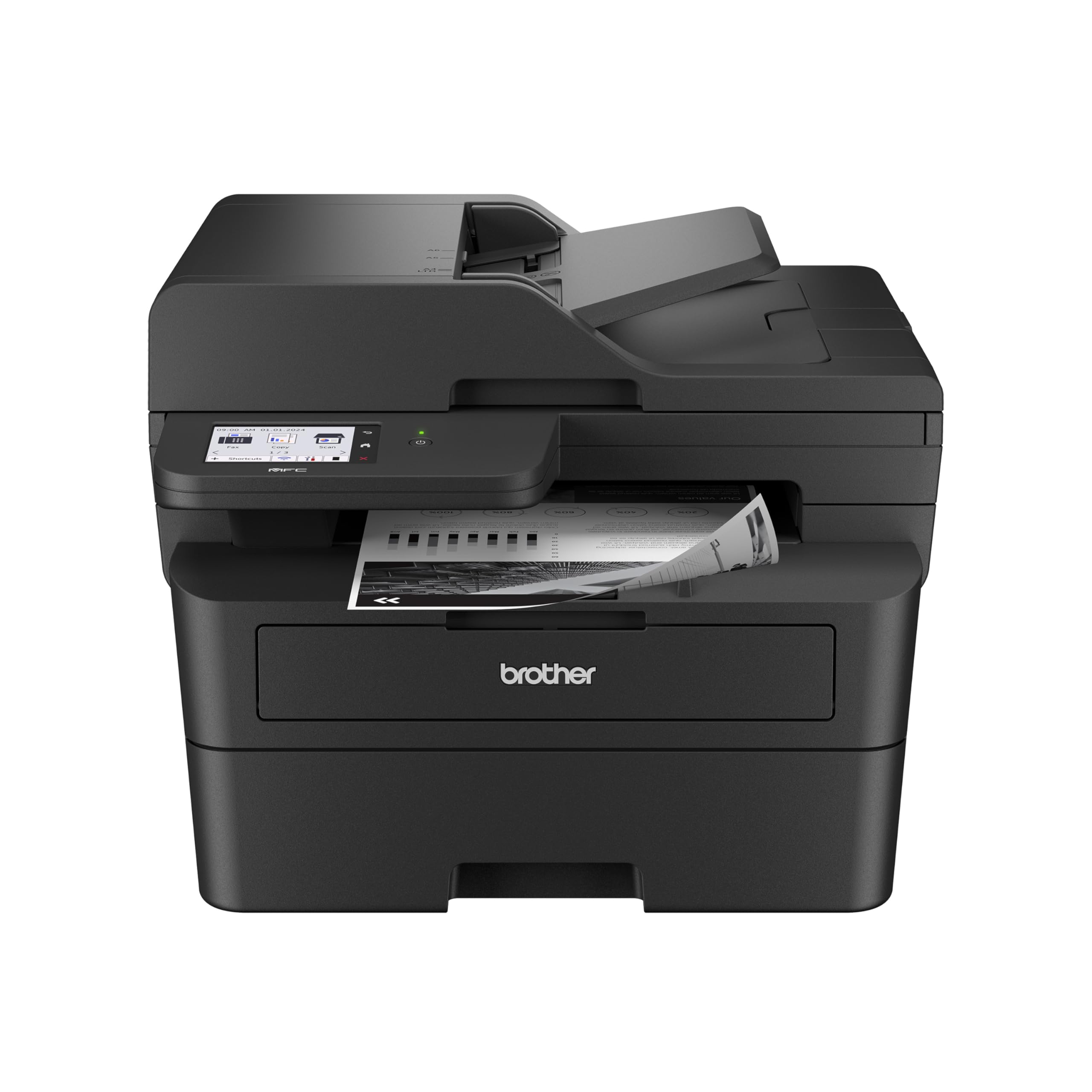
This monochrome multifunction printer offers scanning, copying, and printing at an affordable price point. It's designed for small offices that need basic multifunction capabilities without breaking the budget.
Key highlights
- Monochrome printing, scanning, and copying
- Automatic document feeder for multipage scanning
- Wireless connectivity
- High-yield toner option available
- Compact design for small spaces
Pros
- Affordable multifunction capabilities
- Low cost per page with high-yield toner
- Easy to set up and use
- Reliable performance
Cons
- Basic features compared to premium models
- No color capabilities
- Smaller paper capacity than some models
Who it's for
Small offices and home users who need scanning and copying along with printing but don't require color output.
Skip if
You need color printing or advanced document handling features.
Also Good
- Xerox C325 - duplex scanning and vivid prints for shared offices.
- HP LaserJet M209d - a basic, affordable laser for home use. Check Price on HP
How to Choose
Consider your monthly print volume first. Low-volume users can save with basic models, while frequent printers need higher-duty cycle machines. Color needs determine your budget, as color lasers cost more upfront and for supplies. Multifunction capabilities add convenience but increase size and cost. Finally, calculate running costs by checking toner prices and yields, not just the printer's purchase price.
FAQ
How long does laser printer toner last compared to inkjet ink?
Laser toner doesn't dry out like liquid ink, so it can sit idle for months and still print without problems. This makes lasers better for occasional use.
Are laser printers more expensive to run than inkjets?
For black and white text printing, lasers often have lower cost per page than inkjets. Color laser printing typically costs more per page than monochrome but offers consistent quality.
Do I need a multifunction laser printer?
Only if you need scanning, copying, or faxing capabilities. If you already have a scanner or rarely need those functions, a basic printer saves money and space.
Can laser printers handle photo printing?
While some color lasers offer decent photo output, inkjets generally produce better photo quality. Lasers excel at text documents and business graphics.
What's the main advantage of laser over inkjet printing?
Laser printers produce crisp, smudge-resistant text that looks professional. They're more reliable for document printing and handle high volumes better than most inkjets.
Published February 18, 2026 Last updated June 15, 2026
Share this article
More in News

AKG K 701 Ultra Reference Class Stereo discounted to $247.37
AKG K 701 headphones drop to $247.37 on Amazon, a 47% discount that sits below recent 30, 90, and 180-day average prices.
5 min read

Apple Watch SE 3 GPS 40mm Smartwatch discounted to $189.97
Save $59.03 on the Apple Watch SE 3 GPS 40mm at Amazon, matching its lowest recorded price with health and sleep tracking.
5 min read

Cleer Audio Enduro ANC Noise Canceling Headphones price drops to $94.99
Save 47% on Cleer Audio Enduro ANC headphones at $94.99, with 60-hour battery, active noise cancellation, and multipoint Bluetooth.
3 min read

Lenovo coupon codes and deals
Browse 5 current Lenovo offers, including 3 coupon codes and 2 online deals.
5 min read

Woot coupon codes and deals
3 min read

Samsung coupon codes and deals
5 min read

Best tech coupon codes and online deals
4 min read
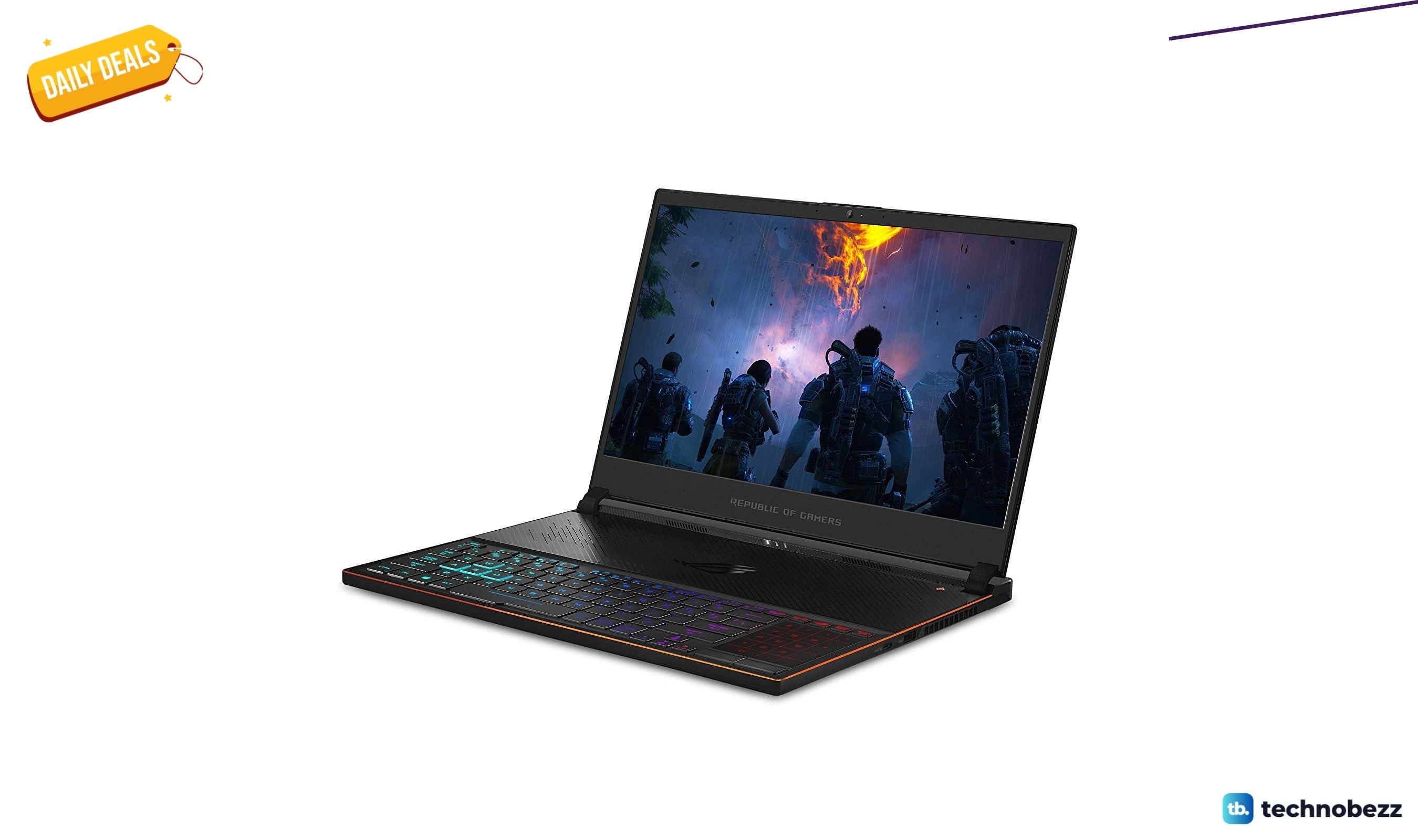
ASUS ROG Zephyrus S Ultra Slim Gaming gets a $660.95 price cut to $1338.05
5 min read
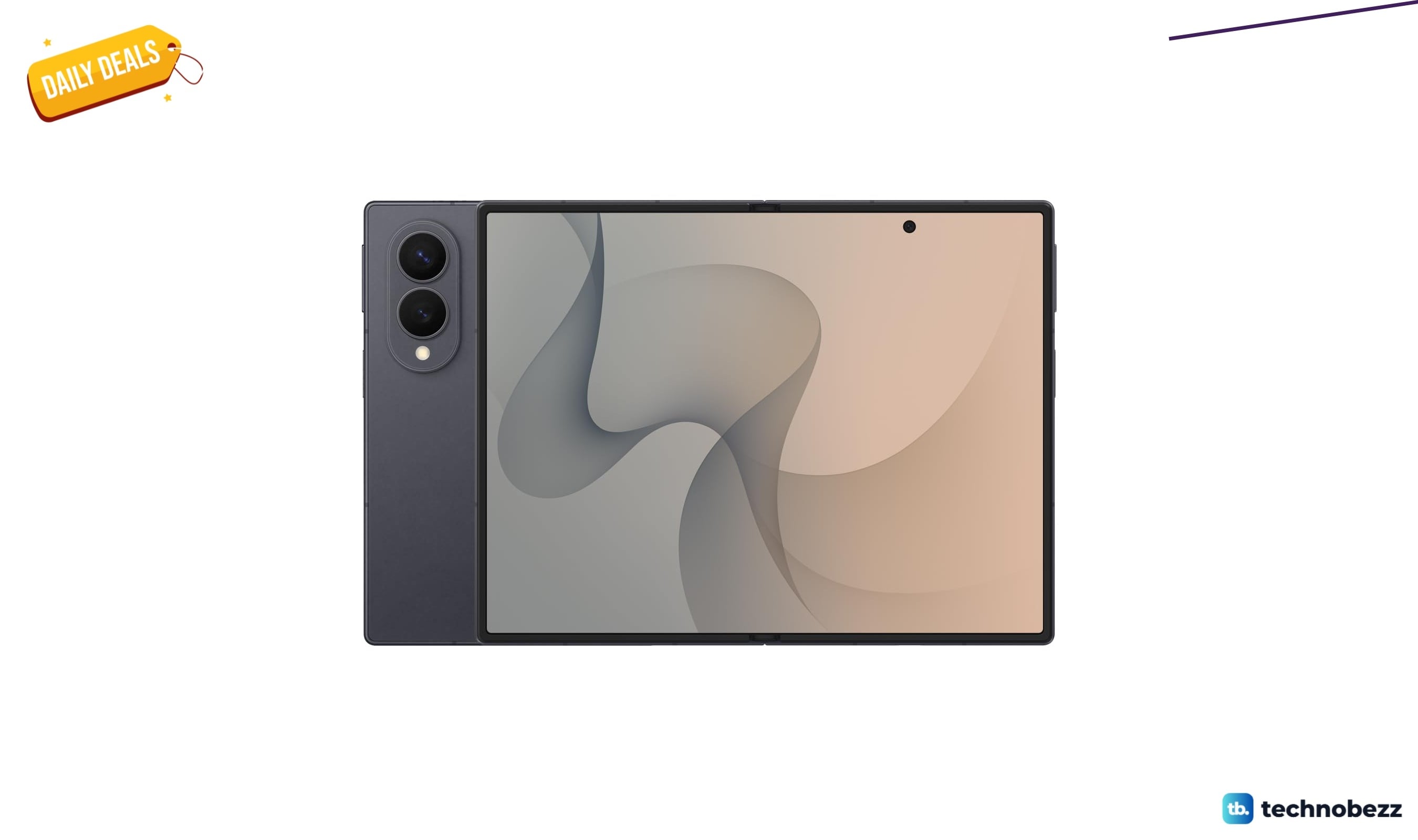
Samsung Galaxy Z Fold8 Unlocked Android Smartphone on sale for $1649.99
3 min read
We found 2 smartwatch deals from $219.99 that are actually worth it
5 min read
Sony WH-CH720 Noise Canceling Wireless Bluetooth Headphones now $87.94, down from $119.99
3 min read
TCL 75-inch F7D QLED 4K TV leads 2 TV deals from $499.99
5 min read