If your desk looks like a cable management nightmare, a smart docking station can transform it overnight. The right dock gives you more ports, cleaner organization, and better monitor support without replacing your laptop. This list focuses on docks that actually simplify your setup, whether you need triple 4K displays or just want to ditch the dongle pile.
Technobezz is supported by its audience. We may get a commission from retail offers.
Best Docking Stations for 2026
CalDigit TS4 Thunderbolt 4 Dock leads our picks for the best smart docking stations to organize your desk and expand your laptop's ports in 2026.
T
Technobezz
Editorial Team
Updated June 15, 2026Jun 15, 2026
•8 min read

Get Deals Like These in Your Inbox
The best prices, checked by our editors.
At a Glance
| Category | Product | Why We Picked It |
|---|---|---|
| Best overall | CalDigit TS4 Thunderbolt 4 Dock | Excellent port selection and build quality |
| Best value | Baseus Dual Monitor 10-in-1 | 10 total ports including HDMI, USB-A, and Ethernet |
| Best for multiple monitors | Plugable 13-in-1 USB-C | Supports three displays simultaneously |
| Best for Mac users | Satechi Thunderbolt 4 Slim Docking Station | Designed for Apple ecosystem |
| Best for future-proofing | Kensington Thunderbolt 5 Triple 4K Docking Station | Latest connectivity standard |
| Also recommended | Anker 8-in-1 USB-C Dual Monitor Dock | Solid all-around performer with good port selection and reliable build quality. |
| Also recommended | Hiearcool USB-C 11-in-1 | Great budget pick with tons of connectivity |
| Also recommended | Dell Universal Dock UD22 | Top-tier choice for office and IT management |
How we chose
We evaluated docking stations based on port selection, display support, build quality, and real-world usability. Each dock was assessed for how well it handles common workspace needs like multiple monitors, fast charging, and peripheral connections. We looked at both current compatibility and future-proof features, considering how each dock would fit into different work environments.
The best docking stations with smart interface right now
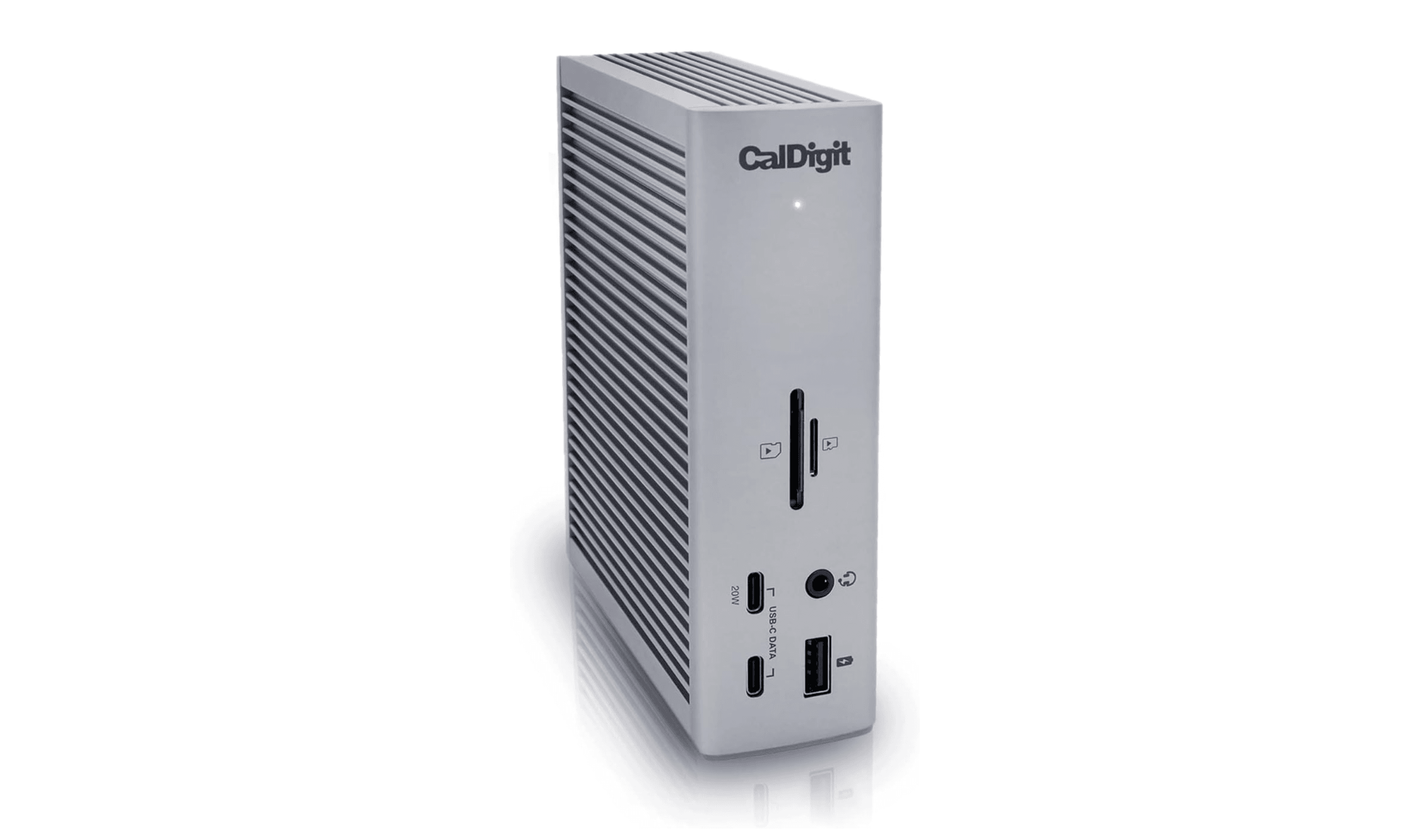
CalDigit TS4 Thunderbolt 4 Dock - Best overall
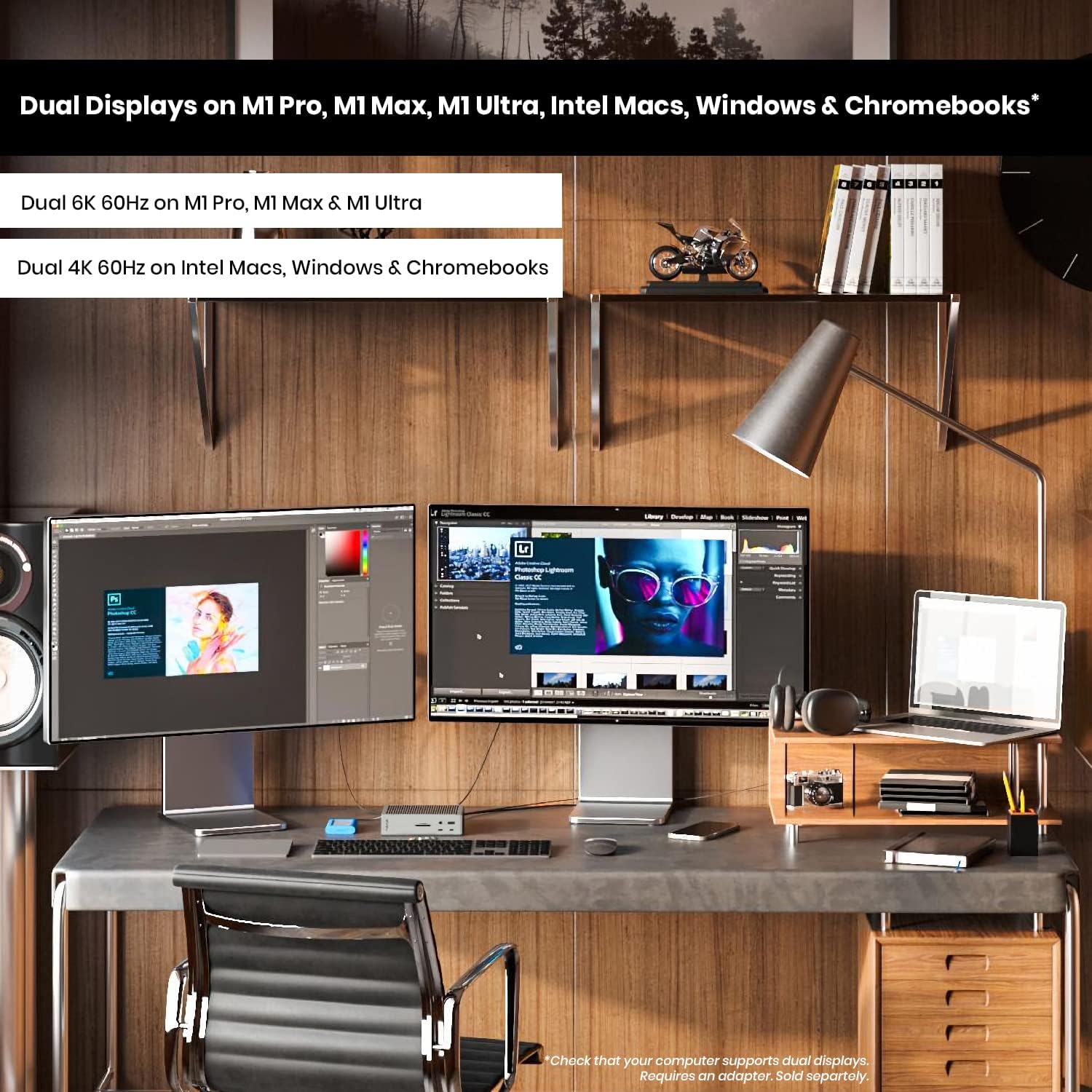
This dock delivers exceptional performance with a thoughtful port layout that covers nearly every workspace need. It's built to handle demanding setups while keeping your desk organized.
Key highlights
- 18 total ports including three Thunderbolt 4 downstream ports
- Supports single 8K or dual 6K 60Hz displays (varies by OS and host device)
- 98W power delivery for laptop charging
- Includes SD card reader and audio ports
Pros
- Excellent port selection covers most professional needs
- Solid aluminum construction feels premium
- Good thermal management during heavy use
- Compatible with both Windows and macOS systems
Cons
- Higher price point than many alternatives
- Larger footprint requires more desk space
- Some users report occasional driver issues on Windows
Who it is for: Professionals who need maximum connectivity for creative work, data-intensive tasks, or multi-monitor setups.
Skip if
You're on a tight budget or only need basic port expansion.
Baseus Dual Monitor 10-in-1 Docking Station - Best value
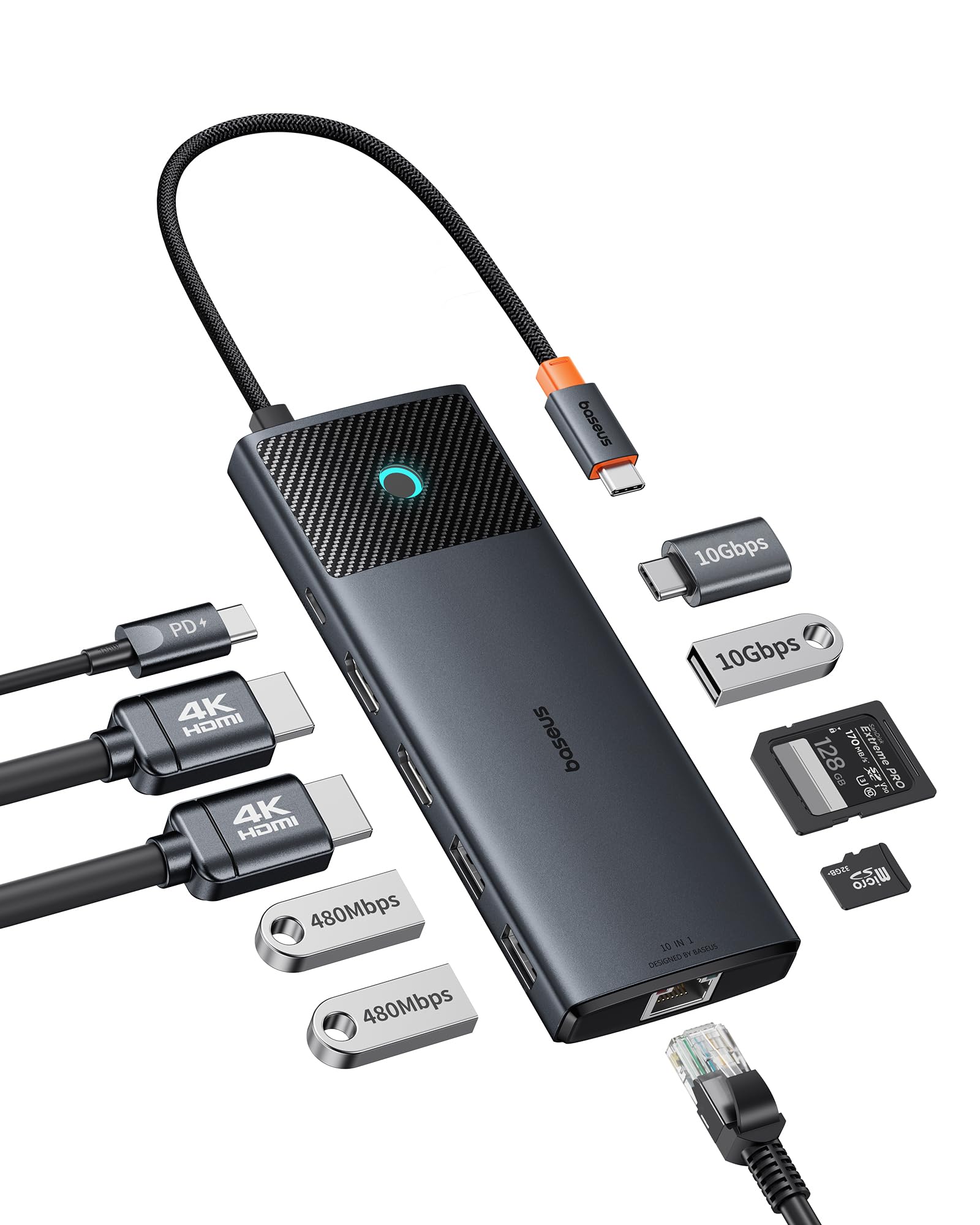
This dock offers impressive functionality at a price that won't break the bank. It provides dual monitor support and essential ports in a compact package.
Key highlights
- Supports two 4K monitors at 60Hz refresh rate
- 10 total ports including HDMI, USB-A, and Ethernet
- Up to 85W power delivery for laptop charging
- Compact design with woven cable
Pros
- Excellent price-to-performance ratio
- Good display support for the cost
- Works well with both Windows and Mac systems
- Includes SD and microSD card readers
Cons
- Build quality feels less premium than higher-end options
- Limited to dual monitor support
- Some users report occasional connectivity drops
Who it is for: Budget-conscious users who need reliable dual monitor support and basic port expansion.
Skip if
You need triple monitor support or Thunderbolt connectivity.
Plugable 13-in-1 USB-C - Best for multiple monitors
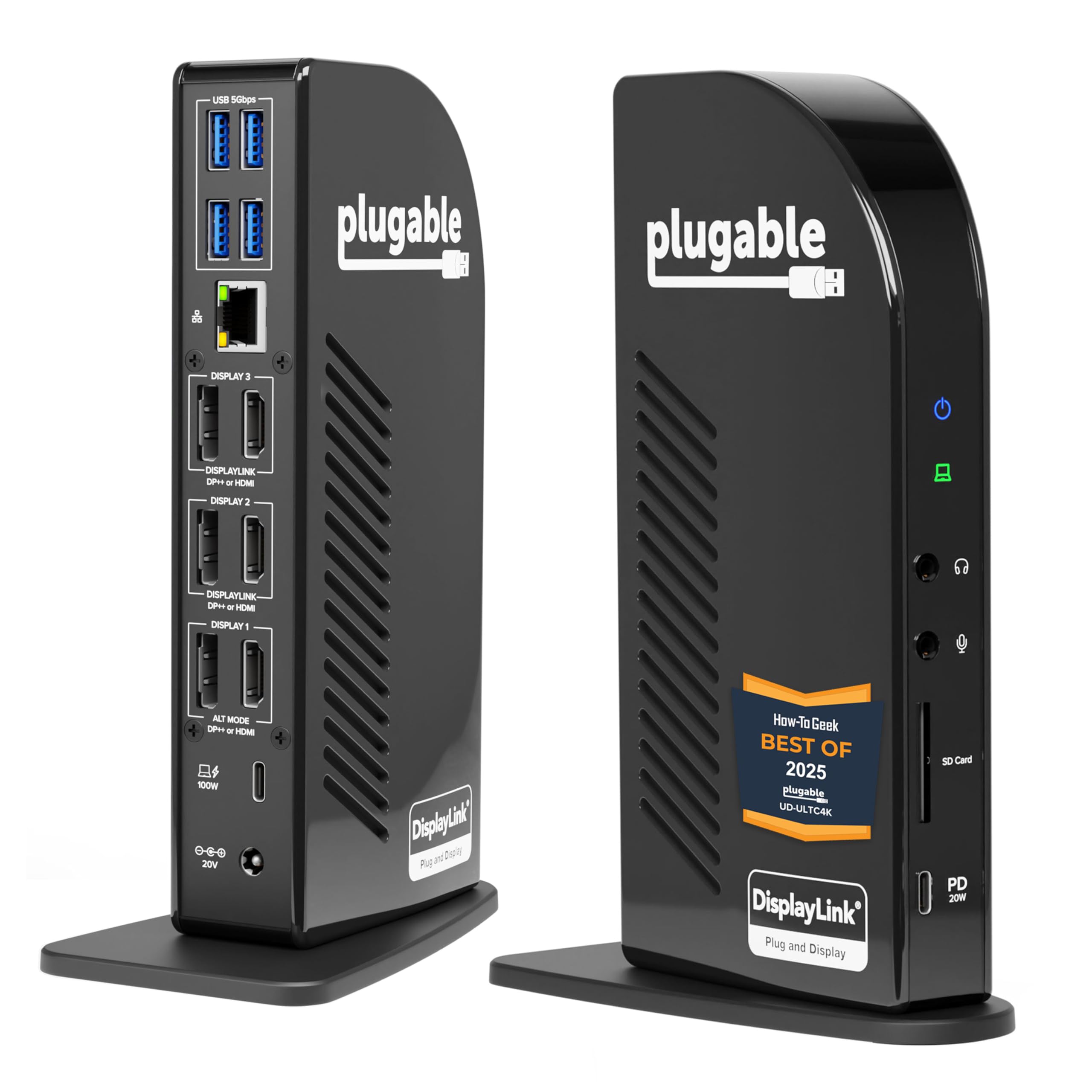
If you work with multiple displays, this dock handles three 4K monitors simultaneously. It's designed for productivity-focused setups where screen real estate matters.
Key highlights
- Drive three 4K monitors at 60Hz on Thunderbolt, USB4, or Alt Mode laptops
- 13 total ports including DisplayPort and HDMI
- 100W power delivery for connected laptops
- Includes Gigabit Ethernet and audio ports
Pros
- Excellent multi-monitor support for the price
- Good port selection for creative professionals
- Reliable performance with DisplayLink technology
- Compatible with a wide range of laptops
Cons
- Requires DisplayLink driver installation
- Larger power adapter adds to desk clutter
- Some users report occasional display flickering
Who it is for: Financial analysts, programmers, designers, and anyone who benefits from multiple monitor setups.
Skip if
You only use one monitor or prefer driver-free operation.
Satechi Thunderbolt 4 Slim Docking Station - Best for Mac users
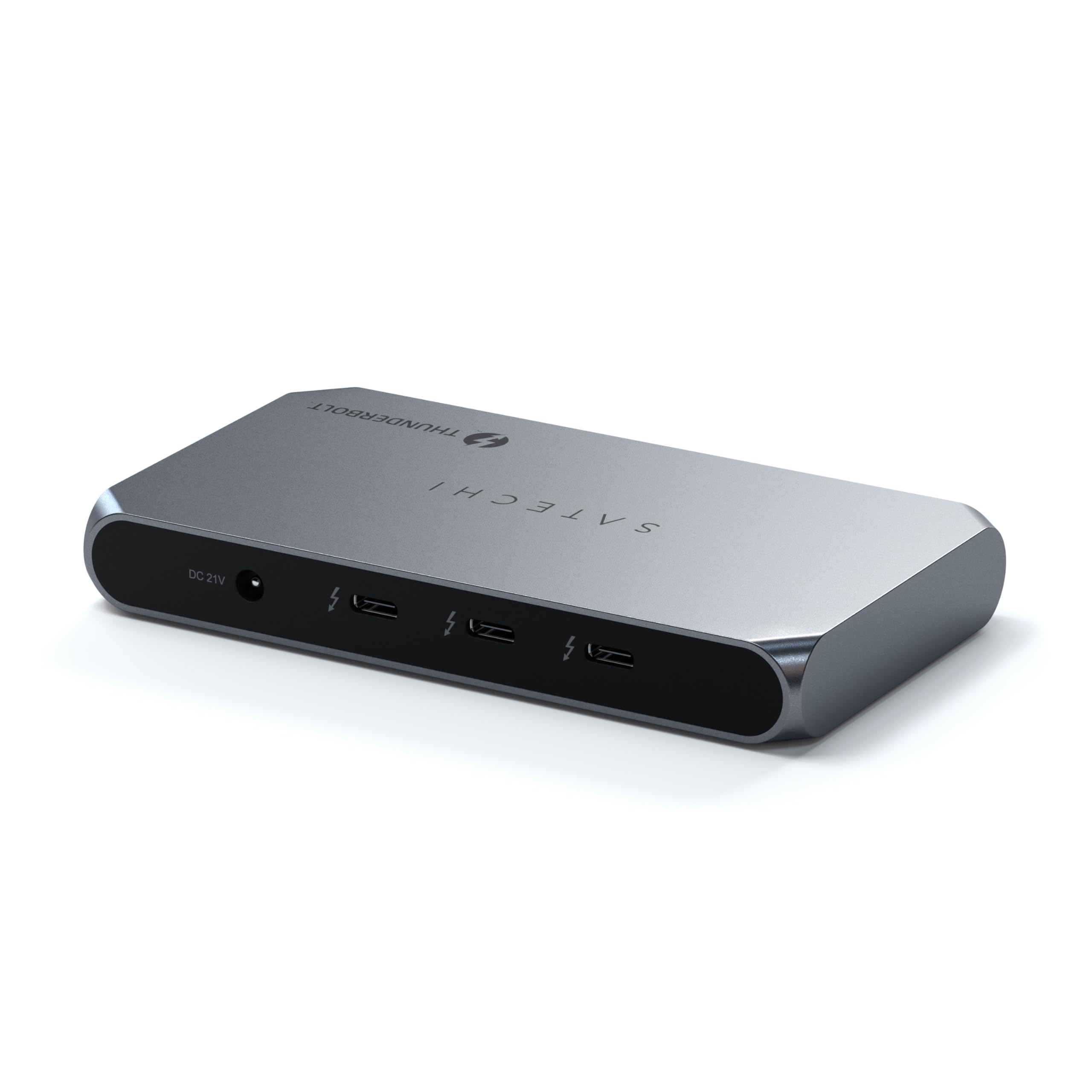
Designed with Apple users in mind, this dock offers clean aesthetics and solid performance for MacBook setups. It integrates well with the Apple ecosystem.
Key highlights
- Supports dual 4K displays or single 8K display
- Four Thunderbolt 4 ports total
- 96W power delivery for laptop charging
- Slim, minimalist design matches Apple aesthetics
Pros
- Excellent compatibility with M-series MacBooks
- Clean, compact design saves desk space
- Good daisy-chaining capability
- Aluminum construction matches Apple products
Cons
- Limited port variety compared to some competitors
- Higher price for Thunderbolt 4 functionality
- Some users wish for more USB-A ports
Who it is for: MacBook users who want reliable Thunderbolt connectivity and Apple-consistent design.
Skip if
You use Windows primarily or need extensive legacy port support.
Kensington Thunderbolt 5 Triple 4K Docking Station - Best for future-proofing
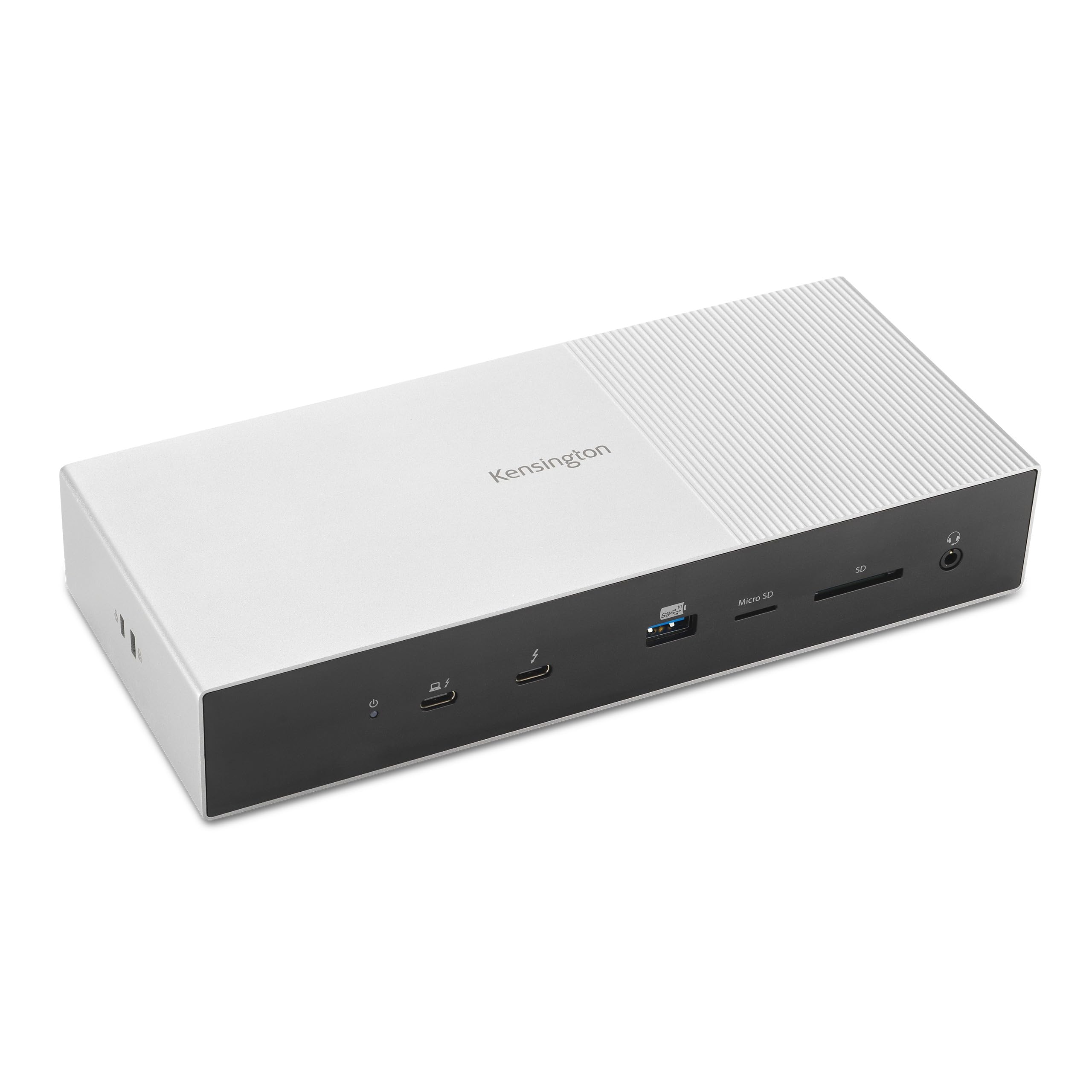
As one of the first Thunderbolt 5 docks available, this model offers cutting-edge connectivity for those with compatible laptops. It's built for tomorrow's workflows today.
Key highlights
- Thunderbolt 5 connectivity with Bandwidth Boost providing up to 120Gbps for video-intensive usage
- Supports triple 4K @ 144Hz or dual 8K @ 60Hz for Windows Thunderbolt 5 laptops (varies by OS and host chipset)
- 140W power delivery for high-performance laptops
- Multiple downstream Thunderbolt ports
Pros
- Future-proof Thunderbolt 5 connectivity
- Excellent display support for gaming and creative work
- High power delivery for demanding laptops
- Good port selection for professional use
Cons
- Very high price point
- Limited laptop compatibility currently
- Large footprint requires significant desk space
Who it is for: Early adopters with Thunderbolt 5 laptops who need maximum performance.
Skip if
You don't have a Thunderbolt 5 compatible laptop or are on a budget.
Also Good
- Anker 8-in-1 USB-C Dual Monitor Dock - Solid all-around performer with good port selection and reliable build quality. Check Price on Anker
- Hiearcool USB-C 11-in-1 - great budget pick with tons of connectivity.
- Dell Universal Dock UD22 - top-tier choice for office and IT management.
How to Choose
Consider these factors when selecting your docking station:
- 1.Monitor support: Determine how many displays you need and at what resolution. Dual 4K is common, but triple monitor support requires specific docks.
- 2.Port selection: Count your regular peripherals. Look for docks with enough USB-A, USB-C, and specialized ports (Ethernet, SD card, audio) for your workflow.
- 3.Power delivery: Check your laptop's charging requirements. Most modern docks offer 65W-100W, but high-performance laptops may need more.
- 4.Connectivity standard: USB-C is standard, but Thunderbolt 4/5 offers faster data transfer and better display support if your laptop supports it.
- 5.Desk space: Consider the dock's physical size and cable management features if you have limited workspace.
FAQ
Do I need a docking station if I only have a few peripherals?
Probably not. If you only connect a keyboard and mouse occasionally, a simple USB hub will suffice. Docking stations make sense when you regularly connect multiple monitors, external drives, and other peripherals.
Will any docking station work with my laptop?
Most modern docks work with USB-C laptops, but check compatibility for specific features. Thunderbolt docks require Thunderbolt ports on your laptop, and some docks have better Mac or Windows optimization.
How much should I spend on a docking station?
Good basic docks start around $100, while premium models with extensive features can cost $300-$400. Consider how often you'll use the dock and what features you actually need.
Can docking stations damage my laptop?
Reputable brands with proper certification are generally safe. Look for docks with appropriate power delivery specifications for your laptop to avoid potential issues.
Do docking stations improve performance?
They don't directly improve your laptop's processing power, but they can enhance your workflow through better organization, faster data transfer, and improved display support.
Published February 23, 2026 Last updated June 15, 2026
Share this article
More in News

AKG K 701 Ultra Reference Class Stereo discounted to $247.37
AKG K 701 headphones drop to $247.37 on Amazon, a 47% discount that sits below recent 30, 90, and 180-day average prices.
5 min read

Apple Watch SE 3 GPS 40mm Smartwatch discounted to $189.97
Save $59.03 on the Apple Watch SE 3 GPS 40mm at Amazon, matching its lowest recorded price with health and sleep tracking.
5 min read

Cleer Audio Enduro ANC Noise Canceling Headphones price drops to $94.99
Save 47% on Cleer Audio Enduro ANC headphones at $94.99, with 60-hour battery, active noise cancellation, and multipoint Bluetooth.
3 min read

Lenovo coupon codes and deals
Browse 5 current Lenovo offers, including 3 coupon codes and 2 online deals.
5 min read

Woot coupon codes and deals
3 min read

Samsung coupon codes and deals
5 min read

Best tech coupon codes and online deals
4 min read
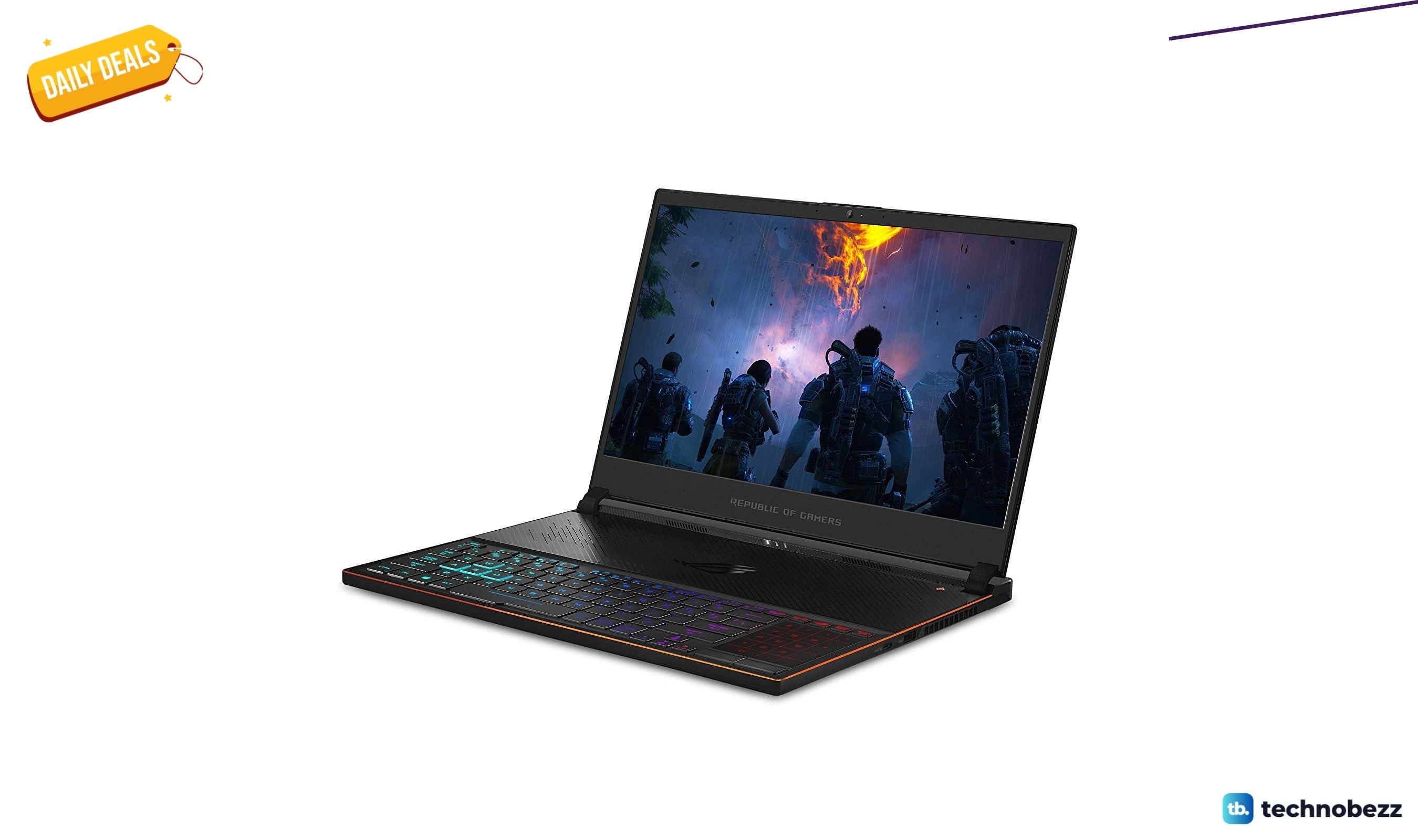
ASUS ROG Zephyrus S Ultra Slim Gaming gets a $660.95 price cut to $1338.05
5 min read
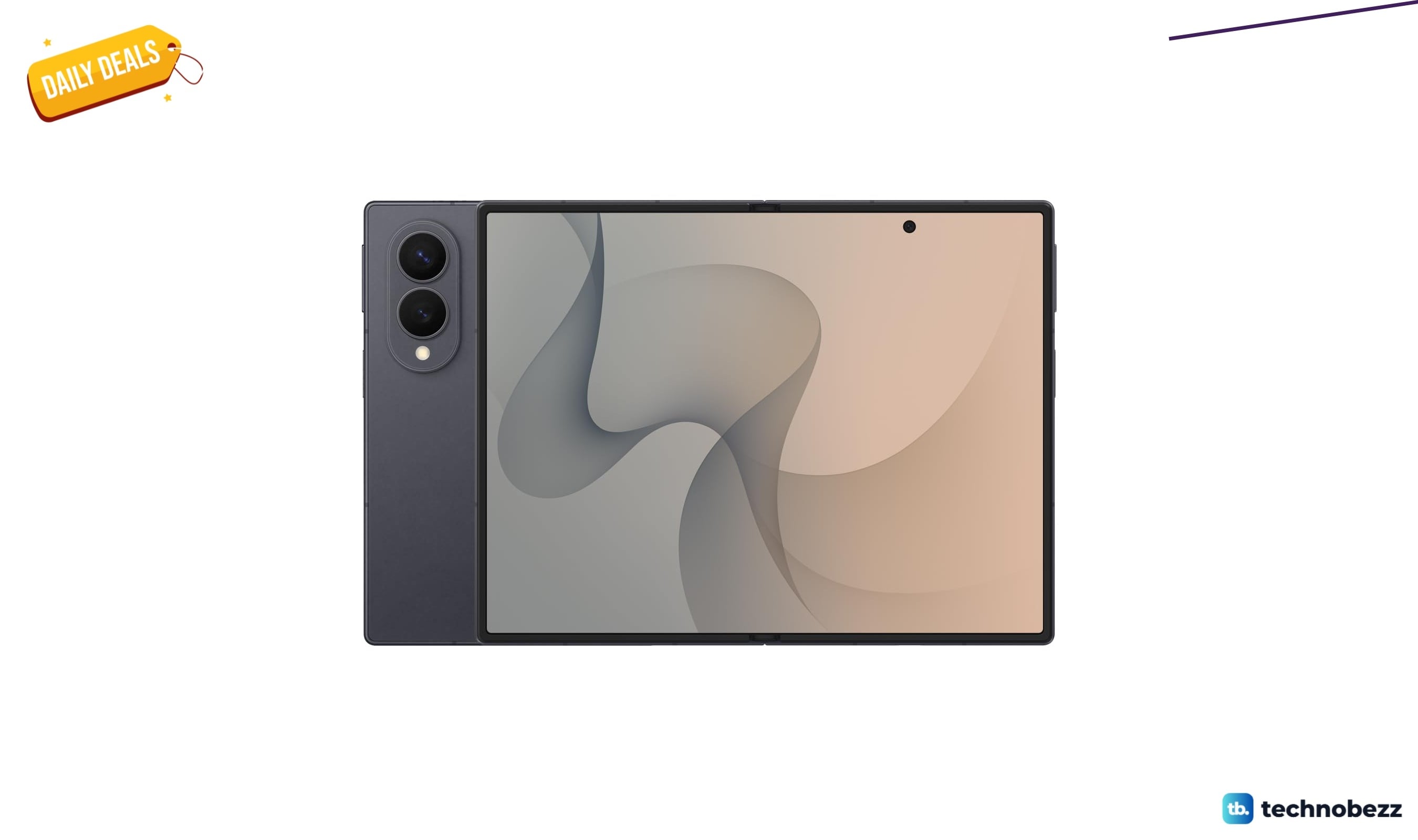
Samsung Galaxy Z Fold8 Unlocked Android Smartphone on sale for $1649.99
3 min read
We found 2 smartwatch deals from $219.99 that are actually worth it
5 min read
Sony WH-CH720 Noise Canceling Wireless Bluetooth Headphones now $87.94, down from $119.99
3 min read
TCL 75-inch F7D QLED 4K TV leads 2 TV deals from $499.99
5 min read