Tech experts aren't just early adopters—they're also early abandoners. They're quietly stepping away from certain gadgets that most people still use daily. Their reasons range from serious security flaws to poor value and privacy nightmares. Here's what they're ditching and why you might want to follow their lead.
1. Wi-Fi Extenders
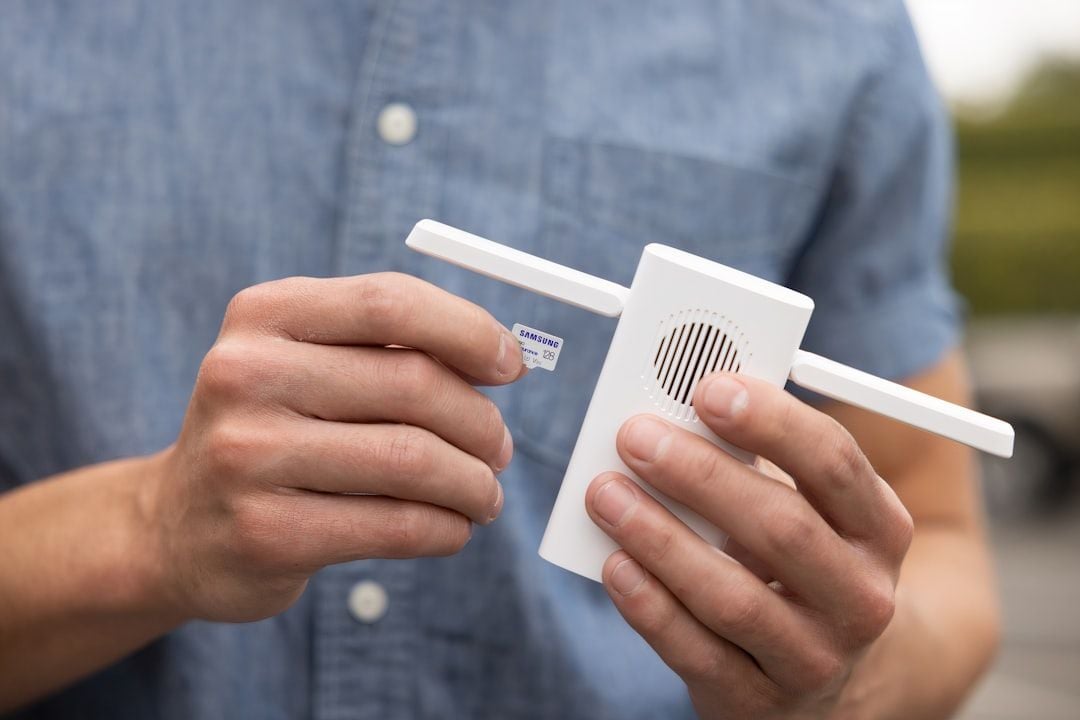
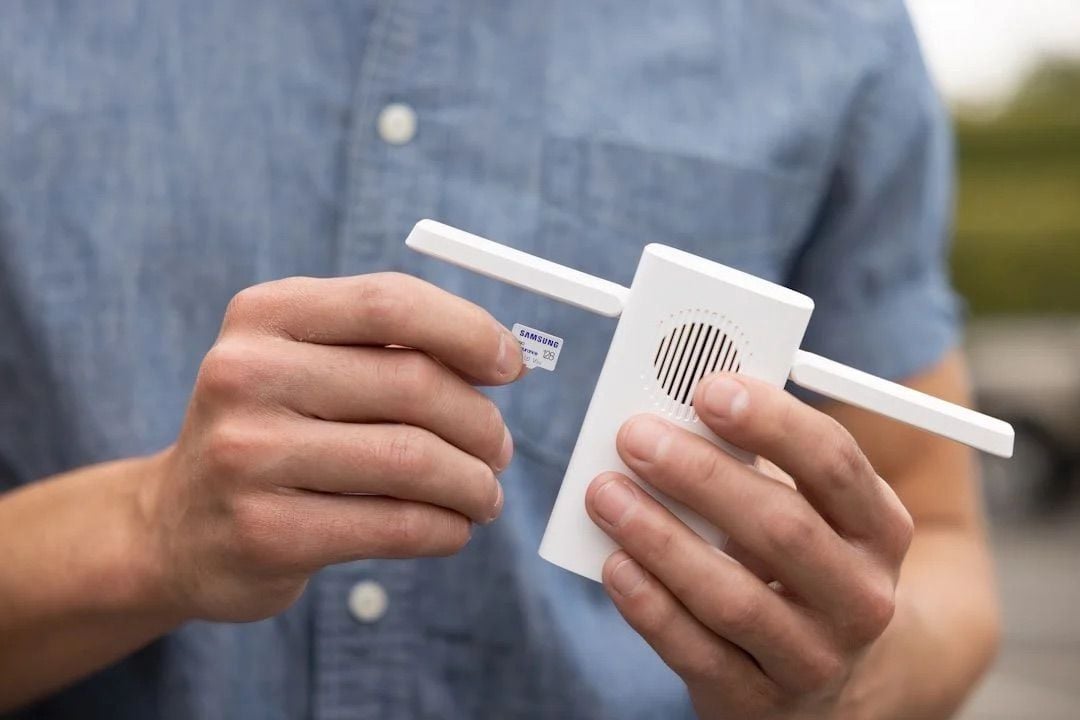
Wi-Fi extenders may seem like a good fix for dead zones, but they often reduce your bandwidth and cause connection issues as you move around. Networking experts recommend mesh systems instead.
These systems keep connections stable and maintain full speed. Entry-level mesh systems cost about $150-$200 for a two-pack. Unlike extenders, they create one network name and seamlessly switch devices as you move. The improvement in performance is clear and immediate.
See also - Stuck with Slow Internet? Here’s How to Reset Your Router for a Speed Boost
2. Smart Speakers with Always-On Mics
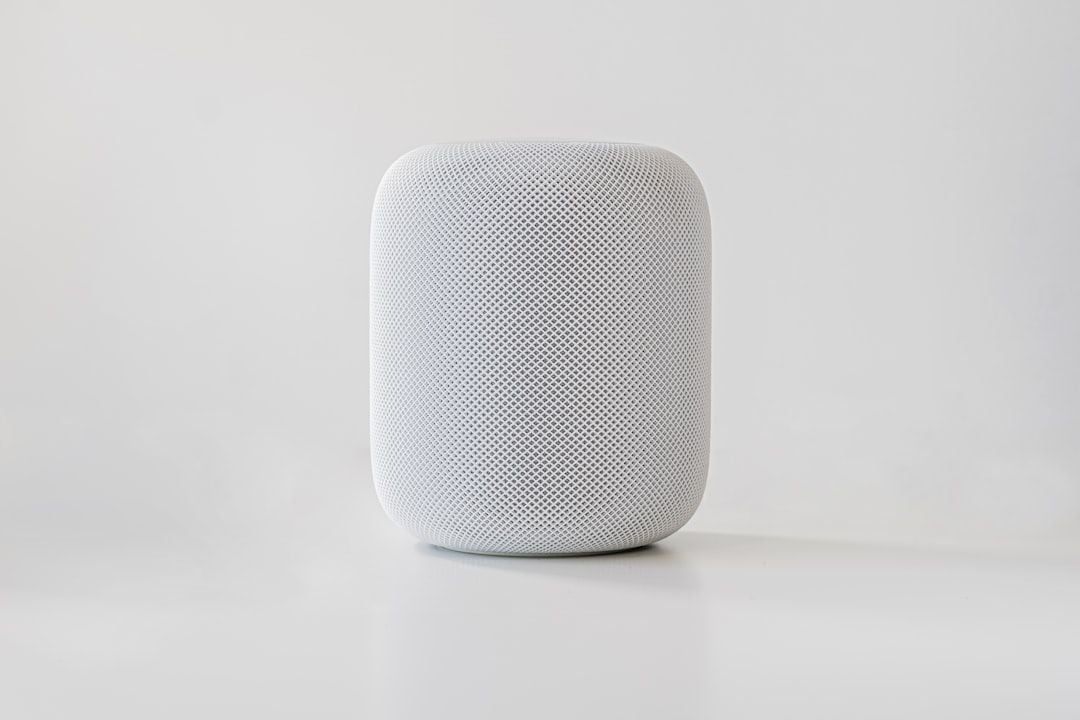
Many security experts have removed Amazon Echo, Google Nest, and similar devices from their homes. These gadgets listen for wake words, making them always-on microphones.
Studies show contractors may review random recordings, including private conversations. If privacy is a concern, consider smart speakers without microphones or just use your phone when needed. This way, you retain privacy with minimal loss of convenience.
3. Unsupported Android Phones

Phones without security updates pose serious risks. Some Android phones get updates for only 2-3 years, whereas iPhones usually receive over 5 years of support. An unsupported phone can have unpatched vulnerabilities that hackers exploit.
Check your phone's update status in Settings. If it no longer receives security patches, consider replacing it, even if it still functions. The security risk isn't worth the savings.
4. Default Router from ISPs
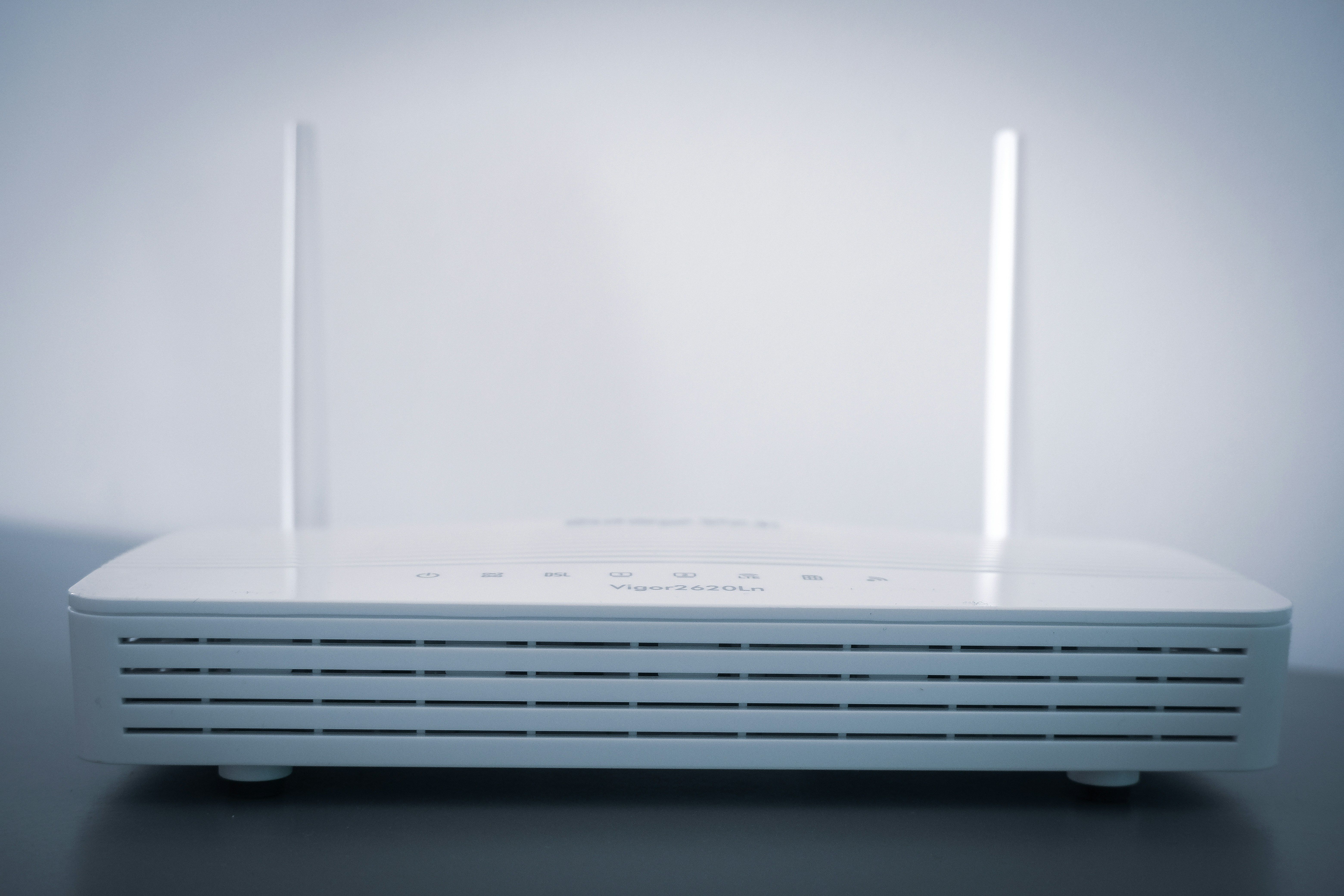
The router from your internet provider is likely inadequate. These devices often have weak security, outdated firmware, and poor performance. Tests indicate ISP routers may have worse coverage and struggle with multiple streaming devices.
Spend $100-200 on a quality router from brands like TP-Link or Netgear. This investment offers better range, stronger security, more network control, and eliminates rental fees from your ISP.
5. Cheap Security Cameras
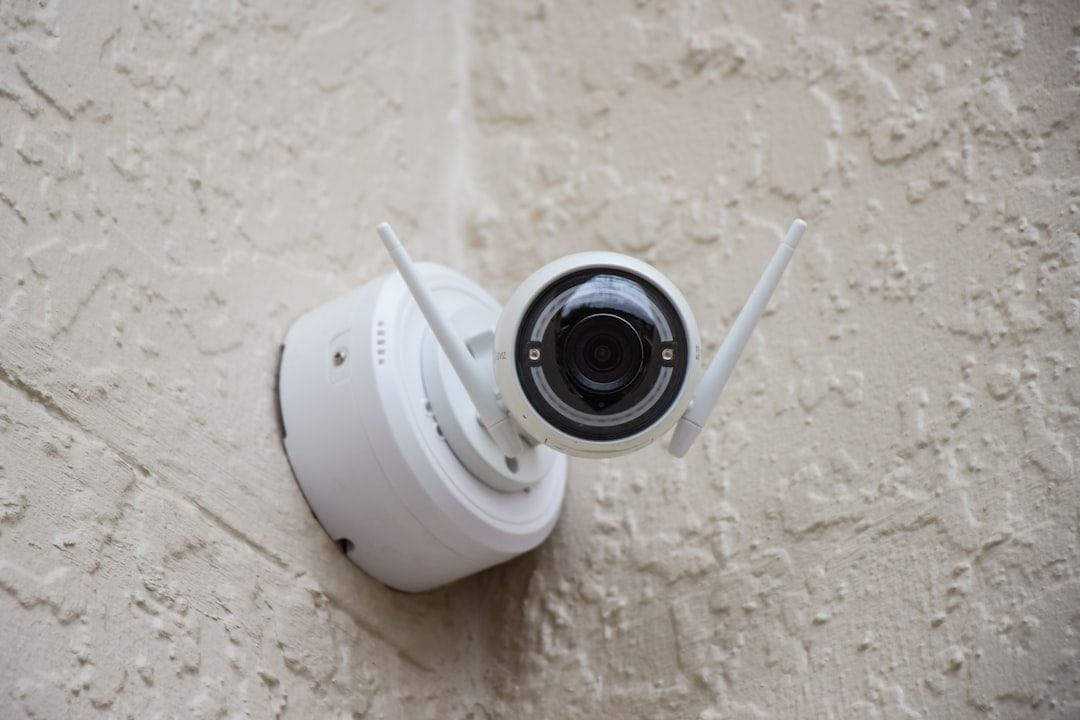
Budget security cameras from lesser-known brands often have data breaches and weak encryption. Security researchers have found that many send unencrypted footage to servers in countries with lax privacy laws.
Some cameras don’t require changing the factory-set passwords. Use established brands like Ring, Arlo, or Eufy. They provide clear privacy policies and regular security updates. These cameras cost more, but they help keep your home life private.
See also - Never Ignore These Privacy Alerts on Your TV (They're Not a Glitch)
6. Inkjet Printers
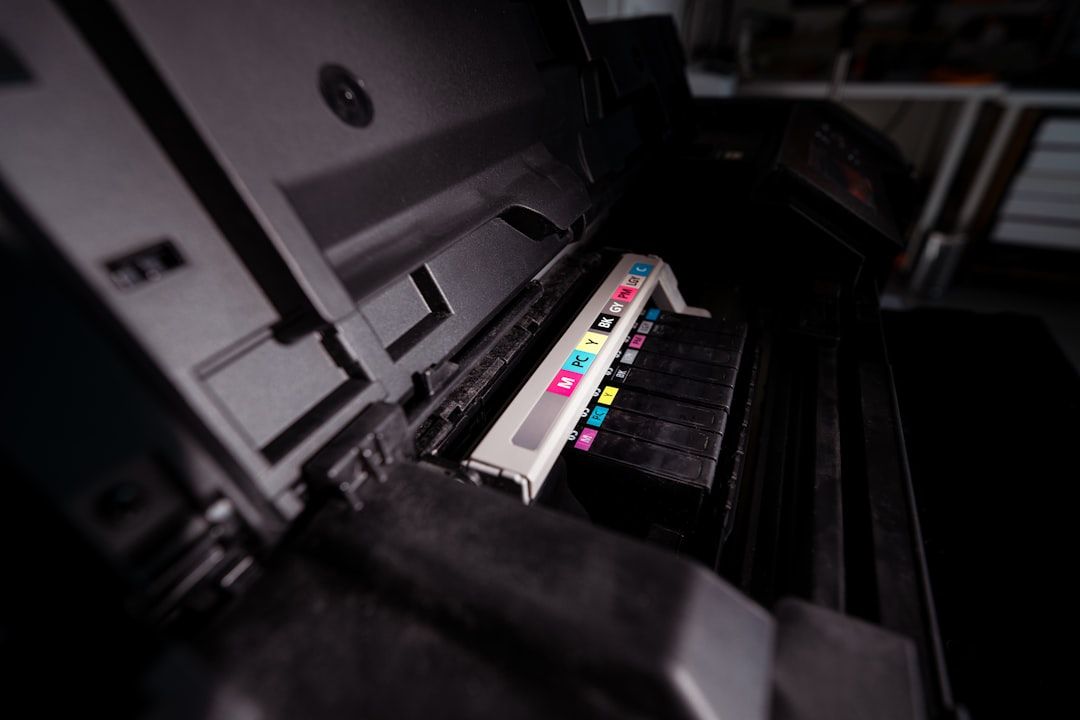
Tech experts generally avoid inkjet printers. Ink costs between $2,000 and $5,000 per gallon equivalent, making it extremely expensive. Inkjets also waste ink with cleaning cycles and dried cartridges.
Consider switching to a laser printer. Entry models are now available for under $150. A laser printer's toner lasts 3-5 times longer per page and doesn't dry out when not used. Most households print fewer than 100 pages monthly, so a laser printer is a better option.
If you enjoyed this guide, follow us for more.
7. Smart TVs with Ads and Tracking
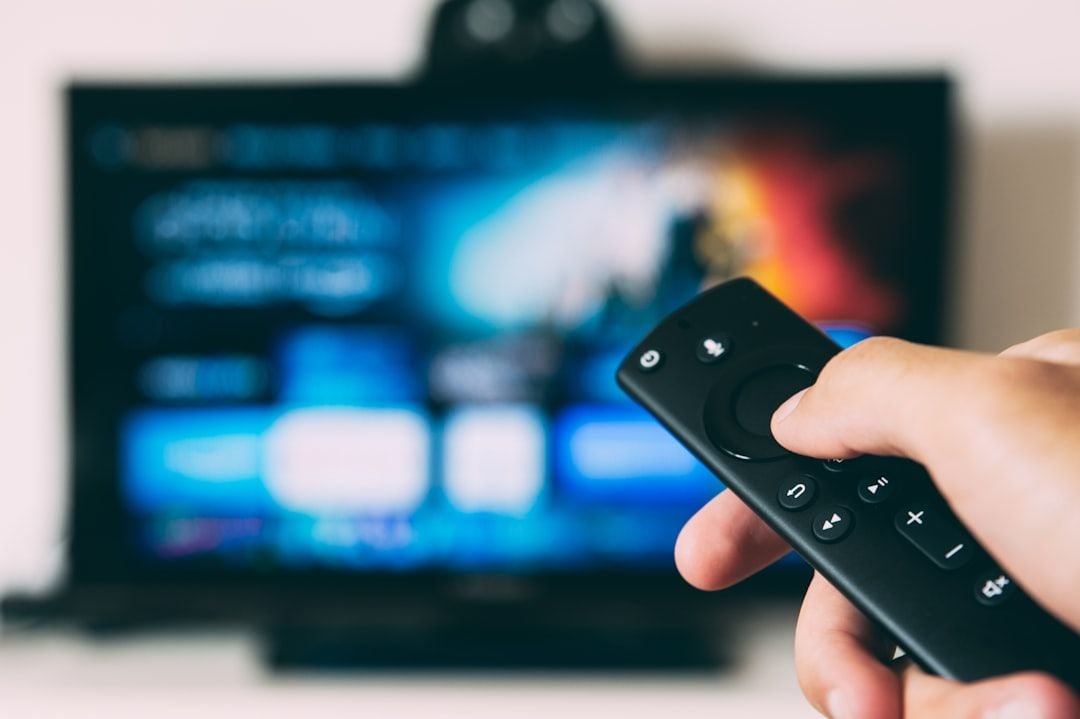
Many smart TVs track viewing habits and add ads to menus. Vizio, Samsung, and LG have faced lawsuits due to excessive data collection.
See also - Yes, Your TV Is Watching You – 7 Ways It Spies and How to Stop It
Tech experts recommend using "dumb" commercial displays or keeping smart TVs offline. Add a separate streaming device like Apple TV or Roku. This setup enhances privacy, reduces ads, and ensures more frequent updates for the apps you use.
See also - 12 Phone Settings That Are Secretly Exposing You to Hackers
8. Password Managers in Browsers
Built-in browser password managers are convenient but lack key security features. They often store passwords in a vulnerable manner if your device is compromised.
Consider using dedicated password managers like Bitwarden, which is free, or 1Password, which costs $36 per year. These tools have stronger encryption, work on all devices, notify you of compromised passwords, and generate random passwords. The security improvement is substantial.
9. Mechanical Hard Drives
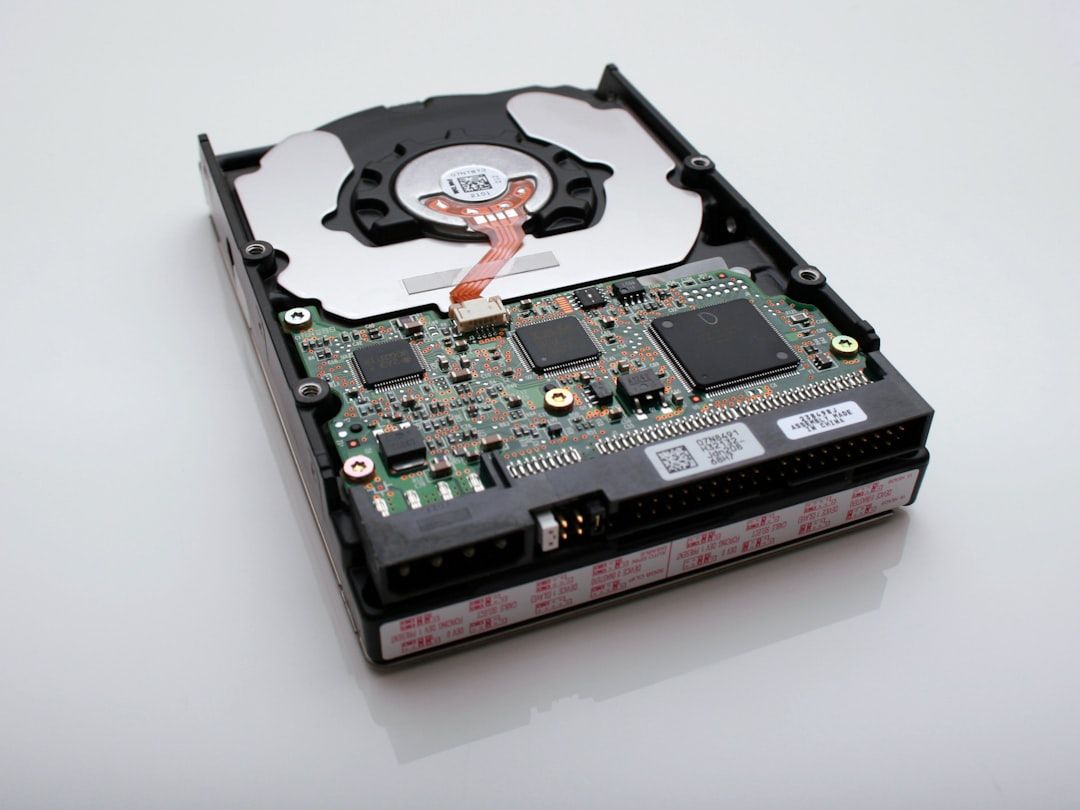
Spinning hard drives fail more often than SSDs and are much slower. A computer with a mechanical drive takes 30-60 seconds to boot, while SSD systems start in 10 seconds or less. File operations that take minutes on HDDs only take seconds on SSDs.
Replace your primary drive with an SSD—250GB models are now under $50. Retain your old drive for backups if necessary. The performance boost is the best upgrade for any computer older than 3 years.
See also - 23 Reasons Your Computer Is Slow and How to Fix It
10. Single-Function Devices
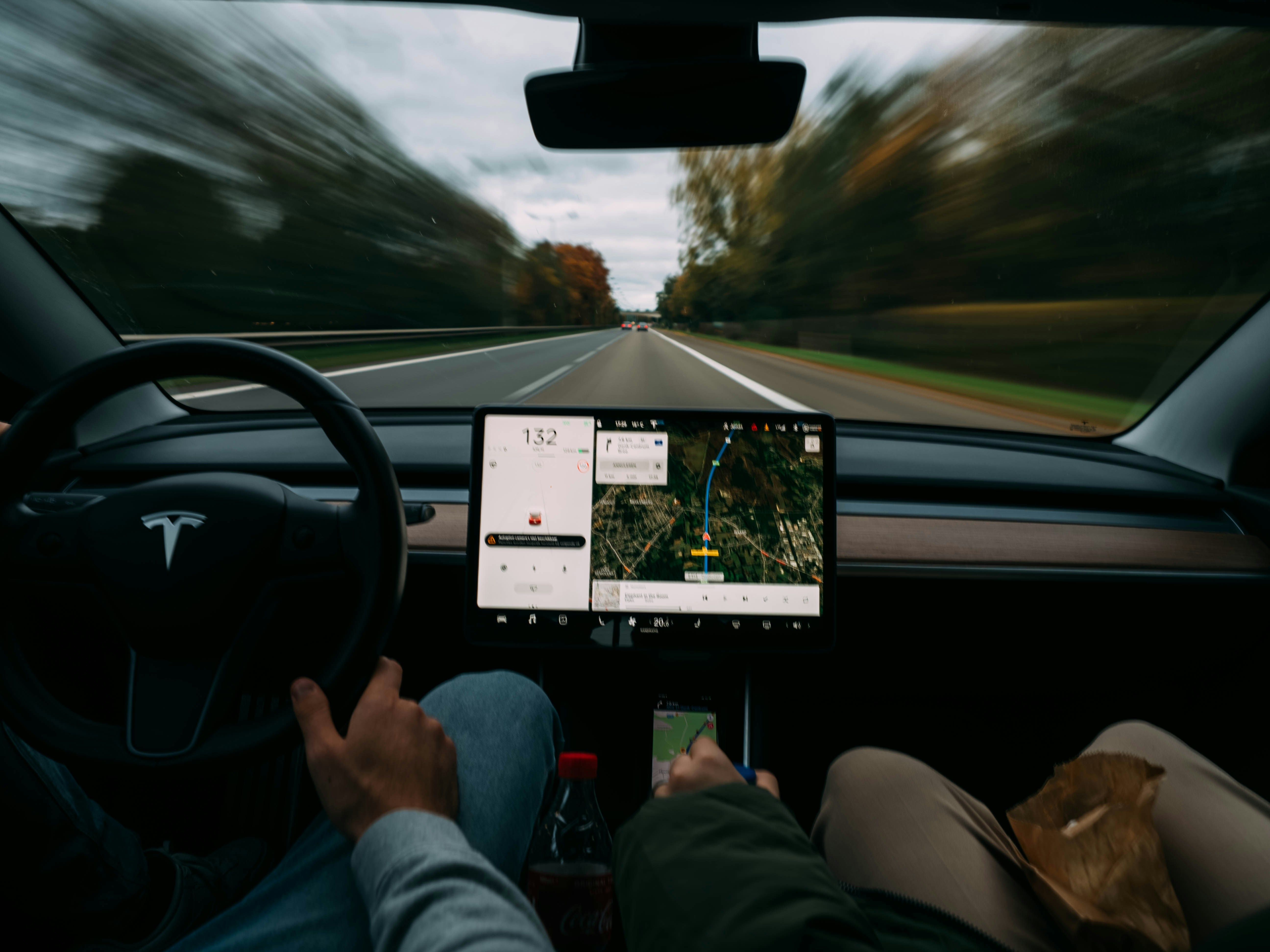
Dedicated GPS units, point-and-shoot cameras, MP3 players, and DVD players are quickly becoming obsolete. They add clutter, need separate chargers, and often don't match the performance of smartphones.
Unless you need them for specific professional tasks, switch to multipurpose devices. This change cuts electronic waste, saves money, and makes tech management easier. However, dedicated e-readers like Kindles are still better for reading comfort compared to phones.
If you enjoyed this guide, follow us for more.