Someone who knows your email address can send you messages and use it in public searches or account forms. That alone does not give them your password, verification codes, or inbox.
Email scams come first here because the FTC says email was the most commonly reported way scammers contacted people in 2024. The later items cover more specific attempts and the limits that apply to each.
The short version
- Check unexpected invoices through a contact method you already trust.
- Use a different password for every account and turn on two-factor authentication.
- Ignore password resets you did not request, and never share a verification code.
- Review unwanted signups, calendar invitations, and sudden floods of email.
1. Send You a Fake Invoice or Account Notice
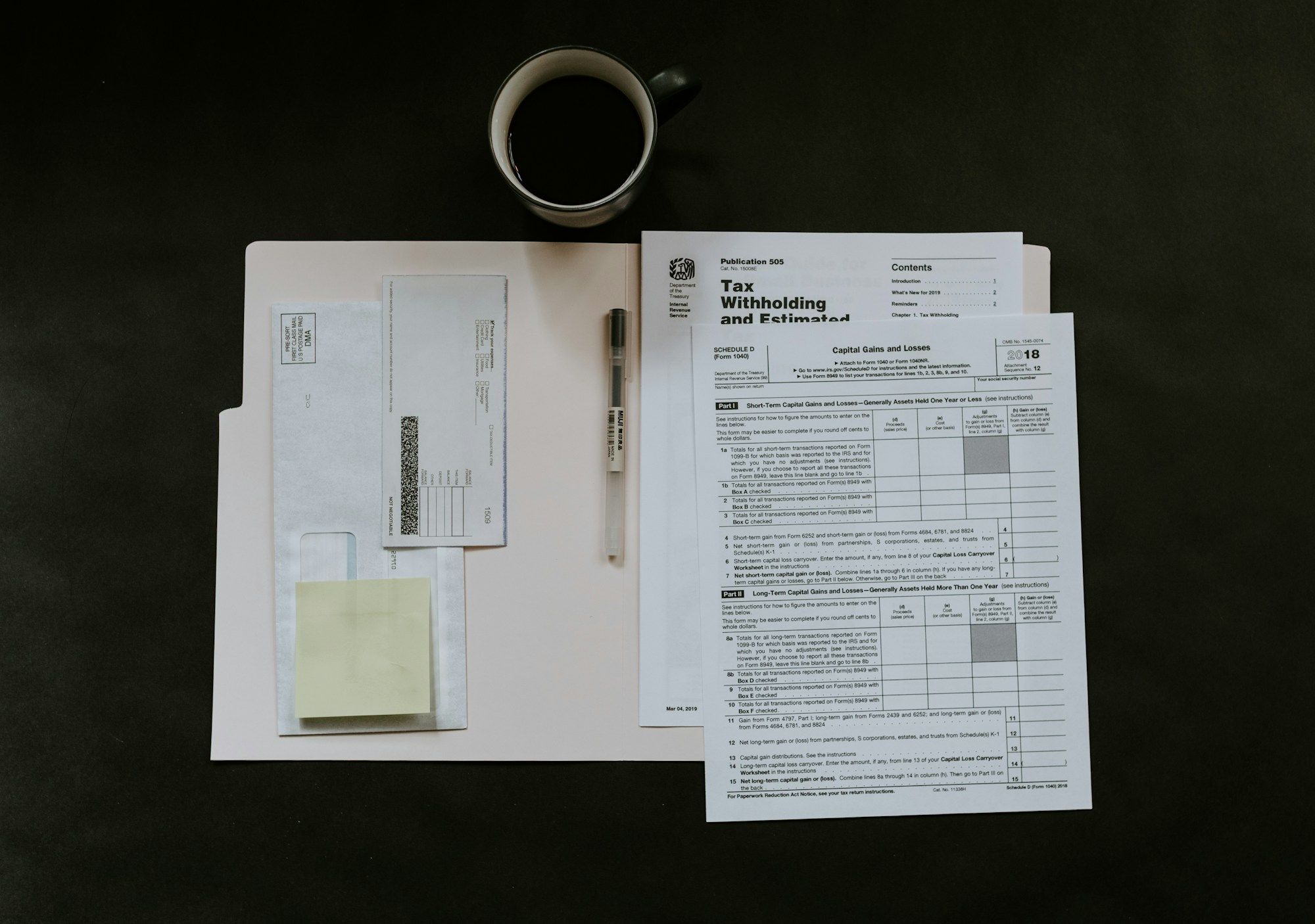 Image: Kelly Sikkema / Unsplash
What they can try: Anyone with your address can send a message claiming that you owe money, missed a delivery, or need to fix an account. The sender may want you to call a number, open a link, or provide payment details. Receiving the message does not mean a charge exists or that the sender can access your account.
In April 2025, the FTC warned about email scams that mention overdue invoices and requests to confirm bank or credit card information. The FTC said email was the top scam contact method reported for 2024. An invoice that names a familiar kind of service is still only a claim until you verify it.
How to protect yourself: Open the company's app or website yourself, or call a number you already know is real. Do not use the link or number in an unexpected message. Mark the message as spam or junk, and report a suspected scam to the FTC.
2. Check Breach Records and Try a Reused Password
 Image: Towfiqu barbhuiya / Unsplash
What they can try: An address can be checked against records of known data breaches. If a password was exposed elsewhere and you reused it, someone could try that address and password on another service. The address alone supplies no password, and a unique password with two-factor authentication makes this attempt much harder.
The Have I Been Pwned FAQ, checked in October 2026, says its public address search shows breach results one address at a time. It also says the site does not store passwords alongside breached email addresses.
How to protect yourself: Check your own address on Have I Been Pwned. If a service you use appears, change any password you reused there and on other accounts. Give each account a different strong password, and turn on two-factor authentication where available.
3. Trigger Password Reset Emails
 Image: Andrijana Bozic / Unsplash
What they can try: Someone can enter your address on a service's password recovery page and cause a reset message to arrive. That may be an intentional attempt or a simple typo. A reset email by itself does not change your password. The person still needs the required recovery step, such as access to the message or a verification code.
In Google's guidance checked in October 2026, an unrequested password-assistance email does not mean the Google Account has been compromised. The FTC explains why protecting the inbox matters: someone who already controls it could receive reset links for other accounts. Those are different situations.
How to protect yourself: Do not share a reset link or code you did not request. For an unexpected Google password-assistance email, Google says no further action is needed. If you also see unfamiliar sign-in activity, review it directly in your account and secure the account.
4. Use Your Address in New Account Forms
 Image: Jonas Leupe / Unsplash
What they can try: A person can type your address into a registration form and cause a verification email to reach you. That can be confusing, especially when the service is unfamiliar. It does not prove that you signed up, and a service that requires email verification will not finish creating the account without the code sent to your inbox.
Google's account guidance, checked in October 2026, says it sends a code when someone creates a Google Account using a non-Google email address. Google says the account cannot be created unless that address is verified. Other services have their own rules, so treat each unexpected message as a request to inspect, not as proof of a completed account.
How to protect yourself: Do not send the code to anyone or enter it on a page someone sent you. If messages continue, contact the service through its official help page. Keep the verification email until you understand what request produced it.
5. Look Up Your Name and Photo in Google Services
 Image: Agence Olloweb / Unsplash
What they can try: Someone who has your address may search for you within Google services. Depending on your profile settings, that search can show your name or photo. This is a visibility issue, not access to your Gmail messages, private files, or account settings. What appears depends on the information you chose to display and whether you have interacted with that person.
In Google's profile guidance checked in October 2026, Profile Discovery controls what people with your email address can find in Google products and services. Google says people you have not interacted with may be able to see a full or abbreviated name and a profile picture, depending on your choices.
How to protect yourself: In your Google Account, go to Personal info, then Your profiles, See profiles, and Profile discovery settings. Review how your name and photo appear. Also check which details on your profile are visible to Anyone, and change any visibility choice that shares more than you intend.
6. Impersonate You With a Similar Sender Address
 Image: Liam Truong / Unsplash
What they can try: A person can create an address that resembles yours and send a message to someone who knows you. A familiar display name may make the message look convincing at first glance. The attempt requires a recipient the sender can reach; knowing your address alone does not reveal your contacts or give the sender control of your mailbox.
In its business email imposter guidance available in October 2026, the FTC describes scammers setting up addresses that look like a company's address and sending messages from them. The FTC also documents messages that impersonate a boss using a spoofed address. A similar-looking address is evidence to check, even when the message uses a real name.
How to protect yourself: Tell contacts to inspect the full sender address when a message from you asks for money or sensitive information. Ask them to confirm unusual requests by calling you at a number they already have. If you run a business domain, ask your email provider about email authentication.
7. Send an Unwanted Calendar Invitation
 Image: Eric Rothermel / Unsplash
What they can try: An address can be used to invite you to a calendar event you did not request. Depending on your settings, the event may appear on your calendar or arrive as an invitation email. The invitation cannot make you attend, and receiving one does not give its organizer access to your calendar or account. Avoid treating a link inside an unfamiliar event as verified.
Google Calendar guidance checked in October 2026 says its From everyone setting automatically adds invitations sent directly to your email address. It offers narrower choices: Only if the sender is known, or When I respond to the invitation in email. Google says changed settings apply to new invitations.
How to protect yourself: On a computer, open Google Calendar, then Settings, General, Event settings, and Add invitations to my calendar. Choose the option that fits how you use invitations. Report an unsolicited event as spam, and block an organizer who repeatedly sends unwanted invitations.
8. Flood Your Inbox With Subscriptions
 Image: Joanna Kosinska / Unsplash
What they can try: Someone can use your address for many newsletter or promotional signups, creating a sudden flood of messages. The volume can make an important account alert harder to notice. The messages themselves do not let the sender read your inbox, make a purchase, or sign in as you. Still, a sharp change in mail volume deserves a careful check.
In Gmail guidance checked in October 2026, Google says a flood of subscriptions or promotional offers can hide security alerts from services you use. Its advice is to search both the inbox and Spam for alerts, respond to genuine alerts, and perform a Google Security Checkup. Google separately explains how to report unwanted mail as spam.
How to protect yourself: Search for recent security and purchase notices from accounts you use, including in Spam. Open the relevant service directly to check any alert. In Gmail on a computer, select unwanted messages and click Report spam. Do not delete the entire flood before checking for a buried notice.