

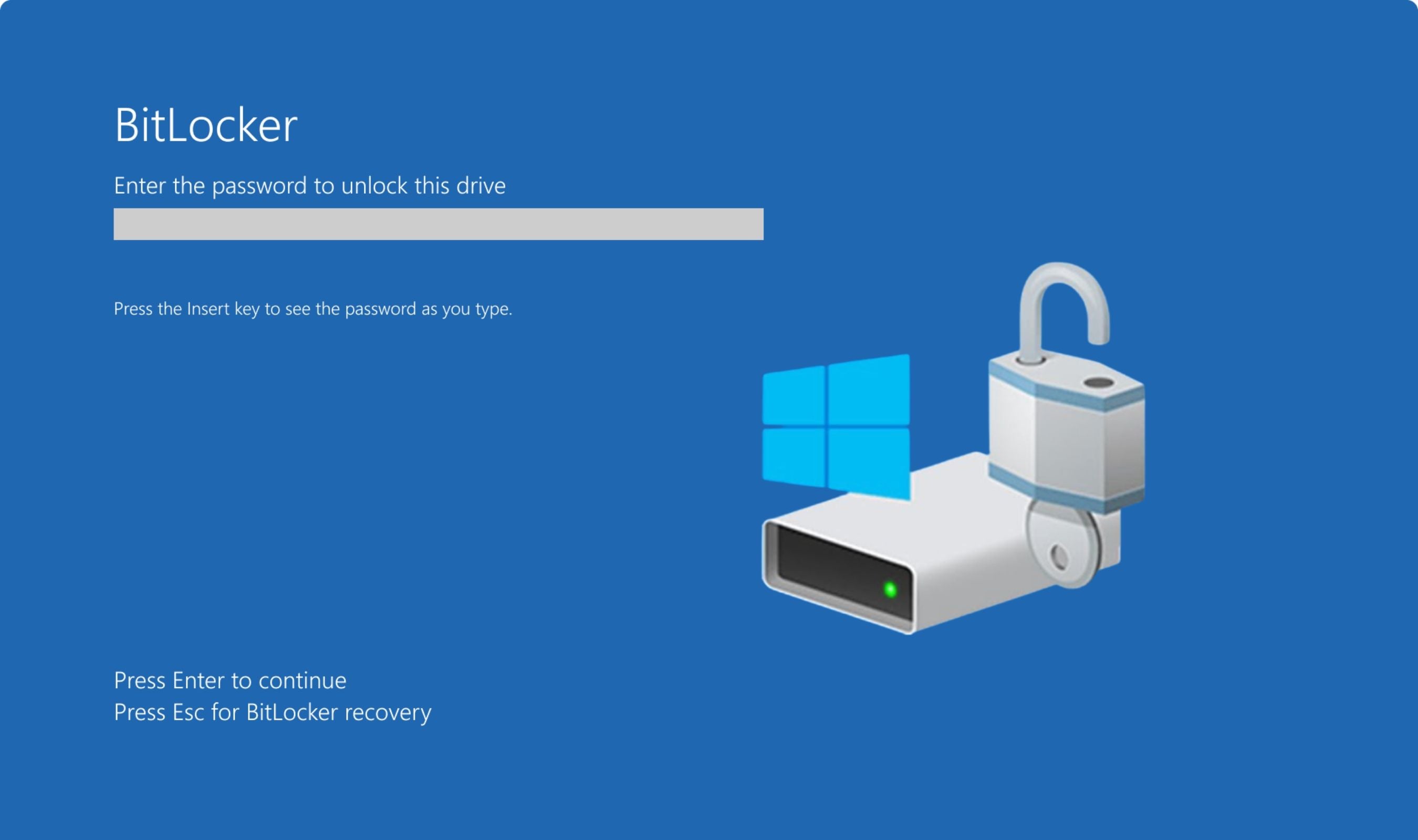
A disgruntled researcher's public dump of a BitLocker bypass exploit named YellowKey forced Microsoft to release manual mitigation steps this week, with a permanent patch still in development for the vulnerability now tracked as CVE-2026-45585. The zero-day carries a CVSS score of 6.8 and is classified as a security feature bypass. Microsoft confirmed in a May 19 advisory that proof-of-concept code has been made public, "violating coordinated vulnerability best practices." The flaw impacts Windows 11 versions 24H2, 25H2, and 26H1 for x64-based systems, plus Windows Server 2025 and Server Core installations.
YellowKey works through physical access. An attacker places specially crafted FsTx files on a USB drive or EFI partition, plugs it into a target machine running BitLocker, reboots into the Windows Recovery Environment (WinRE), and holds down the CTRL key to spawn a shell with unrestricted access to encrypted data.
"If you did everything properly, a shell will spawn with unrestricted access to the BitLocker protected volume," the researcher wrote on GitHub under the alias Chaotic Eclipse (also known as Nightmare Eclipse). The exploit abuses a behavioral trust assumption in WinRE's recovery interface. "Because YellowKey doesn't require software installation, existing credentials, or network access to break encryption, any machine that has a USB port and can be rebooted can be a target," security firm LevelBlue noted. The researcher disclosed the vulnerability as a zero-day last week, ostensibly frustrated with how Microsoft Security Response Center handled their bug reports. Vulnerability analyst Will Dormann confirmed the PoC works.
Nightmare Eclipse has previously published exploits for other Microsoft zero-days including BlueHammer, RedSun, and UnDefend, which can disable Microsoft Defender.
Microsoft's mitigation guidance offers two paths. The first involves mounting the WinRE image, removing the "autofstx.exe" value from the Session Manager's BootExecute registry entry, reestablishing BitLocker trust, and redeploying the updated image.
Dormann explained this works because it prevents the FsTx Auto Recovery Utility from automatically starting when WinRE launches. The second, simpler option is switching from TPM-only to TPM+PIN protection, which forces BitLocker to require a PIN at startup. Microsoft recommends administrators enable "Require additional authentication at startup" via Intune or Group Policy for unencrypted devices, and configure "Configure TPM startup PIN" to "Require startup PIN with TPM."
"The vulnerability is not in the encryption itself, but in the recovery environment that surrounds BitLocker," the NCSC Netherlands pointed out.
No active exploitation in the wild has been confirmed, but Microsoft rates the vulnerability as "Exploitation More Likely." The mitigations are manual and complex enough that Forbes recommended most consumers wait for the security update rather than attempt the registry-level fix. For higher-risk environments, adding a BitLocker PIN provides the most straightforward protection until a permanent patch arrives.