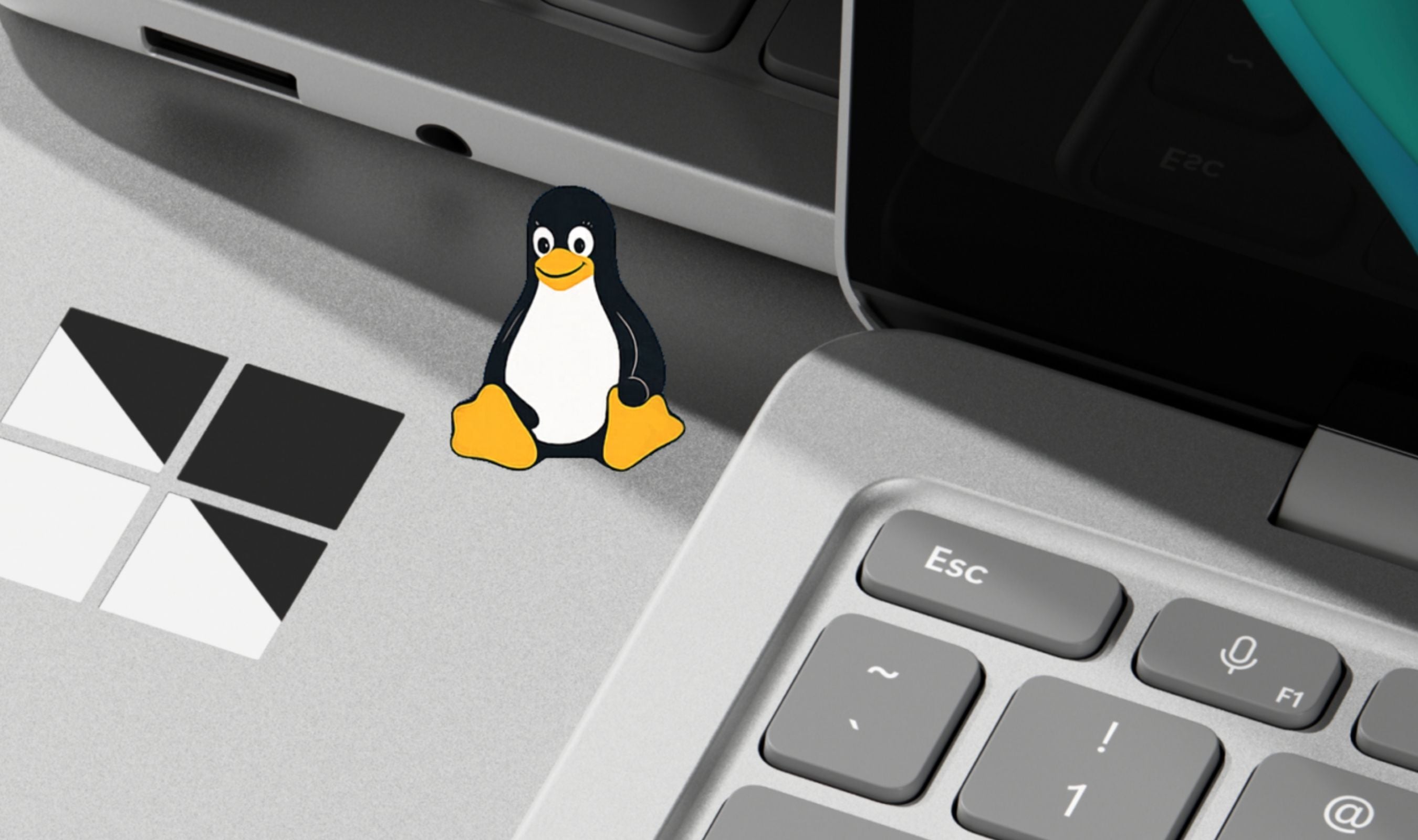
Microsoft gave up trying to make Windows developers forget about Linux. At Build 2026 today, the company announced Coreutils for Windows, over 75 Linux command-line utilities running natively on the OS, alongside WSL containers that eliminate the need for third-party Docker-style tooling on Windows machines.
Windows chief Pavan Davuluri framed the announcements as part of a broader push to make Windows a "trusted platform for development," but the subtext is harder to ignore: Microsoft is betting that the path to developer loyalty runs straight through Linux compatibility.
Coreutils for Windows, now generally available, is built from the uutils open-source project, a cross-platform reimplementation of GNU coreutils written in Rust. Commands like ls, cp, mv, rm, and cat run natively on Windows without requiring WSL or a VM.
"Whether you're moving between Linux, macOS, WSL, containers, or cloud environments, the commands and workflows you've built over years just work in your Windows environment," Davuluri said.
WSL containers represent the bigger structural change. Microsoft has built both a CLI and API for creating and running Linux containers directly through the Windows Subsystem for Linux, removing the dependency on third-party container runtimes.
IT admins gain policy-based control over which container images developers can source and how containers interact with the host. WSL containers enter public preview in the coming months. The company also released Windows Developer Configurations, a WinGet-powered setup that installs WSL, PowerShell 7, Visual Studio Code, and GitHub Copilot with a single command while enabling Git version control in File Explorer and showing hidden files. Microsoft experimented with this concept for years before shipping it as a GA product today. On the terminal front, Microsoft unveiled an experimental Intelligent Terminal that splits the interface into a standard CLI pane and an AI agent pane. Using the Agent Communication Protocol (ACP). Developers can query agents, debug errors, and execute multi-step tasks without leaving the terminal.
GitHub Copilot ships as the default agent, with support for others through ACP.
Rounding out the developer push, Microsoft announced Windows Development Skills, structured AI knowledge packs for building native Windows apps with WinUI 3 and the winapp CLI, and the Surface RTX Spark Dev Box, a desk-side workstation with NVIDIA RTX Spark silicon delivering 1 petaflop of AI compute and 128GB of unified memory, arriving later this year. For developers who have spent years context-switching between Windows and Linux environments, the message from Build 2026 is unambiguous: Microsoft is done asking you to choose.