
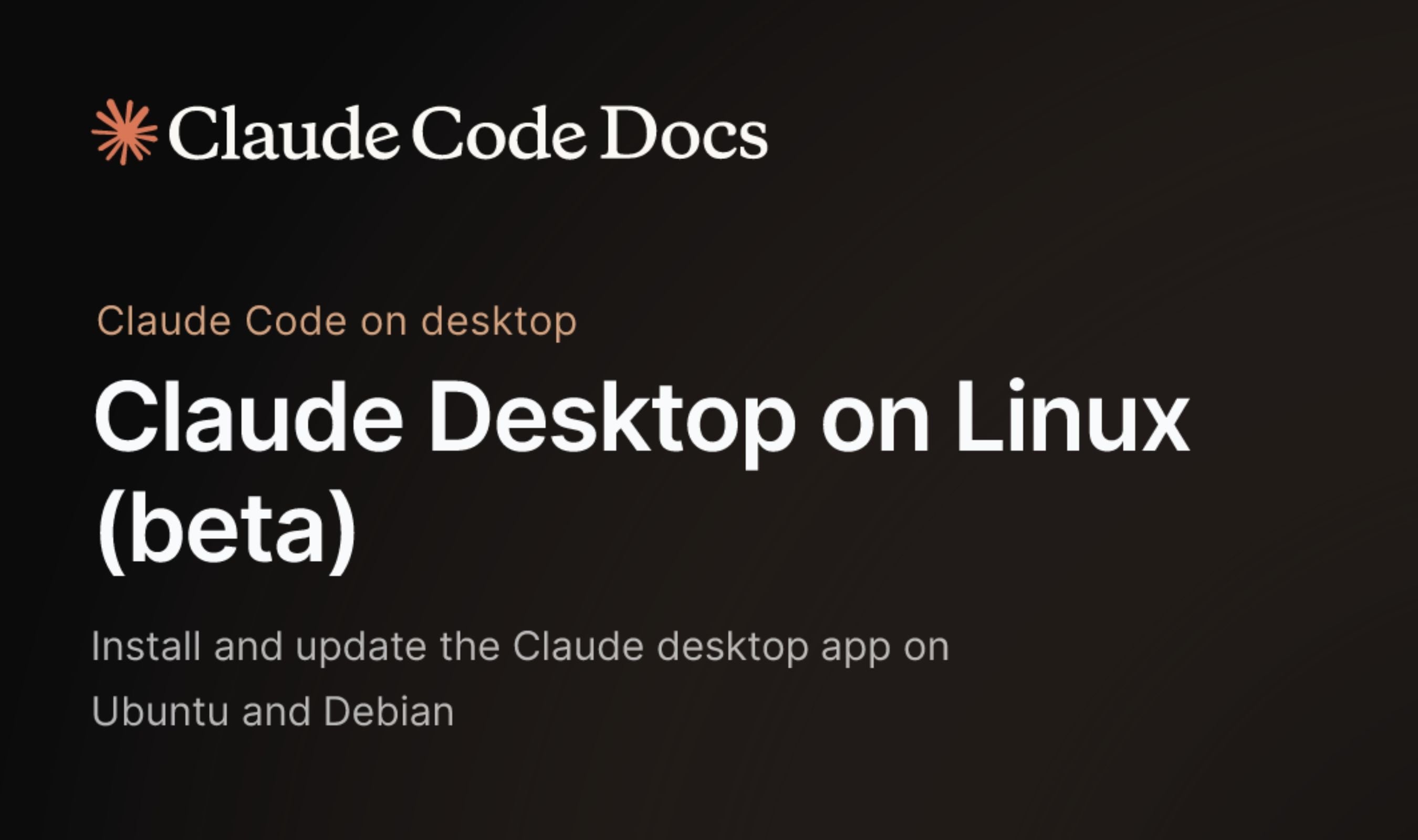
Linux developers who relied on community-stitched workarounds to run Claude Desktop can now install an official beta, released June 30 by Anthropic with full Chat, Cowork, and Code support. The beta supports Ubuntu 22.04 and newer, plus Debian 12 and newer, on both x86_64 and arm64 architectures. Installation runs through Anthropic's own apt repository, meaning updates arrive via standard system updates, no manual re-downloading.
Until now, Linux users had two options: the web interface or unofficial community packages that extracted the Windows Electron app, replaced native modules with Linux stubs, and repackaged it as a .deb. The most popular of those projects, aaddrick/claude-desktop-debian, did the job but was never an official solution.
Anthropic's beta eliminates the duct tape. The Linux version is not a stripped-down port. It offers the same three-tab layout as macOS and Windows: Chat for conversations, Cowork for collaborative editing, and Code for development.
The Code section supports parallel sessions, visual diff review, an integrated terminal with an editor, and live app preview. A key differentiator is Model Context Protocol (MCP) support, which lets the desktop app connect to local files, databases, and tools on the machine. Developers have long preferred the desktop client over the browser for this reason, the model sees the actual work environment, not just an isolated chat window.
What's missing
Computer Use, the screen and app control feature that lets Claude operate applications independently, is disabled on Linux during the beta. Voice dictation is also absent from the interface, though it remains accessible through the CLI. The global quick-entry hotkey works under X11 but requires a configured GlobalShortcuts portal under native Wayland.
Fedora, RHEL, Arch, and Nix users are out of luck for now. Anthropic has indicated support for more distributions is planned, but the beta is Debian-family only.
Pricing and Claude Code access
The app is free to download and use for Chat and Cowork. The Code tab, which gives Claude direct access to local project files and version control, requires a paid subscription, Pro, Max, Team, or Enterprise.
The same day, a science play
Anthropic also launched Claude Science on June 30, an AI workbench for researchers that runs on macOS and Linux. The two launches together mark a deliberate push into the Linux developer and research market, the same audience that had been waiting years for a native desktop app.
Claude Science runs on the same models available to all users, including Opus 4.8, with no special access. Its pitch is workflow integration rather than raw model capability: a coordinating agent draws on more than 60 curated scientific skills and connectors, with a separate reviewer agent that checks citations and calculations.
Installation
Users add Anthropic's signing key and repository, then run apt: Then add the package source and install: A .deb package is also available at claude.com/download for users who cannot use the repository, though it will not receive automatic updates.