


If your iPhone videos are stuttering, freezing, or lagging during playback, you're not alone. This frustrating issue can happen for several reasons, but most are easy to fix with some simple troubleshooting.
Understanding Video Lag vs Stutter
Before diving into solutions, it helps to know what type of problem you're dealing with:
- Stutter: Video appears choppy and skips frames
- Lag: Video playback is delayed or buffers frequently
- Freezing: Video completely stops while audio continues
Common Causes of iPhone Video Lag
Low Storage Space
When your iPhone runs low on storage, video apps can't function properly. Videos require large, continuous file writes, and insufficient space causes dropped frames and lag.
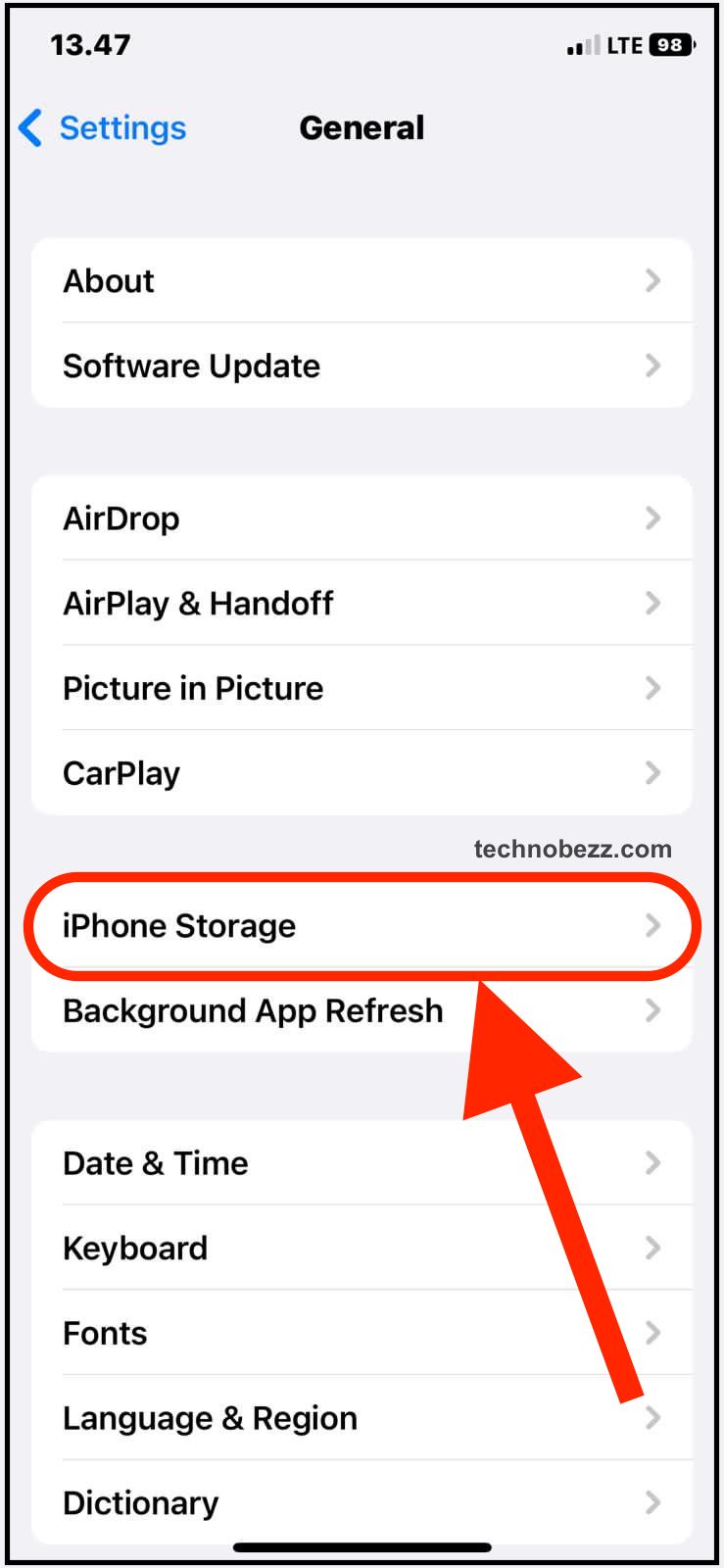
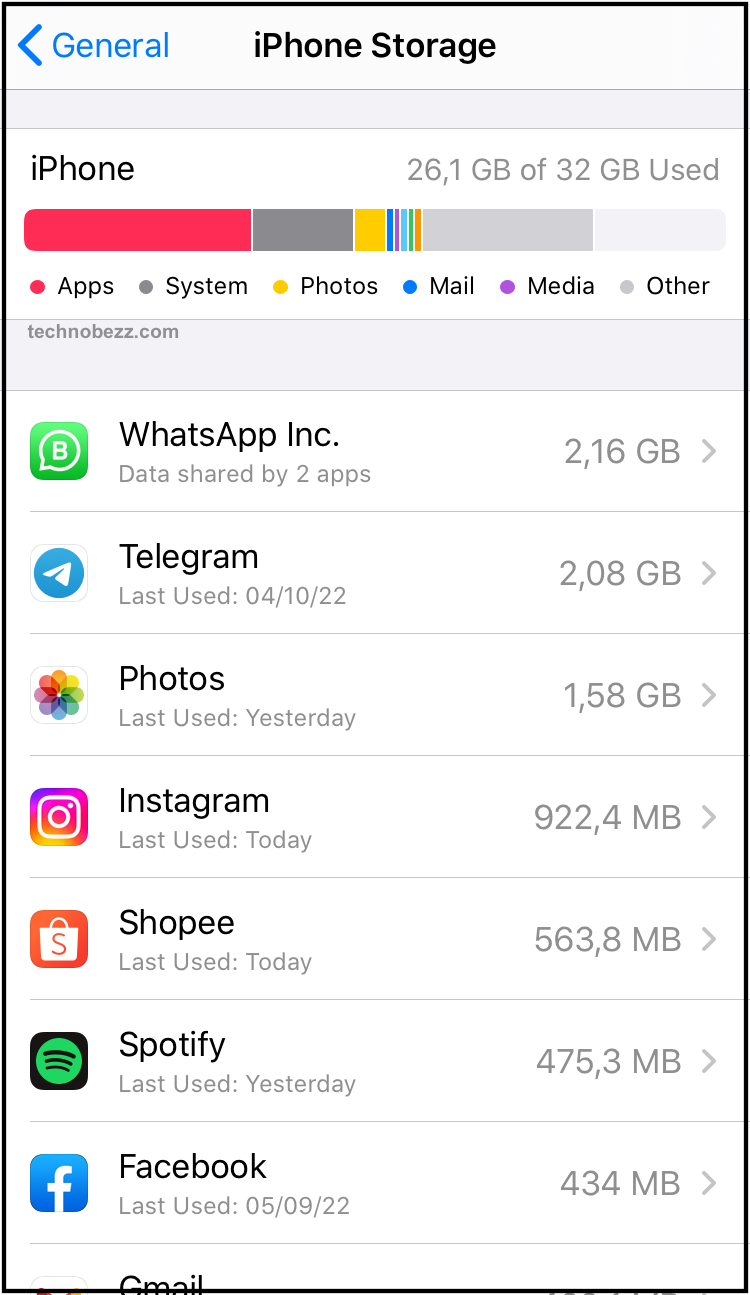
Check your storage by going to Settings > General > iPhone Storage. If you're below 1GB of free space, it's time to clean up.
Poor Internet Connection
Streaming videos over weak Wi-Fi or cellular data often leads to buffering and lag. Even local videos can be affected if they're stored in cloud services.
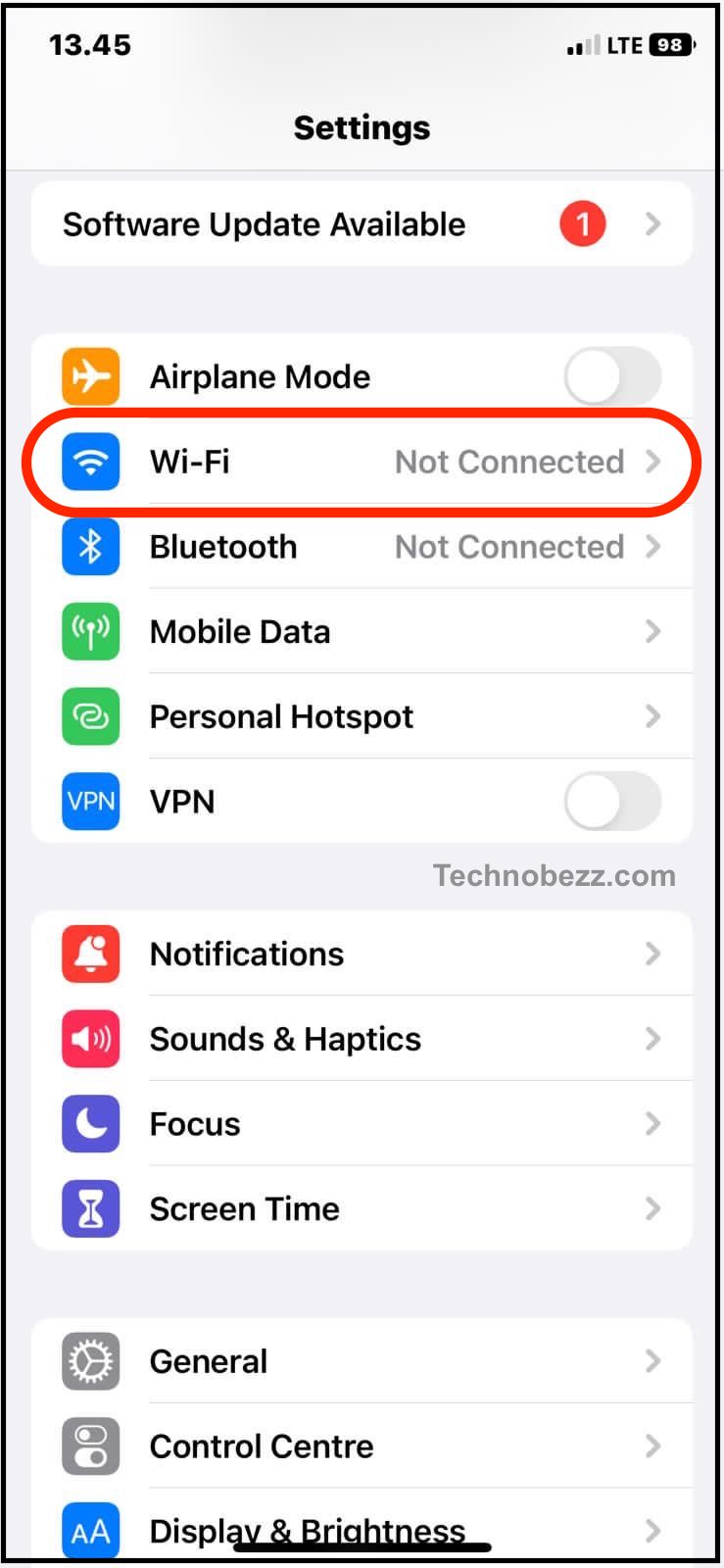
Make sure you're connected to a strong, stable network. Try switching between Wi-Fi and cellular data to see if the problem persists.
Outdated iOS Software
Older iOS versions can have compatibility issues with video files and apps. Many users report video problems after major iOS updates that get resolved with subsequent patches.
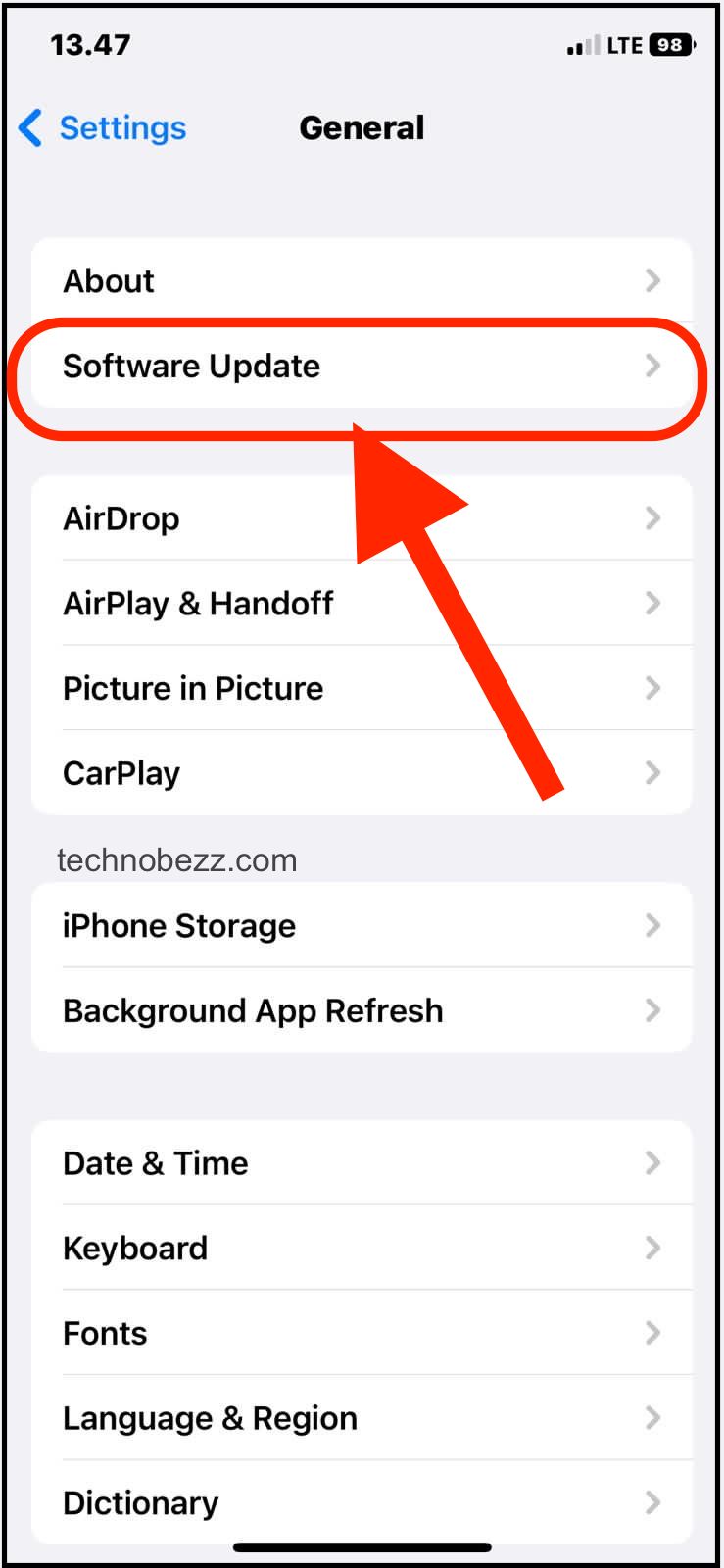
Check for updates in Settings > General > Software Update and install any available updates.
App Bugs and Background Processes
Sometimes the issue is specific to certain apps or caused by too many background processes running simultaneously. Third-party video apps often use different compression pipelines that can react poorly to system load.
How to Fix Video Playback Lag
1. Restart Your iPhone
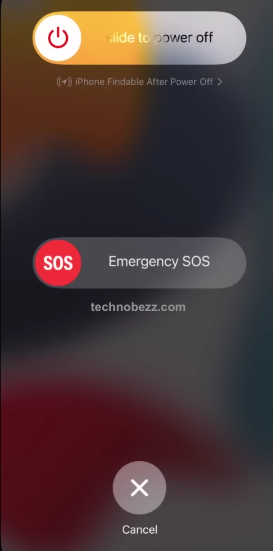
This simple fix clears temporary glitches and refreshes system processes. Press and hold the power button until "slide to power off" appears, then restart your device.
2. Free Up Storage Space
Clear out unused apps, photos, and videos. Enable iCloud Photos to store media in the cloud and free up local storage. You can also offload apps you don't use frequently while keeping their data.
3. Check Your Internet Connection
For streaming videos, ensure you have a strong connection. Reset your router if needed, or try using cellular data instead of Wi-Fi to isolate the issue.
4. Update iOS and Apps
Keep your iPhone's software and video apps updated. Apple regularly releases fixes for video playback issues in iOS updates.
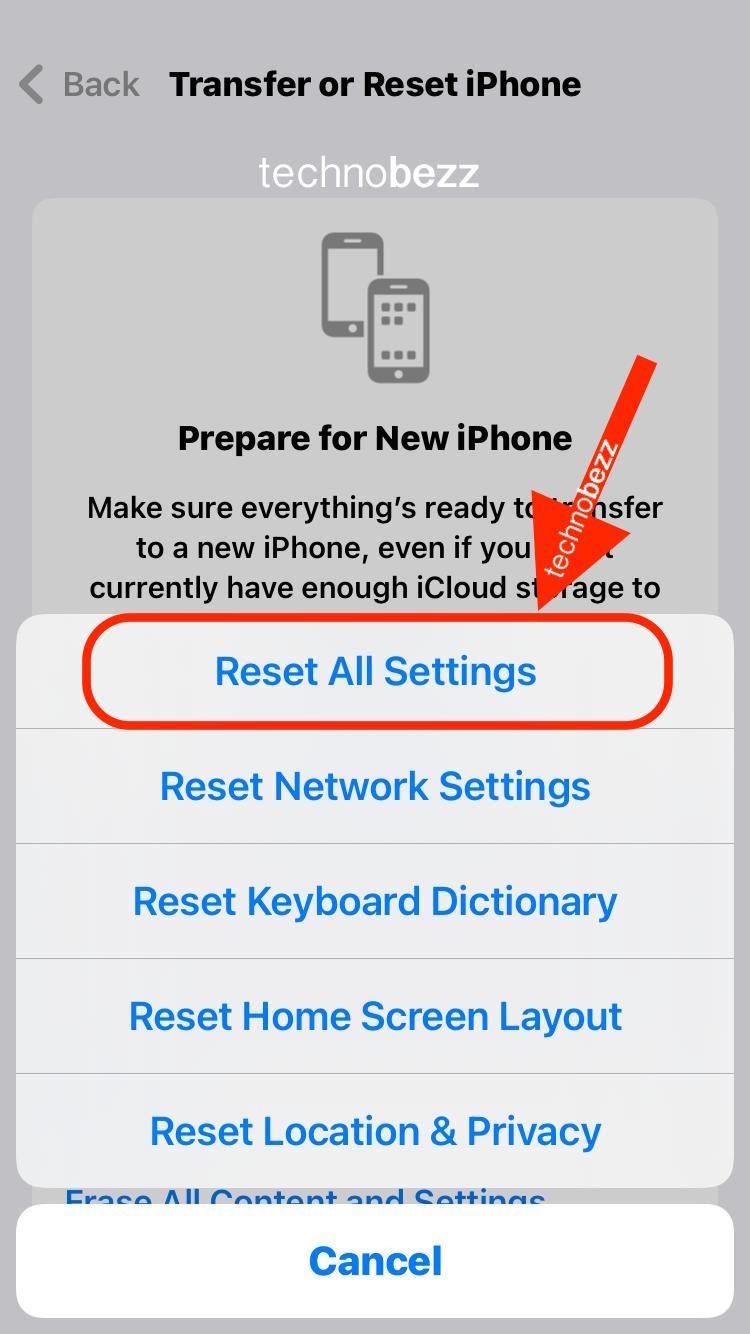
5. Reset All Settings
If the problem continues, reset your iPhone settings without losing your data. This can fix software-related issues causing video lag.
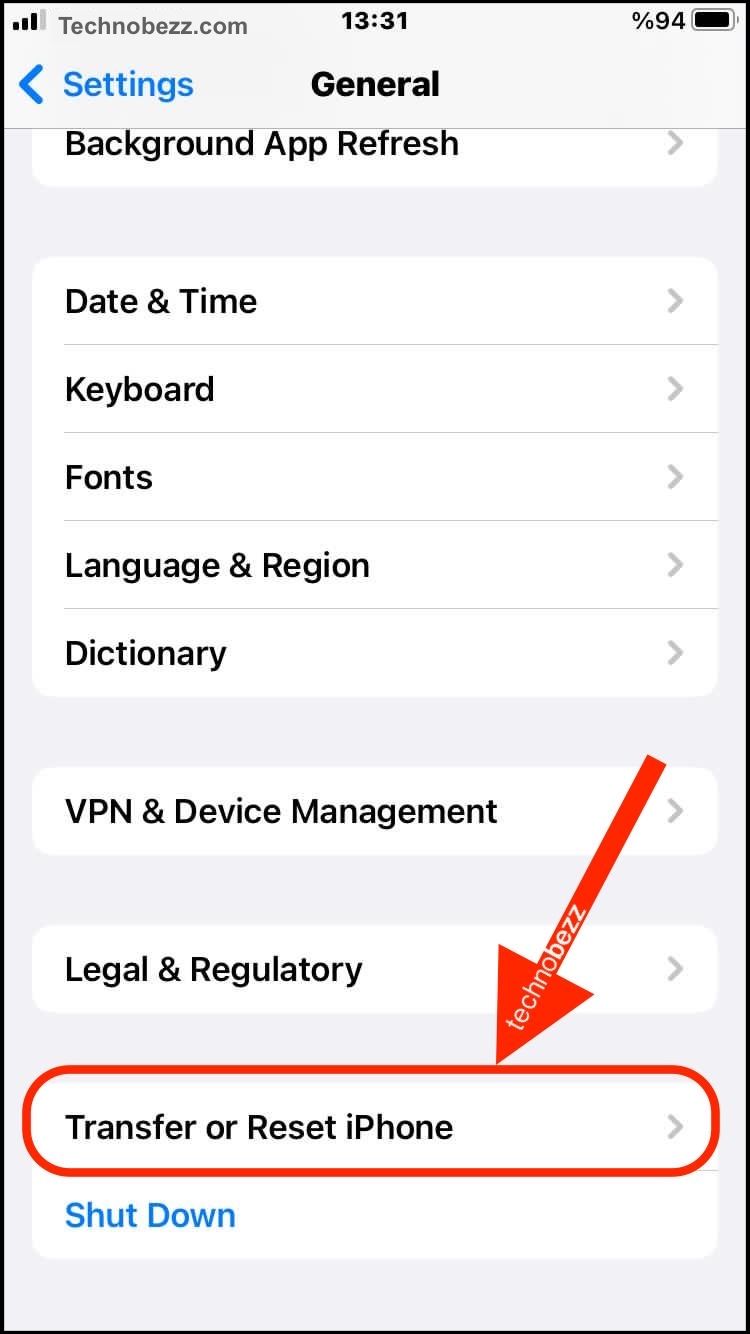
Go to Settings > General > Transfer or Reset iPhone > Reset > Reset All Settings.
6. Factory Reset (Last Resort)
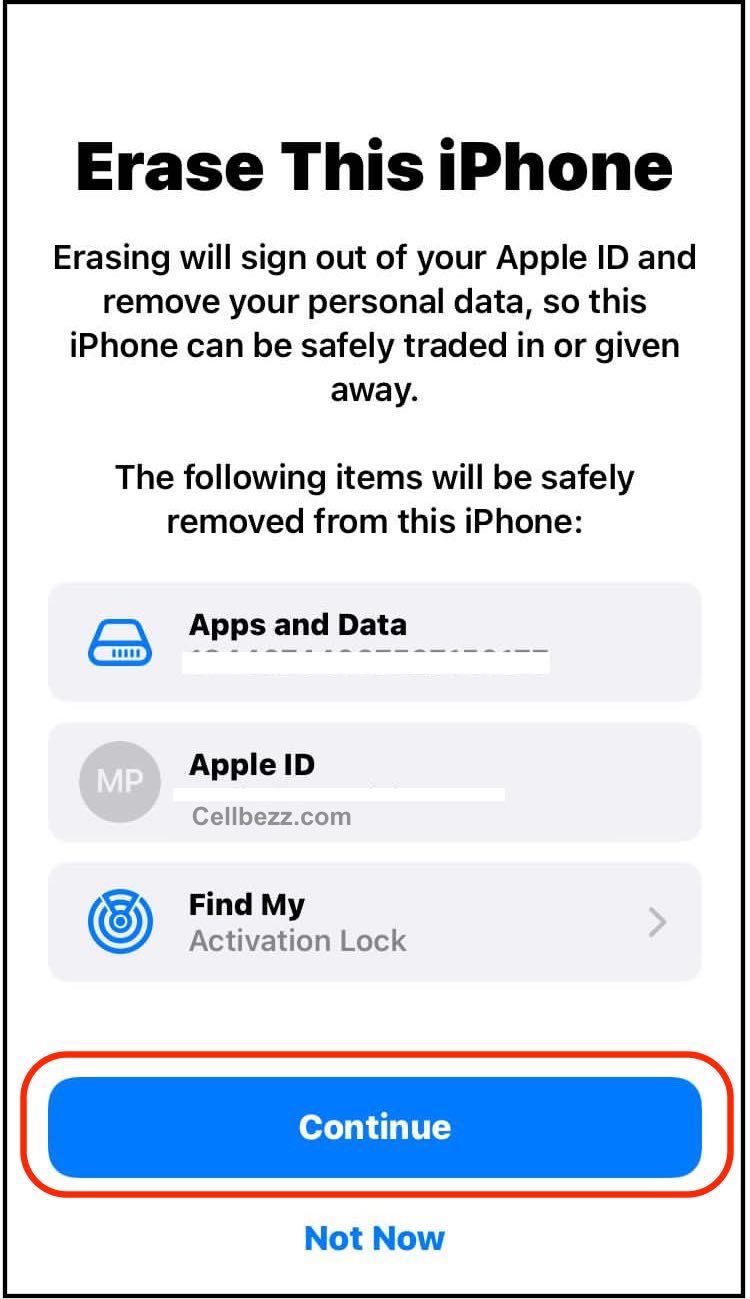
As a final option, you can perform a factory reset. This erases everything, so make sure to back up your iPhone first.


Go to Settings > General > Transfer or Reset iPhone > Erase All Content and Settings.
7. Report to Apple
If none of these solutions work, report the issue to Apple through their feedback system. The more users report specific video problems, the more likely Apple will address them in future updates.
Most video lag issues on iPhone are temporary and can be resolved with these basic troubleshooting steps. Start with the simplest solutions like restarting and clearing storage before moving to more drastic measures.