Choosing the right streaming camera can transform your content from amateur to professional. The top pick balances image quality, ease of use, and streaming-specific features without breaking the bank. Whether you're starting your first Twitch stream or upgrading to 4K production quality, this list covers cameras that deliver real results for every type of creator.
Product
Technobezz is supported by its audience. We may get a commission from retail offers.
8 Best Streaming Cameras for 2026
Logitech C920x leads our picks for the 8 best streaming cameras of 2026, from budget 4K to professional mirrorless models.
T
Technobezz
Senior Editor
Updated February 21, 2026Feb 21, 2026
•9 min read

Get Deals Like These in Your Inbox
The best prices, reviewed weekly.
At a Glance
| Category | Product | Why We Picked It |
|---|---|---|
| Best overall | Logitech C920x | Reliable 1080p quality that just works |
| Best value | EMEET C960 | True 4K streaming under $50 |
| Best for low light | Razer Kiyo Pro | Handles challenging lighting conditions |
| Best for AI features | Obsbot Tiny 2 | Automatic tracking and framing |
| Best for professionals | Sony ZV-E10 | Mirrorless quality with streaming convenience |
| Also recommended | Elgato Facecam 4k | 4K clarity and OBS-ready for pro streamers |
| Also recommended | Logitech Brio 501 | Sleek, reliable 1080p for everyday streaming |
| Also recommended | Insta360 Link 2 | AI tracking perfect for teachers and presenters |
How we chose and tested
We evaluated cameras based on real-world streaming performance, not just specs. Image quality in various lighting conditions, ease of setup, and streaming-specific features like autofocus and audio quality were prioritized. Each camera was assessed for how it performs during actual live streams, not just in controlled test environments.
The best streaming cameras right now
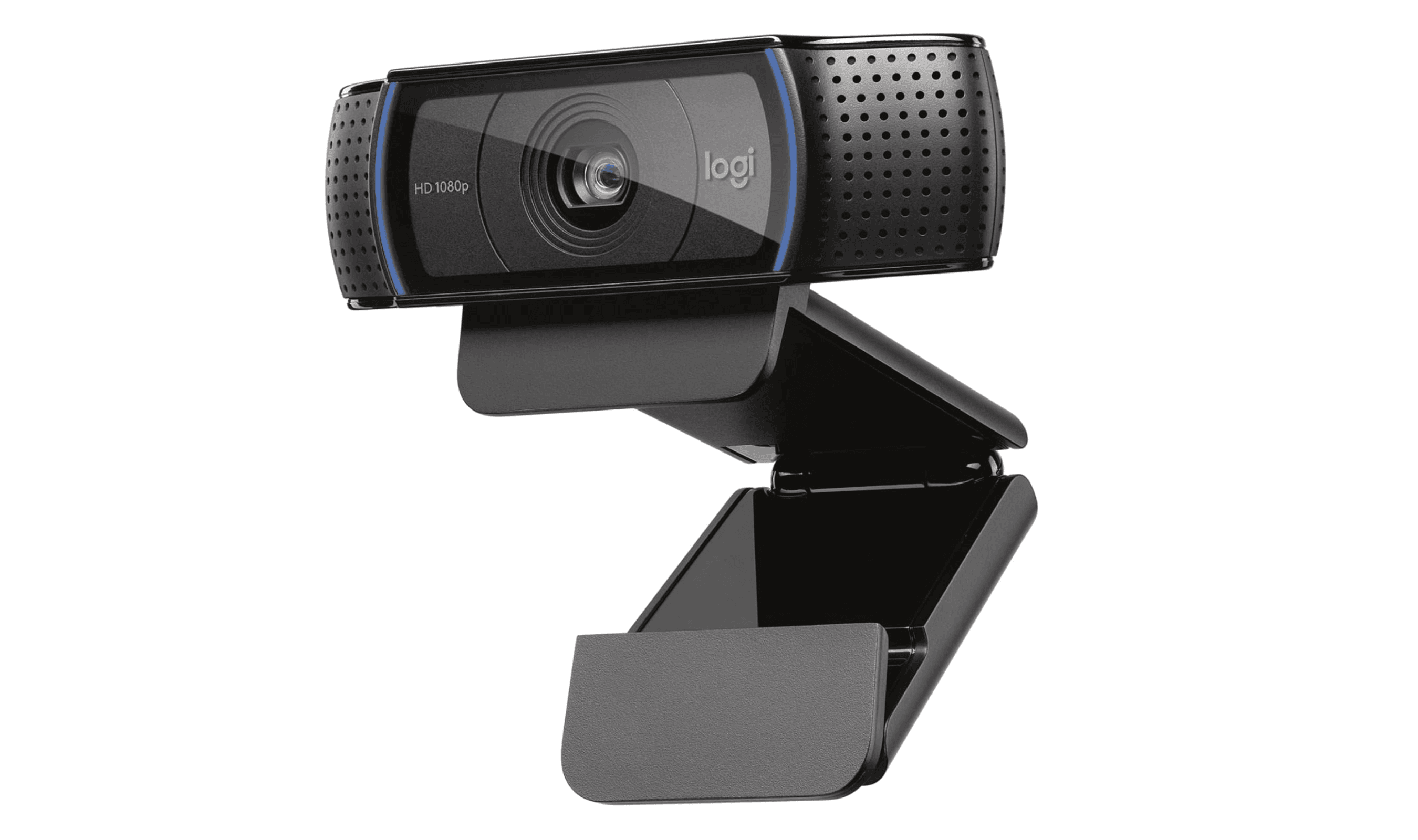
Logitech C920x - Best overall
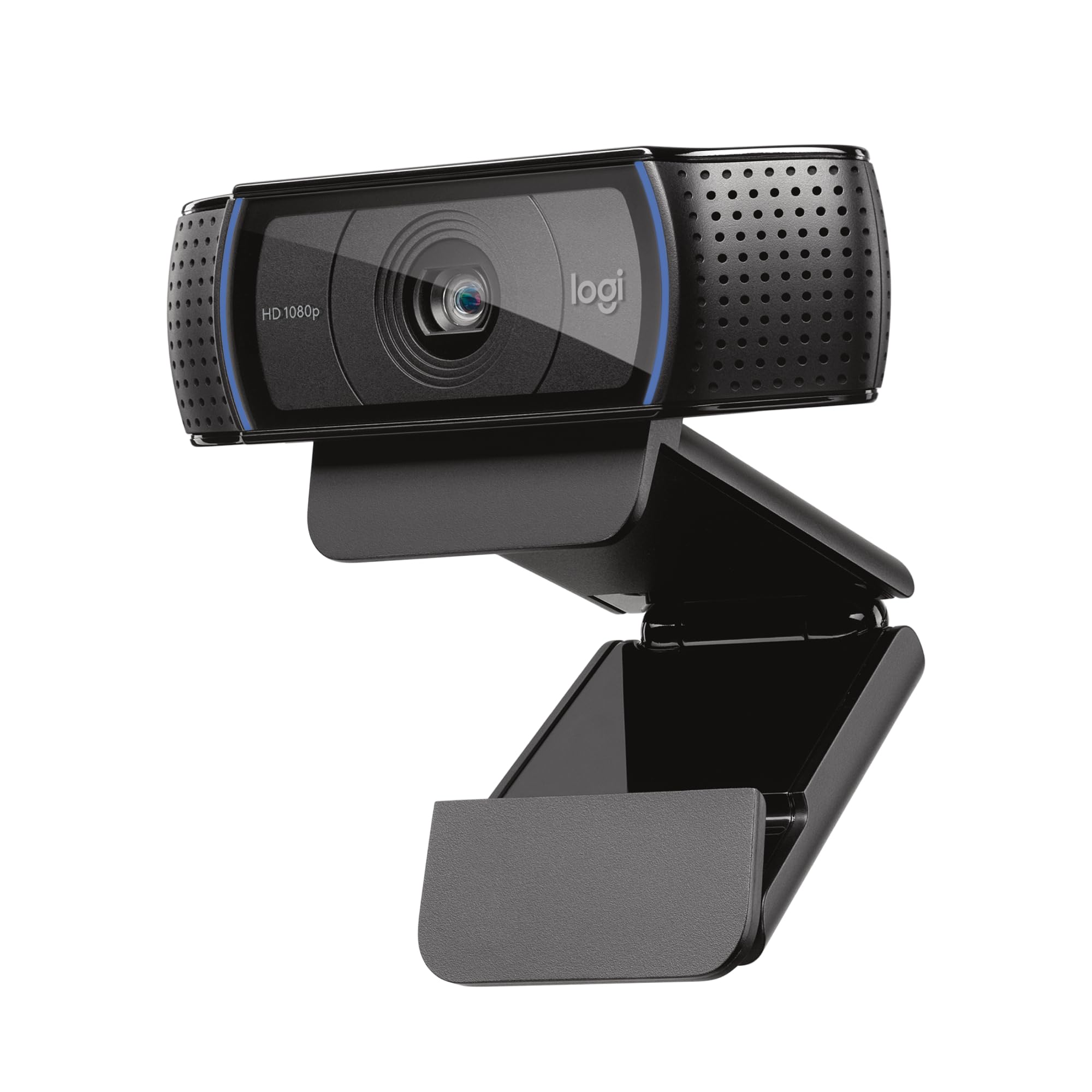
The C920x delivers consistent 1080p quality that works reliably for millions of streamers. It's the safe choice that won't let you down, with solid autofocus and decent low-light performance that makes it suitable for most streaming scenarios.
Key highlights
- 1080p resolution at 30fps with smooth motion handling
- Reliable autofocus that keeps you sharp during movement
- Built-in stereo microphones with noise reduction
- Standard field of view suitable for most streaming setups
- Plug-and-play compatibility with all major streaming software
Pros
- Proven reliability with years of positive user feedback
- Easy setup that works immediately without complicated software
- Good value for the consistent performance it delivers
- Compatible with Windows, Mac, and Linux systems
Cons
- Limited to 1080p resolution in an increasingly 4K world
- Built-in microphone quality is acceptable but not exceptional
- Fixed field of view without zoom capabilities
- Design shows its age compared to newer models
Who it is for: New streamers who want a reliable starting point, budget-conscious creators needing consistent performance, and anyone who values simplicity over cutting-edge features.
Skip if
You need 4K resolution, advanced AI features, or professional audio quality from built-in microphones.
EMEET C960 - Best value
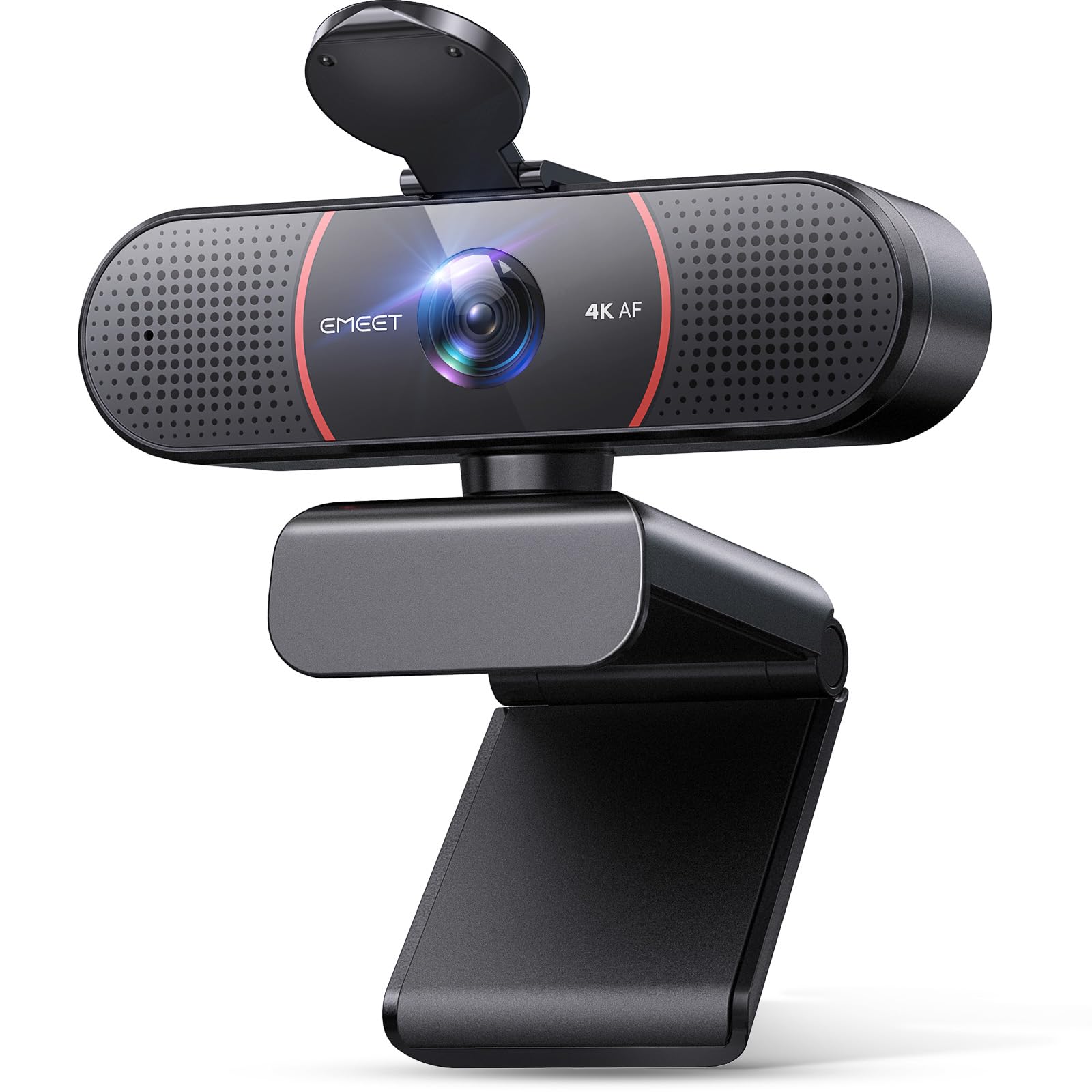
For under $50, the C960 delivers true 4K streaming quality that outperforms its price point. It's the budget option that doesn't feel cheap, offering resolution that previously cost hundreds of dollars more.
Key highlights
- True 4K resolution at 30fps for exceptional detail
- Compact design that fits easily on any monitor or laptop
- Plug-and-play setup with no drivers required
- Built-in noise-canceling microphone
- 73° field of view
Pros
- Exceptional value with 4K quality at a budget price
- Easy to set up and start streaming immediately
- Good color reproduction in well-lit conditions
- Lightweight and portable for streaming on the go
Cons
- Low-light performance struggles compared to premium options
- Fixed focus can be limiting for dynamic content
- Build quality feels appropriate for the price point
- Limited software customization options
Who it is for: First-time streamers on a tight budget, content creators needing 4K quality without the premium price, and anyone testing streaming before investing heavily.
Skip if
You stream in challenging lighting conditions, need advanced manual controls, or require professional audio integration.
Razer Kiyo Pro Ultra 4K Webcam - Best for low light
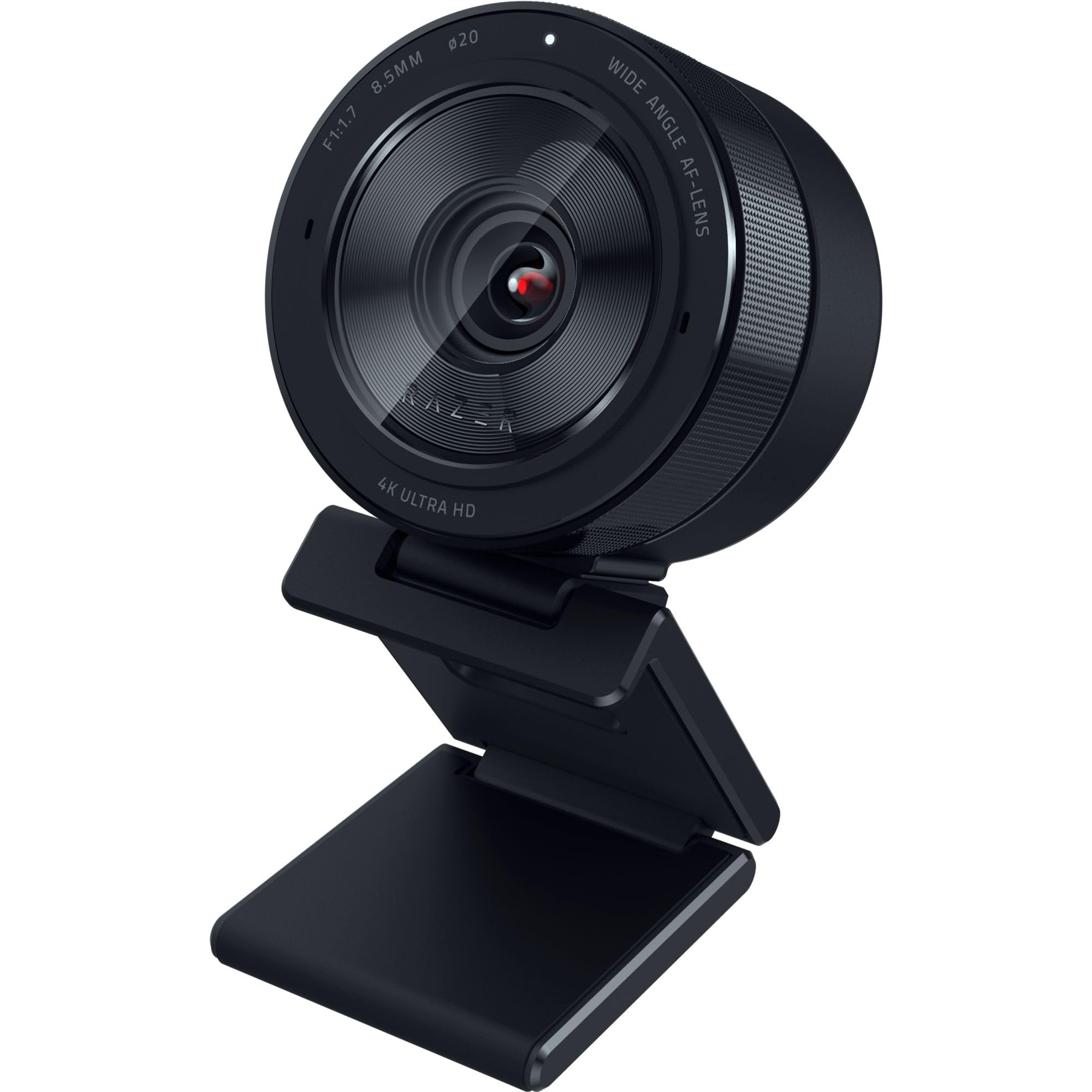
The Kiyo Pro excels where most streaming cameras struggle, delivering clear, detailed video even in dimly lit environments. Its adaptive light sensor and wide aperture make it ideal for streamers without professional lighting setups.
Key highlights
- Adaptive light sensor that adjusts to changing conditions
- f/1.7 aperture for better low-light performance
- DSLR-like 4K quality with HDR technology at 30 FPS
- Detachable USB-C cable for easy replacement
- Razer Synapse software for customization
Pros
- Outstanding performance in low-light situations
- Smooth 30fps streaming with HDR for enhanced detail
- Customizable settings through dedicated software
- Gaming aesthetic that fits RGB setups
Cons
- Premium price for 4K resolution
- Software can be buggy for some users
- Built-in microphone quality is average
- Requires software for full feature access
Who it is for: Gamers streaming in variable lighting, creators without professional lighting equipment, and anyone prioritizing low-light performance over maximum resolution.
Skip if
You need 4K resolution, prefer plug-and-play simplicity without software, or stream exclusively in well-lit environments.
OBSBOT Tiny 2 Lite 4K Webcam - Best for AI features
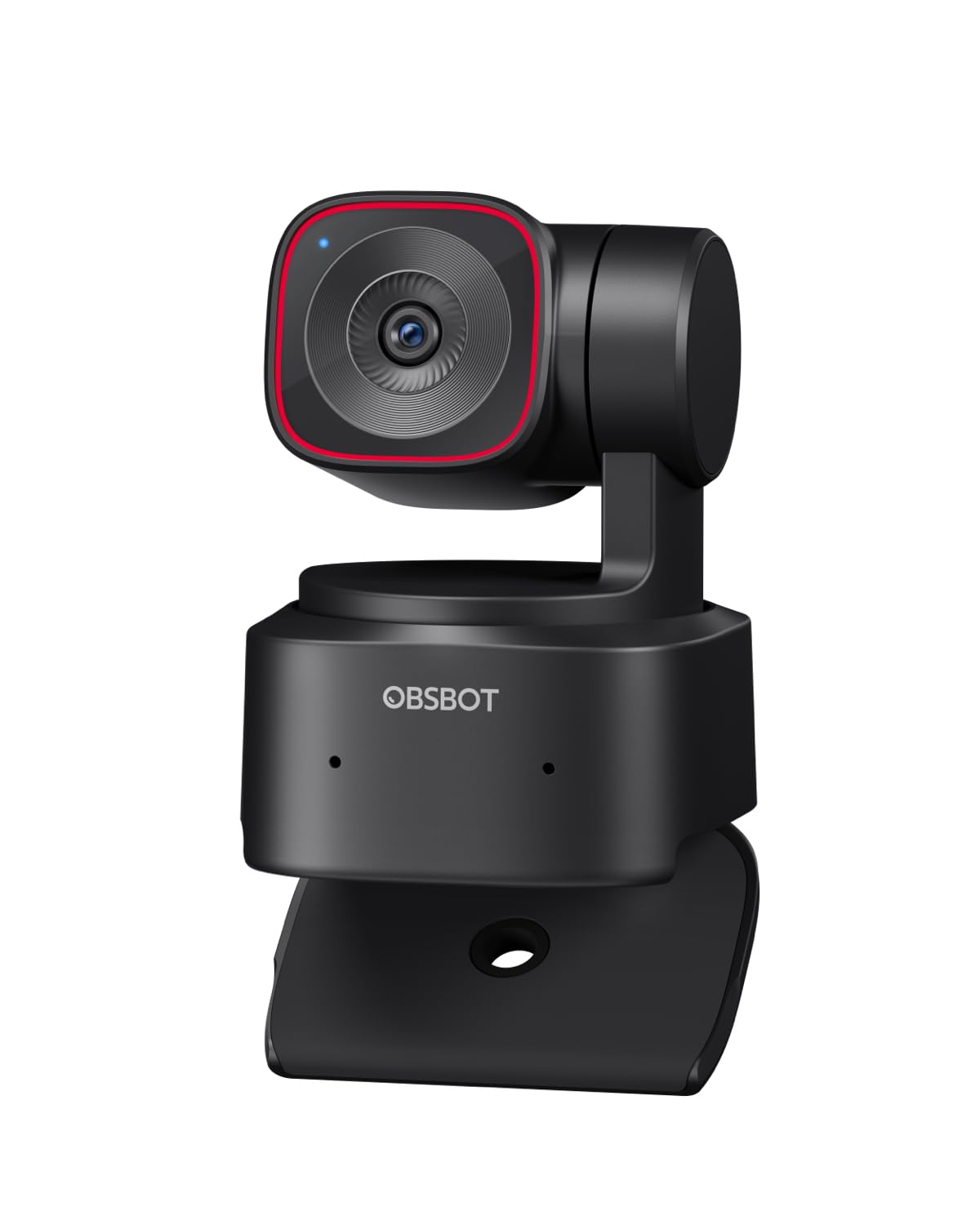
With its built-in gimbal and AI tracking, the Tiny 2 automatically keeps you in frame as you move around. It's the smart camera that handles the technical details so you can focus on your content.
Key highlights
- AI-powered subject tracking and auto-framing
- 4K resolution at 60fps with good detail
- Dynamic gesture control for hands-free operation
- Compact design with flexible mounting options
Pros
- Excellent auto-framing that actually works reliably
- Good image quality with accurate colors
- Multiple control methods for different scenarios
Cons
- High price point for a webcam
- Software feels unfinished in some areas
Who it is for: Content creators who move around during streams, educators demonstrating physical objects, and anyone wanting professional camera movement without manual operation.
Skip if
You sit still during streams, prefer simple plug-and-play cameras, or have budget constraints.
Sony ZV-E10 - Best for professionals
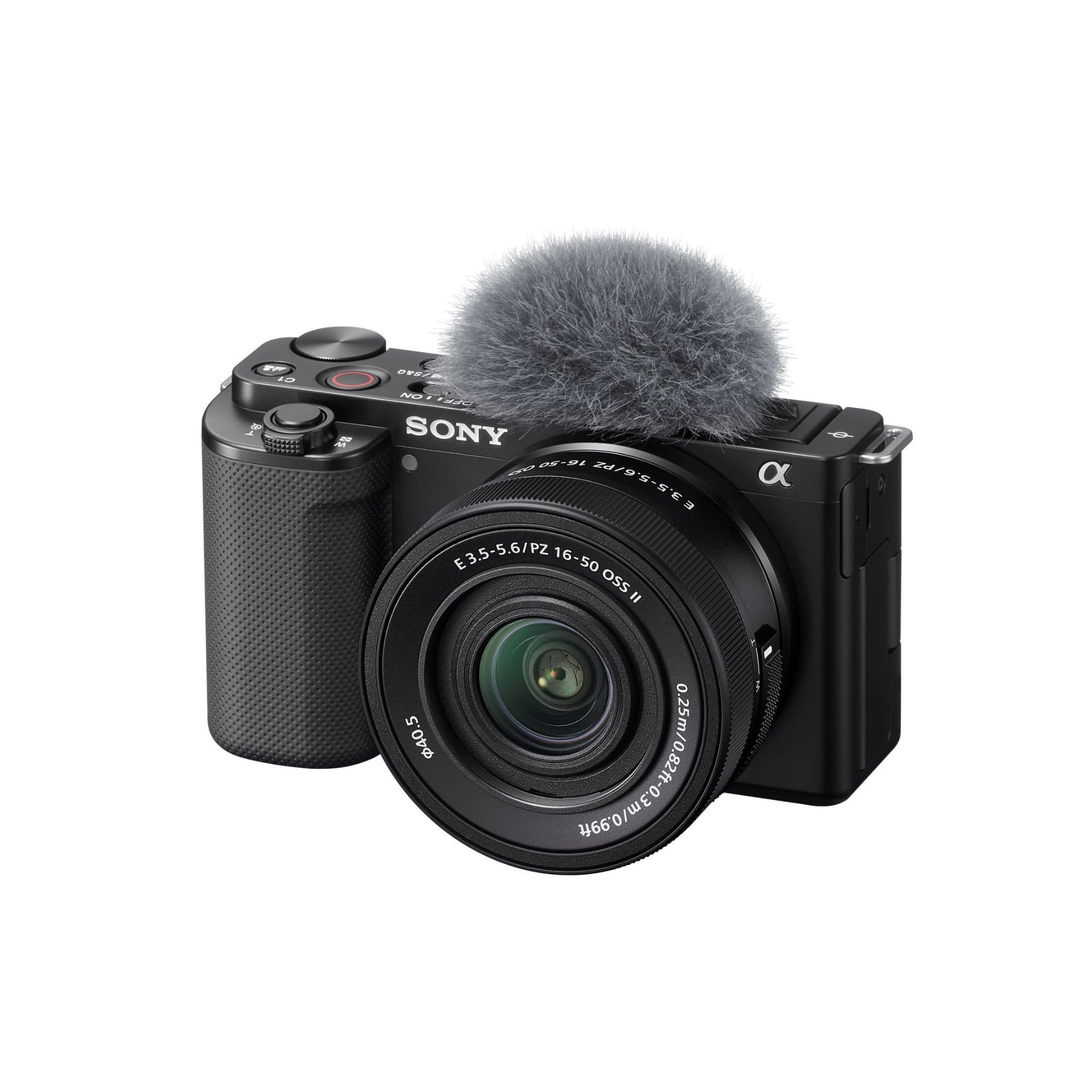
The ZV-E10 brings mirrorless camera quality to streaming with interchangeable lenses and superior image control. It's the upgrade path for serious creators ready for broadcast-level production quality.
Key highlights
- Large APS-C sensor for exceptional image quality
- Interchangeable lens system for creative control
- 4K resolution with professional color science
- Background defocus button for cinematic looks
- Product showcase mode for automatic focus switching
Pros
- Image quality that rivals professional video cameras
- Flexible lens options for different streaming styles
- Excellent autofocus with eye tracking
- Built-in directional microphone with windscreen
- Background blur effects without software
Cons
- Requires capture card for computer streaming
- More complex setup than USB webcams
- Higher overall cost with lenses and accessories
- Learning curve for camera settings
Who it is for: Professional streamers investing in long-term growth, content creators needing cinematic quality, and businesses producing high-end streaming content.
Skip if
You want simple USB connectivity, have limited budget for additional equipment, or prefer minimal technical setup.
Also Good
- Elgato Facecam 4k - 4K clarity and OBS-ready for pro streamers.
- Logitech Brio 501 - sleek, reliable 1080p for everyday streaming.
- Insta360 Link 2 - AI tracking perfect for teachers and presenters.
How to Choose
Consider these factors when selecting your streaming camera:
Resolution needs: 1080p works for most streamers, but 4K provides future-proofing and detail for product showcases. Remember that 4K requires more processing power from your computer.
Lighting conditions: If you stream in variable or low light, prioritize cameras with larger sensors and wider apertures. Good lighting improves any camera, but some handle challenges better than others.
Movement during streams: Stationary streamers can use fixed cameras, while those who move benefit from auto-framing or PTZ features. Consider how much you move around your streaming space.
Budget allocation: Balance camera investment with other streaming essentials like audio and lighting. A mid-range camera with good lighting often beats an expensive camera in poor conditions.
Technical comfort: USB webcams offer simplicity, while mirrorless cameras provide superior quality with more complex setups. Choose based on your willingness to manage technical details.
FAQ
What's the most important upgrade after a streaming camera?
Audio quality makes the biggest immediate impact on stream professionalism. Viewers tolerate mediocre video better than poor audio, so consider a dedicated microphone before other upgrades.
Do I need 4K for streaming?
Most platforms compress video heavily, so 1080p often looks similar to 4K for viewers. However, 4K provides better detail for local recording and future-proofs your setup as platforms improve.
Can I use my smartphone as a streaming camera?
Yes, with apps like Camo or EpocCam, but dedicated streaming cameras typically offer better reliability, continuous power, and streaming-specific features like autofocus during movement.
How important is low-light performance?
Very important unless you have consistent professional lighting. Most streamers start with natural or room lighting, making cameras that perform well in these conditions more versatile.
What's better: webcam or mirrorless camera for streaming?
Webcams offer simplicity and lower cost, while mirrorless cameras provide superior image quality and creative control. Choose based on your technical comfort and quality requirements.
Share this article
More in News
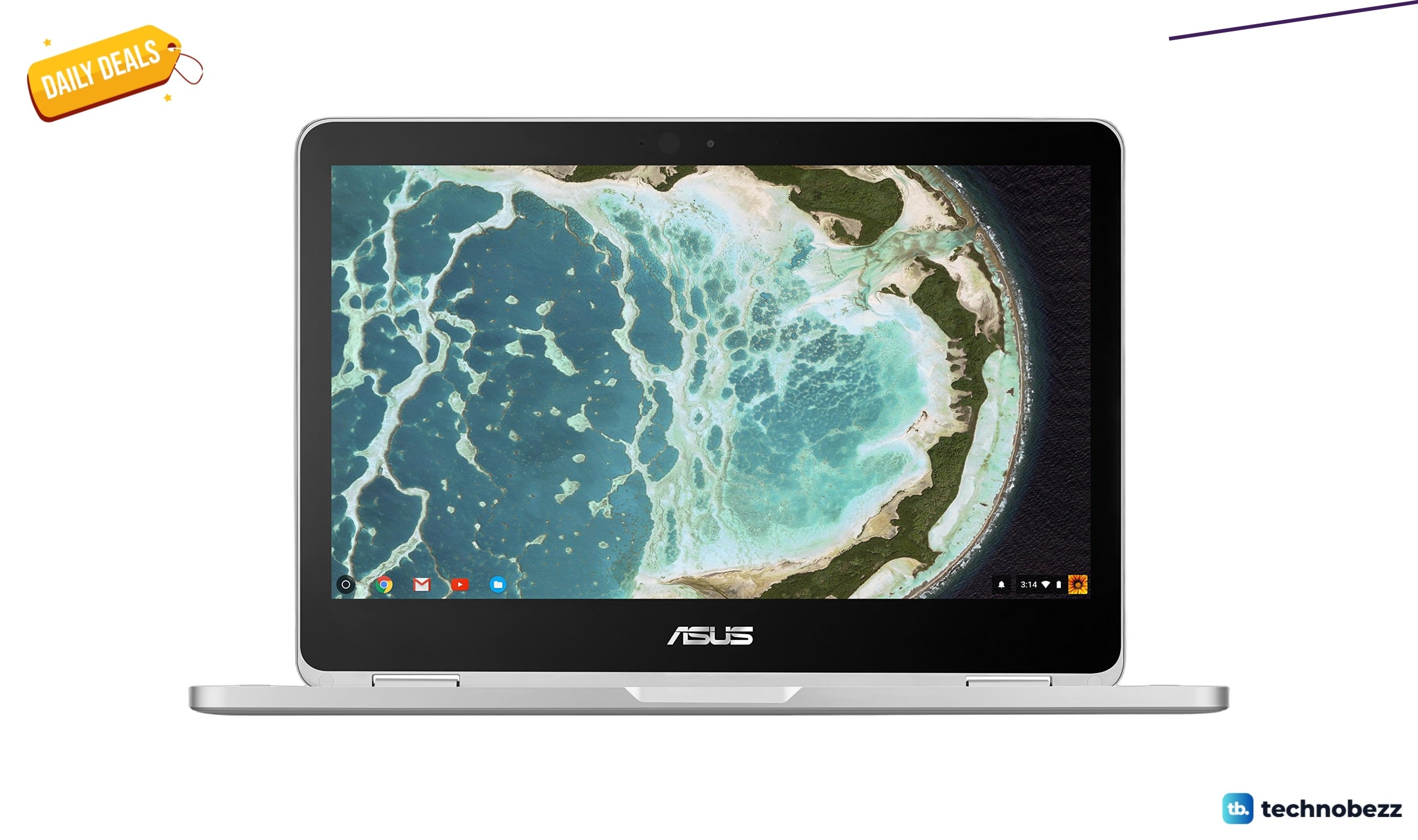
ASUS Chromebook Flip C302 2-In-1 Laptop drops to $416.91 on Amazon
Save $133 on the ASUS Chromebook Flip C302, a premium 2-in-1 Chromebook with an aluminum body and 360-degree hinge, now $416.91 on Amazon.
4 min read
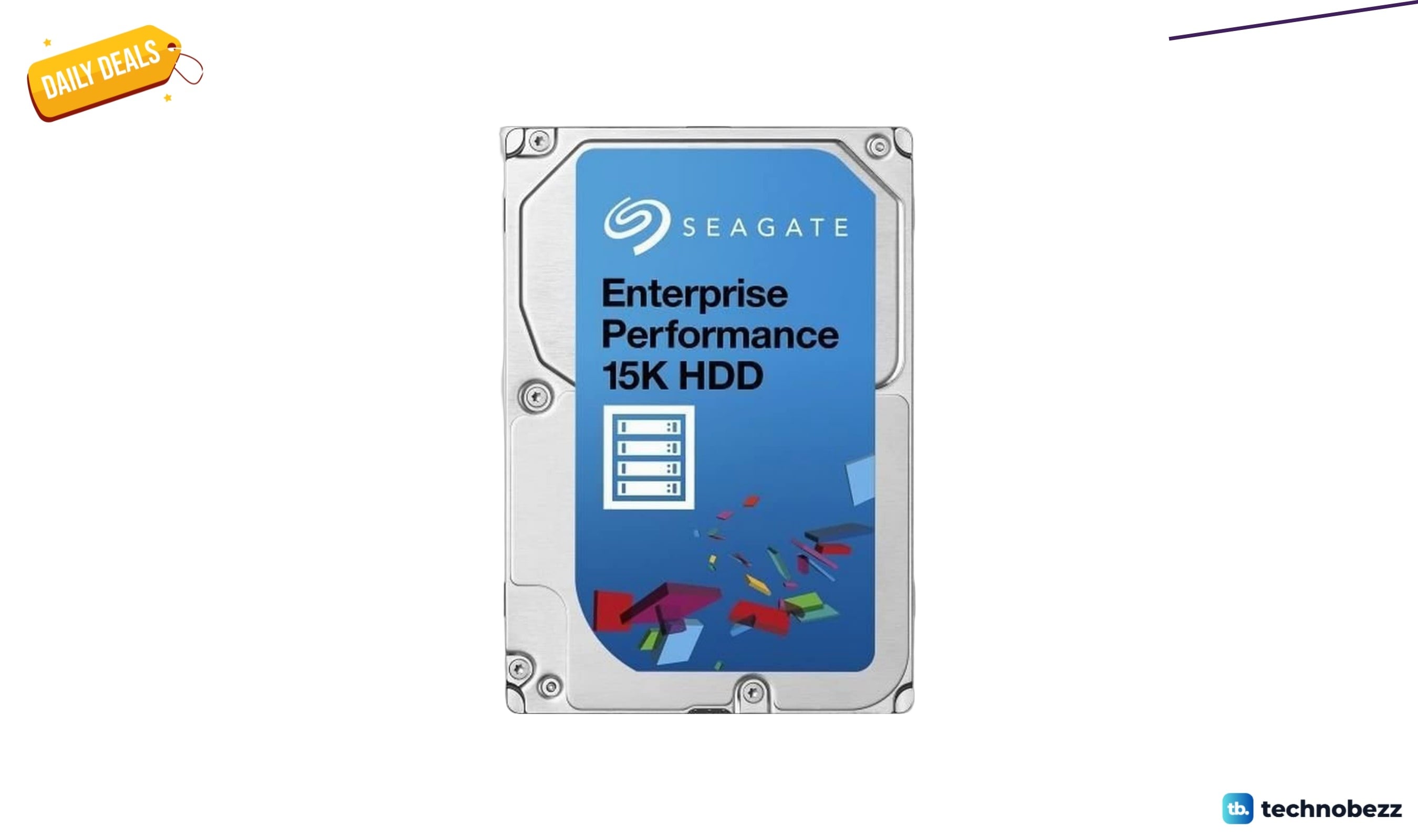
Seagate Enterprise Performance 15K ST300MP0006 drops to $129.08 in latest price cut
Seagate's 300GB 15K SAS enterprise drive drops to $129.08 on Amazon, a rare 44% discount for high-performance storage.
3 min read
Lexar NM1090 PRO Gen5 SSD now available for $269 at Amazon
Grab the Lexar NM1090 PRO Gen5 SSD for $269 at Amazon, saving $30.99 on premium 14,000 MB/s speeds.
5 min read
Samsung Galaxy Ring drops to $299.99 for a limited time
The Samsung Galaxy Ring drops to $299.99, a $100 saving off its usual price for a limited time.
3 min read
Citizen CZ Smart PQ2 41MM Unisex Smartwatch drops to $193.47 on Amazon
5 min read
Apple Watch 10 GPS plus Cellular 42mm drops to $626.07
4 min read
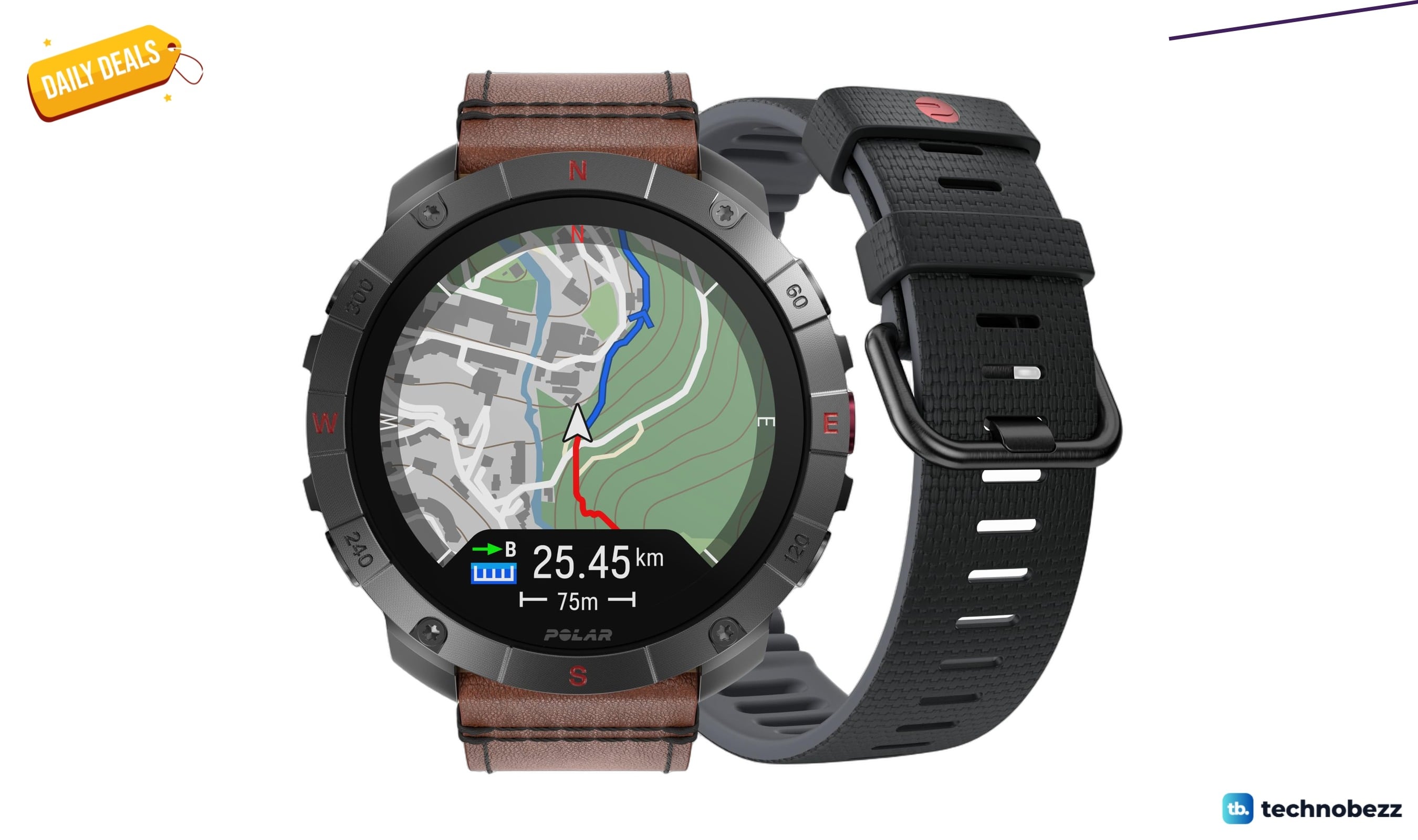
POLAR Grit X2 Pro Titan Ultra GPS falls to $769.93 on Amazon
3 min read
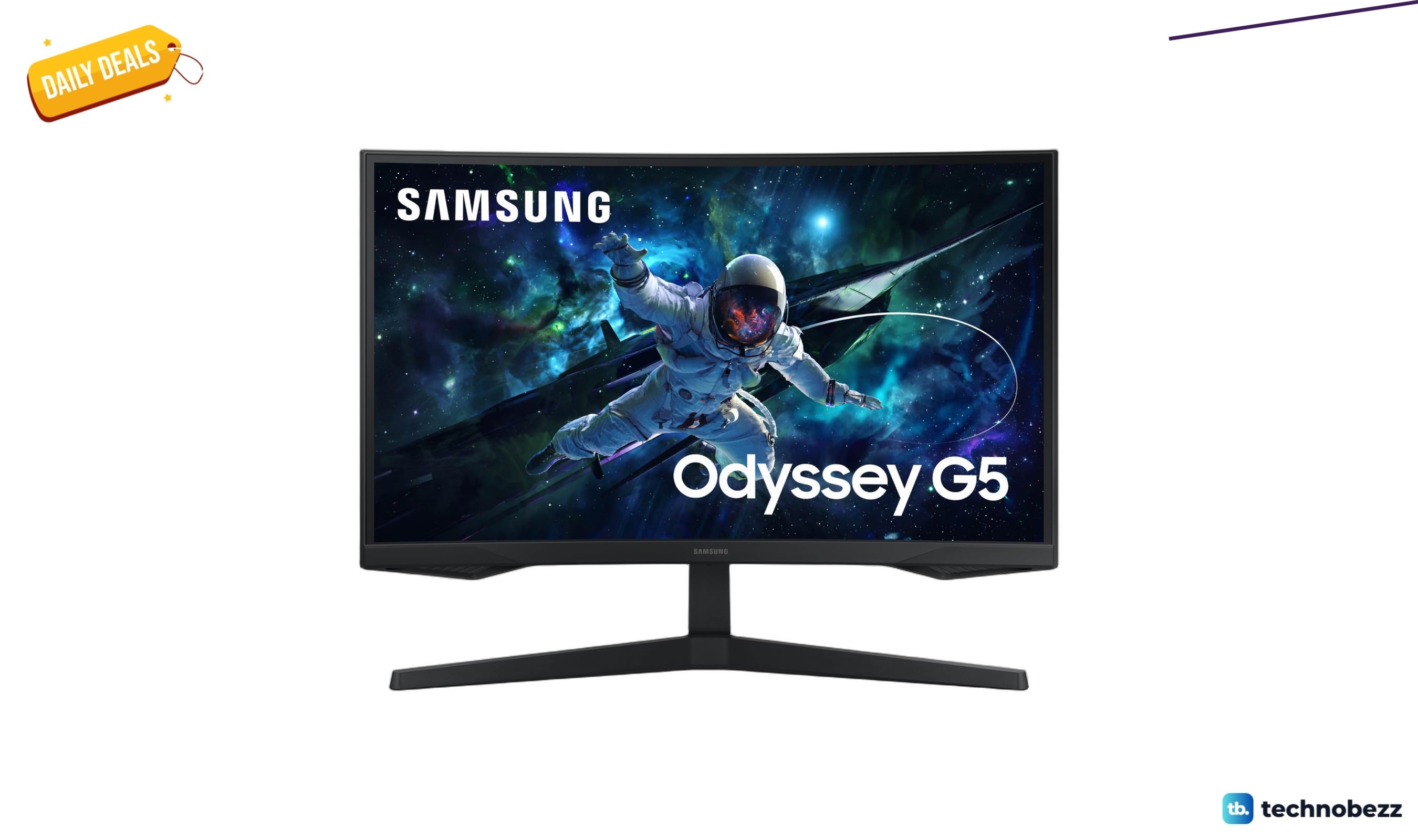
Samsung Odyssey G55C QHD 1000R Curved Gaming drops to $199.99
5 min read
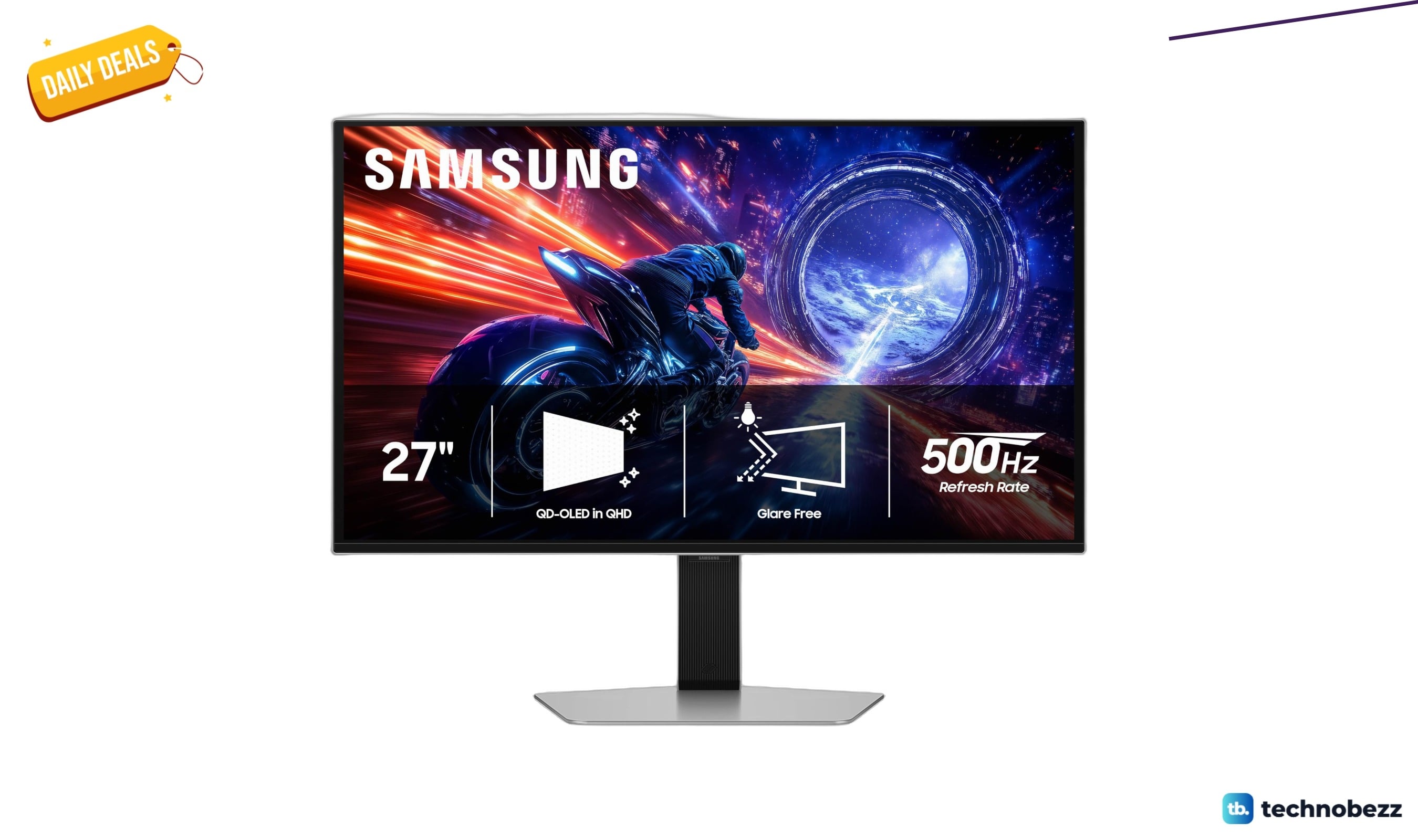
Samsung 27” Odyssey OLED G6 G60SF QHD drops to $599.99 at Amazon
4 min read
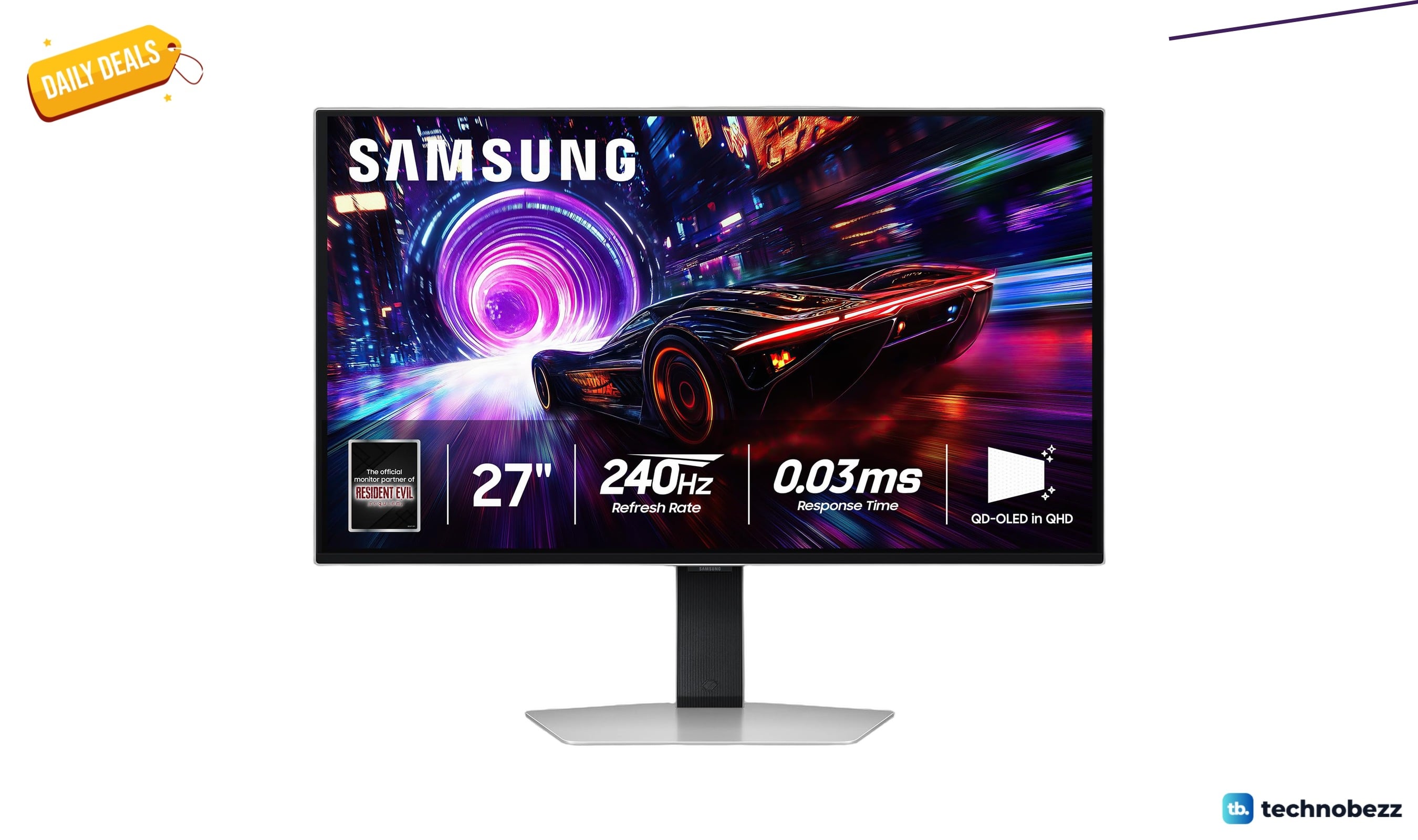
Samsung Odyssey QD-OLED G8 4K 240Hz monitor drops to $879.99
3 min read
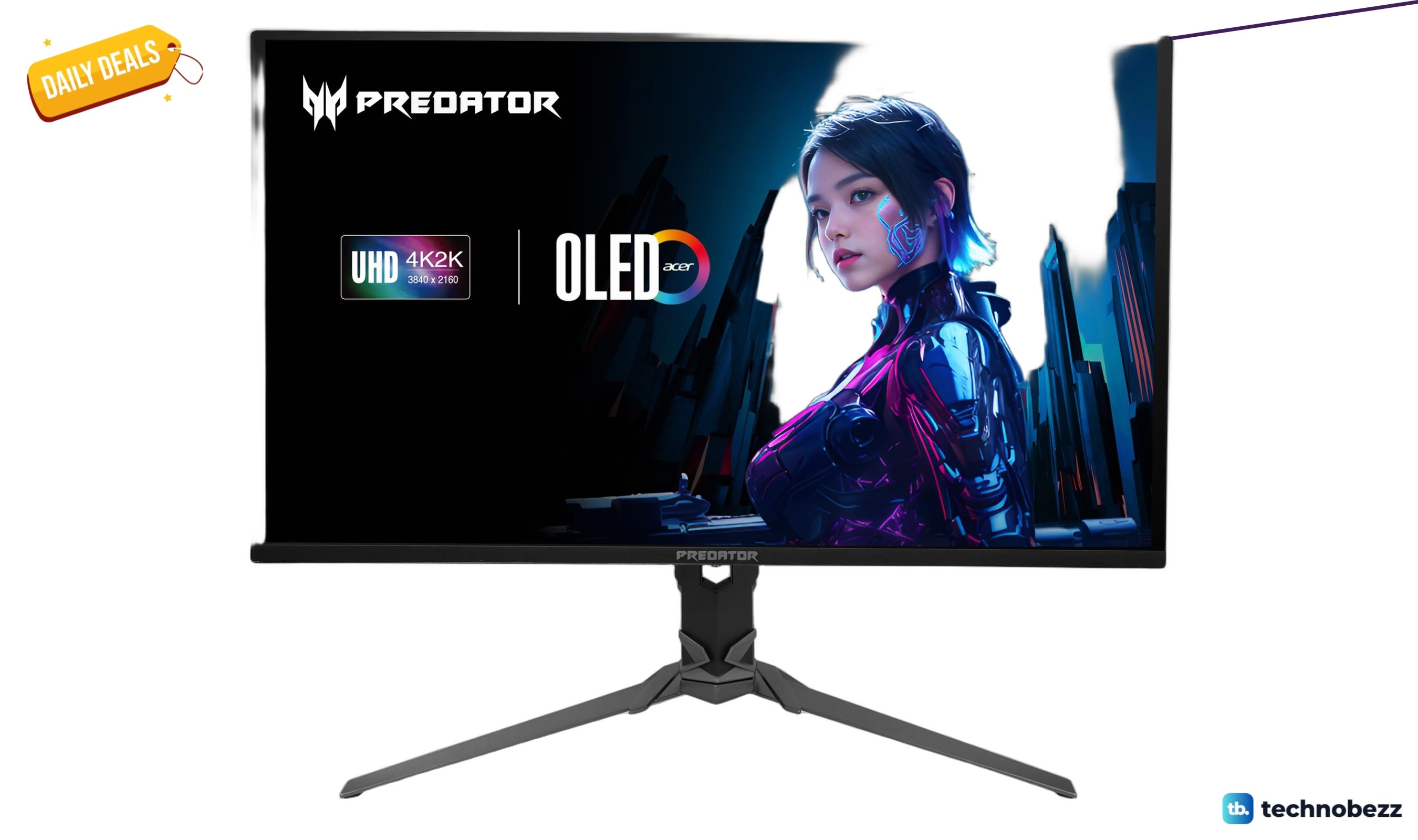
Acer Predator X32 V2 31.5 Inch 4K OLED Gaming Monitor Drops to $497.60
5 min read
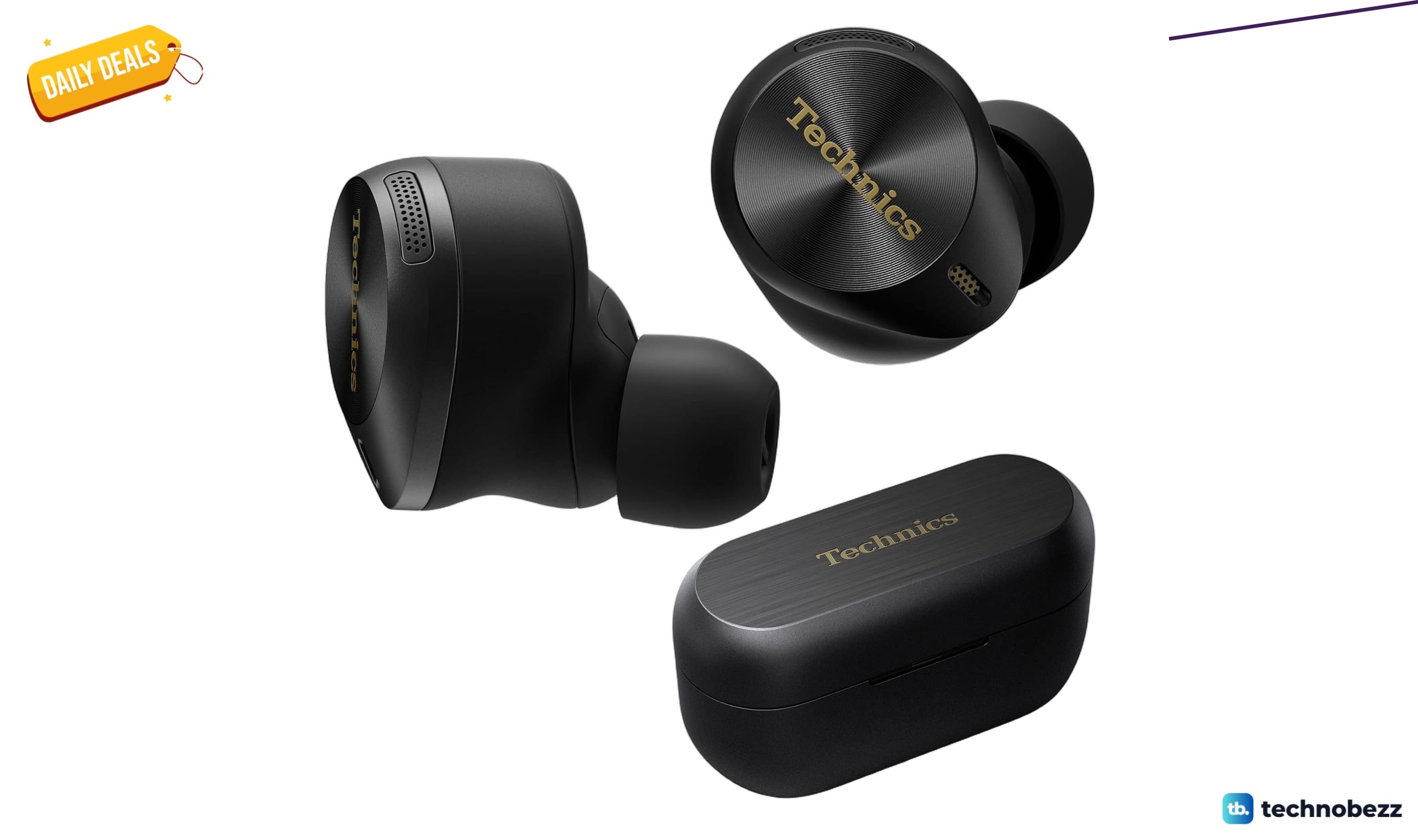
Technics Hi-Fi True Wireless Bluetooth Earbuds discounted to $147.99 at Amazon
4 min read