Choosing a podcast mic doesn't need to be complicated. The right one captures your voice clearly, fits your recording space, and doesn't break your budget. After testing dozens of options, we found the Samson Q2U delivers the best balance of quality, value, and ease of use for most podcasters.
Product
Technobezz is supported by its audience. We may get a commission from retail offers.
9 Best Podcast Mics for 2026
Samson Q2U leads our picks for the best podcast mics. We tested dozens to find top options for every budget and setup in 2026.
T
Technobezz
Senior Editor
Updated June 16, 2026Jun 16, 2026
•8 min read

Get Deals Like These in Your Inbox
The best prices, reviewed weekly.
At a Glance
| Category | Product | Why We Picked It |
|---|---|---|
| Best overall | Samson Q2U | Works with USB or XLR and sounds great for the price |
| Best value | Rode PodMic | Professional XLR sound under $100 |
| Best for beginners | Logitech Blue Yeti | Plug-and-play USB with multiple patterns |
| Best wireless | Maono PD200W | Flexible wireless recording without sacrificing quality |
| Best premium | Shure MV7+ | Studio-quality sound with USB and XLR options |
| Also recommended | Audio-Technica AT2020 | A classic, detailed condenser for quiet spaces |
| Also recommended | Joby Wavo POD | Compact usb mic with surprisingly clean audio |
| Also recommended | Apogee HypeMiC | All-in-one usb mic for radio-ready sound instantly |
| Also recommended | Neumann TLM 103 | The absolute best, no-compromise studio condenser |
How we chose and tested
Our selection prioritized audio clarity and effective noise rejection for various recording environments. We also valued ease of use and future-proofing, comparing straightforward USB models with flexible XLR options.
The best podcast mics right now
Samson Q2U - Best overall
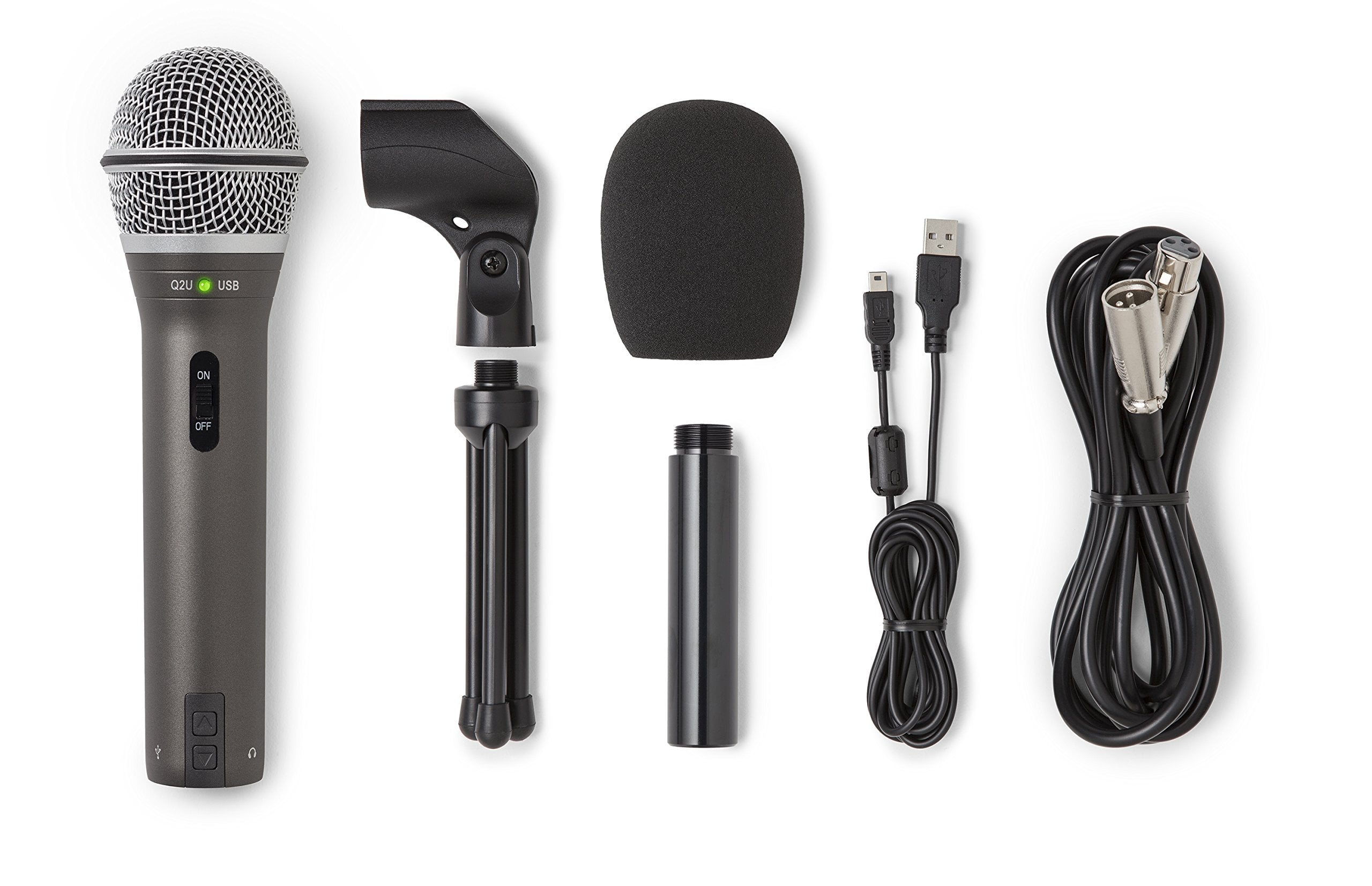
The Samson Q2U gives you professional sound quality without the complexity. It works with both USB-C and XLR connections, making it perfect for beginners who might upgrade their setup later.
Key highlights
- Dual USB-C and XLR connectivity for flexibility
- Dynamic microphone design that reduces background noise
- Built-in headphone jack for zero-latency monitoring
- Comes with basic stand and cables
- Often available in podcasting bundle deals
Pros
- Superb value for money under $100
- Easy setup for beginners
- Works well in untreated rooms
- Can grow with your podcasting setup
Cons
- Basic included accessories
- USB sound quality good but not exceptional
- Plastic construction feels less premium
Who it is for: New podcasters who want quality sound without investing in separate audio gear yet.
Skip if
You need multiple recording patterns or want the absolute best USB audio quality.
Rode PodMic - Best value
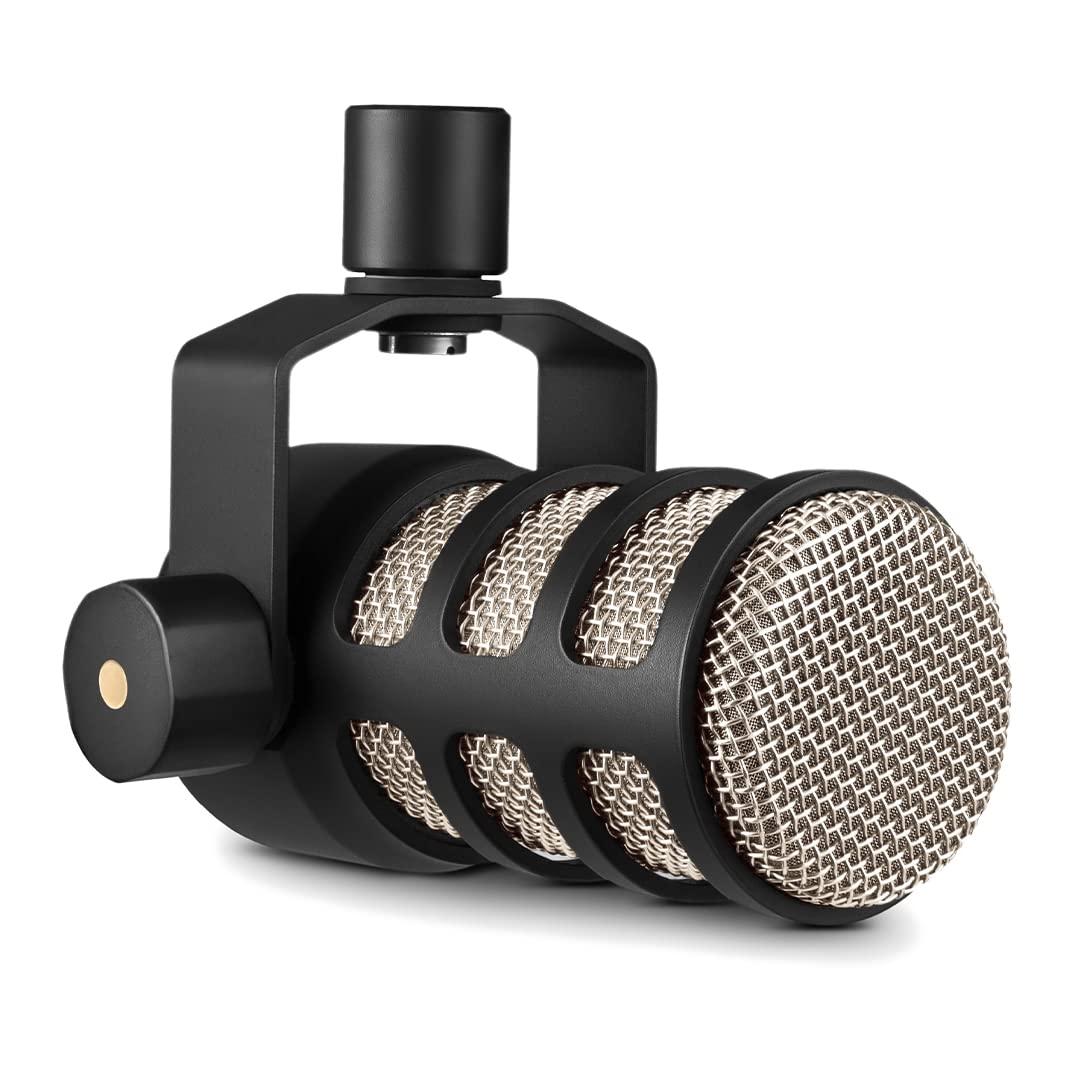
For under $100, the Rode PodMic delivers broadcast-ready sound that punches above its price. It's a no-frills XLR dynamic mic built specifically for podcasting.
Key highlights
- Purpose-built for speech and podcasting
- Built-in pop filter and internal shock mounting
- All-metal construction with stainless steel grille
- Cardioid polar pattern rejects off-axis noise
- Works with most standard audio interfaces
Pros
- Clear, uncolored vocal reproduction
- Solid build quality that lasts
- Doesn't require excessive gain
- Excellent for multi-speaker setups
Cons
- Requires separate audio interface
- No USB option available
- Heavy weight needs sturdy stand
- "Radio voice" sound may not suit all voices
Who it is for: Podcasters ready to invest in an XLR setup who want professional sound on a budget.
Skip if
You need USB connectivity or prefer a warmer, more natural vocal tone.
Logitech Blue Yeti - Best for beginners
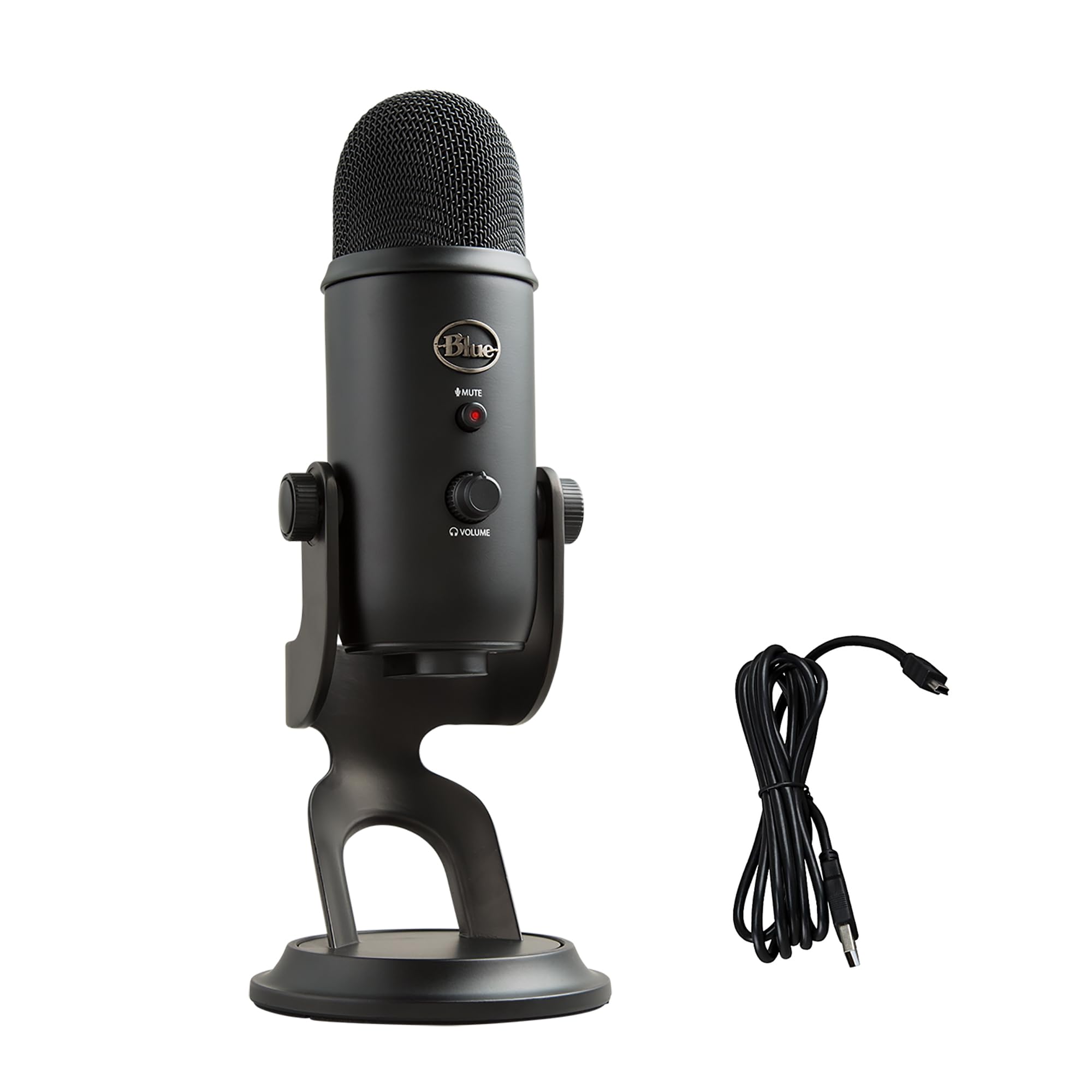
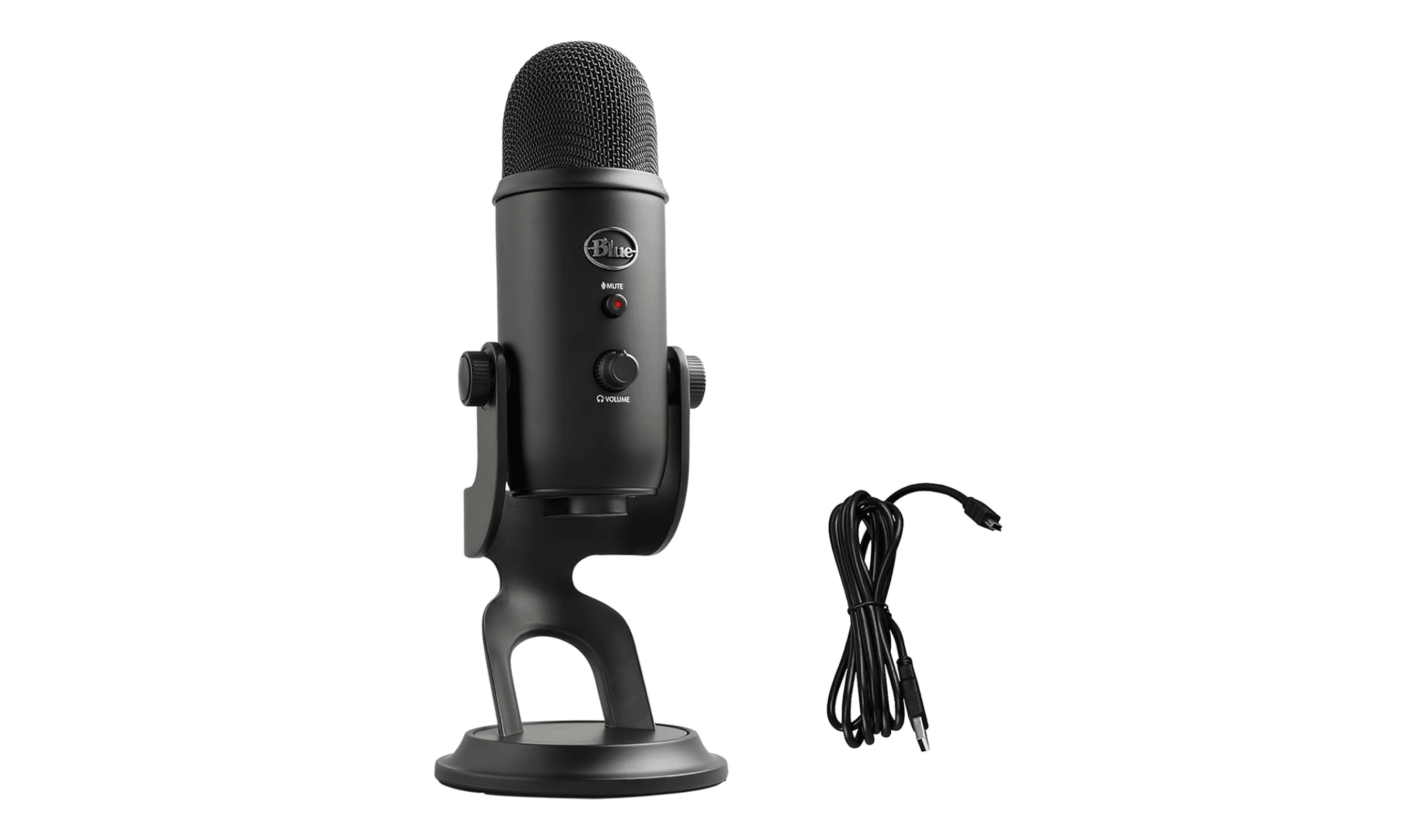
The Blue Yeti remains popular for good reason. It's a complete plug-and-play solution that works right out of the box with any computer.
Key highlights
- Flexible cardioid, omni, bidirectional, and stereo pickup patterns
- Built-in gain control and mute button
- Includes desktop stand and USB cable
- Compatible with Windows, macOS, and mobile devices
- No additional software required
Pros
- Extremely easy to set up and use
- Multiple patterns for different recording scenarios
- Good sound quality for USB-only recording
- Frequently discounted below $100
Cons
- Picks up background noise in untreated rooms
- Large size takes up desk space
- No XLR option (requires Yeti Pro model)
- Basic included stand isn't height-adjustable
Who it is for: First-time podcasters who want something that works immediately without extra gear.
Skip if
You record in noisy environments or plan to upgrade to professional equipment soon.
Maono PD200W - Best wireless
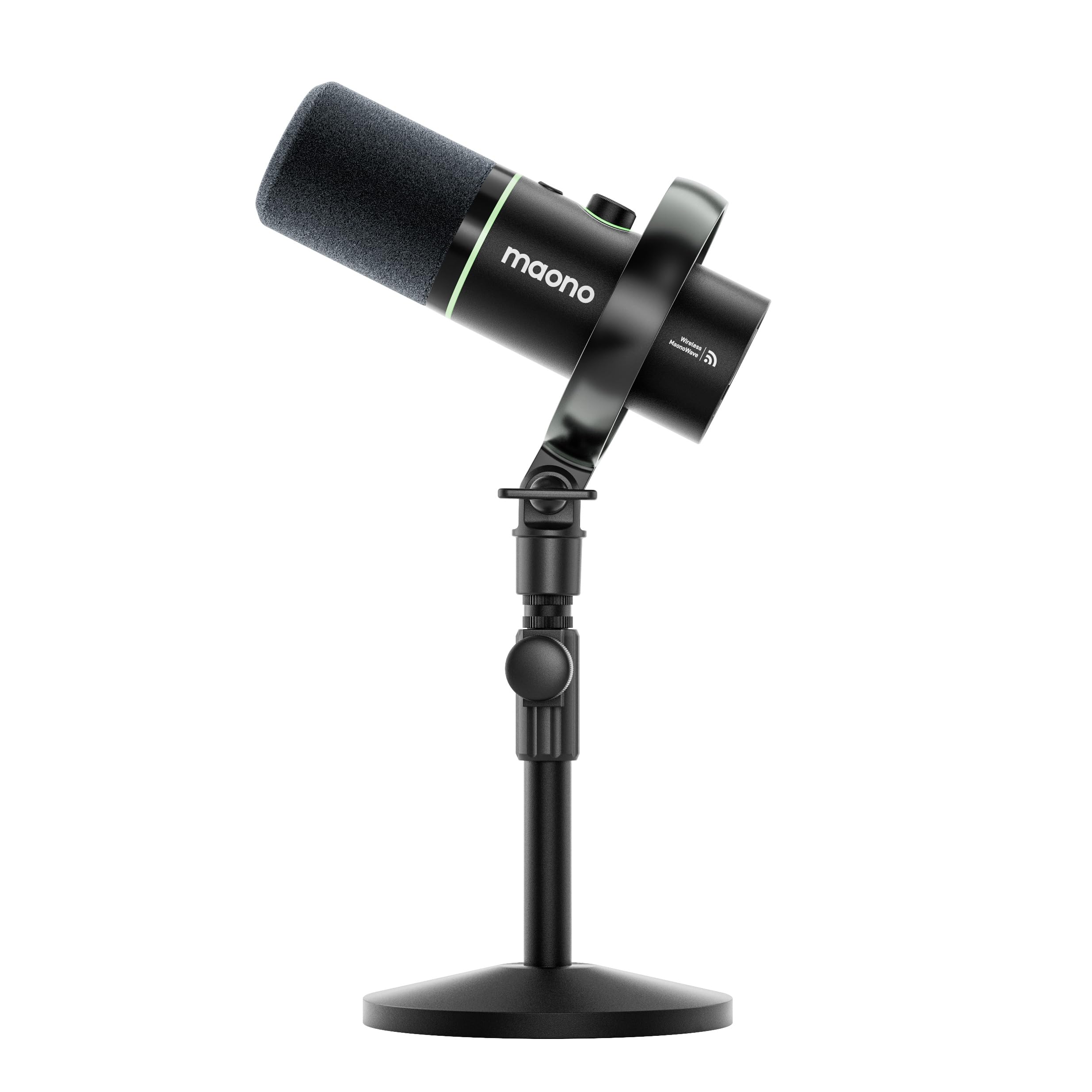
The Maono PD200W brings wireless freedom to podcasting without compromising on audio quality. It offers both wireless and wired connectivity in one package.
Key highlights
- Wireless operation with up to 60 hours of battery life
- Also works via USB or XLR when wired
- Built-in pop filter and shock mount
- RGB lighting (can be disabled)
- Compatible with desktop and mobile devices
Pros
- True wireless flexibility for mobile recording
- Multiple connectivity options
- Good battery life for extended sessions
- Often available under $130
Cons
- Wireless range limitations
- Slightly compressed audio over wireless
- RGB lighting may not appeal to everyone
- Requires charging between uses
Who it is for: Podcasters who value mobility or record in different locations regularly.
Skip if
You always record at a fixed desk or need absolute pristine audio quality.
Shure MV7+ - Best premium
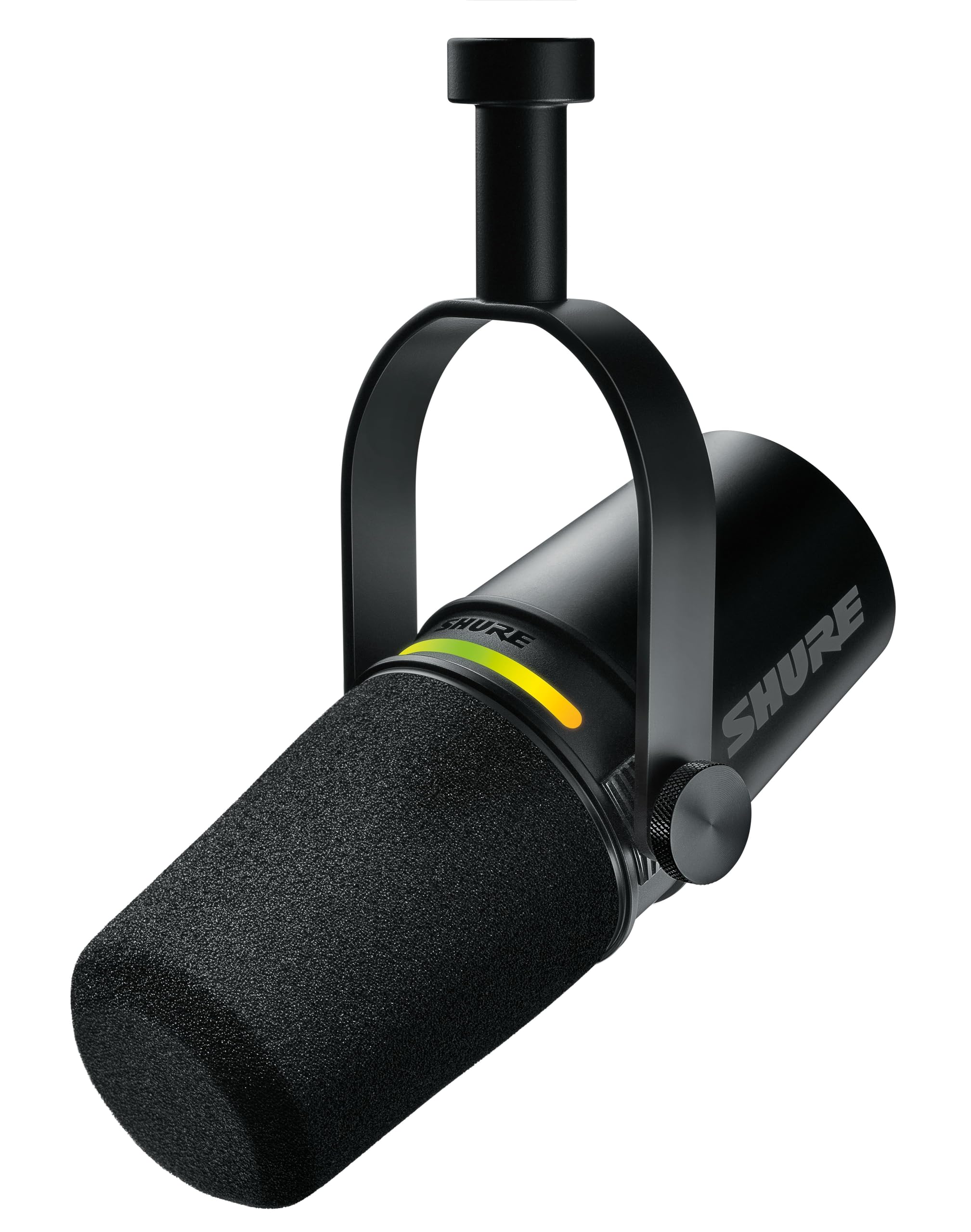
The Shure MV7+ represents the sweet spot between professional broadcast quality and modern convenience. It's what you buy when you're serious about sounding great.
Key highlights
- Dual USB and XLR connectivity
- Built-in digital signal processing
- Touch panel controls with LED indicators
- Includes desktop stand and pop filter
- Works with Shure's MOTIV app for customization
Pros
- Warm, broadcast-quality sound
- Easy setup with automatic level adjustment
- Excellent noise rejection
- Can record via USB and XLR simultaneously
Cons
- Premium price point
- Requires app for full customization
- Touch controls can be sensitive
- Heavier than most USB mics
Who it is for: Serious podcasters who want studio-quality sound without complex gear.
Skip if
You're on a tight budget or prefer completely manual control.
Also Good
- Audio-Technica AT2020 - a classic, detailed condenser for quiet spaces.
- Joby Wavo POD - compact usb mic with surprisingly clean audio.
- Apogee HypeMiC - all-in-one usb mic for radio-ready sound instantly.
- Neumann TLM 103 - the absolute best, no-compromise studio condenser.
How to Choose
Consider your recording environment first. Dynamic mics like the Samson Q2U or Rode PodMic work better in untreated rooms because they reject background noise. Condenser mics like the Audio-Technica AT2020 sound more detailed but pick up every sound in the room.
USB vs XLR depends on your plans. USB mics plug directly into your computer and are simpler to start with. XLR mics require an audio interface but offer better sound quality and more growth potential. Hybrid models like the Samson Q2U give you both options.
Think about your recording style. Solo podcasters can use any mic, but if you record with guests or conduct interviews, consider mics with multiple patterns like the Blue Yeti or invest in multiple XLR mics.
Budget realistically for accessories. A $100 mic with a $20 pop filter and $50 stand will sound better than a $170 mic on a wobbly desk stand. Quality cables and basic acoustic treatment matter more than expensive gear in bad rooms.
Test before committing if possible. Microphones interact differently with different voices. What sounds great on one person might not work as well for another. Many retailers have good return policies for this reason.
FAQ
What's the difference between USB and XLR microphones?
USB mics connect directly to your computer and are easier to set up. XLR mics connect to an audio interface first, which gives you more control over the sound and allows for future upgrades. USB is better for beginners, XLR for those wanting to grow.
Do I need a pop filter?
Yes, for most podcasting applications. Pop filters reduce plosive sounds (like "p" and "b" sounds) that can cause distortion. Some mics have built-in pop filters, but an external one usually works better.
How much should I spend on my first podcast mic?
Between $80 and $150 gets you a quality mic that will sound professional. The Samson Q2U at around $80 and Rode PodMic under $100 are excellent starting points. Don't overspend on your first mic, better to invest in room treatment and learn good technique first.
Can I use my gaming headset microphone for podcasting?
You can, but the audio quality won't be as good as a dedicated podcast mic. Gaming headsets prioritize voice communication clarity over broadcast-quality sound. For a serious podcast, invest in a proper microphone.
What's more important: the microphone or the recording environment?
The recording environment matters more than most people realize. A $100 mic in a well-treated room will sound better than a $1,000 mic in an echoey kitchen. Start with basic acoustic treatment (rugs, curtains, furniture) before upgrading your microphone.
Published February 21, 2026 Last updated June 16, 2026
Share this article
More in News
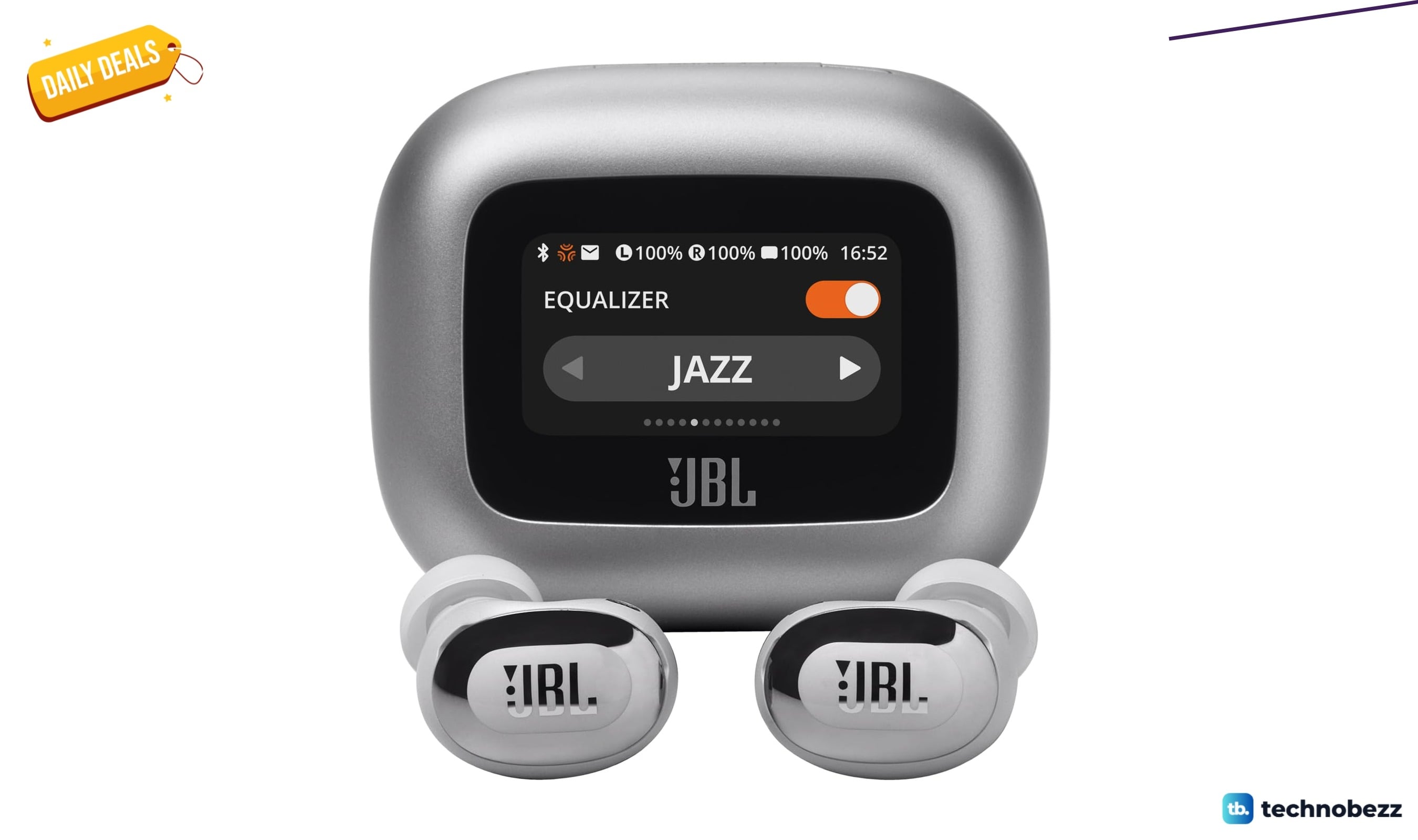
JBL Live Buds 3 Price Falls to $129.95 on Amazon
Get JBL Live Buds 3 flagship ANC earbuds with touchscreen case for $129.95, a 35% discount on Amazon.
5 min read
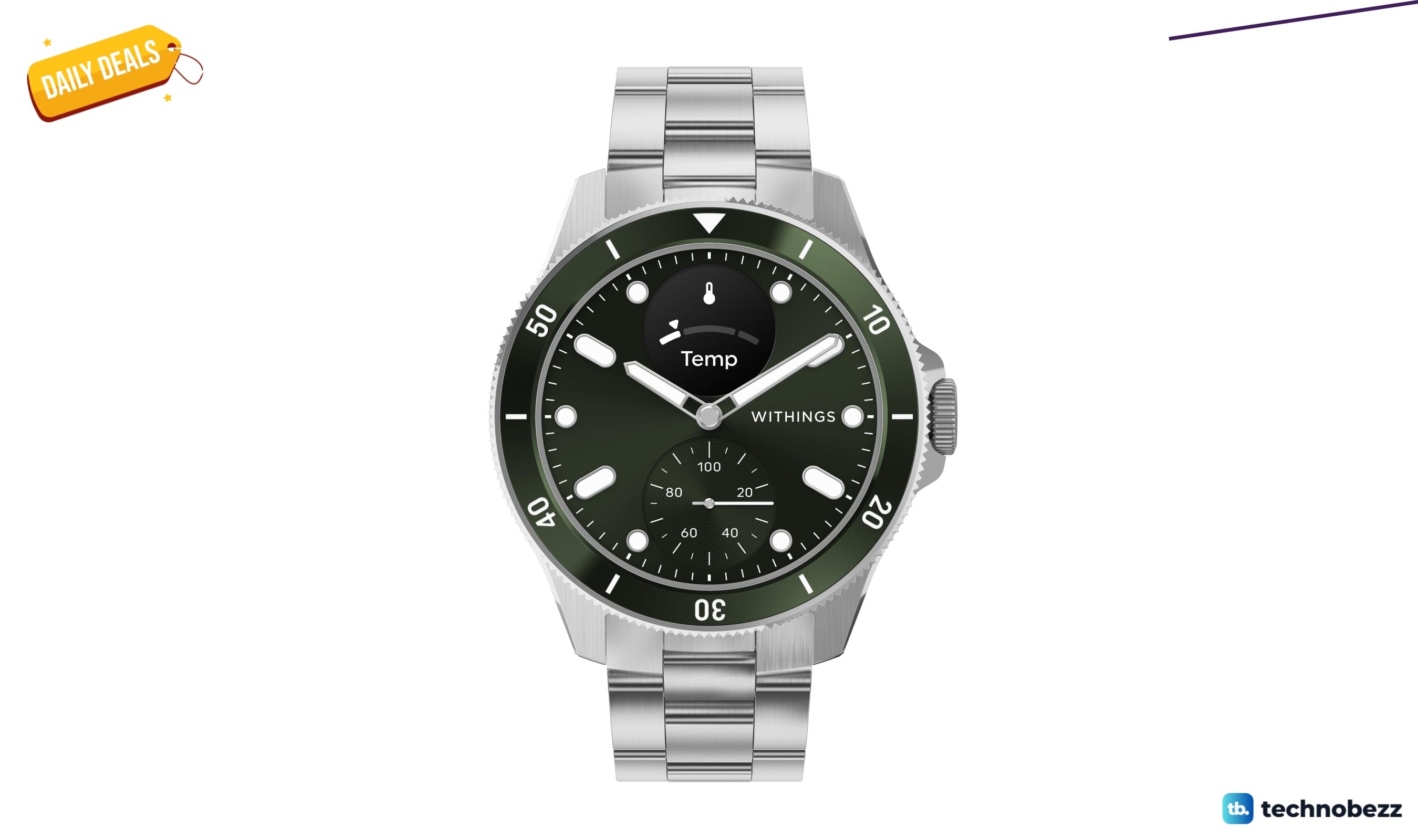
WITHINGS Scanwatch Nova Heart Health Hybrid Smart drops to $499 on Amazon
Get the Withings ScanWatch Nova for $499 on Amazon $100 off, its lowest price yet for 24/7 heart, temperature, and sleep tracking.
4 min read
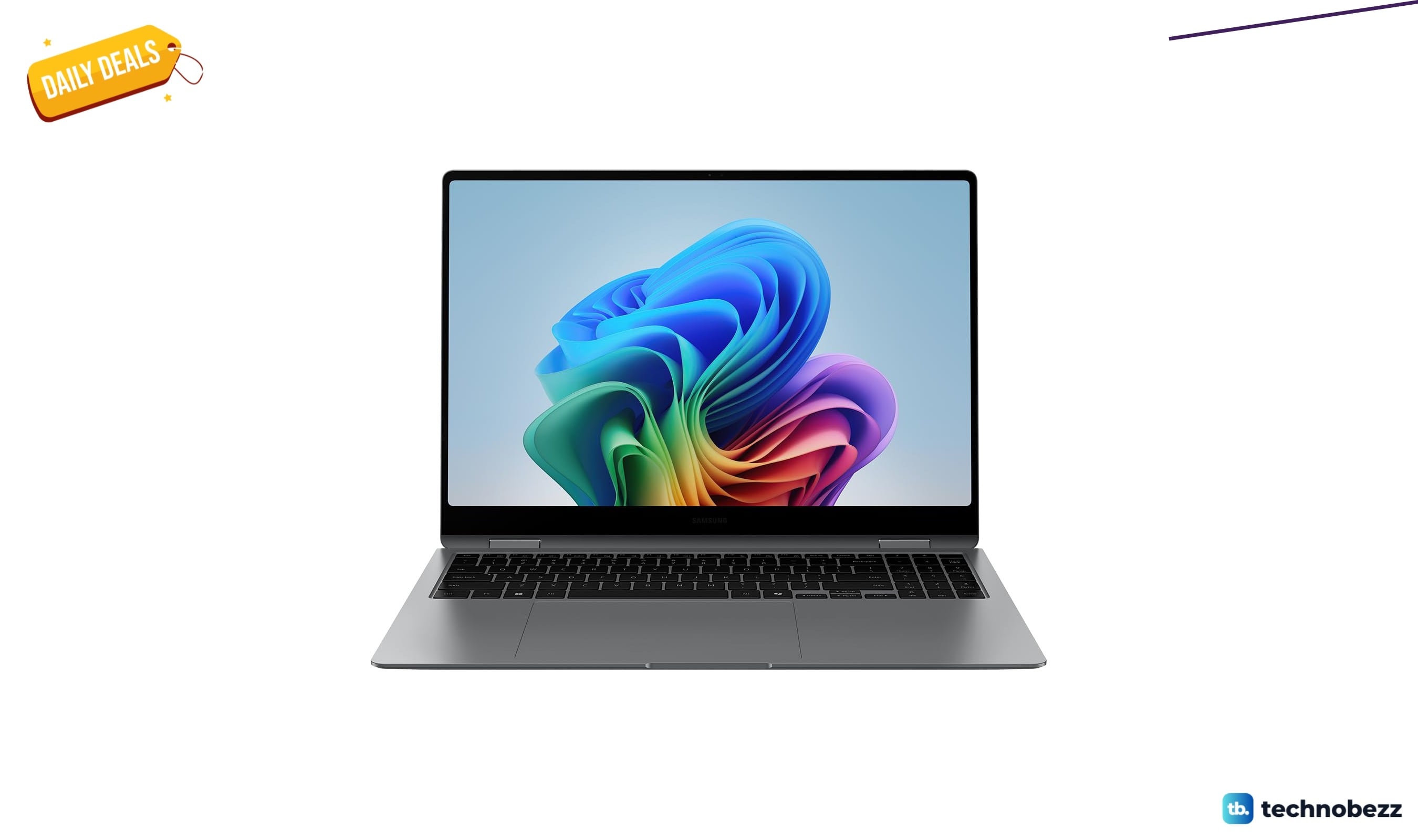
Samsung Galaxy Book5 Pro 360 Copilot+ falls to $1428, down from $1799.99
Samsung's 16-inch Galaxy Book5 Pro 360 2-in-1 with AI features drops to $1428 at Amazon, saving $372 off its usual price.
3 min read
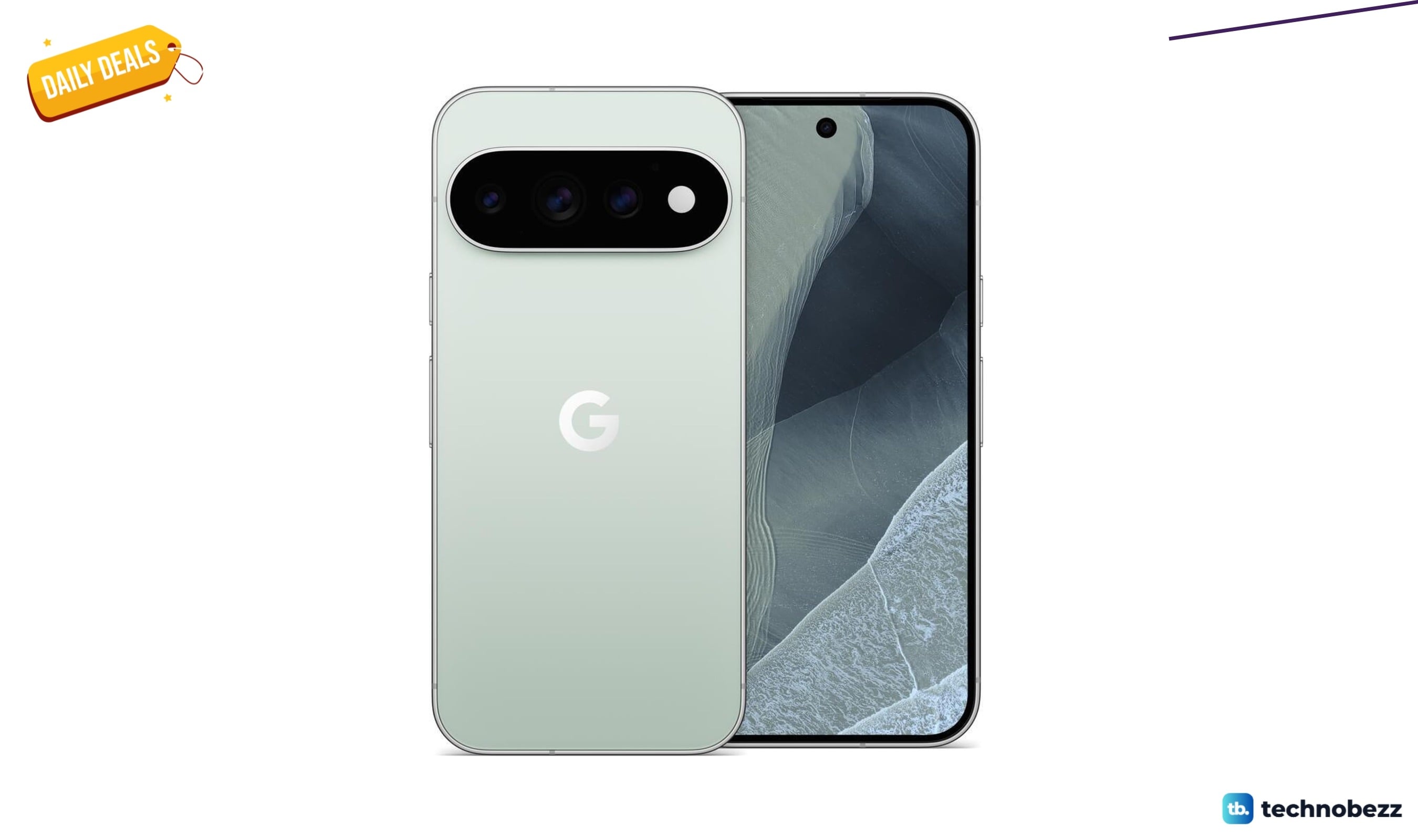
Google Pixel 11 Pro Unlocked Smartphone with Gemini now available from $1099
The Pixel 11 Pro finally drops to $1099, its lowest price yet, with Gemini AI and an unlocked carrier-friendly design.
5 min read
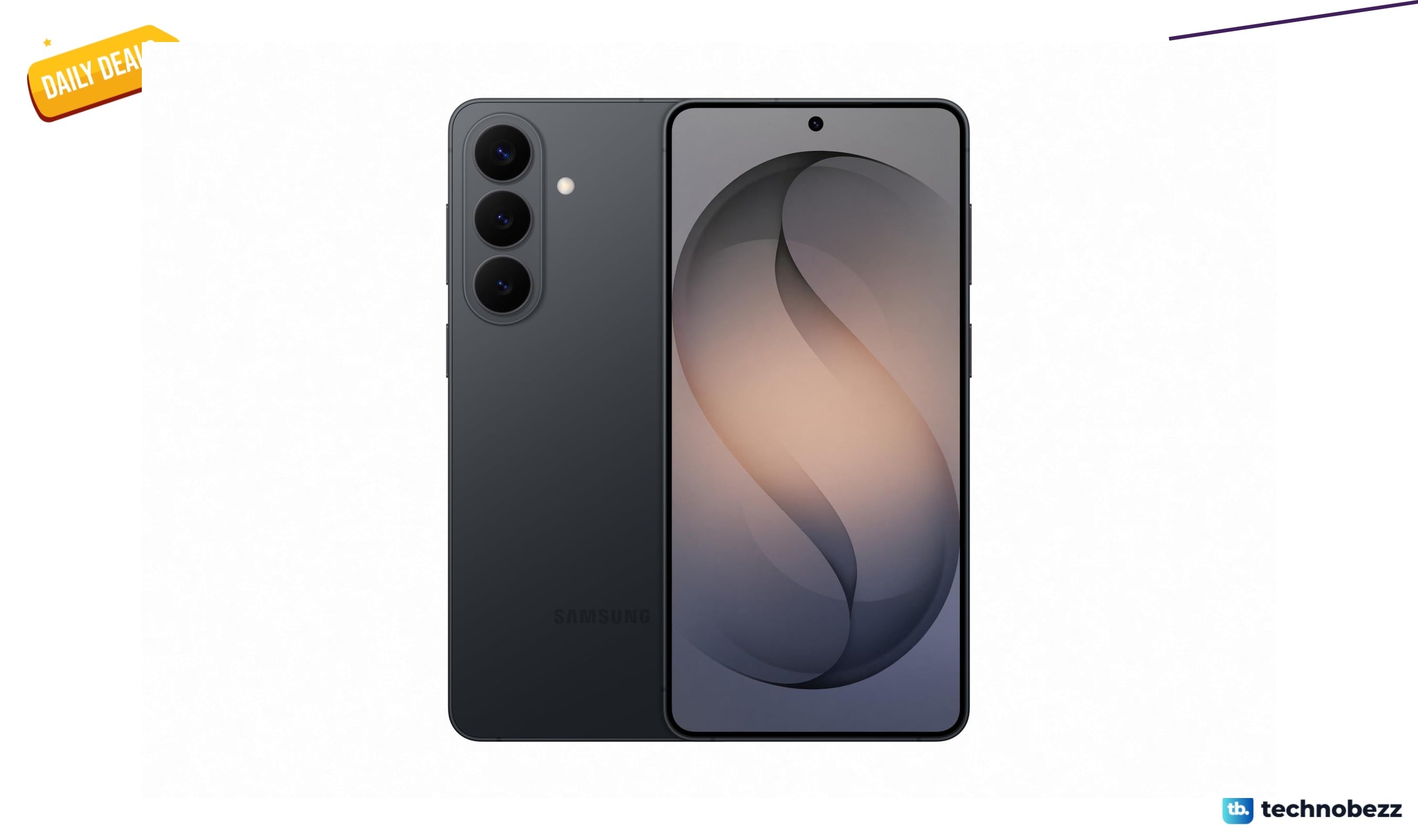
Samsung Galaxy S26 Unlocked Smartphone pricing starts at $990.21
4 min read
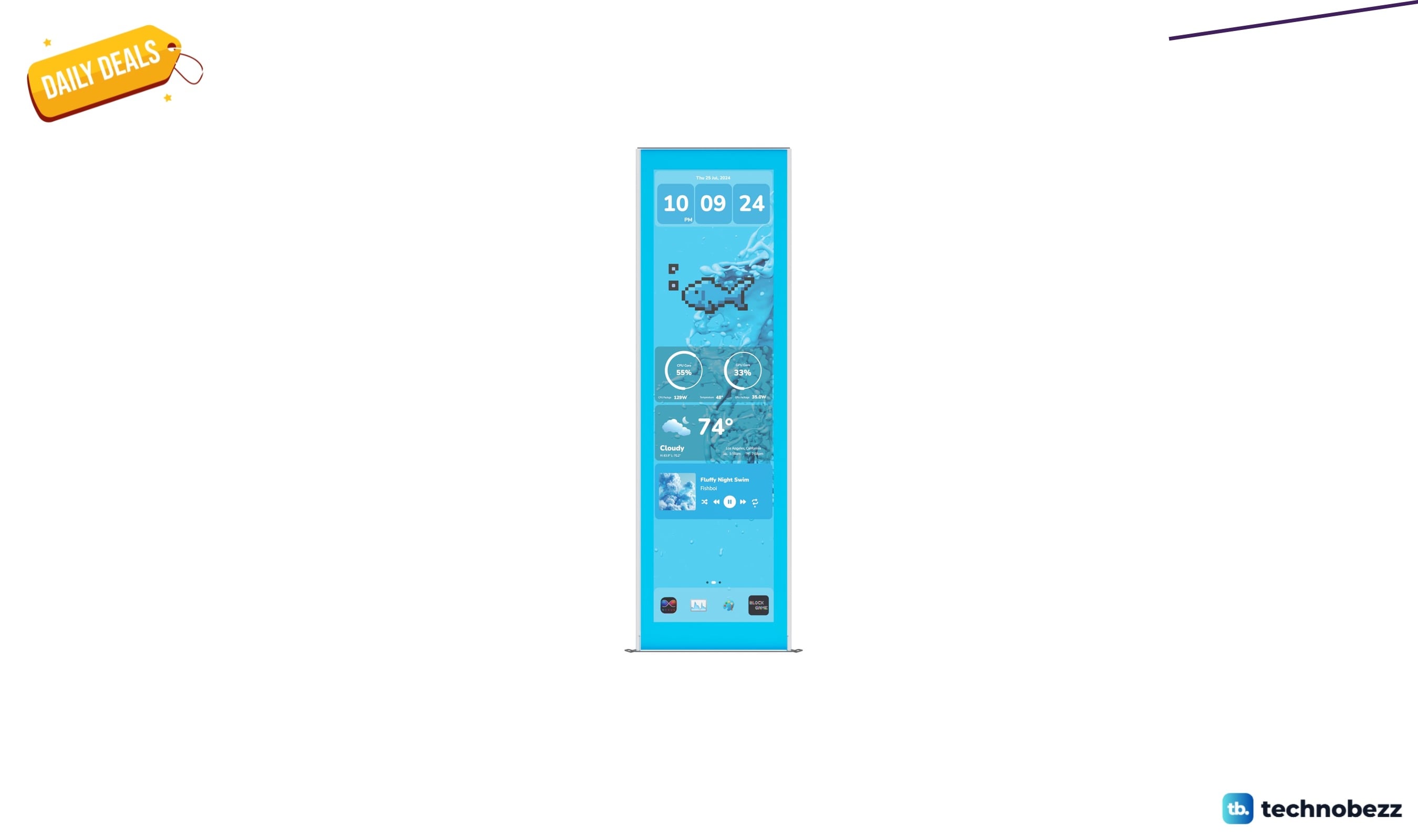
Hyte Y70 Touch Infinite Display Upgrade Screen price drops to $204
3 min read
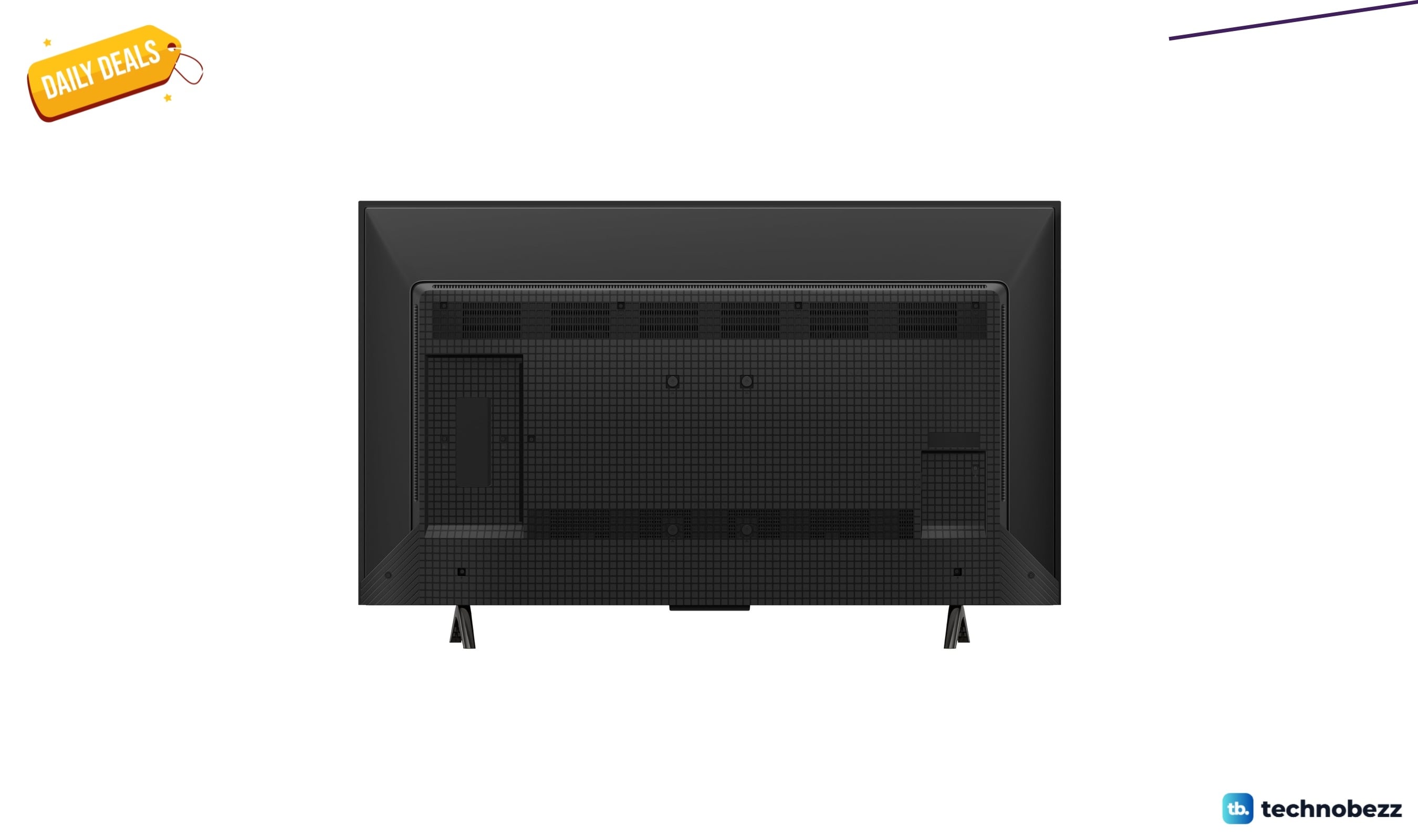
TCL Designer QD-Mini LED TV drops to $799.99 from $999.99
5 min read
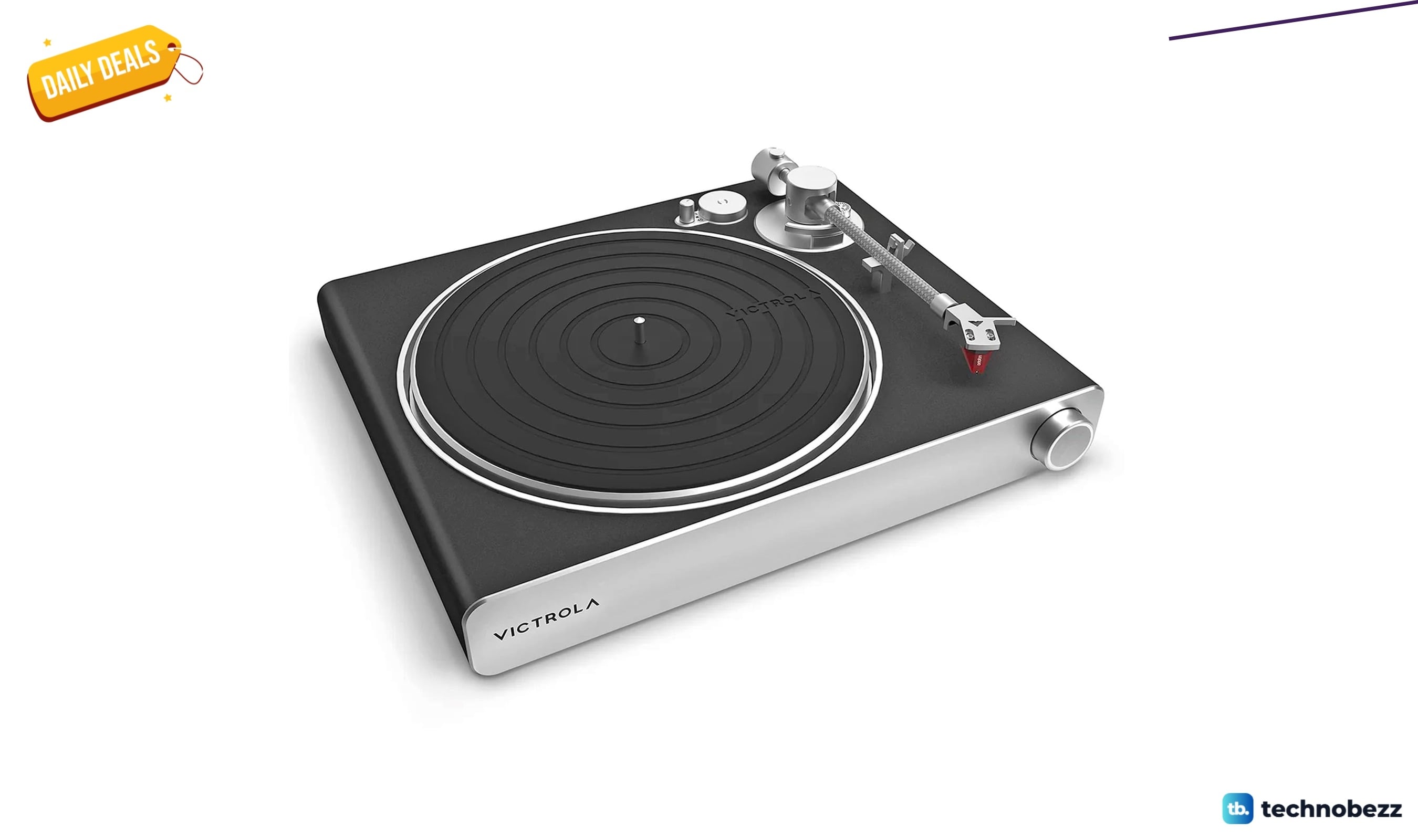
Victrola Stream Carbon Wi-Fi Turntable price drops to $739 at Amazon
4 min read
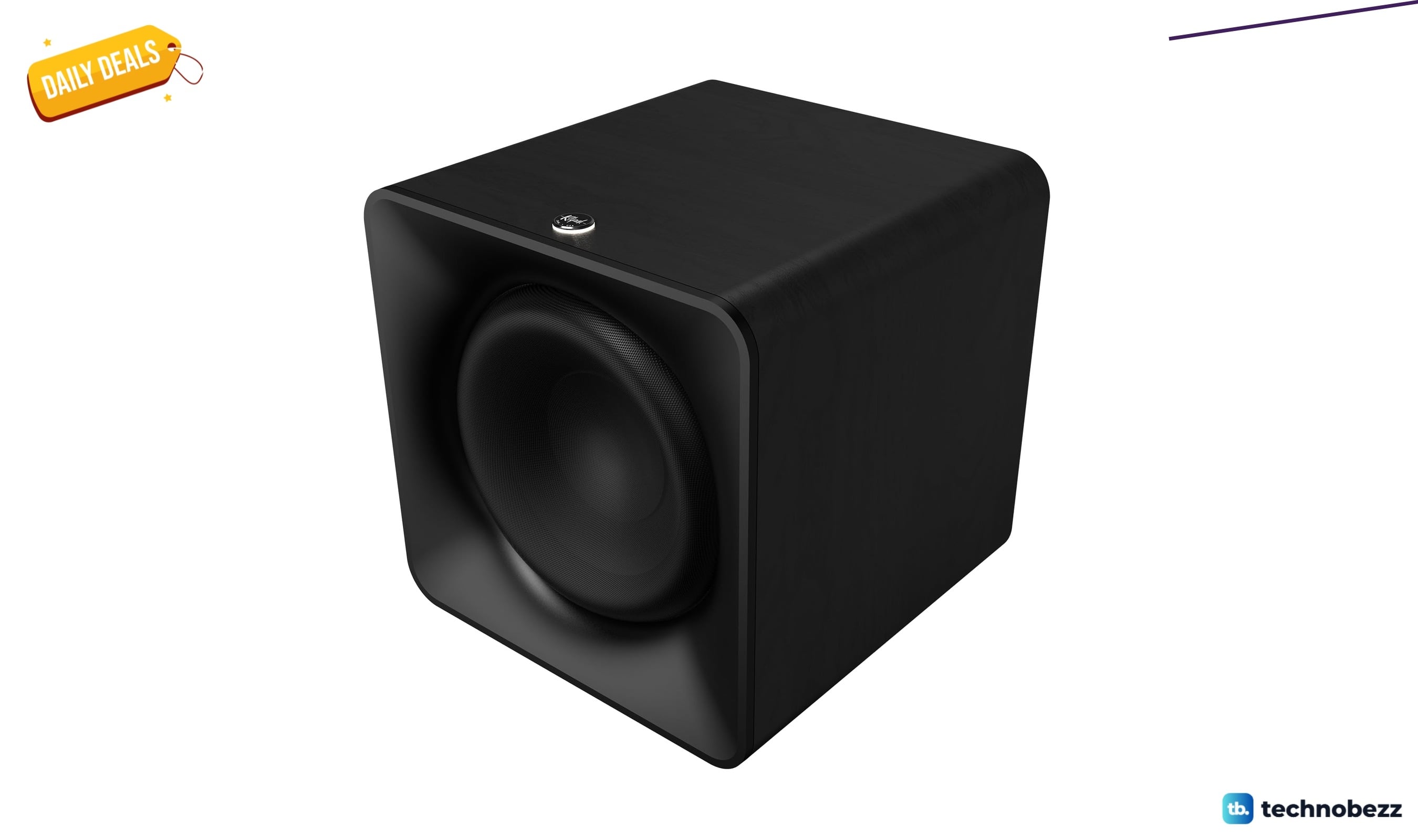
Klipsch Flexus SUB 200 Wireless Subwoofer drops to $429, a $170.99 savings
3 min read
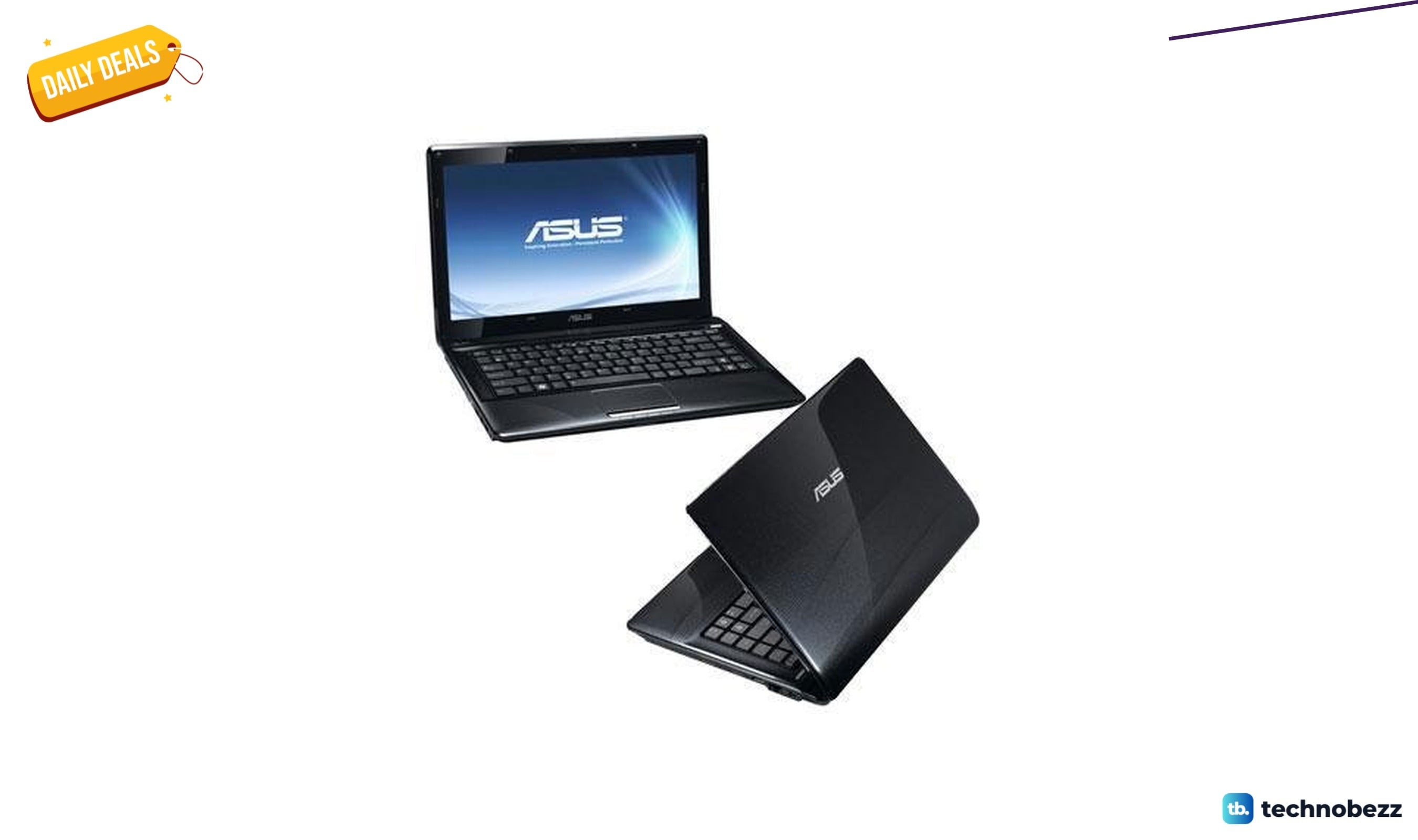
ASUS K42JR-A1 Versatile Entertainment down to $873.85 in latest price cut
4 min read
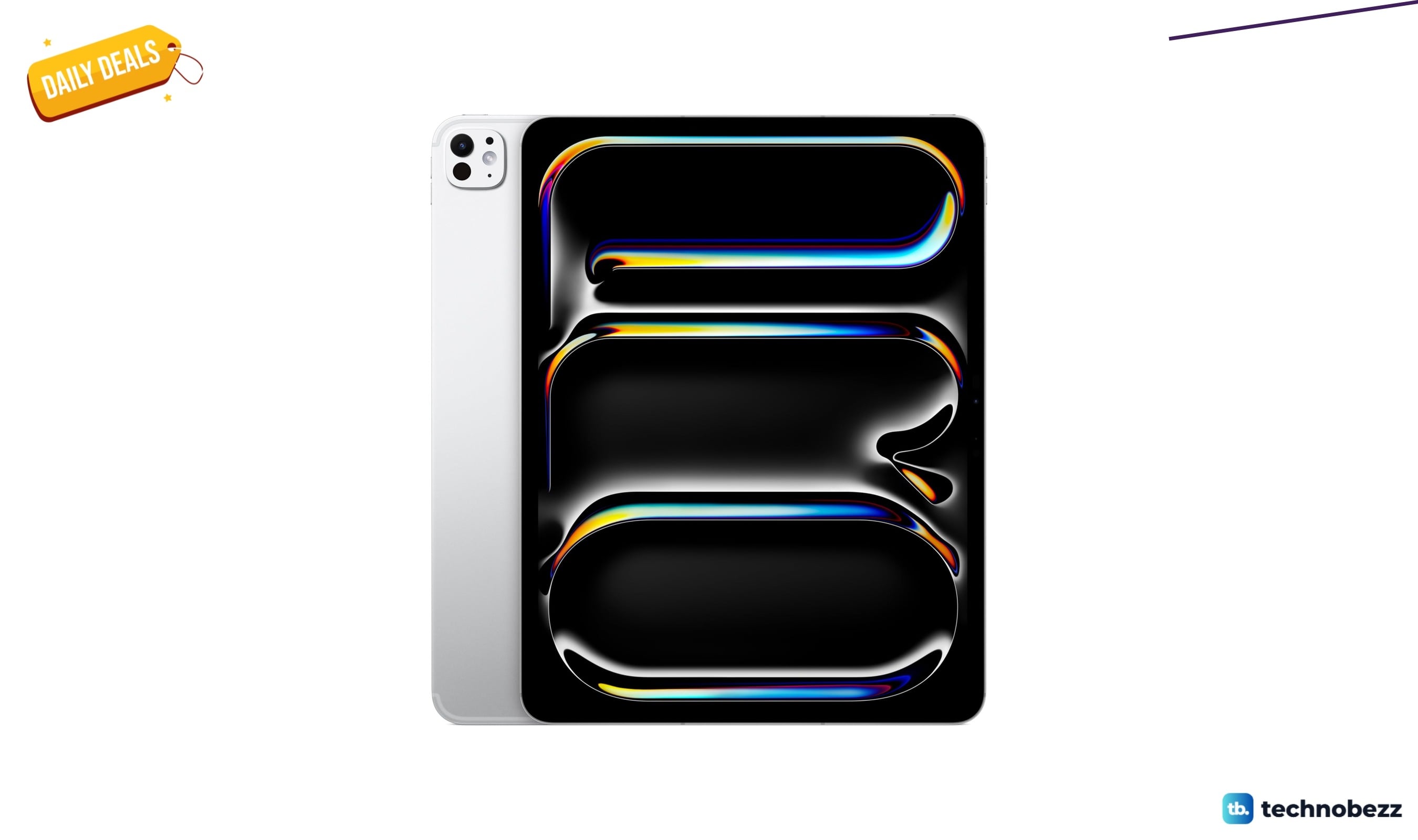
Apple iPad Pro Ultra Retina XDR Display drops to $2275 from $2399
3 min read
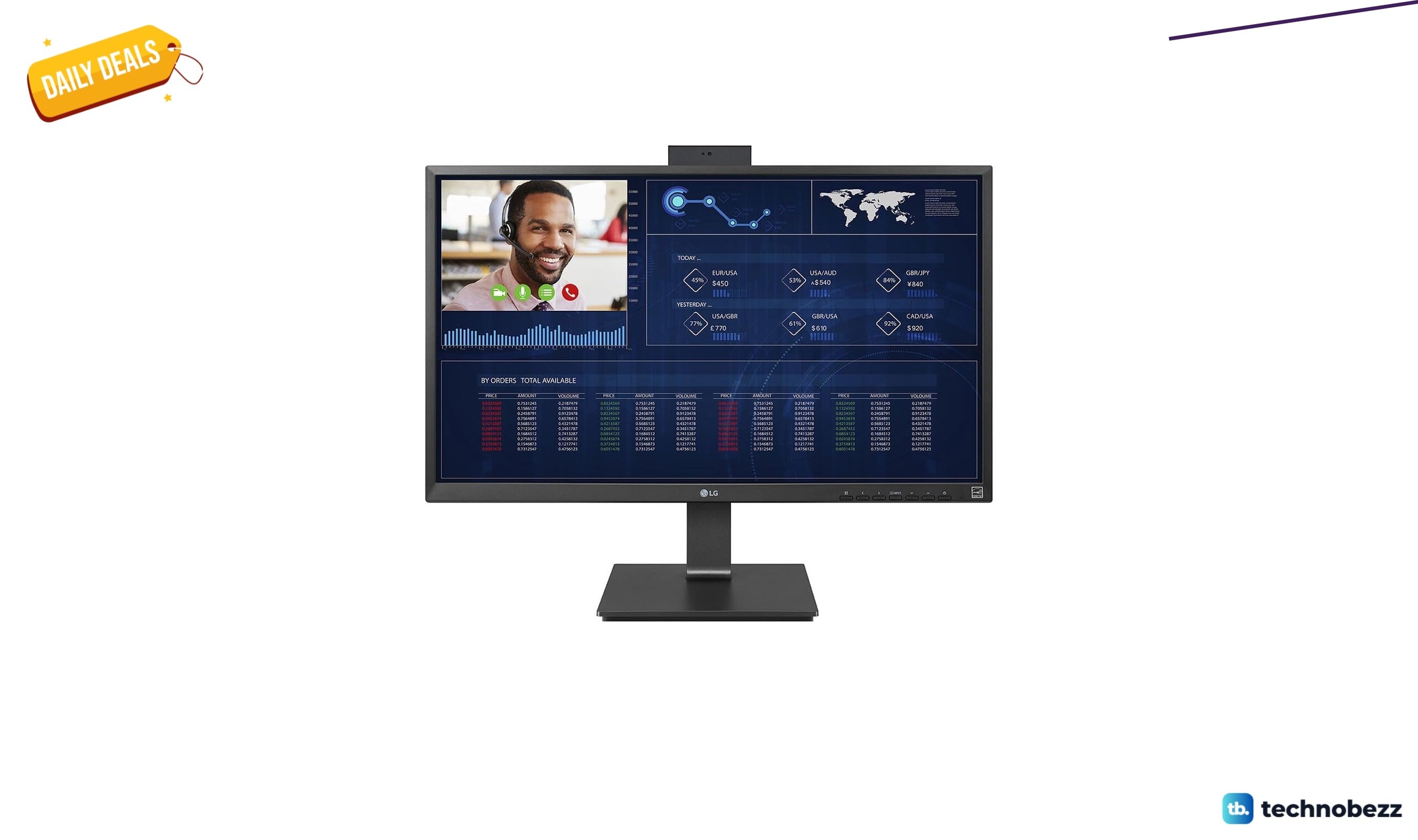
LG 27CQ650N-6N Thin Client All-in-one drops to $232.99 on Amazon
5 min read