If you need to digitize paperwork regularly, the right scanner saves hours and reduces clutter. The Brother ADS-1350W stands out for most offices with its balance of speed, accuracy, and portability. This list helps you choose based on your specific needs, whether you're scanning contracts, receipts, or mixed media.
Technobezz is supported by its audience. We may get a commission from retail offers.
8 Best Scanners for 2026
Brother ADS-1350W leads our picks for 2026. Compare the best scanners for speed, accuracy, and value to digitize paperwork efficiently.
T
Technobezz
Senior Editor
Updated June 15, 2026Jun 15, 2026
•6 min read

Get Deals Like These in Your Inbox
The best prices, reviewed weekly.
At a Glance
| Category | Product | Why We Picked It |
|---|---|---|
| Best overall | Brother ADS-1350W | Fast portable scanner with excellent OCR accuracy |
| Best all-in-one | Canon Maxify GX4020 | Combines printing and scanning in one device |
| Best for front desks | Ricoh fi-800R | Handles documents and ID cards efficiently |
| Best desktop scanner | Ricoh ScanSnap iX2500 | High-speed document processing |
| Best for photos | Epson Perfection V39 II | Flatbed scanner for quality image digitization |
| Also recommended | Epson FastFoto FF-680W | Speed through stacks of old photos |
| Also recommended | Brother DSmobile DS-940DW | Portable scanner that works great with your phone |
| Also recommended | Epson RapidReceipt RR-600W | Made for scanning receipts and tracking expenses |
How we chose and tested
We evaluated scanners based on real office needs: scanning speed, document handling, OCR accuracy, connectivity options, and software usability. We considered how each model performs with different paper types, from standard documents to receipts and ID cards. The focus was on practical features that matter for daily office work, not just technical specifications.
The best scanners for office use right now
Brother ADS-1350W - Best overall
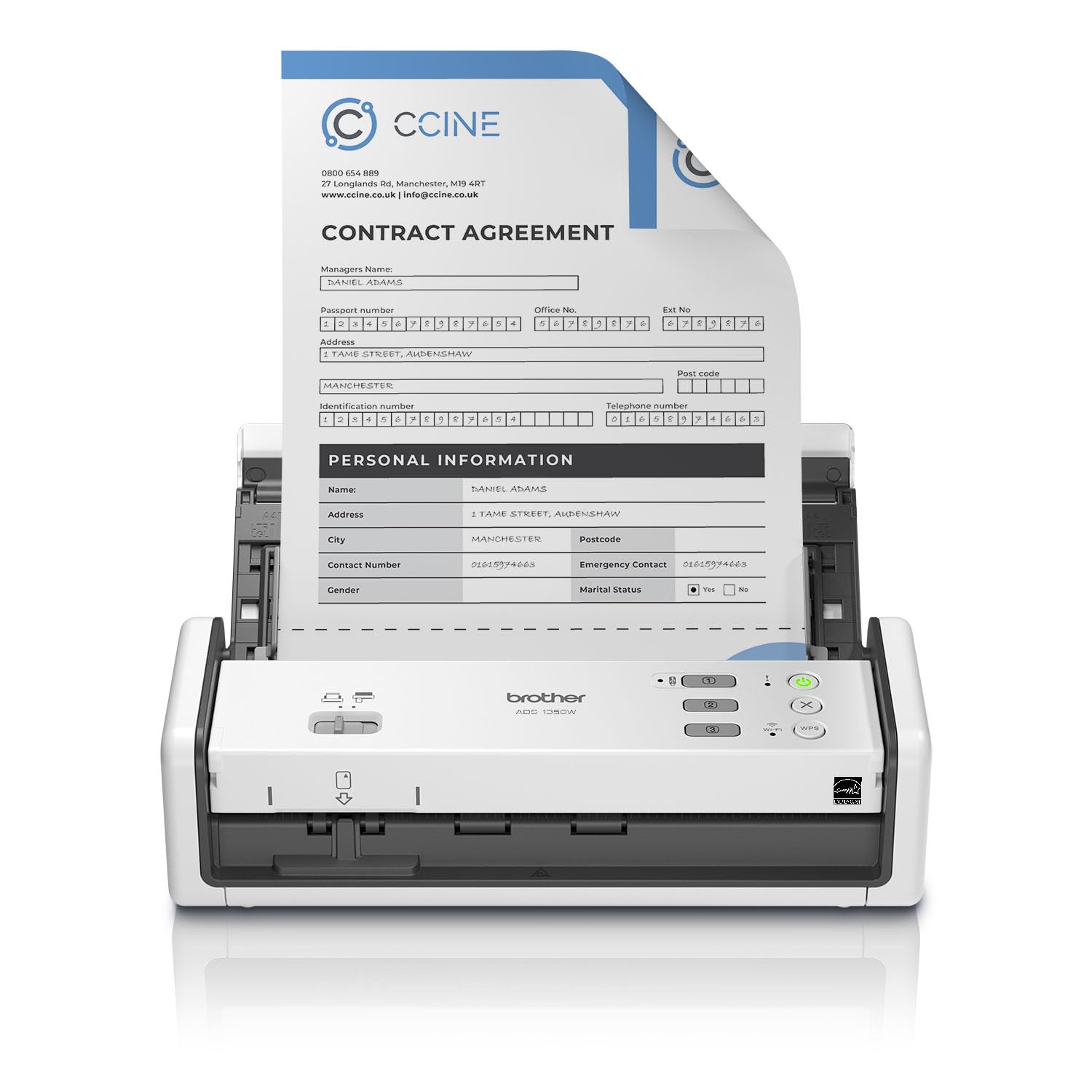
This portable document scanner delivers excellent OCR results and fast scanning speeds in a compact package. It handles everything from copy paper to plastic IDs, though proper loading technique prevents jams.
Key highlights
- Scans up to 30 pages per minute with duplex capability
- 100% OCR accuracy with 6-point and larger fonts
- Works via USB-C or Wi-Fi connectivity
- Includes 20-page automatic document feeder
- Brother's software provides ample control without complexity
Pros
- Extremely accurate text recognition
- Fast scanning speeds for portable size
- Flexible connectivity options
- Handles various paper types and weights
Cons
- Requires proper document loading to avoid jams
- No built-in battery (USB-powered)
- Mobile app could be more intuitive
Who it is for: Offices that need a reliable, portable scanner for daily document digitization with excellent text recognition.
Skip if
You need a built-in battery for completely cord-free operation or require heavy-duty scanning of thousands of pages daily.
Canon Maxify GX4020 - Best all-in-one
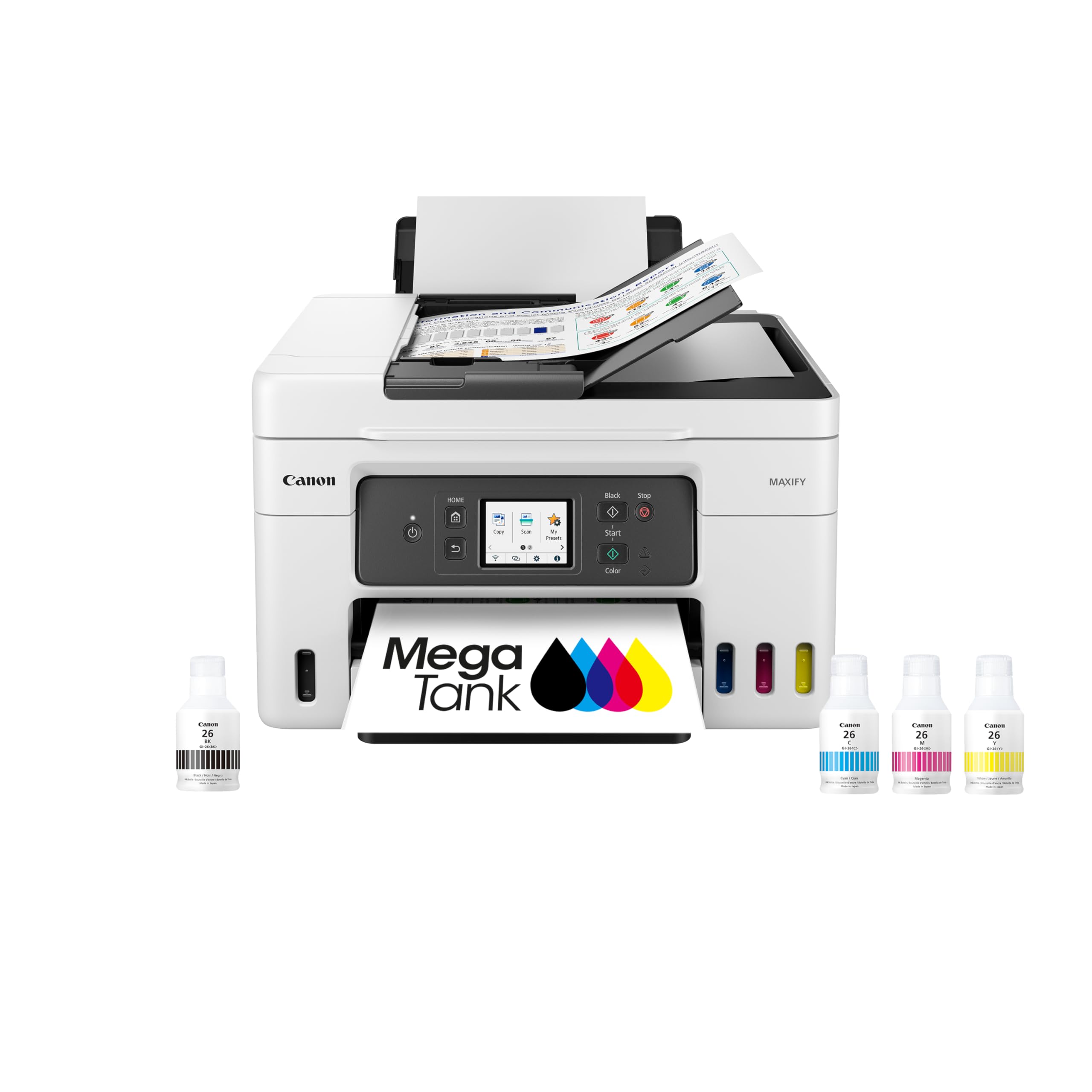
This wireless MegaTank all-in-one handles printing, copying, scanning, and faxing in a single compact unit, with an auto document feeder and a 2.7-inch LCD touchscreen for easy operation.
Key highlights
- All-in-one printer with print, copy, scan, and fax
- Built-in auto document feeder for multi-page jobs
- 2.7-inch LCD touchscreen and refillable MegaTank ink system
- Wireless connectivity for multiple users
- Compact design suitable for limited spaces
Pros
- Saves space by combining multiple functions
- Good scanning quality for documents
- Wireless connectivity convenient for shared offices
- Reliable performance for mixed office tasks
Cons
- Not the fastest scanner available
- Photo scanning quality adequate but not exceptional
- May be overkill if you only need scanning
Who it is for: Small offices or home offices that need both printing and scanning capabilities in one device to save space and simplify setup.
Skip if
You already have a good printer and only need dedicated scanning capabilities, or require extremely high-speed document processing.
Fujitsu RICOH fi-800R - Best for front desks
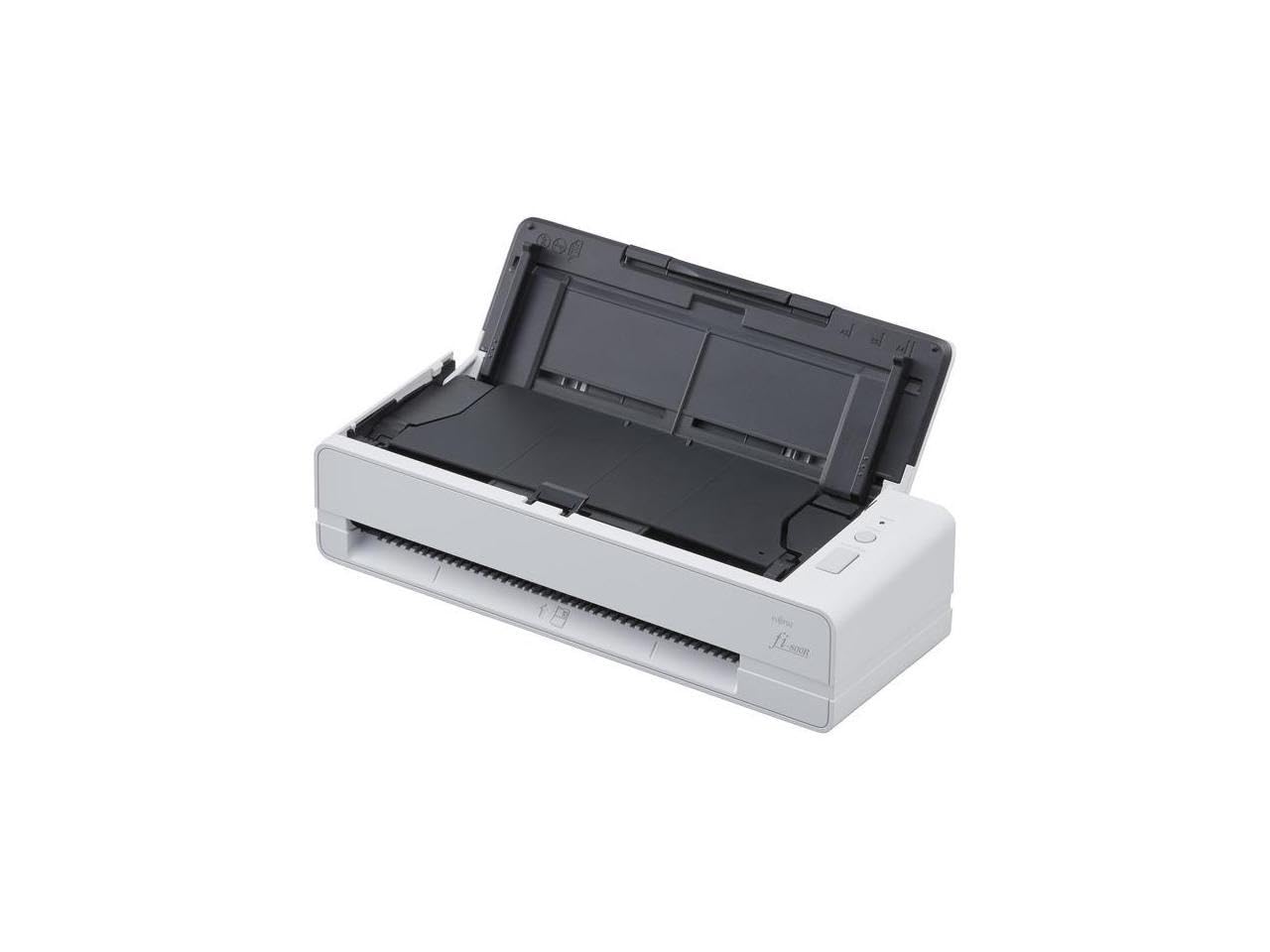
Designed for reception areas and front desks, this scanner efficiently handles documents, ID cards, and various paper types with specialized features for business environments.
Key highlights
- Handles documents up to 5mm thick
- Includes smart facial recognition for ID cards
- Compact design with upright positioning option
- Fast scanning speeds suitable for busy offices
- Robust construction for frequent use
Pros
- Excellent for ID card and document scanning
- Durable construction for high-volume use
- Smart features like facial recognition
- Space-efficient design
Cons
- Primarily USB connection (limited wireless options)
- Higher price point than basic models
- May be specialized for front-desk use
Who it is for: Reception areas, HR departments, or any office that regularly scans IDs, business cards, and various document types.
Skip if
You only need basic document scanning or require extensive wireless connectivity options.
Ricoh ScanSnap iX2500 - Best desktop scanner
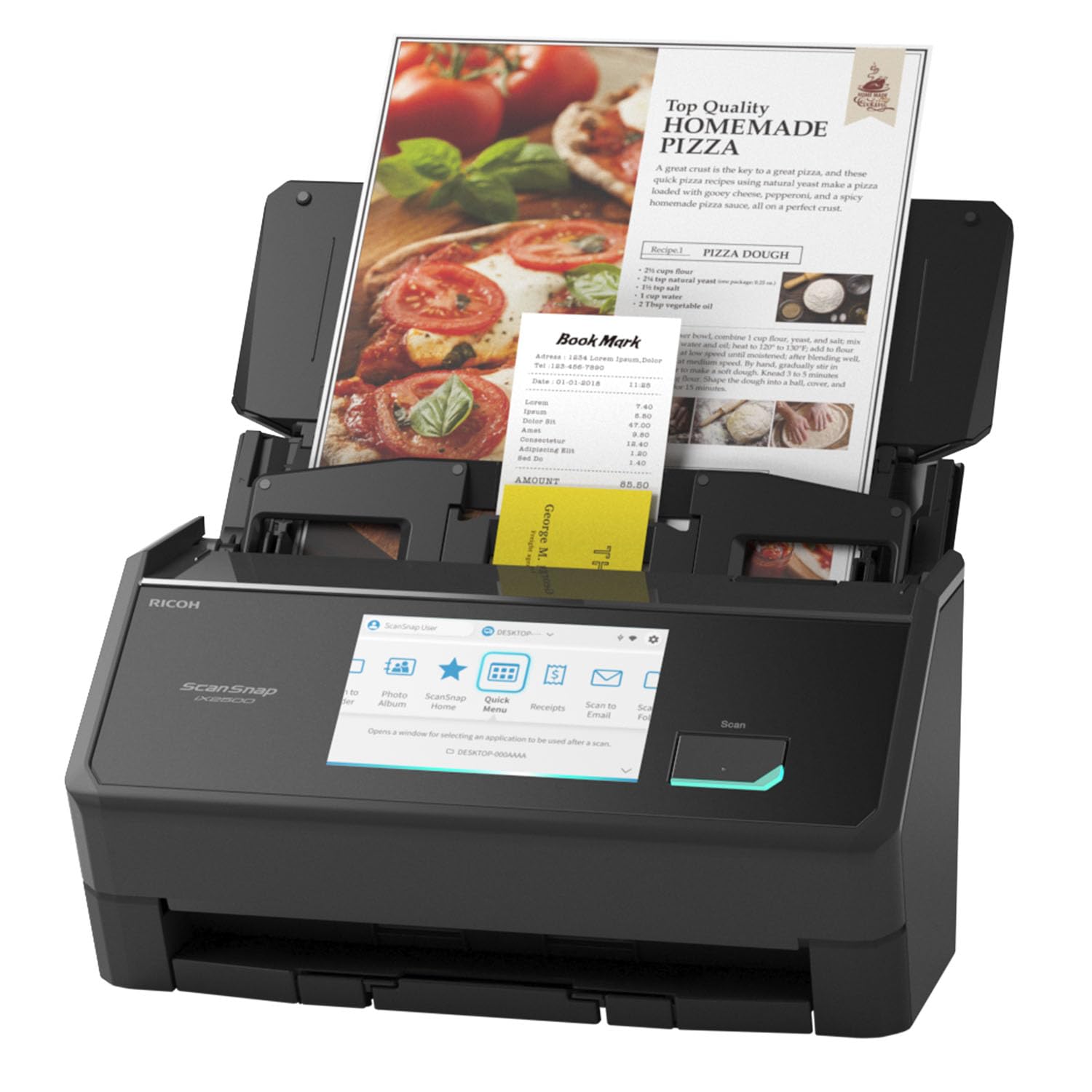
For offices that process large volumes of documents, this desktop scanner offers high-speed performance and advanced features that justify its premium price.
Key highlights
- Scans up to 45 pages per minute
- 100-page automatic document feeder capacity
- Advanced skew detection and correction
- Accurate OCR with good text recognition
- Versatile connectivity including Wi-Fi
Pros
- Very fast scanning speeds
- Large paper capacity reduces reloading
- Excellent document handling features
- Good software integration
Cons
- Higher price point
- Larger footprint than portable models
- May be overkill for light scanning needs
Who it is for: Offices that regularly process large document batches, legal firms, accounting departments, or any business with substantial scanning volume.
Skip if
You have minimal scanning needs or require a portable, space-saving solution.
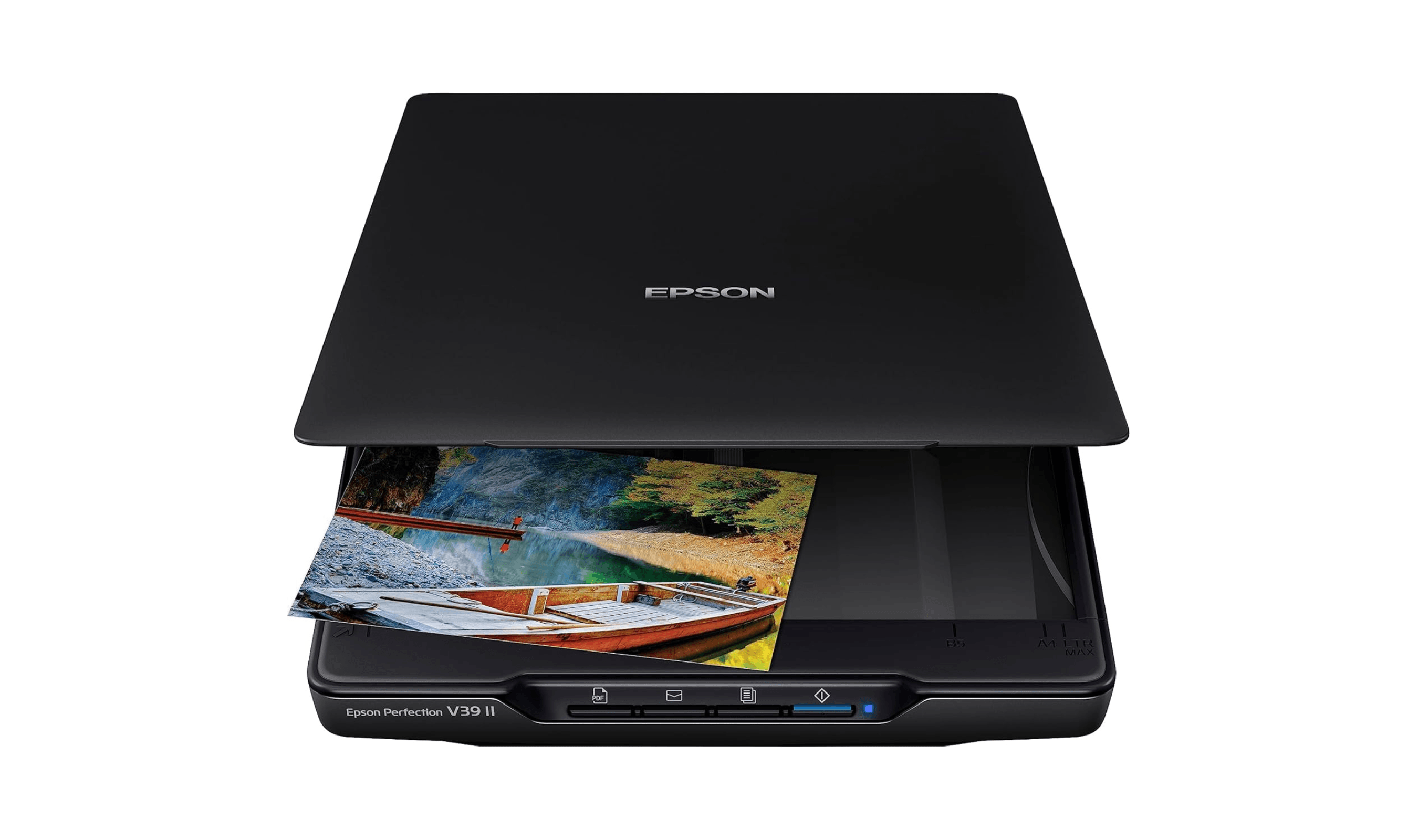
Epson Perfection V39 II - Best for photos
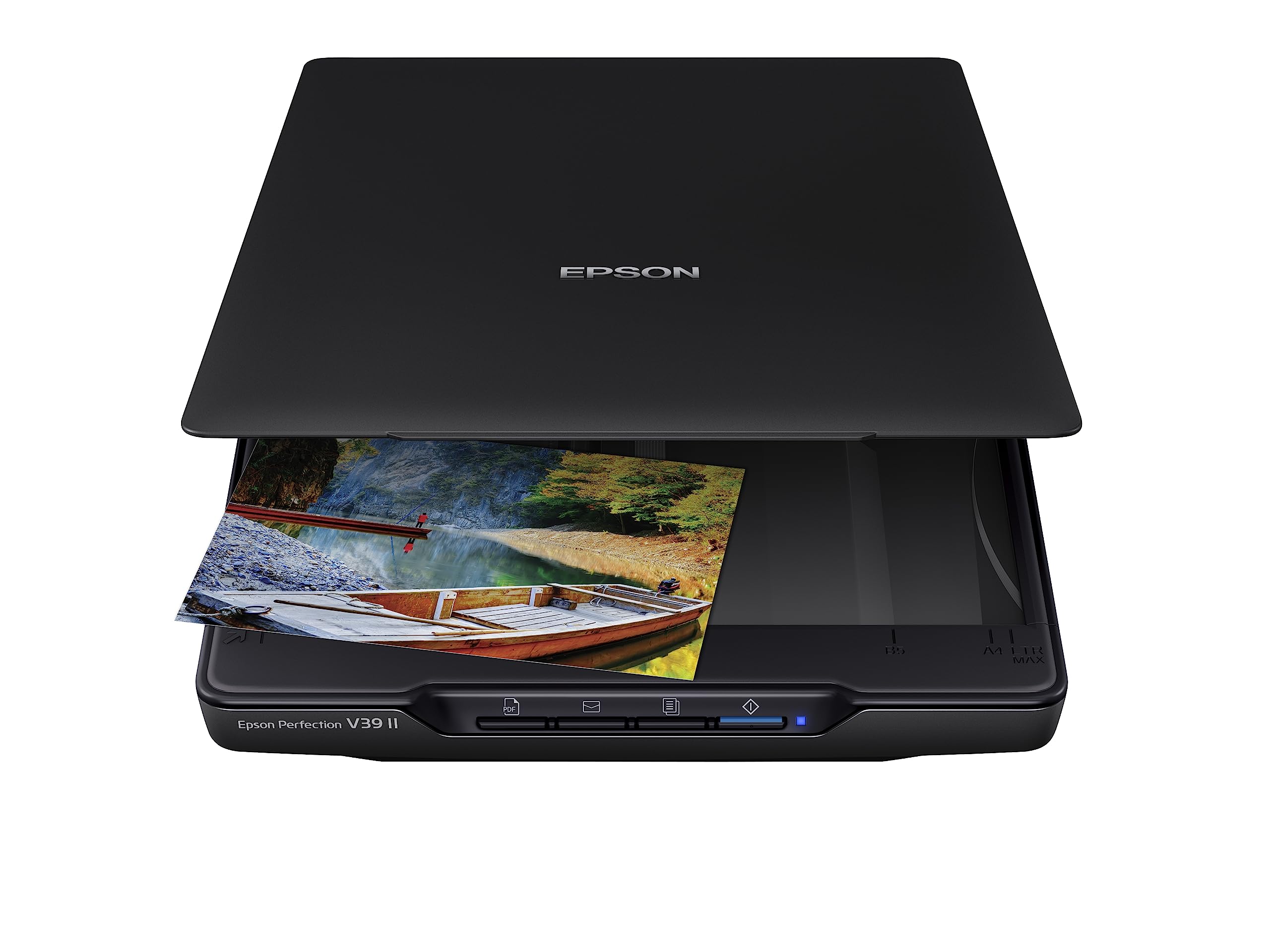
When you need to digitize photographs alongside documents, this flatbed scanner provides the quality and features for mixed media scanning.
Key highlights
- High-resolution flatbed scanning (up to 4800 dpi)
- Good for photos, documents, and mixed media
- Compact desktop design
- Includes basic photo editing software
- Affordable price for photo scanning capability
Pros
- Excellent photo scanning quality
- Flatbed design handles various media types
- Good value for photo/document combination
- Easy to use for occasional scanning
Cons
- Slower than sheet-fed scanners for documents
- Limited to flatbed scanning (no ADF)
- Not ideal for high-volume document scanning
Who it is for: Offices that need to scan photographs, artwork, or mixed media alongside documents, or businesses that handle visual content.
Skip if
You primarily scan multi-page documents and need automatic feeding, or require very fast document processing.
Also Good
- Epson FastFoto FF-680W - speed through stacks of old photos.
- Brother DSmobile DS-940DW - portable scanner that works great with your phone.
- Epson RapidReceipt RR-600W - made for scanning receipts and tracking expenses.
How to Choose
Consider these factors when selecting an office scanner:
Scanning volume: How many pages do you scan daily? High-volume offices need faster scanners with larger automatic document feeders.
Document types: Are you scanning standard paper, receipts, ID cards, or photos? Different scanners excel with different media.
Connectivity needs: Do you need Wi-Fi for multiple users or is USB sufficient? Consider where the scanner will be located and who needs access.
OCR requirements: How important is text recognition accuracy? Some scanners excel at OCR while others focus on speed or image quality.
Space constraints: Do you need a portable model or have room for a desktop unit? Consider your office layout and storage needs.
FAQ
What's the difference between flatbed and sheet-fed scanners?
Flatbed scanners have a glass surface where you place items to scan, ideal for photos, books, and irregular documents. Sheet-fed scanners use an automatic document feeder to process multiple pages quickly, better for standard office documents.
Do I need Wi-Fi on my office scanner?
Wi-Fi is useful if multiple people need to access the scanner or if you want to place it away from computers. For single-user setups or dedicated scanning stations, USB connectivity is often sufficient and more reliable.
How important is OCR accuracy for office use?
Very important if you need to search or edit scanned text. Good OCR saves time compared to manual data entry. Most modern office scanners offer decent OCR, but some models perform significantly better with small fonts or complex layouts.
Can office scanners handle different paper sizes?
Most handle standard letter and legal sizes. Check specifications if you regularly scan receipts, business cards, or larger documents. Some models include adjustable guides or special trays for non-standard sizes.
What maintenance do office scanners require?
Regular cleaning of scan glass and rollers prevents streaks and jams. Follow manufacturer guidelines for roller cleaning and replacement. Keeping the scanner in a dust-free environment extends its lifespan.
Published February 18, 2026 Last updated June 16, 2026
Share this article
More in News
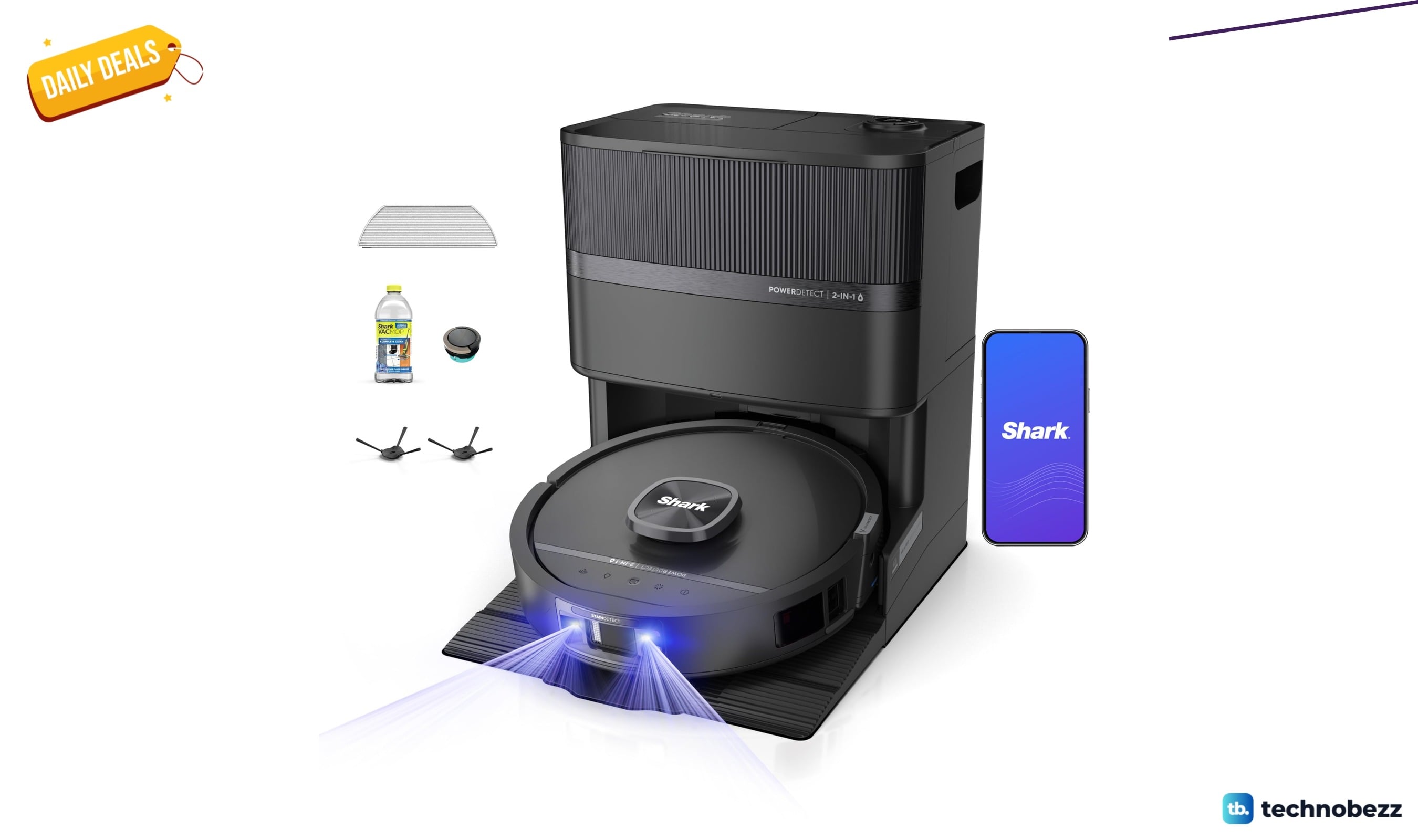
Shark PowerDetect UV Reveal 2-in-1 Robot Vacuum drops to $849.99
Shark PowerDetect UV Reveal 2-in-1 robot vacuum falls to $849.99 on Amazon, a $450 drop and its lowest price in months.
5 min read
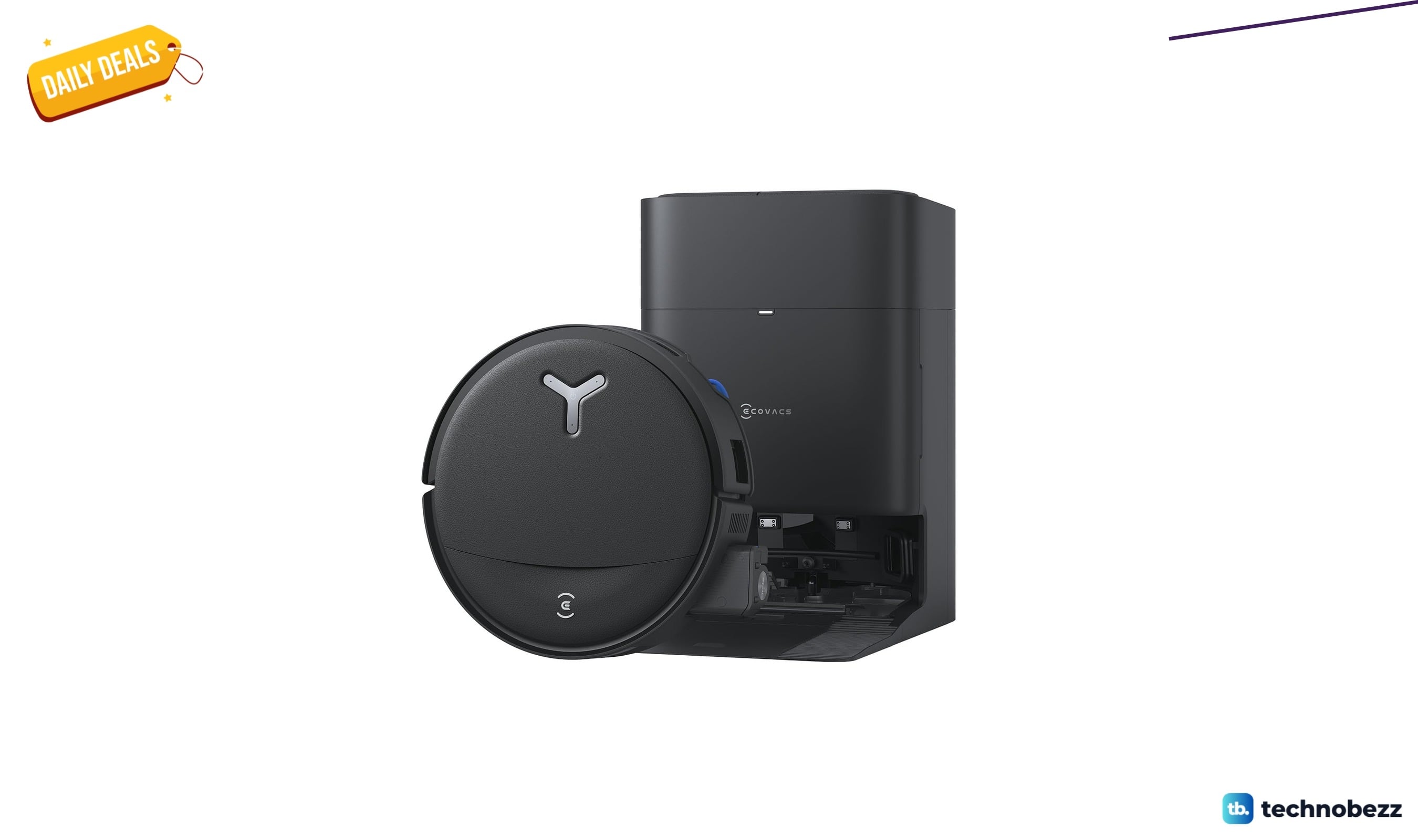
ECOVACS DEEBOT T80S Omni Robot Vacuum Mop down to $478.99 in latest price cut
ECOVACS DEEBOT T80S Omni robot vacuum mop falls to a record-low $478.99 on Amazon, saving $171 with self-cleaning roller mop tech.
4 min read
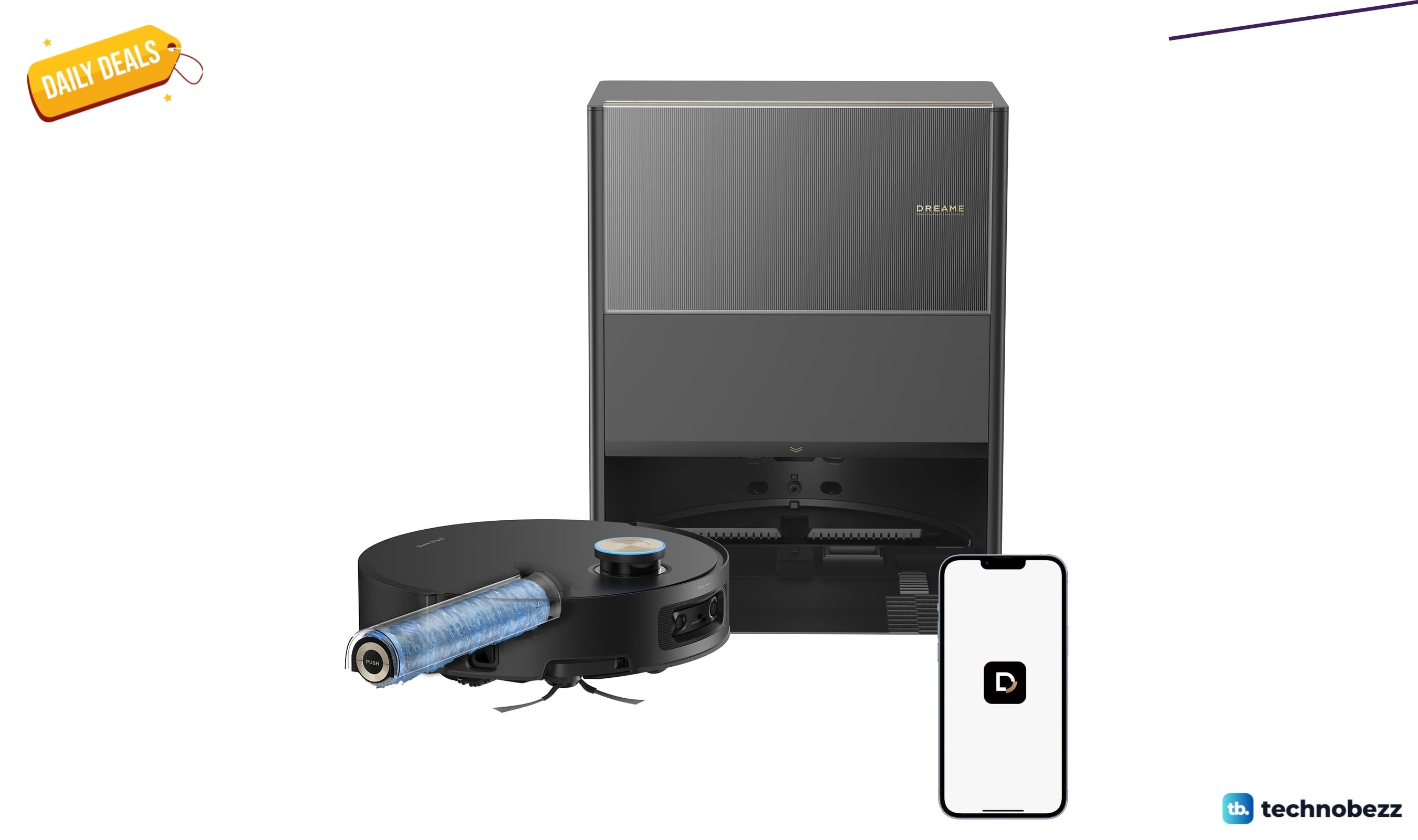
Dreame Aqua10 Ultra Roller Robot Vacuum Mop now selling for $749.99
Save $150 on the Dreame Aqua10 Ultra Roller robot vacuum mop, now $749.99 at Amazon, matching its all-time low price.
3 min read
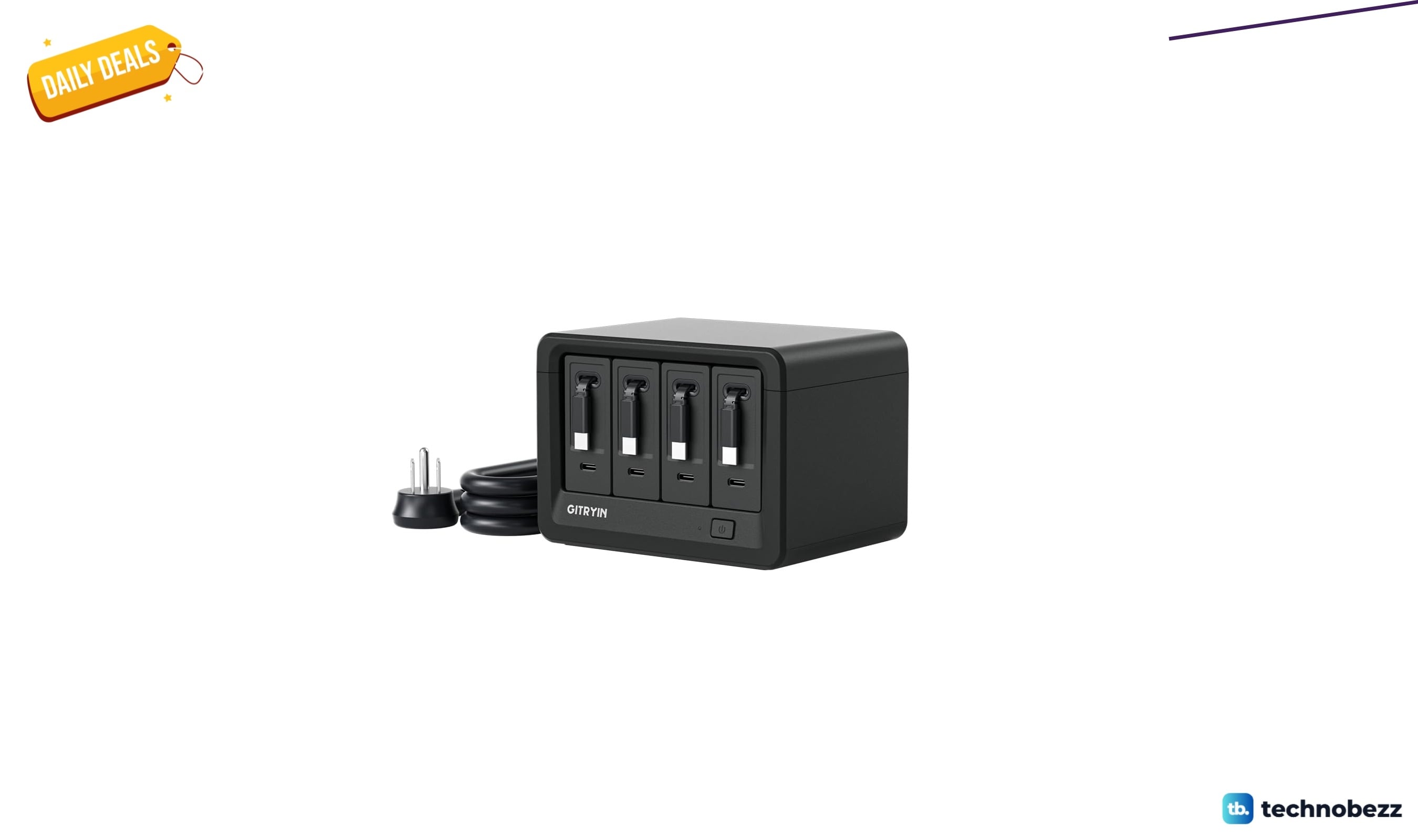
Gitryin 12-in-1 Desktop Charging Station drops to $103.96, its lowest price yet
Gitryin 12-in-1 desktop charging station hits a record-low $103.96 on Amazon, a 16% Lightning Deal saving $19.93 before it ends.
5 min read
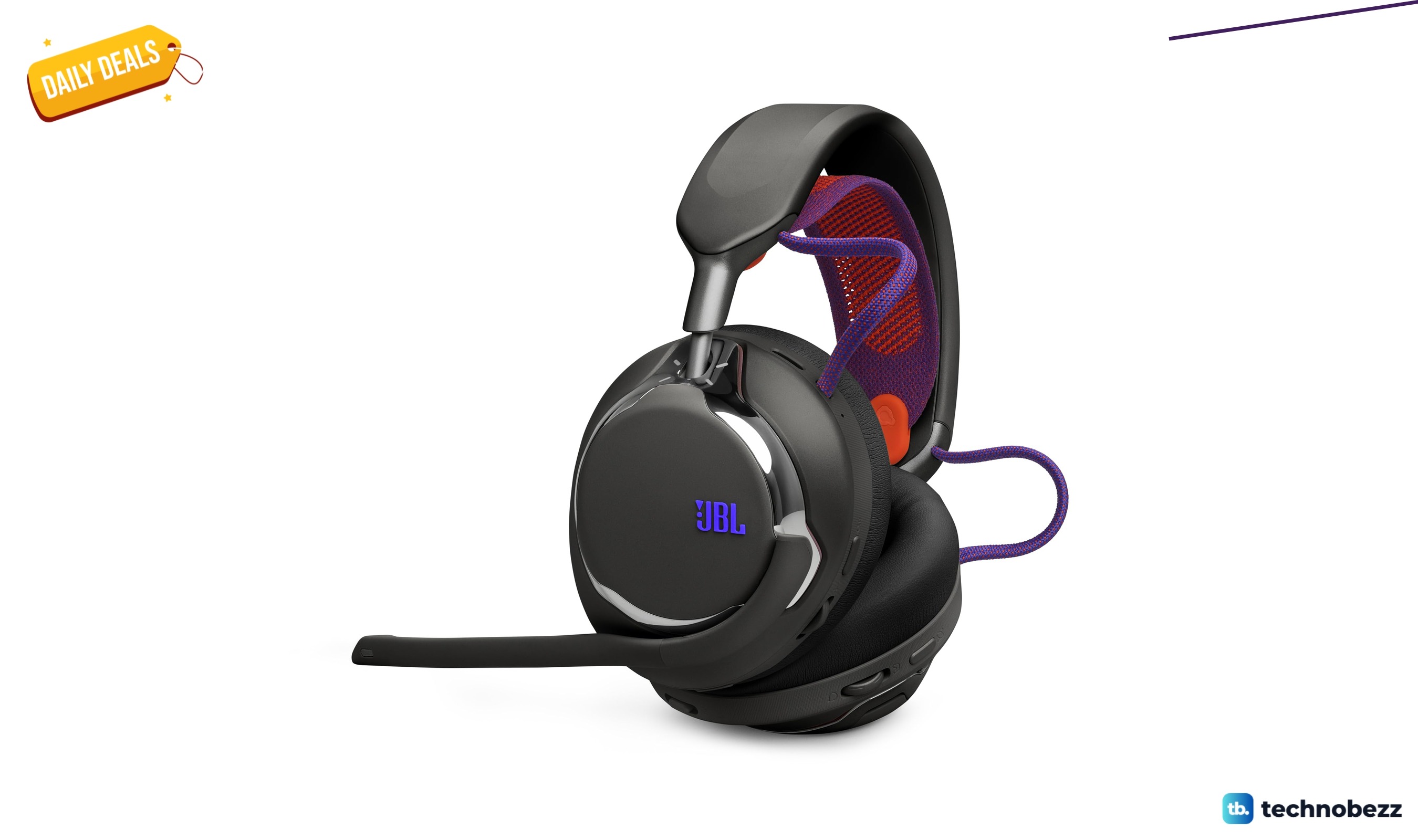
2 headphone deals we checked, starting at $249.99
5 min read
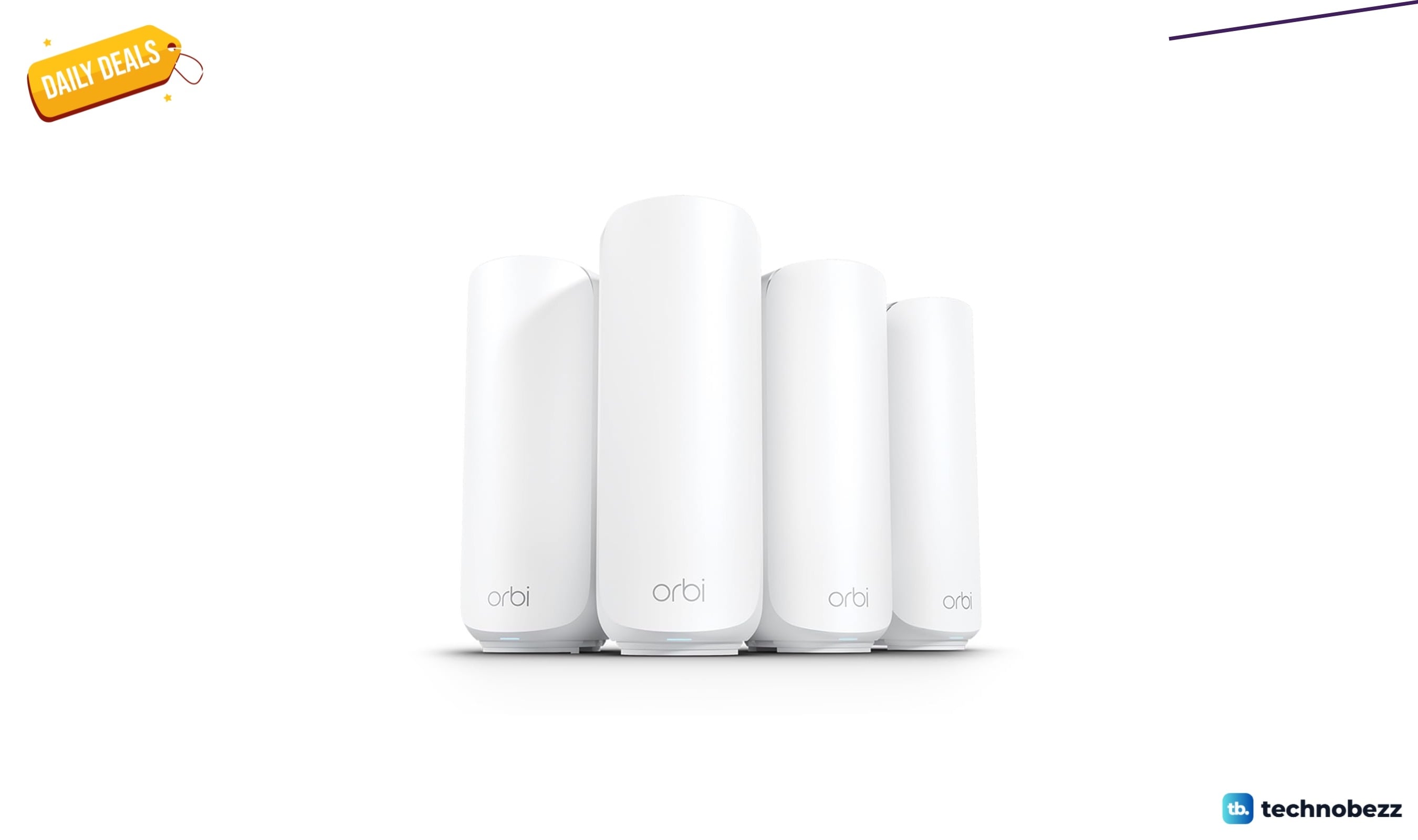
NETGEAR Orbi 370 WiFi 7 Mesh System now selling for $379.99
5 min read
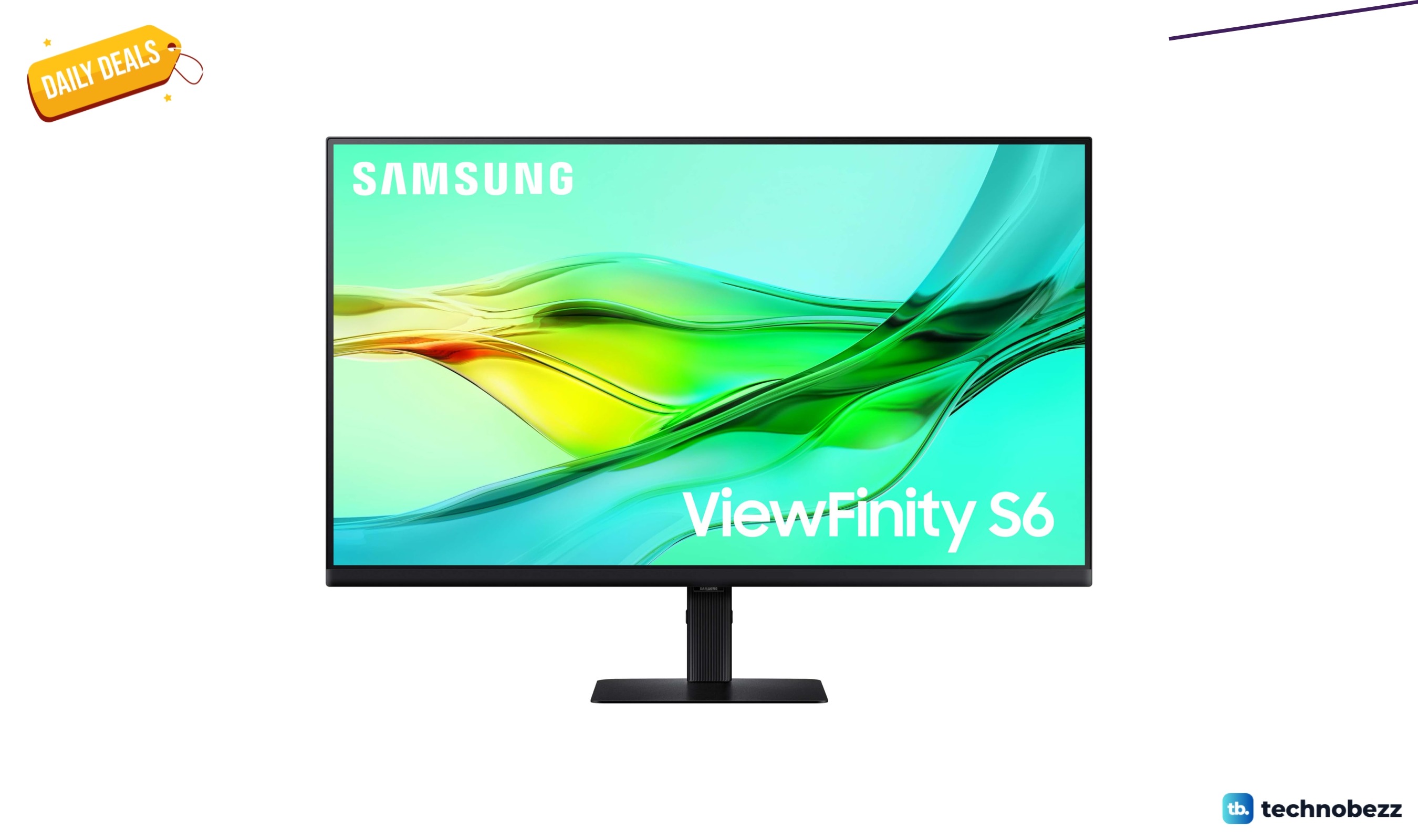
SAMSUNG ViewFinity S6 QHD High Resolution Computer Monitor dips to $319.99
3 min read
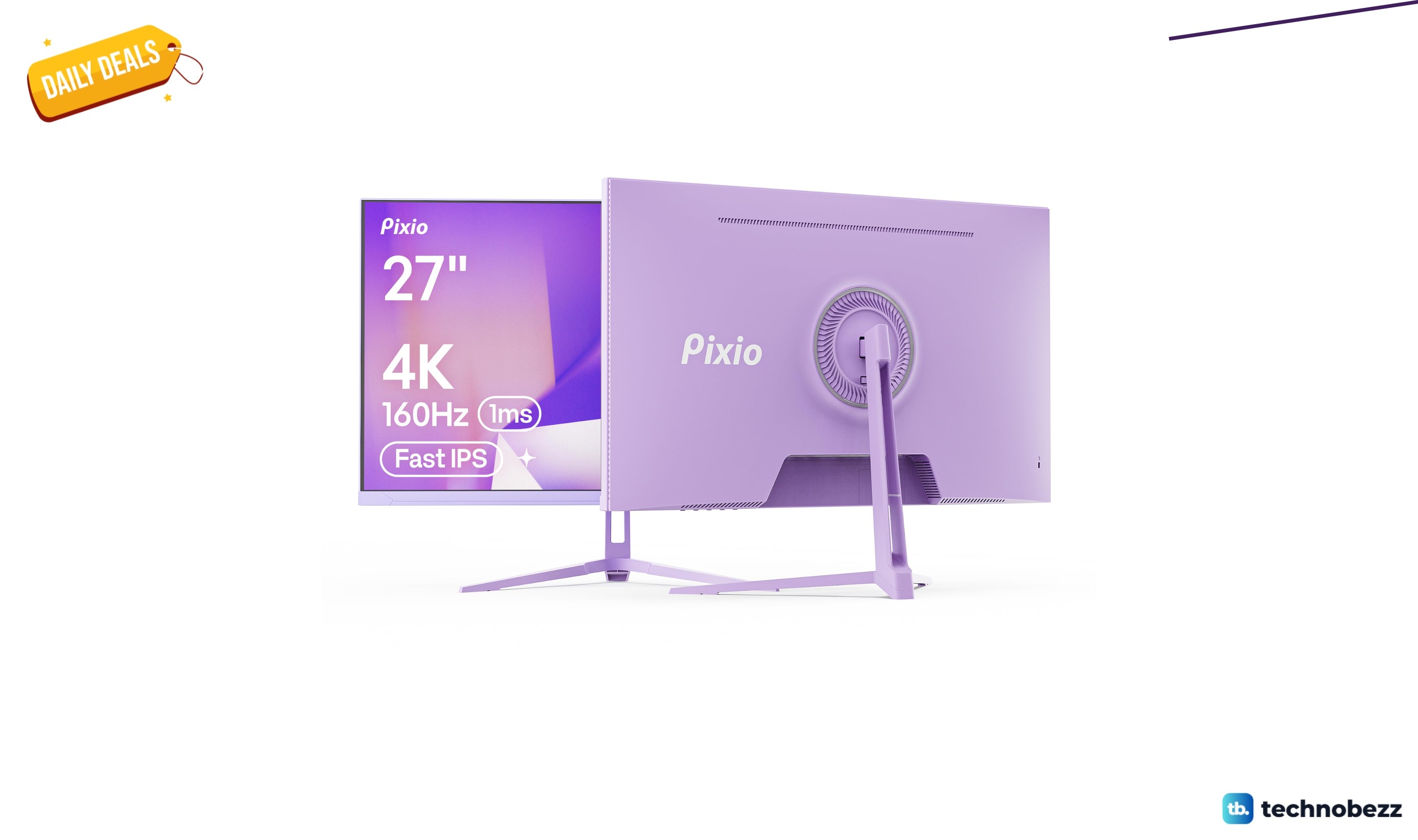
Pixio PX27U Wave Purple Refresh Rate 4K marked down to $299.99
5 min read
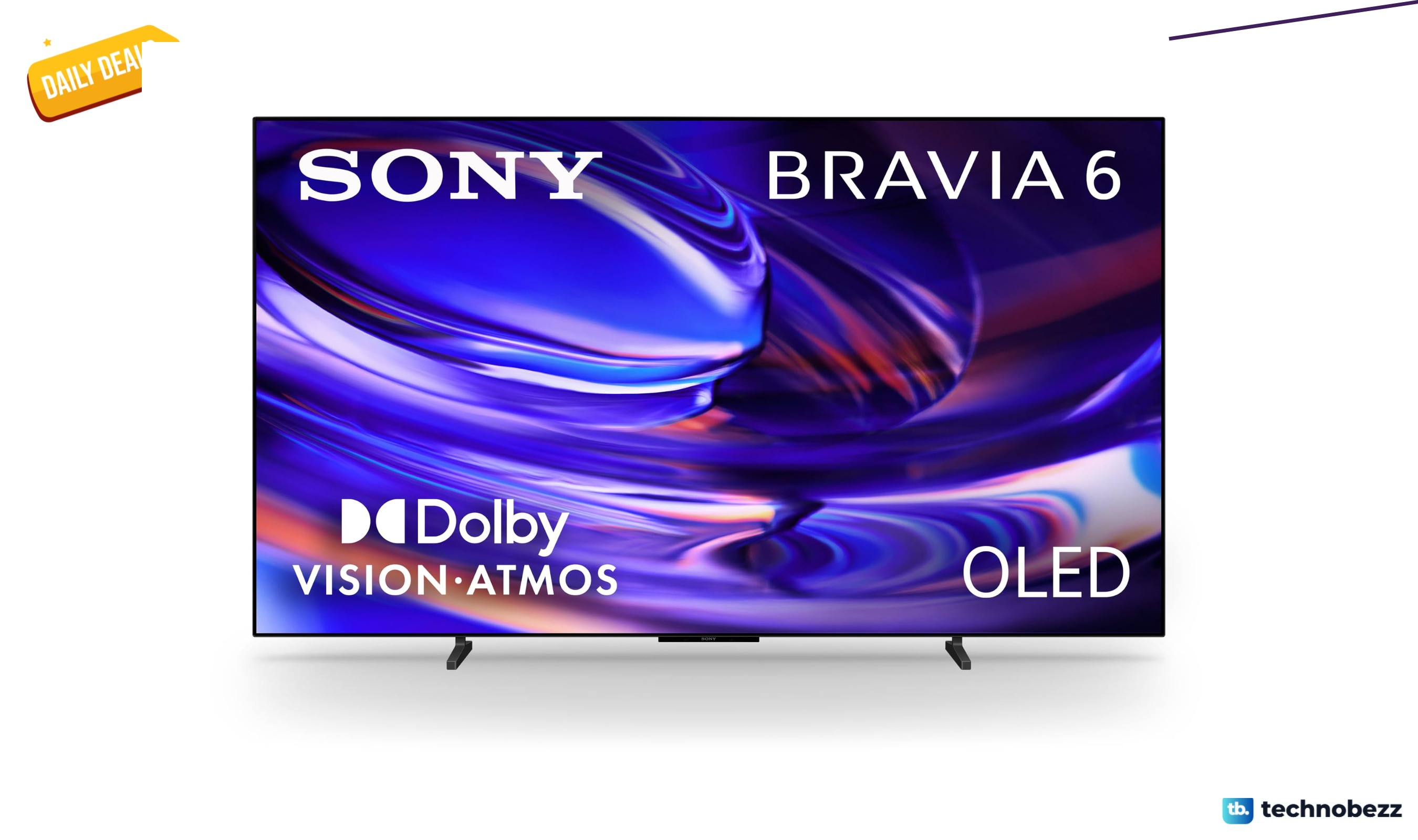
Sony 77-inch BRAVIA 6 OLED 4K HDR slips to $2198
5 min read
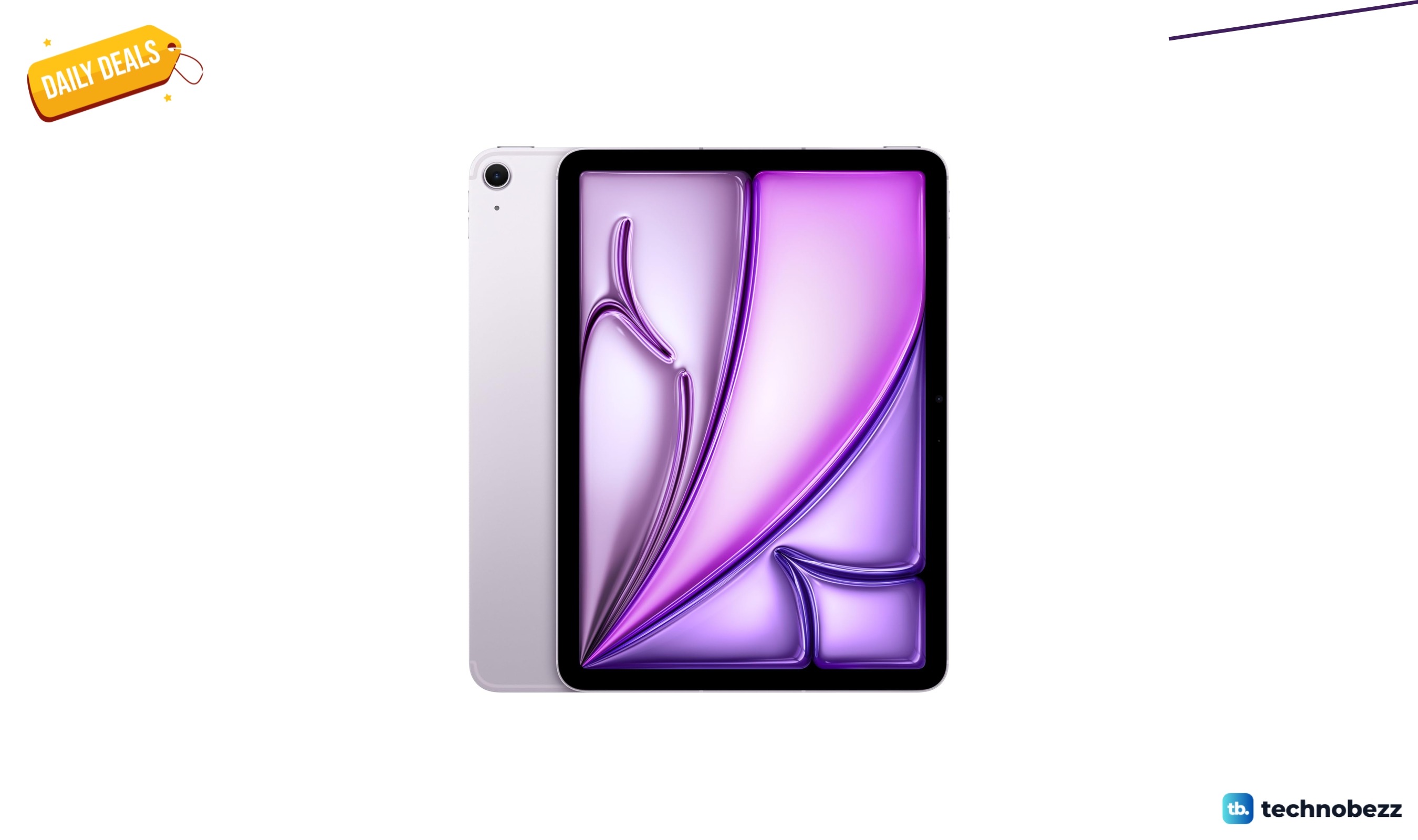
Apple iPad Air Liquid Retina Display dips to $799
4 min read
Philips H8000 Noise Cancelling Headphones are $49.99 at Woot
3 min read

Lenovo coupon codes and deals
5 min read