Buying a prebuilt gaming PC in 2026 starts with the graphics card, then comes memory, storage, cooling, and support. The CyberPowerPC Gamer Xtreme RTX 5060 Ti is the top pick because it pairs an RTX 5060 Ti with a generous 2TB PCIe 4.0 NVMe SSD.
Product
Technobezz is supported by its audience. We may get a commission from retail offers.
Best Prebuilt Gaming PCs 2026
CyberPowerPC Gamer Xtreme RTX 5060 Ti is the top pick for 2026 with a current GPU and generous 2TB SSD.
T
Technobezz
Senior Editor
Updated July 13, 2026Jul 13, 2026
•16 min read

Get Deals Like These in Your Inbox
The best prices, reviewed weekly.
RTX 5060 Ti fits 1080p and moderate 1440p gaming, RTX 5070 is the mainstream 1440p target, and RTX 5080 gives stronger 4K headroom. A 32GB DDR5 and 2TB SSD configuration is easier to live with, but a balanced 16GB system still works for budget-focused buyers.
The picks below cover value, upgrade room, OEM support, premium RTX 5080 performance, full-tower design, and showcase glass styling so each desktop has a clear buyer.
At a Glance
| Category | Product | Why We Picked It |
|---|---|---|
| Best overall | CyberPowerPC Gamer Xtreme RTX 5060 Ti | Current RTX 5060 Ti build with a 2TB SSD and practical extras |
| Best value | iBUYPOWER Element RTX 5070 | Competitively positioned RTX 5070 tower with Ryzen 9 and 32GB DDR5 |
| Best for easy upgrades | MSI Codex Z2 RTX 5070 | Mainstream RTX 5070 tower with 32GB RAM and upgrade-friendly hardware |
| Best for big-brand support | Alienware Aurora ACT1250 RTX 5070 | Cleaner OEM RTX 5070 tower with Dell and Alienware support appeal |
| Best full-tower design | ASUS ROG G700 RTX 5070 | Roomy 58L RTX 5070 tower with a premium branded chassis |
| Best premium RTX 5080 | Corsair Vengeance i7500 RTX 5080 | Premium RTX 5080 system with recognizable Corsair cooling and case hardware |
| Best high-end OEM tower | Lenovo Legion Tower 7i Gen 10 RTX 5080 | Major-brand RTX 5080 tower with Core Ultra 9 performance |
| Best showcase glass build | Thermaltake LCGS View i570-170 RTX 5070 | Glass-forward RTX 5070 desktop with liquid cooling and fast DDR5 |
How we chose and tested
Great prebuilt gaming PCs start with the GPU, then earn their place with enough DDR5 memory, practical NVMe storage, clear cooling hardware, modern connectivity, and support that fits the class. For 2026, the strongest picks use current RTX graphics, identify the exact configuration, avoid mismatched CPU and GPU pairings, and give buyers a clear reason to choose one tower over another. I favored 32GB RAM and 2TB SSDs where possible, while keeping one lower-tier build for buyers who need a tighter entry point.
The best prebuilt gaming pcs right now
CyberPowerPC Gamer Xtreme RTX 5060 Ti - Best overall
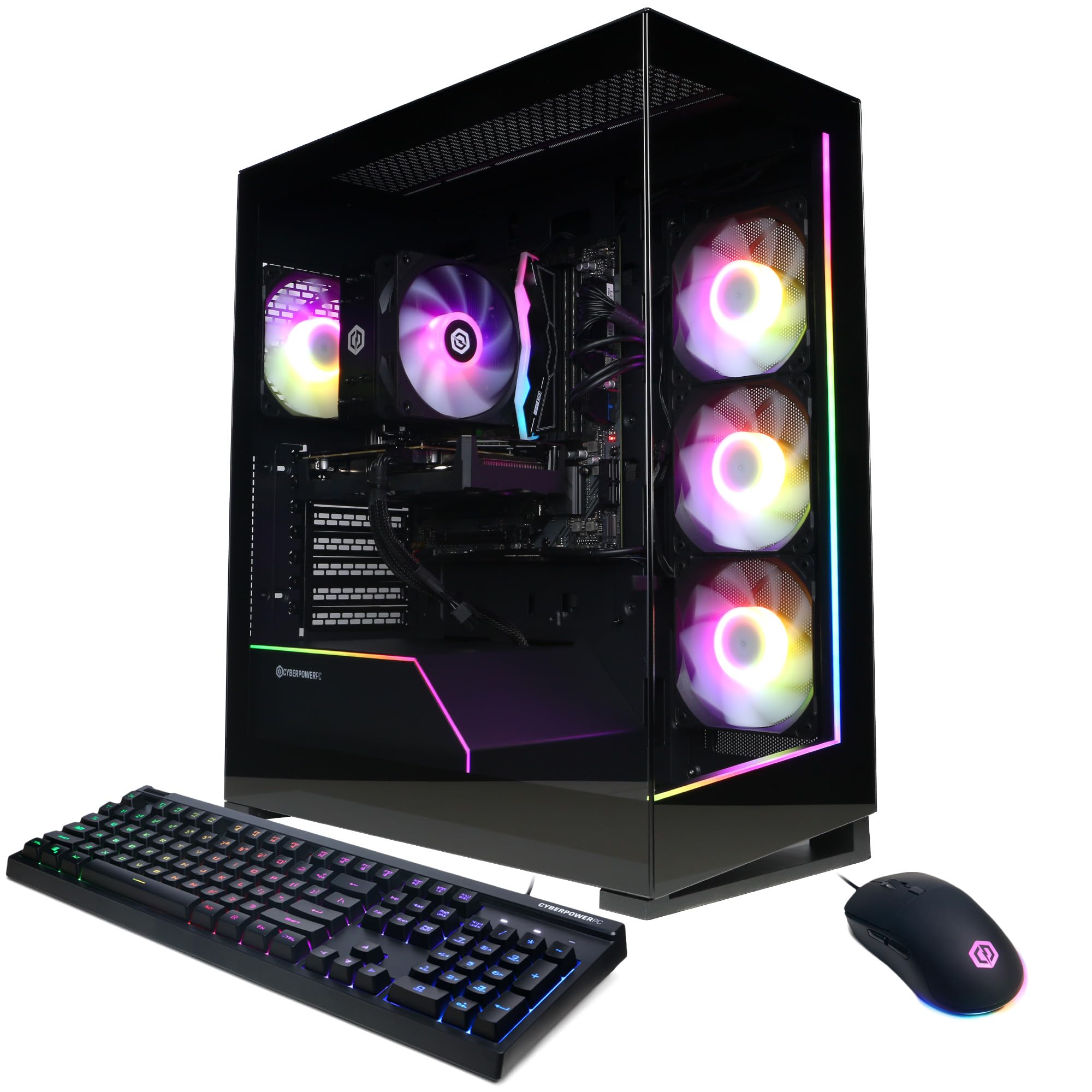
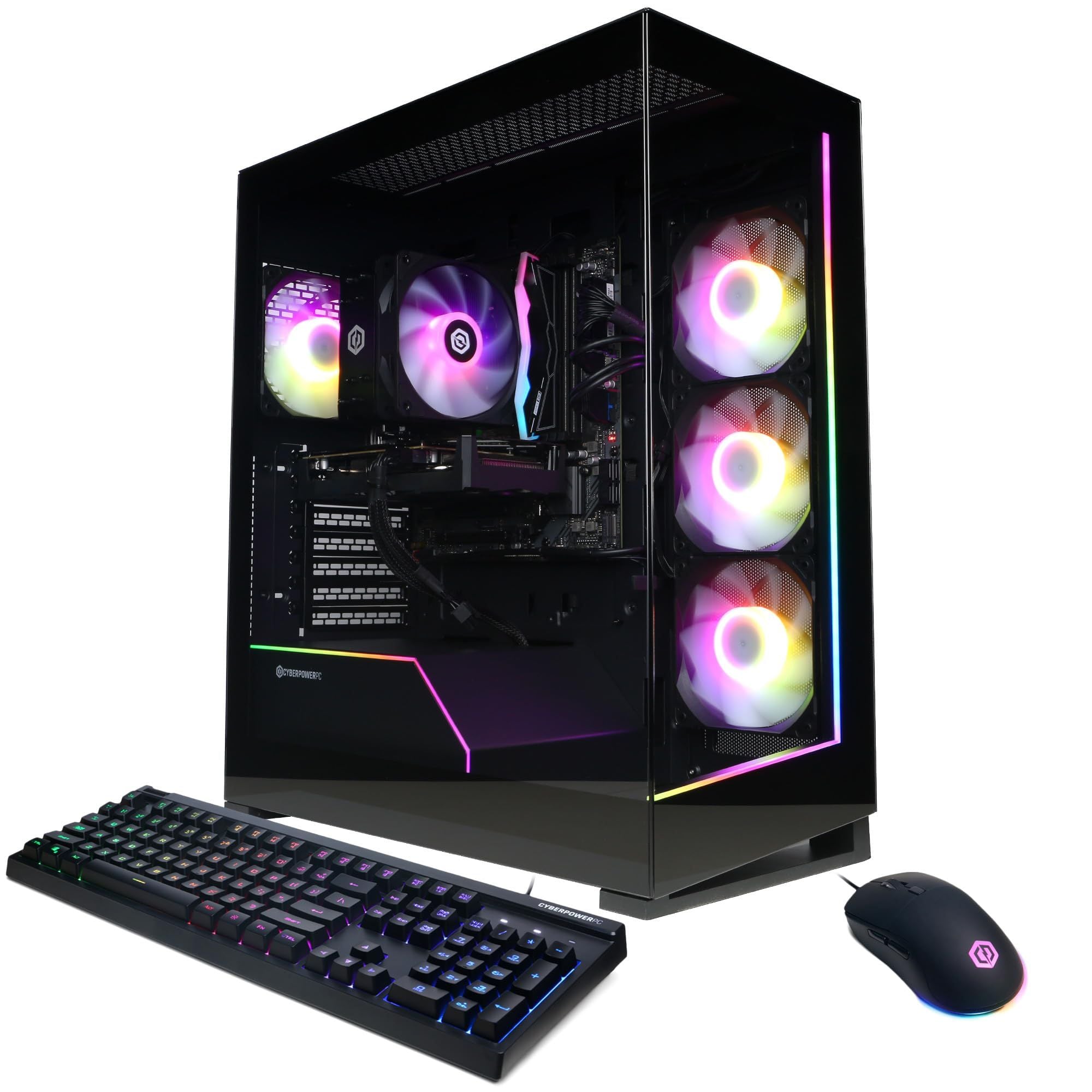
The CyberPowerPC Gamer Xtreme RTX 5060 Ti earns the top slot by keeping the core build balanced. It combines an Intel Core Ultra 5 225F with 10 cores, an NVIDIA GeForce RTX 5060 Ti 8GB GPU, 16GB DDR5, and a 2TB PCIe 4.0 NVMe SSD.
Storage is the standout advantage here. A 2TB SSD gives modern game libraries more breathing room, and the system also includes USB-C 3.2, Wi-Fi 6, Bluetooth 5.3, LAN, a keyboard, a mouse, and a one-year parts-and-labor warranty.
The limits are clear. The 8GB VRAM ceiling can matter with high textures in newer AAA games, 16GB RAM is less future-proof than 32GB, and this is not a serious 4K gaming PC.
Key highlights
- Intel Core Ultra 5 225F, 10 cores, 3.3GHz
- NVIDIA GeForce RTX 5060 Ti 8GB
- 16GB DDR5 memory
- 2TB PCIe 4.0 NVMe SSD
- USB-C 3.2, Wi-Fi 6, Bluetooth 5.3, LAN
- Keyboard, mouse, and one-year parts-and-labor warranty
Pros
- One of the cleaner current-generation budget configurations found on Amazon
- 2TB SSD is generous at this tier
- RTX 5060 Ti gives 2026 buyers a solid current-generation starting point
- Includes keyboard, mouse, and a one-year parts-and-labor warranty
Cons
- 8GB VRAM is limiting for some newer AAA games at high textures
- 16GB RAM is usable but less future-proof than 32GB
- Not a serious 4K gaming PC
Who it's for
This is for 1080p and moderate 1440p gaming on a tight budget.
Skip if
This is not for buyers who want ultra textures in new AAA games or plan to keep the PC unchanged for many years.
iBUYPOWER Element RTX 5070 - Best value
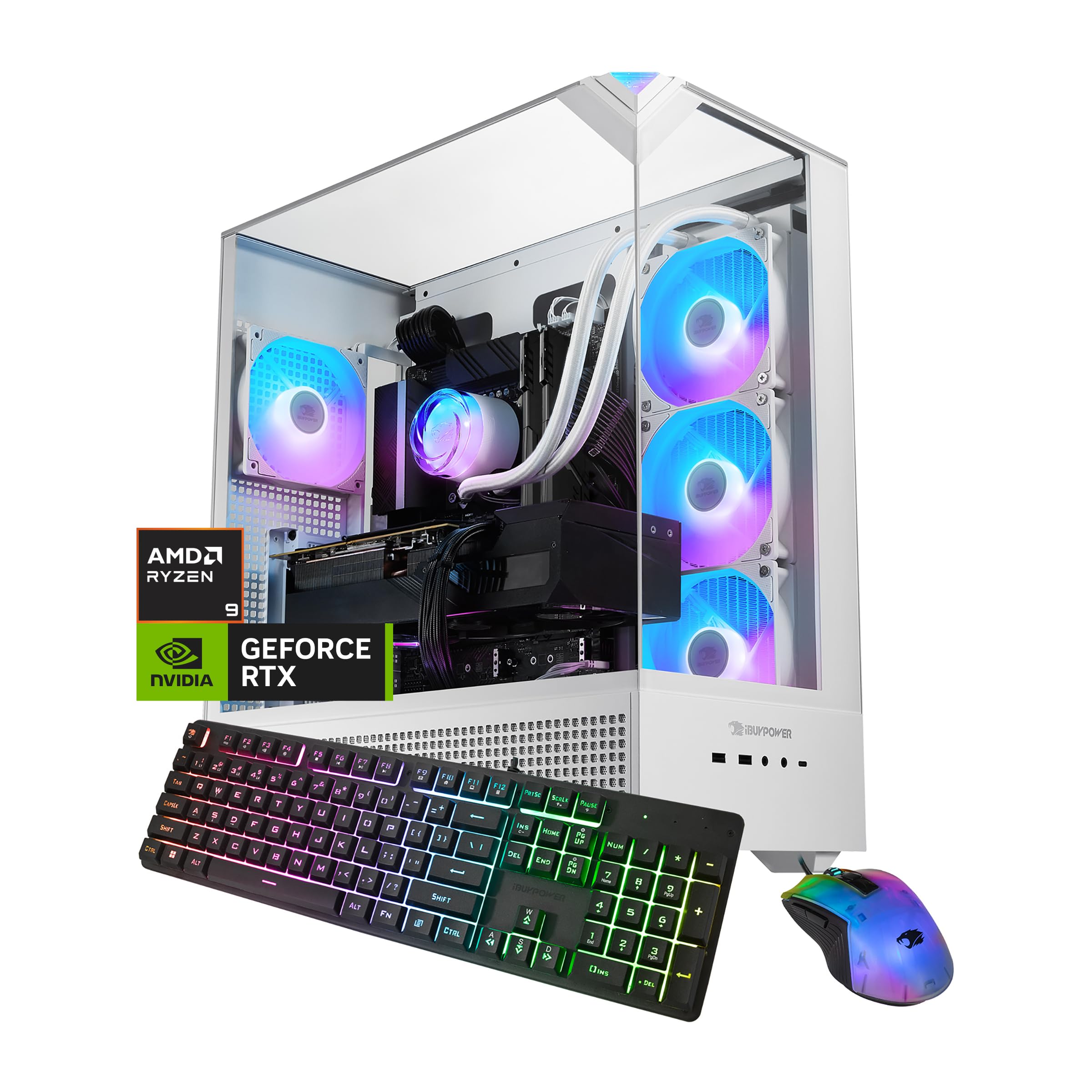
Value in this group comes from getting strong mainstream parts without moving into the premium RTX 5080 class. The iBUYPOWER Element RTX 5070 pairs an AMD Ryzen 9 7900X with an NVIDIA GeForce RTX 5070 12GB and 32GB DDR5 RGB 5200MHz memory in a 2 x 16GB layout.
That CPU gives the tower strong multitasking and creator performance for its class, while the RTX 5070 and 32GB DDR5 make a good 1440p baseline. Connectivity and extras include 802.11ac Wi-Fi, RJ-45 Ethernet, six USB 3.1 ports, a keyboard, and a mouse.
The 1TB NVMe SSD is the main compromise because it can fill quickly with modern games. Wi-Fi is also listed as 802.11ac, and the Ryzen 9 7900X is not the most gaming-efficient CPU choice.
Key highlights
- AMD Ryzen 9 7900X CPU
- NVIDIA GeForce RTX 5070 12GB GPU
- 32GB DDR5 RGB 5200MHz, 2 x 16GB
- 1TB NVMe SSD
- 802.11ac Wi-Fi and RJ-45 Ethernet
- Six USB 3.1 ports, keyboard, and mouse
Pros
- Ryzen 9 7900X gives strong multitasking and creator performance for the class
- RTX 5070 and 32GB DDR5 are a good 1440p baseline
- Often competitively priced on Amazon compared with big OEMs
- No-bloatware claim is useful for buyers who dislike heavy OEM software
Cons
- 1TB SSD fills quickly with modern games
- Wi-Fi is listed as 802.11ac, not Wi-Fi 6, Wi-Fi 6E, or Wi-Fi 7
- Ryzen 9 7900X is not the most gaming-efficient CPU choice
Who it's for
This is for buyers who want a strong everyday gaming and productivity tower around the RTX 5070 tier.
Skip if
Look elsewhere if wireless performance and included storage matter more than CPU horsepower.
MSI Codex Z2 RTX 5070 - Best for easy upgrades
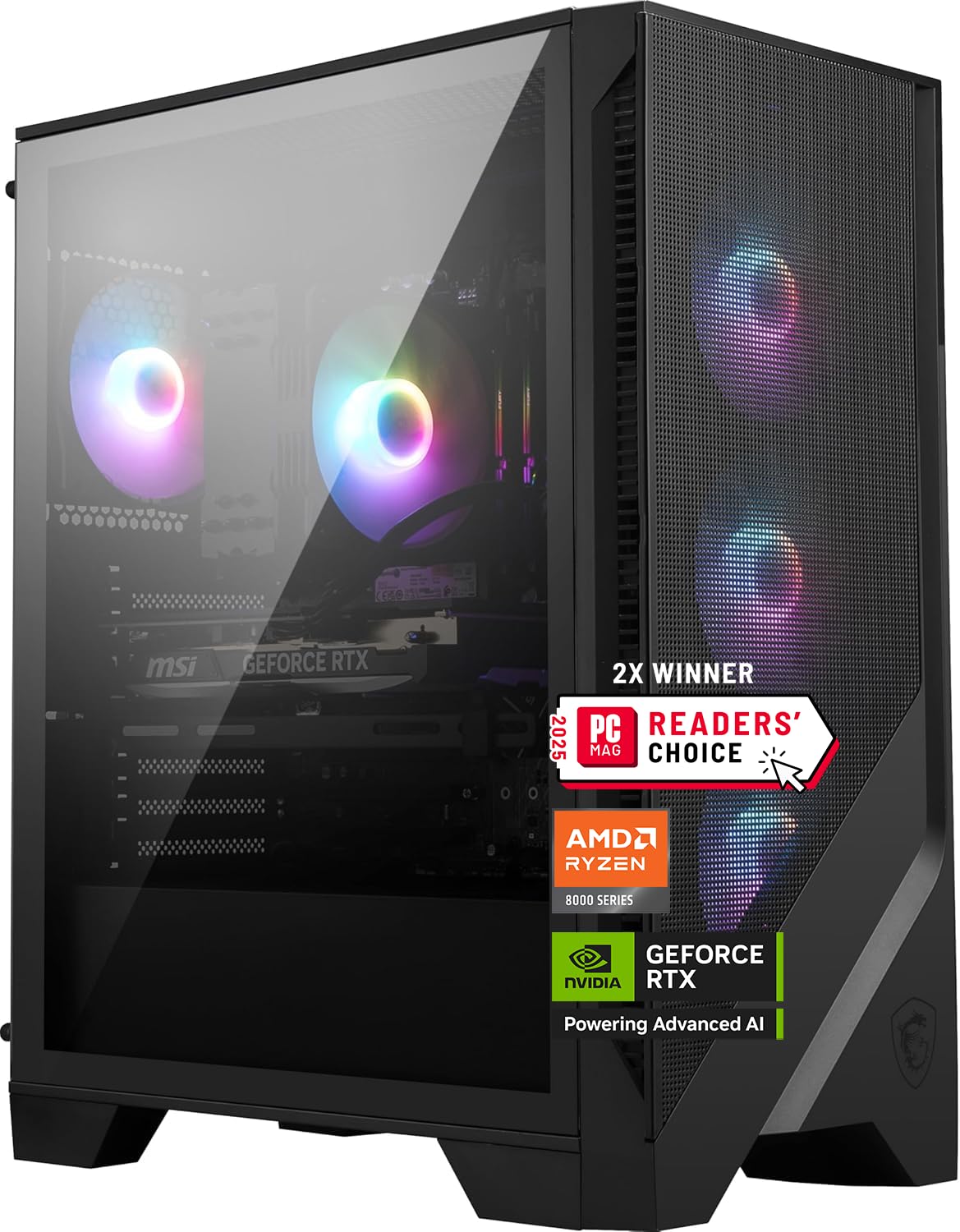
For upgrades and maintenance, the MSI Codex Z2 RTX 5070 is the most sensible fit here. It uses an AMD Ryzen 7 8700F, NVIDIA GeForce RTX 5070, 32GB DDR5, and a 2TB M.2 NVMe SSD.
The AMD B650 chipset, USB Type-C, and Windows 11 Home give it a practical current platform, while the standard desktop-style layout is friendlier to upgrades than many OEM towers. The 2TB SSD also gives it a stronger storage setup than many midrange systems.
Its Ryzen 7 8700F is not the strongest gaming-focused CPU option, and the air cooling setup is less premium than liquid-cooled rivals. Pricing can also swing heavily between Amazon sellers.
Key highlights
- AMD Ryzen 7 8700F CPU
- NVIDIA GeForce RTX 5070 GPU
- 32GB DDR5 memory
- 2TB M.2 NVMe SSD
- AMD B650 chipset
- USB Type-C and Windows 11 Home
Pros
- RTX 5070, 32GB RAM, and 2TB SSD make a strong mainstream 1440p package
- MSI's spec sheet identifies the exact configuration
- Standard desktop-style layout is friendlier to upgrades than many OEM towers
- Good storage capacity for a midrange system
Cons
- Ryzen 7 8700F is not the strongest gaming-focused CPU option
- Air cooling is less premium than liquid-cooled rivals
- Pricing can swing heavily between Amazon sellers
Who it's for
This is for buyers who want a mainstream RTX 5070 tower with 32GB RAM and room to maintain or upgrade it later.
Skip if
This is not the right fit if maximum gaming performance from the CPU is the priority.
Alienware Aurora ACT1250 RTX 5070 - Best for big-brand support
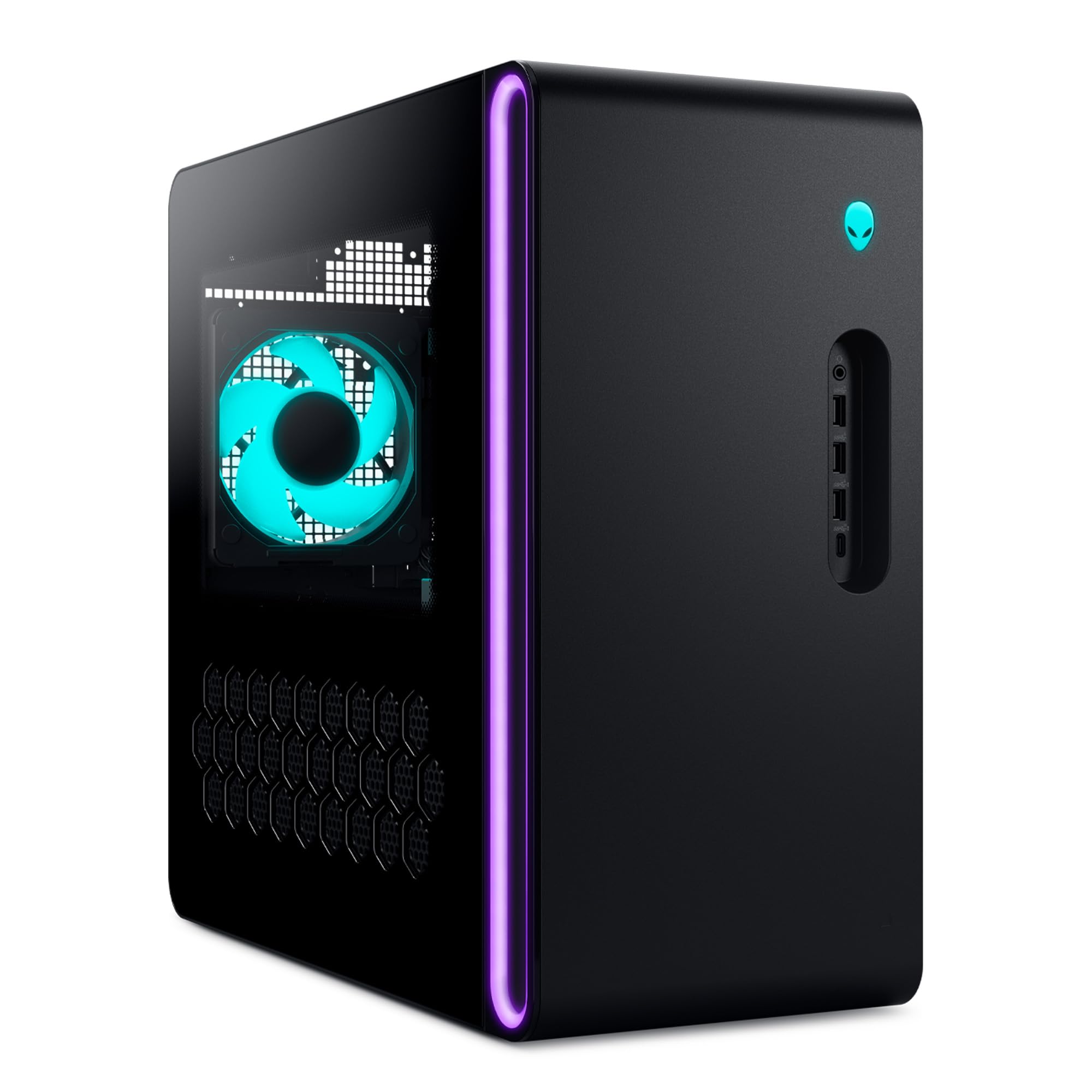
Alienware's Aurora ACT1250 RTX 5070 puts support and warranty handling ahead of raw component value. It combines an Intel Core Ultra 7 265KF with 20 cores, an NVIDIA GeForce RTX 5070 12GB GDDR7 GPU, 32GB dual-channel DDR5-5200, and a 2TB NVMe M.2 PCIe SSD.
The 1000W Platinum-rated PSU is generous for this GPU class, and the 240mm liquid-cooled CPU setup gives the tower a premium hardware profile. A clear side panel keeps the design in gaming territory without going as heavy on RGB as many prebuilts.
This is not the obvious choice for motherboard, case, or cooling swaps later. Alienware systems can be less flexible to modify than standard boutique towers, and the brand premium can reduce raw spec value.
Key highlights
- Intel Core Ultra 7 265KF, 20 cores, up to 5.5GHz
- NVIDIA GeForce RTX 5070 12GB GDDR7
- 32GB dual-channel DDR5-5200 memory
- 2TB NVMe M.2 PCIe SSD
- 1000W Platinum-rated PSU
- 240mm liquid-cooled CPU and clear side panel
Pros
- Strong CPU, RTX 5070 GPU, 32GB RAM, and 2TB SSD in a mainstream OEM package
- Dell and Alienware support ecosystem is easier for many non-DIY buyers
- 1000W Platinum PSU is generous for this GPU class
- More restrained look than many RGB-heavy prebuilts
Cons
- Alienware systems can be less flexible to modify than standard boutique towers
- RTX 5070 is not the strongest GPU at this tier
- Brand premium may reduce raw spec value
Who it's for
This is for buyers who value warranty handling, support, and a cleaner OEM tower over maximum component value.
Skip if
This is not for buyers who plan to swap motherboards, cases, or cooling parts later.
ASUS ROG G700 RTX 5070 - Best full-tower design
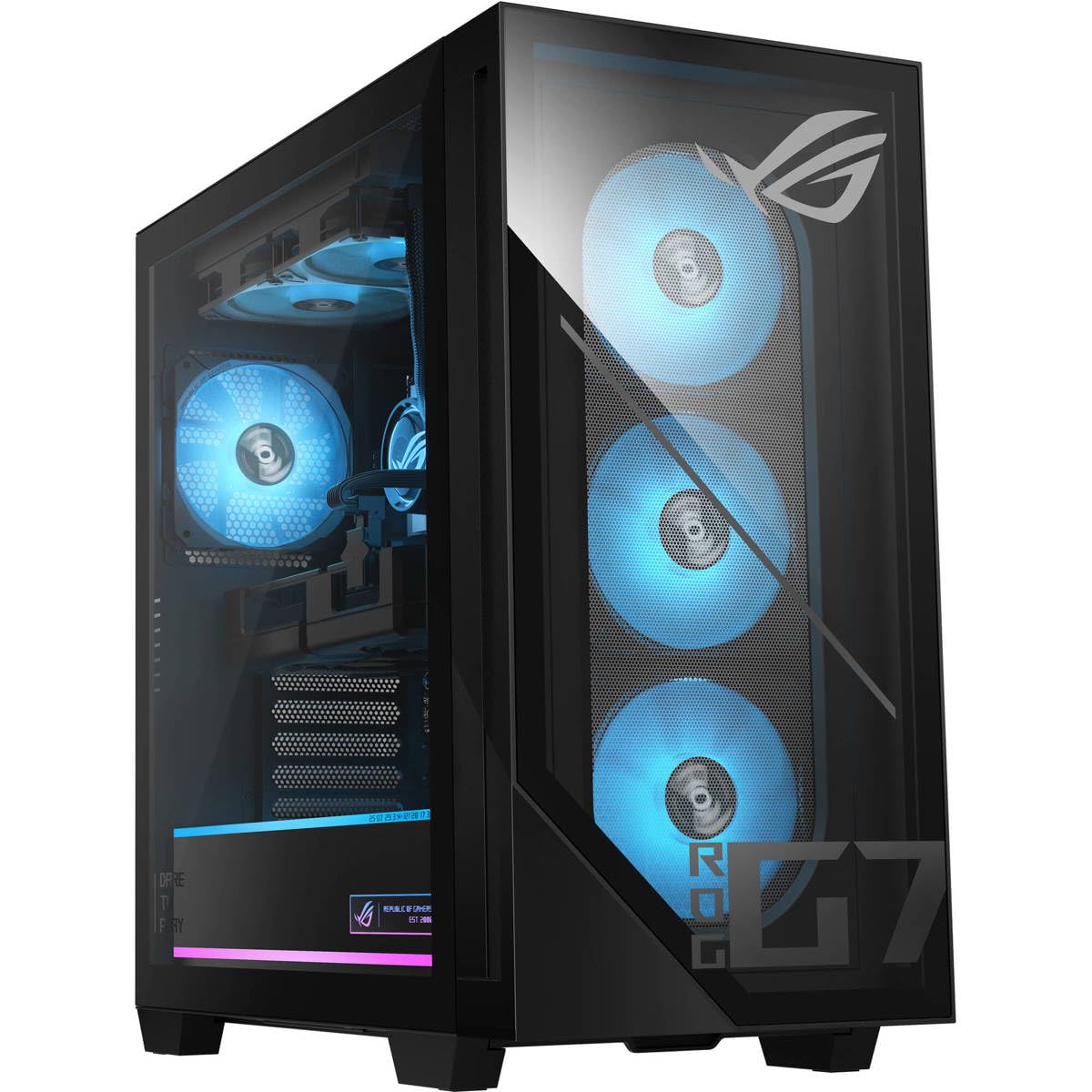
The ASUS ROG G700 RTX 5070 is the roomy tower in this lineup. Its 58L dual-glass chassis supports triple-slot GPUs, which makes it a better fit for shoppers who want space around the hardware.
Inside, the configuration uses an Intel Core Ultra 7 265F, NVIDIA GeForce RTX 5070, 32GB DDR5, and a 1TB M.2 NVMe PCIe 4.0 SSD. Windows 11 Pro is part of the ASUS Store configuration, adding to its polished branded setup.
Storage is the drawback. A 1TB SSD is thin for a gaming library at this level, the Core Ultra 7 265F is not an enthusiast gaming CPU, and the large 58L case is more tower than some desks need.
Key highlights
- Intel Core Ultra 7 265F CPU
- NVIDIA GeForce RTX 5070 GPU
- 32GB DDR5 memory
- 1TB M.2 NVMe PCIe 4.0 SSD
- 58L dual-glass chassis
- Supports triple-slot GPUs
Pros
- Big, accessible tower with room for large GPUs
- Clean current-generation ASUS ROG configuration with RTX 5070 and 32GB RAM
- Windows 11 Pro on the ASUS Store configuration
- Good choice for shoppers who want a premium branded chassis
Cons
- 1TB SSD is thin for a gaming library at this price level
- Core Ultra 7 265F is fine but not an enthusiast gaming CPU
- Large 58L case is overkill for some desks
Who it's for
This is for buyers who want a branded, roomy full tower that should be easier to live with than cramped OEM desktops.
Skip if
Choose another desktop if storage capacity or raw GPU strength matters most.
Corsair Vengeance i7500 RTX 5080 - Best premium RTX 5080
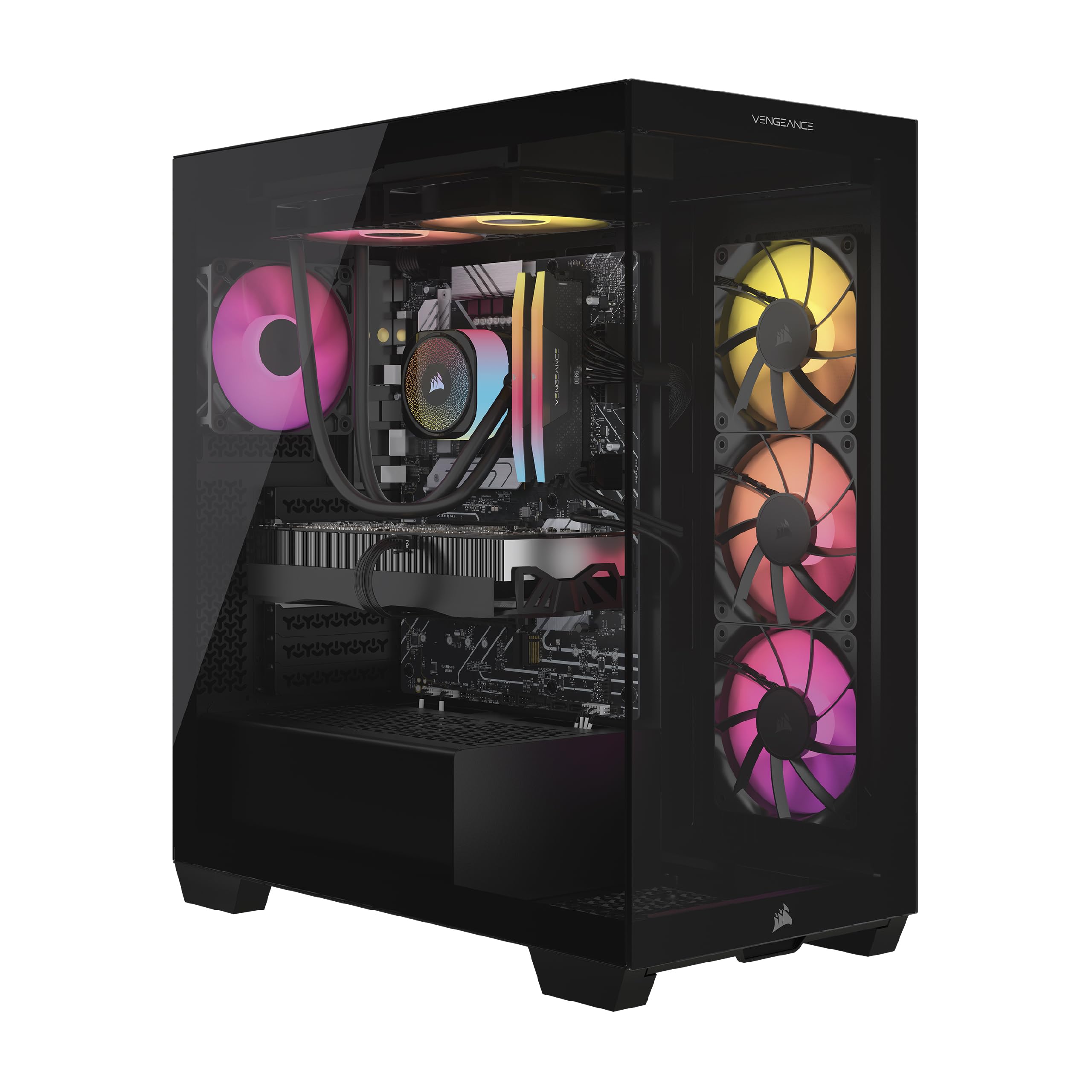
Corsair moves this roundup into premium territory with the Vengeance i7500 RTX 5080. The core spec is high-end across the board, with an Intel Core i9-14900KF, NVIDIA GeForce RTX 5080, 32GB DDR5, and a 2TB M.2 SSD.
The surrounding hardware is a major part of the appeal. Corsair uses a 3500X ARGB case, Nautilus 240mm liquid CPU cooler, and six RS120 ARGB fans, plus a two-year warranty that beats the one-year baseline many prebuilts list.
The RTX 5080 gives strong 4K headroom and makes sense for gaming plus streaming or creator workloads. The tradeoff is a large glass case, a premium tied partly to Corsair component branding, and an older Intel platform than the Core Ultra towers here.
Key highlights
- Intel Core i9-14900KF CPU
- NVIDIA GeForce RTX 5080 GPU
- 32GB DDR5 memory
- 2TB M.2 SSD
- Corsair 3500X ARGB case
- Nautilus 240mm liquid CPU cooler and six RS120 ARGB fans
Pros
- RTX 5080 gives strong 4K headroom
- Corsair uses recognizable retail-style components and cooling hardware
- Two-year warranty is better than the one-year baseline many prebuilts list
- Good choice for gaming plus streaming or creator workloads
Cons
- Expensive, and some of the premium goes to Corsair component branding
- Core i9-14900KF is an older Intel platform than the Core Ultra towers here
- Large glass case is not subtle
Who it's for
This is for buyers who want a polished premium RTX 5080 tower from a component brand shoppers recognize.
Skip if
This is not ideal if the newest CPU platform matters more than the strongest GPU tier you can afford.
Lenovo Legion Tower 7i Gen 10 RTX 5080 - Best high-end OEM tower
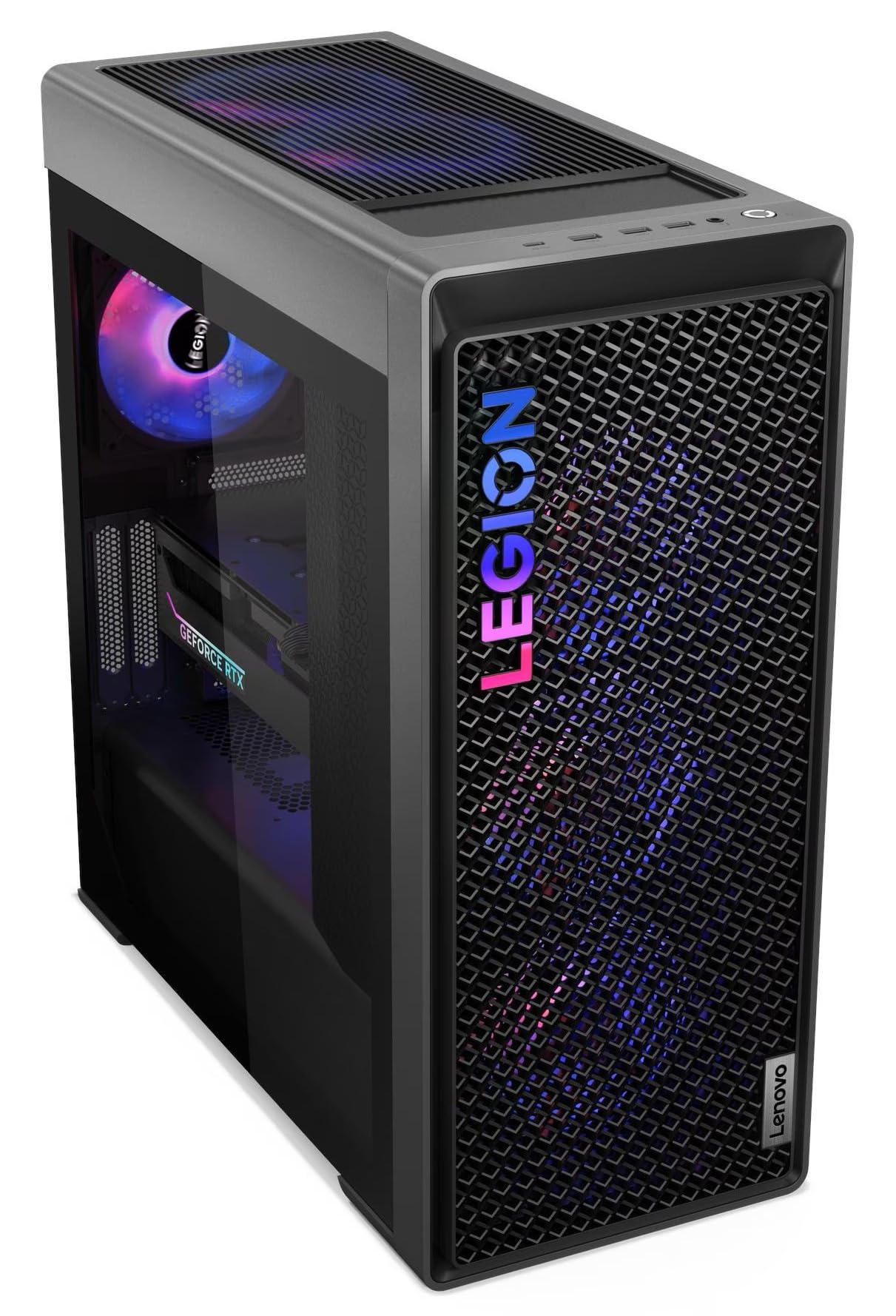
Lenovo's Legion Tower 7i Gen 10 RTX 5080 is the major-OEM route to high-end graphics performance. The combination of an Intel Core Ultra 9 285K and NVIDIA GeForce RTX 5080 16GB GDDR7 gives it a serious 4K-ready foundation.
The rest of the configuration is practical for a high-end desktop, with 32GB DDR5, 2TB total SSD capacity listed as 2 x 1TB, Wi-Fi 6E, and a 3-year warranty on the Amazon configuration. The Legion tower line is also less exotic than boutique showcase builds.
Availability can depend on seller configuration, and the high price puts it close to boutique RTX 5080 options. Wi-Fi 6E is good, but it is not Wi-Fi 7.
Key highlights
- Intel Core Ultra 9 285K CPU
- NVIDIA GeForce RTX 5080 16GB GDDR7
- 32GB DDR5 memory
- 2TB SSD, listed as 2 x 1TB
- Wi-Fi 6E
- 3-year warranty on the Amazon configuration
Pros
- RTX 5080 plus Core Ultra 9 is a serious 4K-ready pairing
- Lenovo's Legion tower line is less exotic than boutique showcase builds
- 2TB total SSD capacity is practical for large game installs
- Amazon configuration includes a 3-year warranty
Cons
- Amazon availability may depend on seller configuration
- High price puts it close to boutique RTX 5080 options
- Wi-Fi 6E is good, but not Wi-Fi 7
Who it's for
This is for buyers who want RTX 5080 performance from a major PC maker rather than a boutique-style build.
Skip if
This is not ideal if you want the lowest-cost RTX 5080 tower or need fully standardized DIY parts.
Thermaltake LCGS View i570-170 RTX 5070 - Best showcase glass build
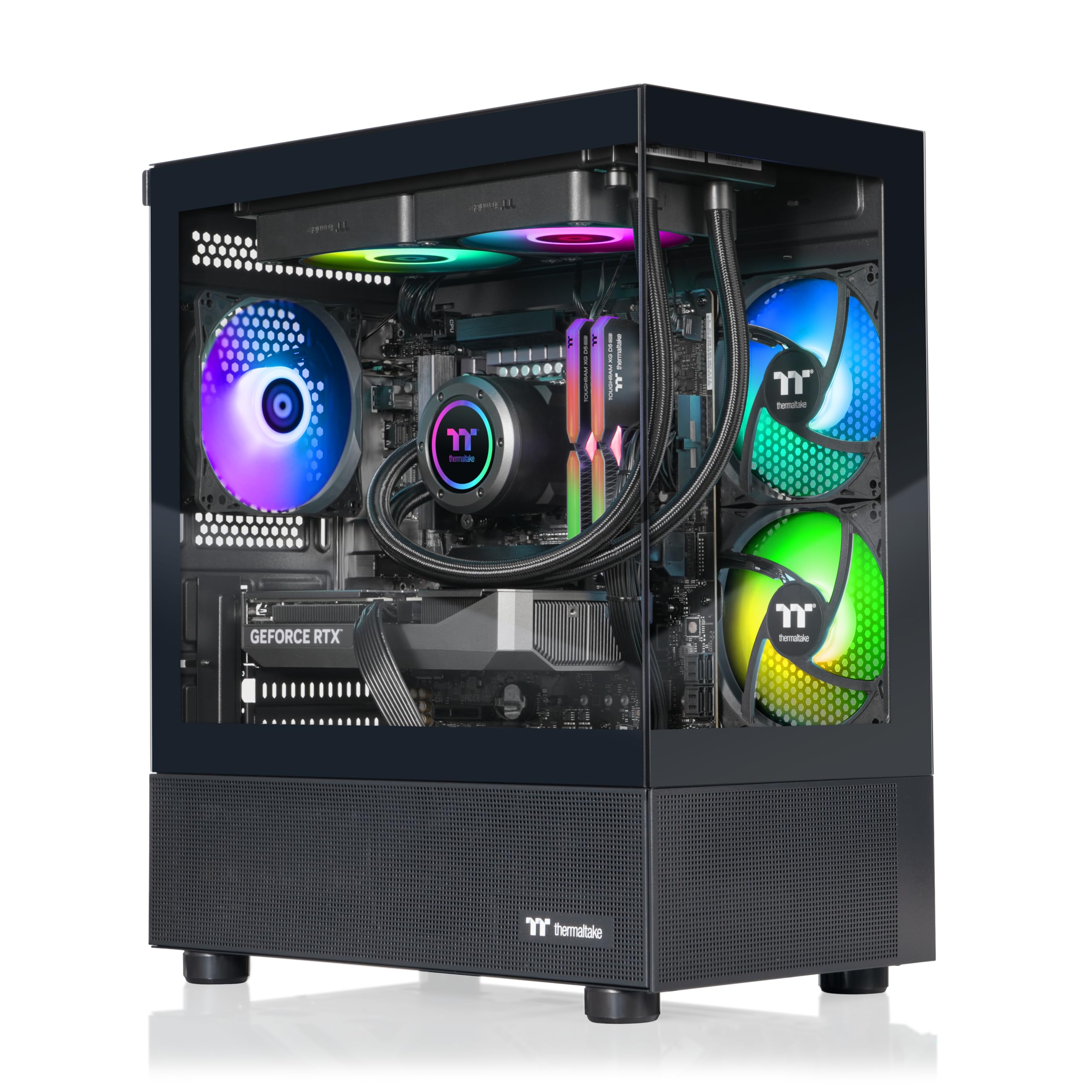
Presentation is the reason to look at the Thermaltake LCGS View i570-170 RTX 5070 first. Its dual-chamber glass-style build gives it the most showcase-focused design in this group.
The hardware also has substance, with an Intel Core i9-14900KF, NVIDIA GeForce RTX 5070, 32GB ToughRam DDR5-6000 RGB, a 1TB NVMe M.2 SSD, and closed-loop liquid cooling with a 240mm radiator. Windows 11 and WiFi are included in the configuration.
Capacity and platform age are the compromises. The 1TB SSD is limited for a modern gaming library, and the Intel platform is older than the newer Core Ultra towers here.
Key highlights
- Intel Core i9-14900KF CPU
- NVIDIA GeForce RTX 5070 GPU
- 32GB ToughRam DDR5-6000 RGB memory
- 1TB NVMe M.2 SSD
- Closed-loop liquid cooling
- 240mm radiator
Pros
- Attractive dual-chamber glass-style build for shoppers who care about presentation
- Fast DDR5-6000 memory and liquid CPU cooling
- Core i9-14900KF still has strong gaming and productivity performance
- Windows 11 and WiFi are included in the configuration
Cons
- Only 1TB SSD in this configuration
- Older Intel platform than the Core Ultra towers here
- Showcase glass cases can be larger and heavier than plain airflow cases
Who it's for
This is for buyers who want a visually polished RTX 5070 gaming PC with name-brand Thermaltake styling.
Skip if
Pick a different tower if newest CPU platform or storage capacity matters more than aesthetics.
How to Choose
- Start with the GPU tier. RTX 5060 Ti is best for 1080p and lighter 1440p gaming, RTX 5070 is the mainstream 1440p target, and RTX 5080 is the stronger choice for 4K headroom.
- Do not underbuy memory. In July 2026, 32GB DDR5 is the comfortable target for a new gaming desktop. A 16GB system can still be fine on a budget, but it should be easy to upgrade.
- Check SSD capacity before checkout. Modern games commonly exceed 100GB, so 2TB is much easier to live with than 1TB. A 1TB PC is acceptable when the case and motherboard make another M.2 or SATA drive easy to add.
- Match the CPU to the workload. Ryzen 9, Core i9, and Core Ultra 9 chips make the most sense when gaming is mixed with streaming, rendering, or heavy multitasking. A gaming-first buyer should still prioritize the GPU tier.
- Look past RGB and glass. A good prebuilt should clearly identify the PSU wattage, cooling type, RAM amount and speed, storage type, warranty, and connectivity. Vague hardware details make a listing harder to trust.
- Decide how much support matters. Large OEM towers can be easier for warranty handling, while standard desktop-style layouts are friendlier for future maintenance and upgrades.
What GPU should I target for 1440p gaming?
RTX 5070 is the mainstream 1440p target in this group. RTX 5060 Ti fits 1080p and lighter 1440p gaming, while RTX 5080 is the stronger move for 4K headroom.
Is 16GB RAM still enough for gaming in 2026?
Yes, 16GB is still usable for many games, but 32GB DDR5 is the better target for a new desktop because newer games, background apps, and creator workloads can push beyond 16GB.
Is a 1TB SSD enough for a prebuilt gaming PC?
A 1TB SSD works if you manage installs carefully or plan to add storage. A 2TB SSD is much easier to live with because modern games commonly exceed 100GB.
What should I check before buying a prebuilt gaming PC from Amazon?
Check the exact model code, CPU, GPU, RAM amount, SSD capacity, warranty, cooling type, seller, and connectivity. A clear configuration is safer than a vague listing with a familiar brand name.
Are big OEM towers better than boutique-style prebuilts?
Not always. Big OEM systems can be easier for warranty handling and support, while boutique-style or standard desktop layouts can be friendlier for future upgrades.
Share this article
More in News
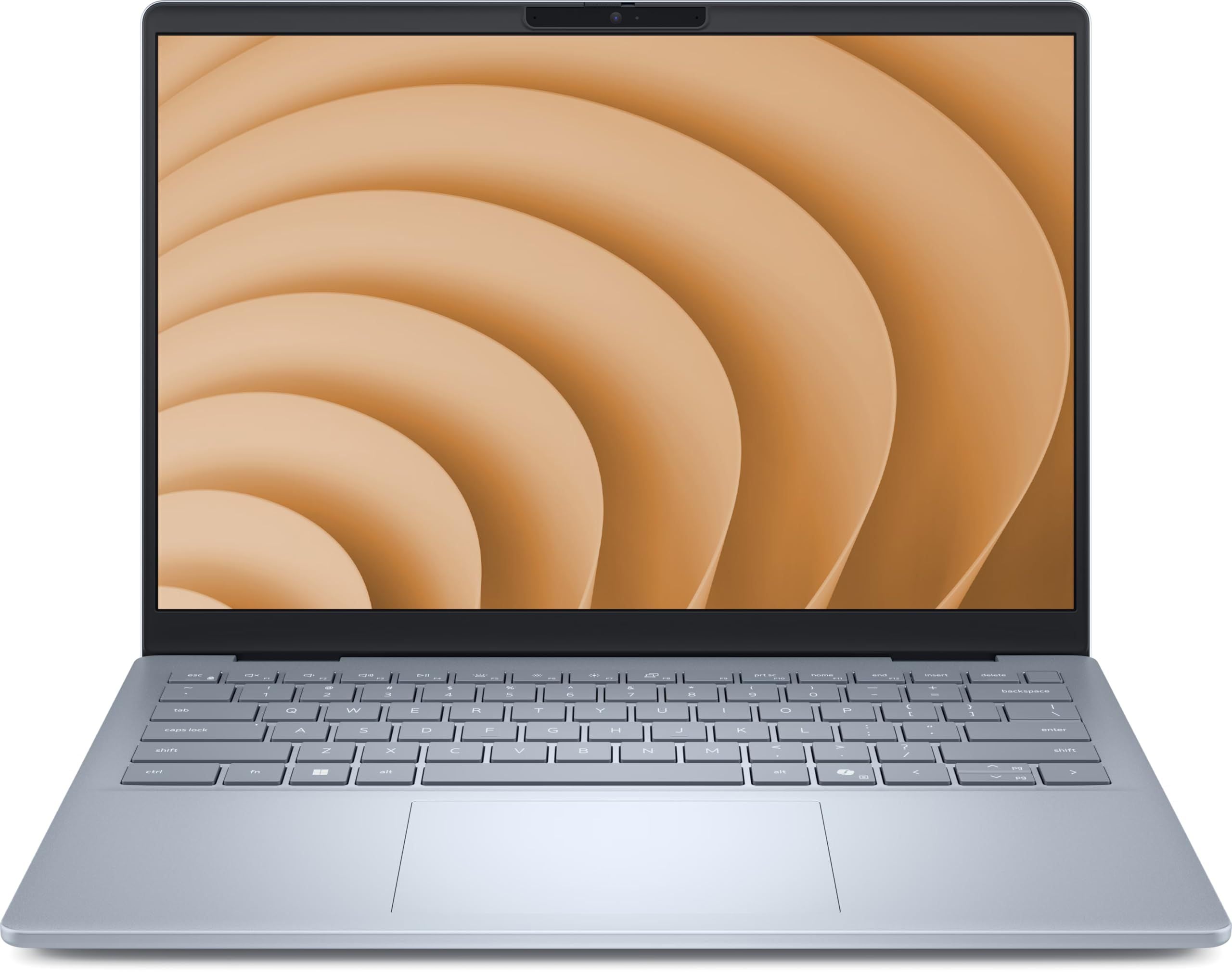
Best Dell Laptops in 2026
The Dell 14 Plus (DB14250) is our top Dell laptop for 2026, with strong productivity performance, a sharp 16:10 display and 1TB storage.
4 min read
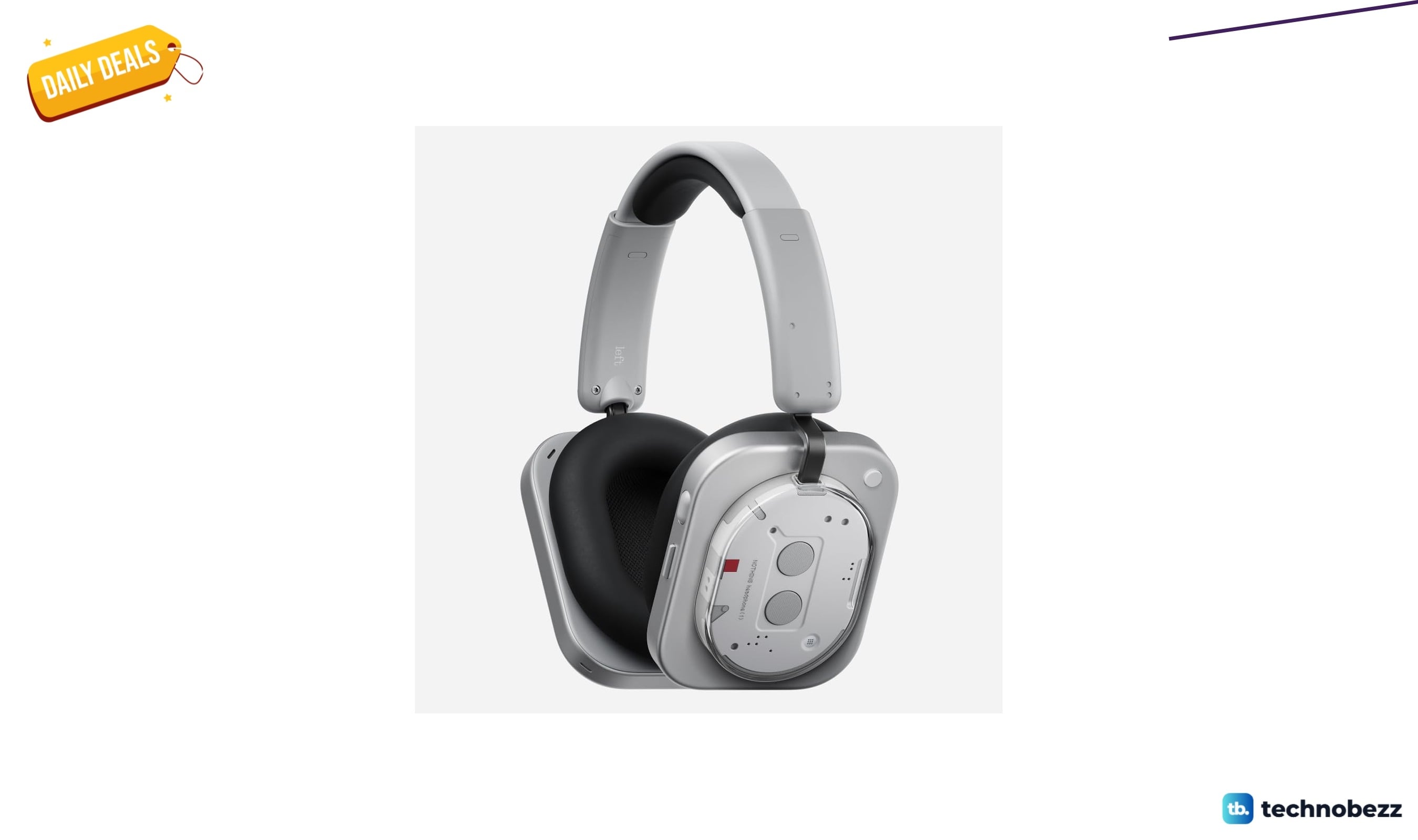
Nothing Headphone Hybrid Active Noise Cancelling Headphones drops to $239
Save $60 on Nothing's first over-ear headphones with hybrid ANC, KEF tuning, and 80-hour battery life, now $239 at Amazon.
5 min read
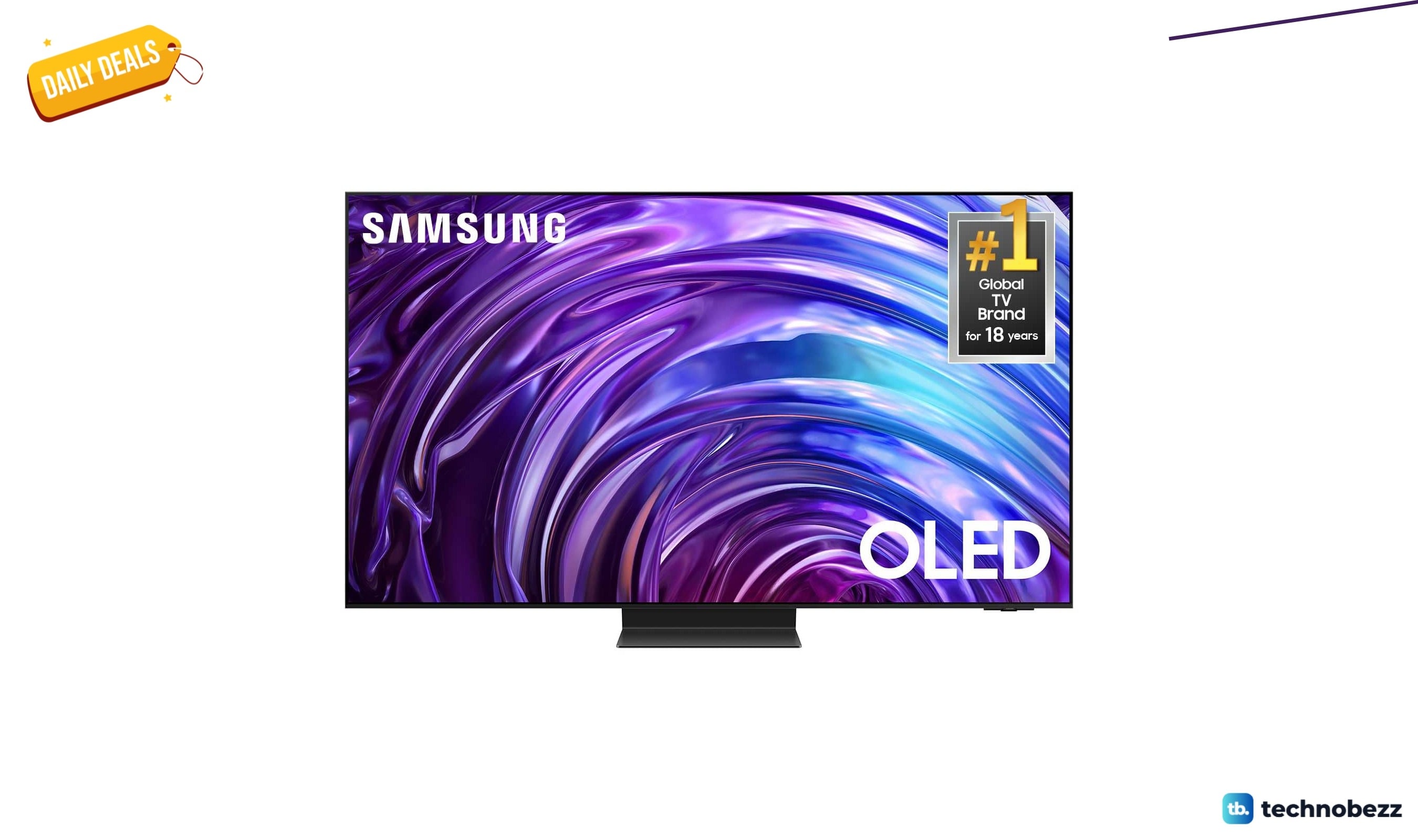
Samsung S95D OLED and Panasonic W70 headline 2 TV deals starting at $298
Save up to $943 on Samsung's flagship OLED S95D or grab a Panasonic 4K TV for just $298 in these verified deals.
4 min read
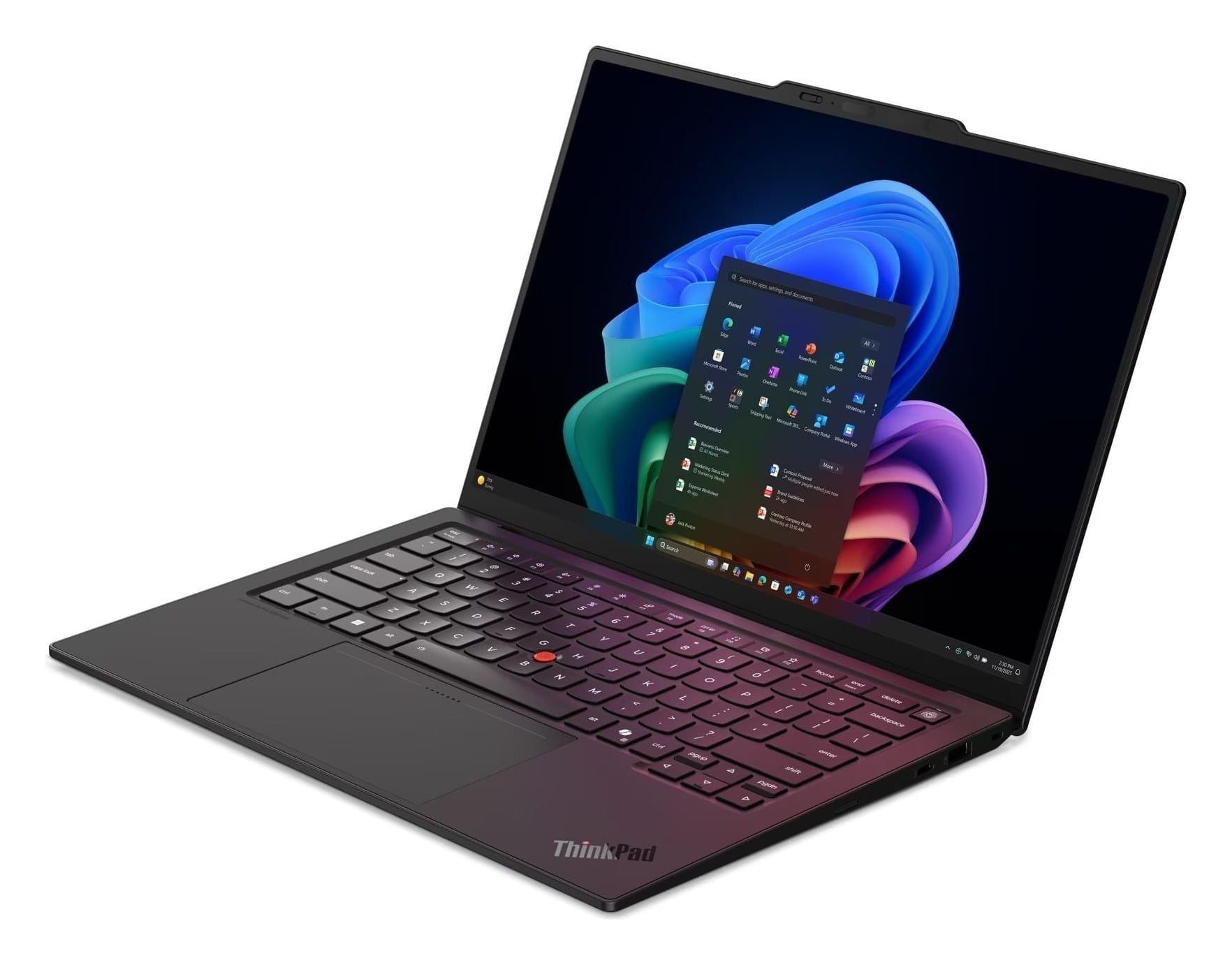
Best Lenovo ThinkPad Laptops in 2026
The Lenovo ThinkPad X1 Carbon Gen 14 is our top ThinkPad for 2026, with standout options for value, travel, repairability and professional graphics.
5 min read
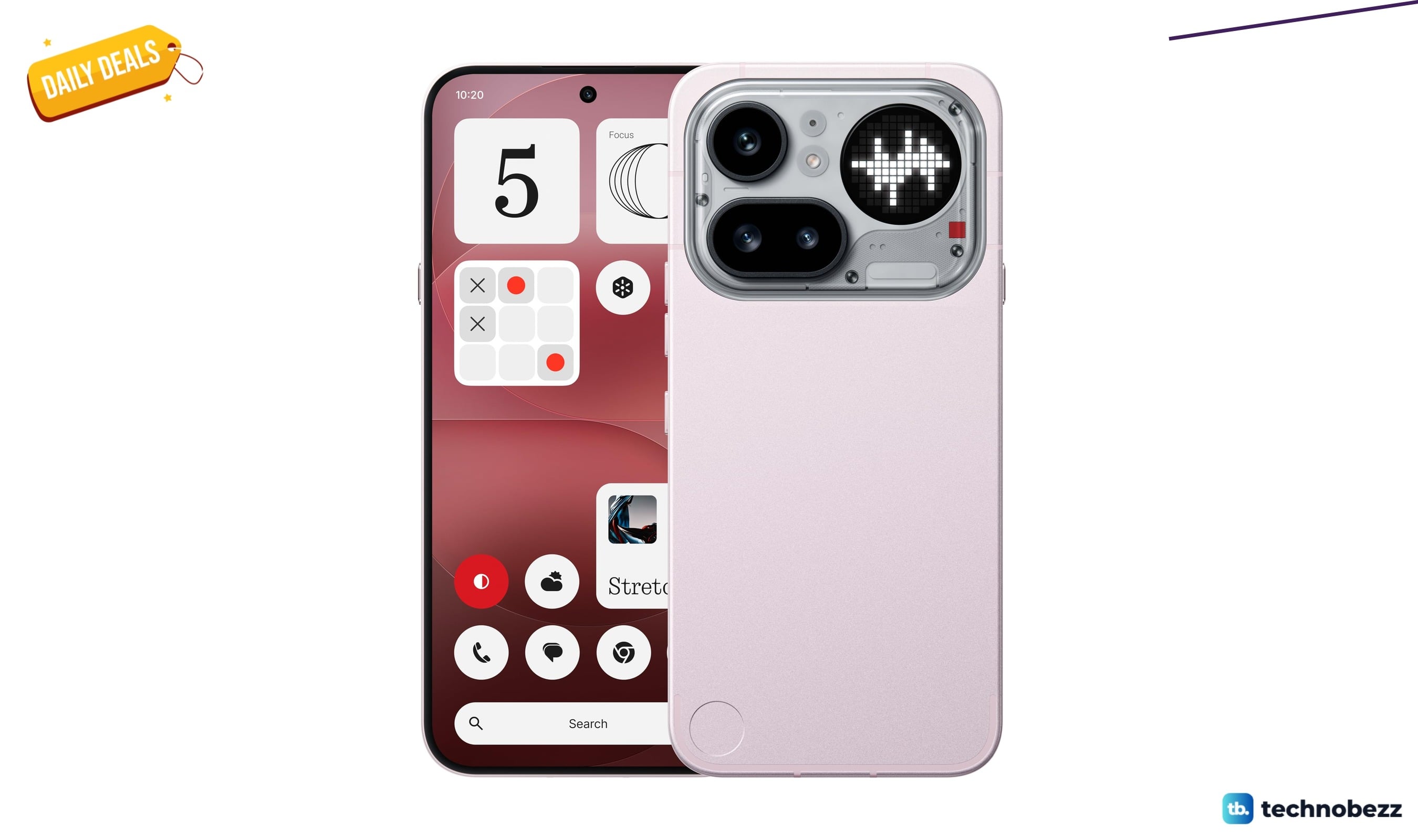
Nothing Phone Pro 2026 falls to $539 on Amazon
4 min read
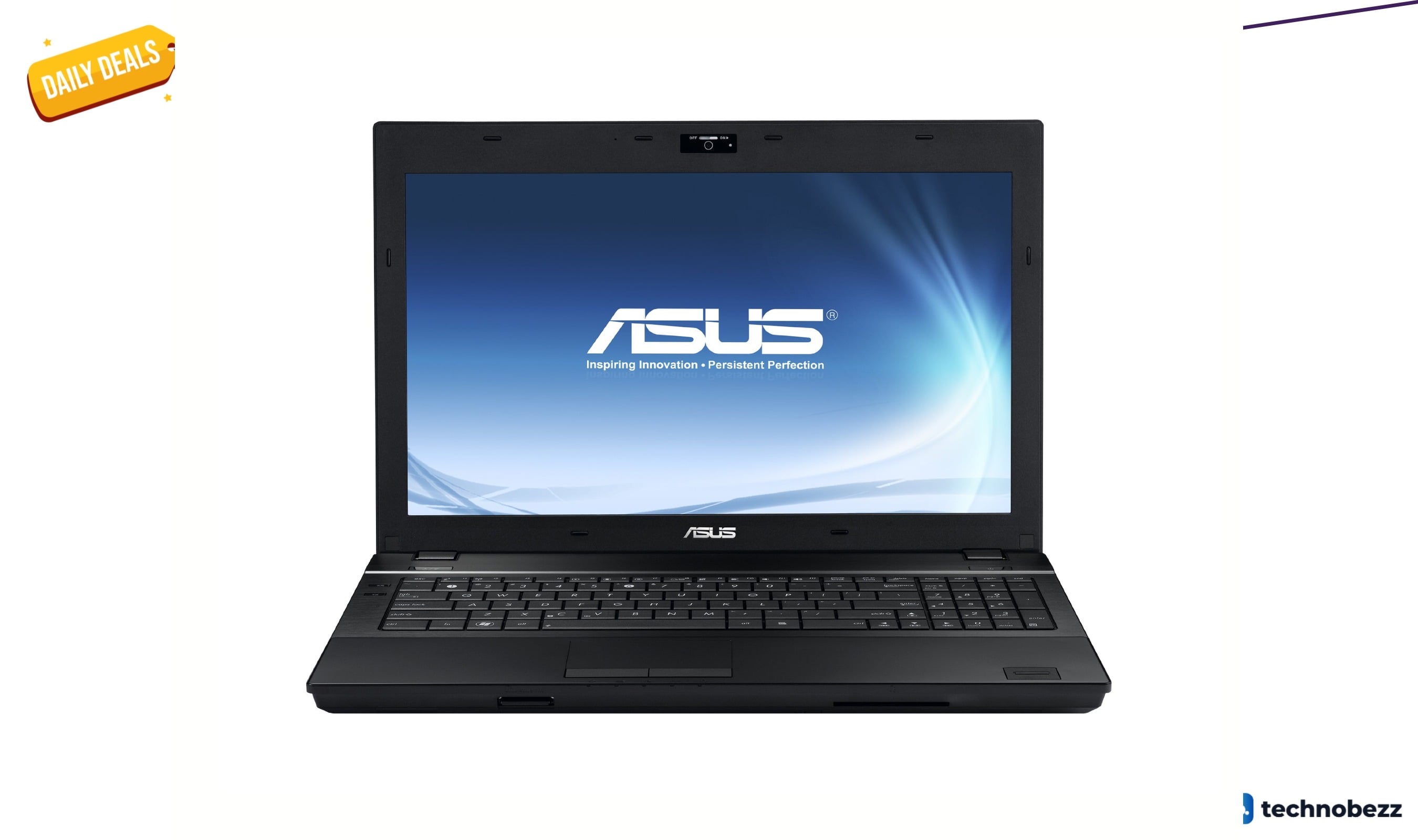
ASUS B53F-A1B Business laptop drops to $832.56 on Amazon
3 min read
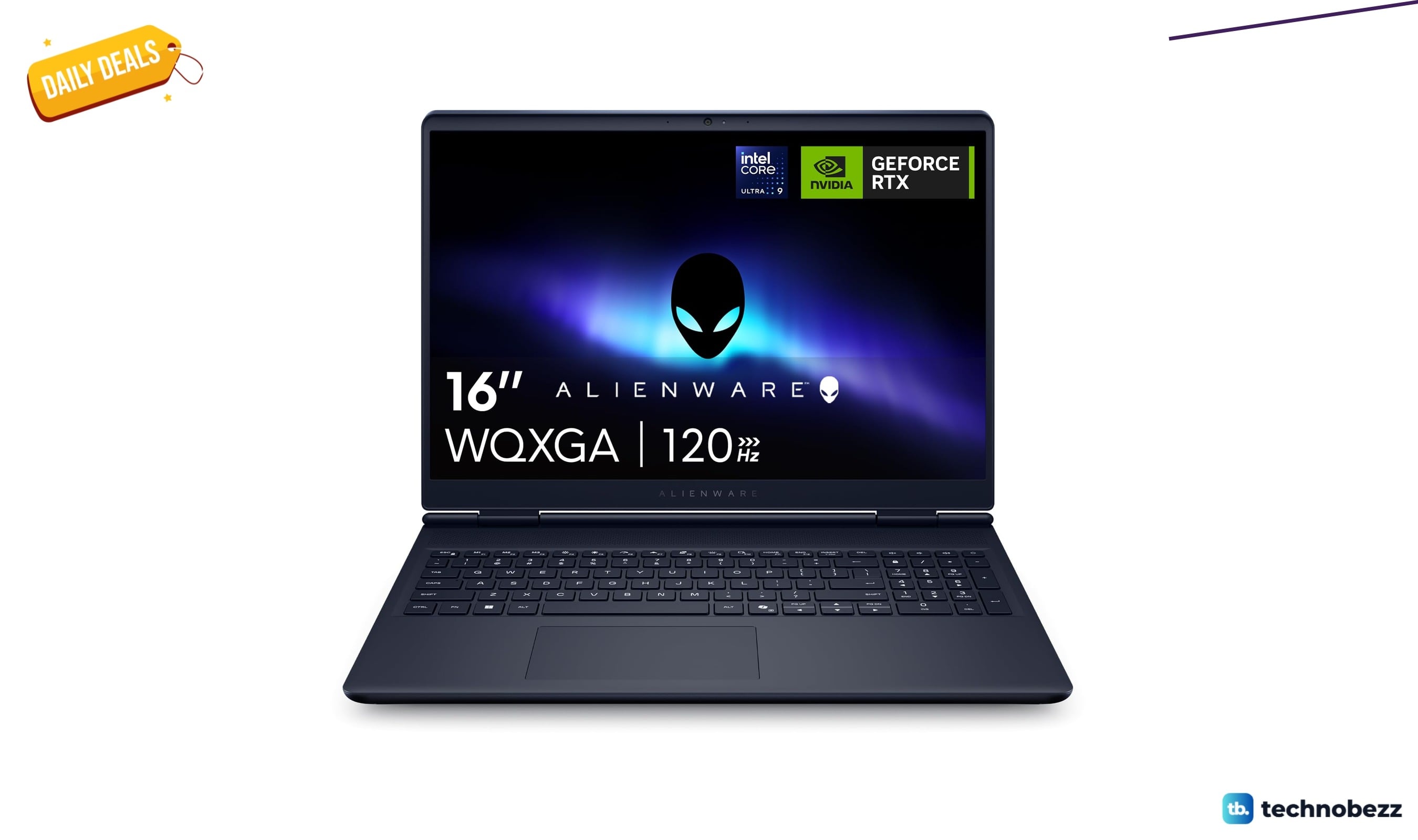
Alienware 16 Aurora Gaming AC16250- WQXGA 120Hz drops to $2351.83
5 min read
ASUS TUF Gaming F16 laptop drops to $731.49 on Amazon
4 min read
ASUS Vivobook 16 with Snapdragon X drops to $660 on Amazon
3 min read
Best Sony Headphones in 2026
5 min read
Hisense U6SF Review, the Everyday MiniLED TV That Shows Up for the World Cup Final
4 min read
2 headphone price drops worth checking, from $35.99
5 min read