Choosing the right NAS system means balancing speed, expandability, and ease of use for your specific needs. The UGREEN NASync DXP4800 Plus delivers the best overall package for most users, while the QNAP TS-216G offers exceptional value for budget-conscious setups. This guide helps you pick the right storage solution whether you're backing up family photos or running a small business.
Product
Technobezz is supported by its audience. We may get a commission from retail offers.
Best NAS Systems for 2026
UGREEN NASync DXP4800 Plus leads our 2026 NAS picks. Compare top systems for home backup or business use, balancing speed, expandability, and value.
T
Technobezz
Senior Editor
Updated March 13, 2026Mar 13, 2026
•8 min read

Get Deals Like These in Your Inbox
The best prices, reviewed weekly.
At a Glance
| Category | Product | Why We Picked It |
|---|---|---|
| Best overall | UGREEN NASync DXP4800 Plus | Combines modern features with 10GbE networking and user-friendly operation |
| Best value | QNAP TS-216G | Affordable 2-bay with 2.5GbE and built-in AI processor |
| Best for business | Synology DS1525+ | Expandable storage with professional-grade software |
| Best for all-SSD performance | TerraMaster F8 SSD Plus | Blazing fast transfers in compact form factor |
| Also recommended | Synology BeeStation | A simple, all-in-one personal cloud for non-techies |
| Also recommended | Asustor Drivestor 2 Lite | A no-fuss, budget NAS for light home duties |
How we chose and tested
We evaluated NAS systems based on performance benchmarks, software ecosystems, and real-world usage patterns. Our assessment considers factors like networking capabilities, expansion options, ease of setup, and long-term value. We prioritize products that demonstrate consistent performance across multiple testing scenarios and user reports, focusing on solutions that balance features with practical usability.
The best NAS systems right now
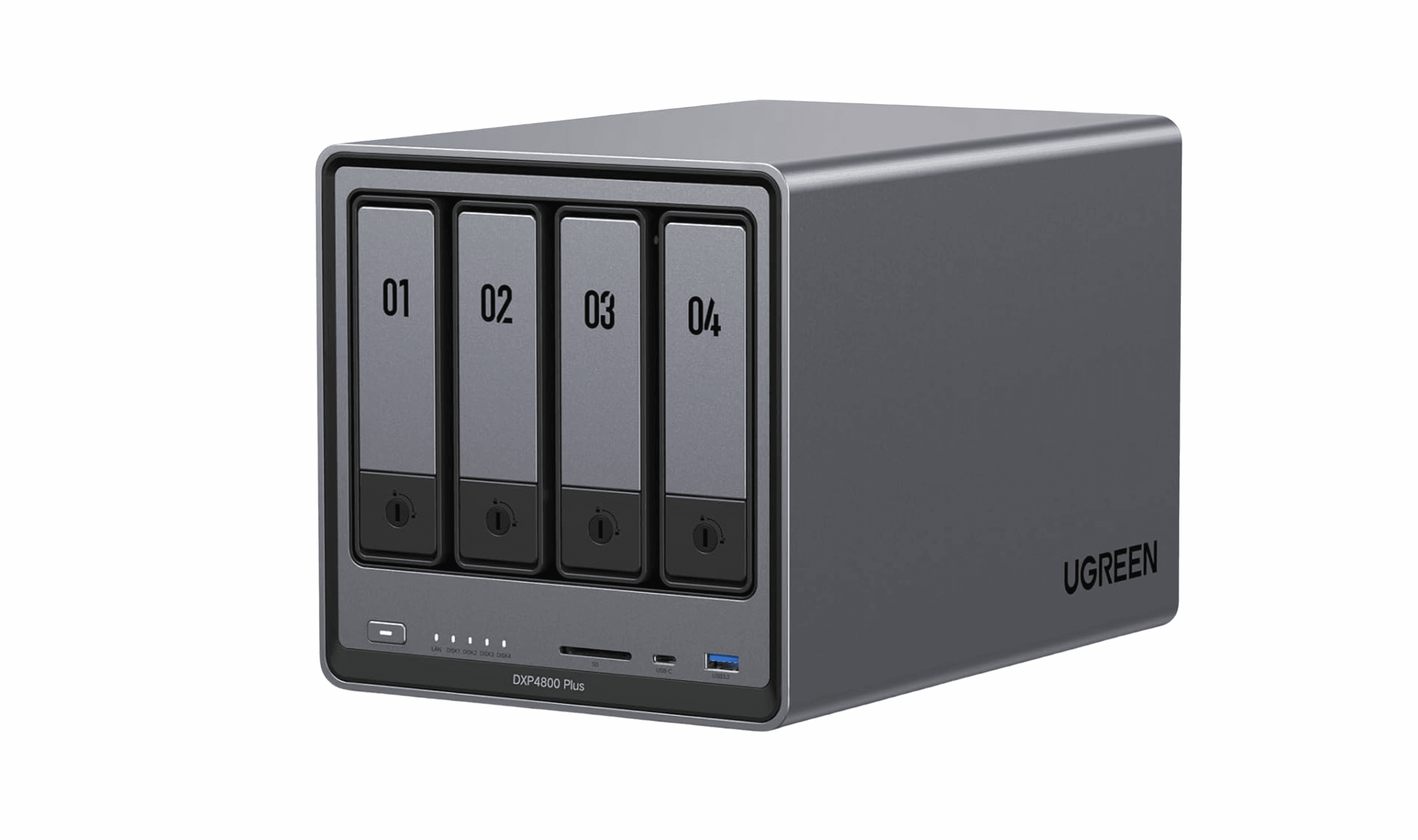
UGREEN NASync DXP4800 Plus - Best overall
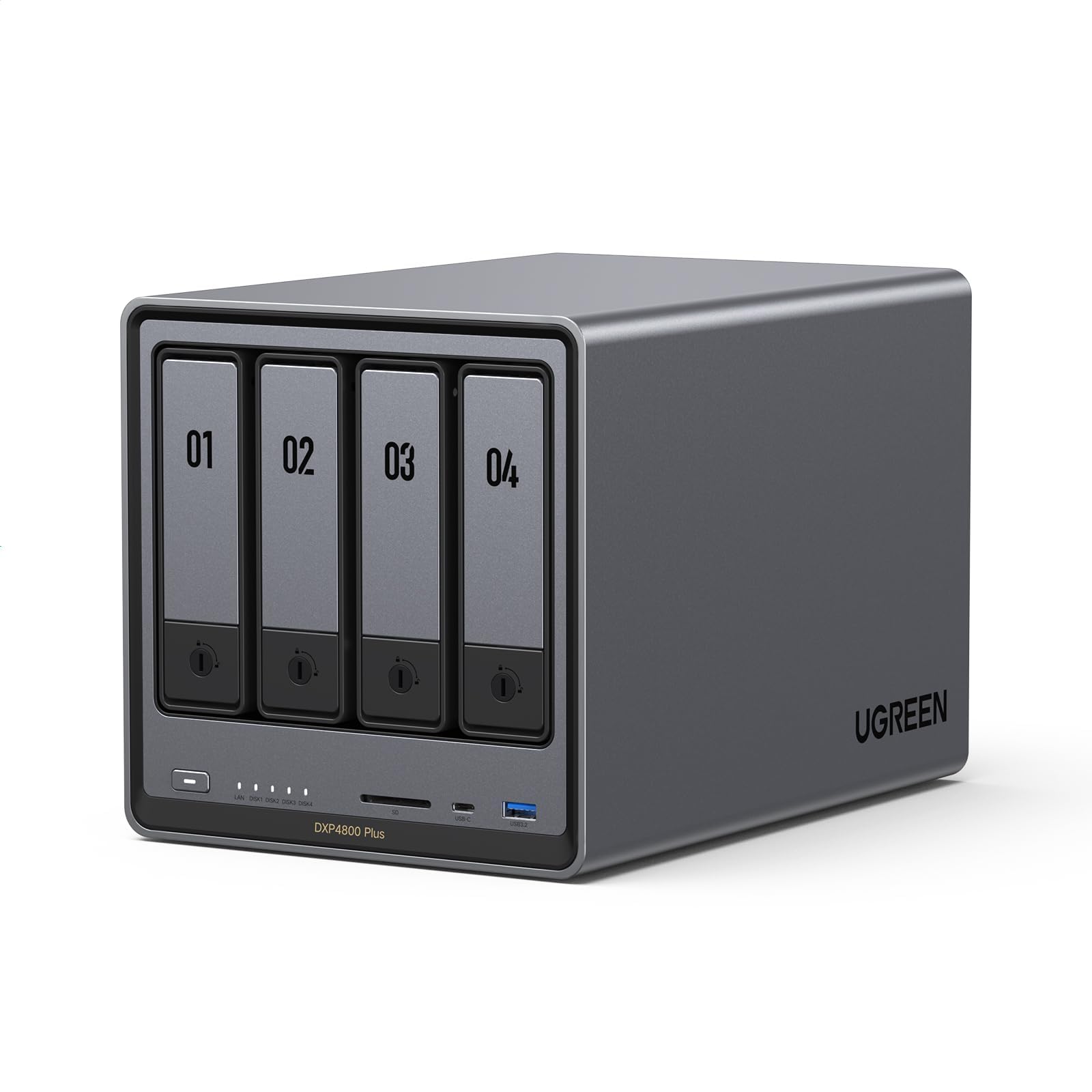
The UGREEN NASync DXP4800 Plus brings modern features to home and prosumer users at an accessible price point, combining 10GbE and 2.5GbE networking with user-friendly software. Its four-bay design offers plenty of expansion room for growing storage needs.
Key highlights
- Four drive bays supporting up to 136TB total capacity
- 1x 10GbE and 1x 2.5GbE networking for faster file transfers
- Intel Pentium Gold 8505 processor handles multiple tasks
- Dual M.2 NVMe slots for caching or fast storage
- Clean, responsive operating system with AI photo management
Pros
- Excellent value for features offered
- Modern networking capabilities including 10GbE
- Good build quality with tool-less drive installation
- User-friendly interface for beginners
Cons
- Limited app ecosystem compared to established brands
- Newer manufacturer with less track record
- Some advanced features still developing
Who it is for: Families with growing media collections, home office users, and tech enthusiasts wanting modern features without enterprise pricing.
Skip if
You need extensive third-party app support or enterprise-grade support services.
QNAP TS-216G - Best value
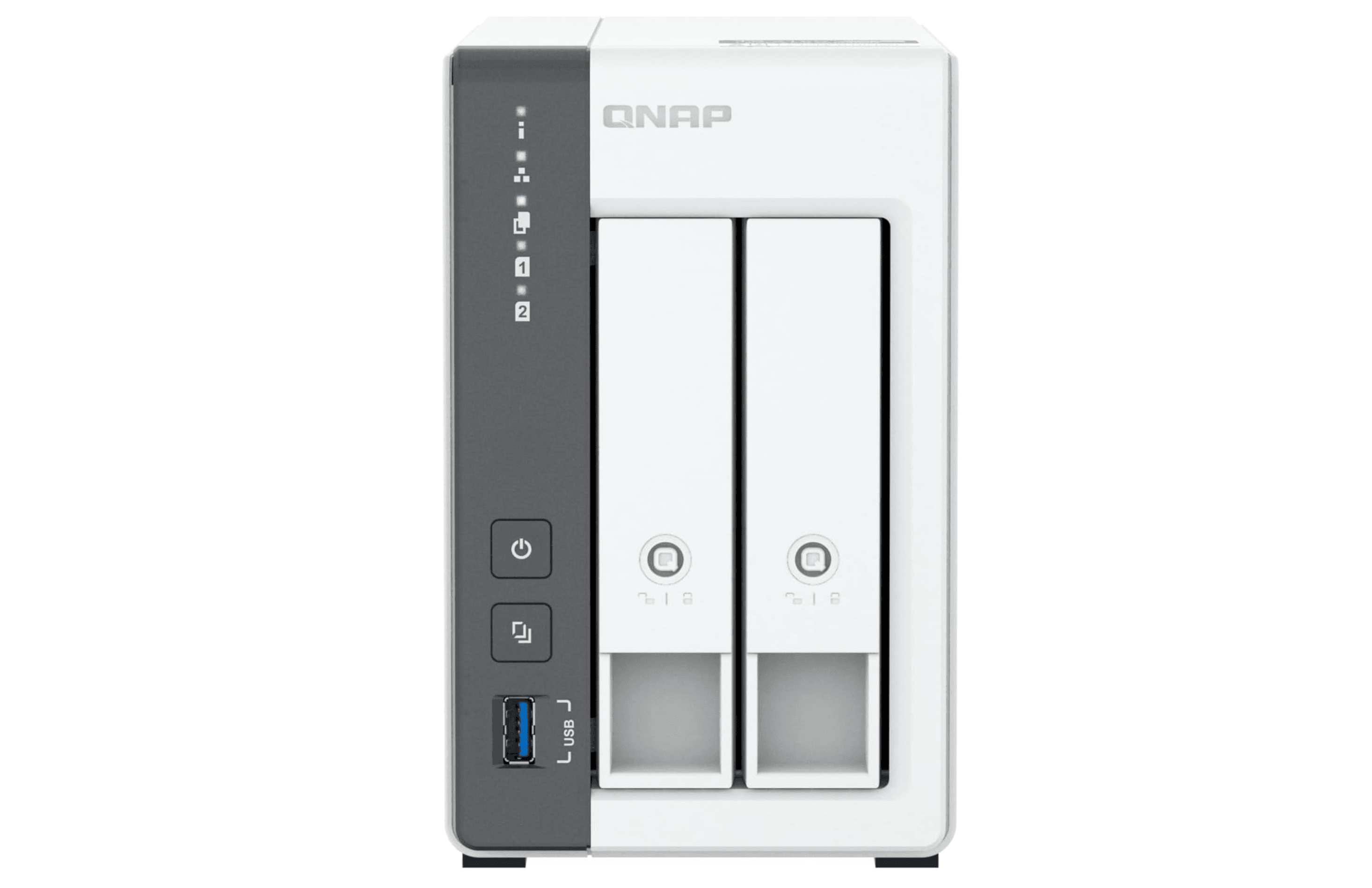
The QNAP TS-216G delivers impressive capabilities at an entry-level price point, making it the smartest choice for first-time NAS buyers or anyone who needs reliable storage without breaking the bank.
Key highlights
- ARM quad-core Cortex-A55 2.0GHz processor with 4GB RAM
- Built-in NPU for AI-accelerated face and object recognition
- 2.5GbE port for faster-than-gigabit file transfers
- Two 3.5-inch SATA bays supporting up to 39TB total
- Three USB-A ports for external storage expansion
Pros
- Exceptional price-to-performance ratio
- AI-powered photo organization included
- 2.5GbE networking at budget pricing
- QNAP's mature software ecosystem with extensive apps
Cons
- Only two drive bays limits expansion
- RAM is not upgradeable
- No 10GbE option for power users
Who it is for: First-time NAS buyers, budget-conscious home users, and anyone needing simple file sharing and backup.
Skip if
You need more than two drive bays or require 10GbE networking for video editing workflows.
Synology DS1525+ - Best for business
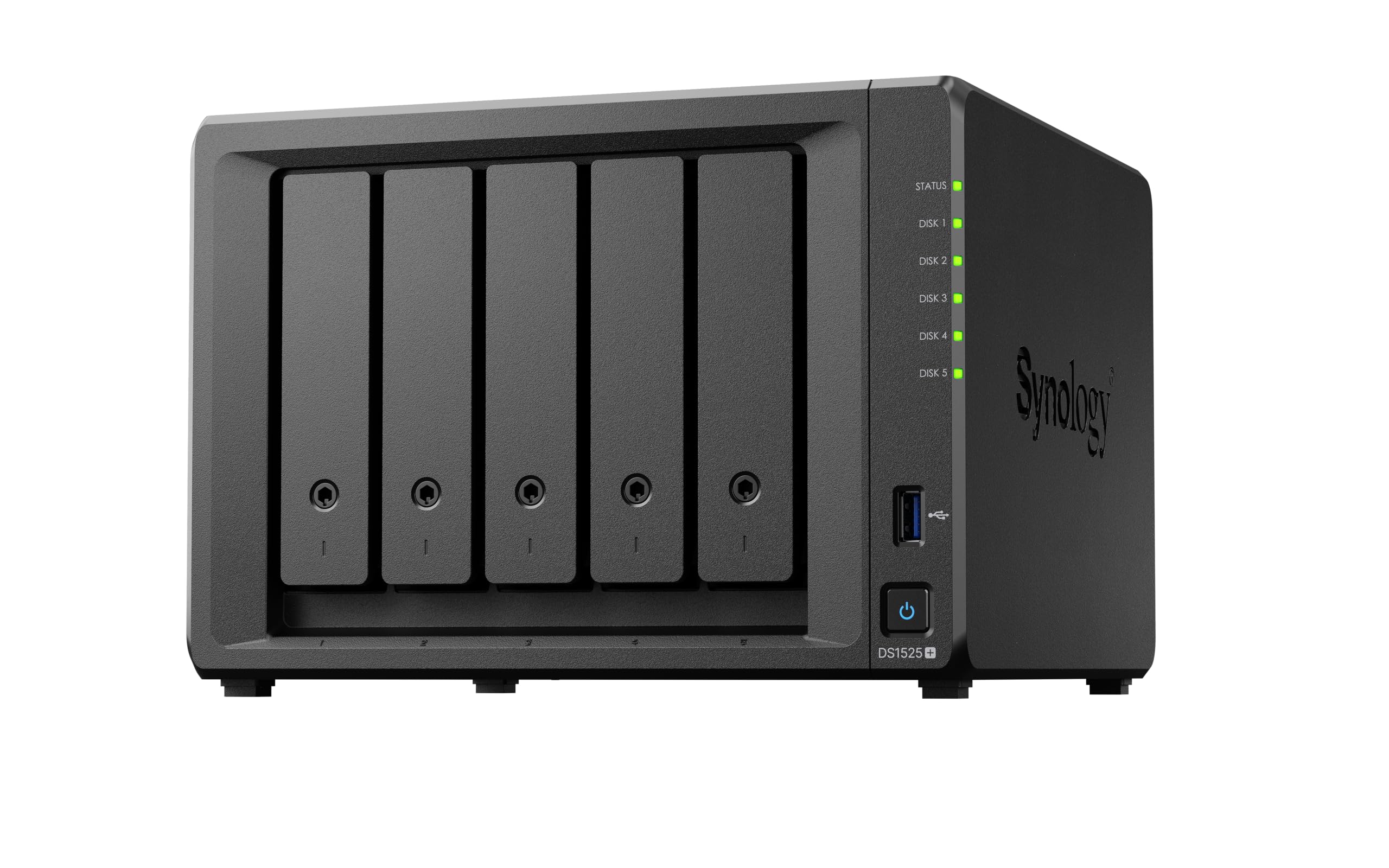
Synology's DS1525+ delivers professional-grade storage with the company's acclaimed DiskStation Manager software, making it ideal for small businesses needing reliable, expandable storage. The five-bay design offers room for growth with excellent performance.
Key highlights
- Five drive bays with support for RAID 5, 6, and 10
- Built-in 2.5GbE ports for fast connectivity out of the box with support for 10GbE
- Two M.2 NVMe slots for caching or fast storage
- Expandable up to 15 bays with additional units
- Comprehensive backup and business applications
Pros
- Excellent software ecosystem with hundreds of apps
- Proven reliability and strong manufacturer support
- Good expansion options for growing businesses
- Professional-grade data protection features
Cons
- Premium pricing compared to competitors
- Some compatibility restrictions with third-party drives
- Requires separate drive purchases
Who it is for: Small businesses, creative agencies, and professionals needing reliable network storage with comprehensive software.
Skip if
You're on a tight budget or only need basic file sharing for home use.
TerraMaster F8 SSD Plus - Best for all-SSD performance
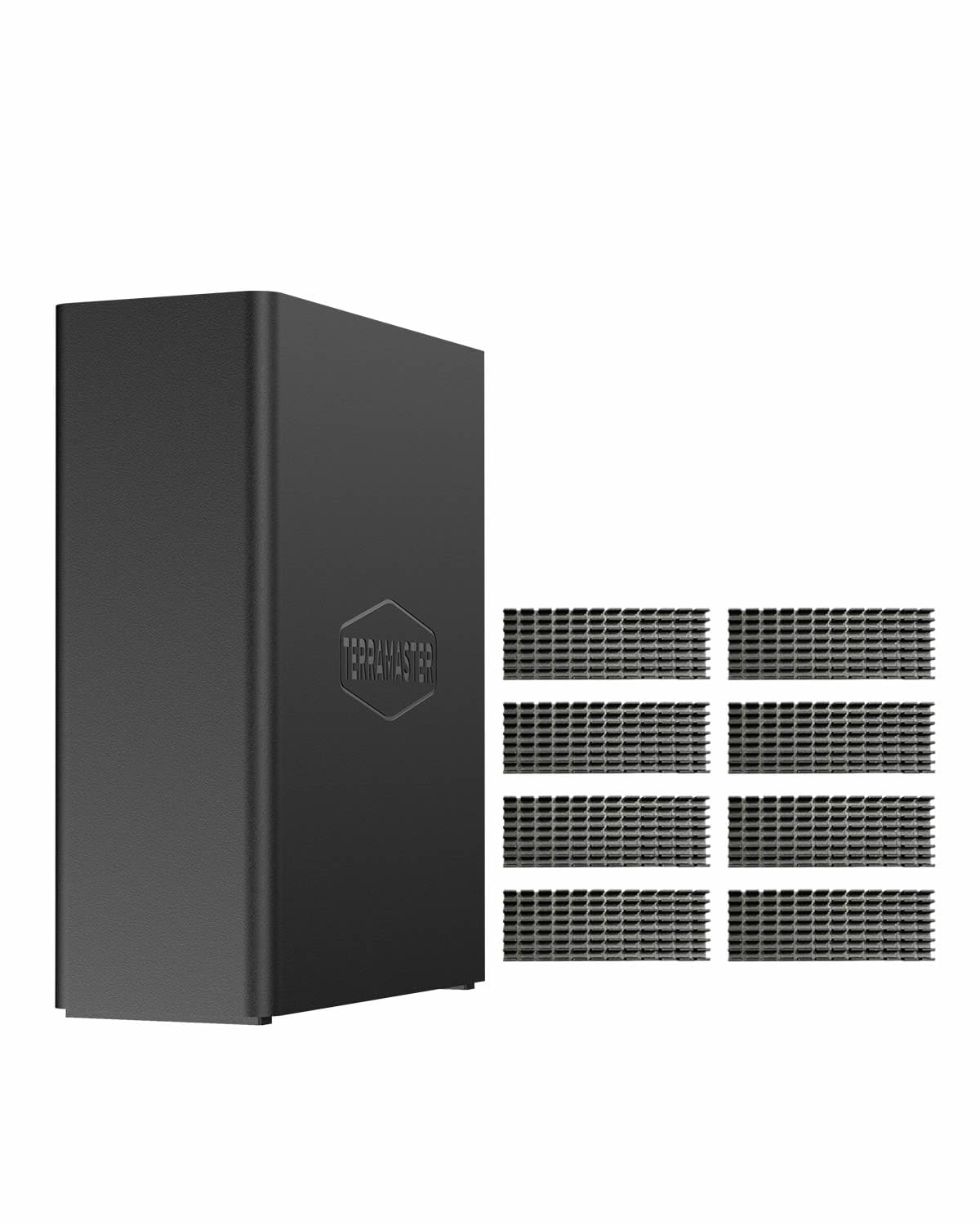
The TerraMaster F8 SSD Plus represents the cutting edge of NAS technology, delivering blazing fast performance in a compact, all-SSD design. Its eight M.2 NVMe slots provide exceptional speed for demanding workloads.
Key highlights
- Eight M.2 NVMe slots for all-SSD storage
- 10GbE networking for maximum throughput
- Compact design smaller than a hardback book
- Near-silent operation (under 19dB in standby)
- Supports up to 64TB of fast SSD storage
Pros
- Exceptional performance for demanding applications
- Very quiet operation with no spinning disks
- Compact footprint saves space
- Modern design with good build quality
Cons
- Expensive storage costs with SSDs
- Limited capacity compared to HDD-based systems
- Higher initial investment required
Who it is for: Video editors, creative professionals, and businesses needing maximum storage performance.
Skip if
You need high capacity at low cost or have existing HDDs to reuse.
Also Good
- Synology BeeStation - a simple, all-in-one personal cloud for non-techies.
- Asustor Drivestor 2 Lite - a no-fuss, budget NAS for light home duties.
How to Choose
Selecting the right NAS system depends on several key factors that affect both performance and long-term satisfaction.
Consider your primary use case: Home backup needs differ from business file sharing or media streaming. For basic file storage, a 2-bay system with RAID 1 provides good protection. For media streaming or multi-user access, consider 4-bay systems with faster networking.
Evaluate capacity requirements: Calculate your current storage needs and multiply by 3-5x for future growth. Remember that RAID configurations reduce usable capacity. RAID 1 uses half your total drive space for redundancy.
Prioritize networking capabilities: 2.5GbE is becoming the standard for modern NAS systems, offering 2.5x the speed of traditional gigabit connections. For video editing or large file transfers, look for 10GbE options.
Consider expansion options: More drive bays provide flexibility for future growth. Some systems support expansion units, while others are fixed at their initial bay count.
Evaluate the software ecosystem: Synology and QNAP offer mature platforms with extensive app libraries. Newer manufacturers like UGREEN and TerraMaster are catching up but may have fewer third-party integrations.
FAQ
What's the difference between a 2-bay and 4-bay NAS?
A 2-bay NAS holds two drives, typically configured in RAID 1 for mirroring. A 4-bay NAS offers more flexibility with RAID 5 or RAID 10 options, providing better capacity efficiency and redundancy. Choose based on your storage needs and growth expectations.
How much storage do I actually need?
For most home users, 8-16TB of raw storage (4-8TB usable in RAID 1) handles years of photos, videos, and backups. Business users should calculate current data plus 3-5 years of growth, typically starting at 20TB+ raw capacity.
Do I need 10GbE networking?
For most home users, 2.5GbE is more than sufficient. 10GbE becomes valuable for video editors working with 4K/8K footage, photographers handling large RAW files, or businesses with multiple simultaneous users accessing large files.
Can I use any hard drive in a NAS?
While standard desktop drives may work, NAS-rated drives (like WD Red, Seagate IronWolf, or Toshiba N300) are designed for 24/7 operation with vibration resistance and optimized firmware. Using proper NAS drives improves reliability and longevity.
What's the typical lifespan of a NAS system?
Most NAS systems remain useful for 5-7 years before software updates cease or performance becomes limiting. Drives typically last 4-6 years with proper cooling. Regular monitoring helps identify potential issues before failure.
Share this article
More in News
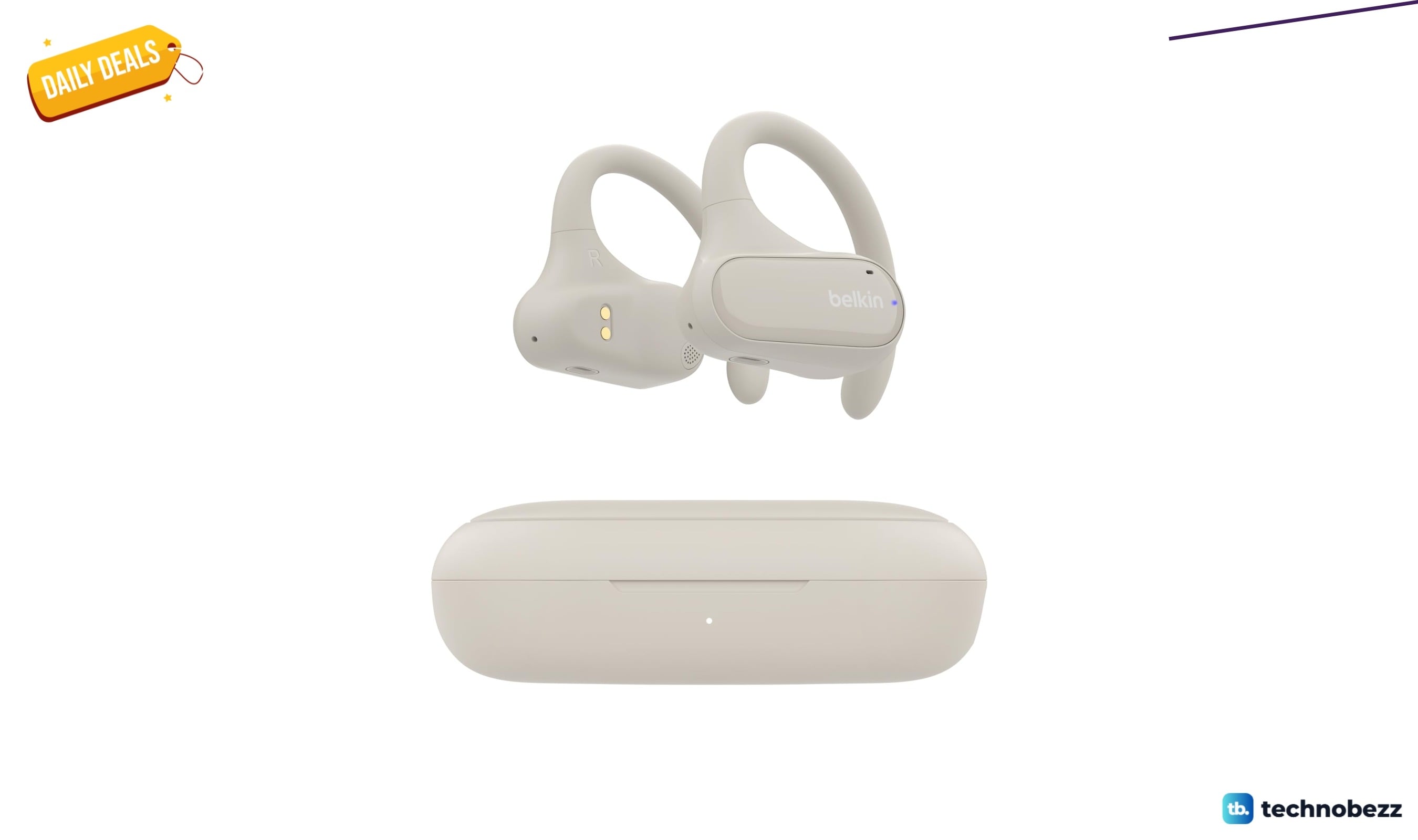
3 headphone price drops worth checking, from $33.99
Save up to 40% on three headphone deals from $33.99, covering open-ear workouts, ANC over-ears, and gaming earbuds.
5 min read
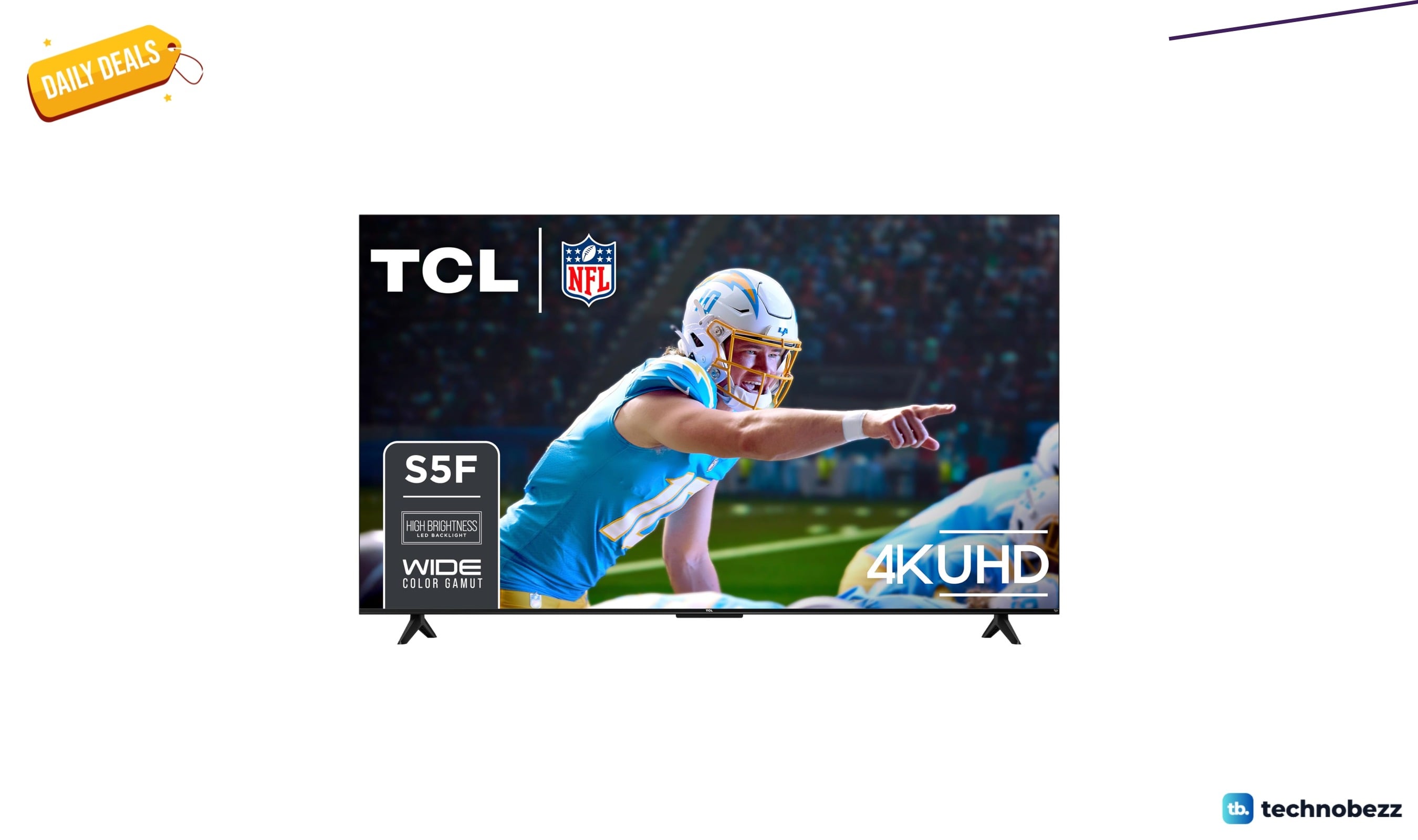
TCL Class S5 65 inch 4K LED Smart TV drops to $404.53 on Amazon
Save $45 on the 65-inch TCL Class S5 4K Smart TV with Dolby Vision and Fire TV at Amazon, now $404.53.
5 min read
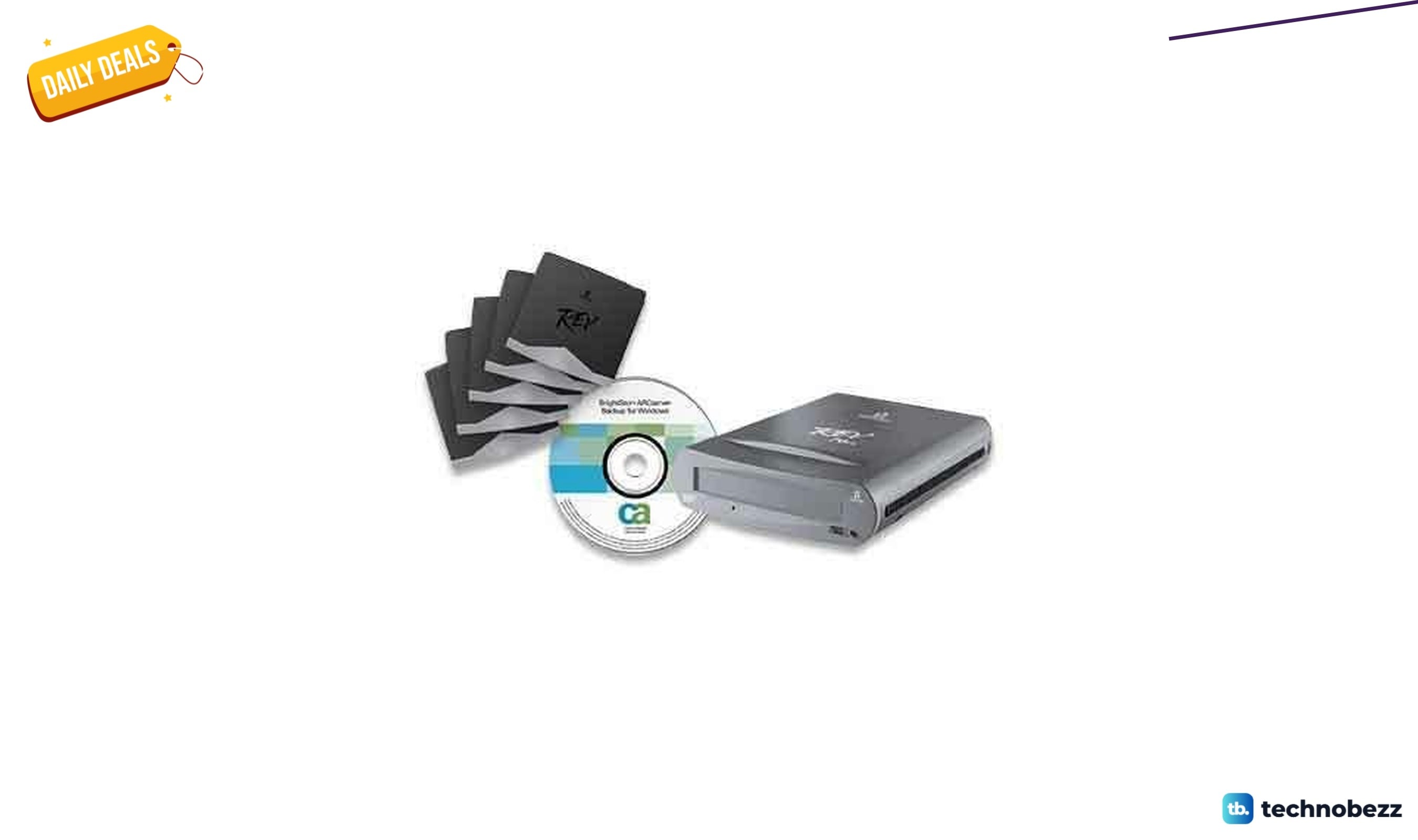
Iomega REV USB 2.0 Server Backup Disaster drops to $533.40 on Amazon
Save $36.59 on the Iomega REV USB 2.0 Server Backup Disaster at Amazon, now $533.40 for legacy server environments needing reliable removable media.
3 min read
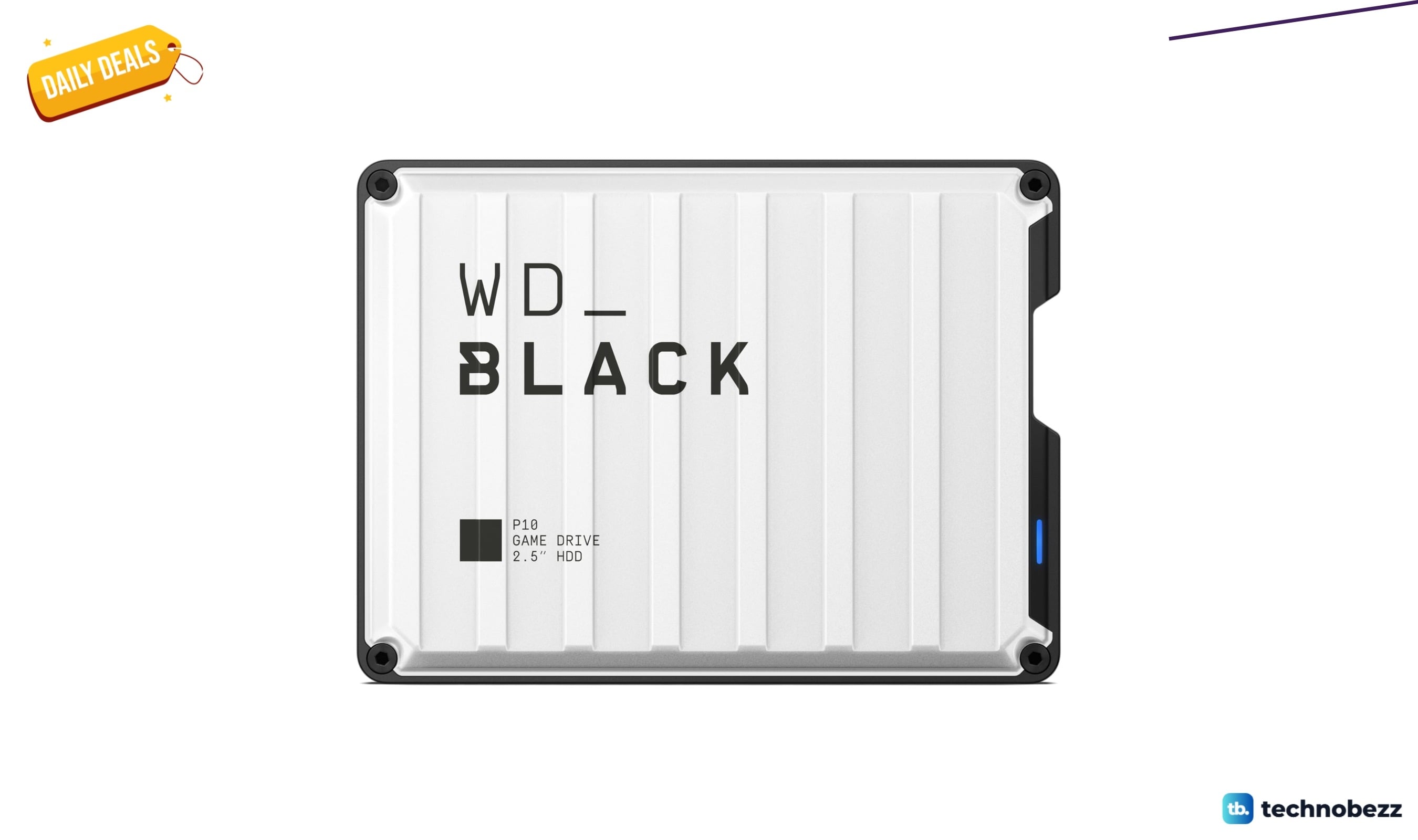
WD_Black P10 Game Drive drops to $306.99 in latest price cut
Get the WD_Black P10 6TB portable gaming drive for $306.99, just $2 above its all-time low and ideal for expanding your console or PC game library.
5 min read
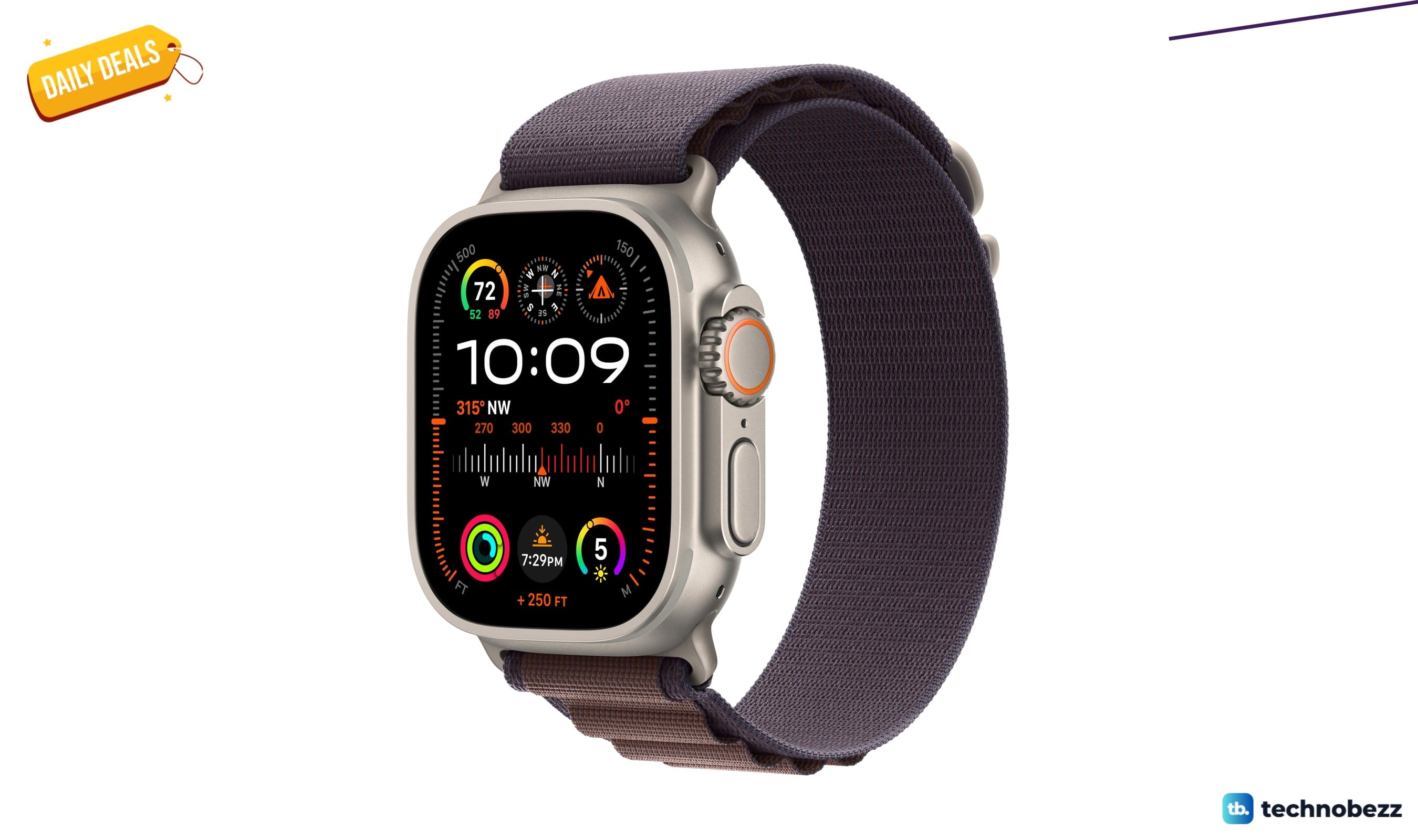
Apple Watch Ultra 2 with cellular drops to $729.96 on Amazon
4 min read
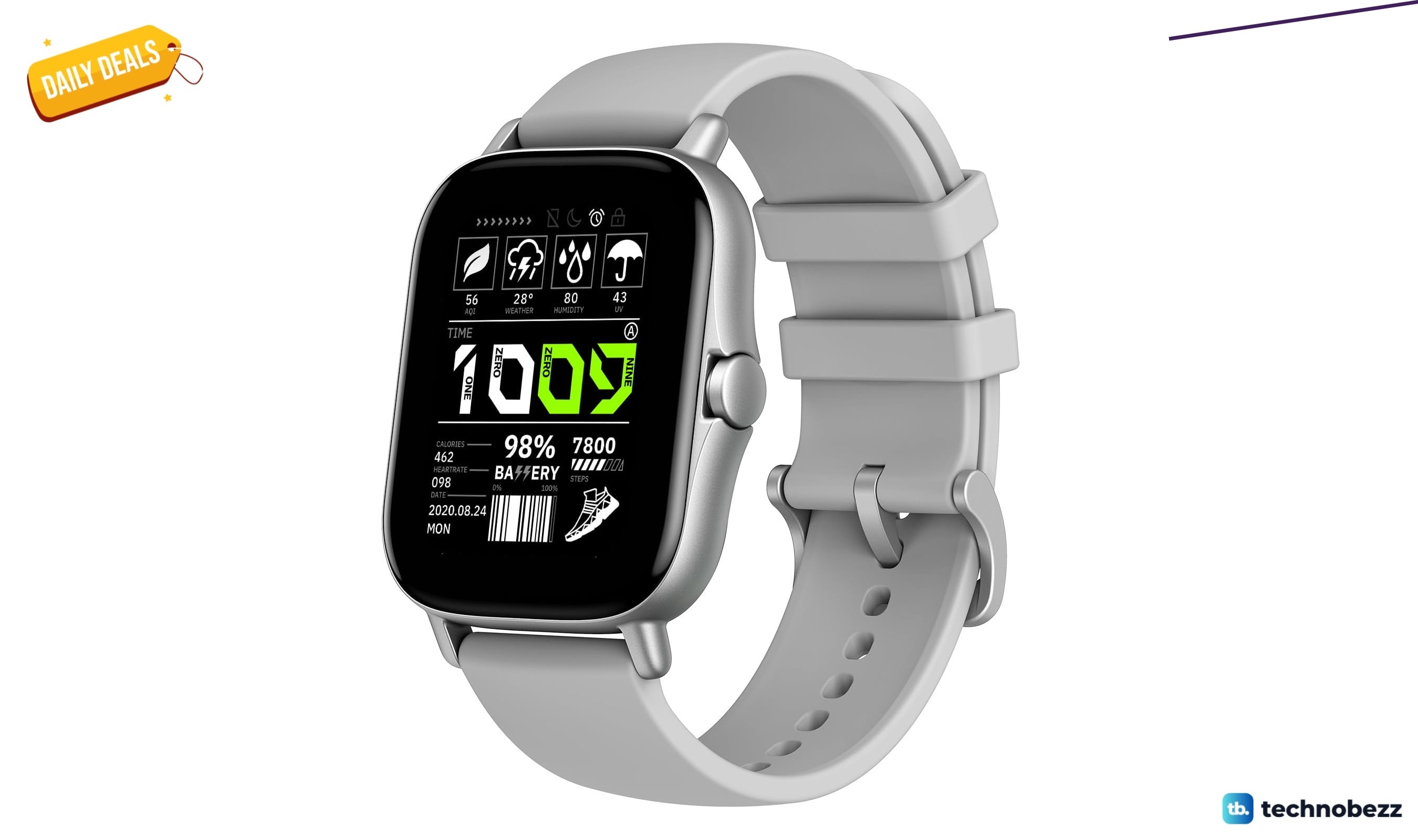
Amazfit GTS 2 Smart Watch falls to $119.03
3 min read
![Apple Watch 11 [GPS + Cellular 46mm] now selling for $463](https://cdn.technobezz.com/deals-branded/beb105346f65c677_branded.jpg)
Apple Watch 11 [GPS + Cellular 46mm] now selling for $463
5 min read
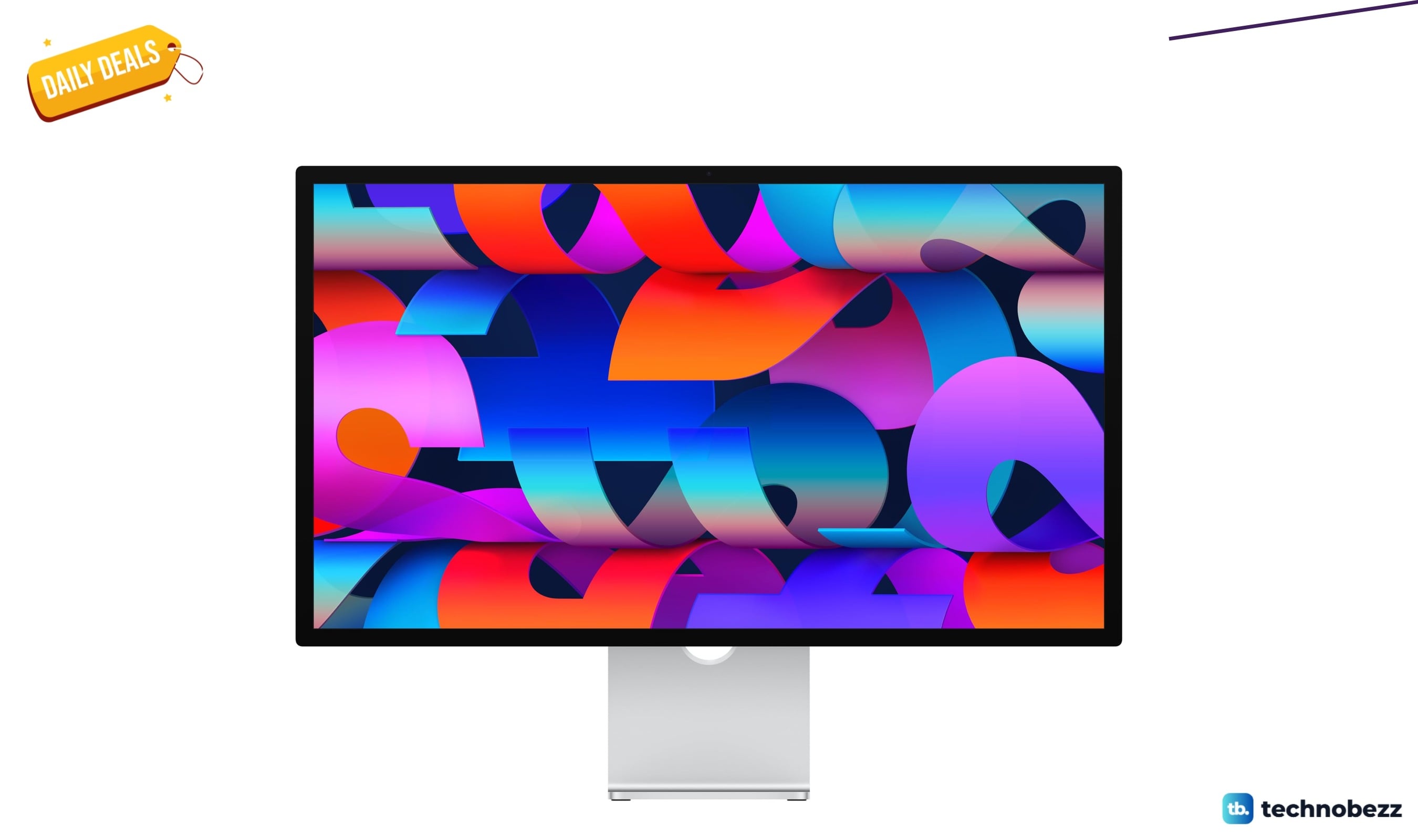
Apple Studio Display with Nano-Texture Glass drops to $1823 on Amazon
4 min read

Samsung QMC LFD Display QM85C 28.5 mm drops to $2864.82 on Amazon
3 min read
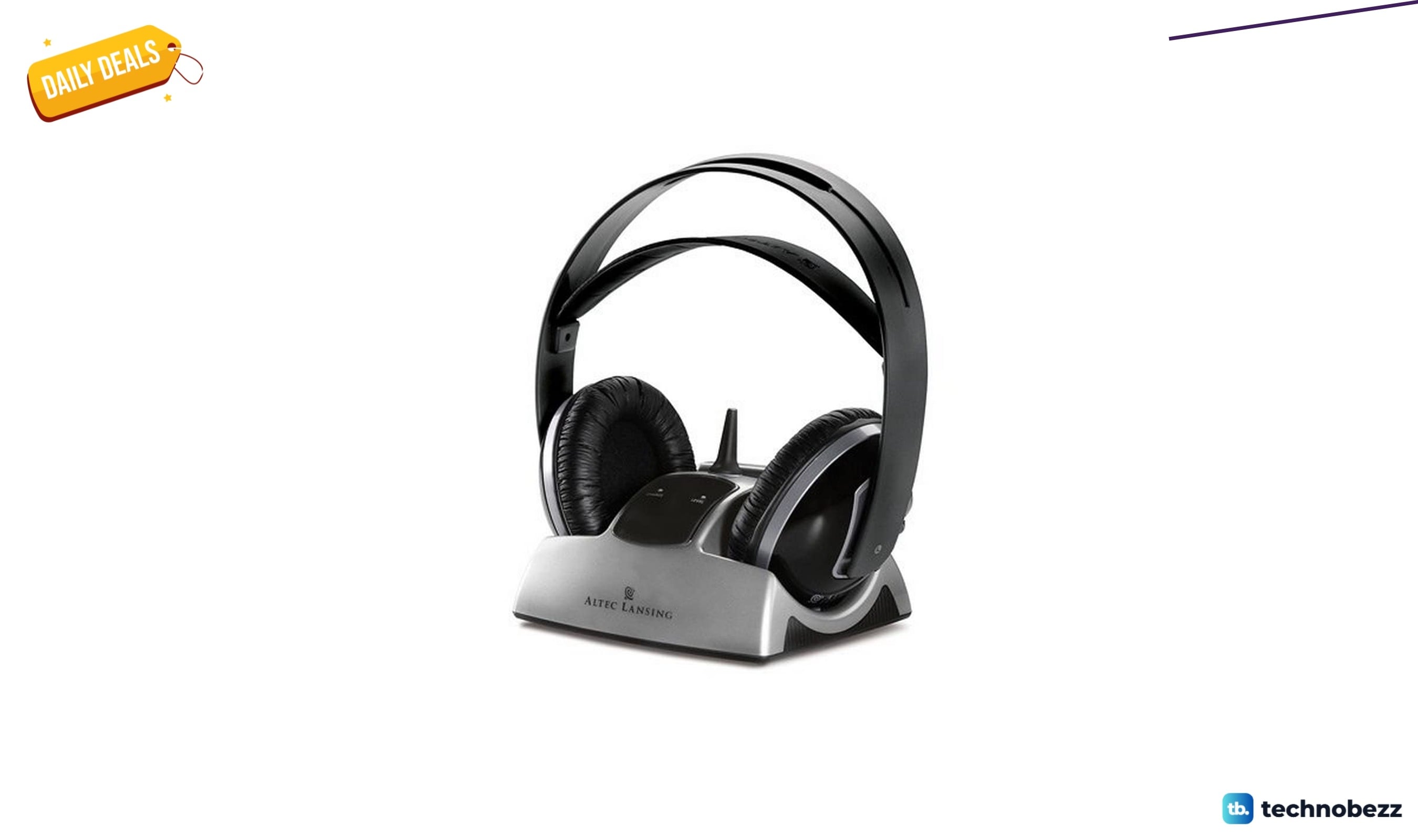
Wireless Stereo Headphones falls to $97.95 in new Amazon deal
5 min read
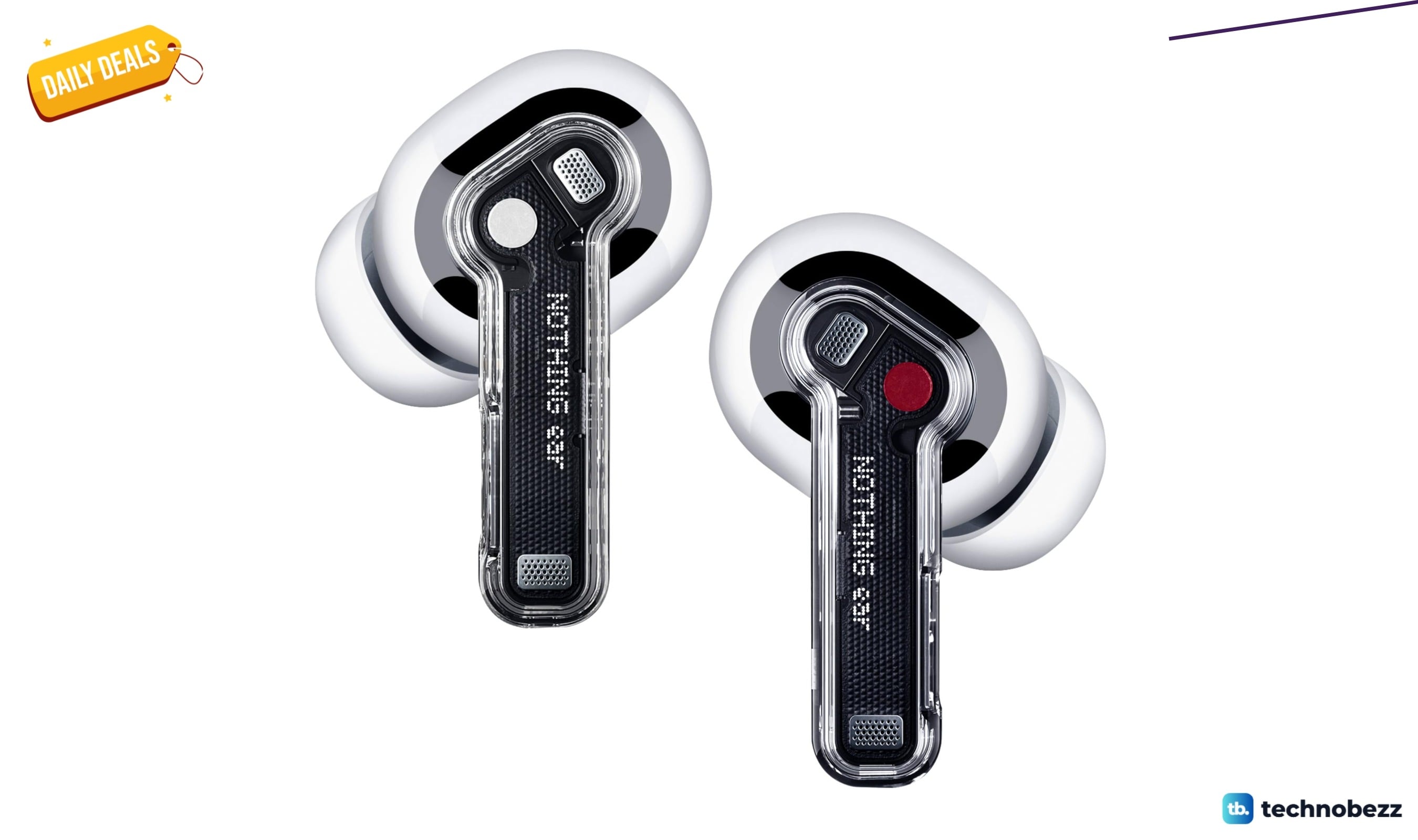
Nothing Ear Wireless Earbuds with 45dB ANC hits new low at $73.15
4 min read
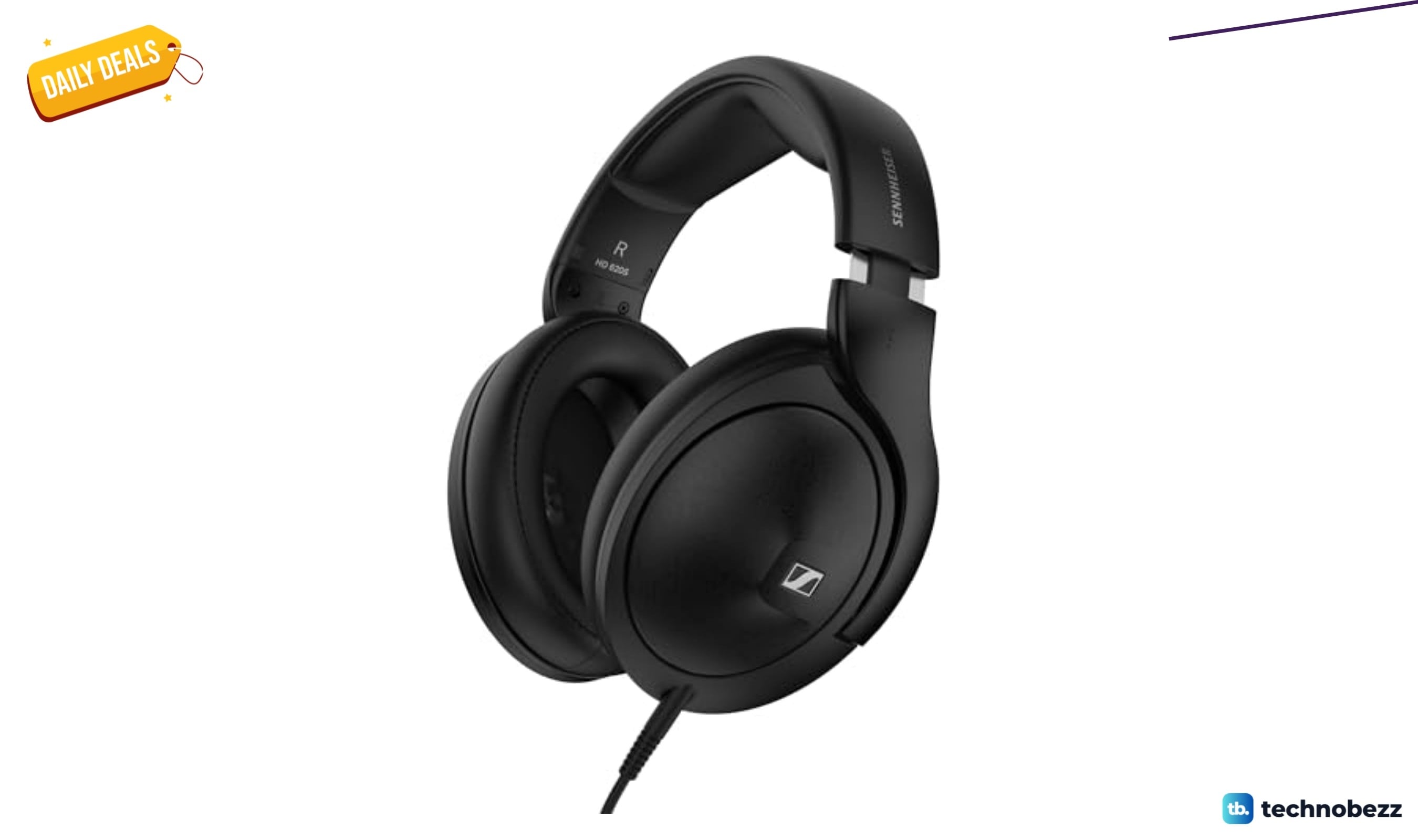
Sennheiser HD 620S Closed-Back Audiophile Headphones drops to $199.95
3 min read