Finding the right Wi-Fi router in 2026 means matching coverage, wired ports, and wireless features to your home. In February 2026, Counterpoint Research reported that memory’s share of the bill of materials in low-to-mid-end routers had risen from about 3% to more than 20% over the preceding year. This guide helps you choose wisely, focusing on value and future-proofing without overspending on features you won't use.
Technobezz is supported by its audience. We may get a commission from retail offers.
6 Best Wi-Fi Routers for 2026
TP-Link Archer AXE75 leads our 2026 router picks for value. Get our recommendations for gaming, mesh, multi-gig, and budget-friendly models.
T
Technobezz
Editorial Team
Updated October 1, 2026Oct 1, 2026
•8 min read

Get Deals Like These in Your Inbox
The best prices, checked by our editors.
At a Glance
| Category | Product | Why We Picked It |
|---|---|---|
| Best overall value | TP-Link Archer AXE75 | Balances performance with reasonable pricing |
| Best for multi-gig internet | Netgear Nighthawk RS300 | Wi-Fi 7 with separate 2.5Gbps WAN and LAN ports |
| Best mesh system | Google Nest Wifi Pro | Easy setup with reliable coverage |
| Best budget Wi-Fi 7 pick | ASUS RT-BE55 | Dual-band Wi-Fi 7 with AiMesh and a 2.5Gbps WAN port |
| Best for gamers | ASUS TUF Gaming BE6500 | Four 2.5Gbps Ethernet ports and a dedicated gaming port |
| Also recommended | TP-Link Deco XE75 | Strong mesh performance at a reasonable price |
How we chose
We evaluated routers based on real-world performance, feature sets, and value considering current market conditions. With memory prices affecting manufacturing costs, we focused on devices that deliver reliable performance without unnecessary premium features. Our assessment covers coverage range, speed consistency, and ease of setup across different home sizes.
The best Wi-Fi routers right now
TP-Link Archer AXE75 - Best overall value
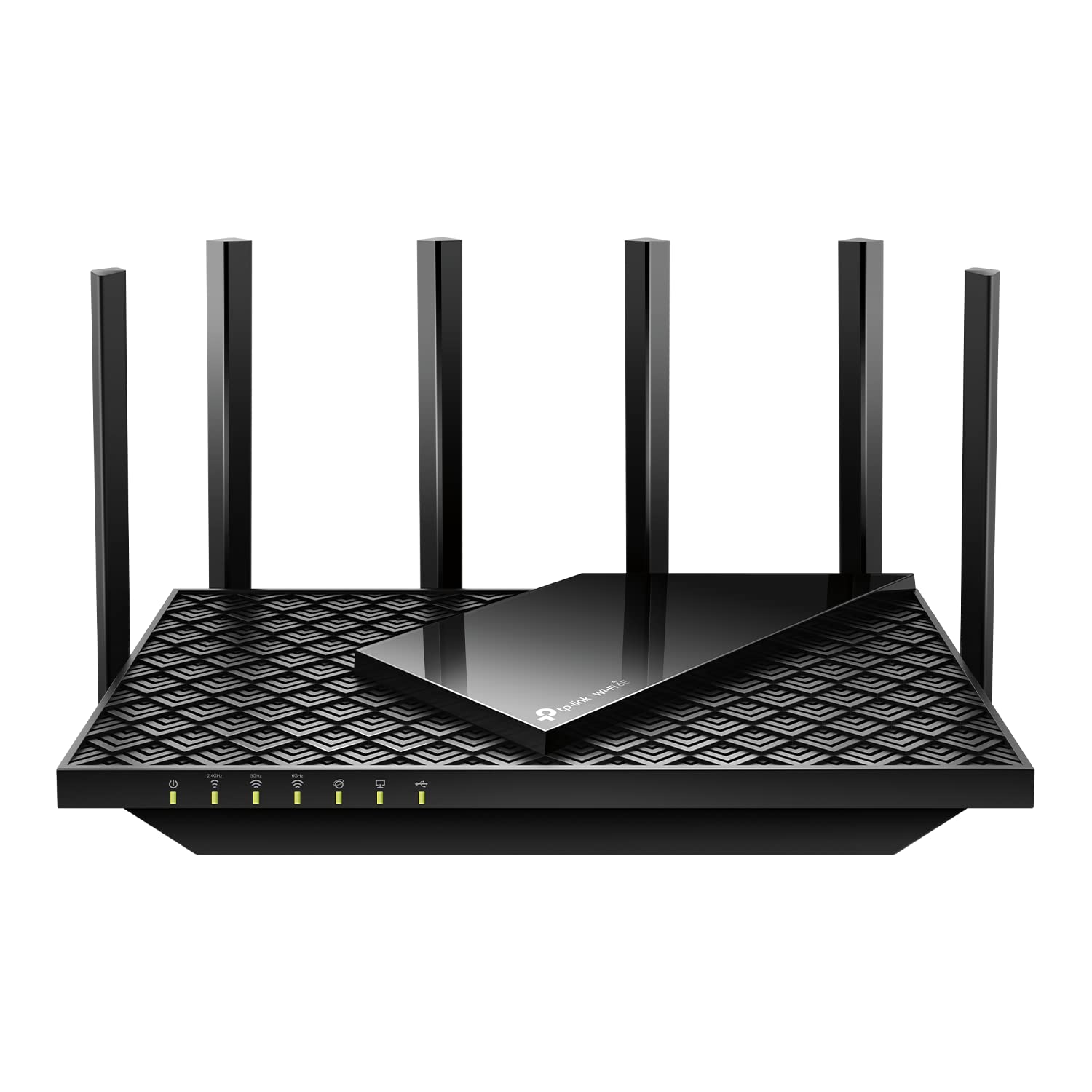
This router delivers excellent Wi-Fi 6E performance at a price that still makes sense in today's market. It handles most home networking needs without the premium costs of higher-end models.
Key highlights
- Wi-Fi 6E support for less congested 6GHz band
- Solid coverage for medium to large homes
- Easy-to-use management interface
- Good balance of ports and features
Pros
- Strong performance for the price
- Future-proof with 6GHz band support
- Reliable connection stability
- Straightforward setup process
Cons
- Advanced features limited compared to premium models
- May struggle with very large homes
- Lacks some gaming-specific optimizations
Who it is for: Most households looking for reliable Wi-Fi without paying for features they won't use.
Skip if
You need multiple multi-gigabit Ethernet ports or have an extremely large home requiring mesh coverage.
Netgear Nighthawk RS300 - Best for multi-gig internet
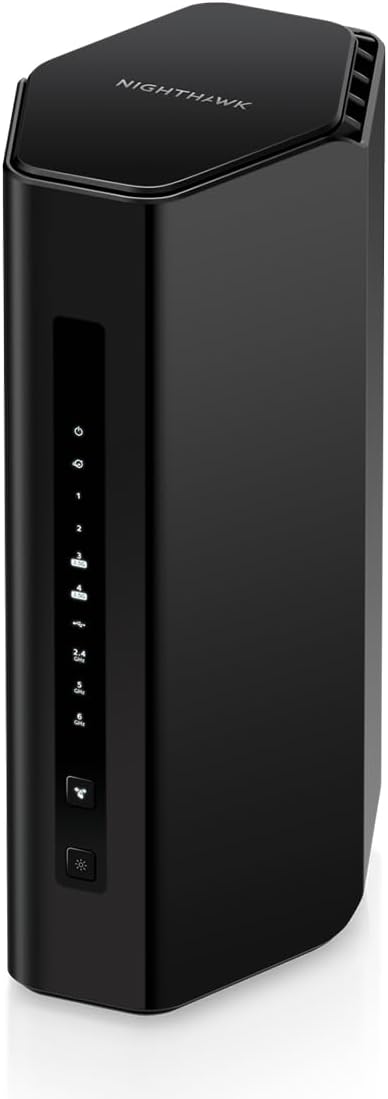
For multi-gig internet plans up to 2.5Gbps, this Wi-Fi 7 router has a dedicated 2.5Gbps WAN port and two 2.5Gbps LAN ports. That lets you connect a compatible wired computer without a 1Gbps LAN bottleneck.
Key highlights
- Tri-band Wi-Fi 7 across 2.4GHz, 5GHz, and 6GHz
- One 2.5Gbps WAN port and two 2.5Gbps LAN ports
- Two additional Gigabit LAN ports
- Rated for up to 2,500 square feet and 100 devices
Pros
- Multi-gig connections for both internet and wired devices
- Nighthawk app for setup and management
- Automatic firmware updates
Cons
- No 10Gbps Ethernet ports
- NETGEAR Armor requires a subscription after its trial
- Coverage varies with walls and home layout
Who it is for: Households with multi-gig internet and compatible wired devices.
Skip if
You need wired connections faster than 2.5Gbps or a mesh system for a larger home.
Google Nest Wifi Pro - Best mesh system

For homes with coverage issues or multiple floors, this mesh system simplifies whole-home Wi-Fi. The easy setup and consistent performance make it worth considering despite market pressures.
Key highlights
- True mesh networking with seamless roaming
- Wi-Fi 6E support across all nodes
- Google Home app for easy management
- Self-optimizing network management
Pros
- Excellent coverage expansion
- Very easy setup and management
- Consistent performance throughout home
- Attractive, discreet design
Cons
- Limited advanced configuration options
- Requires Google account for full features
- Higher cost for multi-node setups
Who it is for: Homes with Wi-Fi dead zones, multiple floors, or challenging layouts.
Skip if
You need advanced networking features or prefer traditional router controls.
ASUS RT-BE55 - Best budget Wi-Fi 7 pick
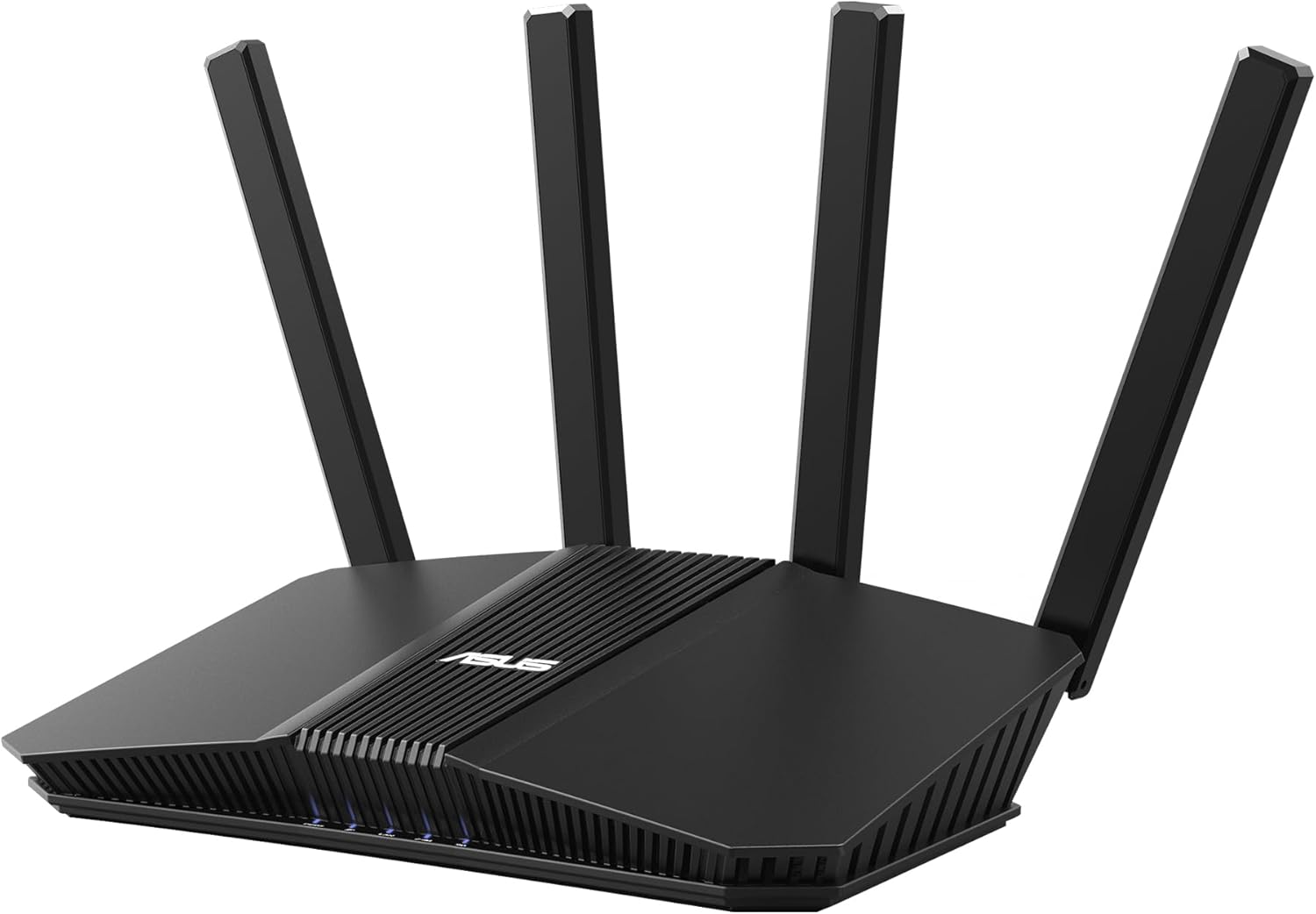
This entry-level Wi-Fi 7 router combines dual-band wireless, a 2.5Gbps WAN port, and AiMesh expansion. It suits buyers who want newer networking features without needing a 6GHz band.
Key highlights
- Dual-band Wi-Fi 7 with combined wireless rates up to 3.6Gbps
- Multi-Link Operation across 2.4GHz and 5GHz
- One 2.5Gbps WAN port and four Gigabit ports
- AiMesh support for expansion with compatible ASUS routers
Pros
- AiProtection network security
- Parental controls without a subscription
- VPN support, including WireGuard
Cons
- No 6GHz band
- Wired LAN connections are limited to Gigabit speeds
Who it is for: Buyers seeking an entry-level Wi-Fi 7 router with ASUS mesh and network controls.
Skip if
You need 6GHz Wi-Fi or multi-gigabit LAN ports.
ASUS TUF Gaming BE6500 - Best for gamers
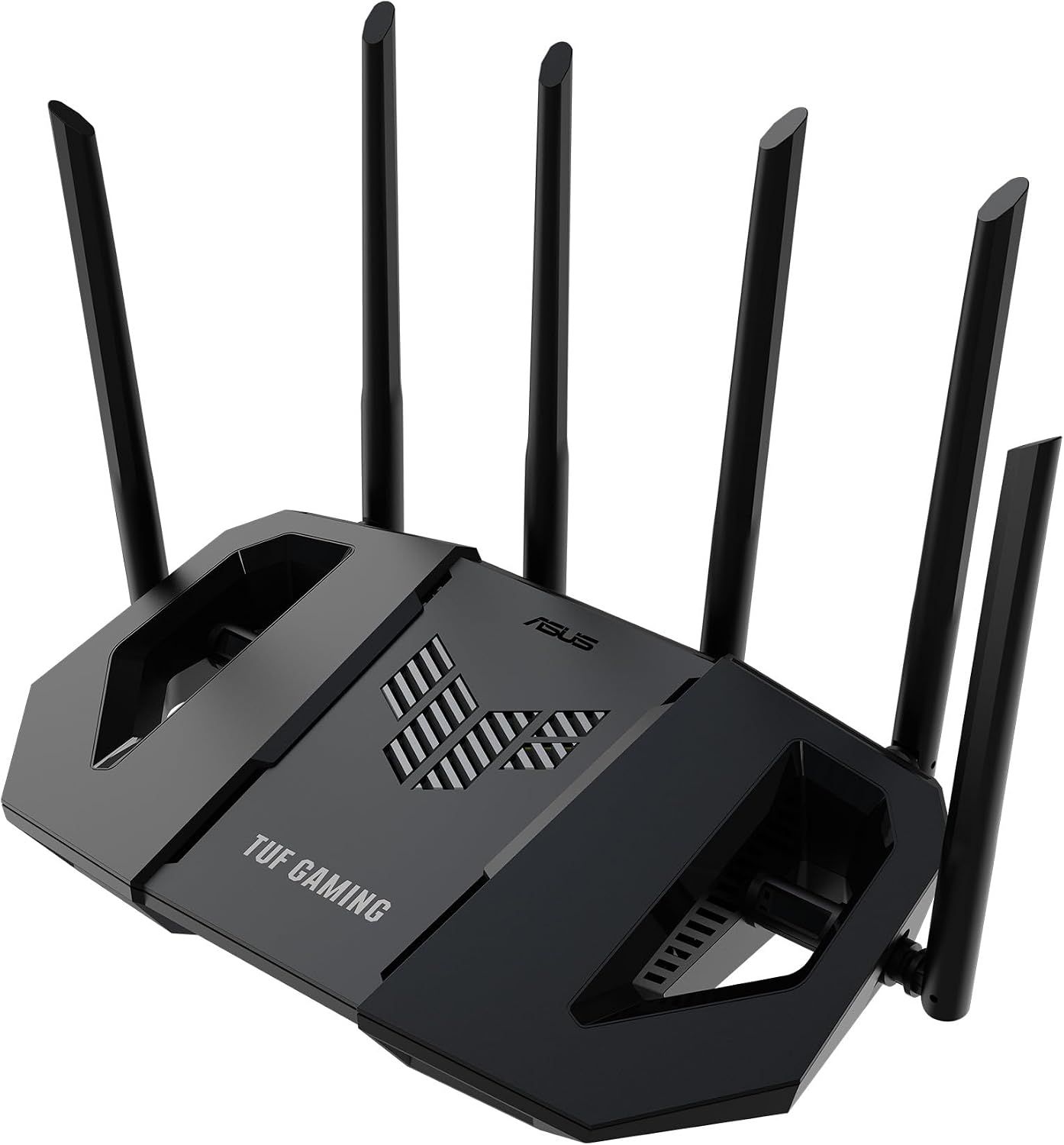
This dual-band Wi-Fi 7 router puts every wired connection on a 2.5Gbps port and adds a dedicated gaming port that keeps one console or PC at the front of the queue. Open NAT handles port forwarding for multiplayer setups in a few steps.
Key highlights
- Dual-band Wi-Fi 7 with wireless speeds up to 6500Mbps
- One 2.5Gbps WAN port and three 2.5Gbps LAN ports
- Multi-Link Operation and 4096-QAM
- Dedicated gaming port and Open NAT port forwarding
Pros
- Every Ethernet port runs at 2.5Gbps
- AiProtection Pro network security without a subscription
- VPN support, including WireGuard
- AiMesh expansion with compatible ASUS routers
Cons
- No 6GHz band
- No 10Gbps Ethernet port
- The gaming port prioritizes one wired device at a time
Who it is for: Gamers who want low-latency wired connections and traffic prioritizing.
Skip if
You don't game online or want a tri-band router with a 6GHz band.
Also Good
- TP-Link Deco XE75 - strong mesh performance at a reasonable price.
How to Choose
When choosing a router, focus on these factors:
- 1.Your actual internet speed: Don't buy multi-gigabit routers if you have sub-500Mbps internet. The extra cost won't improve your experience.
- 2.Home size and layout: Larger homes or those with many walls may need mesh systems. Smaller spaces can use single routers.
- 3.Device count and types: Homes with many smart devices, streaming boxes, and computers need routers with strong processing power and good QoS.
- 4.Future-proofing vs current needs: Compare the supported bands and Ethernet ports as well as the Wi-Fi generation. Some Wi-Fi 7 routers are dual-band and do not include 6GHz.
- 5.Management preferences: Some prefer simple apps (Google, Eero), others want advanced controls (ASUS, Netgear). Choose what matches your comfort level.
FAQ
Why can router prices rise?
Counterpoint Research reported in February 2026 that consumer memory prices had risen more than 600% over the preceding year. Memory’s share of the bill of materials in low-to-mid-end routers rose from about 3% to more than 20%. These component costs can put pressure on router prices.
Do I need Wi-Fi 7?
Wi-Fi 6 and 6E remain useful for existing devices. Wi-Fi 7 adds features such as Multi-Link Operation for compatible devices, but it does not automatically include a 6GHz band. Choose based on your devices, coverage needs, and Ethernet requirements.
What's the difference between Wi-Fi 6 and 6E?
Wi-Fi 6E adds the 6GHz band, which is less congested than 2.4GHz and 5GHz bands. This helps in dense living situations like apartments, but isn't essential for most single-family homes.
Should I buy a mesh system?
Consider mesh if you have coverage issues, multiple floors, or a large home. Single routers work fine for most apartments and small to medium houses.
How long should a router last?
Most routers last 3-5 years before needing replacement. Higher-end models may last longer, but technology advances may make you want to upgrade sooner for new features.
Published February 18, 2026 Last updated October 1, 2026
Share this article
More in News

AKG K 701 Ultra Reference Class Stereo discounted to $247.37
AKG K 701 headphones drop to $247.37 on Amazon, a 47% discount that sits below recent 30, 90, and 180-day average prices.
5 min read

Apple Watch SE 3 GPS 40mm Smartwatch discounted to $189.97
Save $59.03 on the Apple Watch SE 3 GPS 40mm at Amazon, matching its lowest recorded price with health and sleep tracking.
5 min read

Cleer Audio Enduro ANC Noise Canceling Headphones price drops to $94.99
Save 47% on Cleer Audio Enduro ANC headphones at $94.99, with 60-hour battery, active noise cancellation, and multipoint Bluetooth.
3 min read

Lenovo coupon codes and deals
Browse 5 current Lenovo offers, including 3 coupon codes and 2 online deals.
5 min read

Woot coupon codes and deals
3 min read

Samsung coupon codes and deals
5 min read

Best tech coupon codes and online deals
4 min read
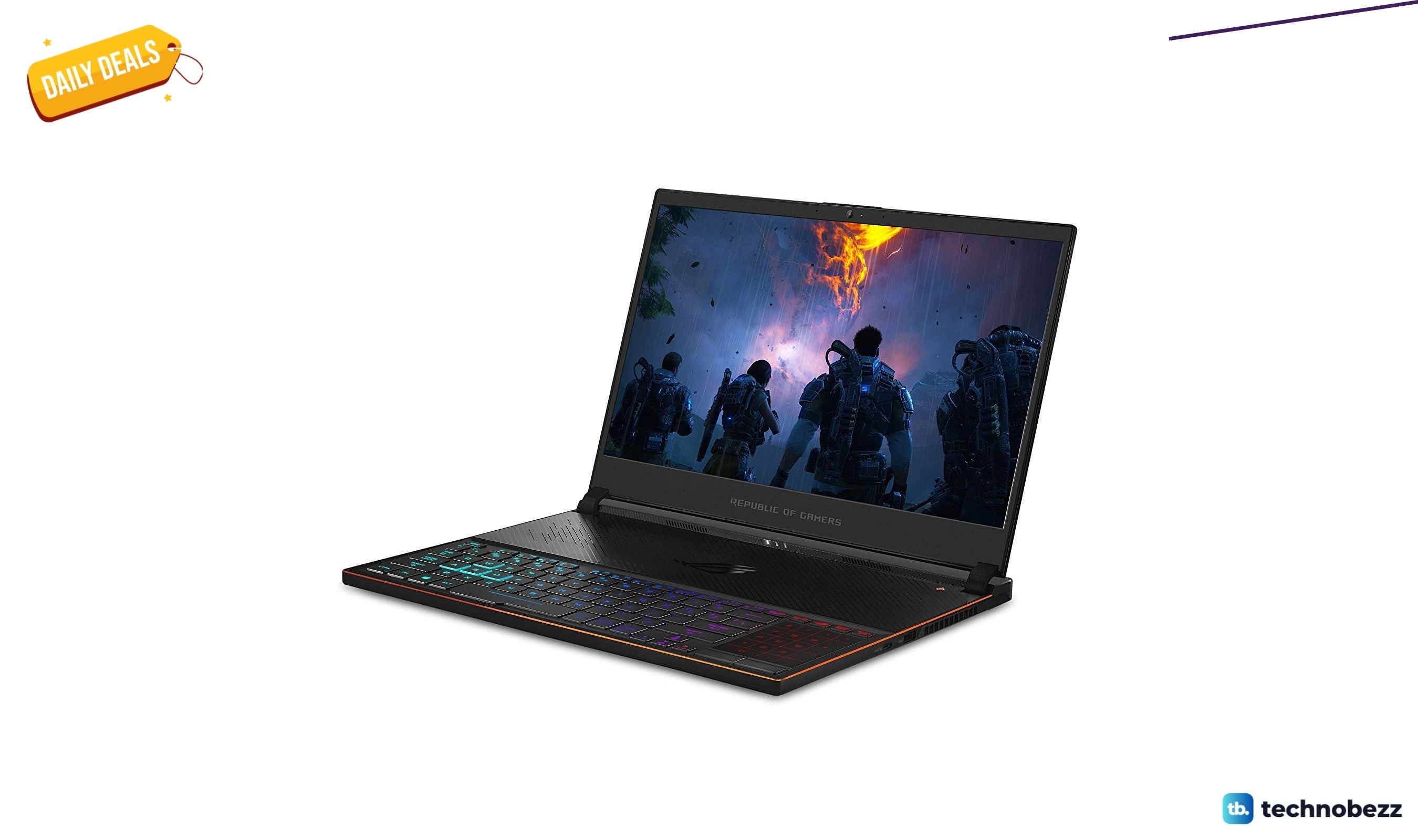
ASUS ROG Zephyrus S Ultra Slim Gaming gets a $660.95 price cut to $1338.05
5 min read
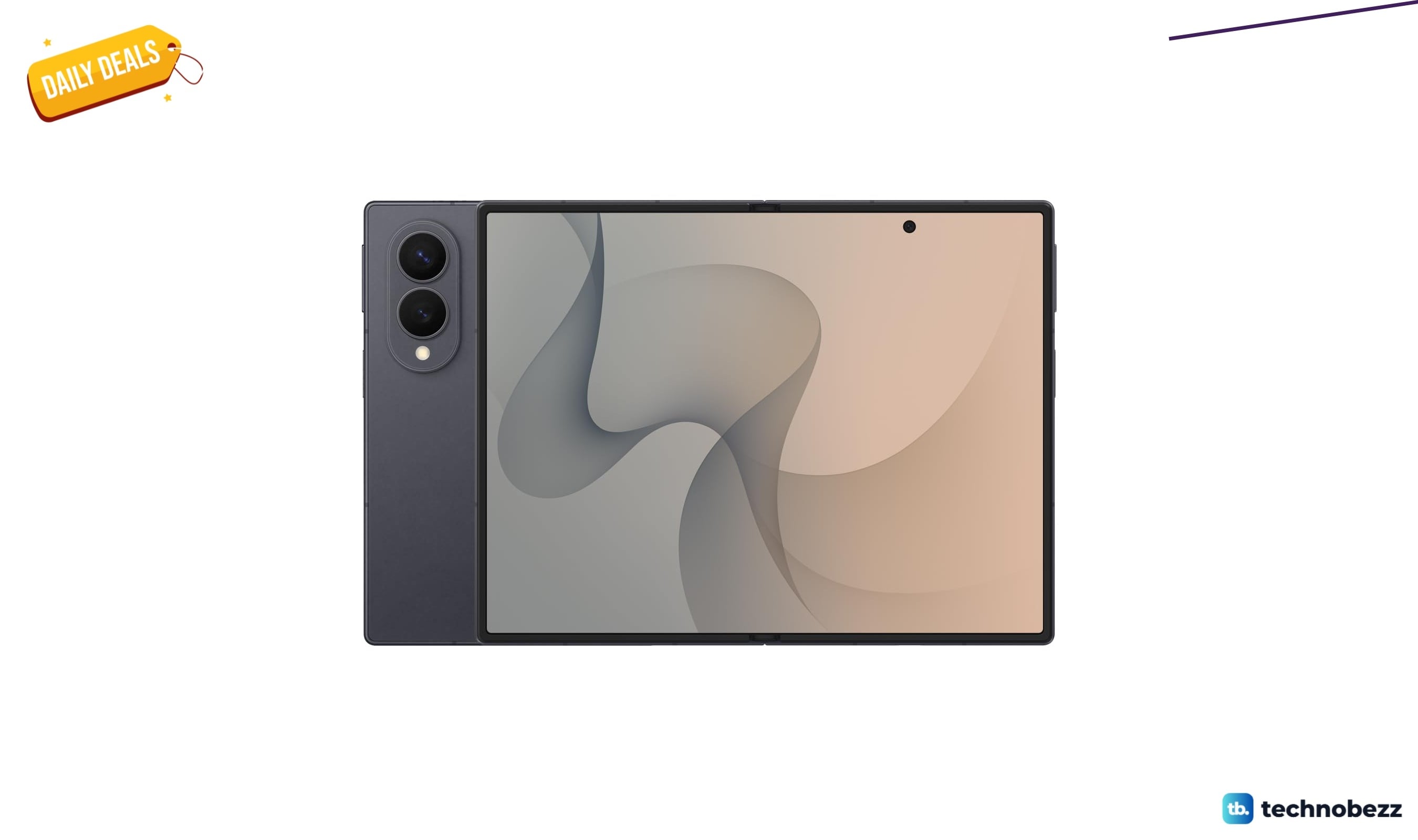
Samsung Galaxy Z Fold8 Unlocked Android Smartphone on sale for $1649.99
3 min read
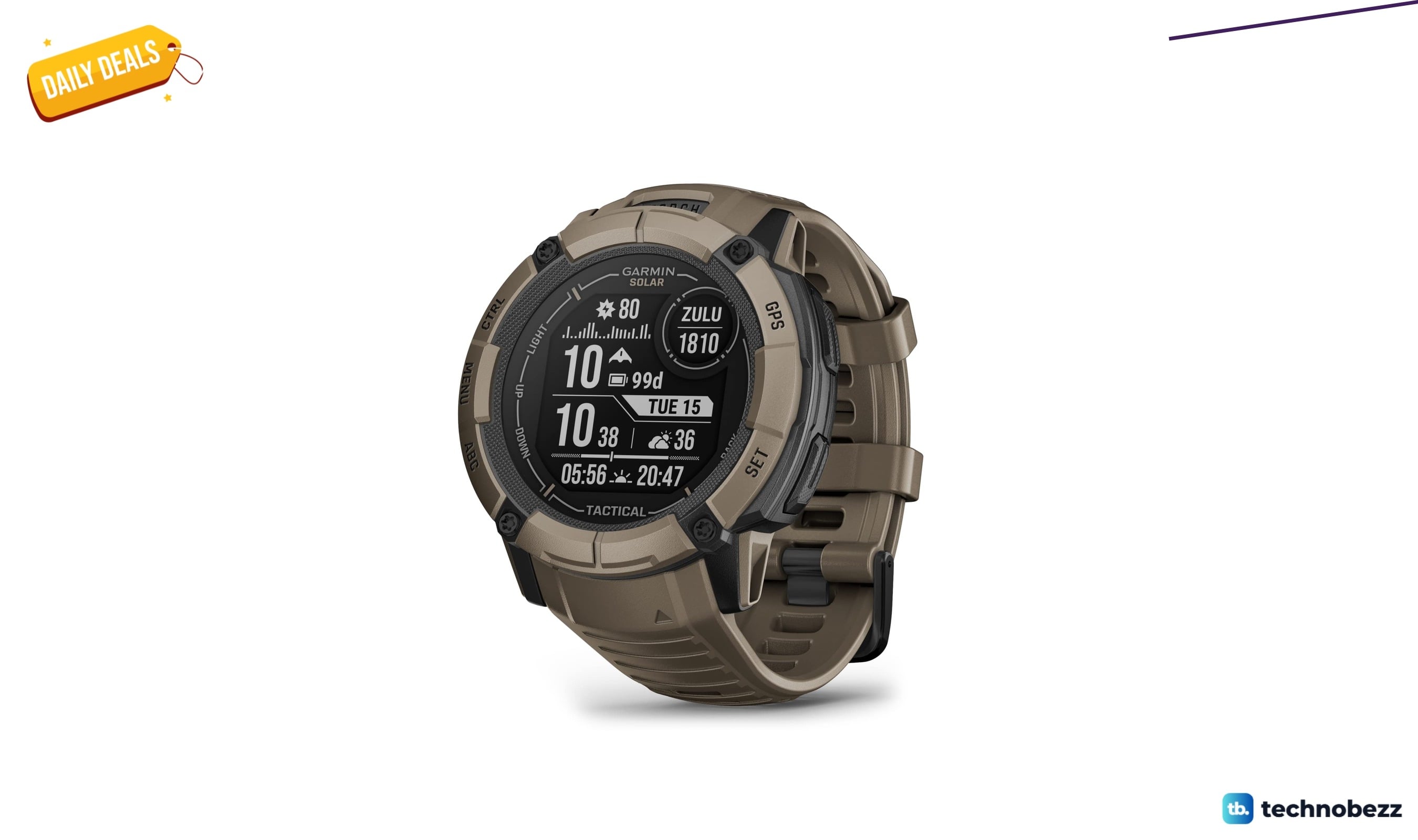
We found 2 smartwatch deals from $219.99 that are actually worth it
5 min read
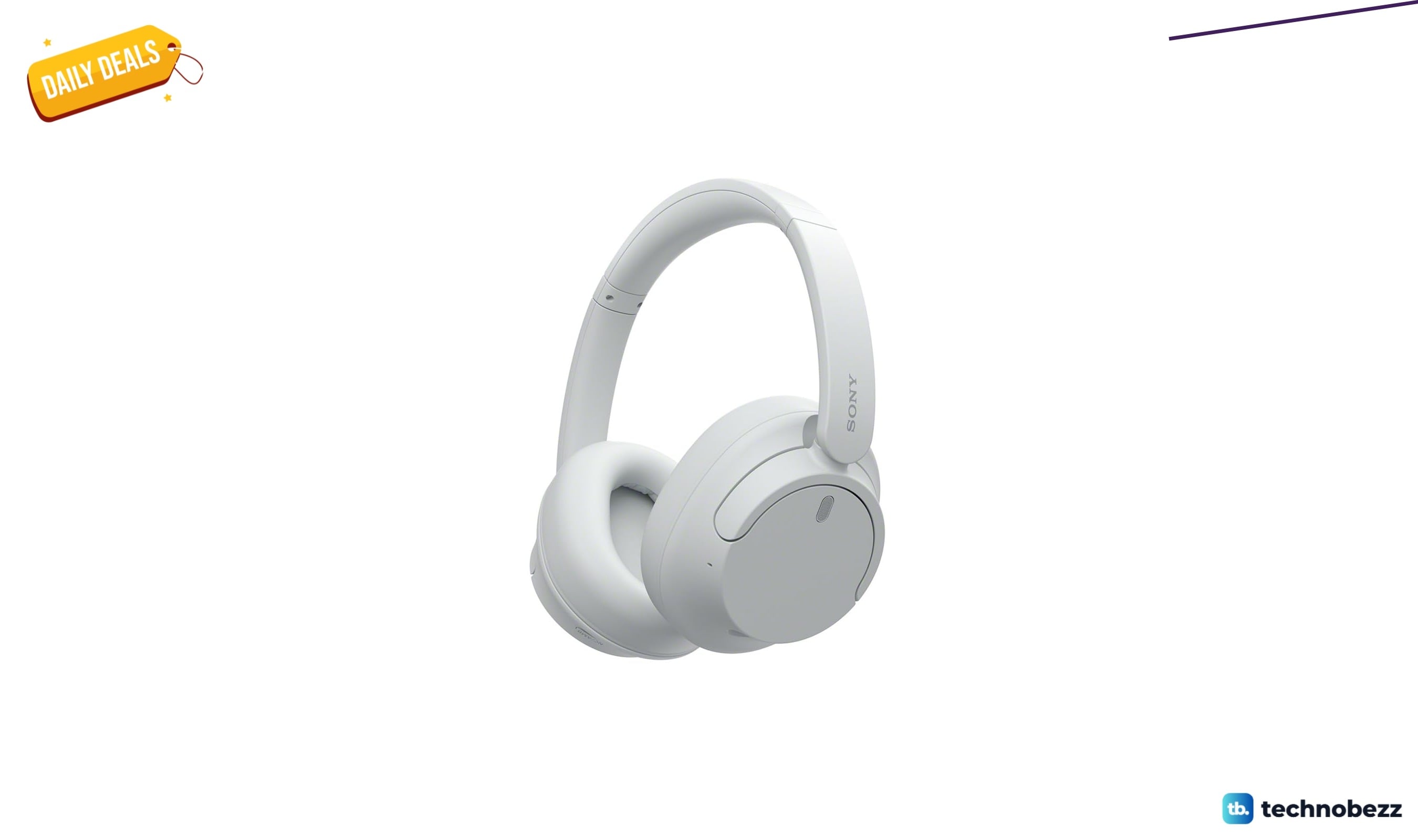
Sony WH-CH720 Noise Canceling Wireless Bluetooth Headphones now $87.94, down from $119.99
3 min read
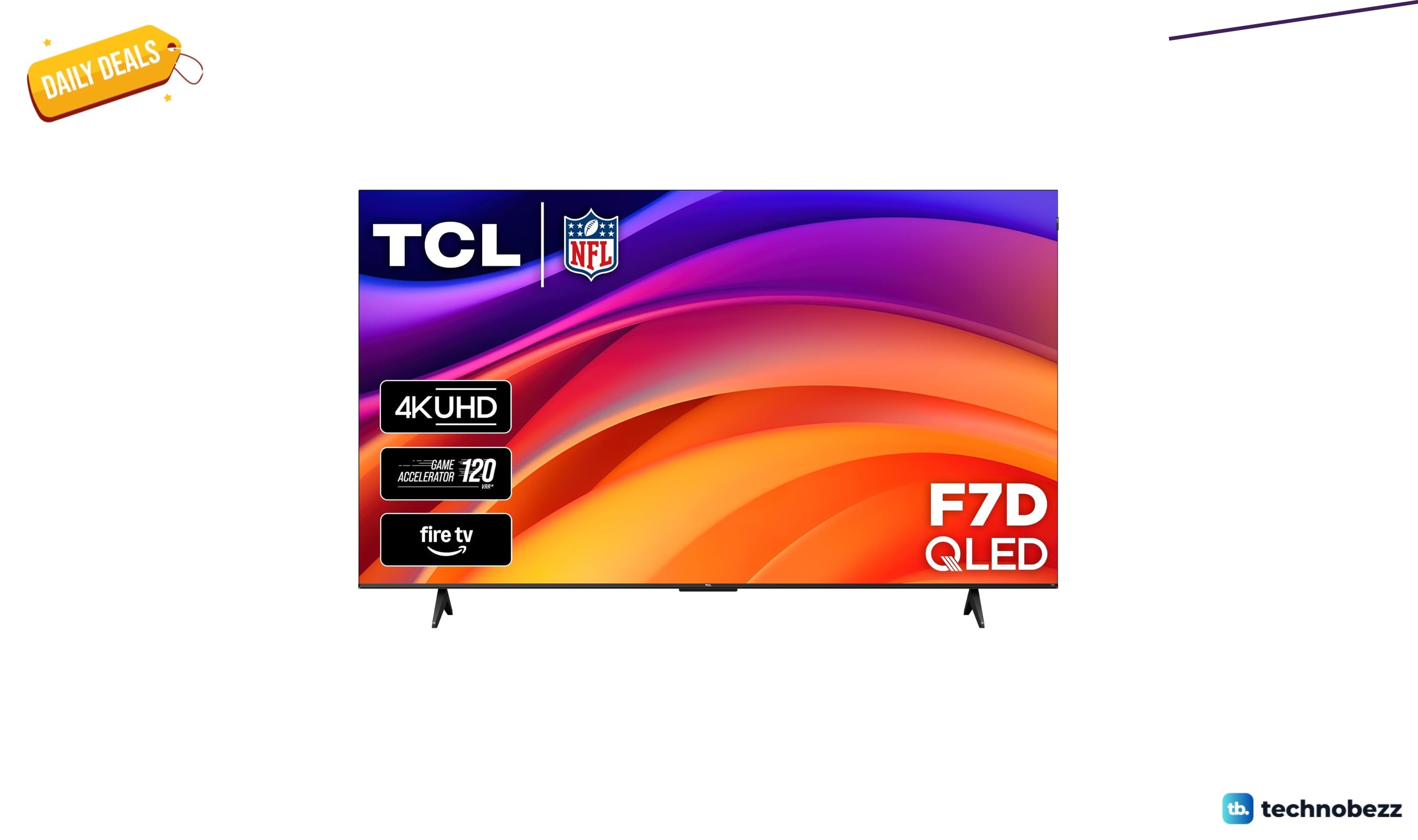
TCL 75-inch F7D QLED 4K TV leads 2 TV deals from $499.99
5 min read