Laptop brand choice shapes the operating system, app compatibility, support ecosystem, battery life, display quality, and long-term satisfaction. The Apple MacBook Air M5 13-inch is the best overall pick because it balances speed, portability, battery life, and polished everyday hardware.
Technobezz is supported by its audience. We may get a commission from retail offers.
Best Laptop Brands in 2026
Apple MacBook Air M5 13-inch is the top laptop brand pick for 2026, with strong Windows choices for value, travel, creators, and gaming.
T
Technobezz
Editorial Team
Updated October 5, 2026Oct 5, 2026
•11 min read

Get Deals Like These in Your Inbox
The best prices, checked by our editors.
Windows buyers have strong choices from Acer, Dell, Samsung, and Razer. This list matches each laptop to a clear use case, from big-screen value to 2-in-1 work, creator performance, and gaming power.
At a Glance
| Category | Product | Why We Picked It |
|---|---|---|
| Best overall | Apple MacBook Air M5 13-inch | The easiest premium laptop choice for most people |
| Best value | Acer Aspire 16 AI A16-11M 16-inch | A big-screen Copilot+ PC with mainstream appeal |
| Best ultraportable Windows laptop | Dell XPS 13 9350 13-inch | A compact premium Windows laptop for travel and meetings |
| Best for creators | Apple MacBook Pro M5 Pro 14-inch | A compact pro Mac for demanding creative workloads |
| Best large-screen 2-in-1 | Samsung Galaxy Book5 Pro 360 16-inch | A large AMOLED convertible with S Pen support |
| Best gaming laptop | Razer Blade 16 RTX 5090 16-inch | A luxury gaming laptop with flagship GPU power |
How we chose
We chose laptops that make a strong brand case through current platforms, clear retail configurations, and a useful fit for a real buyer need. Processor class, memory floor, storage, display quality, wireless support, battery claims, port limits, upgrade constraints, and software compatibility carried the most weight. A model only stayed on the list when its strengths matched a specific shopper use case, from a silent everyday Mac to a big-screen value PC, a premium convertible, a creator notebook, or a gaming laptop with an RTX GPU.
The best laptop brands right now
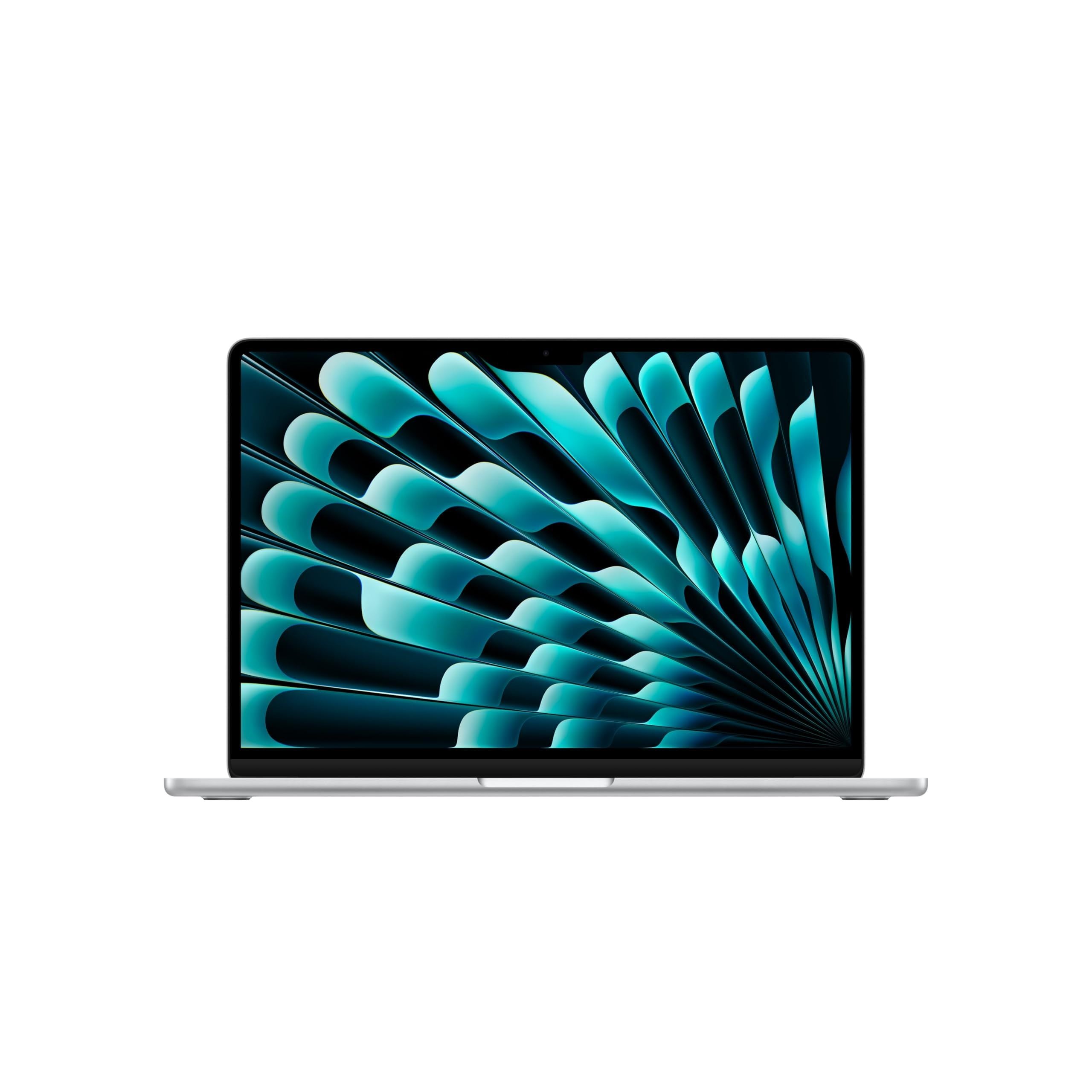
Apple MacBook Air M5 13-inch - Best overall
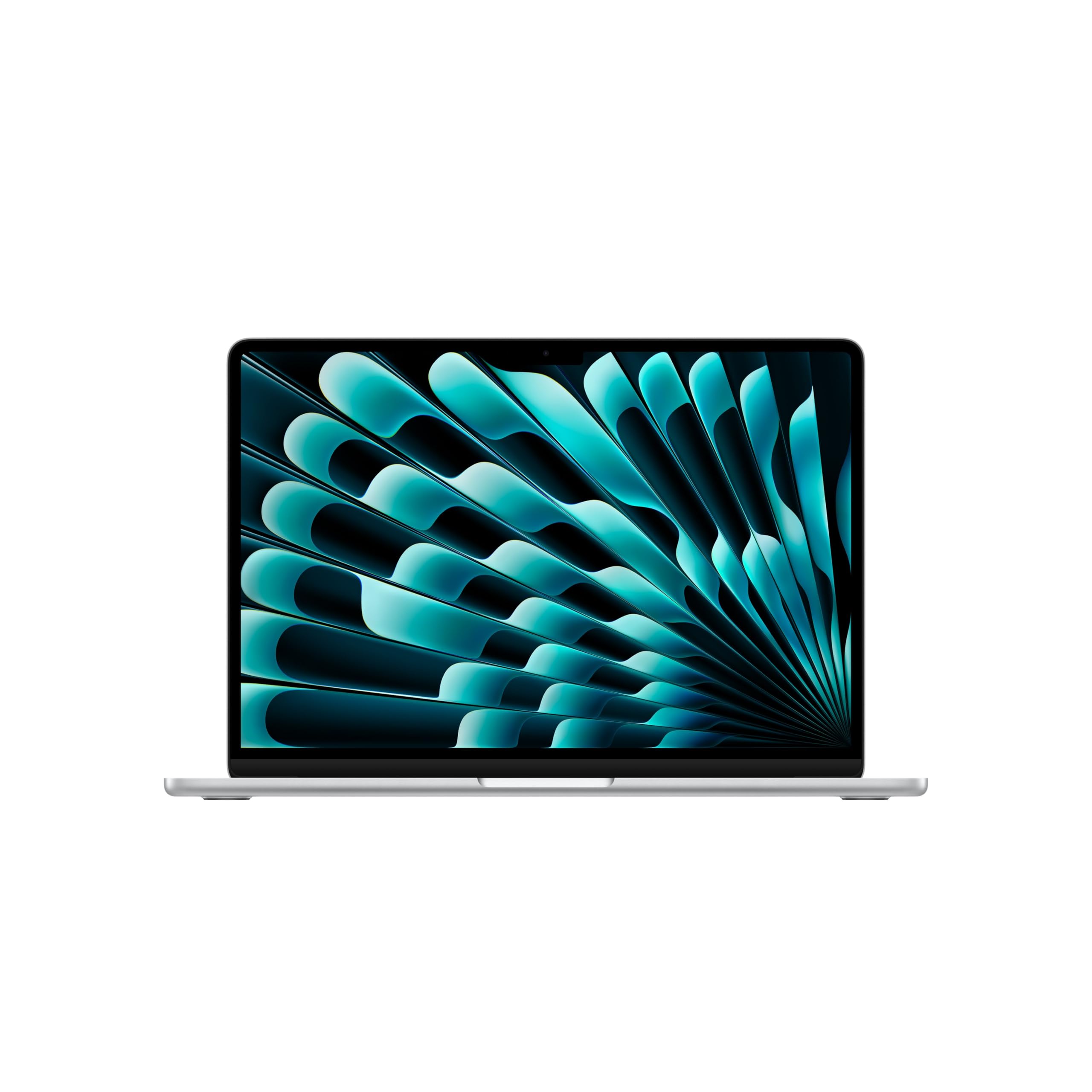
Most shoppers should start with the Apple MacBook Air M5 13-inch. Its M5 chip combines a 10-core CPU and 10-core GPU with a fanless, silent design, so it fits school, office work, travel, and everyday creative tasks without feeling overbuilt.
The 13.6-inch Liquid Retina display has a 2560 x 1664 resolution, and this configuration includes 16GB unified memory and a 1TB SSD. Add up to 18 hours of video streaming, Wi-Fi 7, Bluetooth 6, and Apple's strong display, speakers, webcam, and trackpad package, and it is the cleanest all-around recommendation.
Key highlights
- Apple M5 chip with 10-core CPU and 10-core GPU
- 16GB unified memory
- 1TB SSD
- 13.6-inch Liquid Retina display with 2560 x 1664 resolution
- Up to 18 hours video streaming
- Wi-Fi 7 and Bluetooth 6
Pros
- Excellent balance of speed, battery life, weight, and resale value
- Fanless and silent
- Strong display, speakers, webcam, and trackpad
- Mac ecosystem support is best in class
Cons
- Only two Thunderbolt ports
- Not built for heavy gaming or sustained workstation loads
- RAM and SSD are not upgradeable
Who it's for
Ideal for shoppers who want the easiest premium laptop recommendation for school, office work, travel, and everyday creative tasks.
Skip if
Choose another laptop if you need Windows-only software, lots of ports, or serious GPU performance.
Acer Aspire 16 AI A16-11M 16-inch - Best value
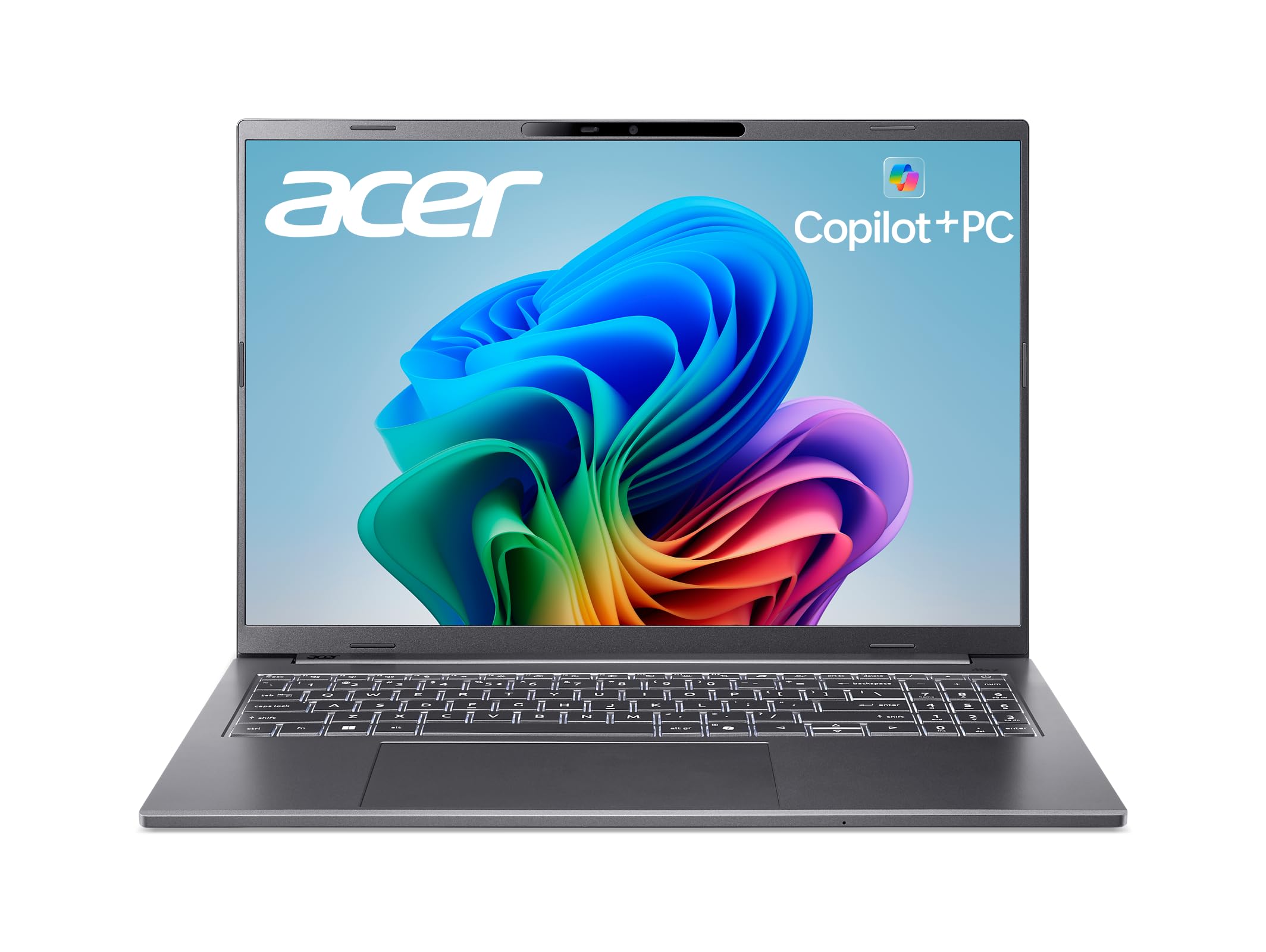
Acer gives value buyers a roomy 16-inch work surface without dropping below the 16GB memory floor. The Aspire 16 AI uses a Qualcomm Snapdragon X X1-26-100 octa-core processor, 16GB LPDDR5X memory, and a 512GB SSD.
The 1920 x 1200 IPS display has a matte 16:10 panel and a 120Hz refresh rate, which suits spreadsheets, browser tabs, and video calls. Wi-Fi 7 and a Qualcomm Hexagon NPU rated up to 45 TOPS keep the platform current, while ARM Windows compatibility remains the key item to check before buying.
Key highlights
- Qualcomm Snapdragon X X1-26-100 octa-core processor
- 16-inch WUXGA 1920 x 1200 IPS matte display
- 120Hz refresh rate
- 16GB LPDDR5X memory
- 512GB SSD
- Qualcomm Hexagon NPU up to 45 TOPS
Pros
- Large 16-inch screen at a mainstream price
- Modern Copilot+ PC hardware with 16GB RAM
- Good port mix for the class, including USB4 and HDMI on the series
- Wi-Fi 7 support
Cons
- ARM Windows can still have app and driver compatibility gaps
- IPS display is practical, not premium OLED
- Integrated graphics are not for AAA gaming
Who it's for
Best for shoppers who want a big-screen, affordable everyday laptop with long-battery ARM efficiency.
Skip if
Look elsewhere if you rely on older Windows utilities, specialty drivers, or x86-only software.
Dell XPS 13 9350 13-inch - Best ultraportable Windows laptop
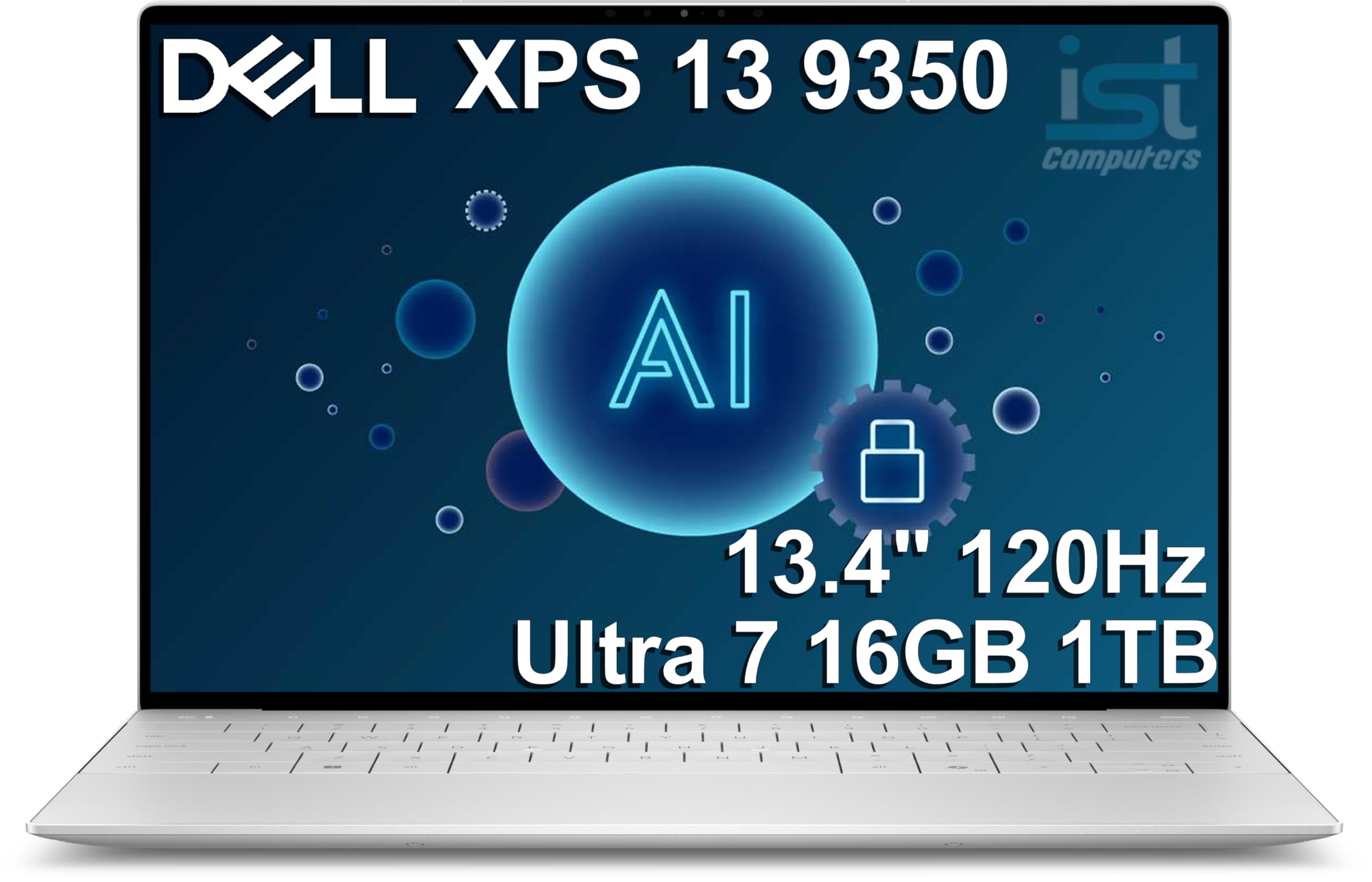
For Windows users who want a small premium machine, the Dell XPS 13 9350 keeps the focus on portability and a compact chassis. It pairs an Intel Core Ultra 7 256V processor with 8 cores and up to 4.8GHz, plus 16GB LPDDR5X 8533MT/s integrated memory.
The 13.4-inch InfinityEdge display uses a 1920 x 1200 resolution, a 30Hz to 120Hz range, and 500 nits brightness. A 1TB PCIe NVMe M.2 SSD, Intel Killer Wi-Fi 7, Bluetooth 5.4, and available Windows Pro configurations make it a sharp travel and meeting laptop, as long as the minimal port selection fits your setup.
Key highlights
- Intel Core Ultra 7 256V with 8 cores
- Up to 4.8GHz processor speed
- 13.4-inch 1920 x 1200 InfinityEdge display
- 30Hz to 120Hz display range
- 500 nits brightness
- Intel Killer Wi-Fi 7 plus Bluetooth 5.4
Pros
- Very compact, premium chassis
- Excellent 120Hz 500-nit display option
- Strong Lunar Lake battery and performance balance
- Available with Windows Pro configurations
Cons
- Minimal port selection
- Some users dislike the flush touchpad and function-row design
- Integrated graphics only
Who it's for
Made for travelers and meeting-heavy professionals who want a small, premium Windows laptop for everyday productivity.
Skip if
Choose a different Windows laptop if you need many built-in ports, a traditional function row, or upgradeable memory.
Apple MacBook Pro M5 Pro 14-inch - Best for creators
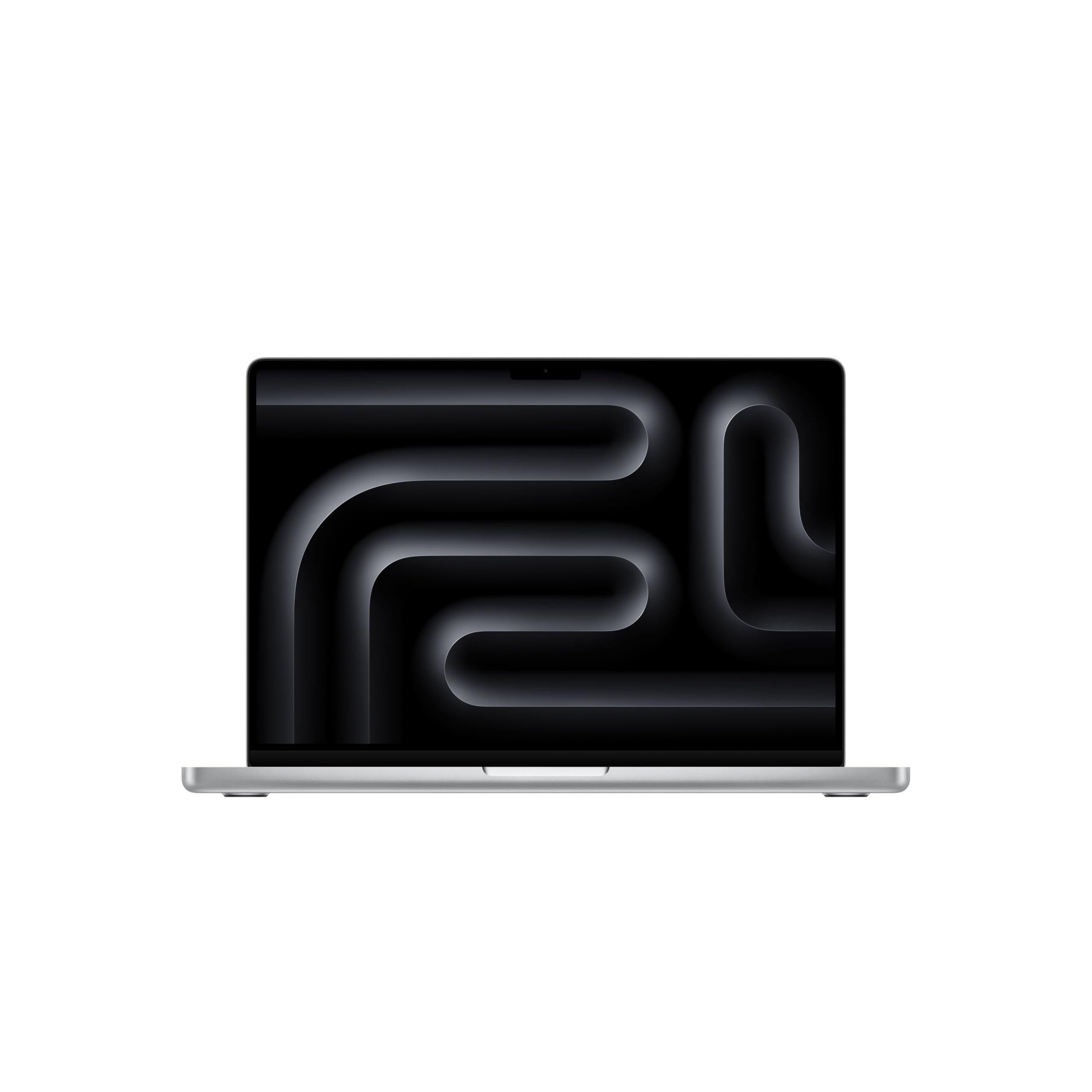
Creators get a higher performance ceiling from the Apple MacBook Pro M5 Pro 14-inch. The M5 Pro chip combines a 15-core CPU, 16-core GPU, and 307GB/s memory bandwidth for heavier photo, video, audio, code, and multitasking workloads.
This configuration includes 24GB unified memory, a 1TB SSD, Wi-Fi 7, and a 14.2-inch Liquid Retina XDR display. It is more laptop than basic browsing and office work require, but it fits users whose Mac needs to earn its keep every day.
Key highlights
- Apple M5 Pro chip
- 15-core CPU and 16-core GPU
- 24GB unified memory
- 1TB SSD
- 14.2-inch Liquid Retina XDR display
- 307GB/s memory bandwidth
Pros
- Excellent sustained performance for photo, video, audio, and code work
- Best-in-class display and speakers
- Long battery life for a pro laptop
- Strong macOS creative app ecosystem
Cons
- Expensive
- Not upgradeable after purchase
- Overkill for basic browsing and office work
Who it's for
Built for people whose laptop earns its keep with video editing, development, design, music, or heavy multitasking.
Skip if
Choose the MacBook Air if it already covers your workload, or choose Windows if you need Windows-native engineering apps.
Samsung Galaxy Book5 Pro 360 16-inch - Best large-screen 2-in-1
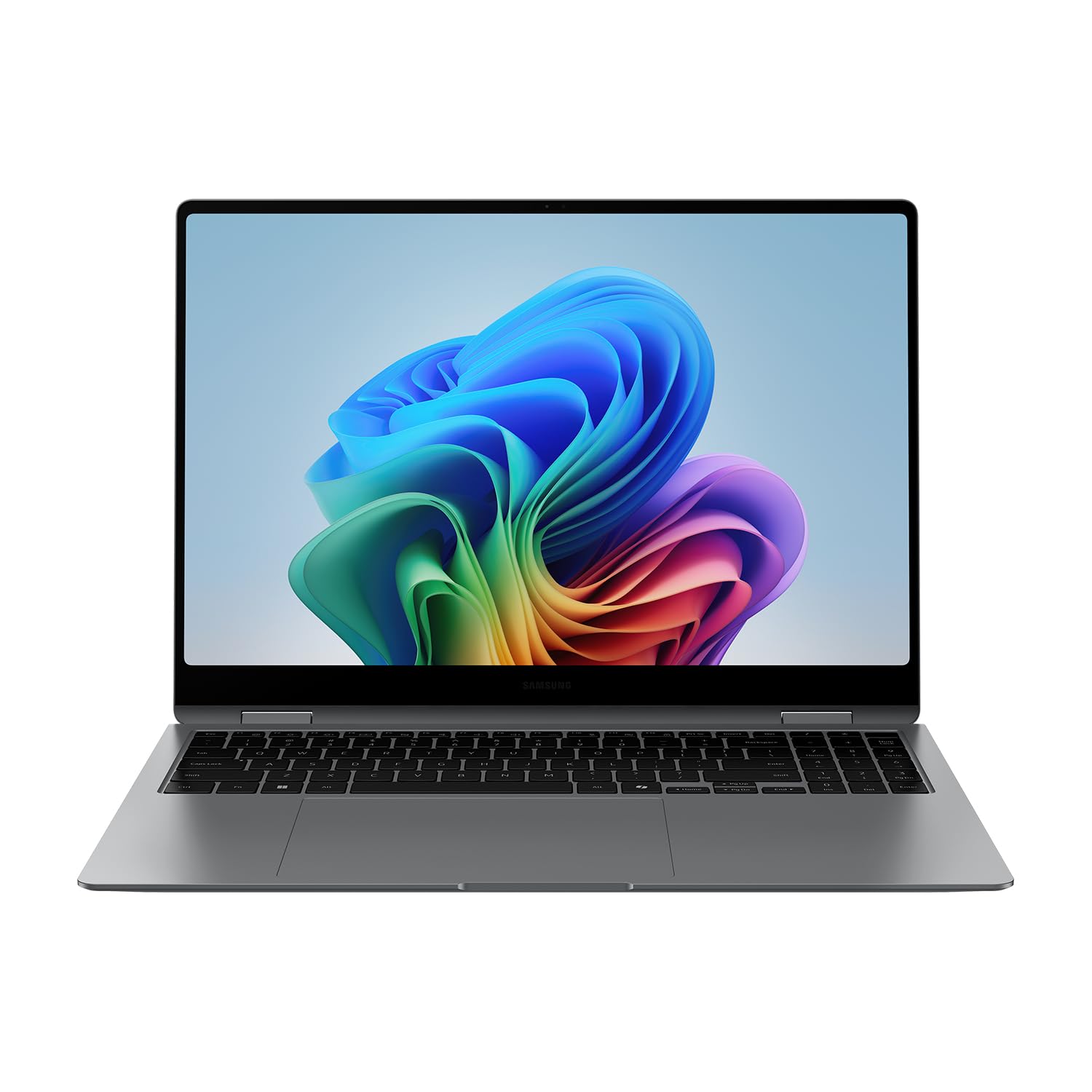
Samsung goes big with the Galaxy Book5 Pro 360, a 16-inch convertible built around a 3K Dynamic AMOLED 2X touchscreen. It suits media, notes, light creative work, and Windows productivity for buyers who want more screen than a compact 2-in-1 provides.
The hardware lines up well for that role, with an Intel Core Ultra 7 258V with Intel Arc graphics, 32GB RAM, and a 1TB SSD. The display runs at 2880 x 1800 and up to 120Hz, the 360-degree design includes an S Pen, and Samsung claims up to 25 hours of local video playback for the Galaxy Book5 Pro 360 under its test conditions.
Key highlights
- Intel Core Ultra 7 258V with Intel Arc graphics
- 16-inch 3K Dynamic AMOLED 2X touchscreen
- 2880 x 1800 resolution
- Up to 120Hz refresh rate
- 32GB RAM and 1TB SSD
- 360-degree design with included S Pen
Pros
- Large, vivid AMOLED touchscreen
- S Pen included
- Thin for a 16-inch convertible
- Best fit for Samsung phone owners
Cons
- 16-inch convertible is less convenient as a tablet
- Glossy AMOLED can reflect light
- Premium price
Who it's for
A strong fit for people who want a big-screen Windows laptop for media, notes, light creative work, and Samsung ecosystem features.
Skip if
Choose a smaller laptop if you need compact travel hardware, or a gaming laptop if you need a discrete GPU.
Razer Blade 16 RTX 5090 16-inch - Best gaming laptop
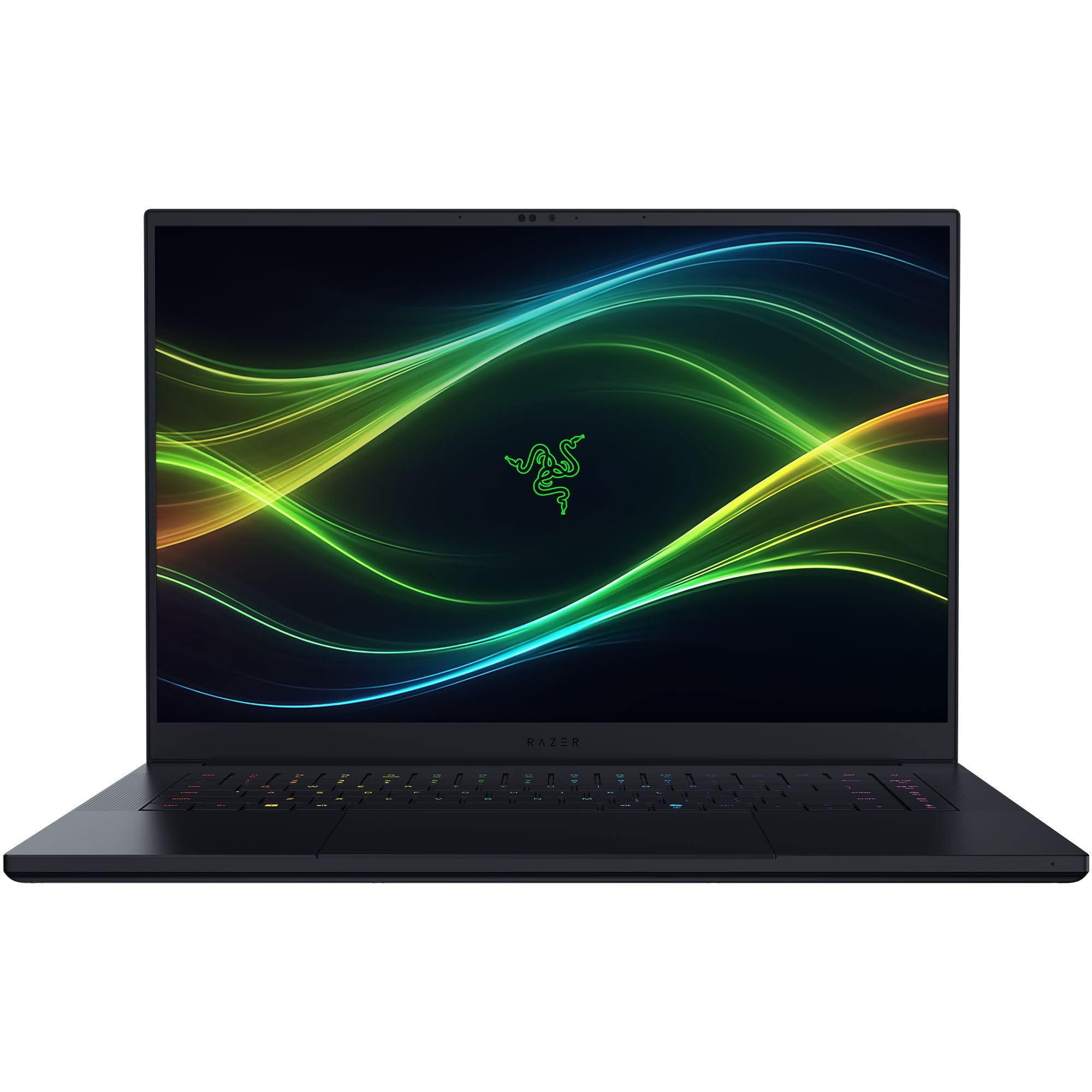
The Razer Blade 16 RTX 5090 is the performance outlier here, with an Intel Core Ultra 9 386H processor and an NVIDIA GeForce RTX 5090 laptop GPU. That hardware gives gamers and GPU-heavy creators the dedicated graphics muscle that the mainstream laptops on this list do not have.
Razer pairs the GPU with a 16-inch QHD+ OLED display at 240Hz, 32GB 9600MHz RAM, and a 2TB SSD. The 14.9mm thin Blade 16 design is more portable than many flagship gaming laptops, but heavy gaming loads still bring shorter battery life, more heat, and more fan noise than mainstream machines.
Key highlights
- Intel Core Ultra 9 386H processor
- NVIDIA GeForce RTX 5090 laptop GPU
- 16-inch QHD+ OLED display
- 240Hz refresh rate
- 32GB 9600MHz RAM
- 2TB SSD
Pros
- Top-tier gaming GPU in a premium chassis
- Excellent 240Hz OLED screen
- More portable than many flagship gaming laptops
- Strong for GPU-accelerated creative work
Cons
- Very expensive
- Gaming battery life will be short
- Runs hotter and louder than mainstream laptops under load
Who it's for
Designed for shoppers who want a luxury gaming laptop that can also handle serious creator workloads.
Skip if
Choose a quieter or longer-lasting laptop if value, quiet operation, or battery life matters more than GPU power.
How to Choose
- Pick the operating system first. macOS is strongest for Apple ecosystem users, battery life, and many creative apps. Windows is better for broader business software, gaming, engineering tools, and hardware variety.
- Do not buy less than 16GB RAM for a main laptop. In 2026, 16GB is the practical floor for multitasking. Choose 24GB, 32GB, or more for creative work, development, large spreadsheets, or keeping a laptop for many years.
- Match the processor to your apps. Apple M-series chips and Intel x86 laptops have the fewest compatibility surprises. Snapdragon Windows laptops can deliver great battery life, but check VPNs, drivers, plug-ins, games, and niche apps before buying.
- Screen quality changes the experience. OLED and mini-LED or XDR displays look better for photos, video, and media. Matte IPS displays can be easier in bright offices and often use less battery.
- Gaming and 3D work need a real GPU. Integrated graphics are fine for office work, streaming, light photo work, and casual games. Modern AAA games, 3D rendering, and GPU AI workloads call for an RTX-class laptop.
- Check ports and upgrade limits. Thin premium laptops often have soldered RAM and few ports. Decide before buying if you need HDMI, USB-A, SD card, Ethernet, or user-upgradeable storage.
What laptop brand is best for most shoppers?
Apple is the safest broad pick if macOS works for you. Acer, Dell, Samsung, and Razer make more sense when you need Windows, big-screen value, a compact premium build, a 2-in-1, Samsung ecosystem features, or gaming hardware.
Is 8GB RAM enough in 2026?
It works only for very light use or secondary devices. For a laptop you plan to keep, 16GB is the practical minimum, with 24GB or 32GB better for creative work, development, and heavy multitasking.
Are Snapdragon Windows laptops safe to buy now?
Yes for web work, Office, video calls, streaming, and many mainstream apps. Verify compatibility first for VPNs, printers, plug-ins, games with anti-cheat, and specialized professional tools.
Should I buy from Amazon or the manufacturer?
Amazon is convenient, while manufacturer stores and major retailers often make exact configurations, warranties, and return terms clearer. Match the model code and configuration before buying.
Is OLED worth it on a laptop?
OLED is worth it for media, photo work, contrast, and a premium screen feel. IPS remains a strong choice for matte finishes, long static office work, lower cost, and battery-sensitive setups.
Published July 28, 2026 Last updated October 6, 2026
Share this article
More in News
Four TV deals under $1099.99 include a Samsung 50-inch at $597.99
Shop four TV deals under $1099.99, including a Samsung 50-inch at $597.99, all matching their lowest tracked prices.
4 min read
7 Best Drip Coffee Makers in 2026
Discover the top coffee makers for 2026, led by the Breville Precision Brewer. Compare picks for value, heat retention, and budget to brew your perfect cup.
4 min read
HP OmniBook 3 PC discounted to $896.03
Save $272.71 on the HP OmniBook 3 PC at Amazon, now $896.03 with a 17.3-inch display, Intel Core 5, and 512GB SSD.
3 min read
Best Smart Alarm Clocks for 2026
Loftie Smart Alarm Clock leads our 2026 picks. At the time of writing, these top options cover gentle wake-ups, sunrise simulation, and heavy sleepers.
4 min read
Best Multi-Port Wall Chargers for 2026
3 min read
ASUS ZenWiFi BT8 WiFi 7 Mesh Router on sale for $699.99
3 min read
8 Best Chromebooks for Students in 2026
3 min read
Garmin fēnix® 9 Pro discounted to $1099.99
5 min read
Google Pixel Watch 5 Android Smartwatch Fog slips to $429.99
4 min read
Samsung Galaxy Watch 7 40mm Bluetooth AI Smartwatch falls to $159
3 min read
7 Best Hand Massagers in 2026
4 min read
Nothing Headphone 2026 New now $129, down from $199
3 min read