A good label maker turns chaos into order with clean, consistent text that elevates your organization game. The Brother P-Touch Cube Plus stands out for its seamless Bluetooth app integration and portable design, but your choice depends on whether you prioritize budget, business features, or simple home use.
Technobezz is supported by its audience. We may get a commission from retail offers.
The 7 Best Label Makers for Home and Office in 2026
We tested 7 top label makers for home and office. The Brother P-Touch Cube Plus leads with Bluetooth app printing, plus picks from $40 to $130.
T
Technobezz
Senior Editor
Updated September 5, 2026Sep 5, 2026
•8 min read

Get Deals Like These in Your Inbox
The best prices, reviewed weekly.
At a Glance
| Category | Product | Why We Picked It |
|---|---|---|
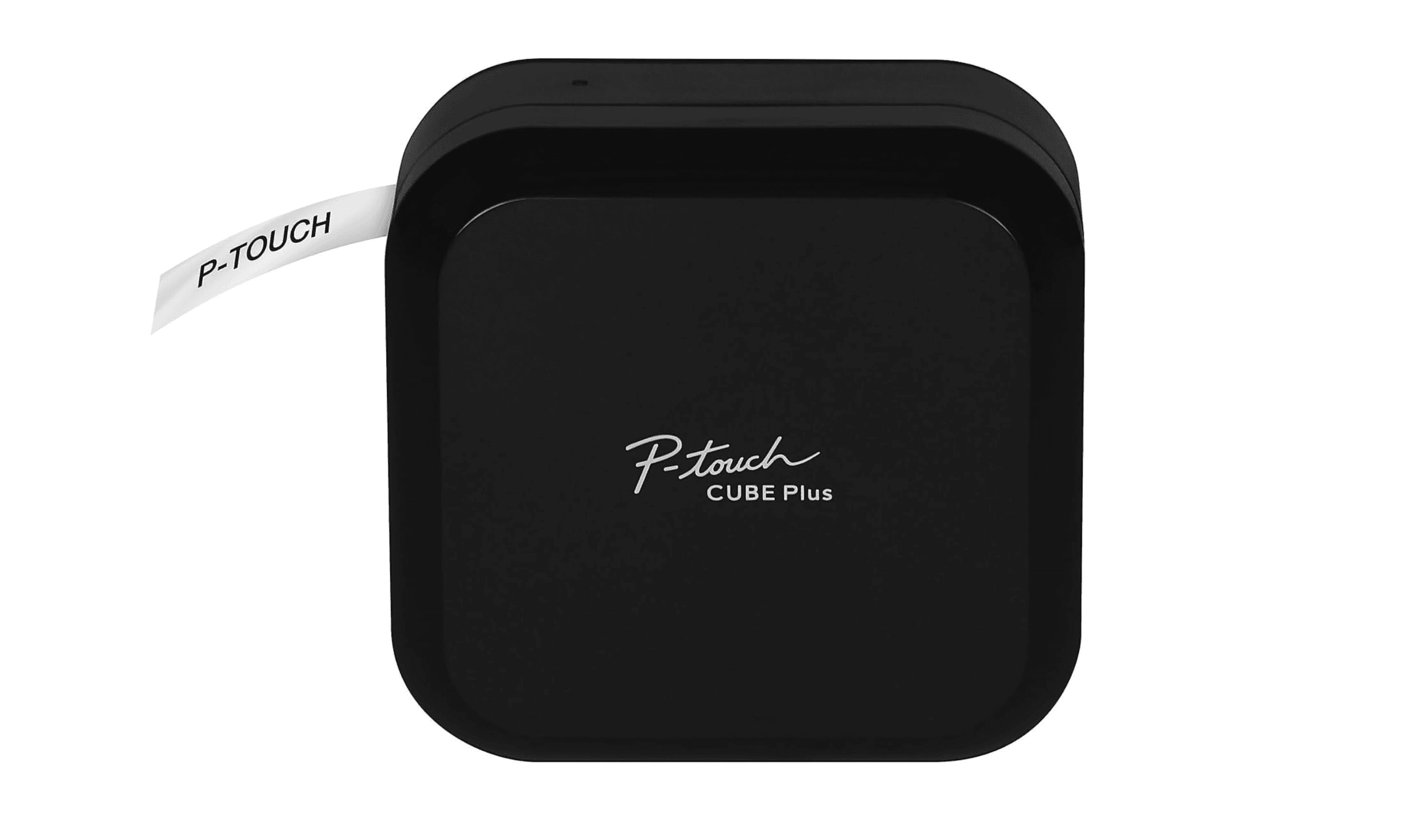
| Best overall | Brother P-Touch Cube Plus | Seamless Bluetooth app control from your smartphone or computer |
| Best value | Brother P-touch PT-N25BT | Affordable Bluetooth connectivity under $40 |
| Best for business | Brother PT-D610BT | Dual connectivity and barcode printing for professional use |
| Best desktop option | Brother P-Touch D220 | Straightforward keyboard operation with a 15-character display |
| Best industrial | DYMO Rhino 4200 | Durable construction for demanding environments |
| Also recommended | Epson Labelworks LW-C610PX | Auto-cuts and works with tons of tapes |
| Also recommended | Dymo LabelManager 160 | Compact and simple with a full keyboard |
How we chose and tested
Our selection process focused on real-world performance for both home and office tasks. We prioritized print clarity, overall ease of use, and long-term value, which includes tape cost and device durability.
The best label makers right now
Brother P-Touch Cube Plus - Best overall
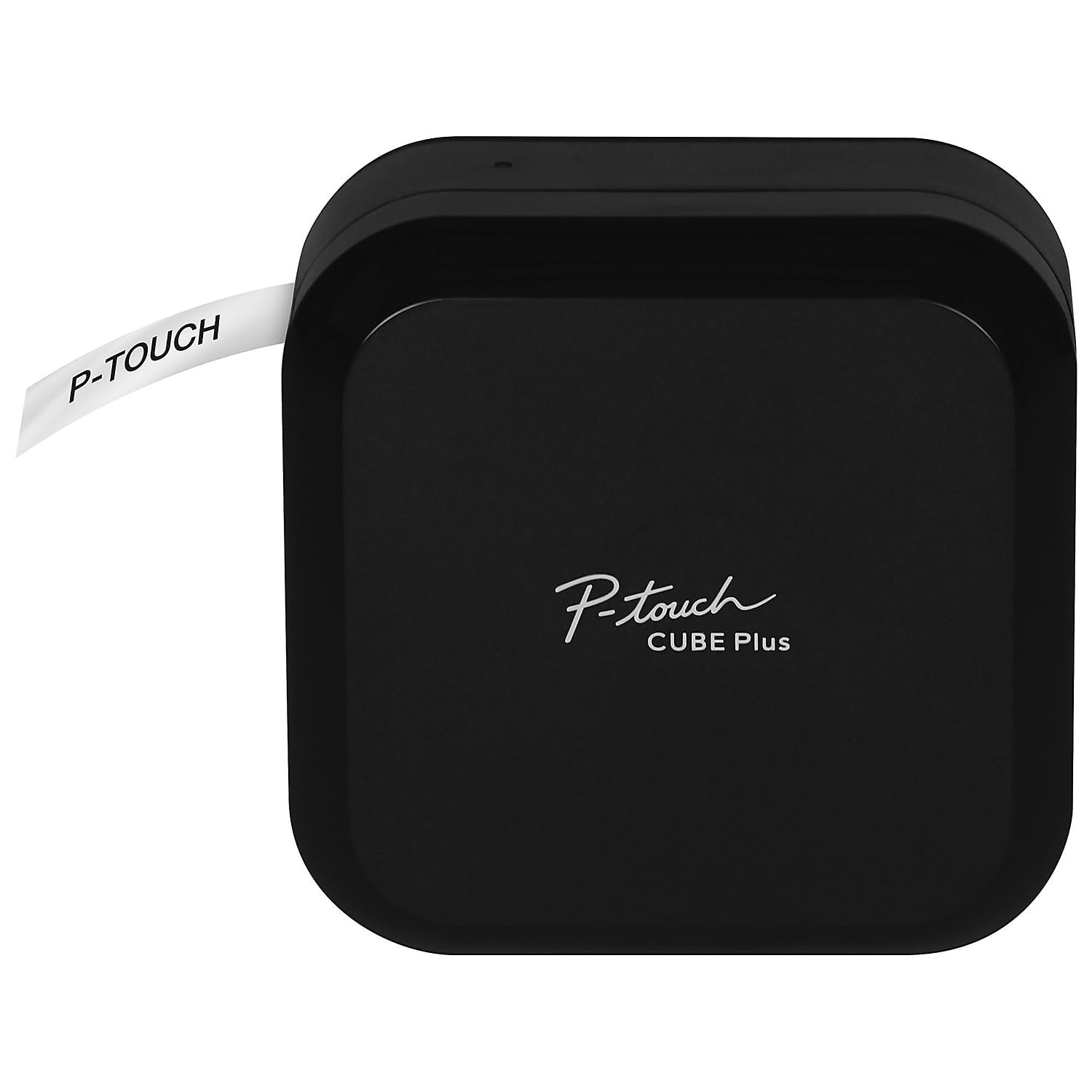
This compact label maker delivers professional results through Bluetooth wireless connectivity, letting you design and print custom labels from your smartphone, tablet, or computer.
Key highlights
- Bluetooth wireless technology for printing from Apple or Android devices and computers
- Extensive font library with over 15 styles and customization options
- Automatic tape cutting for convenience
- Supports multiple tape widths and colors
- Built-in rechargeable Li-ion battery with USB cable
Pros
- Works seamlessly with smartphone apps for advanced design
- Three compatible Brother software apps for extensive template and design options
- High-resolution printing produces clean, professional labels
- Durable construction suitable for frequent use
Cons
- Higher price point around $100
- Requires a smartphone or computer for all operations (no built-in keyboard)
Who it is for: Anyone wanting a portable, app-driven label maker with extensive design options, from home organizers to small business owners.
Skip if
You prefer standalone keyboard operation without needing a smartphone, or want a budget option under $50.
Brother P-touch PT-N25BT - Best value
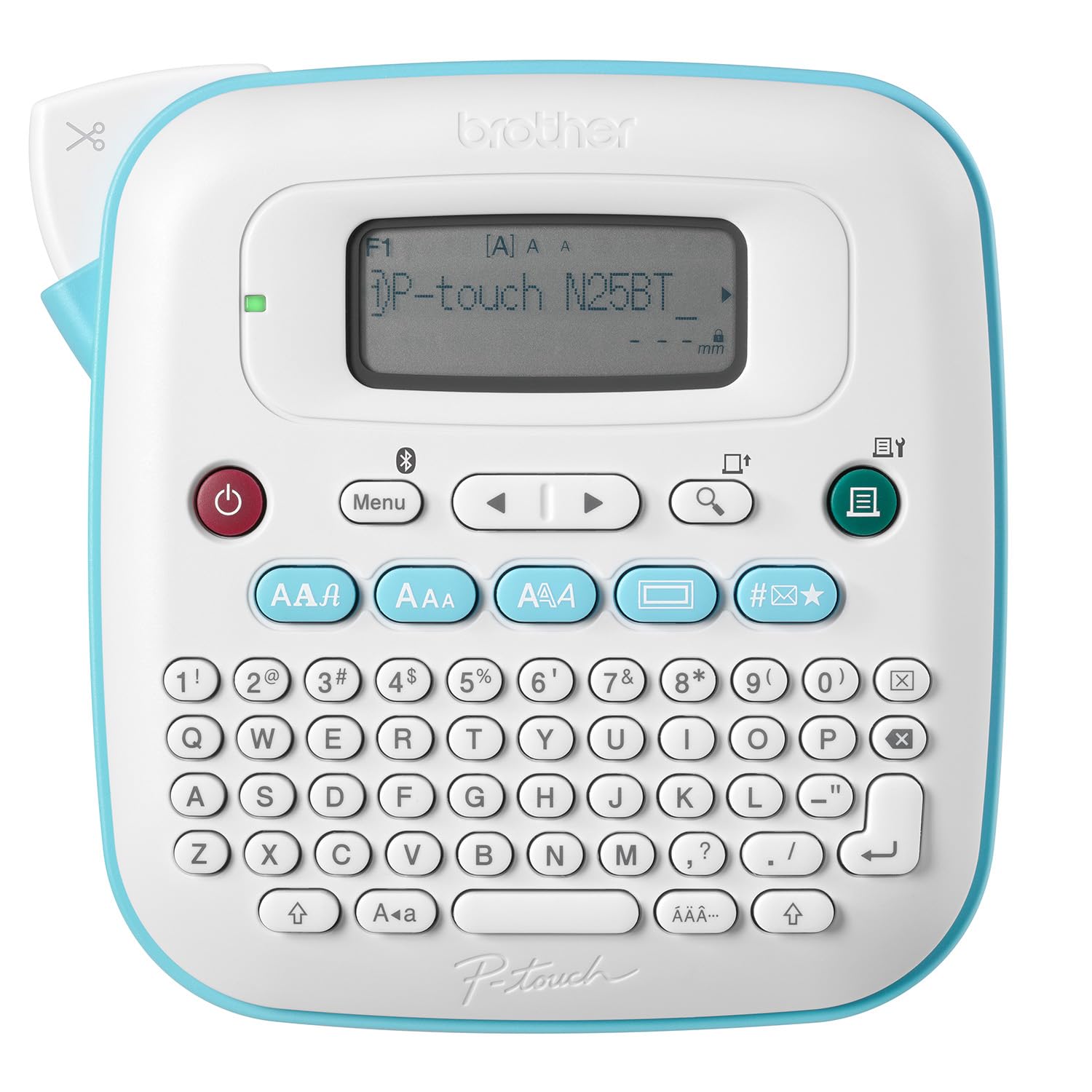
For under $40, this Bluetooth-connected label maker offers smartphone app control and affordable tape refills, making it an excellent entry point into organized labeling.
Key highlights
- Built-in QWERTY keyboard plus Bluetooth app connectivity
- Btag tapes available in 17 color varieties
- 3 built-in fonts with 7 styles, plus more via the app
- Compact, portable design
- Works with Brother's Design&Print 2 app
Pros
- Extremely cost-effective for Bluetooth capability
- Low ongoing tape costs
- Easy smartphone integration
- Simple setup and operation
Cons
- Limited to 12mm Btag tapes only (not standard TZe)
- Smaller label output compared to full-size models
Who it is for: Budget-conscious users who want smartphone connectivity without paying premium prices.
Skip if
You want automatic tape cutting or need standard TZe tape compatibility.
Brother PT-D610BT - Best for business
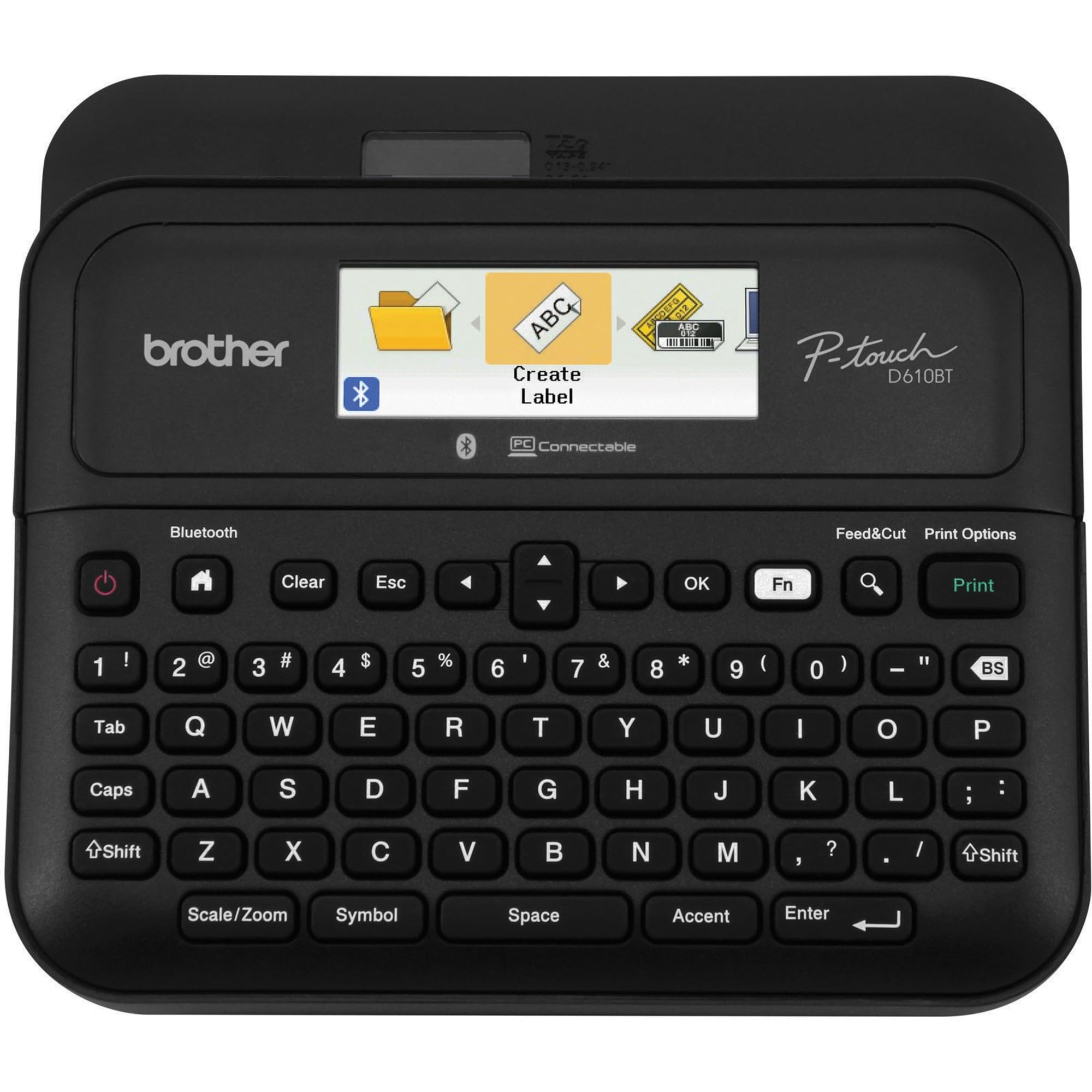
With barcode printing capability and dual connectivity, this model addresses professional needs from inventory management to office organization.
Key highlights
- Barcode printing for inventory and point-of-sale systems
- Both physical keyboard and Bluetooth connectivity
- Supports printing up to 1-inch wide labels
- Saves up to 90 label designs internally
- Professional-grade print quality
Pros
- Business-specific features like barcode support
- Flexible connectivity options
- Suitable for asset management and labeling
- Durable construction for office environments
Cons
- Around $100 price point
- Steeper learning curve for advanced features
- Business focus may include unnecessary features for home users
Who it is for: Small business owners, office managers, and anyone needing professional labeling capabilities.
Skip if
You only need basic home organization or want the simplest possible operation.
Brother P-Touch D220 - Best desktop option
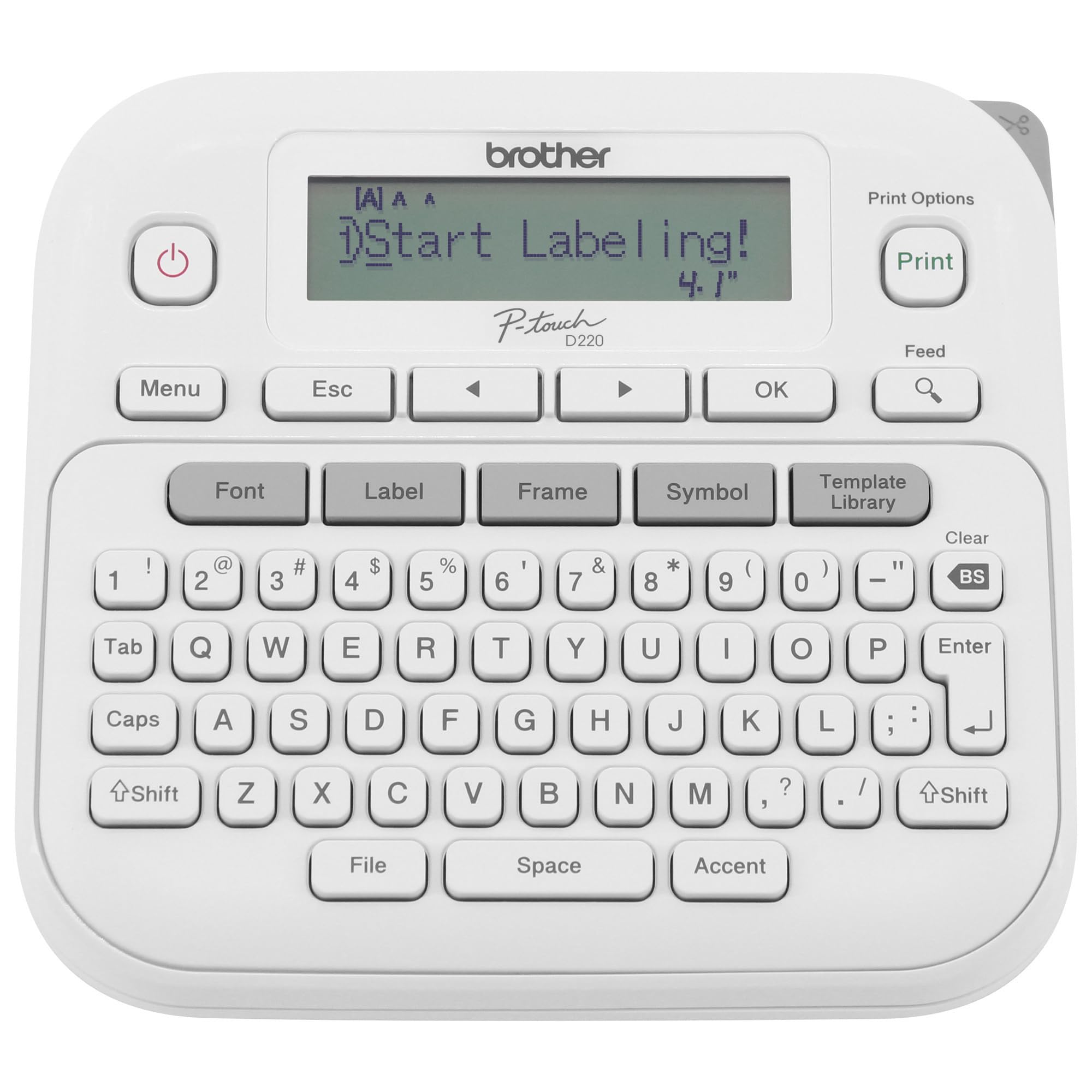
This straightforward label maker provides physical keyboard operation with a clear display, ideal for users who prefer traditional, screen-based control.
Key highlights
- Full QWERTY keyboard for direct typing
- 15-character, single-line display for label preview
- Stores up to 30 label designs
- Supports multiple font sizes and styles
- Uses affordable, widely available tape
Pros
- Simple, intuitive keyboard operation
- No smartphone or app required
- Affordable price under $50
- Good for high-volume labeling sessions
Cons
- No Bluetooth or smartphone connectivity
- Limited design customization compared to app models
- Basic feature set without advanced options
Who it is for: Traditionalists who prefer keyboard operation and want to avoid smartphone apps entirely.
Skip if
You want smartphone connectivity or advanced design customization through apps.
DYMO Rhino 4200 - Best industrial
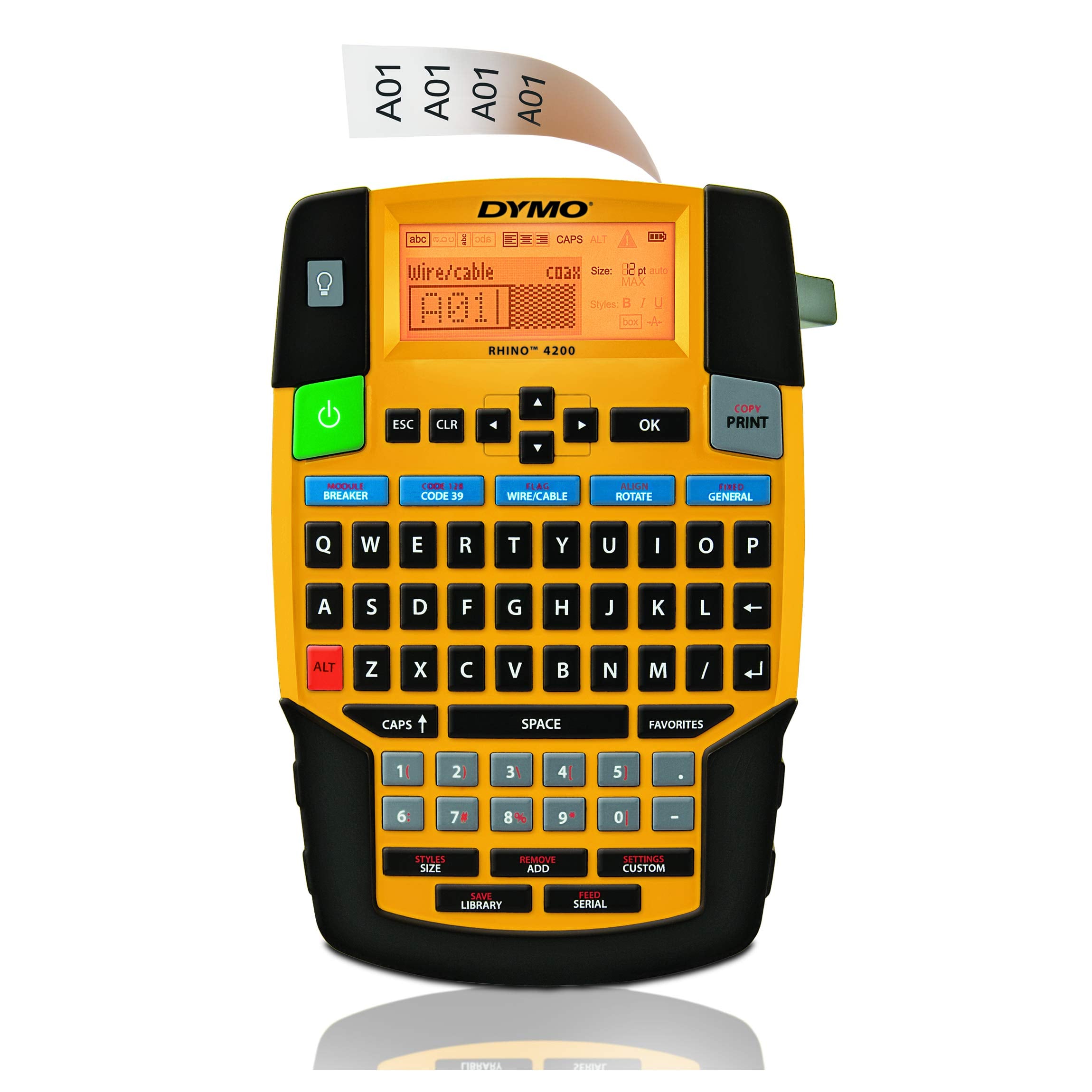
Built for demanding environments, this industrial label maker offers durability and specialized functionality for electrical, networking, or warehouse applications.
Key highlights
- Industrial-grade durability and construction
- Specialized label materials for harsh conditions
- 180 dpi printing
- Long battery life for field use
Pros
- Extremely durable for tough environments
- Waterproof and chemical-resistant label options
- Professional results in industrial settings
- Reliable performance under demanding conditions
Cons
- Higher price around $130
- Steep learning curve for casual users
- Overkill for basic home organization
Who it is for: Professionals managing electrical systems, networking infrastructure, or industrial inventory tracking.
Skip if
You need basic home organization or want simple, consumer-friendly operation.
Also Good
- Epson Labelworks LW-C610PX - auto-cuts and works with tons of tapes.
- Dymo LabelManager 160 - compact and simple with a full keyboard.
How to Choose
Consider these factors when selecting your label maker:
Connectivity type determines your workflow. Bluetooth connectivity enables mobile app control, while a built-in keyboard allows standalone labeling. Models such as the Brother PT-N25BT and PT-D610BT offer both. For computer-based design, check the model's software and connection options.
Tape cost adds up over time. Check replacement tape prices before buying, as some brands charge significantly more than others. Also consider tape width options and material types (standard, waterproof, removable).
Battery life affects portability. Rechargeable models eliminate battery replacement but need charging access. Battery-powered units offer complete portability but require battery stocking. Some desktop models use AC power only.
Print quality matters for readability. Higher resolution printers produce sharper text, especially important for small labels or barcodes. Consider the maximum label width you'll need.
Ease of use varies widely. Simple keyboard models have minimal learning curves, while app-connected units offer more features but require smartphone familiarity. Consider who will use the device and their comfort with technology.
FAQ
What's the difference between Bluetooth and keyboard label makers?
Bluetooth lets you design and print through a compatible mobile app. A built-in keyboard and display let you create labels directly on the device. These features can coexist: the Brother PT-N25BT and PT-D610BT support both workflows.
How much do replacement tapes cost?
Prices vary by brand and type. Basic tapes can cost $7-15 per roll, while specialized or branded tapes may run $19-25. Consider ongoing costs when choosing a model.
Can label makers print on different materials?
Most use thermal transfer on plastic tape, but specialized models support fabric, vinyl, or removable labels. Check compatibility for your specific needs.
Do I need a smartphone for Bluetooth label makers?
No. The Brother PT-N25BT and PT-D610BT can create labels with their built-in keyboards. The Cube Plus requires an external device, but it also supports computer-based label design with P-touch Editor, so a smartphone is optional.
How durable are printed labels?
Quality varies by tape material. Standard labels work for indoor use, while laminated or specialty tapes resist moisture, chemicals, and UV exposure for outdoor or industrial applications.
Published March 2, 2026 Last updated September 5, 2026
Share this article
More in News
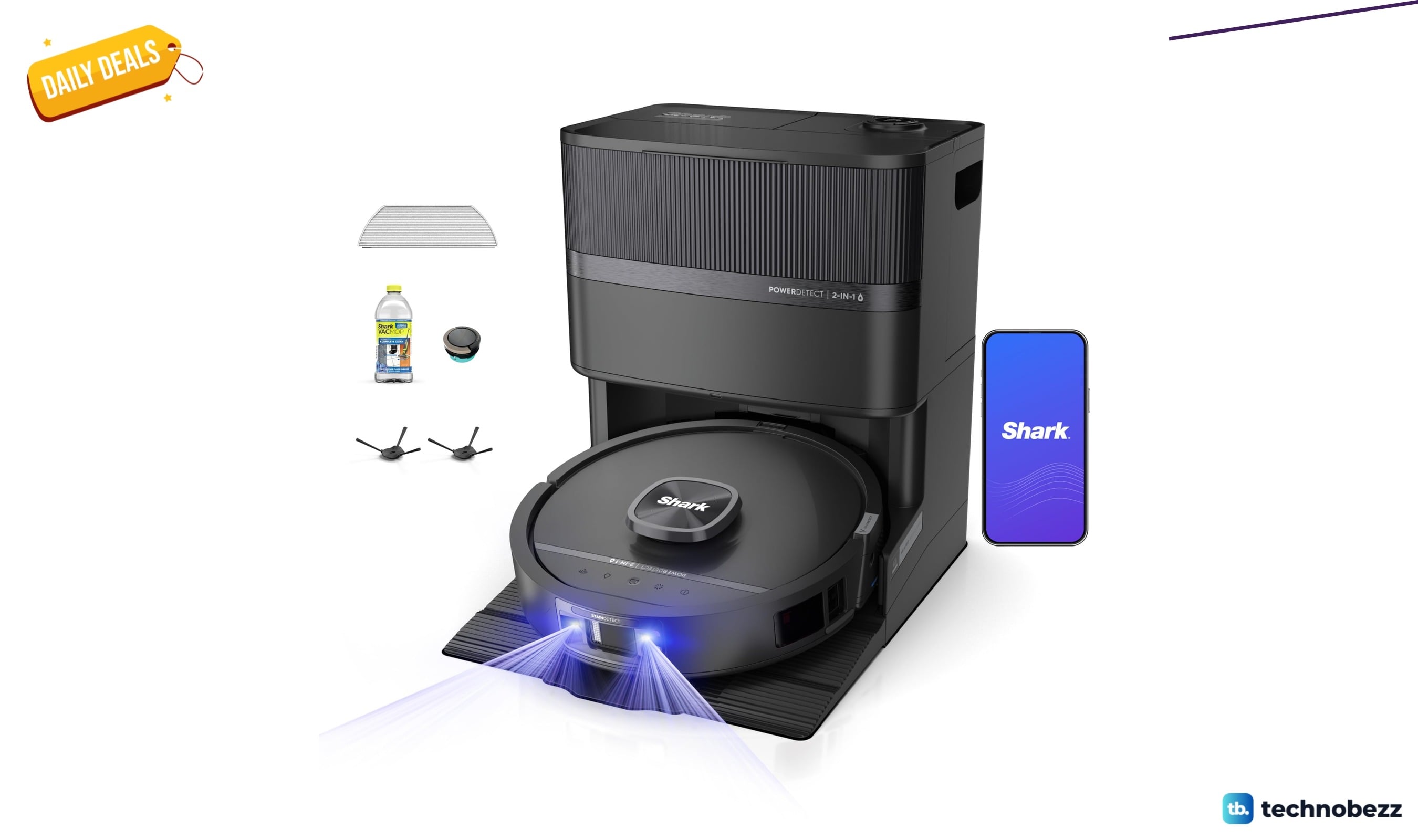
Shark PowerDetect UV Reveal 2-in-1 Robot Vacuum drops to $849.99
Shark PowerDetect UV Reveal 2-in-1 robot vacuum falls to $849.99 on Amazon, a $450 drop and its lowest price in months.
5 min read
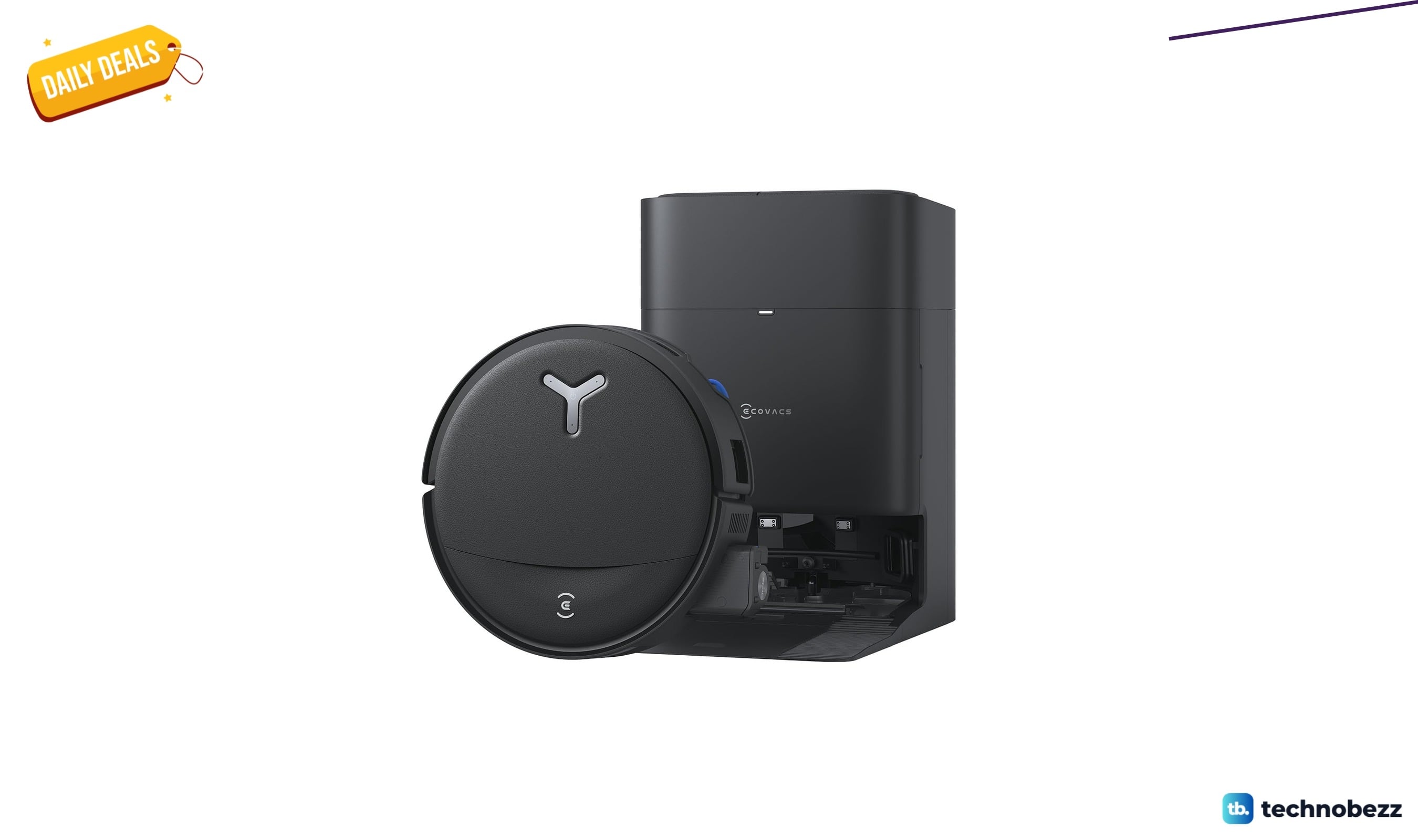
ECOVACS DEEBOT T80S Omni Robot Vacuum Mop down to $478.99 in latest price cut
ECOVACS DEEBOT T80S Omni robot vacuum mop falls to a record-low $478.99 on Amazon, saving $171 with self-cleaning roller mop tech.
4 min read
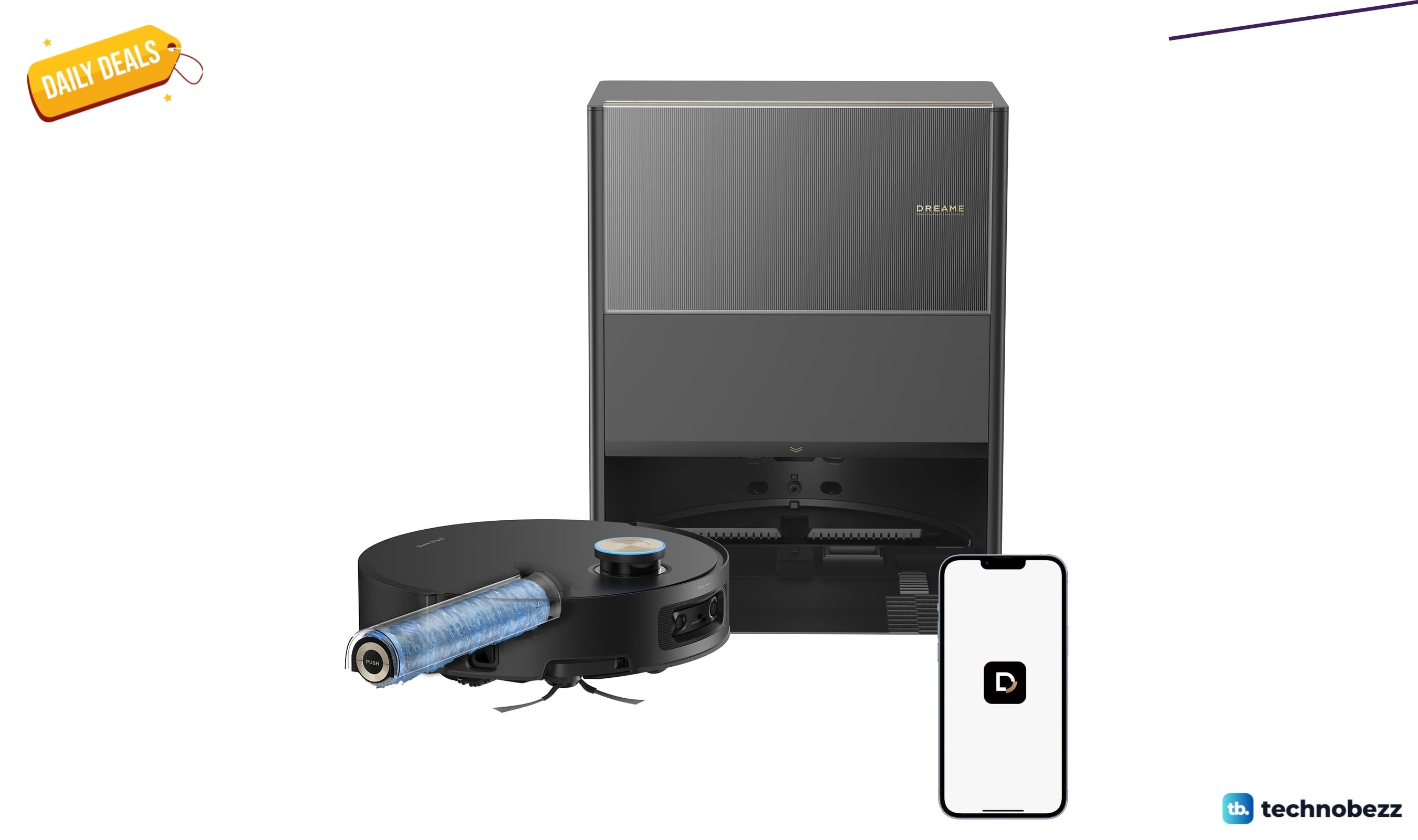
Dreame Aqua10 Ultra Roller Robot Vacuum Mop now selling for $749.99
Save $150 on the Dreame Aqua10 Ultra Roller robot vacuum mop, now $749.99 at Amazon, matching its all-time low price.
3 min read
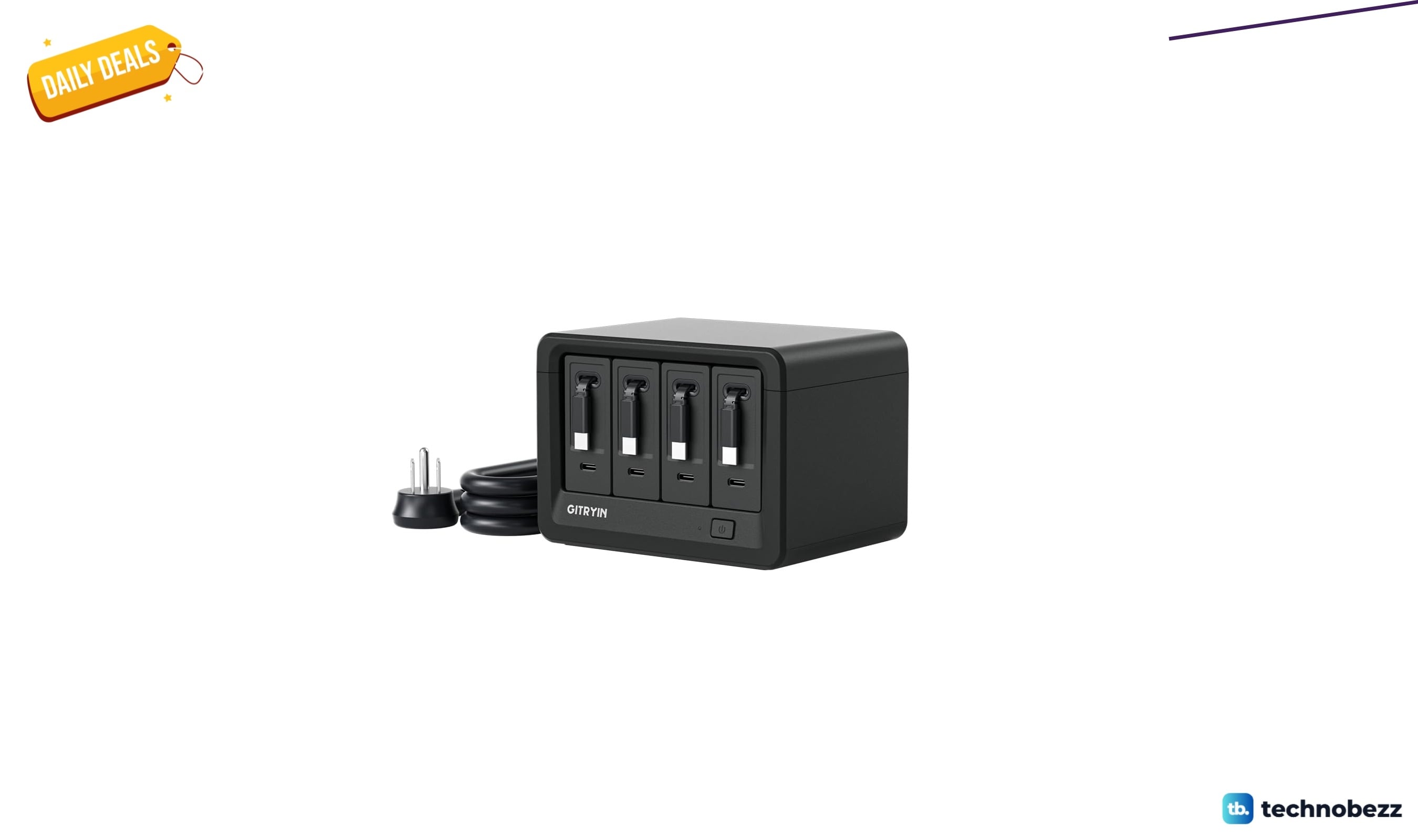
Gitryin 12-in-1 Desktop Charging Station drops to $103.96, its lowest price yet
Gitryin 12-in-1 desktop charging station hits a record-low $103.96 on Amazon, a 16% Lightning Deal saving $19.93 before it ends.
5 min read
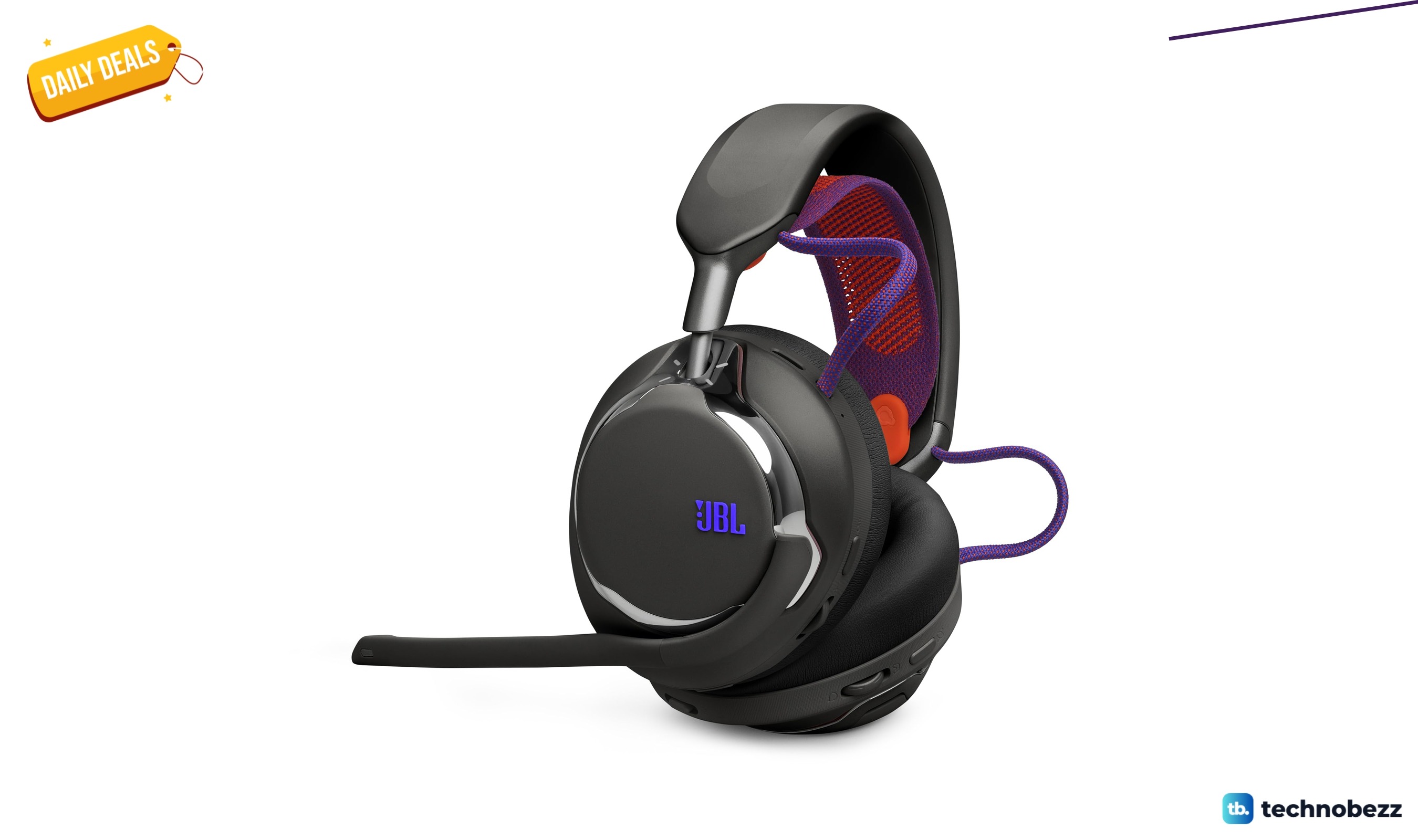
2 headphone deals we checked, starting at $249.99
5 min read
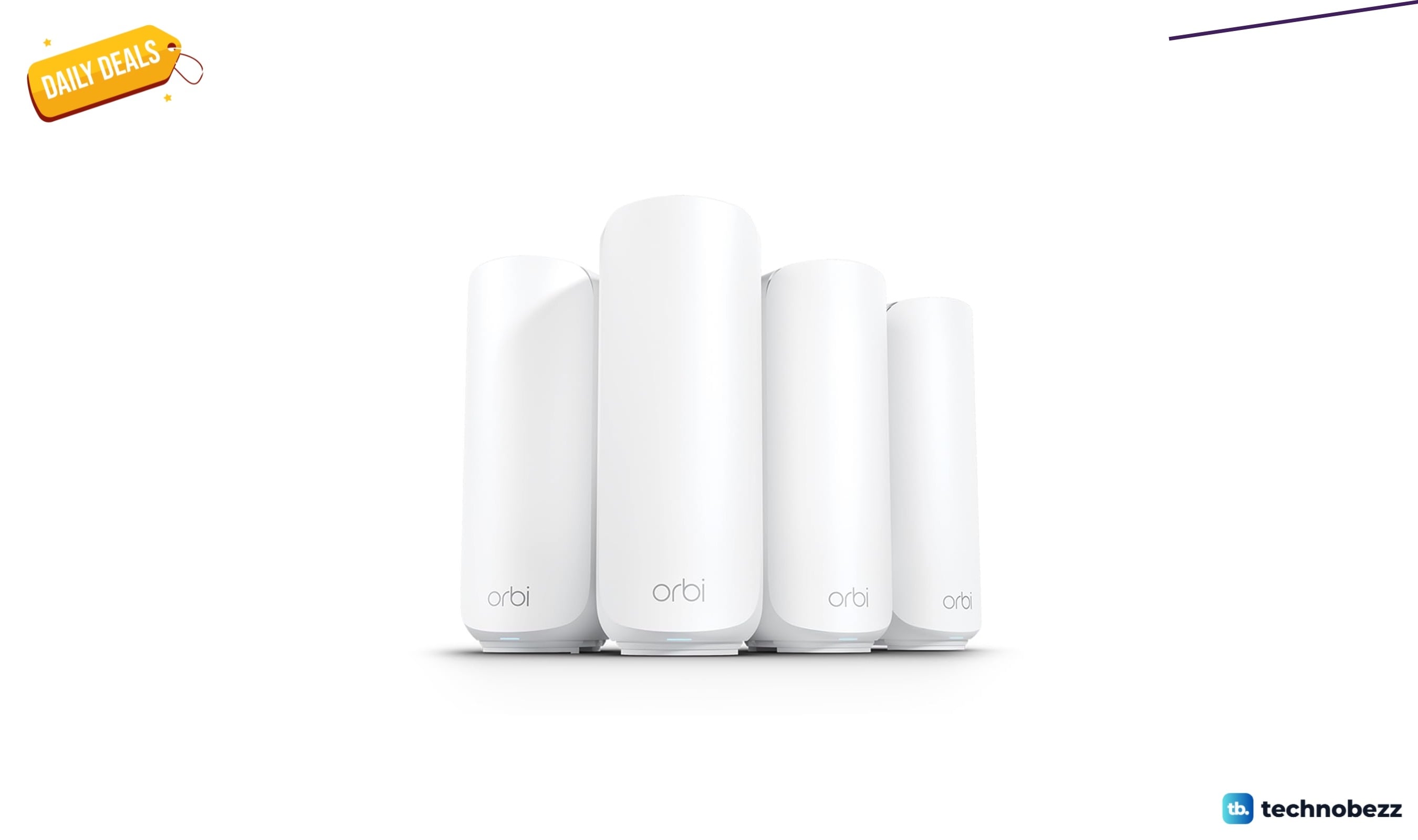
NETGEAR Orbi 370 WiFi 7 Mesh System now selling for $379.99
5 min read
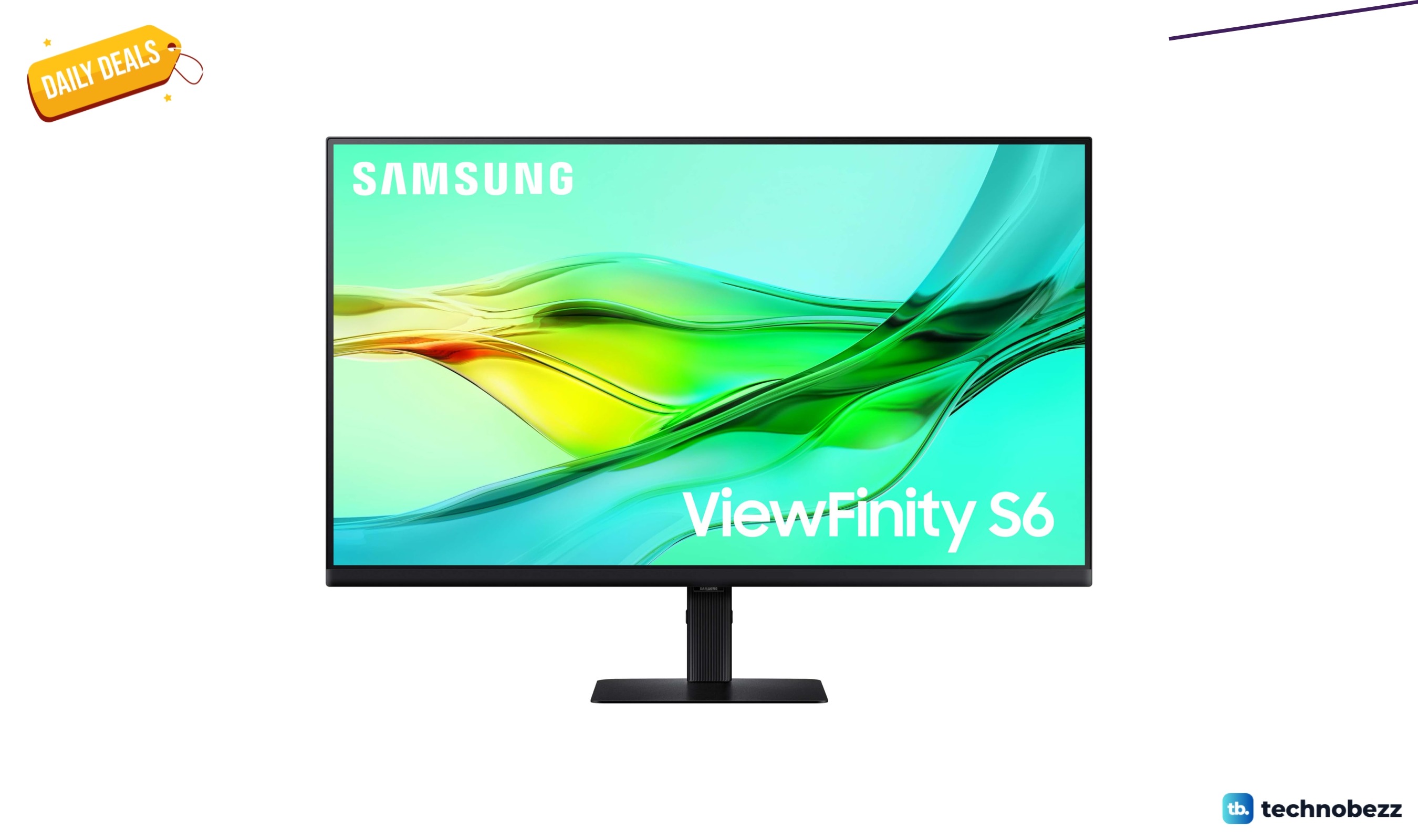
SAMSUNG ViewFinity S6 QHD High Resolution Computer Monitor dips to $319.99
3 min read
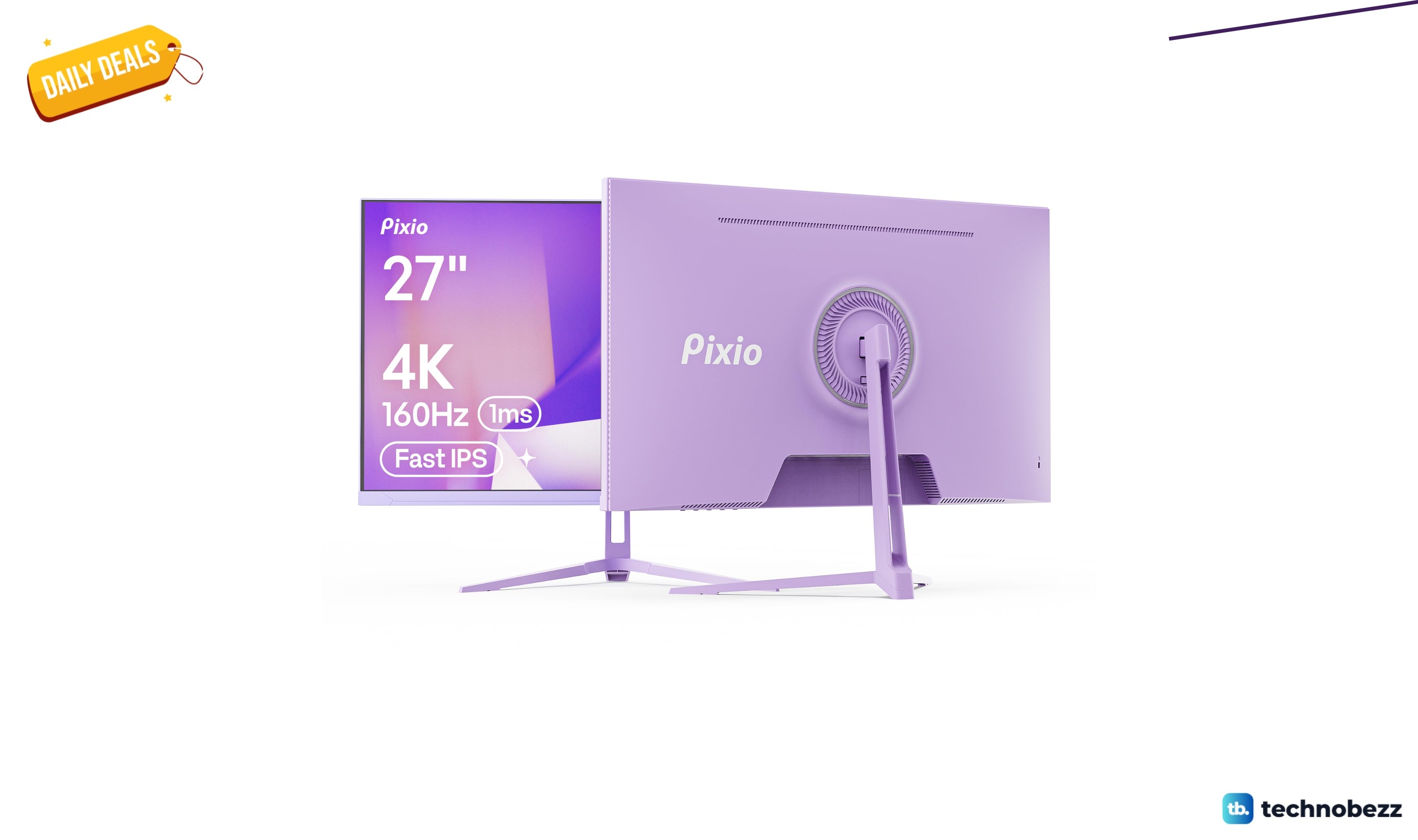
Pixio PX27U Wave Purple Refresh Rate 4K marked down to $299.99
5 min read
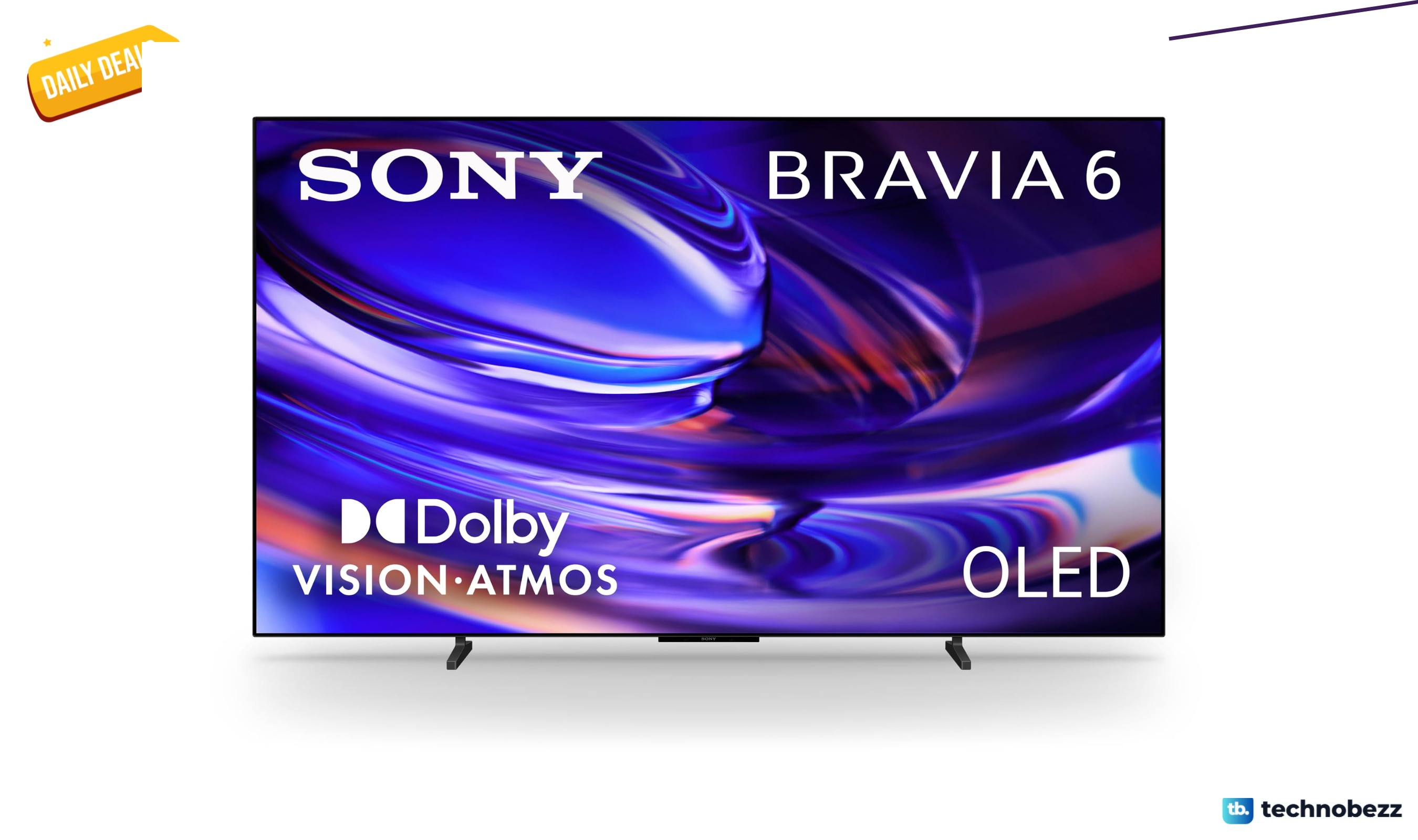
Sony 77-inch BRAVIA 6 OLED 4K HDR slips to $2198
5 min read
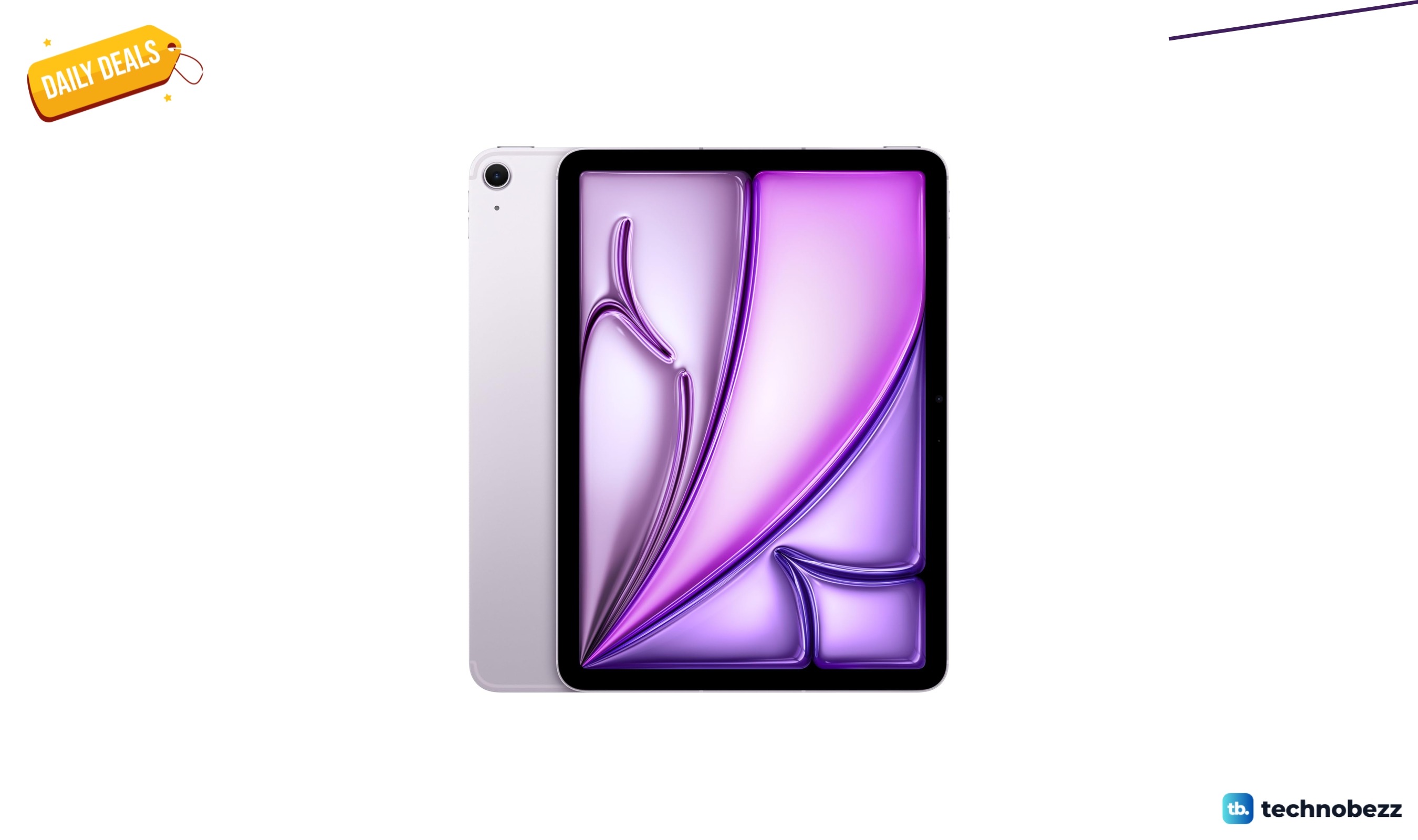
Apple iPad Air Liquid Retina Display dips to $799
4 min read
Philips H8000 Noise Cancelling Headphones are $49.99 at Woot
3 min read
Lenovo coupon codes and deals
5 min read