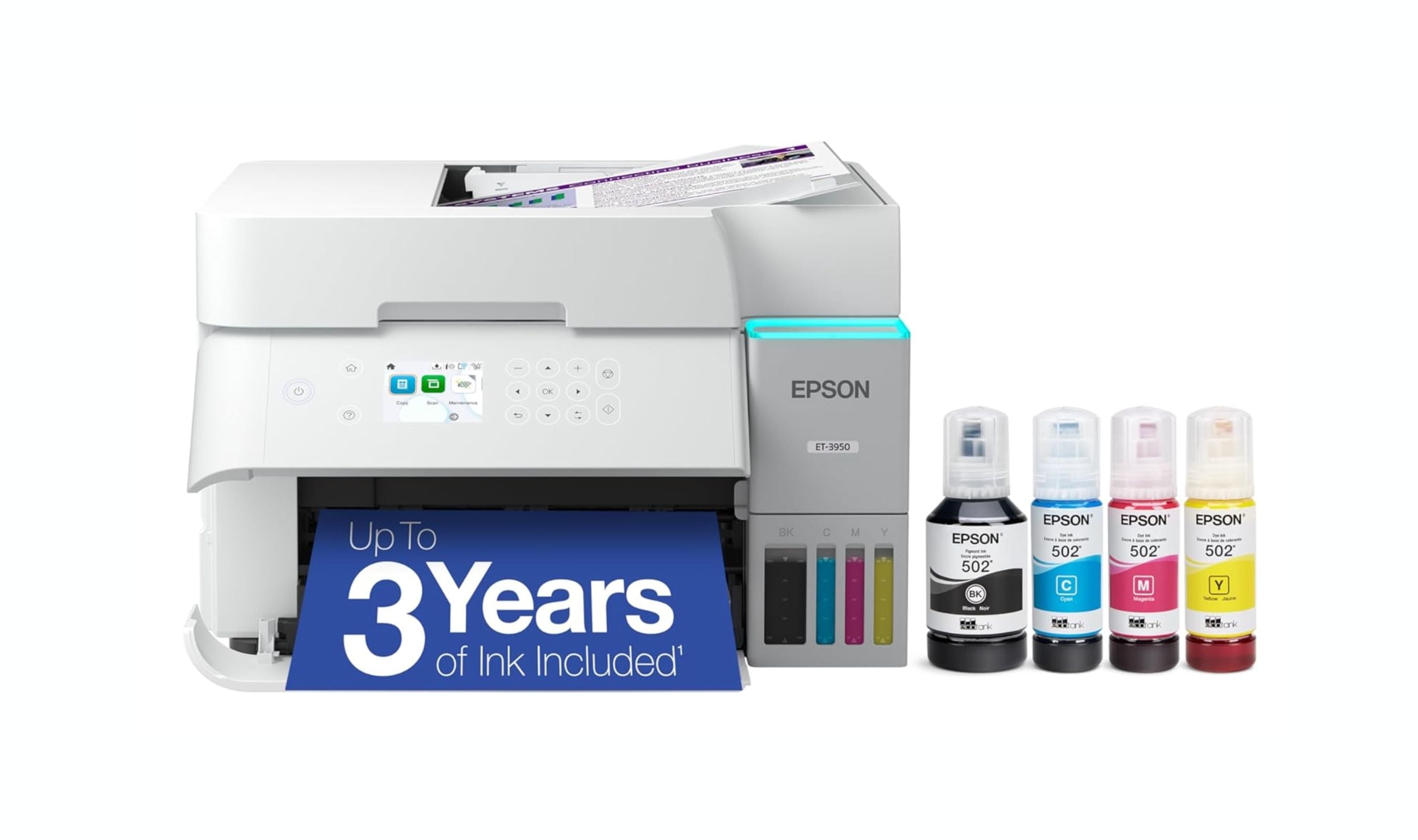
If you need a printer that can handle documents, photos, and color pages without breaking the bank on ink, an inkjet is still the most practical choice. The Epson EcoTank ET-3950 leads the pack for most homes and micro offices thanks to its fast printing and tank-based ink system that keeps running costs near zero. But the right pick depends on your volume, whether you need wide-format printing, and how much you care about photo quality.
Technobezz is supported by its audience. We may get a commission from retail offers.
Best Inkjet Printers for 2026
The Epson EcoTank ET-3950 tops our list of the 3 best inkjet printers for 2026, offering fast printing and near-zero ink costs for homes and micro offices.
T
Technobezz
Editorial Team
Updated June 15, 2026Jun 15, 2026
•10 min read

Get Deals Like These in Your Inbox
The best prices, checked by our editors.
At a Glance
| Category | Product | Why We Picked It |
|---|---|---|
| Best overall | Epson EcoTank ET-3950 | Fast printing with ultra-low ink costs for home offices |
| Best value | Canon Pixma G3270 | Budget-friendly tank printer with excellent photo output |
| Best for small business | Epson EcoTank Pro ET-5850 | Workhorse printing with dual paper trays and low per-page cost |
| Best for photos | Canon Pixma G620 | Six-color ink tank system for vivid prints at a low running cost |
| Best for wide-format | Brother MFC-J6955DW | Tabloid-size printing with single-pass duplex scanning |
| Also recommended | HP OfficeJet Pro 9125e | Fast all-in-one with great app support |
| Also recommended | Brother MFC-J4535DW | Reliable inkjet with laser-sharp text |
| Also recommended | Epson EcoTank ET-4850 | Compact tank printer with touchscreen and ADF |
How we chose
We evaluated inkjet printers based on print speed, output quality (text, graphics, and photos), paper handling, connectivity, and above all, total cost of ownership. Tank-based models were assessed on ink yield and refill cost, while cartridge models were evaluated on high-yield cartridge availability and per-page expense. We prioritized printers that balance upfront price with long-term affordability, and we looked for features like automatic duplexing, automatic document feeders, and mobile printing support that actually matter in daily use.
The best inkjet printers right now
Epson EcoTank ET-3950 - Best overall
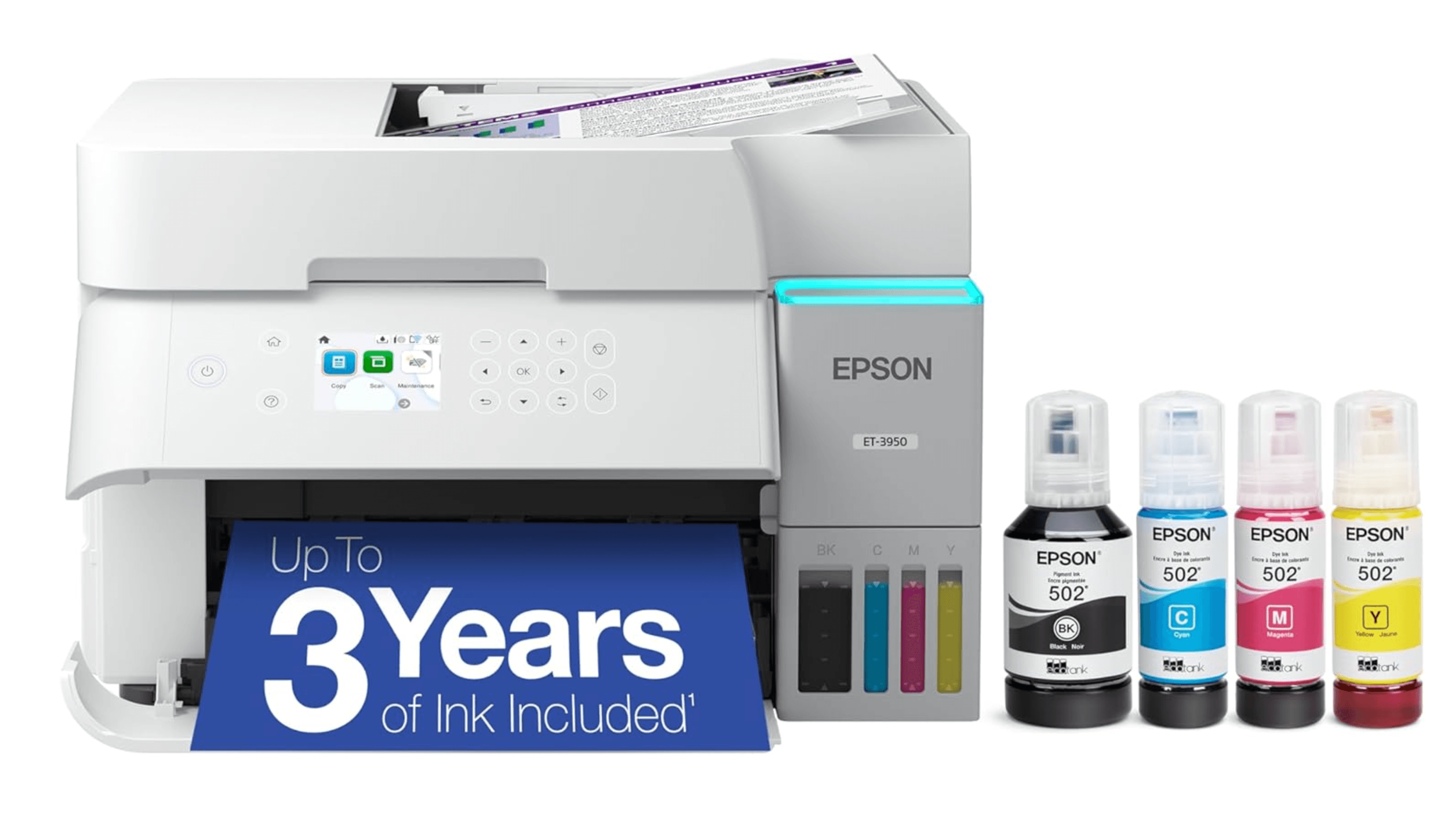
The ET-3950 delivers fast single-sided printing and automatic duplex scanning, making it the most capable all-in-one inkjet for micro and home offices. Its tank system keeps ink costs extremely low while the 250-sheet paper capacity and 30-sheet ADF handle moderate workloads without fuss.
Key highlights
- Prints up to 250 sheets with auto-duplexing for two-sided pages
- 30-sheet reversing ADF that scans both sides of a document
- Legal-size paper support for larger documents
- Tank-based ink system with refillable bottles instead of cartridges
- Fast simplex printing that beats most competitors in its class
Pros
- Very fast print speeds for a sub-$300 inkjet
- Exceptionally low cost per page with included ink bottles
- Reliable paper handling for moderate to heavy home office use
Cons
- Button-operated LCD controls feel basic compared to pricier models
- Photo quality is good but not dedicated-photo-printer level
Who it is for: Home office users who print regularly and want the lowest possible long-term ink costs without sacrificing speed.
Skip if
You need wide-format printing (tabloid/A3) or you print mostly photos and want gallery-quality output.
Canon Pixma G3270 - Best value
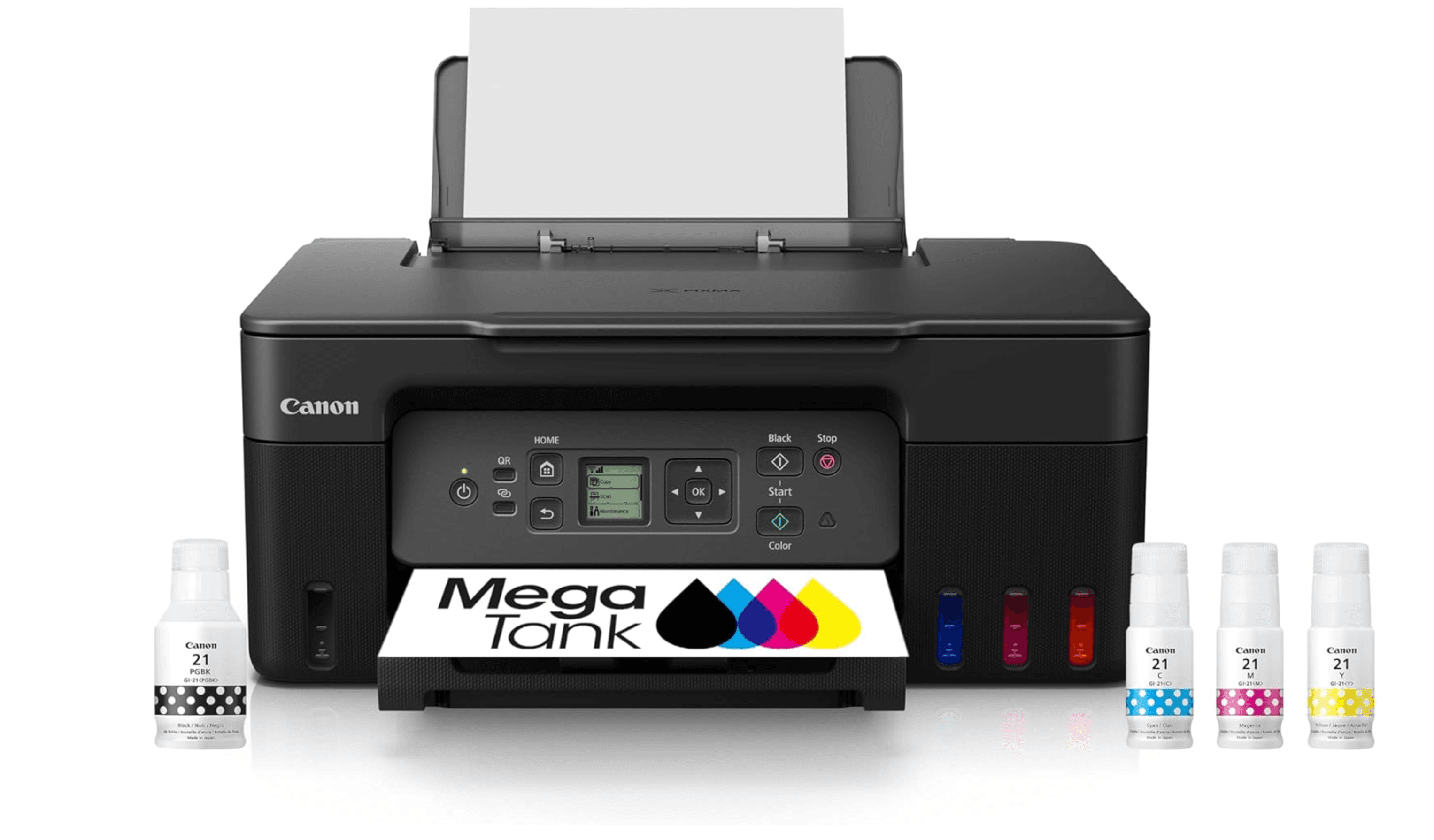
The G3270 is one of the few tank-based printers that is both affordable upfront and cheap to run. Each set of ink bottles is rated for up to 6,000 black pages and 7,700 color pages, which means most households won't need to buy ink for years.
Key highlights
- Refillable MegaTank system with enough ink in the box for thousands of pages
- Wi-Fi and mobile printing support via Canon PRINT app and AirPrint
- Flatbed scanner for documents and photos
- Prints on a wide range of paper types including photo paper
- Compact footprint that fits on a desk or shelf
Pros
- Rock-bottom running cost, less than a penny per page for color
- Strong photo output for a general-purpose inkjet
- Easy wireless setup from phones and tablets
Cons
- No auto-duplexing for two-sided printing
- Single 100-sheet input tray requires frequent refills
- Print speeds are slower than cartridge-based rivals
Who it is for: Families and households that print photos and documents regularly and want to stop worrying about ink cartridge costs.
Skip if
You print double-sided documents often or need to move through large print jobs quickly.
Epson EcoTank Pro ET-5850 - Best for small business
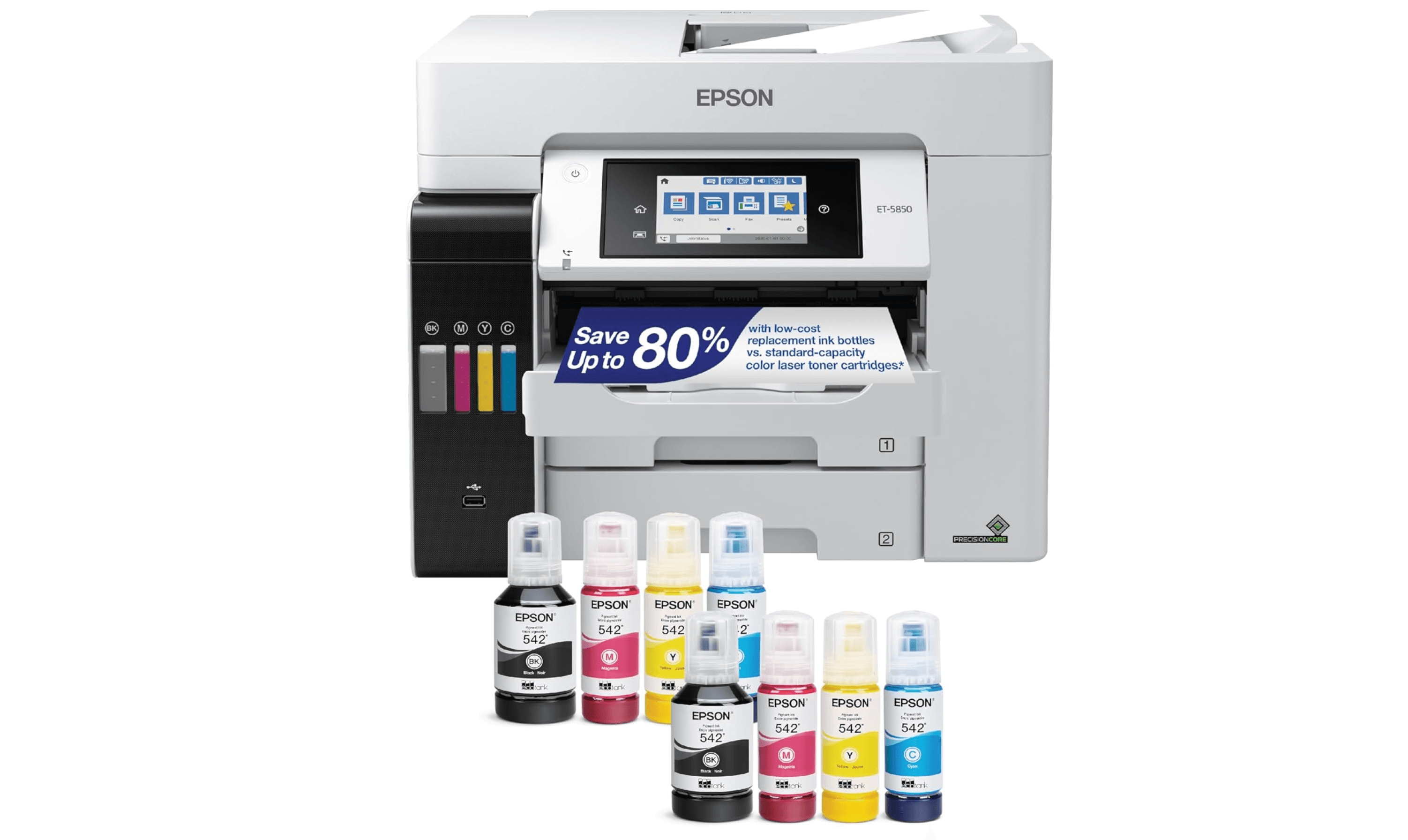
The ET-5850 is built for midsize offices that need a workhorse color AIO. It delivers fast, laser-like performance with two 250-sheet paper drawers, a 50-sheet rear tray, and a 50-sheet auto-duplexing ADF for scanning.
Key highlights
- Dual 250-sheet paper cassettes plus a 50-sheet rear tray for high-volume printing
- 50-sheet automatic document feeder with duplex scanning
- 3-inch touchscreen for easy navigation
- Auto-duplexing for both printing and scanning
- Rated for over 3,000 pages per month
Pros
- Print speeds that rival many color laser printers
- Extremely low cost per page (around 2 cents for color)
- Robust paper handling for shared office environments
Cons
- High upfront price compared to cartridge-based alternatives
- Large footprint requires dedicated desk or stand space
- Setup can be time-consuming with initial ink priming
Who it is for: Small to midsize businesses that print hundreds of pages per month and need a reliable, low-cost color printer for the whole team.
Skip if
You only print occasionally or your office is better served by a monochrome laser for text-heavy workloads.
Canon Pixma G620 - Best for photos
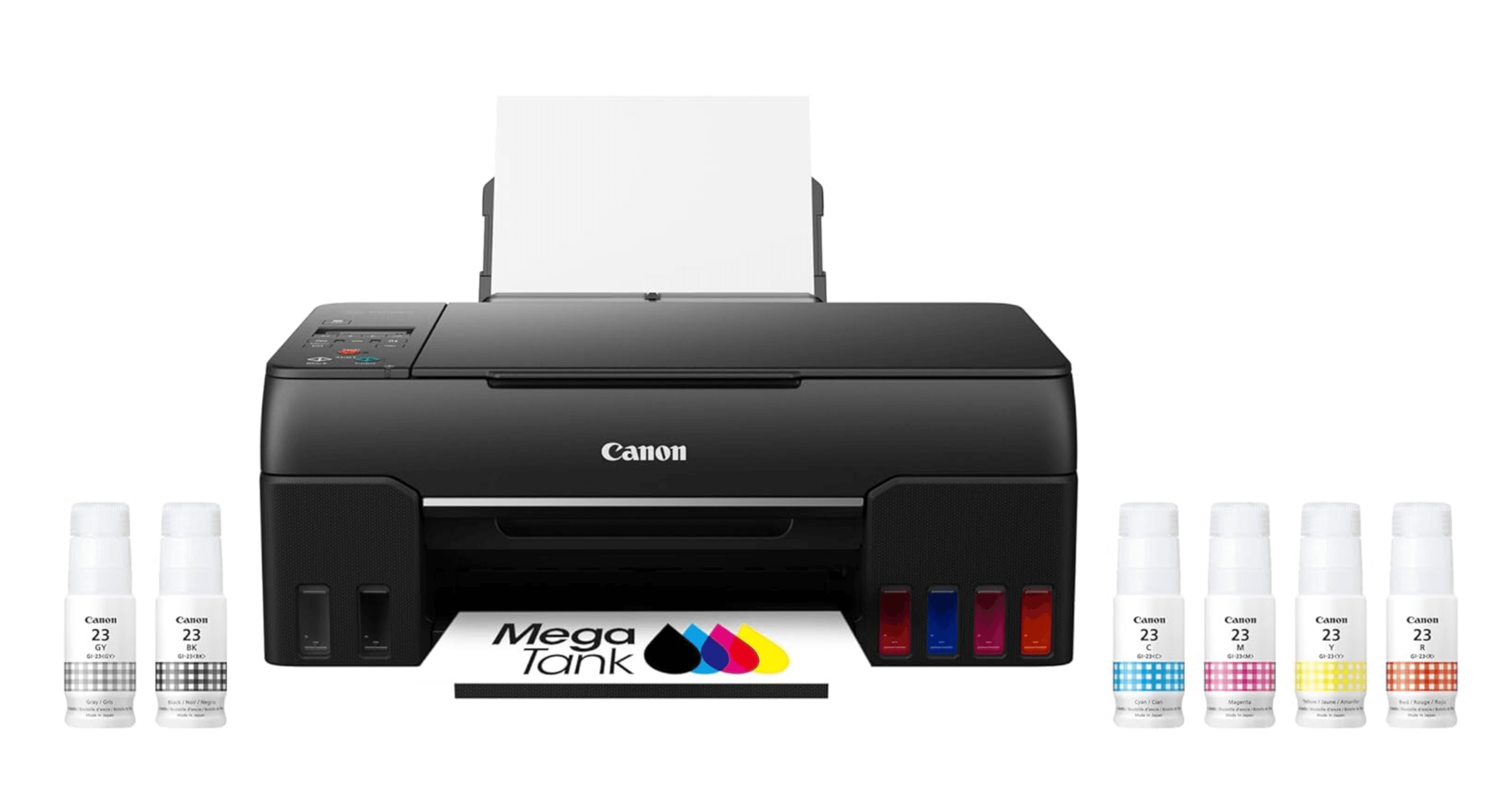
The G620 uses a six-color dye-based ink system that produces richer skin tones, smoother gradients, and more vibrant colors than typical four-color inkjets. It's an ink tank model too, so the running cost stays low even when you print lots of photos.
Key highlights
- Six individual ink bottles for wider color gamut and better photo quality
- Refillable tank system with low per-print cost for photo paper
- Supports a wide range of paper types including glossy, matte, and printable fabric
- Borderless printing up to 8.5 x 11 inches
- Manual duplex printing for occasional two-sided documents
Pros
- Excellent color accuracy and detail for photo printing
- Very low ink costs compared to cartridge-based photo printers
- Accepts thicker paper stock and specialty media
Cons
- No touchscreen display, limited to button controls
- No automatic document feeder for scanning
- Slower print speeds for text documents
Who it is for: Hobbyist photographers, scrapbookers, and families who print photos at home regularly and want quality without expensive cartridge swaps.
Skip if
You mainly print text documents or need a fast all-in-one for office tasks.
Brother MFC-J6955DW - Best for wide-format
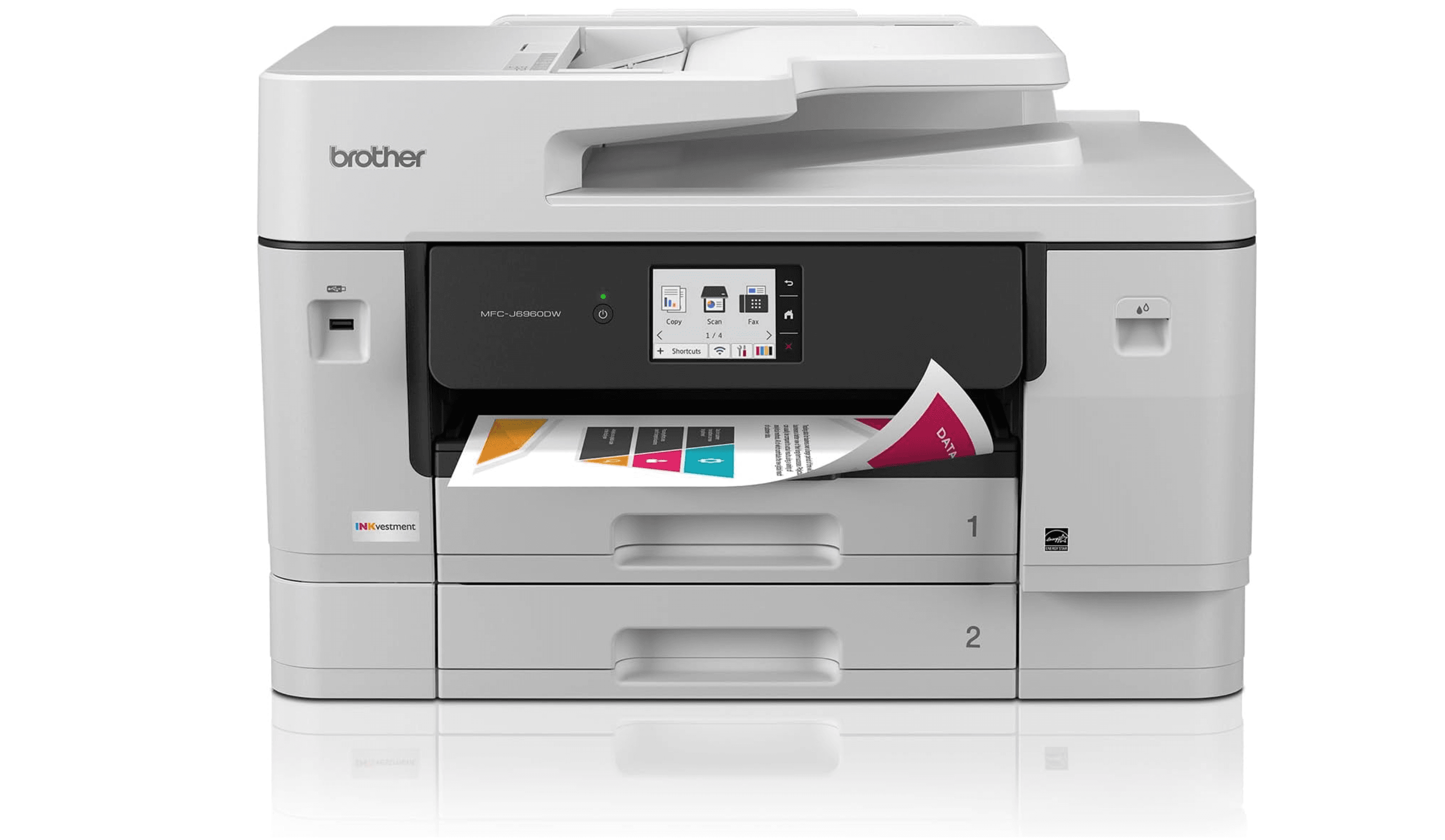
This tabloid-size AIO prints up to 11 x 17 inches and scans both sides of a page in a single pass. It's a strong choice for small offices that need large-format layouts, posters, or spreadsheets.
Key highlights
- Prints and scans up to tabloid (11 x 17 inch) paper
- Single-pass duplex scanning for fast two-sided copying
- 50-sheet ADF that handles large documents
- INKvestment Tank cartridge system with low per-page costs
- Auto-duplex printing for two-sided pages
Pros
- Single-pass duplex scanning saves significant time
- Low running cost for a wide-format printer
- Fast print speeds for tabloid-size output
Cons
- Large and heavy, needs dedicated floor or desk space
- Setup can be complex with multiple ink tanks
- Photo quality is adequate but not exceptional
Who it is for: Small offices, architects, and designers who regularly print tabloid-size documents and need efficient scanning.
Skip if
You never print larger than letter size or you need a compact printer for a small desk.
Also Good
- HP OfficeJet Pro 9125e - fast all-in-one with great app support. Check Price on HP
- Brother MFC-J4535DW - reliable inkjet with laser-sharp text.
- Epson EcoTank ET-4850 - compact tank printer with touchscreen and ADF.
How to Choose
- Tank vs. cartridge. Tank printers (EcoTank, MegaTank) cost more upfront but can drop your per-page cost to pennies. If you print more than 50 pages per month, a tank model pays for itself within a year. Cartridge printers are cheaper to buy but expensive to feed.
- Print volume and speed. If you print in bursts or only a few pages a week, a slower tank printer is fine. If you regularly print 20-plus pages at a time, look for models with 20+ ppm speeds and larger paper trays (250 sheets or more).
- Auto-duplexing and ADF. Two-sided printing saves paper and looks professional. An automatic document feeder lets you scan or copy multi-page documents without standing at the machine. These features add cost but are worth it if you handle documents regularly.
- Photo quality. Most inkjets print decent photos, but dedicated photo models use more ink colors (five or six instead of four) for better skin tones and smoother gradients. If photos are a priority, look for printers with extra photo inks.
- Connectivity. Wi-Fi, AirPrint, and Mopria support let you print from phones and tablets without a computer. Ethernet is useful for shared office networks. Skip Bluetooth if you have solid Wi-Fi.
FAQ
How long does ink last in a tank printer?
Epson rates its EcoTank bottles for 4,500 to 14,000 pages depending on the model. Canon MegaTank bottles are rated for 6,000 to 7,700 pages. Most households go one to two years before needing a refill.
Are inkjet printers cheaper than laser printers?
Inkjets are cheaper to buy but can be more expensive to run if you use standard cartridges. Tank-based inkjets close that gap, offering per-page costs similar to or lower than monochrome lasers, especially for color printing.
Do I need a printer with an ADF?
If you scan or copy multi-page documents more than once a month, yes. An ADF lets you stack pages and walk away. Without it, you have to lift the lid and place each page manually.
Can I use third-party ink in tank printers?
Most tank printers use proprietary bottled ink, and manufacturers recommend sticking with their brand to avoid clogs. Third-party options exist but carry more risk than with cartridge-based printers.
What's the difference between EcoTank and MegaTank?
Both are refillable tank systems. Epson's EcoTank uses individual ink bottles per color. Canon's MegaTank works the same way. The main difference is print head technology and color science. Canon tends to produce slightly better photo colors, while Epson models often print faster.
Published May 3, 2026 Last updated June 16, 2026
Share this article
More in News
5 headphone deals worth checking today, from $89
Five Amazon headphone deals from $89, including earbuds and over-ear models, with four matching their lowest recorded prices.
4 min read
Five TV deals hit new lows today, with prices starting at $749.99
Five TV deals hit record-low prices from $749.99, spanning Mini-LED and OLED models with savings up to $650.
3 min read
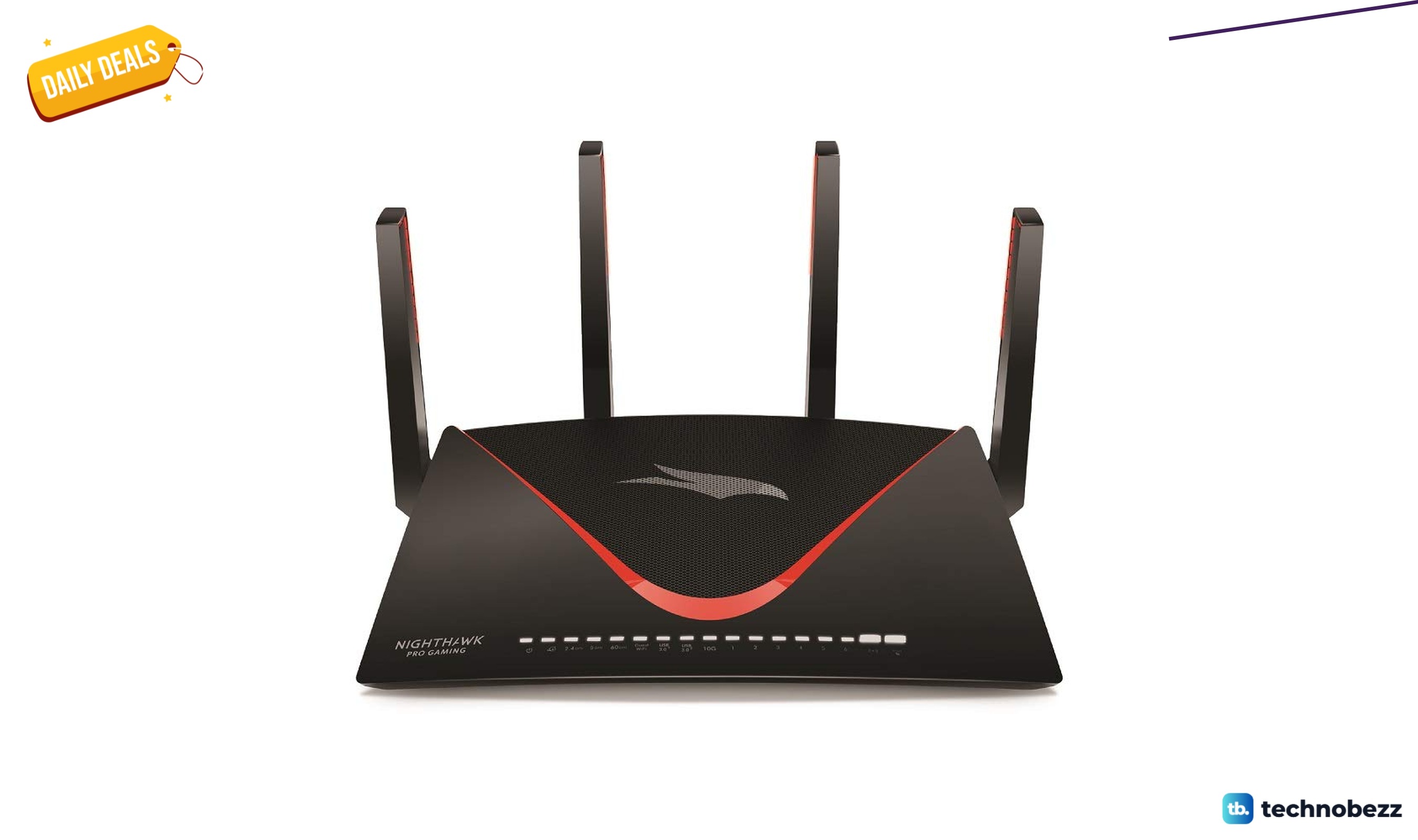
NETGEAR Nighthawk Pro Gaming XR700 WiFi Router now $400, down from $499.99
Save $99.99 on the NETGEAR Nighthawk Pro Gaming XR700 WiFi router at Amazon, now $400 with six Gigabit ports and gaming QoS.
5 min read
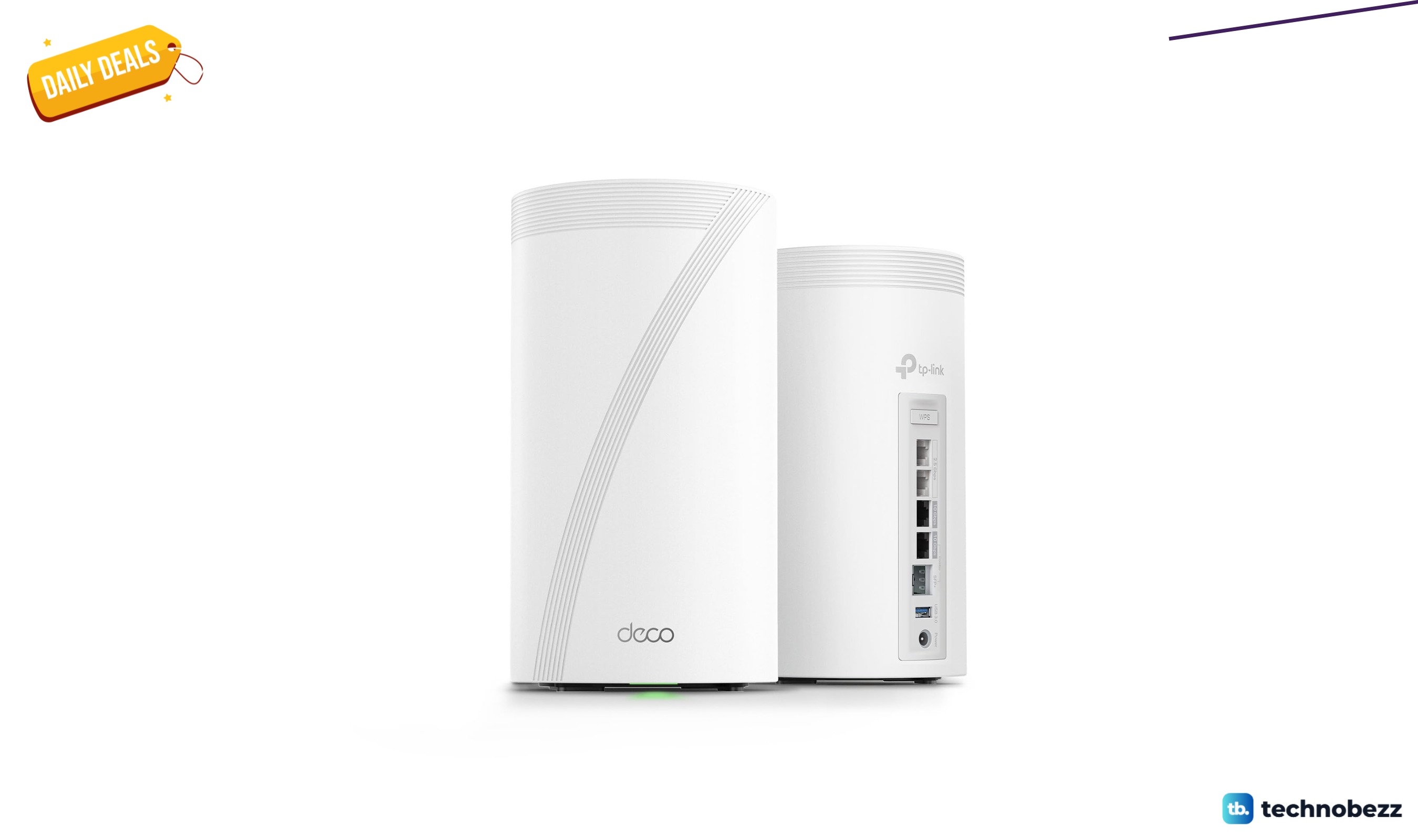
TP-Link Deco 7 Elite BE95 BE33000 Quad-Band slips to $847.79
Save $94.20 on the TP-Link Deco 7 Elite BE95 BE33000 quad-band Wi-Fi 7 mesh, now $847.79 at Amazon with two 10G ports.
4 min read
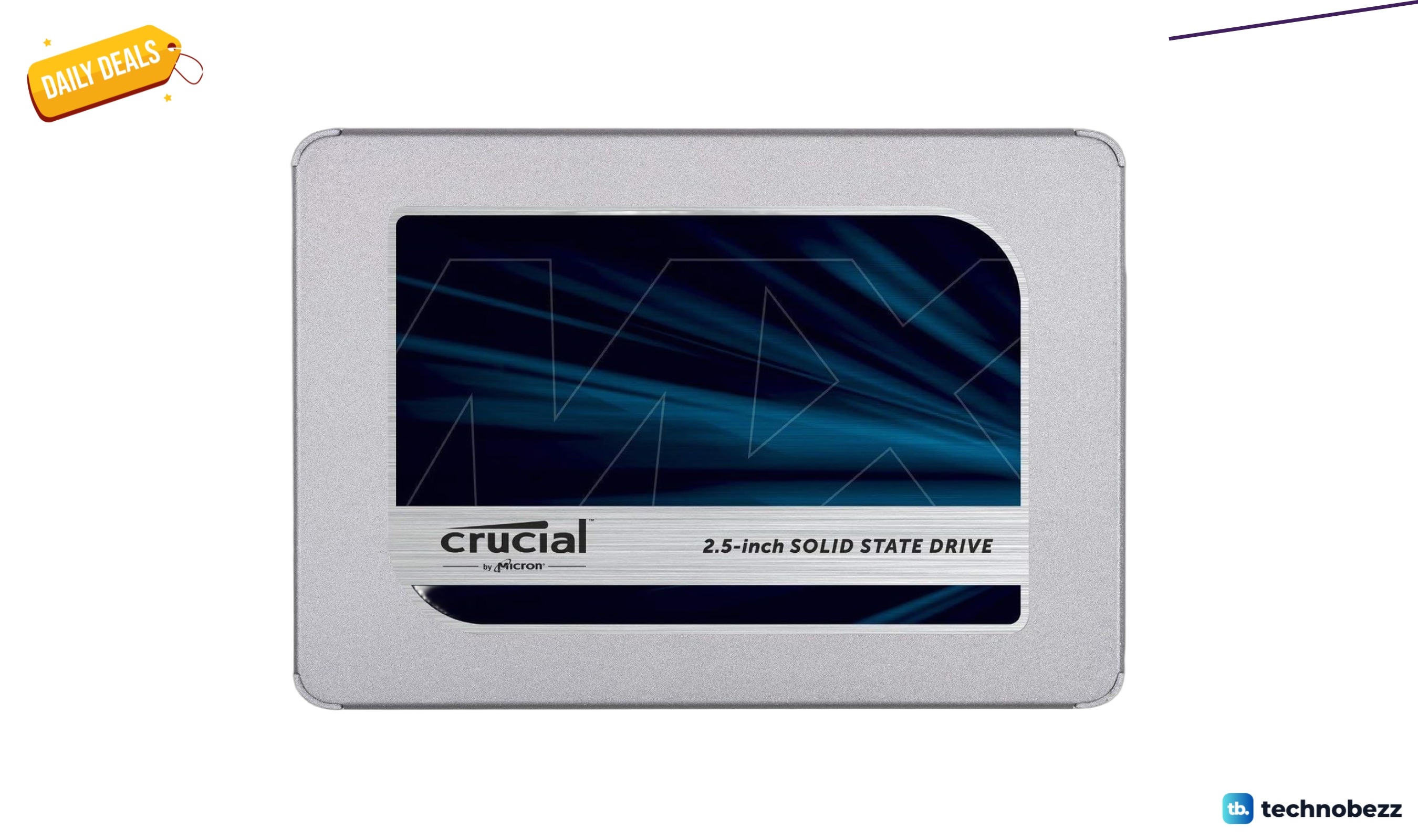
Crucial MX500 2TB 3D NAND SATA Internal SSD marked down to $141.99
5 min read
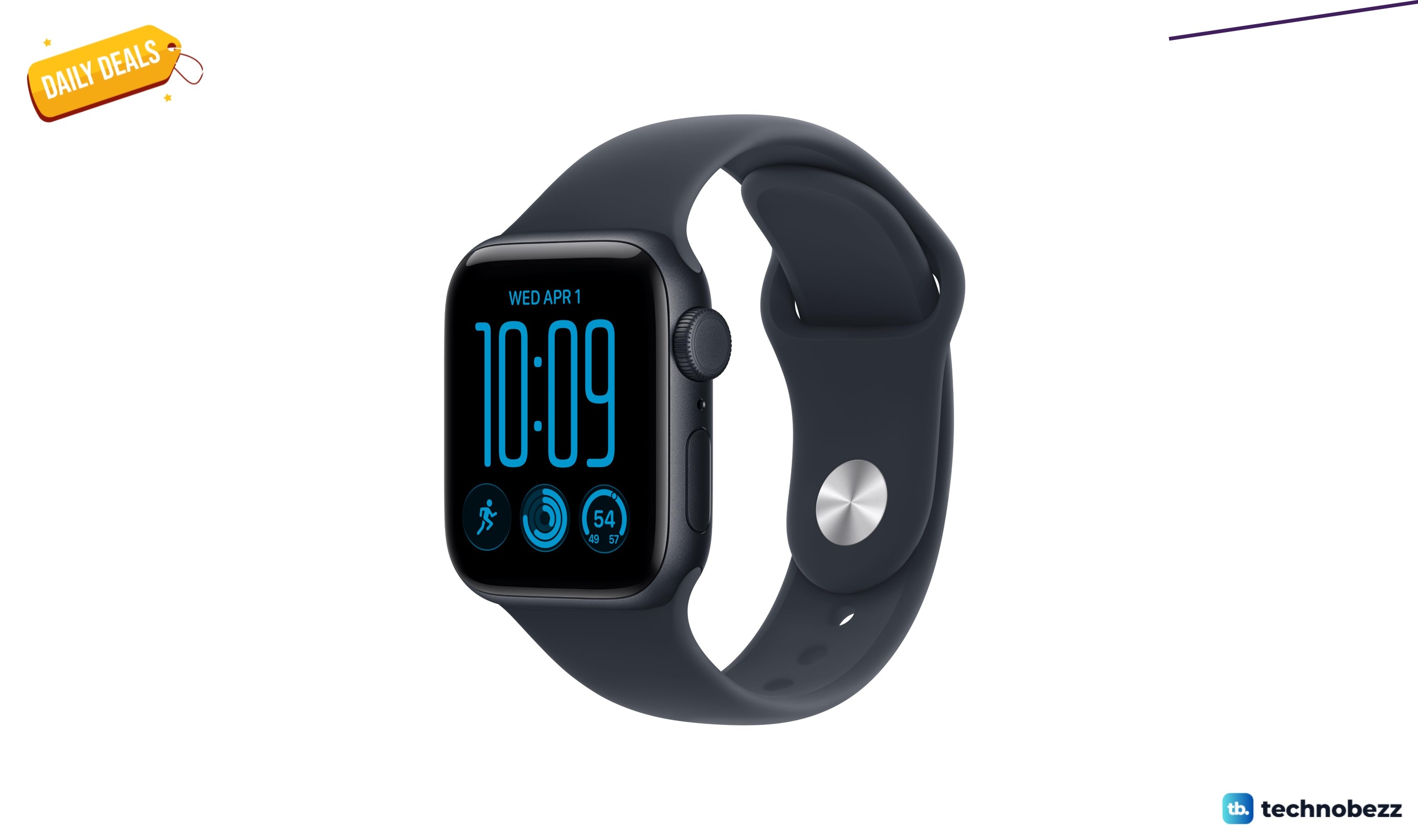
Apple Watch SE 3 GPS + Cellular gets a $50 price cut to $249
3 min read
Apple Watch Ultra 4 GPS + Cellular falls to $699.99
5 min read
Apple Watch Series 12 GPS 42mm Smartwatch on sale for $349.99
4 min read
Google Pixel Watch 5 Android Smartwatch Olive sees price cut to $459.99
3 min read
Nothing Headphone Hybrid Active Noise Cancelling Headphones sees price cut to $189
5 min read
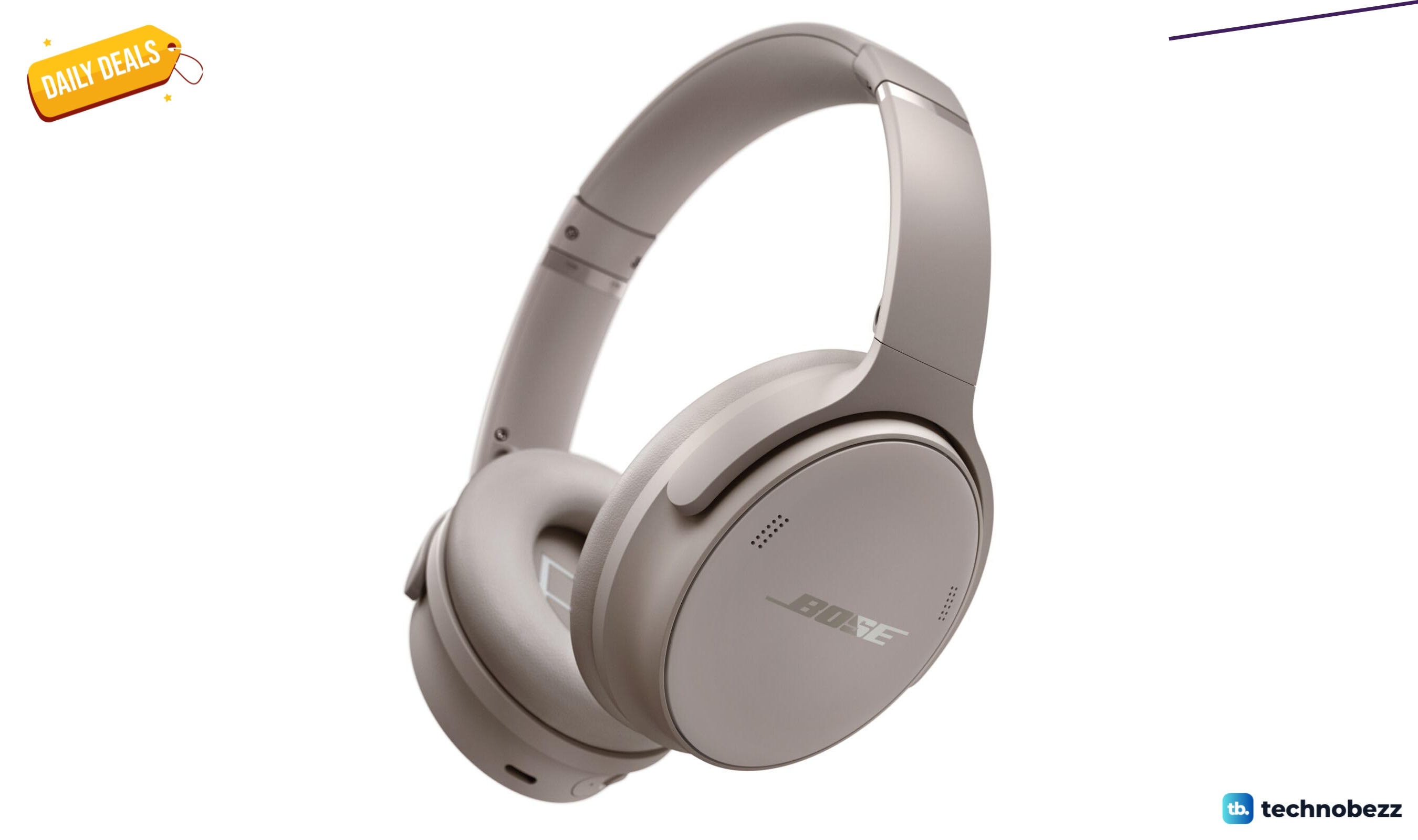
Bose QuietComfort Headphones Wireless Bluetooth Headphones discounted to $151.13
4 min read
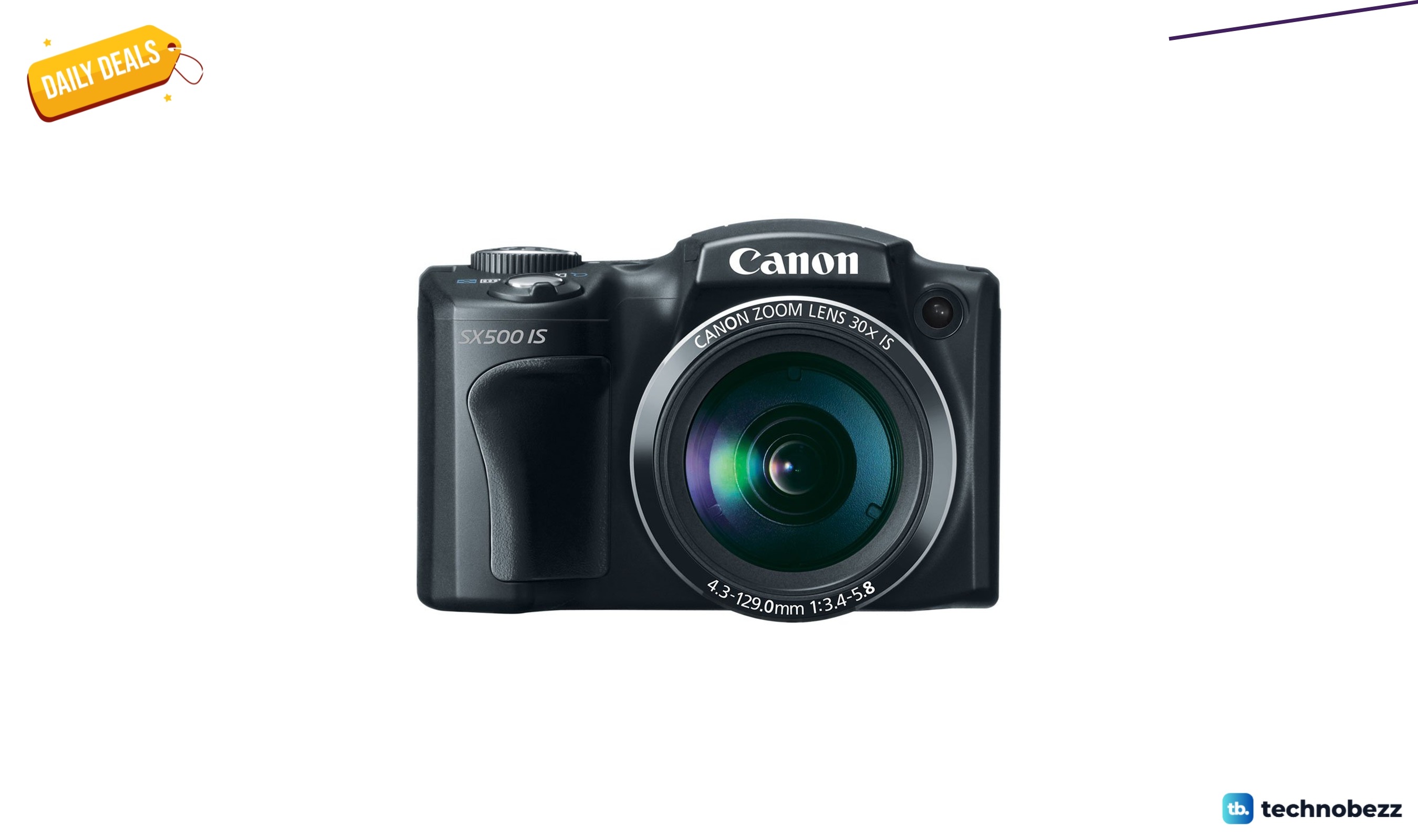
Canon PowerShot SX500 IS 16.0 MP Digital Camera drops to $343.49, its lowest price yet
3 min read