
If your home has dead zones, thick walls, or multiple floors, a standard router probably isn't cutting it. The TP-Link Deco BE63 mesh system is our top pick for most large homes, balancing Wi-Fi 7 speed with whole-house coverage. But the right choice depends on your square footage, device count, and whether you prefer a single powerhouse router or a multi-node mesh setup.
Product
Technobezz is supported by its audience. We may get a commission from retail offers.
Best Routers for Large Homes to Buy in 2026
The TP-Link Deco BE63 tops our list of the 8 best routers for large homes in 2026, delivering Wi-Fi 7 speed and coverage up to 7,600 square feet to eliminate dead zones.
T
Technobezz
Senior Editor
Updated May 3, 2026May 3, 2026
•10 min read


Get Deals Like These in Your Inbox
The best prices, reviewed weekly.
Today's Best Deals
Real-time price drops on top tech — deals.technobezz.com
At a Glance
| Category | Product | Why We Picked It |
|---|---|---|
| Best overall | TP-Link Deco BE63 | Tri-band Wi-Fi 7 mesh that covers up to 7,600 square feet |
| Best value | TP-Link BE3600 Archer (BE230) | Dual-band Wi-Fi 7 under $100 that still reaches far rooms |
| Best for massive homes | Netgear Orbi 970 | Quad-band Wi-Fi 7 covering up to 10,000 square feet |
| Best single router | TP-Link BE9700 (Archer BE600) | Tri-band Wi-Fi 7 with a 10 Gbps port and strong 6 GHz performance |
| Best for gamers | Asus ROG Rapture GT-AXE11000 | Dedicated 6 GHz band and gaming-first traffic prioritization |
| Also recommended | Eero Pro 7 | Fast mesh with seamless whole-home coverage |
| Also recommended | Asus ZenWiFi BQ16 Pro | Blazing speed, but very pricey |
| Also recommended | TP-Link Archer AXE75 | Great value Wi-Fi 6E pick |
How we chose and tested
We evaluated routers based on coverage range, throughput consistency across distances, multi-device handling, and real-world performance in homes over 2,500 square feet. Our assessment considers published benchmark data, signal strength measurements at varying distances and through walls, and user reliability reports. We prioritize products that maintain strong speeds at 50 feet or more and handle 30-plus connected devices without major slowdowns.
The best routers for large homes right now
TP-Link Deco BE63 - Best overall
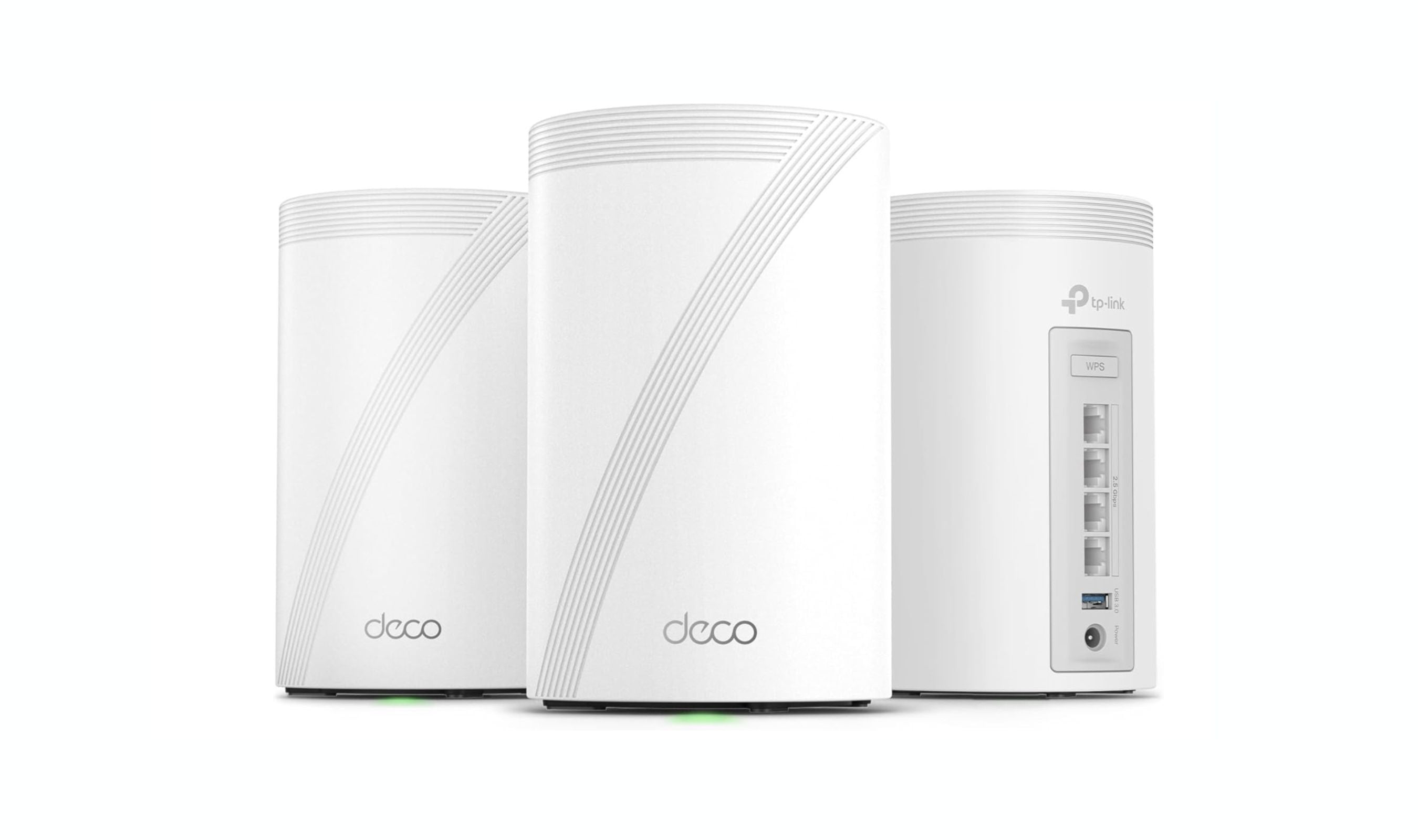
The Deco BE63 is the most practical Wi-Fi 7 mesh system for large homes right now. It delivers strong tri-band performance across all three frequency bands, covers up to 7,600 square feet with a three-pack, and costs significantly less than competing flagship mesh systems.
Key highlights
- Tri-band Wi-Fi 7 with dedicated 6 GHz band and 320 MHz channel support
- Each node includes four 2.5 Gbps Ethernet ports and a USB 3.0 port
- Easy setup through the Deco app with solid parental controls included
- Two-pack covers 5,800 square feet; three-pack covers 7,600 square feet
- Multi-Link Operation (MLO) for improved stability under heavy load
Pros
- Excellent 5 GHz and 6 GHz throughput that rivals more expensive systems
- Seamless roaming between nodes with no noticeable dropouts
- Competitive pricing for a tri-band Wi-Fi 7 mesh
Cons
- 2.4 GHz performance is slightly behind some competitors
- Advanced features require a TP-Link account
- Some security features locked behind a subscription
Who it is for: Families in homes over 3,000 square feet who want reliable whole-home coverage without spending over $500 on a mesh system.
Skip if
You need a single powerful router rather than a multi-node setup, or you have under 2,500 square feet and can get by with a standalone unit.
TP-Link BE3600 Archer (BE230) - Best value
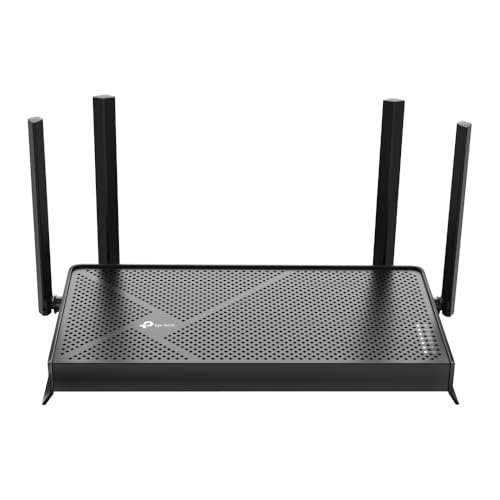
The Archer BE3600 proves you don't need to spend much for Wi-Fi 7. At around $100, this dual-band router delivers surprisingly strong long-range performance and held its own against routers costing three times as much in distance tests.
Key highlights
- Dual-band Wi-Fi 7 with 2.4 GHz and 5 GHz bands (no 6 GHz band)
- One 2.5 Gbps WAN port and one 2.5 Gbps LAN port plus three gigabit LAN ports
- USB 3.0 port for shared storage
- Supports MLO and 4K-QAM for improved efficiency
- Compact, all-black design with four repositionable antennas
Pros
- Excellent long-range 5 GHz performance, beating many more expensive routers at 75 feet
- Affordable entry point into Wi-Fi 7 technology
- Solid wired port selection for the price
Cons
- No 6 GHz band, so theoretical top speeds are lower than tri-band models
- Band steering can sometimes push devices to the slower 2.4 GHz band
- Full parental controls and security features require a subscription
Who it is for: Budget-conscious buyers in homes up to 2,500 square feet who want Wi-Fi 7 features without paying a premium.
Skip if
Your home exceeds 3,000 square feet, or you need the 6 GHz band for Wi-Fi 7 laptops and phones.
Netgear Orbi 970 - Best for massive homes
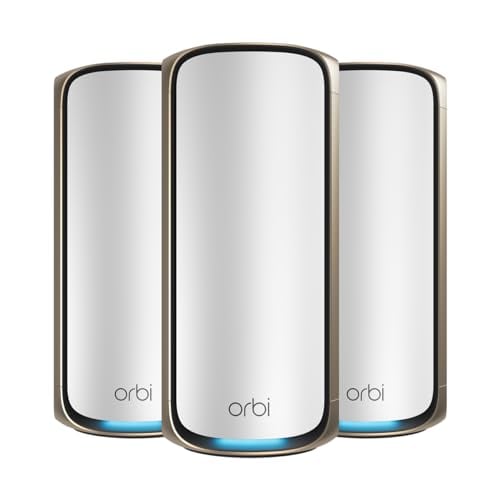
The Orbi 970 is the system you buy when dead zones are not negotiable. Its quad-band Wi-Fi 7 architecture with a dedicated backhaul channel covers up to 10,000 square feet and handles over 200 devices without breaking a sweat.
Key highlights
- Quad-band Wi-Fi 7 with dedicated wireless backhaul
- Up to 10,000 square feet of coverage with a three-pack system
- 10 Gbps WAN port and multiple multi-gig LAN ports on the main router
- Supports up to 200 connected devices
- Built-in VPN support and Netgear Armor security (subscription after trial)
Pros
- Exceptional coverage for very large homes and multi-story layouts
- Dedicated backhaul keeps speeds consistent across all nodes
- Seamless handoff when moving between rooms and floors
Cons
- Premium pricing puts it out of reach for most buyers
- Advanced parental controls and security require ongoing subscriptions
- Overkill for homes under 4,000 square feet
Who it is for: Homeowners with properties over 5,000 square feet, thick concrete walls, or challenging layouts that other systems can't cover.
Skip if
You are on a tighter budget or your home is under 4,000 square feet, where more affordable mesh systems will work just as well.
TP-Link BE9700 (Archer BE600) - Best single router
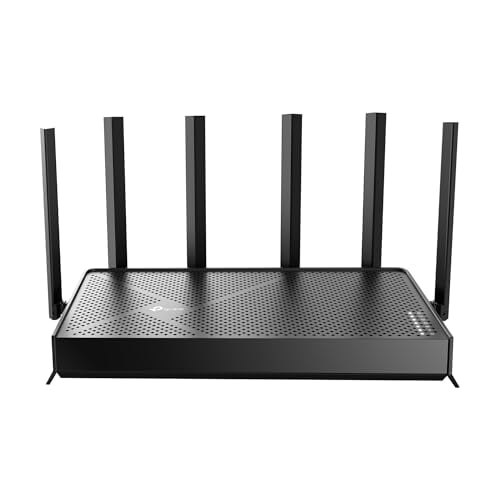
If you prefer a single powerful router over a mesh system, the Archer BE9700 is the best standalone option for large homes. It delivers class-leading 6 GHz performance and includes a 10 Gbps port, all for roughly $200.
Key highlights
- Tri-band Wi-Fi 7 with 2.4 GHz, 5 GHz, and 6 GHz bands
- One 10 Gbps WAN/LAN port plus three 2.5 Gbps LAN ports
- Six repositionable antennas for directing signal
- USB 3.0 port with Time Machine support for Mac users
- Street price around $200 makes it excellent value for a tri-band Wi-Fi 7 router
Pros
- 6 GHz performance tops most competitors at close and medium range
- Wired port selection rivals routers costing twice as much
- Covers approximately 2,600 square feet with strong signal
Cons
- 5 GHz and 2.4 GHz performance is mid-pack compared to top competitors
- Limited coverage for very large homes compared to mesh systems
- Requires a TP-Link account for full app functionality
Who it is for: Homeowners with open floor plans up to 2,600 square feet who want a single fast router without managing multiple nodes.
Skip if
Your home has multiple floors or exceeds 3,000 square feet, where a mesh system will provide more consistent coverage.
Asus ROG Rapture GT-AXE11000 - Best for gamers
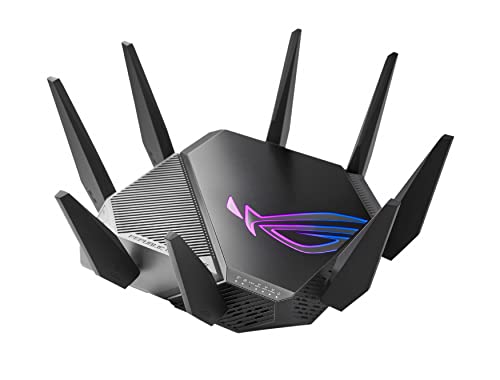
Gamers in large homes face a double challenge: maintaining low latency while fighting signal drop-off. The GT-AXE11000 tackles both with a dedicated 6 GHz band for gaming traffic and eight external antennas that push coverage across multiple floors.
Key highlights
- Tri-band Wi-Fi 6E with dedicated 6 GHz band
- Eight adjustable external antennas for broad coverage
- Gaming port that prioritizes wired gaming traffic automatically
- VPN Fusion routes non-gaming devices through VPN without affecting game latency
- Adaptive QoS automatically prioritizes gaming packets
Pros
- Strong coverage across large, multi-story homes
- Gaming-focused features actually work without manual tweaking
- Free AiProtection Pro security and parental controls, no subscription needed
Cons
- Expensive compared to non-gaming routers with similar coverage
- Bulky design takes up significant space
- Gaming features are unnecessary if you do not play online games
Who it is for: Competitive gamers and households where low latency matters more than raw download speed, especially in homes over 2,500 square feet.
Skip if
You do not game online, or you prefer a more subtle router design that blends into your decor.
Also Good
- Eero Pro 7 - fast mesh with seamless whole-home coverage.
- Asus ZenWiFi BQ16 Pro - blazing speed, but very pricey.
- TP-Link Archer AXE75 - great value Wi-Fi 6E pick.
How to Choose
Single router vs. mesh. This is the biggest decision. A single router works well for open-plan homes up to 2,500 square feet. Above that, or if you have multiple floors, a mesh system with two or three nodes will eliminate dead zones more reliably than any single unit.
Wi-Fi generation matters, but not how you think. Wi-Fi 7 is the current standard, but dual-band Wi-Fi 7 routers (without 6 GHz) are much cheaper and still outperform most Wi-Fi 6 routers at long range. Tri-band Wi-Fi 7 adds the 6 GHz band for faster close-range speeds, which matters most if you have newer laptops and phones.
Ports are not an afterthought. If you have a fiber plan over 1 Gbps, look for at least one 2.5 Gbps WAN port so your router does not become the bottleneck. A 10 Gbps port is nice to have but unnecessary for most households today.
Device count adds up fast. A family of four can easily have 30 to 50 connected devices when you count phones, laptops, TVs, game consoles, smart speakers, lights, and cameras. Look for routers with OFDMA and MU-MIMO, which handle multiple devices more efficiently.
Wired backhaul changes everything for mesh. If you can run an Ethernet cable between your mesh nodes, do it. Wired backhaul delivers better speed and stability than wireless backhaul, especially in homes with interference-heavy environments.
FAQ
Can a single router cover a 3,000-square-foot home?
It depends on the layout. Open floor plans with the router centrally placed can work. But homes with multiple floors, thick walls, or long hallways will almost always benefit from a mesh system.
Is Wi-Fi 7 worth it for a large home, or is Wi-Fi 6 enough?
Wi-Fi 7 is worth it if you want future-proofing and better long-range performance. But a good Wi-Fi 6 router still handles streaming, gaming, and video calls well for most households. The bigger factor is whether you use a mesh system, not which Wi-Fi generation you pick.
Do I need a new router if my ISP provides one?
ISP-provided routers are often basic models that struggle with coverage and device handling in larger homes. Upgrading to a quality router or mesh system typically improves range, speed, and reliability, especially during peak usage.
How many mesh nodes do I need?
A two-pack covers most homes up to 5,000 square feet. Add a third node for homes over 5,000 square feet, multi-story layouts, or properties with challenging construction materials like concrete or brick.
What is the most important spec for large home coverage?
Number of bands and antenna design matter more than raw speed ratings. Tri-band or quad-band routers with beamforming technology tend to maintain stronger signals at distance than dual-band routers with basic antennas.
Share this article
More in News
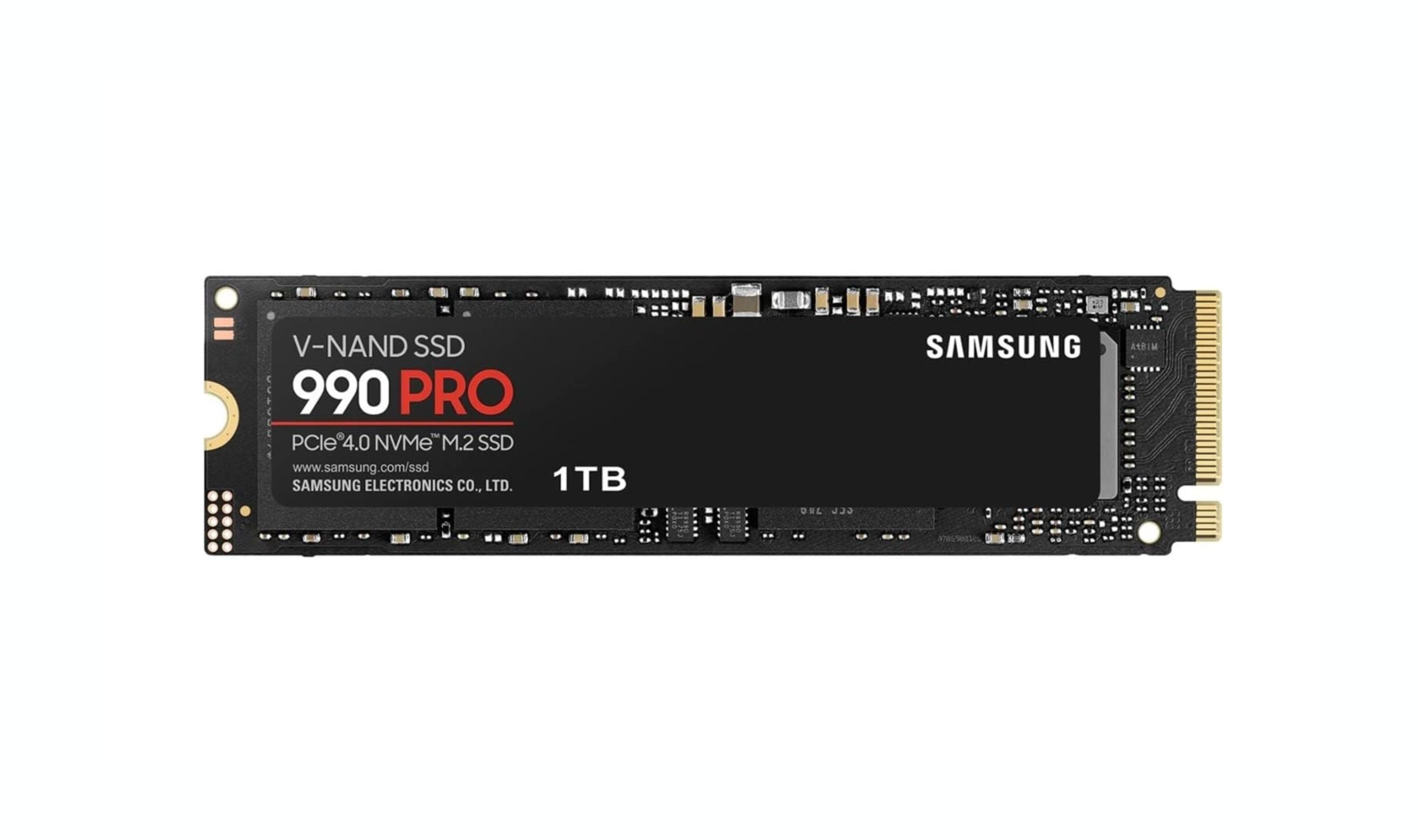
Best NVMe SSDs for 2026
The Samsung 990 Pro leads our 2026 NVMe SSD roundup, with the WD Black SN8100 and Teamgroup MP44 offering top Gen 5 and budget picks for gamers and creators.
3 min read
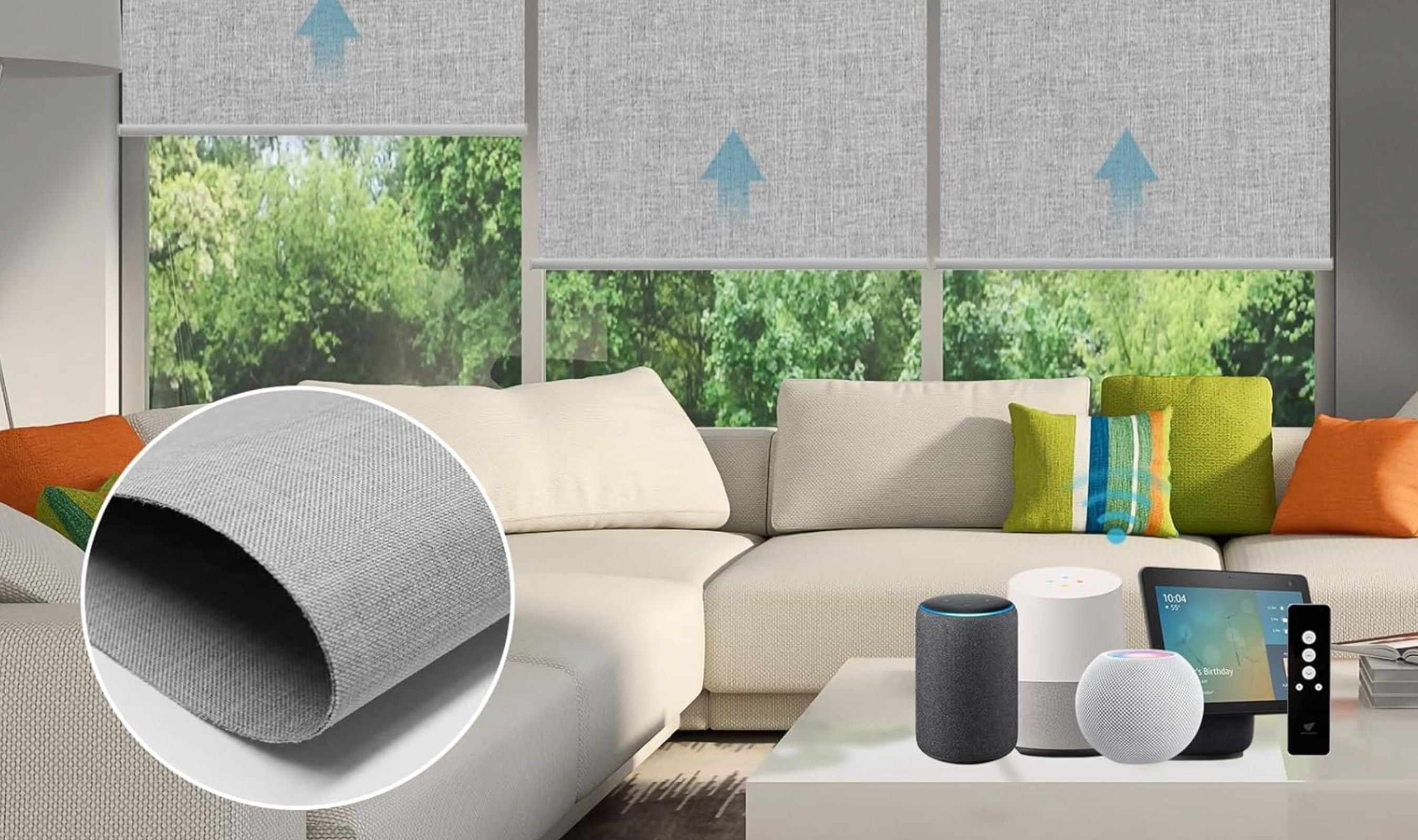
Best Smart Curtains and Blinds for 2026
SmartWings Motorized Roller Shades top our list of the 9 best smart curtains and blinds for 2026, offering whisper-quiet motors and Matter support for effortless voice control and energy savings.
3 min read
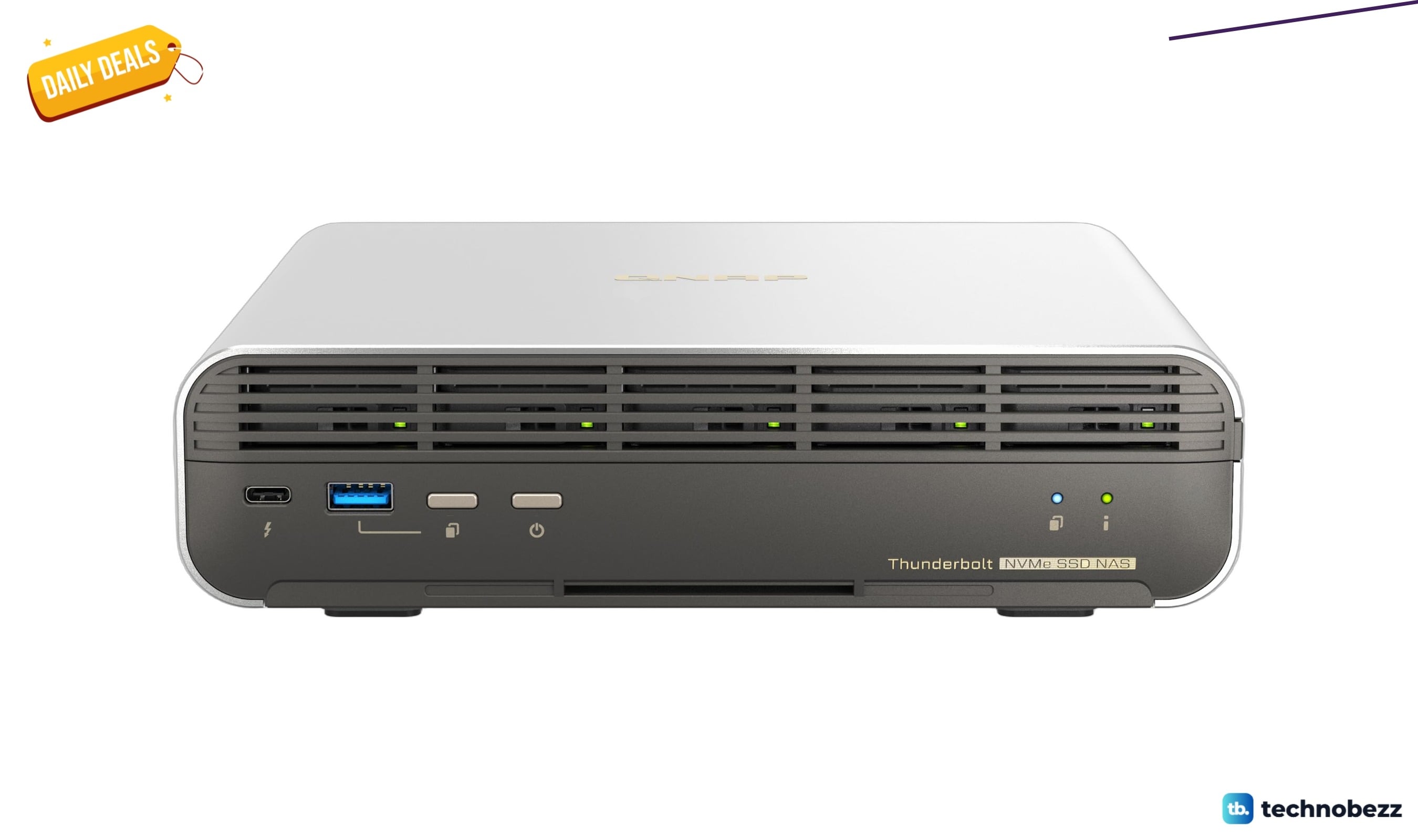
QNAP TBS-h574TX-i3-12G-US all-flash NAS drops to $1099 on Amazon
Get the QNAP TBS-h574TX-i3-12G-US all-flash NAS for $1099 on Amazon, saving $98.52 below its 30-day average for high-speed Thunderbolt 4 storage.
5 min read
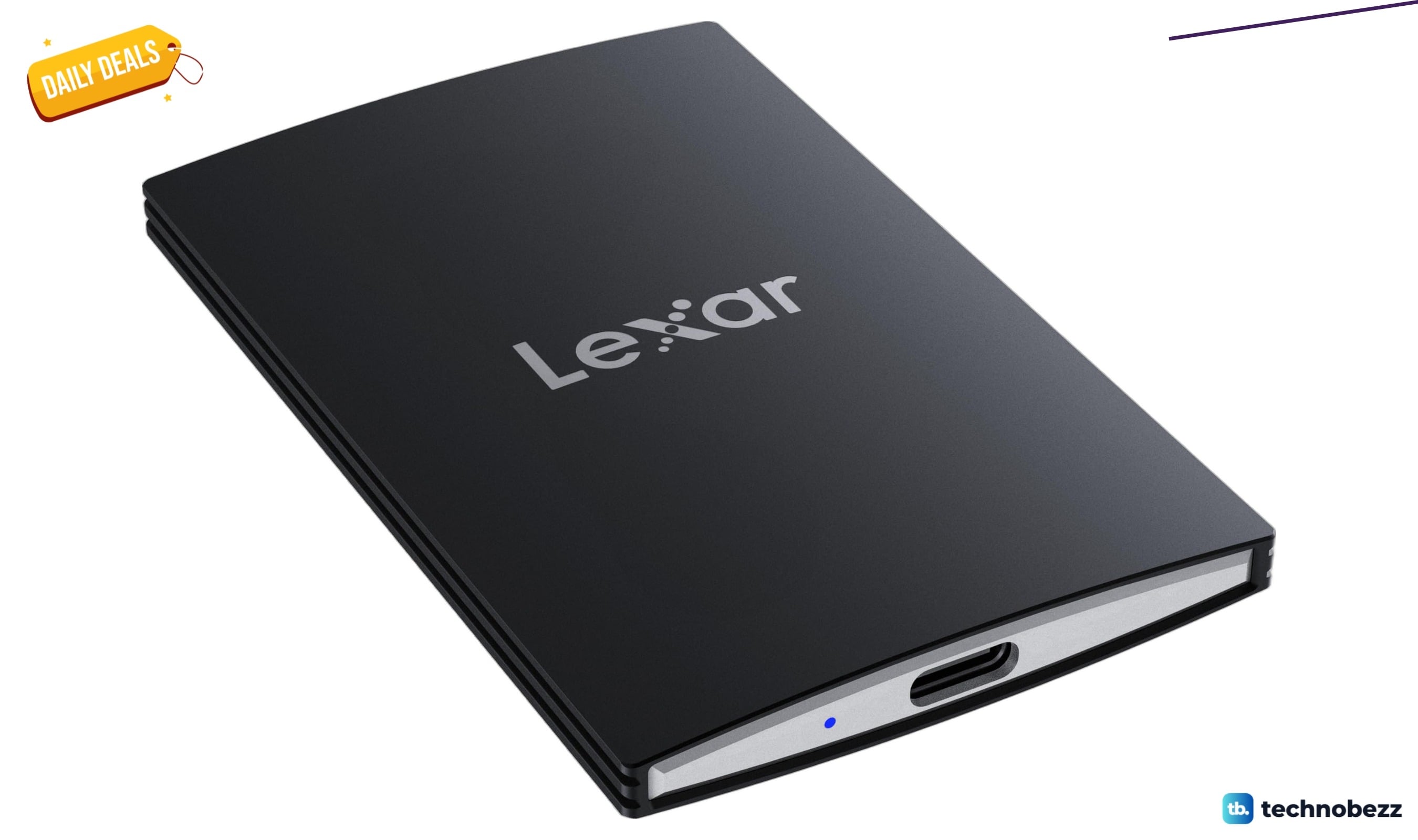
Lexar SL500 Portable SSD with 2000MB/s speeds drops to $463.35
Get Lexar's 4TB SL500 portable SSD with 2000MB/s speeds for $463.35, saving $37 below its 30-day average.
3 min read
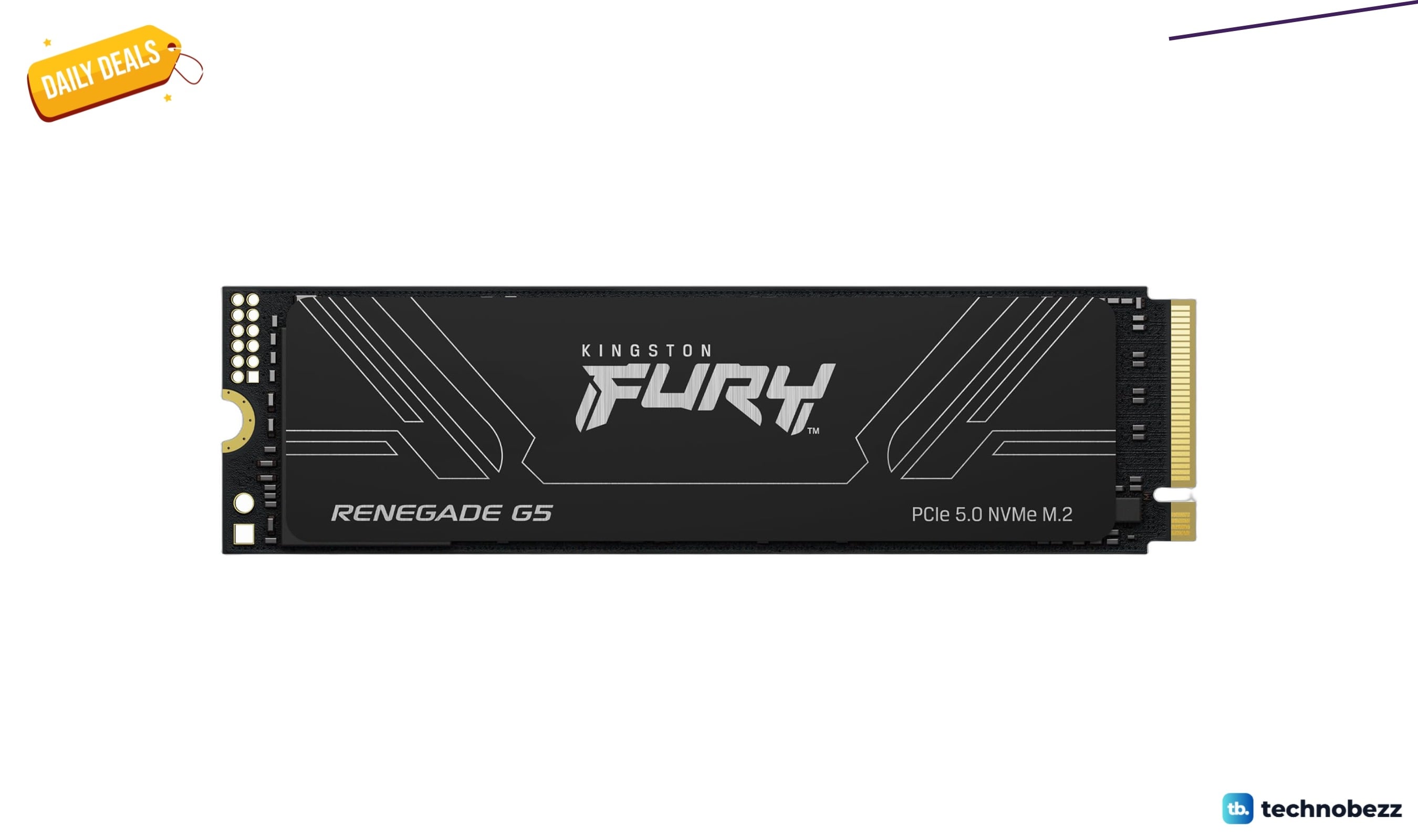
Kingston FURY Renegade G5 NVMe SSD drops to $994.95 on Amazon
4 min read
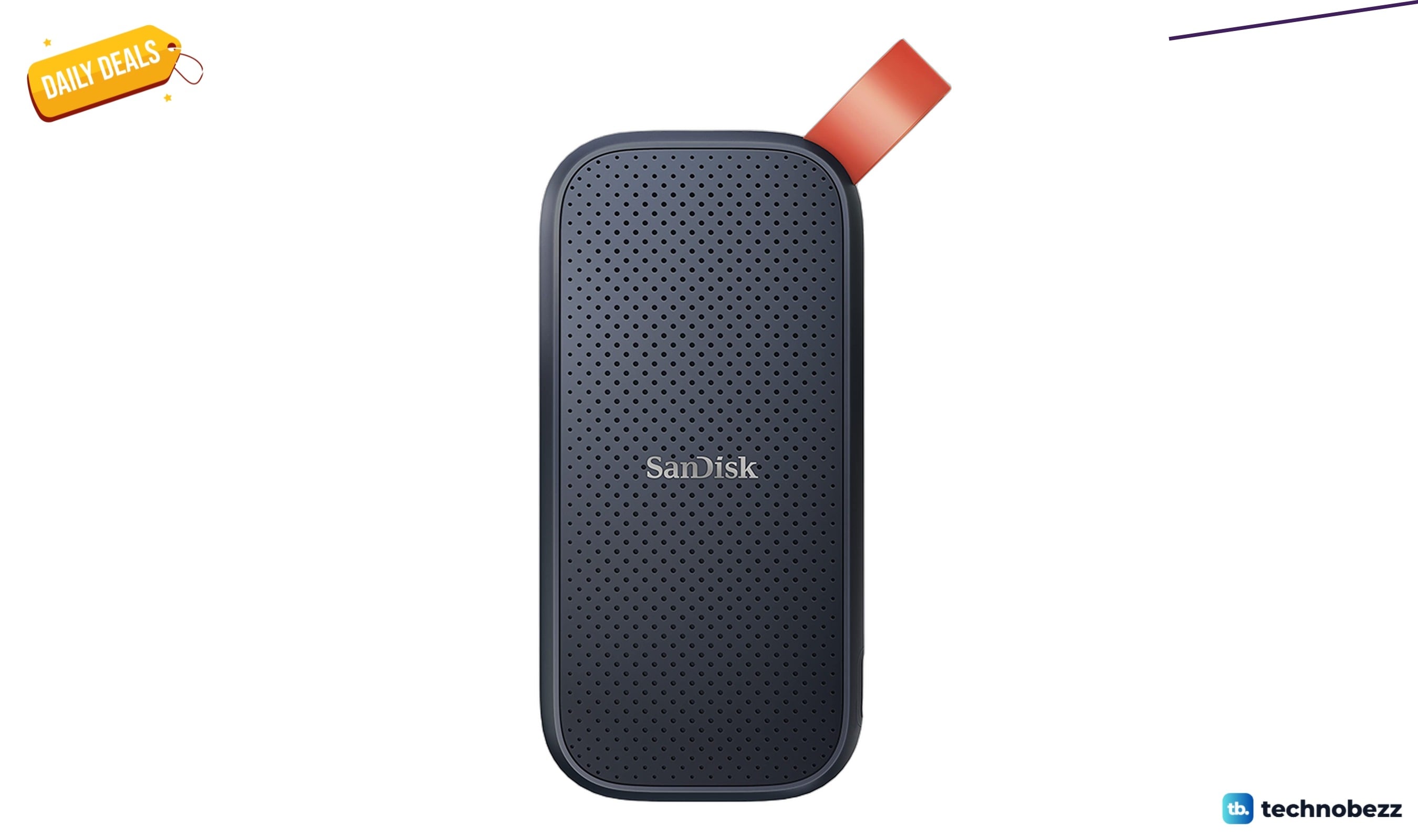
Sandisk Portable SSD drops to $254.99 in latest price cut
3 min read
Google Pixel Watch 3 drops to $244.92 in latest Amazon price cut
5 min read
Google Pixel Watch 4 drops to $389.99 in latest price cut
4 min read
Google Pixel Watch 3 2024 for Android drops to $239 on Amazon
3 min read
Samsung Galaxy Watch Pro 5 45mm LTE drops to $289.99 on Amazon
5 min read
Garmin epix Pro 42mm drops to $699.99 on Amazon
4 min read
LG 34GS95QE Ultragear OLED Curved Gaming Monitor drops to $1111.99
3 min read