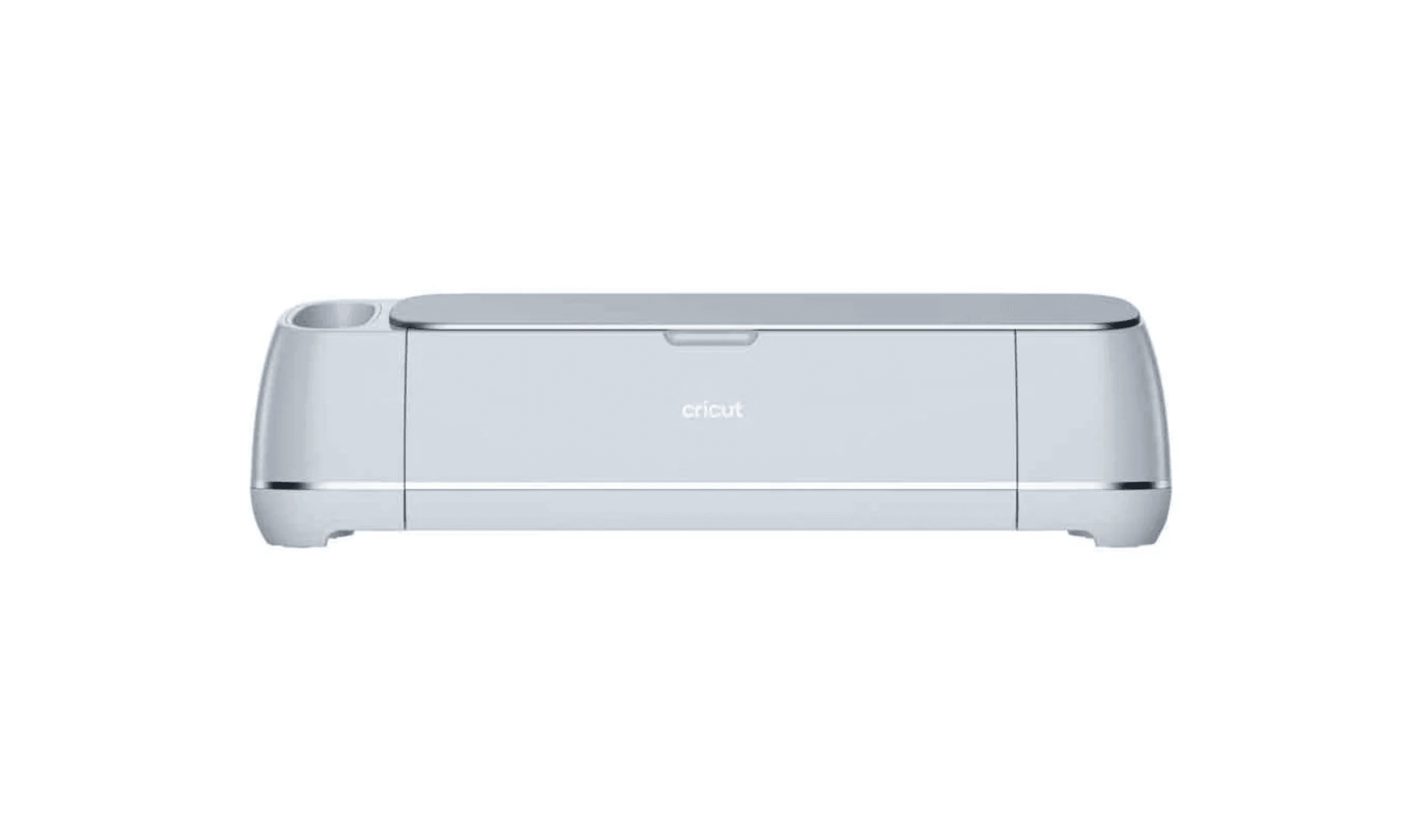
If you need to cut materials like vinyl, cardstock, or fabric, the Cricut Maker 3 handles over 300 materials with precision. For laser cutting intricate wood designs, the Glowforge Pro delivers professional results. This list helps crafters, small business owners, and DIY enthusiasts find the right machine for their specific needs.
Product
Technobezz is supported by its audience. We may get a commission from retail offers.
Best Cutting Machines in 2026
Cricut Maker 3 leads our picks for 2026. Compare the best cutting machines for vinyl, fabric, wood, and more to find your perfect match.
T
Technobezz
Senior Editor
Updated June 16, 2026Jun 16, 2026
•7 min read

Get Deals Like These in Your Inbox
The best prices, reviewed weekly.
At a Glance
| Category | Product | Why We Picked It |
|---|---|---|
| Best overall | Cricut Maker 3 | Cuts over 300 materials with excellent software |
| Best value | Cricut Explore 5 | Affordable entry point with good performance |
| Best for laser cutting | Glowforge Pro | Professional-grade laser for wood and acrylic |
| Best alternative | Silhouette Cameo 4 | Powerful cutter with offline software |
| Best for fabric | AccuQuilt GO | Efficient fabric cutter for quilters |
| Also recommended | Brother ScanNCut SDX125 | Built-in scanner for your own drawings |
| Also recommended | Siser Juliet | Quiet, camera-guided for precise cuts |
| Also recommended | Sizzix Big Shot | Reliable manual press for paper and fabric |
| Also recommended | xTool M1 | Hybrid blade and laser for ultimate versatility |
How we chose and tested
We evaluated cutting machines based on material compatibility, cutting precision, software usability, and overall value. Our assessment considered real-world performance across common crafting materials, from basic paper to thicker woods and fabrics. We prioritized machines that deliver consistent results without excessive complexity or hidden costs.
The best cutting machines right now
Cricut Maker 3 - Best overall
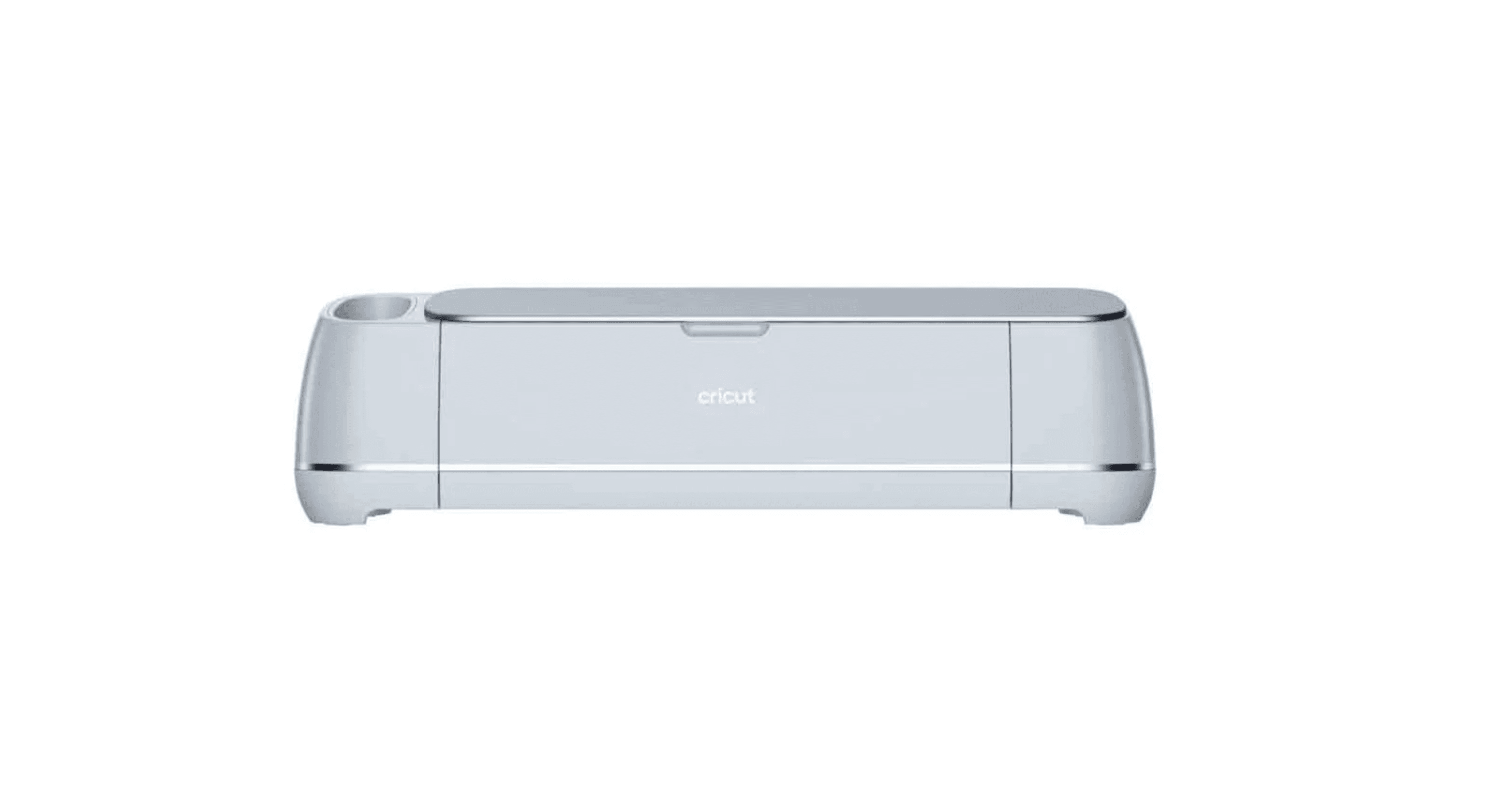
The Cricut Maker 3 handles over 300 materials with impressive precision, making it the most versatile cutting machine for serious crafters and small businesses.
Key highlights
- Cuts materials from thin paper to 2.4mm thick balsa wood
- Adaptive tool system automatically adjusts for different materials
- Wireless operation with mobile app compatibility
- Includes rotary blade for fabric cutting without backing
- Design Space software offers thousands of project templates
Pros
- Exceptional material versatility
- Clean, precise cuts across all materials
- Intuitive software with large design library
- Good customer support and community resources
Cons
- Premium price point
- Software requires internet connection
- Additional tools and accessories add to cost
Who it is for: Crafters who work with diverse materials and need professional results for business or serious hobby projects.
Skip if
You only cut basic materials or want a simpler, more affordable option.
Cricut Explore 5 - Best value

The Cricut Explore 5 offers reliable performance for over 100 materials at a more accessible price, perfect for beginners and occasional crafters.
Key highlights
- 30% more compact than previous models
- Cuts over 100 common crafting materials
- Includes starter materials for immediate projects
- Guided software flows simplify the design process
- Print-then-cut capability for stickers
Pros
- Affordable entry point
- Easy to learn and use
- Compact design saves space
- Good starter bundle included
Cons
- Limited to thinner materials
- Smaller cutting area than Maker series
- Less powerful cutting force
Who it is for: New crafters, occasional users, and those working primarily with paper, vinyl, and cardstock.
Skip if
You need to cut thick materials like wood or leather regularly.
Glowforge Pro - Best for laser cutting

The Glowforge Pro brings professional laser cutting capabilities to home workshops, handling wood, acrylic, leather, and over 100 other materials.
Key highlights
- 45W (45000 mW) CO2 laser cuts and engraves hundreds of materials
- Passthrough slot enables infinitely long projects with continuous auto-tracking
- Proofgrade materials with automatic settings
- Large cutting area for bigger projects
- Intuitive app with design library
Pros
- Professional-grade laser power
- Excellent for intricate designs
- Handles thick materials easily
- Clean, precise cuts without contact
Cons
- High initial investment
- Requires ventilation system
- Learning curve for settings
Who it is for: Serious crafters, small business owners, and makers who need laser cutting for wood, acrylic, or detailed engraving.
Skip if
You only work with paper and vinyl or have budget constraints.
Silhouette Cameo 4 - Best alternative
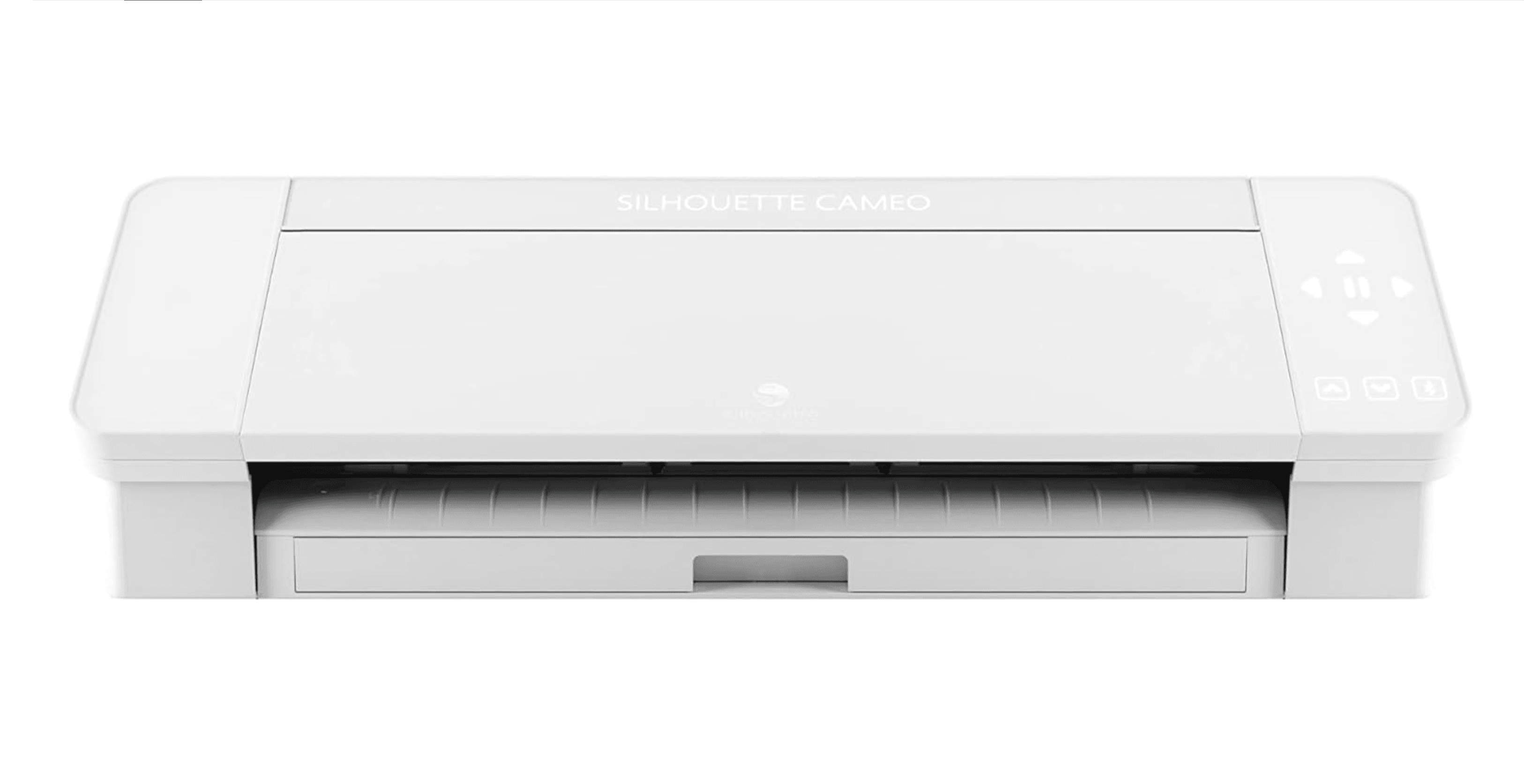
The Silhouette Cameo 4 delivers powerful cutting performance with 5kg of force, offering a capable alternative to Cricut machines with offline software.
Key highlights
- Powerful cutting force handles a variety of materials
- Works offline with Silhouette Studio software
- Roller feeder supports long materials
- Multiple size options available
- Automated blade adjustment for material detection
Pros
- Powerful cutting force
- Offline software operation
- Good value for performance
- Large format cutting capability
Cons
- Software has steeper learning curve
- Louder operation than some competitors
- Limited design library compared to Cricut
Who it is for: Crafters who prefer offline software, need powerful cutting force, or want an alternative to Cricut's ecosystem.
Skip if
You want the simplest software experience or need extensive design templates.
AccuQuilt GO - Best for fabric

The AccuQuilt GO efficiently cuts multiple fabric layers at once, saving time for quilters and sewers who work with repetitive shapes.
Key highlights
- Cuts up to 6 layers of fabric simultaneously
- Compatible with AccuQuilt die library
- Portable and easy to store
- Electric version available for easier operation
- Produces clean, precise fabric cuts
Pros
- Excellent for quilting projects
- Saves significant cutting time
- Clean edges reduce fabric waste
- Portable design
Cons
- Limited to die-based cutting
- Additional dies required for different shapes
- Manual version requires physical effort
Who it is for: Quilters, sewers, and fabric crafters who need to cut multiple identical shapes efficiently.
Skip if
You need to cut custom shapes or work with non-fabric materials.
Also Good
- Brother ScanNCut SDX125 - built-in scanner for your own drawings.
- Siser Juliet - quiet, camera-guided for precise cuts.
- Sizzix Big Shot - reliable manual press for paper and fabric.
- xTool M1 - hybrid blade and laser for ultimate versatility.
How to Choose
Consider these factors when selecting a cutting machine:
Material compatibility determines what you can actually cut. Machines like the Cricut Maker 3 handle hundreds of materials, while specialized machines like the AccuQuilt GO focus on specific tasks.
Software experience affects your workflow. Cricut's Design Space is beginner-friendly but requires internet, while Silhouette Studio works offline with more advanced features.
Cutting area size matters for project scale. Standard machines cut 12-inch widths, while larger models like the Silhouette Cameo 4 Pro handle 24-inch materials.
Budget and hidden costs include accessories, materials, and software subscriptions. Some machines have lower upfront costs but require ongoing investments.
Physical space considerations include machine size, ventilation needs for lasers, and storage for accessories and materials.
FAQ
What's the difference between Cricut and Silhouette machines?
Cricut machines generally offer more intuitive software and larger design libraries, while Silhouette machines provide more powerful cutting force and offline operation. The choice depends on whether you prioritize ease of use or cutting capability.
Can cutting machines handle wood and leather?
Yes, but capability varies. The Cricut Maker 3 cuts thin balsa wood and leather with special blades, while the Glowforge Pro handles thicker woods and materials with its laser system. Always check specific machine specifications for material thickness limits.
Do I need special mats and accessories?
Most electronic cutting machines require specific mats for different materials. Some newer models offer matless cutting with compatible smart materials, but these often cost more than standard options.
Are laser cutters safe for home use?
Laser cutters like the Glowforge Pro require proper ventilation and safety precautions. They should be used in well-ventilated areas with appropriate safety equipment, and never left unattended during operation.
Which machine is best for starting a small craft business?
The Cricut Maker 3 offers the best balance of versatility and professional results for most small businesses. For laser-focused businesses, the Glowforge Pro provides professional-grade capabilities, though at a higher initial investment.
Published March 15, 2026 Last updated June 16, 2026
Share this article
More in News
Today's best headphone deals, starting at $84.99
Genuine price cuts on wireless headphones and earbuds, from a $84.99 gaming headset to Sony ANC over-ears at 44% off.
4 min read
We found 2 Smartwatch deals from $107.99 that are actually worth it
Two smartwatch deals actually worth buying, from $107.99, backed by price tracking data.
3 min read
Apple 2026 MacBook Neo available from $944 at Amazon
Apple's 2026 MacBook Neo with A18 Pro and 512GB storage is now $944 at Amazon, marking a rare sub-$1,000 entry point for the new lineup.
4 min read
Apple Watch SE 3 with GPS and Cellular drops to $299 at Amazon
Save $30 on the Apple Watch SE 3 with GPS + Cellular at Amazon now $299 with advanced health tracking and safety features.
5 min read
Anne Klein Connect It Prism Smartwatch Set drops to $107.99 on Amazon
4 min read
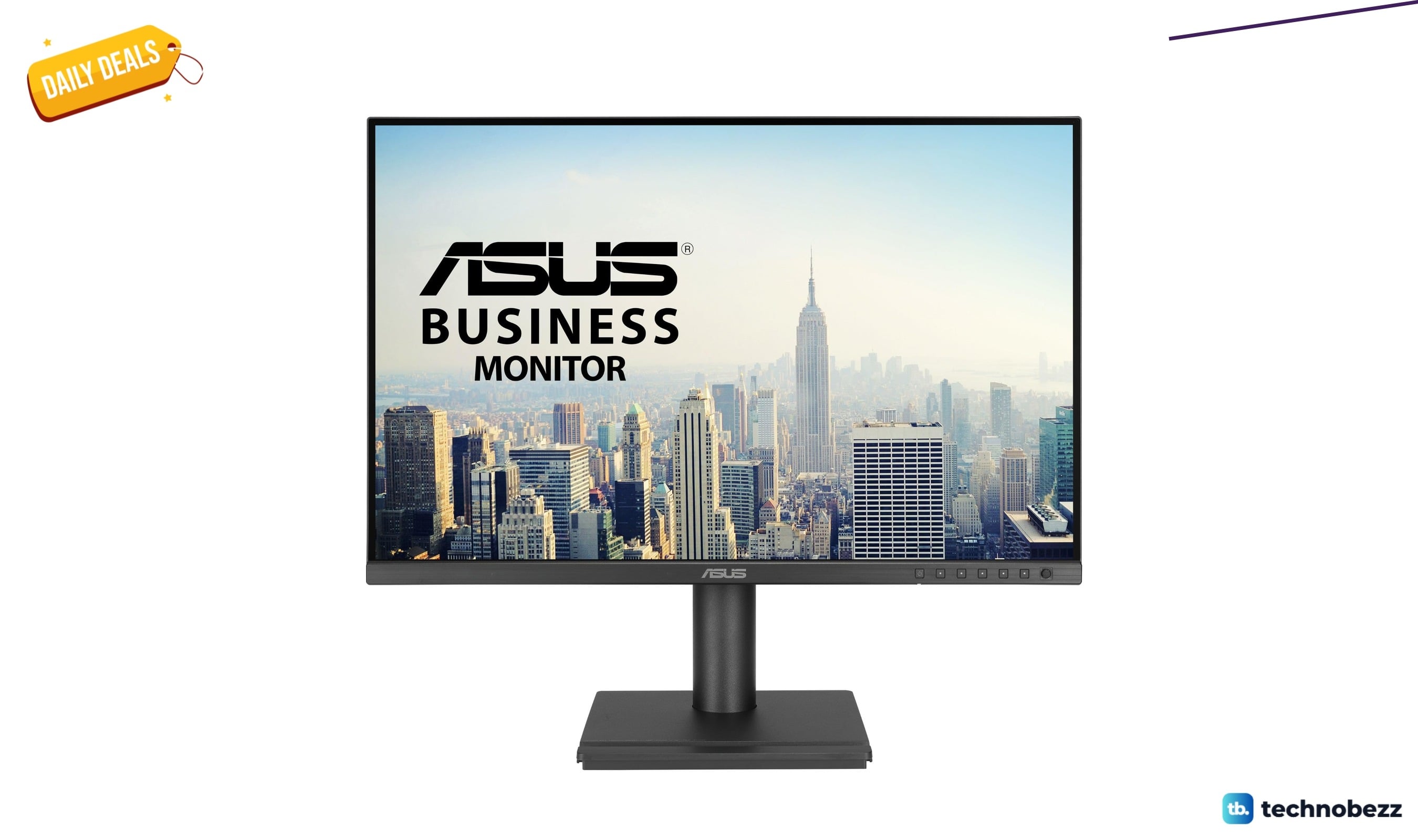
ASUS 24 Inch Docking Monitor with WUXGA IPS Display Falls to $229.94
3 min read
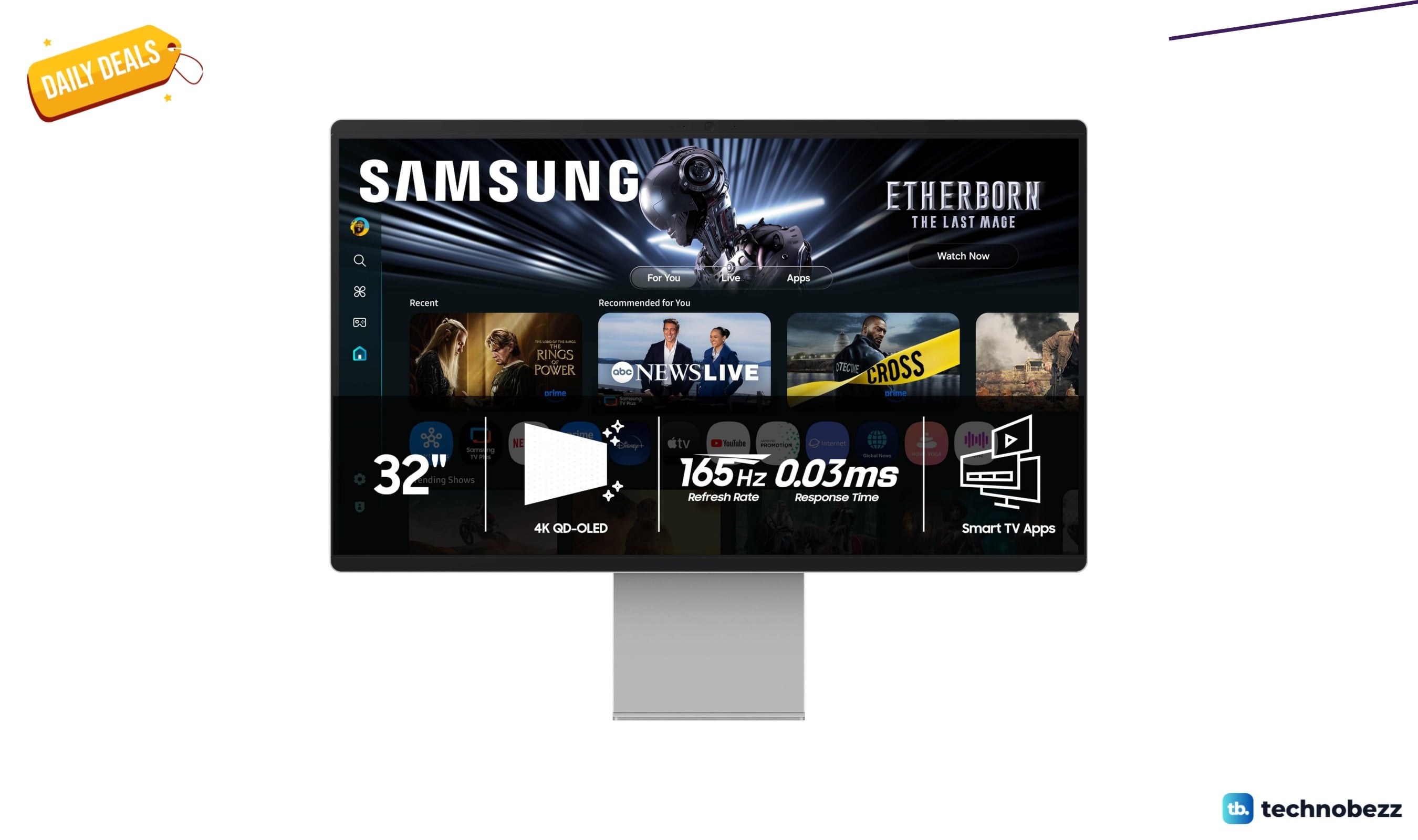
Samsung 32" OLED M9 Smart Monitor drops to $1199.99 at Amazon
5 min read
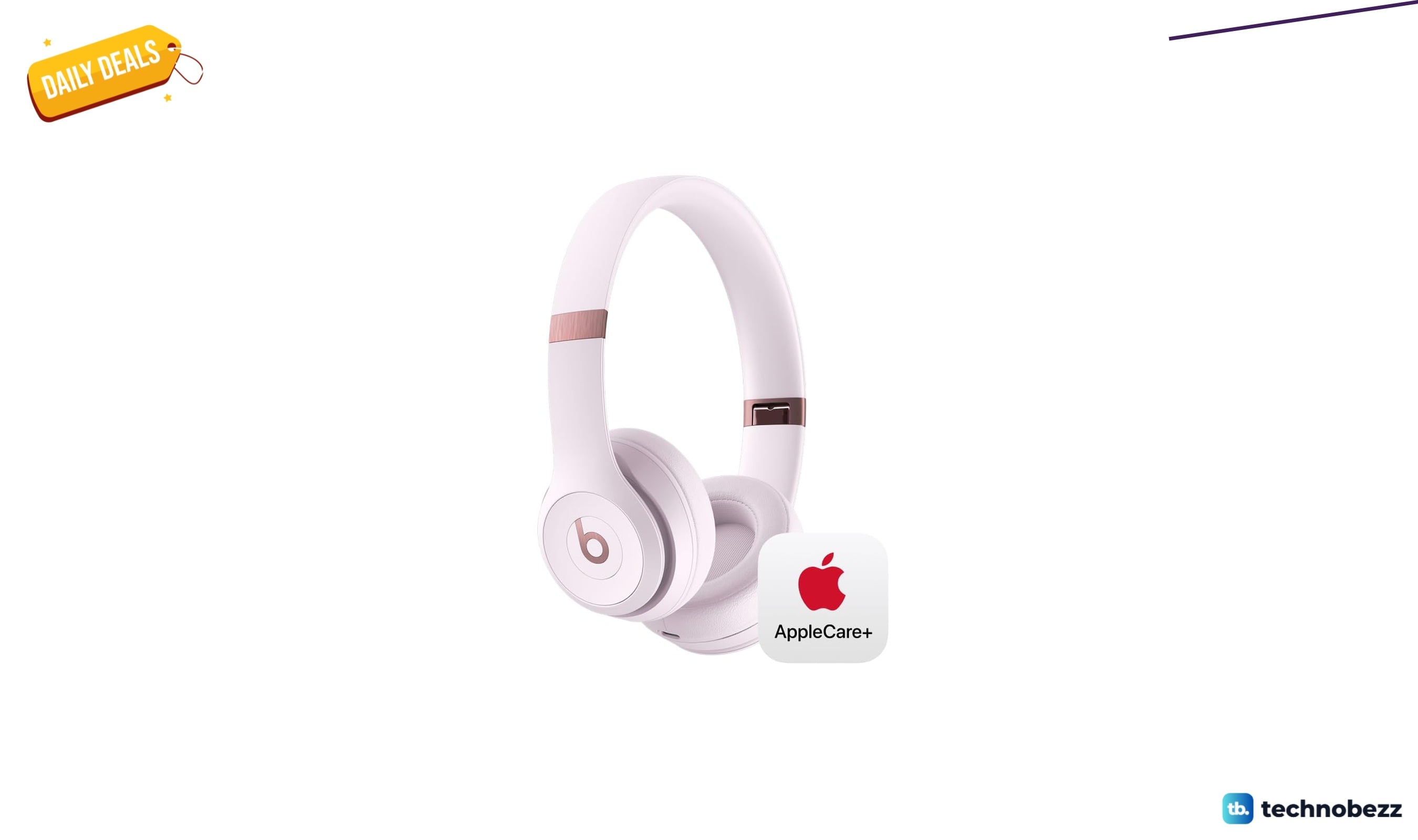
Beats Solo4 drops to $153.95 with two years of AppleCare+ included
4 min read
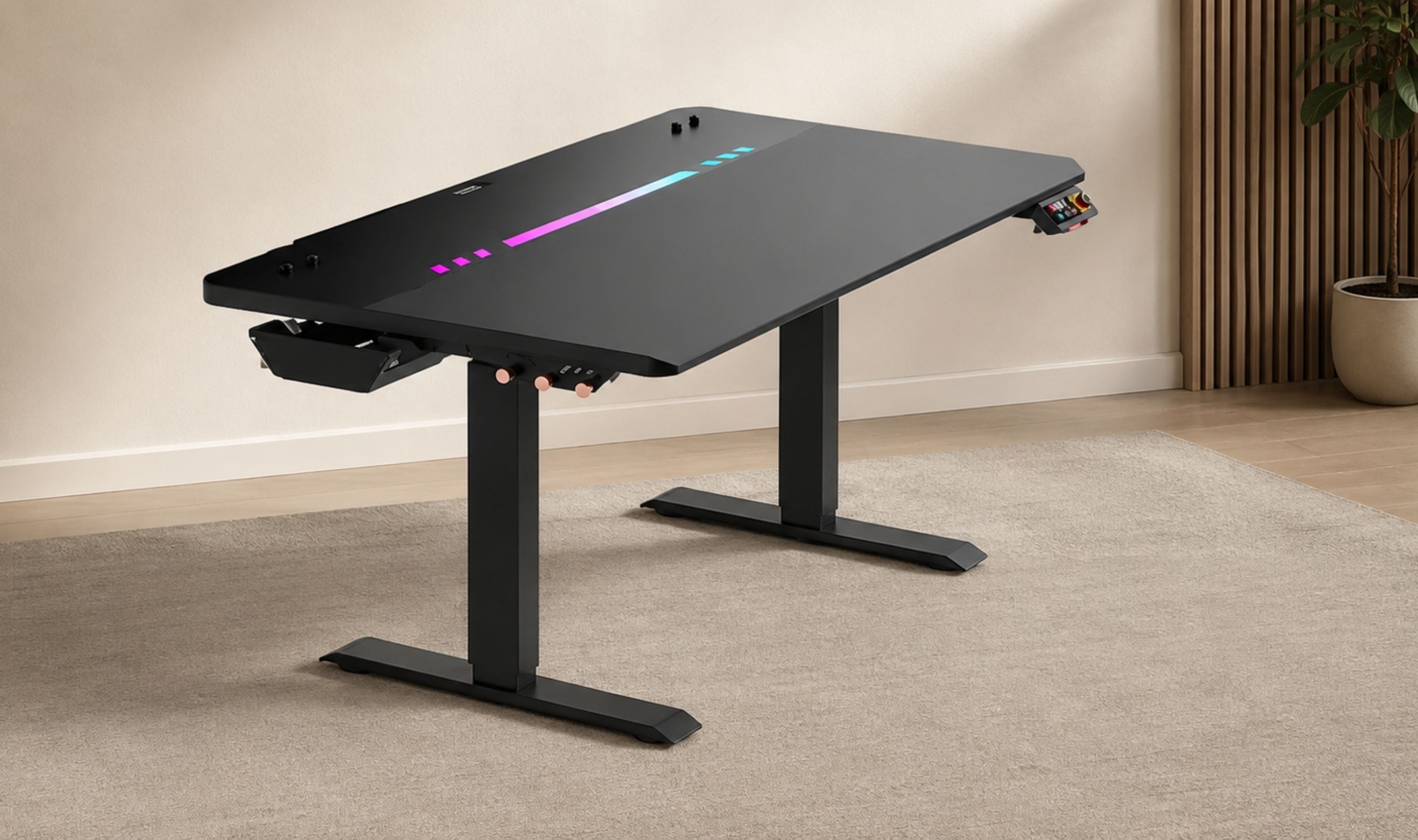
DXRacer Tidal Series Standing Desk Review
5 min read
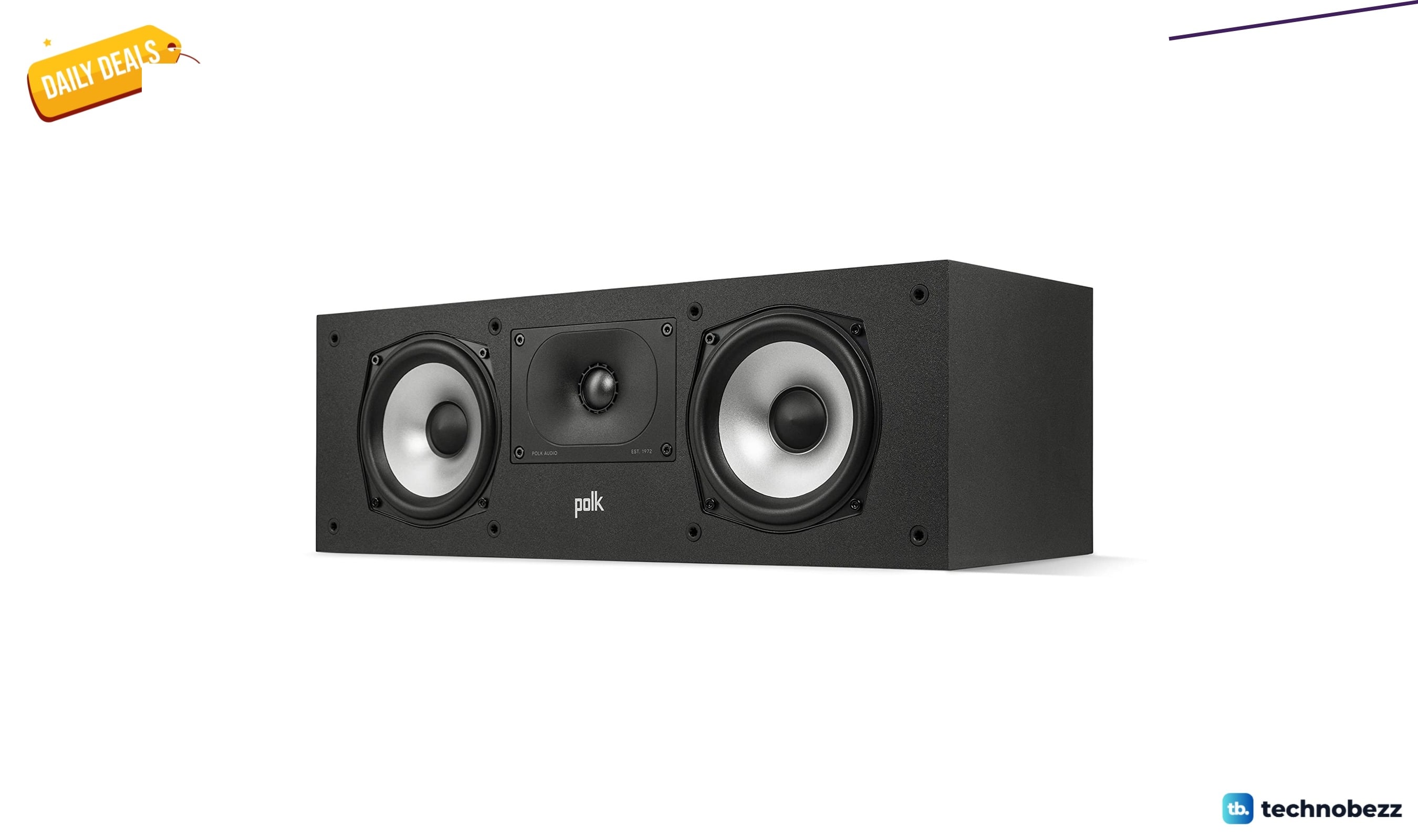
Polk Audio Monitor XT30 Compact Center Channel drops to $152.16
3 min read
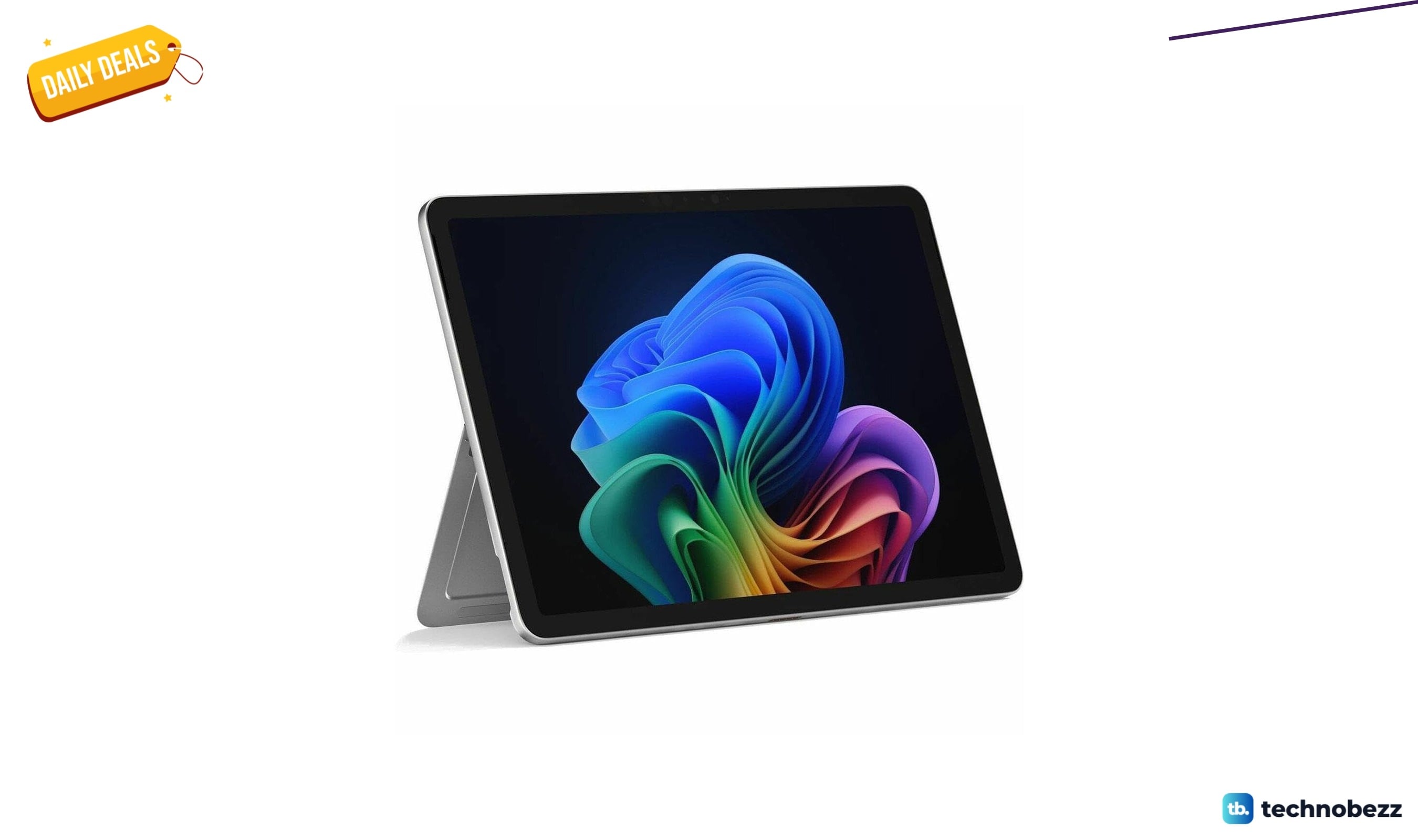
Microsoft Surface Pro 12 Copilot+ PC Tablet sees price cut to $1652.99
5 min read
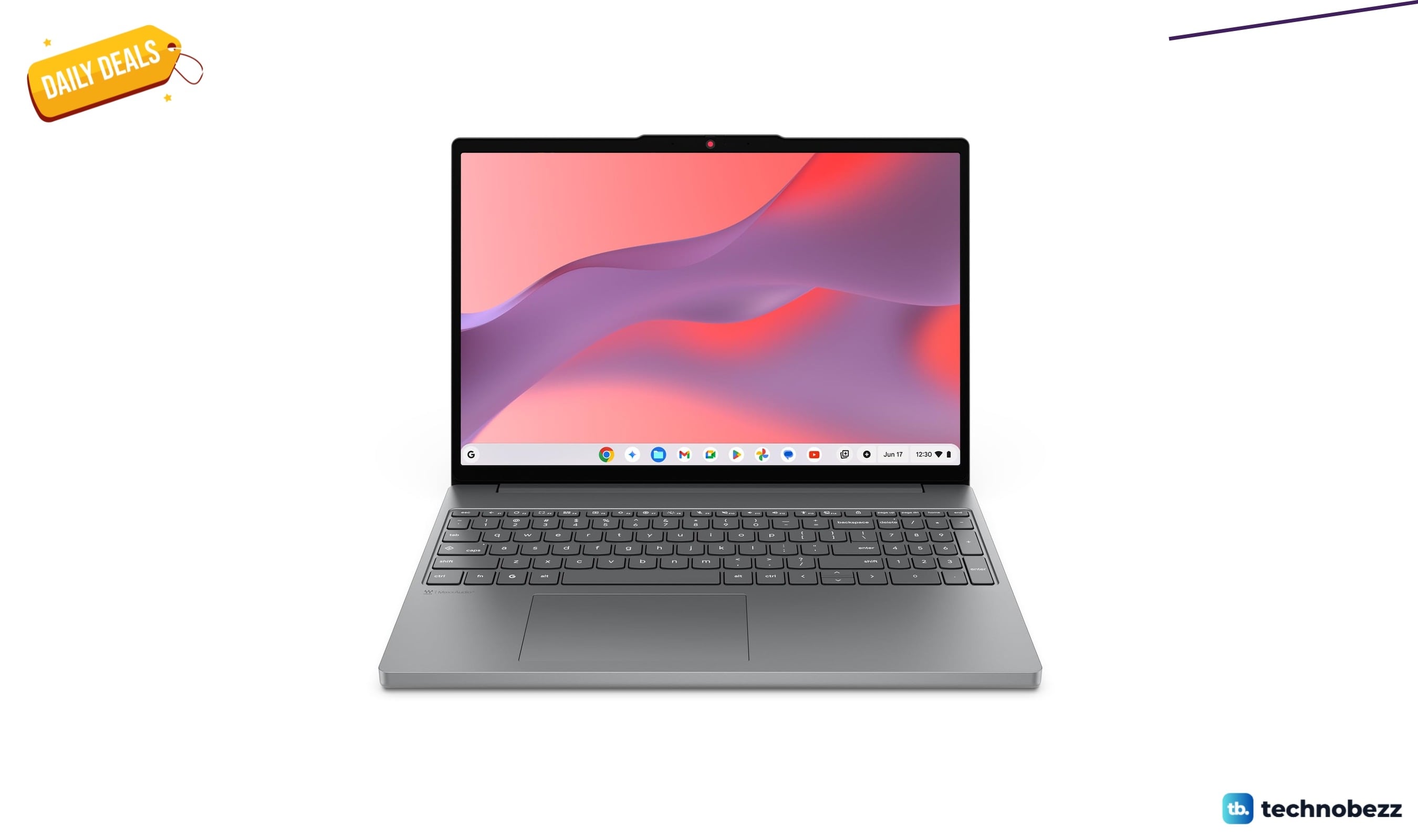
Lenovo Chromebook m 15 with Google Gemini drops to $389.99
4 min read