Anyking Screen Extender dips to $71.99
Technobezz is supported by its audience. We may get a commission from retail offers.
Anyking Screen Extender dips to $71.99
Save $31.99 on the Anyking 14-inch laptop screen extender at $71.99, a new low versus its 30-day average price.
T
Technobezz
Editorial Team
Updated October 6, 2026Oct 6, 2026
•5 min read

Get Deals Like These in Your Inbox
The best prices, checked by our editors.
$31.99 below its 30-day average, verified against recent price history. A spreadsheet beside your email beats another round of tab switching, and Anyking's 14-inch laptop display gives you that second workspace.
Anyking Screen Extender drops to $71.99 - save $31.99 The savings are measured against its recent average price, and this Amazon Lightning Deal ends at the deadline below.
THE DEAL
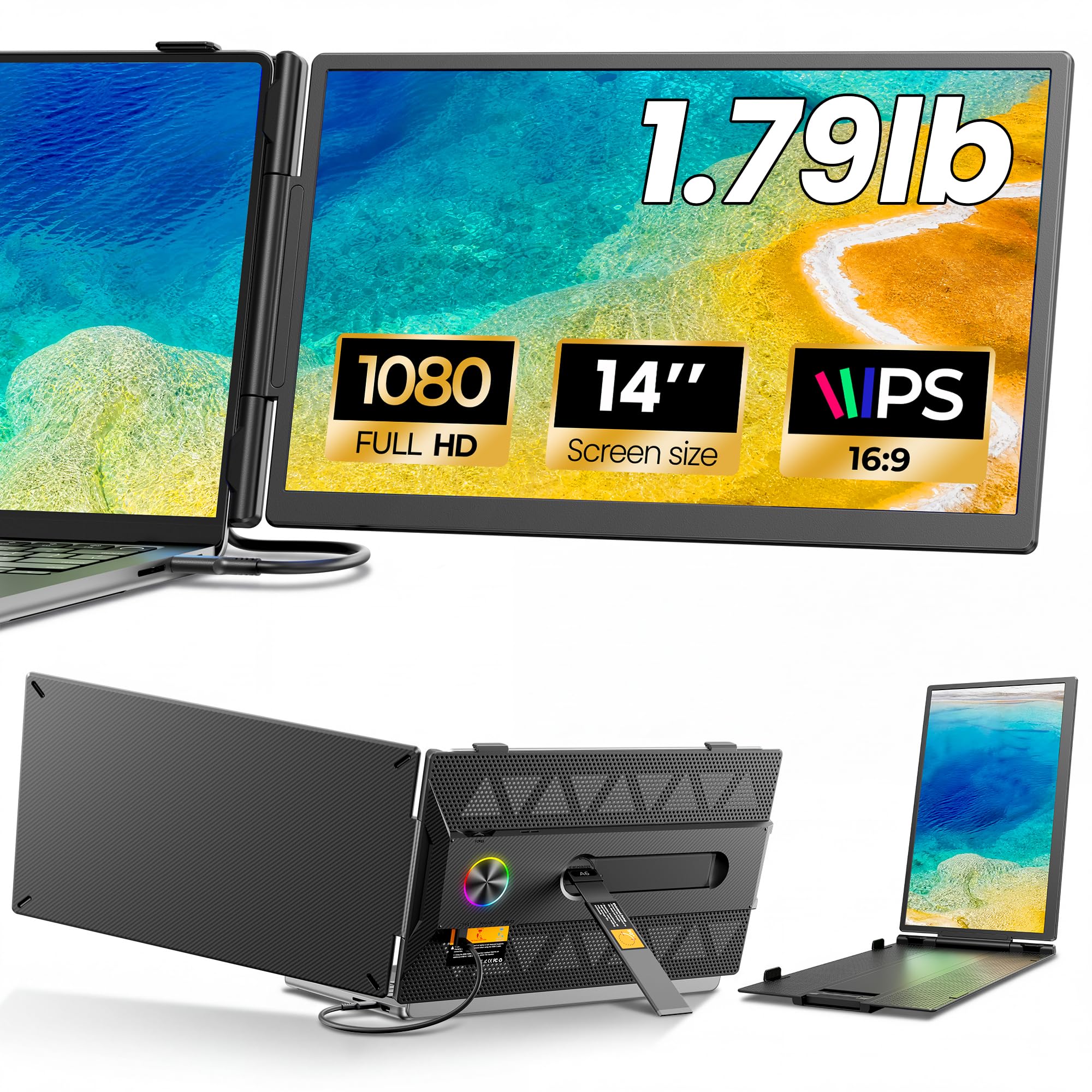
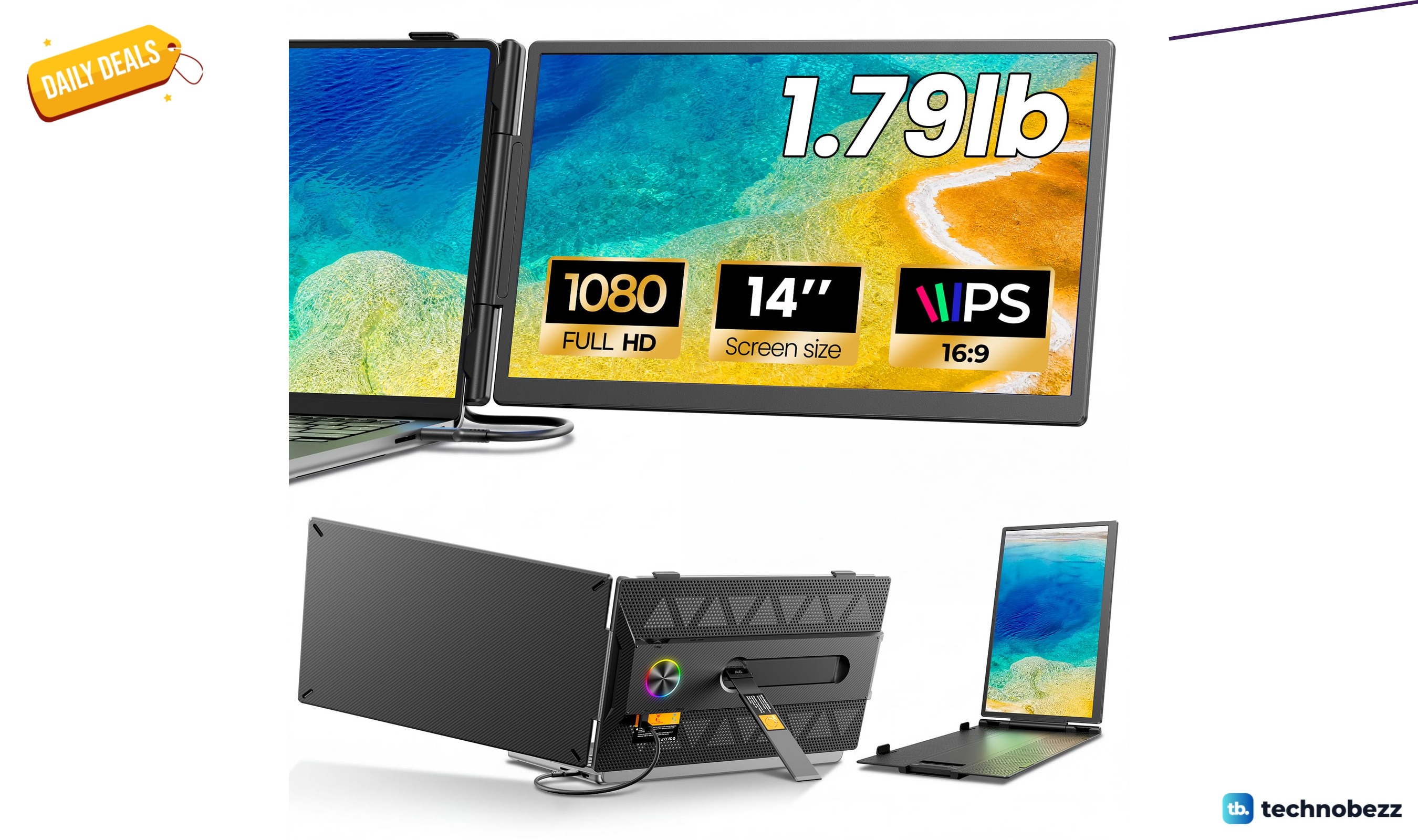
Anyking Screen Extender
$71.99 at Amazon - $31.99 below its 30-day average of $103.98
For just $71.99, below its 30-day average of $103.98, the extender also undercuts its $104.93 average over 90 days and $111.79 average over 180 days. The current price is $9 below the previously recorded low of $80.99, giving this offer a clear advantage against its supplied price history.
What You're Getting
- The 14-inch anti-glare IPS display has a 1920 x 1080 resolution, 60Hz refresh rate, 300-nit brightness, 100% sRGB coverage, and a 1000:1 contrast ratio.
- Extend and Mirror modes support separate workspaces or duplicated content, with a built-in speaker for everyday audio.
- The A6 weighs approximately 1.79 pounds and measures 0.3 inch at its thinnest point. Its screen rotates up to 180 degrees, and the support stand tilts up to 90 degrees.
- It is designed for 13-17.3-inch laptops. Windows, macOS, ChromeOS, Android, and Linux devices are supported when they meet the required video-output conditions.
- The package includes USB-C-to-USB-C, HDMI-to-Mini HDMI, and USB-A-to-USB-C cables, plus a user manual. The rear LED light has four selectable modes.
Who This Is For
Remote professionals and students can keep research, documents, or a video call visible beside their main task. Travelers who want a second display that fits into a laptop bag also have a practical use for its slim build and adjustable viewing positions.
The Caveat
A single USB-C connection requires DisplayPort Alt Mode video and power; otherwise, use HDMI for video and USB for power. An external power adapter is not included, and a dim, flickering, or disconnecting screen may need a 5V/2A or higher adapter.
Final Verdict
Choose the Anyking Screen Extender at $71.99 if a second display would make your laptop workflow easier and your ports support its connection requirements. Its included cables and price below recent averages make a concrete case for getting this deal.
Share this article
More in News
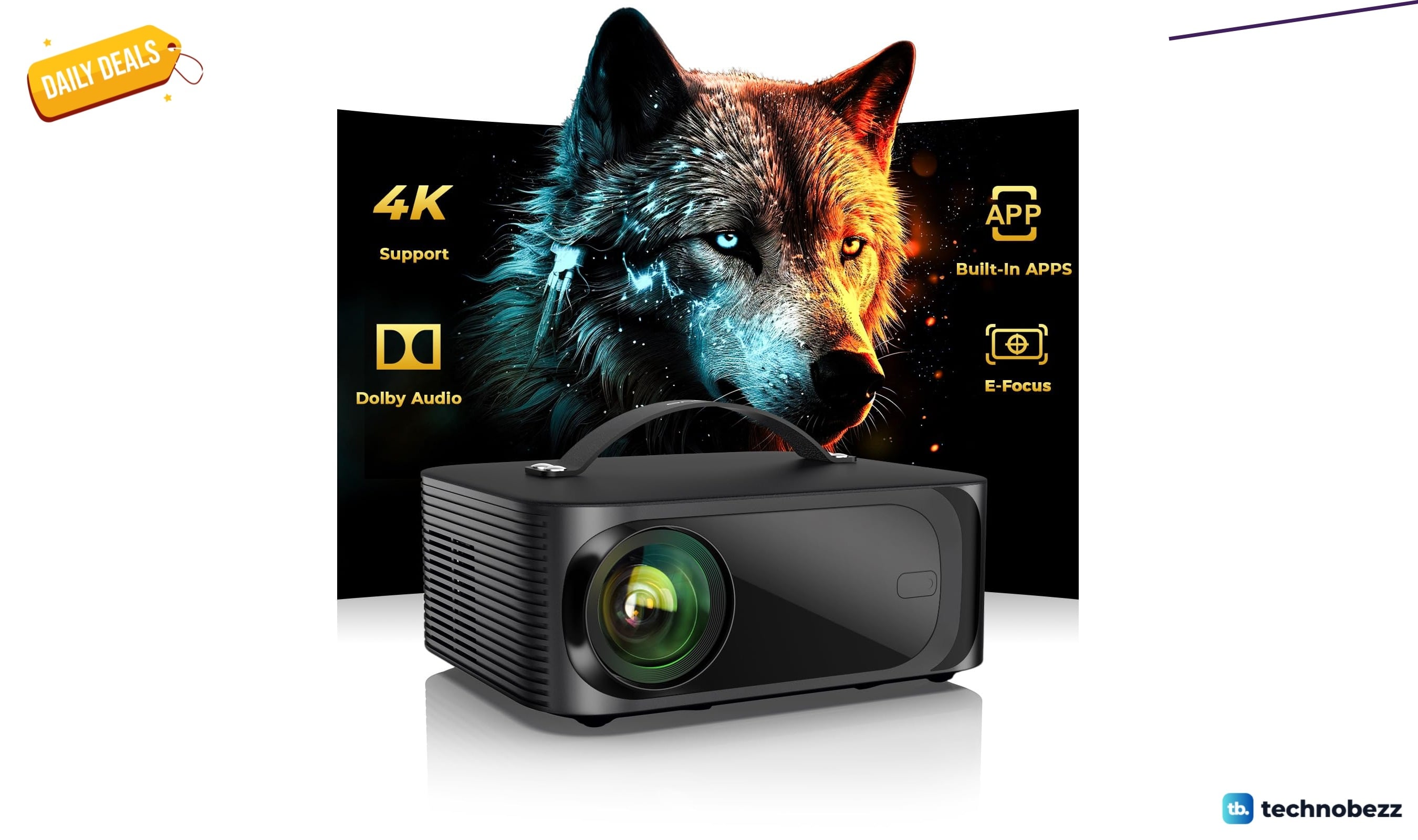
ONOAYO Outdoor-Projector-4K marked down to $199.99
Save $330.50 on the ONOAYO 4K outdoor projector at $199.99, a smart pick for movie nights with built-in apps and electric focus.
4 min read
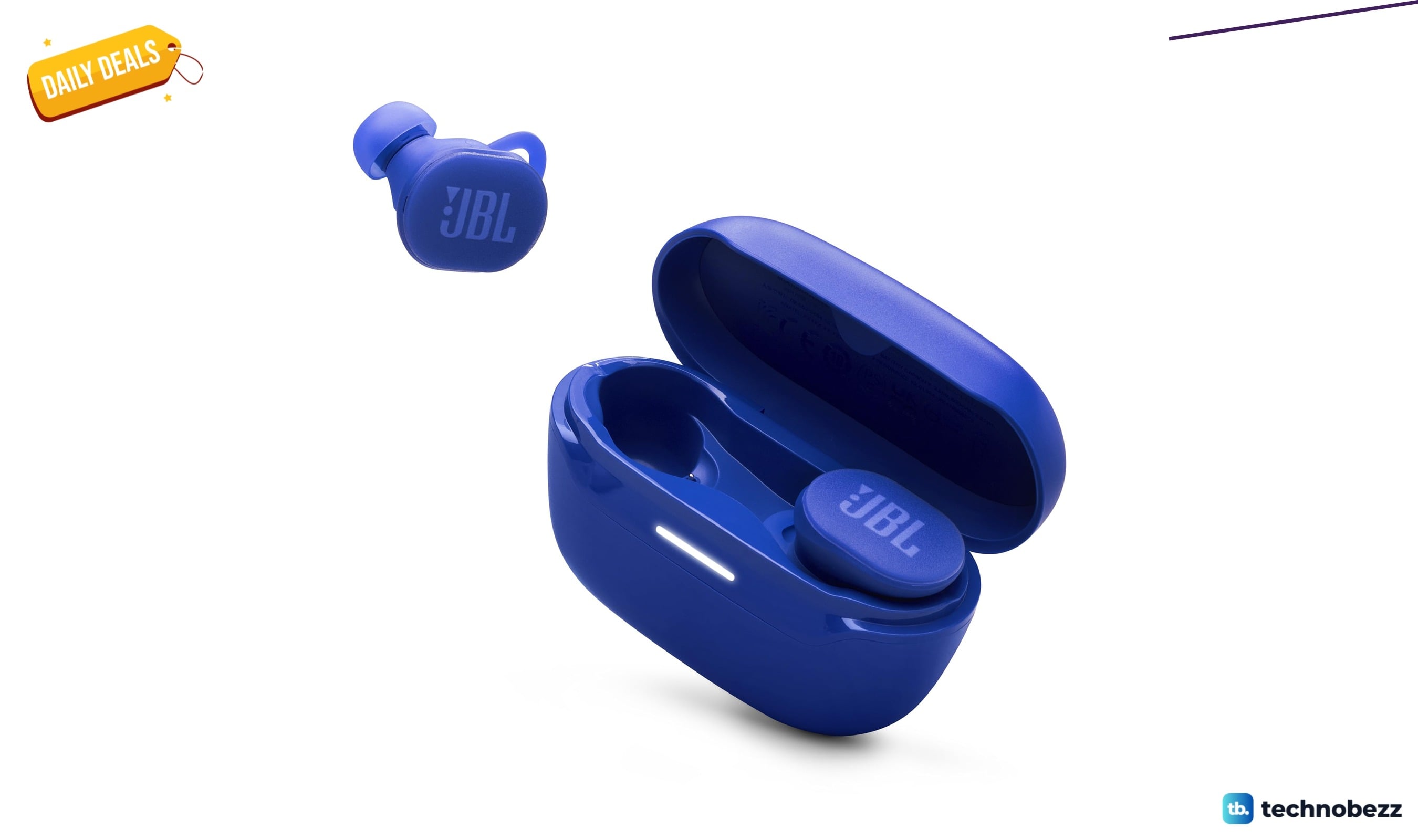
2 Headphone deals we checked hit new lows, starting at $49.95
Save up to 44% on two headphone deals at their lowest recorded prices, including JBL earbuds for $49.95 and Sennheiser over-ears under $200.
5 min read
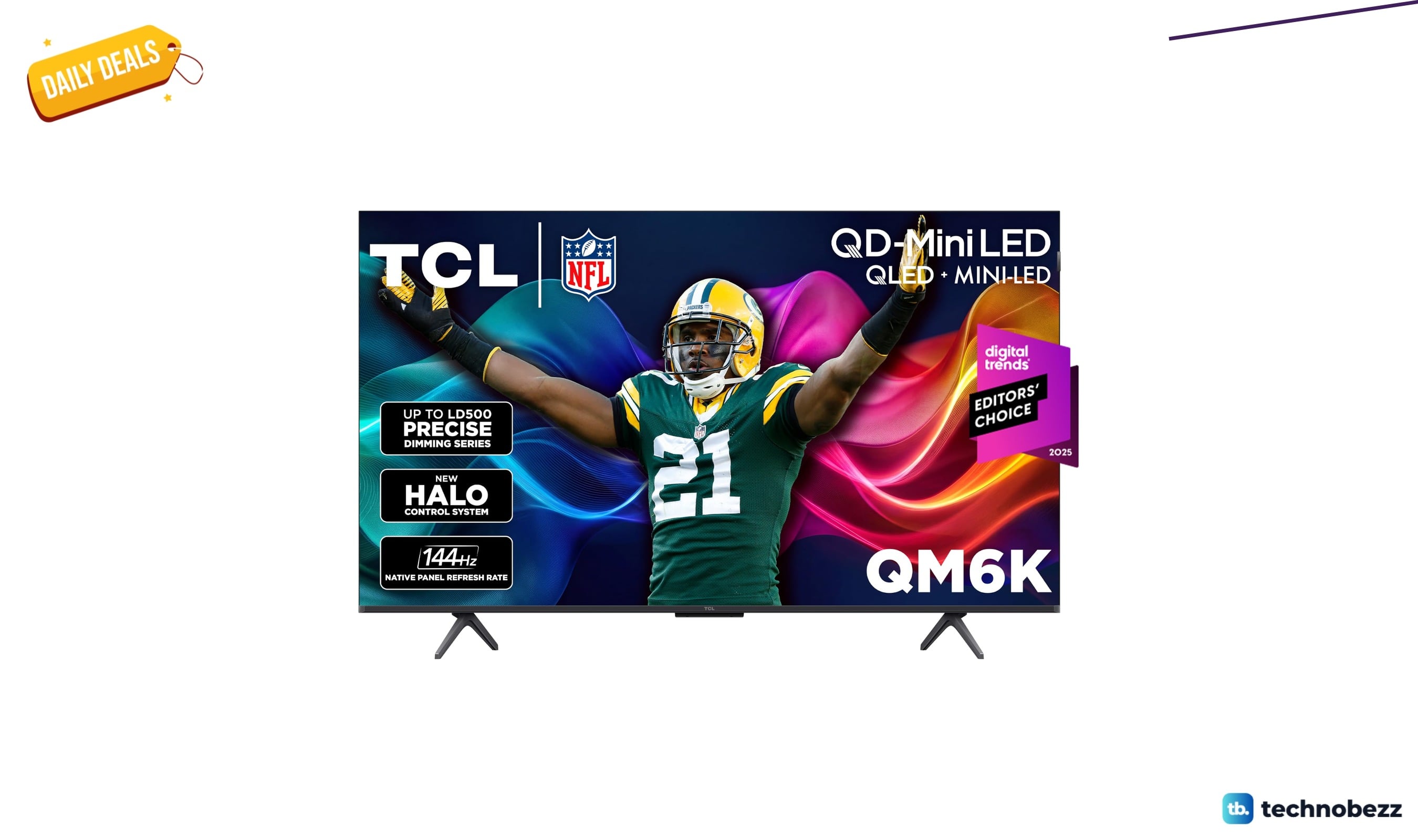
Five TV deals under $1997.99 include a 50-inch Mini LED at $417.99
Shop five TV deals under $1997.99, including a 50-inch TCL Mini LED at $417.99 and a portable LG touchscreen, with four at record-low prices.
5 min read
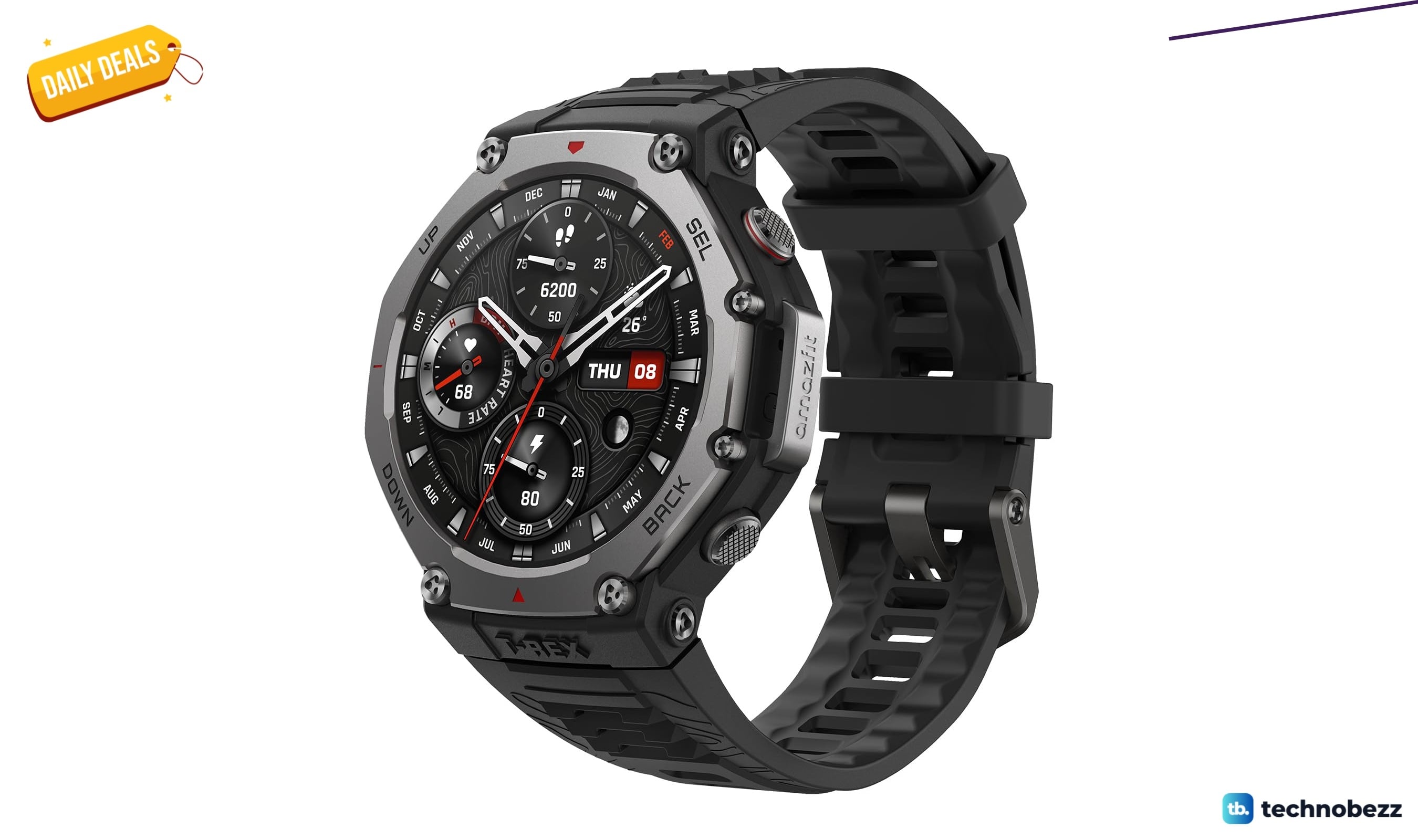
Amazfit T-Rex 3 Leads 2 Smartwatch Deals Under $219.99
Score two genuine Amazfit smartwatch discounts, including the T-Rex 3 at $219.99, with long battery life and built-in navigation.
4 min read
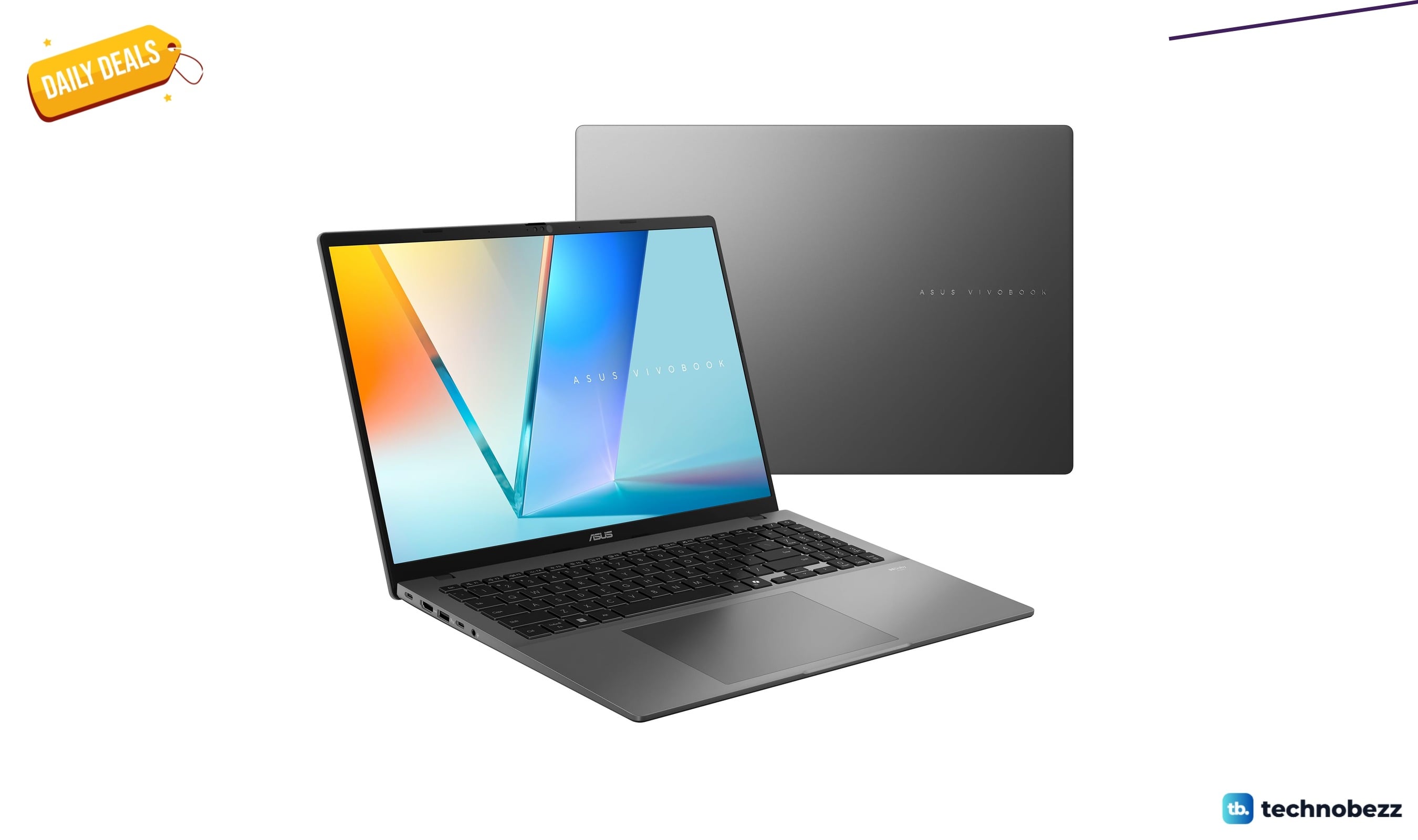
Two laptop deals hit new lows with prices from $299.99
3 min read
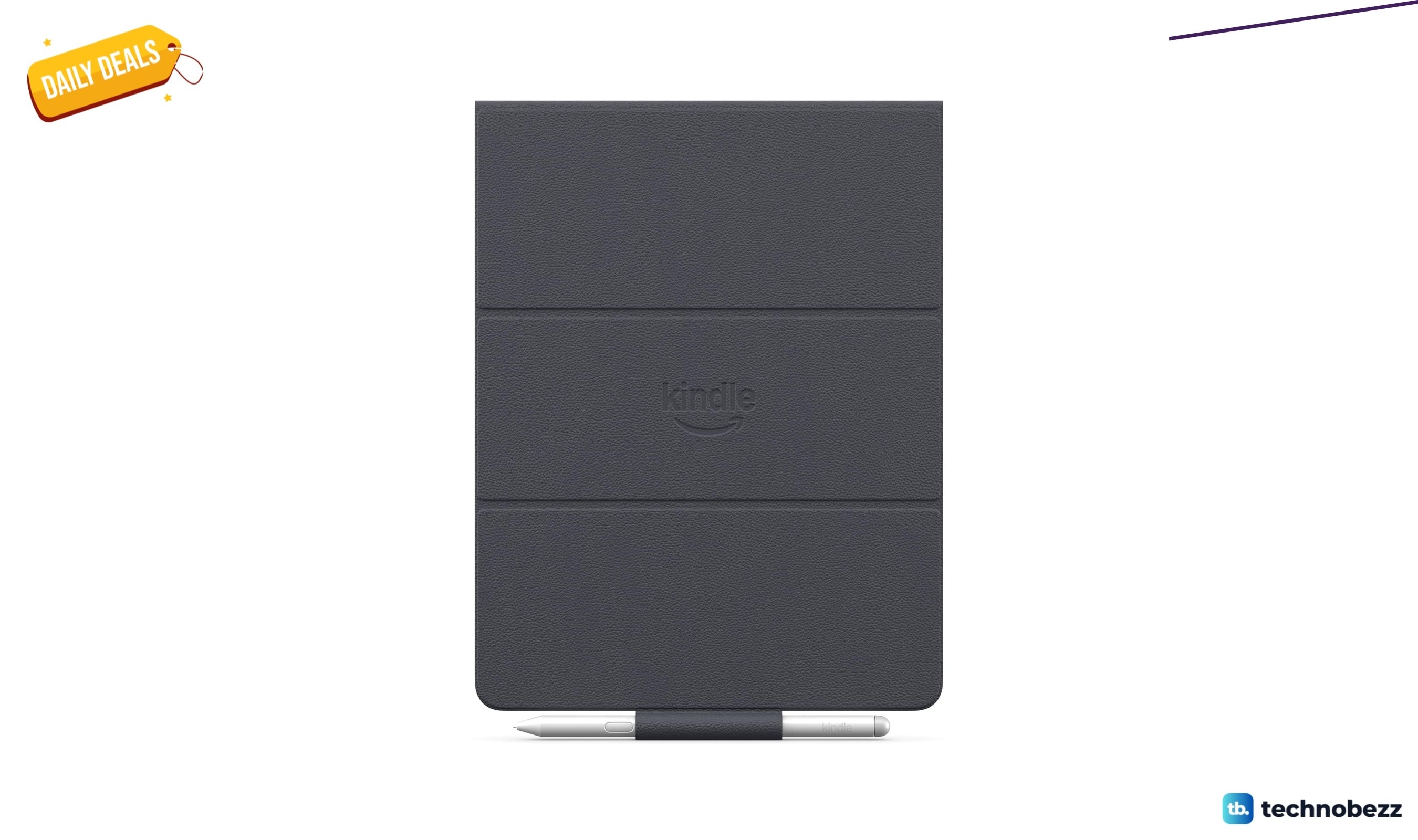
Amazon Kindle Scribe Folio Cover marked down to $89.99
4 min read
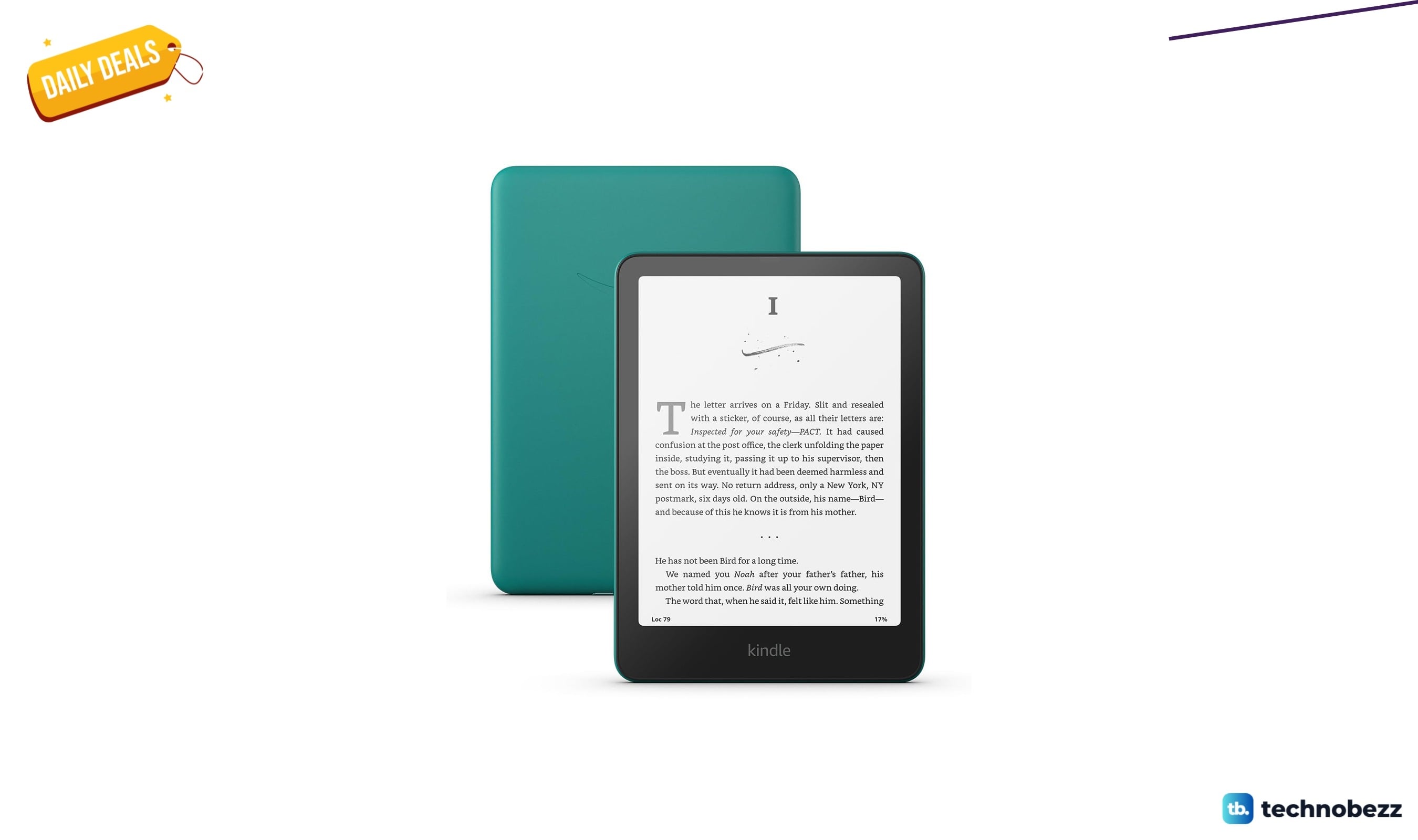
Amazon Kindle Paperwhite glare-free display weeks discounted to $149.99
3 min read
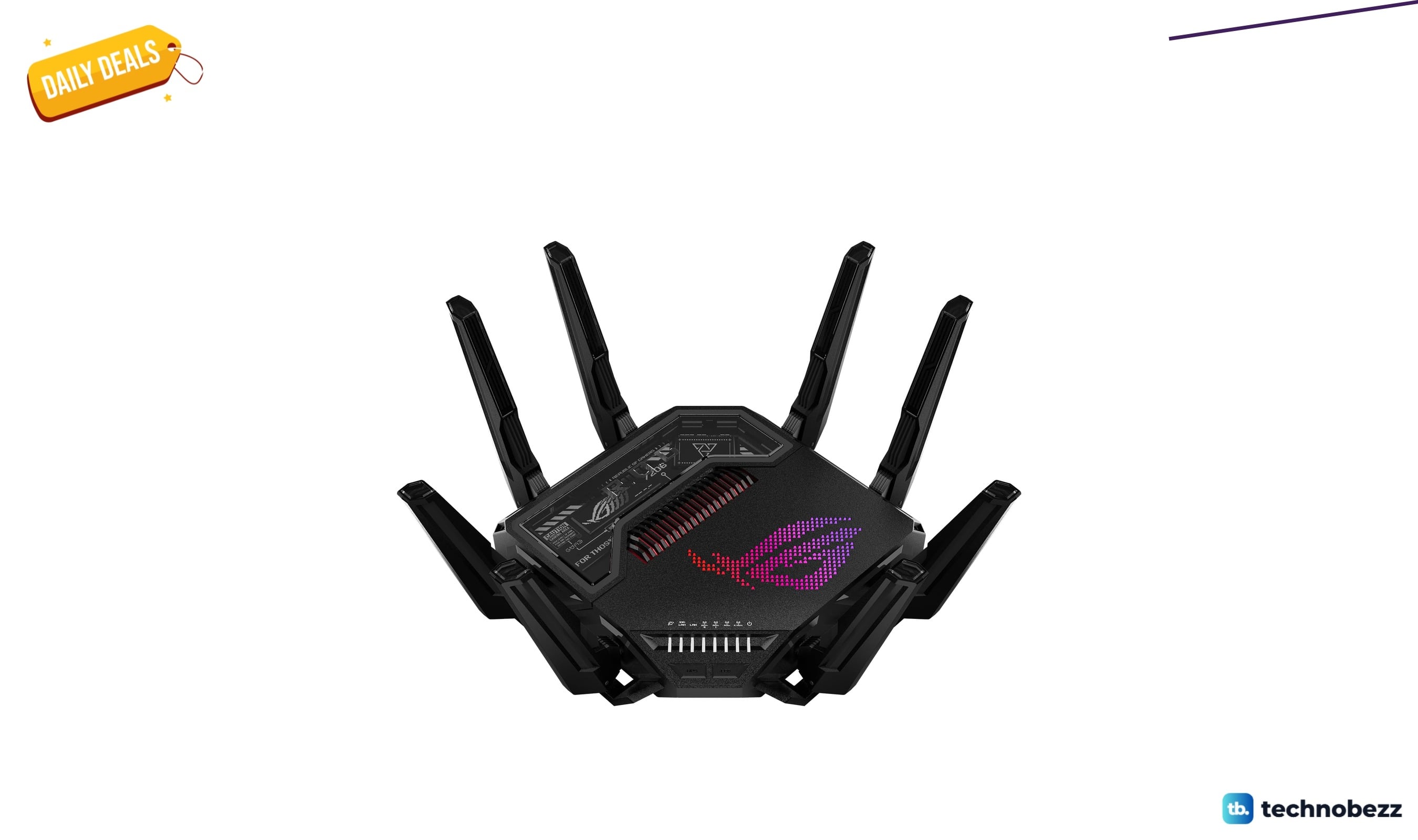
ASUS ROG Rapture GT-BE98 Pro WiFi 7 slips to $593
5 min read
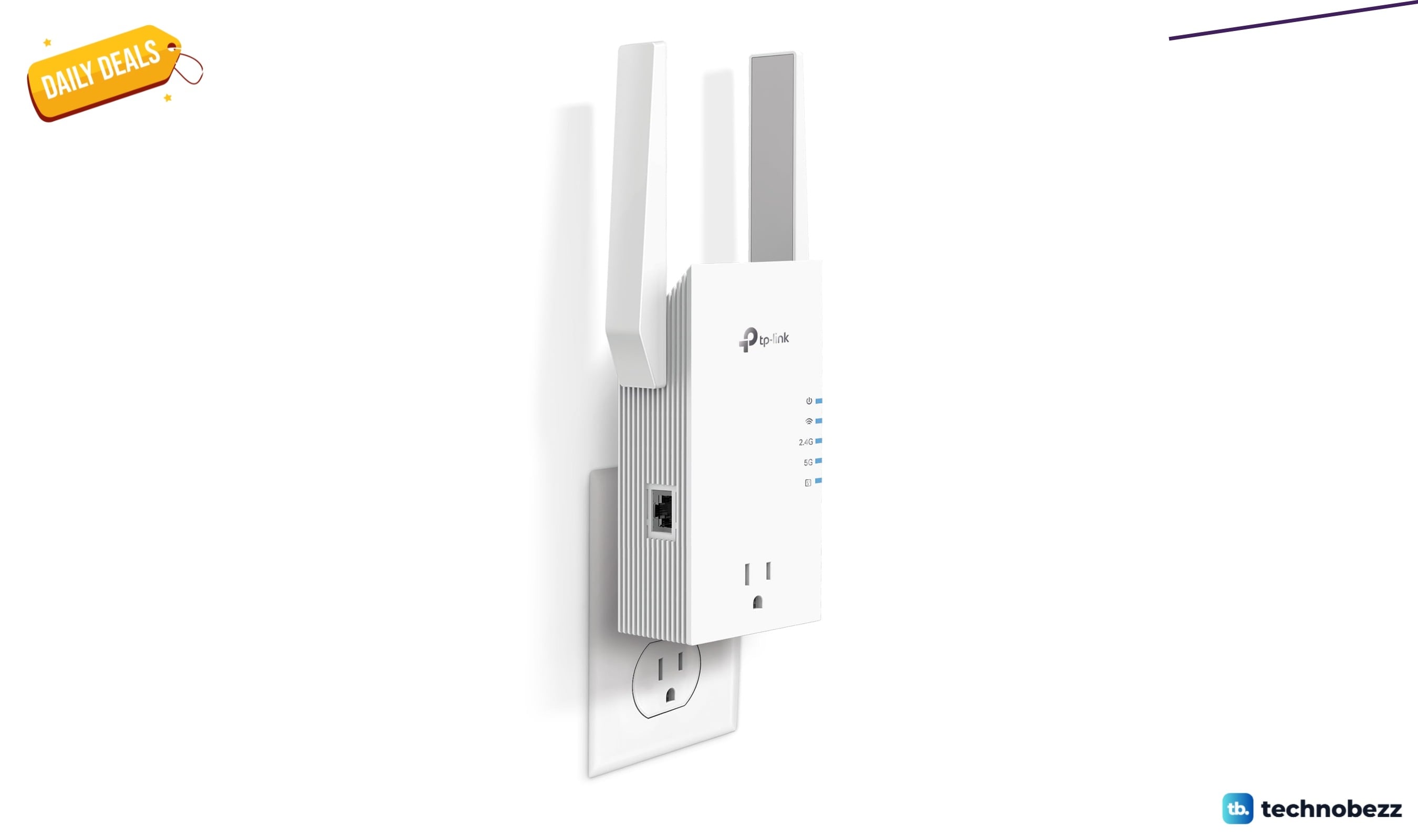
TP-Link AX3000 WiFi 6 Range Extender w/Smart falls to $99.99
4 min read
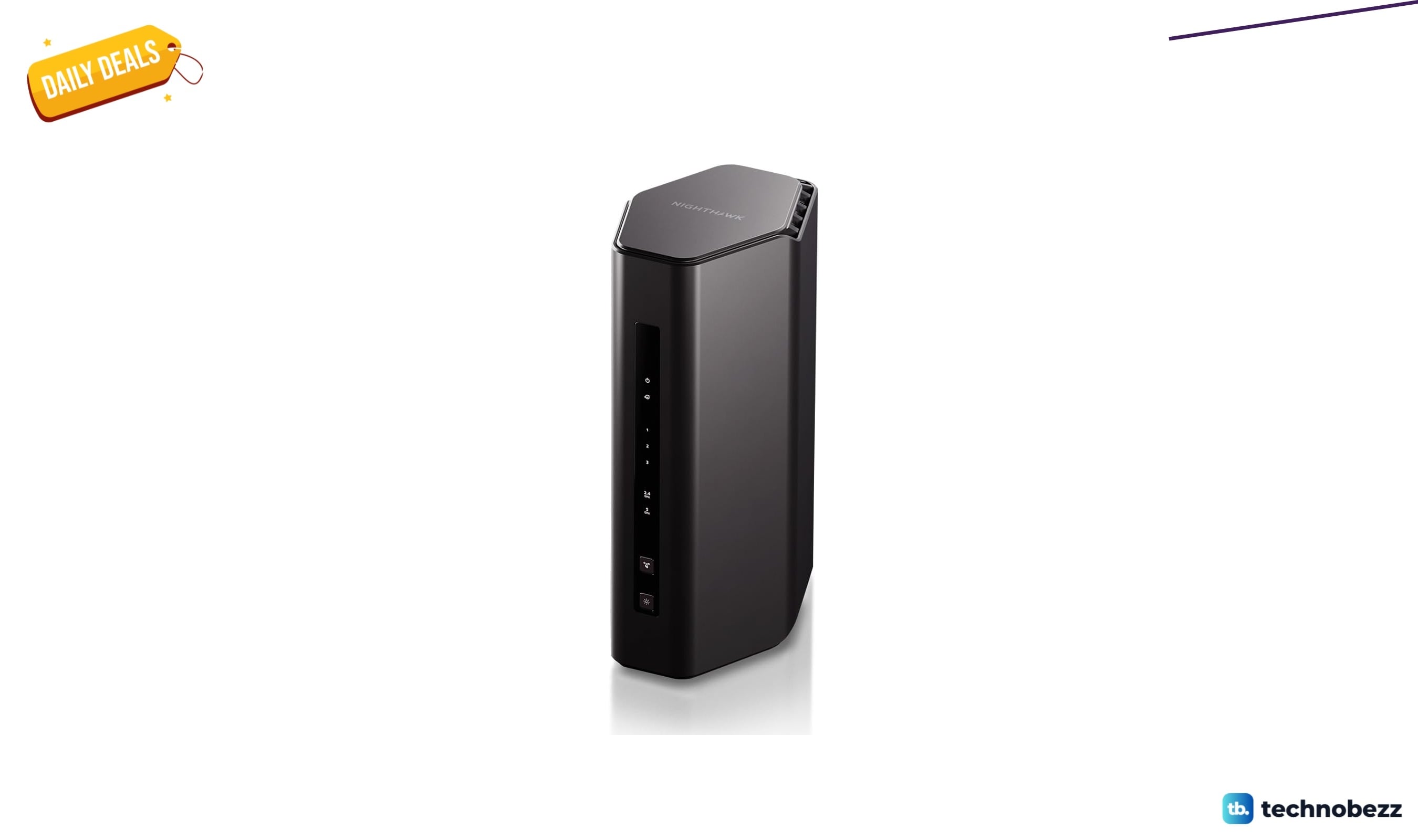
NETGEAR Nighthawk WiFi 7 Router RS150 now $105.99, down from $199.99
5 min read
Withings ScanWatch 2 Hybrid Smart Watch on sale for $284.05
3 min read
MSI MAG 32CQ6F Computer Monitor falls to $199.99
5 min read