
When your Vivo X200 Pro refuses to charge on a wireless pad, it's almost always a simple fix. The phone's 30W wireless charging is fast when it works, but a few common things can stop it in its tracks.
Center Your Phone on the Pad
The wireless charging coil in your X200 Pro needs to line up almost perfectly with the one in the charger. Place the phone dead center on the pad. You should feel a slight vibration and see the charging animation pop up on the screen. Being even slightly off can break the connection.
Take the Case Off
This is the fix I'd start with. Many cases, especially thick protective ones or those with metal plates for car mounts, will block the wireless signal. Pop your case off and set the bare phone on the charger. If it works, you'll need a case specifically rated for wireless charging.
Verify Your Charger is Working
Make sure your wireless charger is plugged into a working outlet. Check for any indicator light on the pad itself. For the X200 Pro's full 30W speed, you need a compatible high-power Qi charger and a strong enough power adapter. Using a weak USB-A brick meant for an old device often won't cut it.
Perform a Force Restart
A quick reboot can clear out a temporary software bug that's messing with the charging circuit. Press and hold the Power button for about 12 seconds. Keep holding until you see the Vivo logo appear and the phone restarts. Then try the wireless charger again.
Clean the Phone and Charger
Dust and lint on the back glass of your phone or on the surface of the charging pad can create just enough of a gap to cause problems. Give both a good wipe with a dry, soft cloth. Pay special attention to the center of the phone's back where the coil is located.
Check for a Software Update
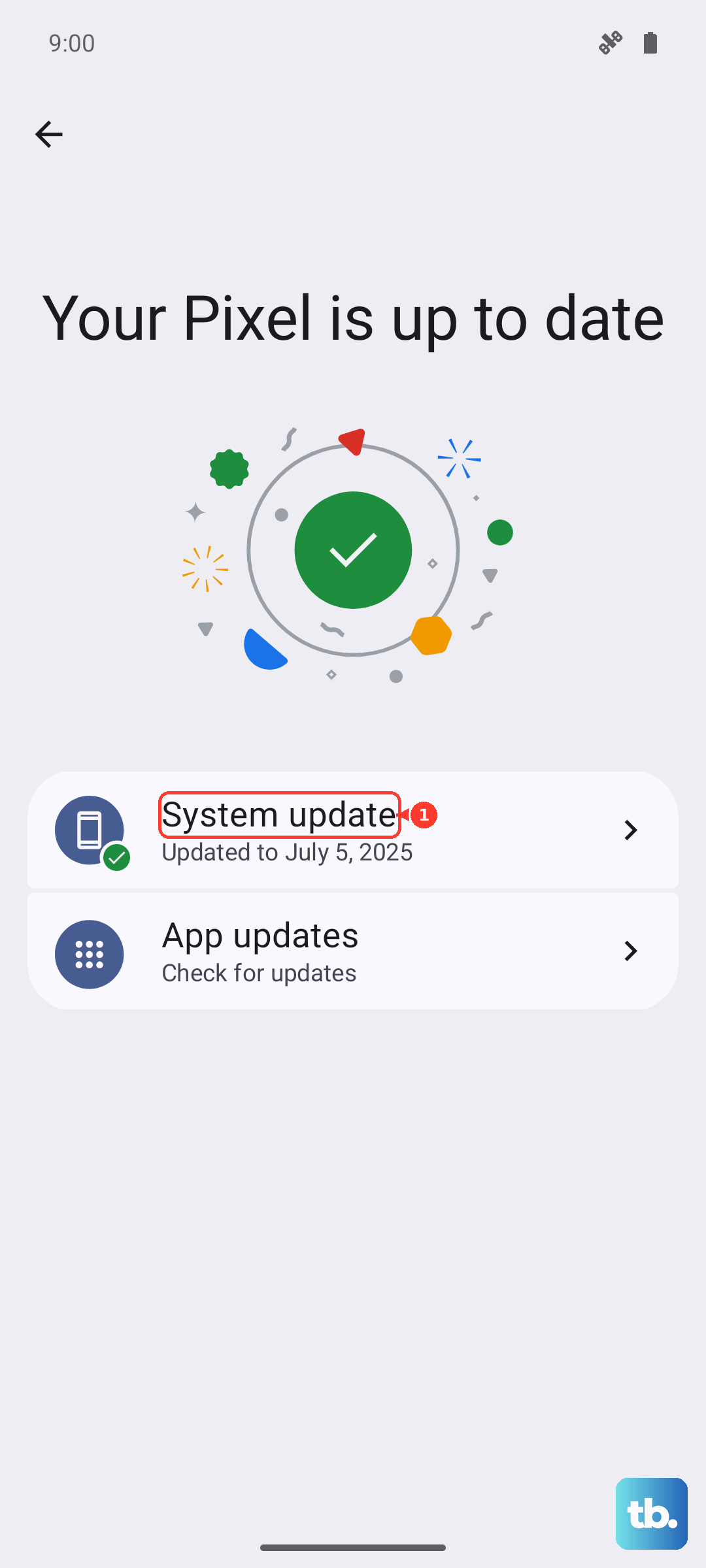
Head to Settings > System update to see if there's a new version of Funtouch OS waiting. Vivo sometimes releases updates that address charging performance and compatibility. Keeping your phone updated is one of the best ways to avoid these kinds of glitches.
Let Your Phone Cool Down
The X200 Pro will stop wireless charging if it gets too hot to protect its large 6000mAh battery. This can happen if you're using the camera or gaming right before placing it on the pad, or if the room is very warm. If the phone feels hot, give it a few minutes to cool down before trying again.
Try a Different Power Source
If your wireless charger is plugged into a power strip or a crowded outlet, it might not be getting consistent power. Plug the charger's adapter directly into a wall outlet. Also, make sure you're using a high-wattage adapter. The one that came with your phone is a 90W beast and will work, but any quality 20W+ USB-C PD adapter should do.
Test With Another Charger
This tells you where the problem really is. If you have access to another Qi wireless charger, try your X200 Pro on it. If it charges, your original pad is likely faulty. If it still doesn't charge on any pad, the issue is with the phone. In that case, your included 90W wired charger is a great temporary solution while you sort things out.