
Seeing a "SIM Not Activated" message on your Vivo X200 Pro is a common roadblock that stops you from making calls or using mobile data. It usually means your phone can't connect to your carrier's network, which can happen for a few simple reasons.
I'd start by checking if the SIM card is properly seated. Grab the SIM ejector tool that came in the box and gently pop out the tray. Take a look at the SIM card itself for any obvious scratches or dirt on the gold contacts. A quick wipe with a soft, dry cloth can sometimes do the trick before you firmly reseat it.
Restart Your Vivo X200 Pro
A simple restart can clear out temporary software glitches that might be blocking the network connection. Just press and hold the power button until the power menu appears, then tap "Restart." If the phone is completely unresponsive, you can force a restart by holding the power button down for about 12 seconds until you feel it vibrate and see the Vivo logo.
Toggle Airplane Mode to Refresh the Connection
This is a quick way to force your phone's modem to reconnect to the nearest cell tower. Swipe down from the top of your screen to open the Quick Settings panel and tap the airplane icon to turn it on. Wait for about 15 seconds, then tap it again to turn airplane mode off. Your phone should then search for the network again.
Check Your SIM Card Activation Status
If this is a brand new SIM card, it might not be activated on your carrier's system yet. The same goes if you've just ported your number to a new provider. The fastest way to check is to give your carrier's customer service a quick call. They can tell you in seconds if the SIM is active on their end or if there's a pending step you need to complete.
Manually Select Your Network Operator
Sometimes the automatic network selection in Funtouch OS 15 can get stuck. You can manually pick your carrier to force a connection. Go to Settings > Network & internet > Mobile network. Tap on "Network operators" or a similar option, then choose "Search networks." When the list pops up, select your specific carrier's name instead of leaving it on "Automatic."
Update Your Phone's Software
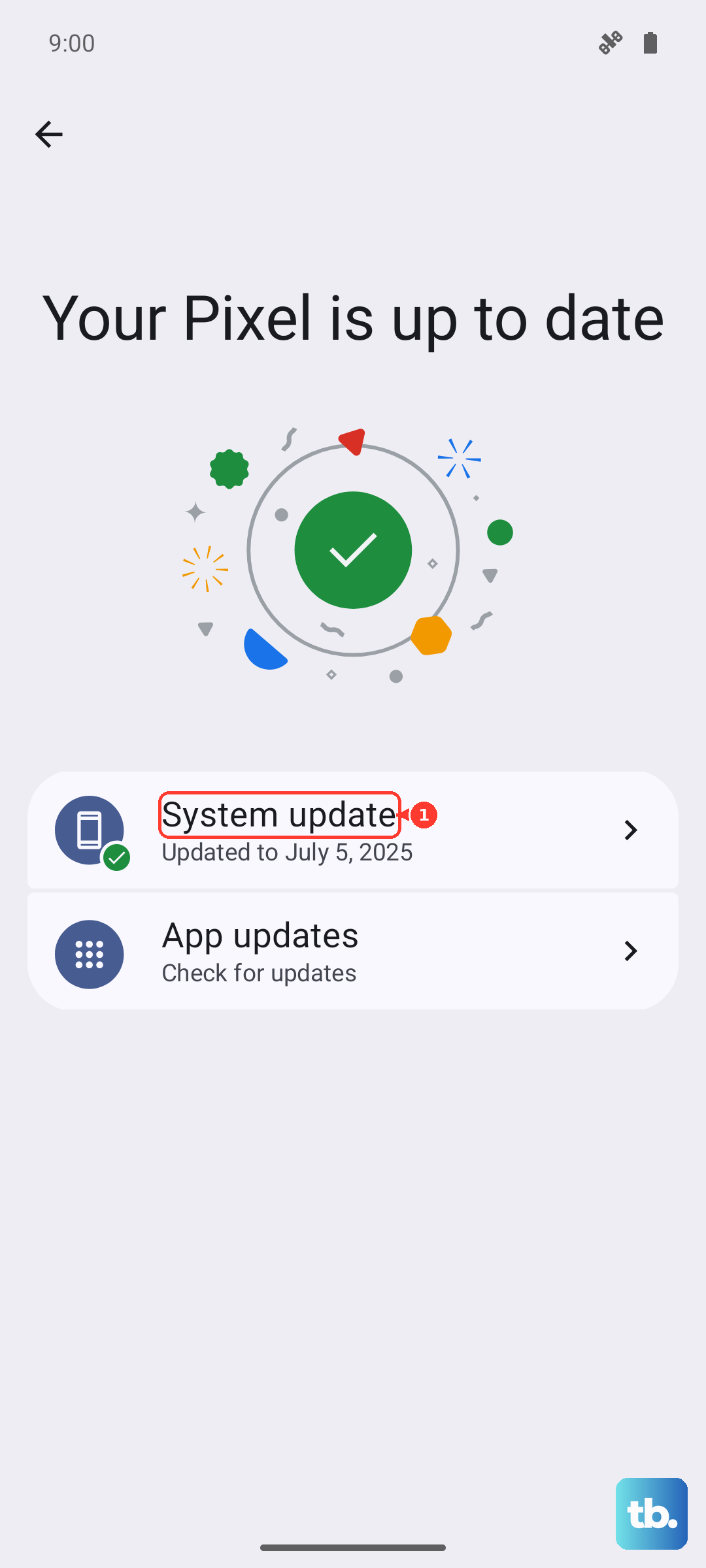
An outdated system can have bugs that affect network connectivity. Vivo releases updates through Funtouch OS that can fix these issues. Connect to Wi-Fi and go to Settings > System update to check for and install any available updates. This is especially important for a 2024 device like the X200 Pro, as early software builds can have quirks.
Reset Your Network Settings
This will erase all your saved Wi-Fi passwords, Bluetooth pairings, and mobile network configurations, forcing them to be set up fresh. It's a strong step that often resolves persistent SIM issues. To do this, navigate to Settings > System management > Backup and reset > Reset network settings. Tap to confirm, and your phone will reboot.
Verify Your Account and Plan Status
If you're on a prepaid plan, ensure your balance is sufficient and the plan is still active. For postpaid users, check that your bill is paid and there are no account holds. You can usually do this through your carrier's official app or website. An inactive account is a very common reason for a SIM to show as not provisioned.
Test the SIM Card in Another Phone
This is the best way to figure out where the problem actually lies. If you have access to another unlocked Android phone, power it off, insert your Vivo X200 Pro's SIM card, and turn it back on. If the SIM works perfectly in the other device, then the issue is likely with your X200 Pro's hardware or software. If it also fails, the problem is definitely with the SIM card or your carrier account.
Contact Your Mobile Carrier for Support
If you've tried everything here and the SIM is still not activated, your carrier needs to investigate. They can run diagnostics on their end, check for wider network outages in your area, or determine if your specific SIM card is faulty. They can often fix account-side issues remotely or mail you a replacement SIM card, which usually solves the problem for good.