
When you set your Galaxy S25 Edge on a wireless charging pad and nothing happens, it's usually a simple fix rather than a hardware failure. Here's what to check, starting with the most common culprits.
Start With a Force Restart
Hold the Volume Down and Side (power) buttons together for about 10 seconds until the Samsung logo appears. This force restart clears temporary software glitches that can prevent the phone from recognizing the charging pad. It doesn't erase any data, so it's safe to try first. After the restart, place the phone back on the pad and check for the charging indicator.
Remove Your Case
Thick cases, wallet cases, or anything with metal plates or magnetic mounts can block the wireless signal. The S25 Edge is slim, but many cases add enough thickness to interfere with Qi charging. Pop the case off and try again. If it works, look for a wireless-charging-compatible case. Standard thin plastic or silicone cases usually fine, but anything with built-in grips or popsockets probably won't.
Check the Alignment
Wireless charging requires the coil in the phone to line up with the coil in the pad. Place the S25 Edge in the center of the charger. Watch for the charging icon on the screen. Being off by even a few millimeters can prevent charging, especially with non-magnetic pads. Most Qi pads have a sweet spot near the middle, so adjust the phone position slightly if it doesn't start charging.
Is the Charging Pad Getting Power?
Check that the pad's indicator light is on and that the cable is firmly connected. Try a different wall outlet or USB port. Some wireless chargers need a power adapter that can deliver enough wattage. For the S25 Edge, the pad should be plugged into an adapter rated for at least 15W to match the phone's supported wireless charging speed. A weak power source can make the charger undetectable.
Clean the Back of the Phone and the Pad
Dirt, dust, or residue on the glass back of the S25 Edge can interfere with the wireless connection. Wipe it down with a soft, lint-free cloth. Do the same for the charging pad surface. Even a thin layer of oil or debris can reduce efficiency enough to stop charging entirely. A quick clean takes 10 seconds and often solves the problem.
Overheating Can Stop Charging
The S25 Edge can get warm during wireless charging, and if it gets too hot, the phone automatically halts charging to protect the battery. This can happen if you're using the phone while it's on the pad, if it's sitting in direct sunlight, or if the charger itself runs hot. Let both the phone and pad cool down for 10-15 minutes before trying again. If overheating happens regularly, try charging on a hard surface with good airflow.
Update the Software
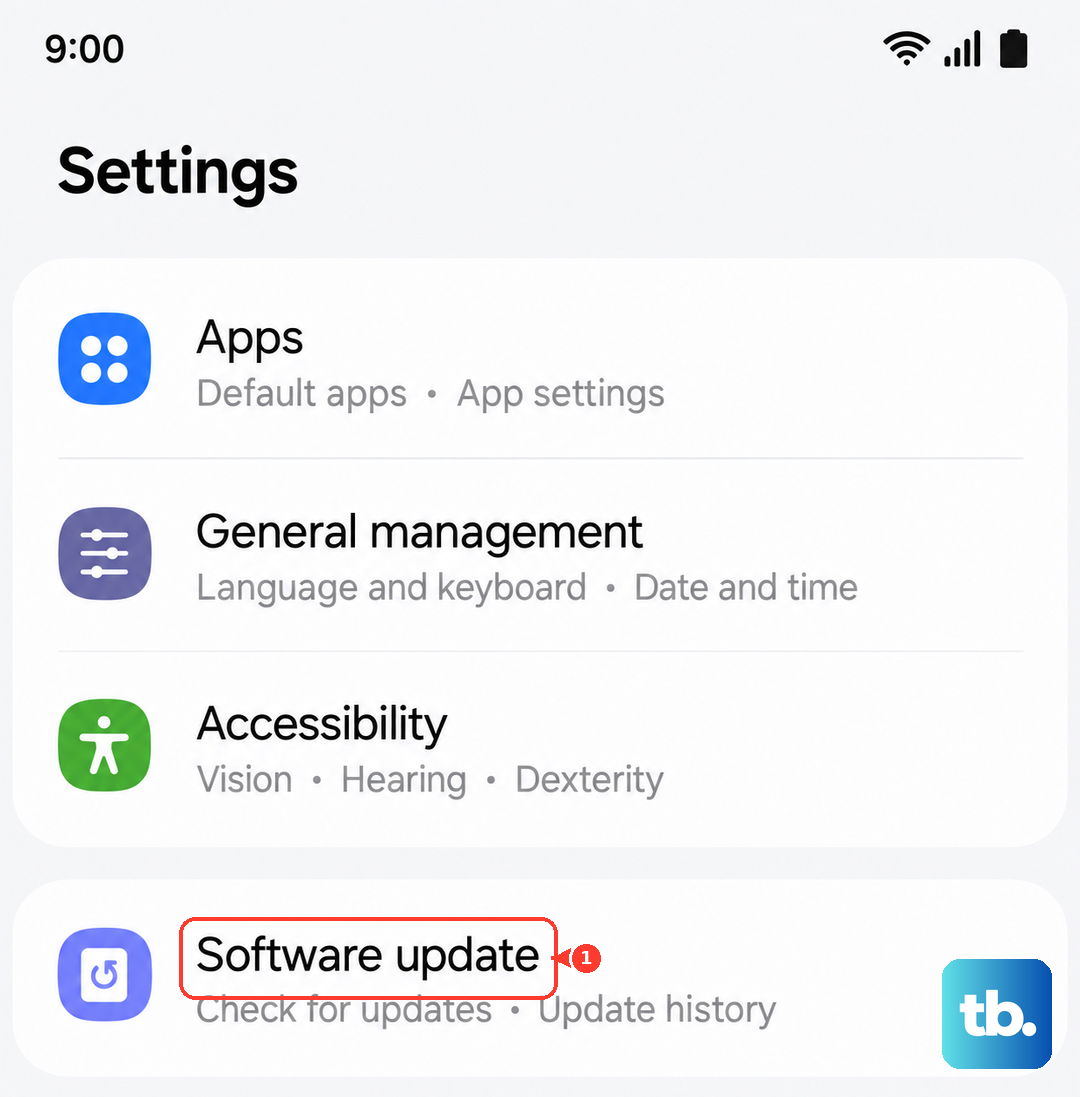
Software bugs can affect wireless charging behavior. Go to Settings > Software Update and install any available updates. Samsung has released fixes for charging-related issues through One UI and security patches. Making sure the phone is on the latest version can resolve glitches that a restart doesn't touch.
Inspect the USB-C Port
Even though you're using wireless charging, debris in the USB-C port can sometimes confuse the charging circuitry. Take a look at the port with a bright light. If you see lint or pocket fuzz, use a can of compressed air or a soft-bristled brush (like a clean toothbrush) to gently remove it. Avoid using metal tools that could damage the pins. A clean port helps the phone manage power correctly.
Try a Different Charger
If nothing above works, test with another wireless charging pad. If the S25 Edge charges on a different pad, the original charger is the problem. If it doesn't charge on any pad, there may be an issue with the phone's internal wireless coil or battery management system. The S25 Edge supports standard Qi charging at up to 15W, so any Qi-certified pad should work. A friend's charger or a store display can help you narrow it down fast.