You set your OPPO Find X8 Pro down on its wireless charger, expect the familiar charge animation, and nothing happens; or it starts, stutters, and quits. It is frustrating on a phone that advertises 50W AIRVOOC wireless charging, especially when the wired cable still works fine. The good news is that the Find X8 Pro genuinely supports wireless charging, so a "not working" complaint is almost always about the accessory you are using, how the phone is sitting on the pad, or a temporary software hiccup, rather than a missing feature or a dead battery.
Work through the steps below in order. They start with the quickest, safest checks, the ones that fix most cases, and only move toward a factory reset or a service visit if nothing else helps. Everything here is done on the phone itself, since the Find X8 Pro is a standalone Android device running ColorOS 15.0 on Android 15.
Pin Down Whether Wireless Charging Alone Is the Problem
Before changing anything, confirm you have a wireless-specific fault and not a general charging issue. Test the phone two ways. Place it on an OPPO AIRVOOC magnetic wireless charger, then separately plug it into the 80W SUPERVOOC wired charger.
If wired charging works but wireless does not, the problem lives in the wireless accessory or the alignment, not in the phone's battery or charging port. If neither method charges, treat this as a general not-charging issue and pay close attention to the cable, adapter, port, and temperature checks further down.
Match the Phone With the Right OPPO Charger
OPPO recommends using OPPO original charging accessories, noting that third-party accessories might not be compatible with an OPPO smartphone and can cause problems. A generic or underpowered wireless pad may charge slowly or refuse to charge at all.
The Find X8 Pro reaches its full 50W AIRVOOC speed only through OPPO's magnetic system. That means an OPPO Mag Charge magnetic case paired with the OPPO AIRVOOC 50W Magnetic Charger, which has a built-in fan. If you are using a random pad you had lying around, switch to OPPO's own magnetic charger before assuming the phone is faulty.
Get the Alignment Right and Clear the Pad
AIRVOOC magnetic charging depends on the phone snapping into the correct position over the charger's coil. Using the OPPO Mag Charge magnetic case is what lets the phone align and hold itself in place, so the coils line up reliably.
Take a moment to clear the charging area. Remove anything sitting between the phone and the pad, and keep the surface free of debris, since OPPO's charging guidance stresses removing debris and ensuring firm contact. Then re-seat the phone so it sits centered and magnetically locked on the charger rather than perched off to one side.
Let the Phone Cool Before You Blame the Hardware
Lithium batteries are temperature-sensitive, and the Find X8 Pro is no exception. OPPO notes that charging while the phone is too hot can degrade battery performance, while in cold conditions the battery's internal resistance rises and slows charging. In extreme ambient temperatures the phone may pause charging automatically to protect the battery.
Wireless charging also generates extra heat of its own. If the phone or the room is warm, move it somewhere cooler, let it return to room temperature, and try again before going further.
Inspect the Cable, Adapter, and Port
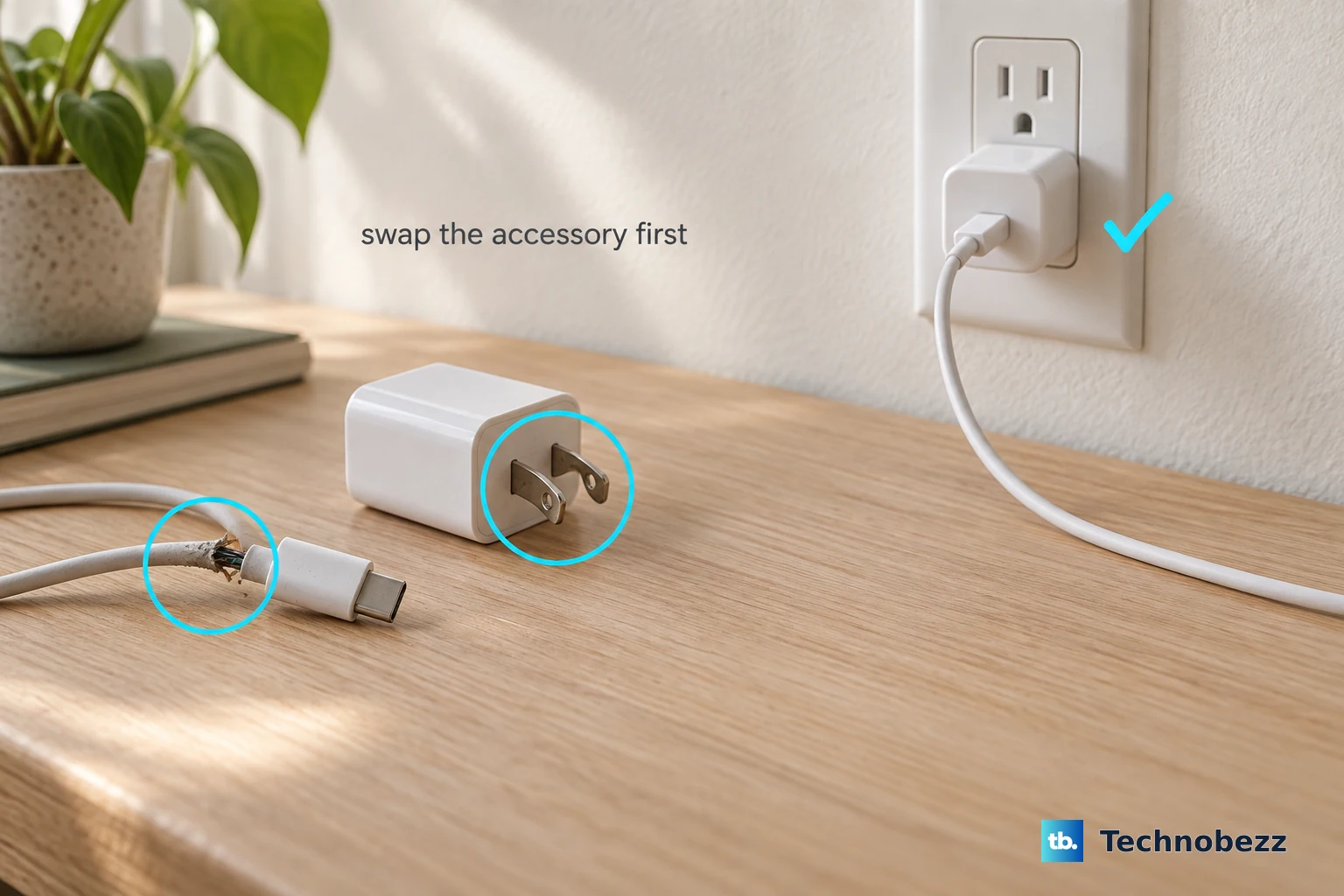
If your earlier test showed wired charging struggling too, check the basics that OPPO calls out. Look over the charging cable and USB adapter for damage such as breakage or bent prongs.
- 1.Remove any debris from the charging port on the bottom of your device.
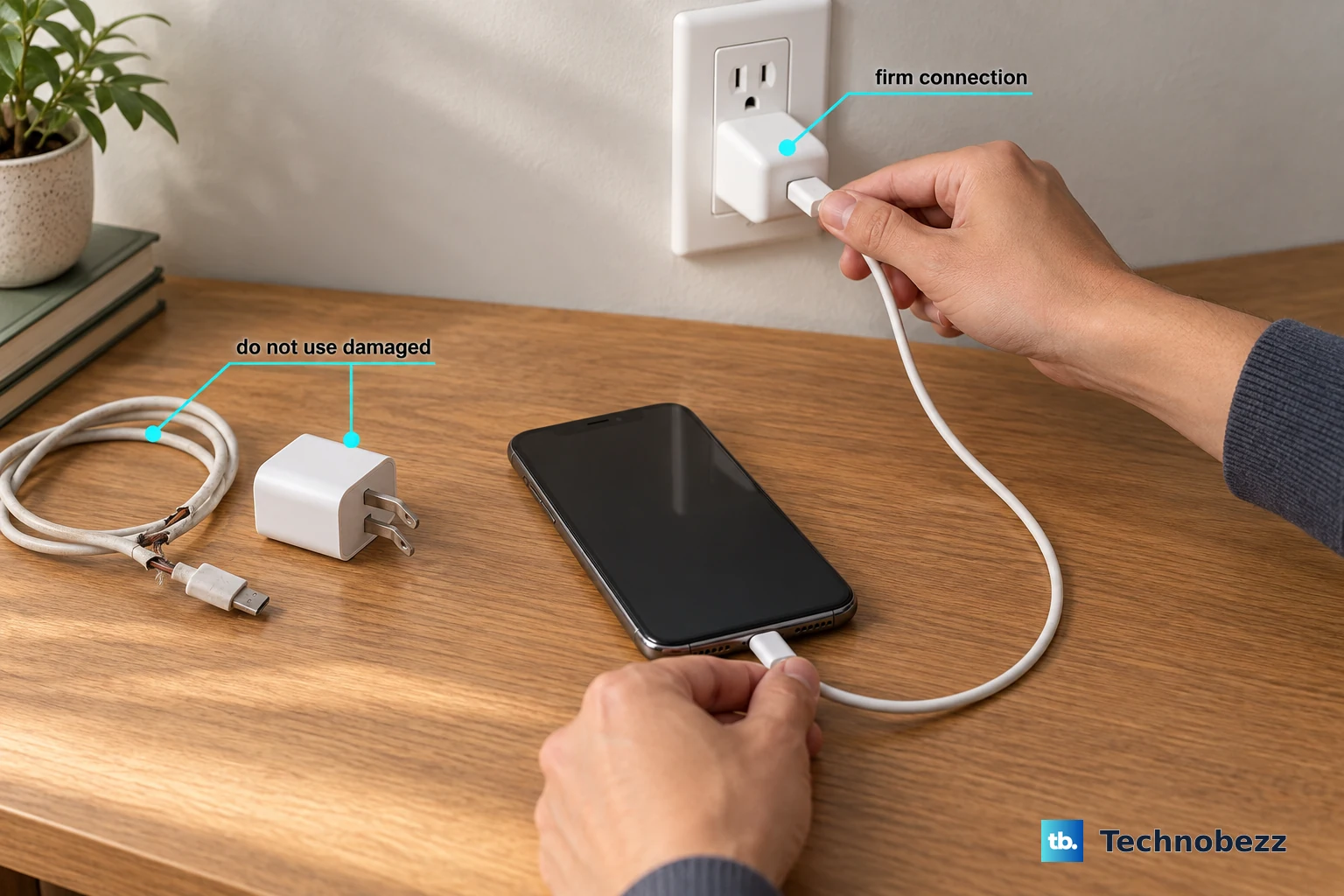
- 2.Firmly plug your charging cable into your device, making sure the connection is snug.
- 3.Use a wall power socket and confirm every connection is firm, or try a different socket to rule out a dead outlet.
If a cable or adapter looks damaged, swap it for a known-good OPPO one. A damaged charging port, on the other hand, means the device needs service rather than a home fix.
Force Restart to Clear a Charging Hang
A temporary software hang can quietly block charging, and a force restart often clears it. On newer OPPO models, including the Find X8 Pro, press and hold the Power and Volume Up buttons together for at least 10 seconds, until the screen goes dark and the phone restarts on its own.
Hold both buttons at the same time; do not rely on the Power button alone, which applies only to older OPPO models. A force restart does not erase your photos, apps, or settings, so it is safe to do at any point.
Install the Latest ColorOS Update
OPPO releases firmware updates to optimize system performance and stability, and those updates can resolve charging-related software issues. Back up your important data first, then check for an update.
- 1.Open Settings > Software Update.
- 2.If an update is available, download it over Wi-Fi to avoid using mobile data.
- 3.Tap System Updates so the phone reboots and installs the update.
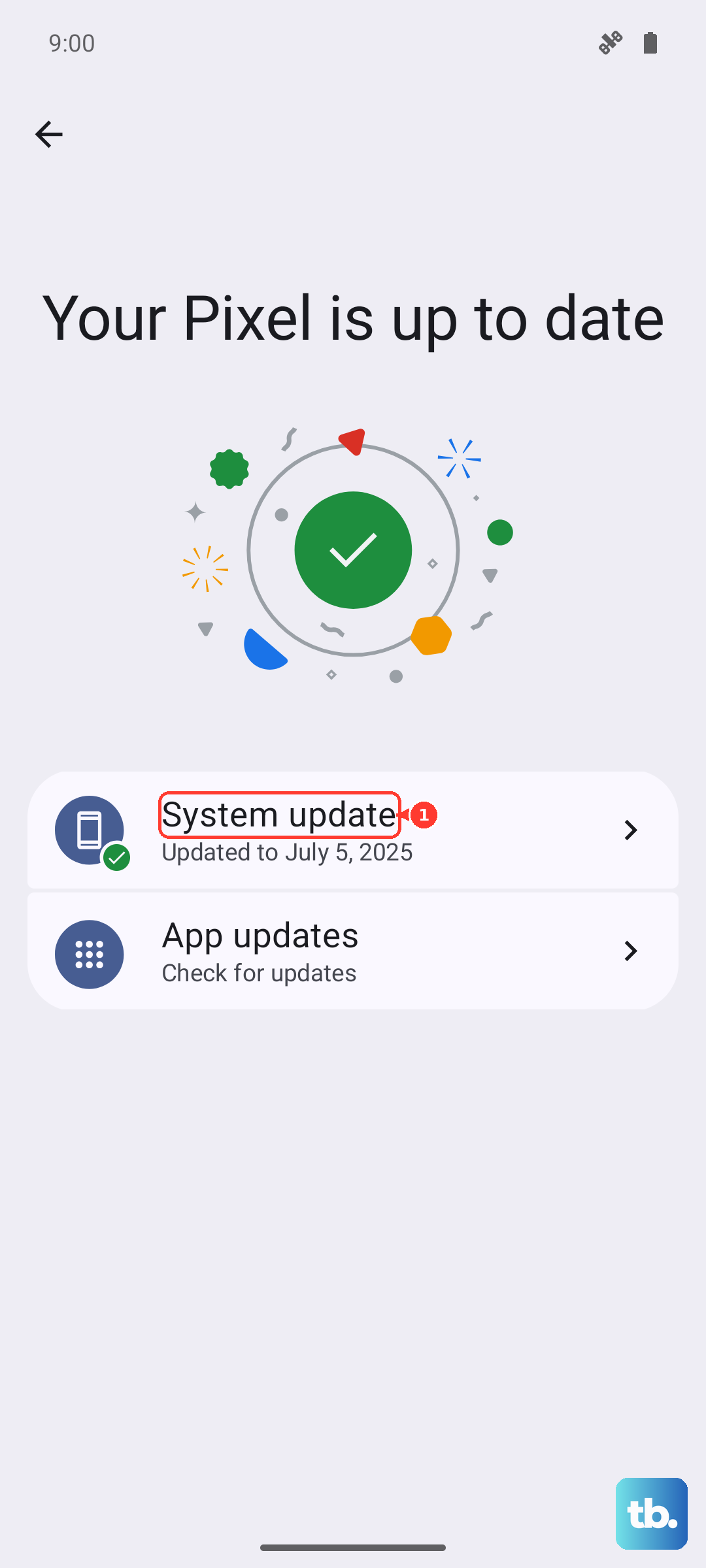
You can confirm your current build at any time under Settings > About Phone, also shown as "About device". If a wireless-charging bug was introduced by software, a newer ColorOS build is the most likely cure.
Back Up, Then Reset to Factory Settings
If wireless charging still fails after every step above, a factory reset is the last software measure worth trying before involving OPPO. This is a serious step. OPPO warns that resetting will permanently erase all your personal data and cannot be revoked once it is operated, so back up everything you care about first.
Once your backup is safely stored, go to Settings > Additional settings > Back up and Reset > Reset to Factory Settings, then choose a reset option. After the phone restarts clean, test wireless charging again with the OPPO magnetic charger to see whether the problem was software-related.
Reach Out to OPPO Support or a Service Center
Persistent wireless-charging failure with a known-good OPPO charger usually points to a hardware fault that needs professional attention. At this stage, OPPO directs you to contact the OPPO Support Team, or to take your phone, proof of purchase, and warranty card to a nearby OPPO Customer Service Center for further assistance.
Before you hand it over, confirm you have already installed the latest ColorOS update and tested the phone with OPPO's own magnetic charger, since those two checks rule out the most common software and accessory causes. Bring your proof of purchase and warranty card to the visit so a technician can inspect the wireless charging coil and the rest of the charging hardware.
Frequently Asked Questions
Does the OPPO Find X8 Pro actually support wireless charging?
Yes. OPPO's official specifications list 50W AIRVOOC wireless charging plus 10W reverse wireless charging, alongside 80W SUPERVOOC wired charging. AIRVOOC is OPPO's own magnetic wireless charging that follows the Qi standard; it is not Apple MagSafe.
Why is my Find X8 Pro charging wirelessly but very slowly?
The full 50W AIRVOOC speed depends on OPPO's magnetic system, specifically an OPPO Mag Charge magnetic case paired with the OPPO AIRVOOC 50W Magnetic Charger that has a built-in fan. A generic or underpowered pad, poor alignment, or a warm phone can all reduce speed, since charging slows when the battery is too hot or too cold.
How do I force restart the Find X8 Pro if it stops responding while charging?
Press and hold the Power and Volume Up buttons together for at least 10 seconds, until the screen goes off and the phone restarts. This works on newer OPPO models like the Find X8 Pro; the Power button alone is only for older phones. A force restart does not erase your data.
Will a factory reset fix wireless charging?
It can, but only if the cause is software-related, which is why it sits near the end of the list after restarts and updates. A factory reset permanently erases all your personal data and cannot be undone, so back up everything before you start.
I tried everything and it still will not charge wirelessly. What now?
If wireless charging keeps failing with a known-good OPPO magnetic charger, the fault is most likely in the hardware. Contact the OPPO Support Team or visit a nearby OPPO Customer Service Center with your proof of purchase and warranty card for a proper diagnosis.