
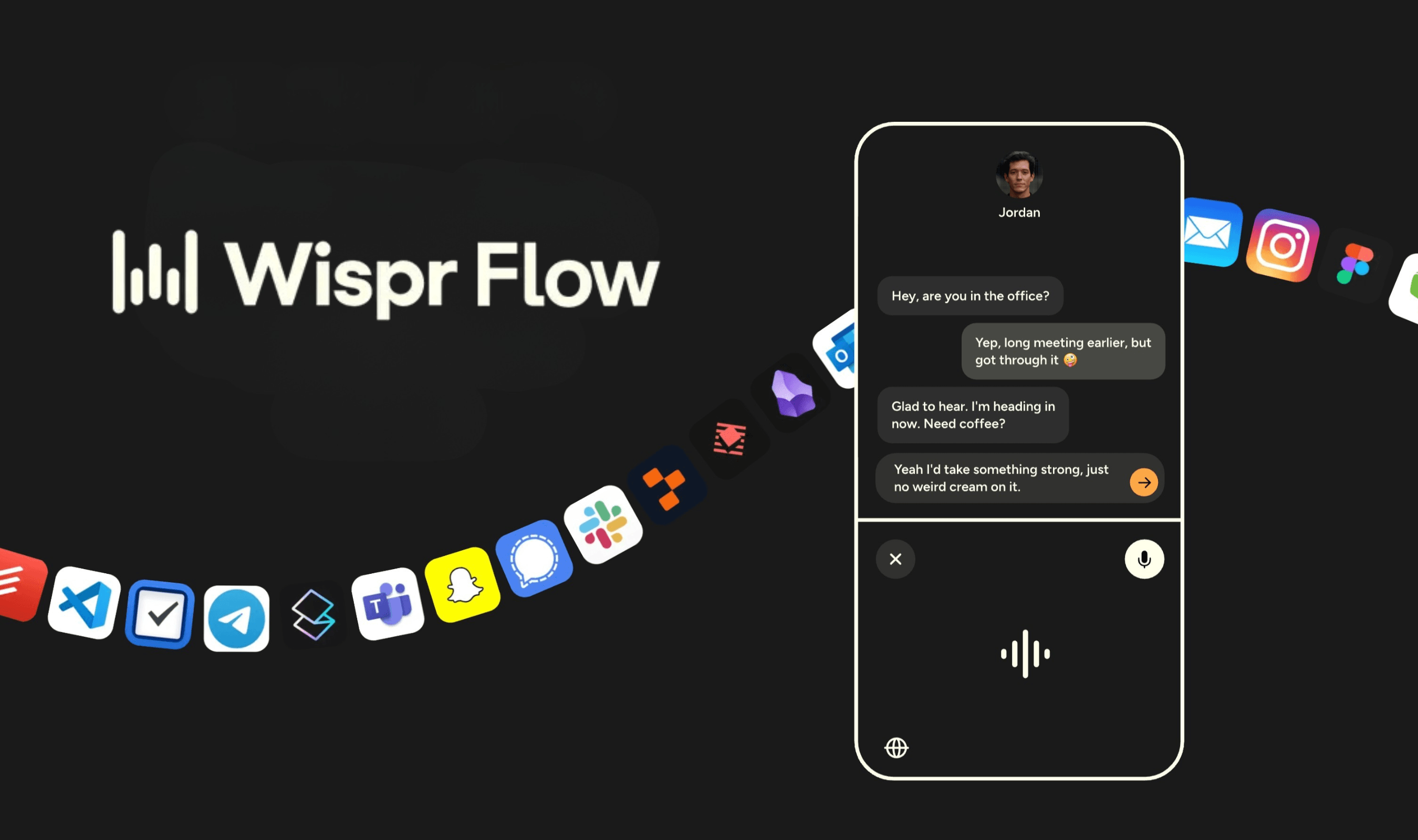
Android voice typing gets a floating AI assistant that doesn't replace your keyboard, as Wispr Flow brings its $12/month dictation service to Google's platform with free early access. The AI-powered dictation app launched on Android this week after establishing itself on Windows, Mac, and iOS last year.
Unlike the iOS version that requires switching keyboards, the Android implementation appears as a floating bubble across apps whenever text fields are available. Users tap the bubble to dictate messages, with the interface disappearing automatically when not needed.
Wispr Flow processes speech in real-time while removing filler words like "um" and "uh," applying automatic punctuation based on speaker pauses and tone, and making self-corrections during dictation. The service supports over 100 languages including Spanish, Portuguese, French, Italian, and Hinglish, a hybrid of English and Hindi.
During its early access period, Flow offers unlimited voice-to-text on Android for free through an app requiring Android 13 or later. The company typically charges $12 monthly for unlimited usage on other platforms while imposing a 1,000-word weekly limit on iOS free tiers.
The Android version currently lacks some desktop features including user-corrected spelling dictionaries, reusable voice shortcut snippets, intelligent custom punctuation per app basis, and context recognition for uncommon names. Wispr says it will work toward feature parity in upcoming updates.
Flow's approach contrasts sharply with existing voice input methods by operating as an overlay rather than a keyboard replacement. After granting permissions to display over other apps and paste from clipboard, users trigger dictation through a pop-up button that coexists with their preferred keyboard software.
The service represents one of several recent enhancements to Android's productivity tools following years of relative stagnation in Google's native offerings.